
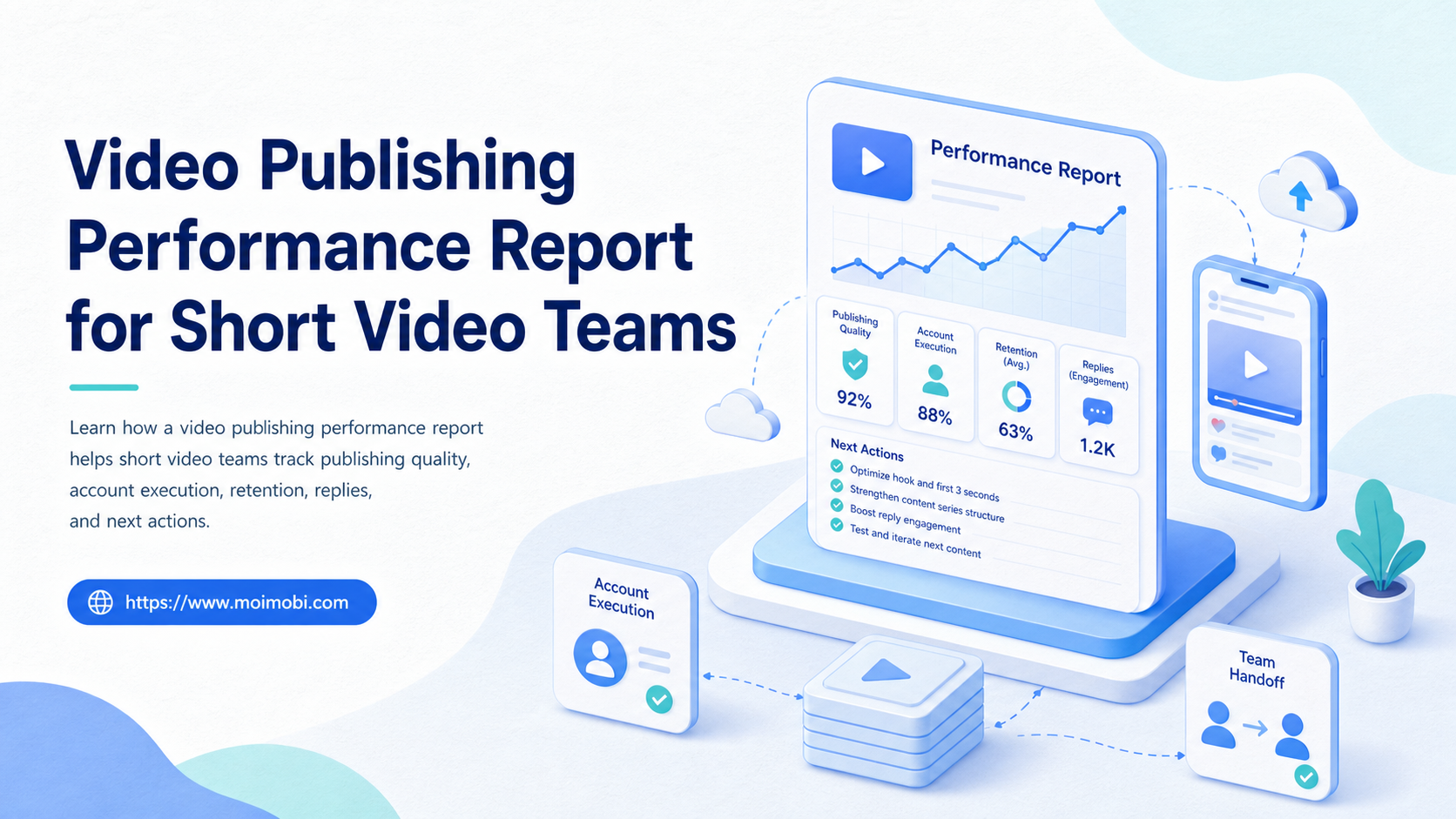
A video publishing performance report is a structured review of what a short video team published, where it was published, how it performed, and what should change next.
For operations teams, the report should not only list views. It should connect creative output, account execution, posting status, engagement quality, reply work, and follow-up actions. Otherwise, the team sees numbers but cannot improve the publishing system.
Short video work moves fast. A team may publish across TikTok, Instagram Reels, YouTube Shorts, Facebook Reels, and regional accounts in the same week. A useful report turns that activity into decisions: which account needs help, which format deserves another test, which task failed, and which workflow should be repeated.
Key Takeaways
- A video publishing performance report should connect content results with account execution records.
- Short video teams need more than views, likes, and follower growth.
- The report should separate creative performance, publishing reliability, engagement handling, and recovery work.
- Account-level reporting matters when teams manage many brands, markets, or creators.
- The best report ends with next actions, not only charts.
The Core Idea Behind a Video Publishing Performance Report
The core idea is operational learning. The team needs to understand both content performance and execution performance.
TikTok Ads Manager's Video Insights documentation describes comparing videos across predefined metrics and custom columns. That is useful because performance review is not one number. Teams may compare cost, click behavior, engagement, and other selected fields depending on the campaign. See TikTok's guide to Video Insights.
YouTube also encourages creators to watch retention patterns. Its creator blog explains that viewer retention shows where viewers continue watching or drop off. For short video teams, this means the report should include hook and retention signals, not only total views. See YouTube's official post on mastering creator metrics.
Meta Business Help Center explains that Page Insights help businesses understand how people engage with a Facebook Page and which insights matter to the business. For teams publishing across Meta surfaces, engagement review should connect page activity with content and response work. See Meta's help page on Facebook Page Insights.
| Report layer | What it answers | Example fields |
|---|---|---|
| Publishing | Did the team execute the plan? | Account, time, status, failure reason |
| Creative | Which video format worked? | Hook, topic, length, caption, asset version |
| Engagement | Did viewers respond? | Comments, saves, shares, replies, sentiment notes |
| Recovery | What needs correction? | Missed post, account issue, delayed reply, rerun task |
The report becomes more valuable when it ties results to the team workflow. A high-performing video is useful. A repeatable publishing pattern is more useful.
Why Short Video Teams Search for This Topic
Teams search for a video publishing performance report when activity becomes hard to explain. Content may be going out daily, but the team cannot tell which account is healthy, which format is improving, or which workflow is wasting effort.
The problem grows with account volume. A single creator can look at one analytics page. A team managing many brand, market, or client accounts needs a report that normalizes the work. Otherwise, strong accounts hide weak accounts, and busy publishing hides poor execution.
For teams running TikTok-heavy work, TikTok account workflows should connect publishing, monitoring, replies, and account records. The report should show whether the team actually followed that workflow.
Common reasons teams need this report include:
- too many videos but unclear winners,
- missed posting windows,
- inconsistent caption or hashtag practices,
- weak reply follow-up,
- duplicate posting across accounts,
- no link between content ideas and results,
- no visibility into failed tasks,
- no shared review process after publishing.
A dashboard alone is not enough. The team needs a performance report that explains what happened and assigns the next action.
Who Benefits Most and In What Situations
The strongest fit is a team that publishes short video at a repeatable cadence. This includes agencies, ecommerce teams, creator teams, marketplace sellers, franchise marketers, and cross-border social teams.
The report is also useful when several people touch the workflow. One person may create the asset. Another schedules the post. A third monitors comments. A fourth reports results. Without shared reporting, each person sees only one part of the system.
Strong fit
- Multiple accounts publish the same campaign.
- The team tests hooks, formats, and captions.
- Operators need to track failed or delayed publishing.
- Managers need weekly account-level review.
Weak fit
- One person posts occasionally.
- No publishing calendar exists.
- The team only wants a vanity metric screenshot.
- No one owns follow-up after the report.
For multi-account teams, multi-account management is part of reporting. The team should know which account published, which account failed, and which account needs human review.
Mobile-first teams may also use app-side execution. When the workflow depends on persistent app environments, a cloud phone execution environment can support posting, monitoring, and account records on mobile surfaces.
How to Build a Video Publishing Performance Report
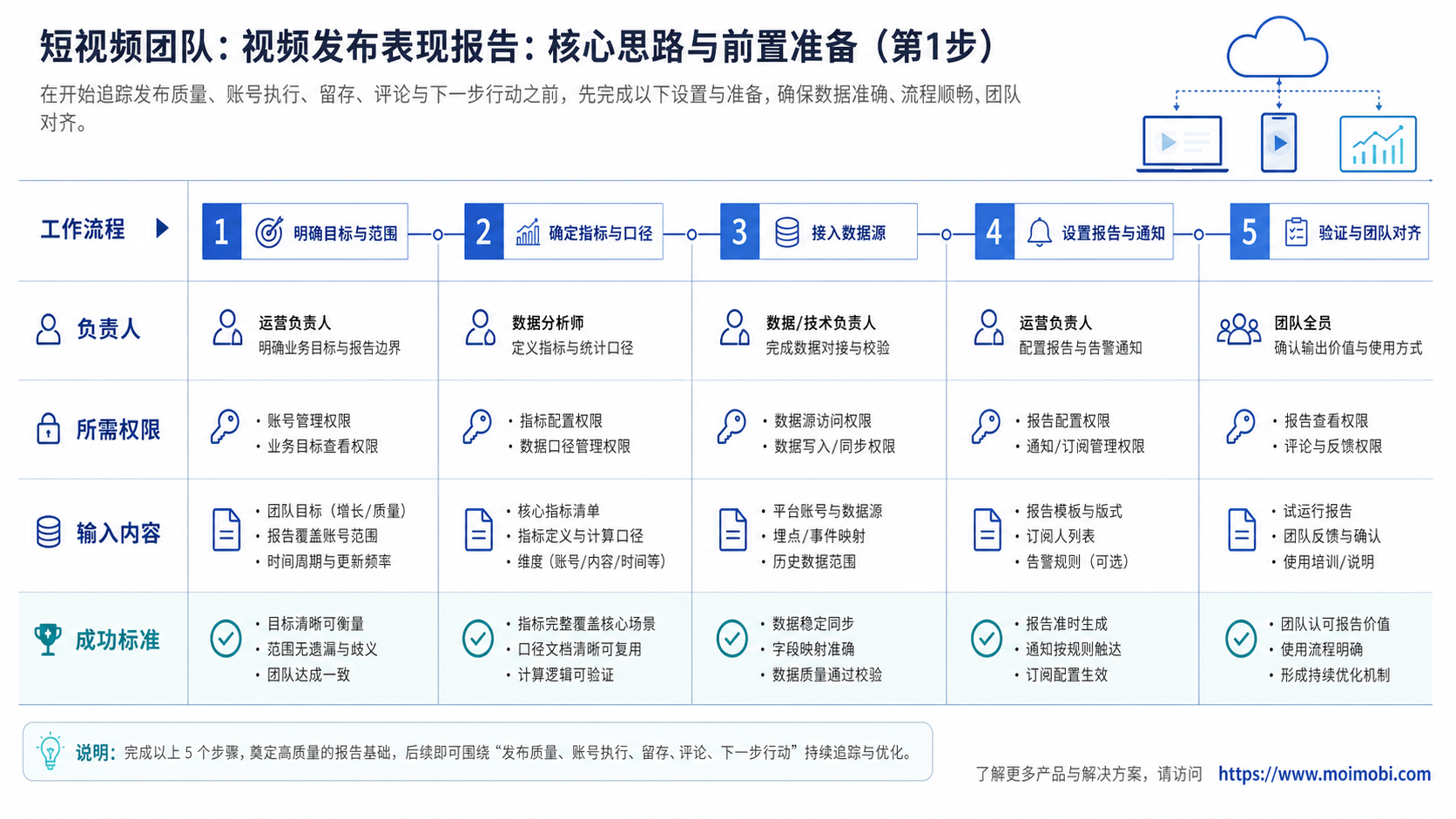
Start with a report template that separates content, execution, and review. Do not mix every metric into one table.
- Map the account. Record platform, account name, market, owner, and posting role.
- Log the content asset. Record topic, hook, caption, format, creator, and asset version.
- Track publishing status. Record planned time, actual time, status, and failure reason.
- Collect performance fields. Include views, watch signals, engagement, replies, saves, and shares where available.
- Add workflow fields. Record reviewer, operator, approval status, and follow-up owner.
- Write the next action. Decide whether to repeat, revise, pause, or escalate.
A practical report can use a weekly rhythm. Daily review catches execution problems. Weekly review finds patterns. Monthly review helps decide which formats, accounts, and markets deserve more capacity.
For social media marketing workflows, the report should include both publishing and engagement. A video that creates comments but receives no reply may still expose a workflow gap.
Video Publishing Performance Report Fields to Include
The report should include enough fields to explain performance without becoming unreadable. Start with a small field set and add only what changes decisions.
Use these fields as a baseline:
- account name,
- platform,
- market or audience segment,
- content pillar,
- video format,
- hook type,
- post time,
- publish status,
- operator,
- approval status,
- views,
- watch or retention signal,
- engagement actions,
- comment count,
- reply status,
- failure reason,
- next action.
Short video teams should also mark the content hypothesis. For example, a video may test a product demo, customer objection, creator reaction, trend format, or comparison angle. Without a hypothesis field, the team may know which video won but not why it was worth testing.
Keep a separate note for abnormal events. Platform glitches, account warnings, late approvals, missing assets, and local holidays can distort performance. These notes prevent the team from drawing the wrong conclusion from a single post.
Mistakes That Reduce Results
The most common mistake is reporting only views. Views matter, but they do not explain whether publishing was reliable or whether viewers moved to the next useful action.
Another mistake is averaging all accounts together. A blended report may look healthy while several local or client accounts are failing. Account-level reporting is more useful for operations teams.
Avoid these patterns:
- no distinction between planned and actual publishing,
- no record of who posted,
- no comment or reply follow-up field,
- no failure reason for missed posts,
- no asset version tracking,
- no review of the first seconds of the video,
- no next-action column.
A strong report turns metrics into workflow decisions. Repeat the format that worked. Rewrite the hook that lost viewers. Move publishing time if execution is late. Escalate accounts that keep failing.
For teams that need app-side or browser-side execution records, mobile automation can support repeatable publishing and monitoring workflows.
Account-Level Diagnosis for Short Video Reporting
Account-level diagnosis prevents the team from mistaking one viral post for a healthy operation. A campaign may look successful overall while several accounts miss posts, attract weak engagement, or leave comments unanswered.
Review each account with four questions:
- Did the account publish on time?
- Did the video match the approved campaign version?
- Did viewers respond in a way that required follow-up?
- Did the operator complete the next action?
This view helps managers separate creative issues from execution issues. A low-performing video across all accounts may signal a weak hook or poor offer. A low-performing video on one account may signal posting time, audience fit, account health, or local execution quality.
Short video teams should also flag accounts that need support. A support flag may mean missing assets, slow approvals, repeated login issues, or low reply coverage. These flags help the team act before the next publishing cycle repeats the same problem.
For agencies, account-level diagnosis makes client reporting more concrete. Instead of saying "the campaign underperformed," the agency can show which accounts published correctly, which accounts lagged, and which workflow step needs repair.
Pilot Rollout and Measurement Checks
Do not launch a large reporting system on day one. Start with one platform, ten to twenty videos, and a small group of accounts.
Run the pilot for two weeks. The goal is not perfect analytics. The goal is to prove the team can collect the same fields every time.
Use these verification checks:
- every post has an account owner,
- every asset has a version name,
- planned and actual publishing times are recorded,
- failed posts have a reason,
- comments and replies have a status,
- each video has a next action,
- the team reviews results on a fixed schedule.
The report is working when it changes behavior. The team stops repeating weak formats. Operators catch missed posts sooner. Managers can see which accounts need support. Creators can see which hooks deserve another test.
If the report only produces a large spreadsheet, simplify it. Remove fields that no one uses. Keep the fields that change tomorrow's publishing plan.
Weekly Review Meeting Structure
A weekly review should be short and decision-led. The goal is not to read every metric aloud. The goal is to decide what the team will repeat, change, pause, or escalate.
Use this meeting order:
- Review missed or failed publishing tasks.
- Compare top and bottom videos by account group.
- Identify the strongest hook or format.
- Review comments and reply completion.
- Assign next actions for the next publishing cycle.
Keep creative debate separate from workflow repair. A weak hook needs creative work. A missed post needs process work. A delayed reply needs ownership review. Mixing these problems makes the meeting longer and less useful.
The final output should be a short action list. Each action needs an owner and due date. Examples include "rewrite product-demo hook," "move posting window for EU accounts," "add approval backup," or "pause accounts with repeated failed uploads."
After four weekly reviews, look for patterns. If the same account keeps failing, investigate the workspace. If the same topic keeps winning, create more variants. If comments keep going unanswered, the publishing team needs a reply workflow, not another reporting chart.
Frequently Asked Questions
1. What is a video publishing performance report?
It is a structured report that connects video publishing activity, content performance, account execution, engagement, and next actions.
2. Is this different from platform analytics?
Yes. Platform analytics show native performance data. A team report adds ownership, workflow status, failure reasons, and follow-up actions.
3. What metrics should short video teams track first?
Start with publish status, views, watch signal, engagement, comments, reply status, and next action. Add advanced fields later.
4. How often should the report be reviewed?
Daily checks are useful for execution issues. Weekly reviews are better for content patterns and team decisions.
5. Should the report cover every platform?
Not at first. Start with the platform that matters most to the campaign. Add others after the field set is stable.
6. How does this help agencies?
Agencies can show clients what was published, which accounts performed, where tasks failed, and what will change next.
7. Where does MoiMobi fit?
MoiMobi fits teams that need account workspaces, mobile execution, multi-account operations, and workflow records for publishing and monitoring.
8. What is the biggest mistake?
The biggest mistake is treating the report as a metric dump. It should produce decisions, owners, and next actions.
Conclusion
A video publishing performance report helps short video teams move from activity tracking to operational learning. It connects what was published, how it performed, who handled it, and what should happen next.
Start with a small report. Track account, asset, status, performance, engagement, and next action. If the team can explain which video to repeat, which account needs help, and which workflow failed, the report is doing its job.
References:



