
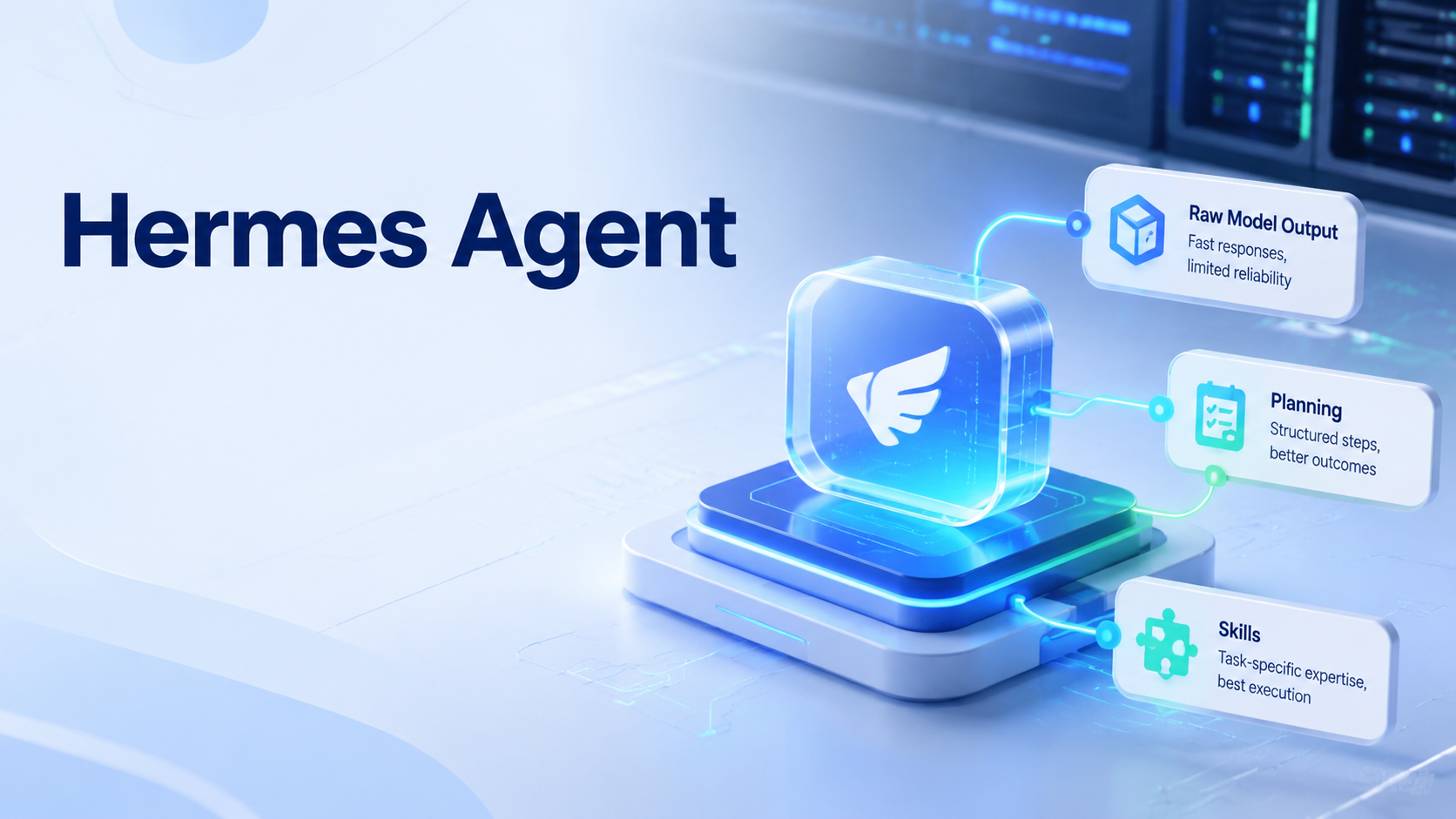
Hermes Agent performance depends on two things: the model you choose and the Skills you attach to the task. Think of the model as the execution engine. A Skill is the task playbook that tells the system how to plan, which tools to use, what output format to follow, and where the execution boundary sits.
Beginners often treat an agent like a stronger chat box. They paste a task, wait for output, and judge the model only by the final result. That works for simple tasks. It breaks down when the work needs planning, tool use, layout judgment, browser context, mobile execution, or repeated review.
Key Takeaways
- Hermes Agent quality depends on both model capability and Skill design
- A Skill turns a broad model into a task-specific executor
- Planning before execution reduces drift and rework
- The same input can produce very different results under raw, planned, and Skill-led workflows
- Teams should inspect input, plan, run evidence, output, and review state
The Simple Idea Behind Hermes Agent
Hermes Agent is easier to understand if you separate engine and playbook. One layer provides reasoning, tool calling, multimodal understanding, and long-task stability. A Skill provides the method.
Without a Skill, the model guesses the workflow from general experience. With a Skill, the model receives a clearer path. It can spend less effort deciding how to work and more effort executing the task well.
This matters for real operations. A growth team may need to prepare content, open a browser session, choose the right account, route assets, check a mobile surface, and record evidence. In that context, an AI browser or mobile execution layer is only useful when the agent also understands the workflow.
Why One Test Changed the Read on the Model
The source article starts with a common experience. A model was used to create a simple H5 tool page, and the output was acceptable. The same model was then asked to create a self-introduction PPT. The result looked flat, loose, and visibly AI-generated.
Check workflow first.
That first result could make someone blame the model. A better reading is different: the run had not received a good workflow. It was asked to turn material into slides without enough structure, layout guidance, or review points.
The second attempt used the same model with a PPT-oriented Skill. The result changed sharply. That is the core lesson. Model quality sets the ceiling, but Skills help the model reach that ceiling in a specific task.
What the Model Controls
Model choice controls whether the agent can reason through the work. Stronger models usually handle deeper planning, tool calls, images, long context, and multi-step execution better. A weaker model may miss steps, call the wrong tool, or drift away from the requested output.
Match the lane.
This does not mean every task needs the most expensive setting. It means teams should match the model to the work. A short rewrite has different needs from a browser workflow, a multi-account task, or a deck-generation task.
In operations, reliability is often more important than a single impressive answer. A model that follows tools and plans consistently may be more useful than one that writes a polished paragraph but loses task state.
What Skills Control
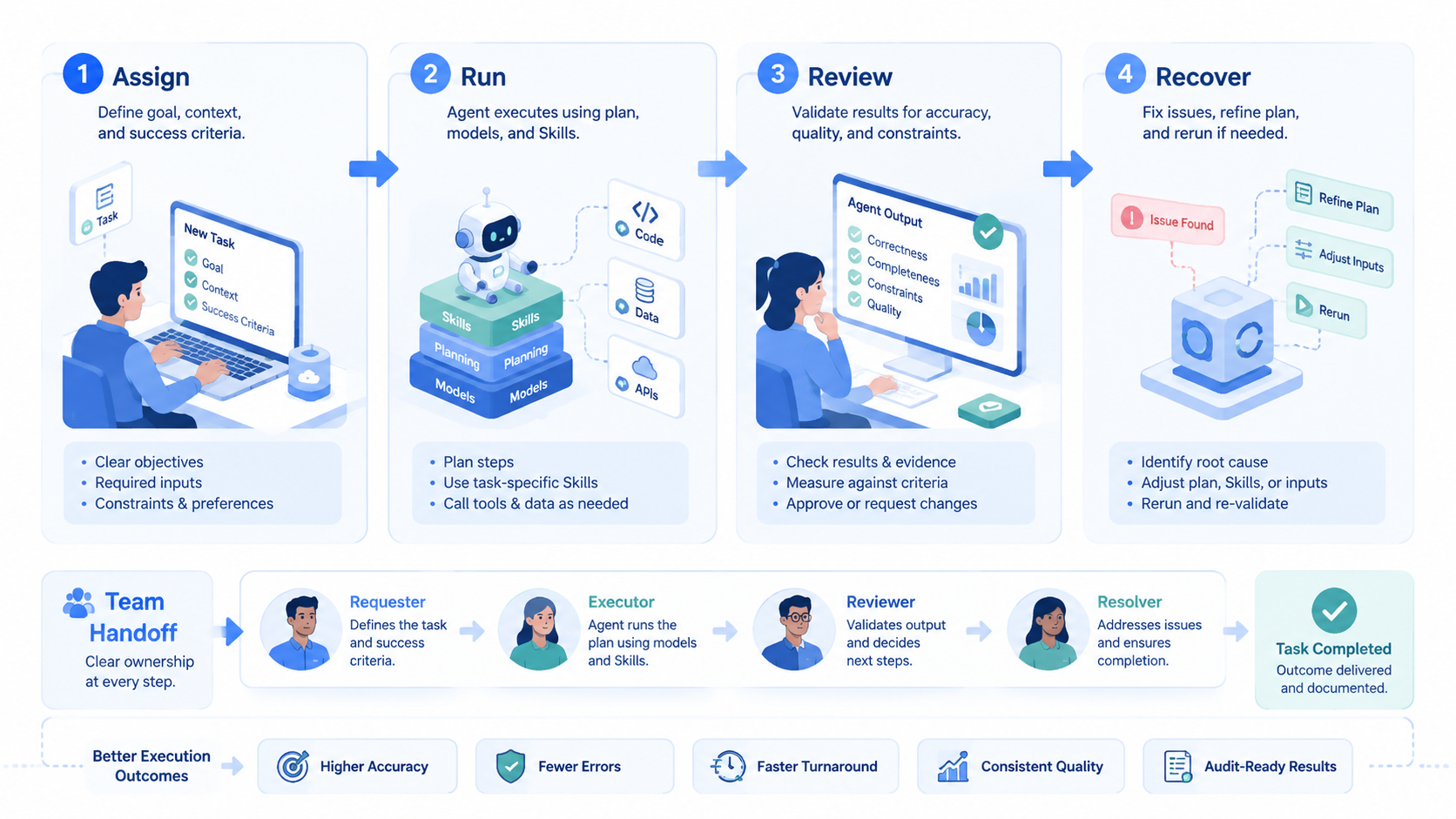
Skills control how the agent works. A Skill can define steps, tools, output shape, file rules, validation checks, and recovery behavior. It turns a vague instruction into a repeatable procedure.
For example, a PPT Skill can tell the model how to create structure, handle hierarchy, choose layout patterns, and manage slide rhythm. A browser Skill can tell the model how to inspect pages, act safely, and record evidence. A mobile automation Skill can define what should happen inside an app-only surface.
MoiMobi’s mobile automation, device isolation, and multi-account management pages map to the same idea. An execution system needs a controlled environment and a controlled method.
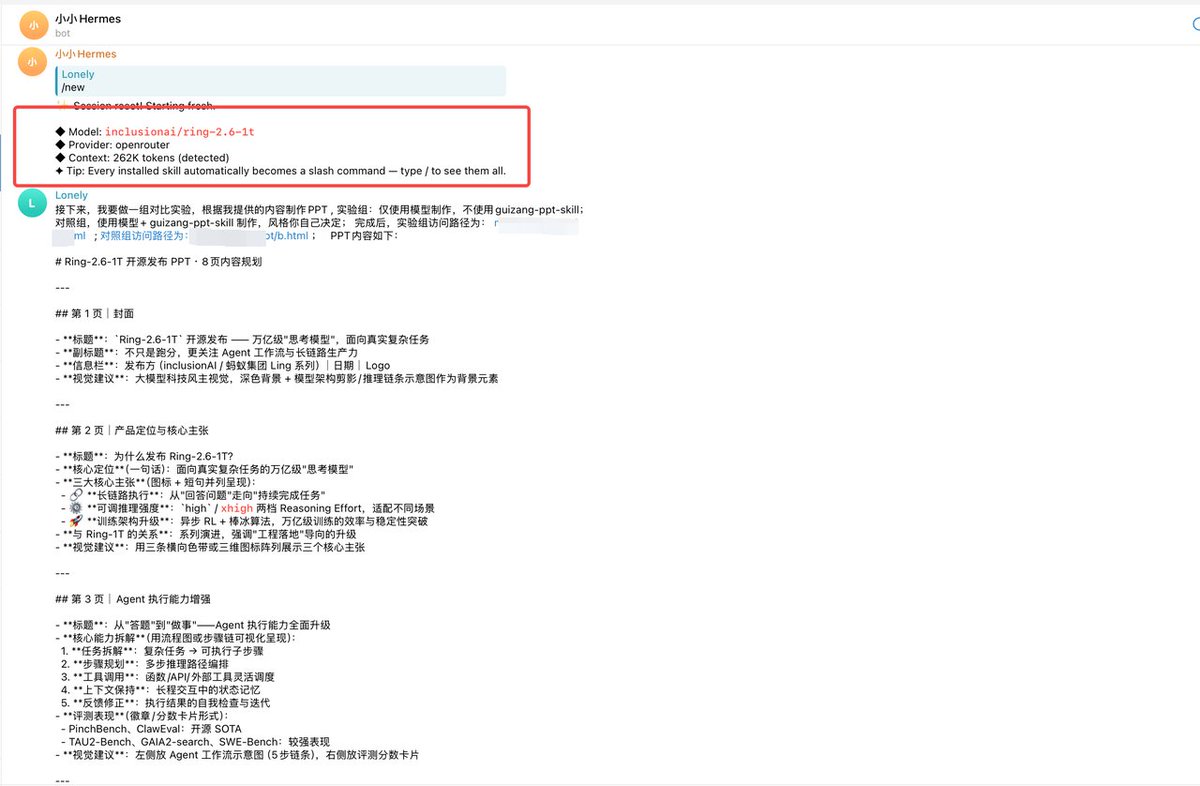
Test A: Give the Material Directly to the Model
In the first test, the model receives the article content and is asked to create a PPT without extra guidance. This is the most common beginner workflow. It is also the weakest for complex work.
The output may be usable, but it often lacks hierarchy. The model may compress the wrong parts, over-explain weak points, or create a layout that feels generic. The work is done, but it is not ready for a professional audience.
Proof matters.
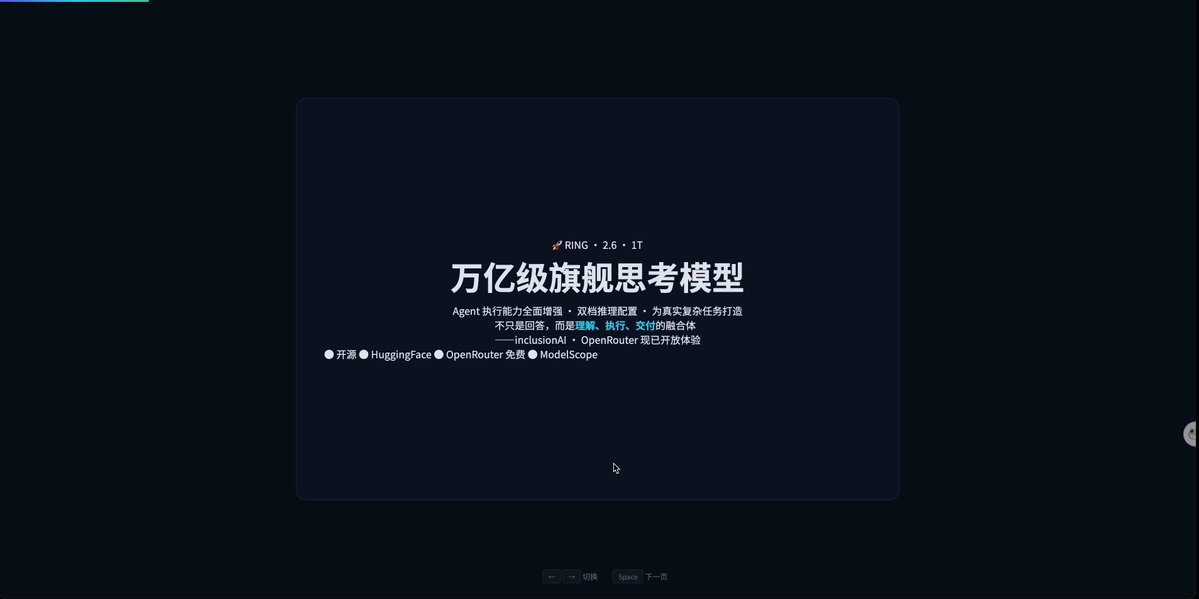
The issue is not only visual quality. The deeper issue is that no one defined the task path. In Test A, the system had to decide the number of slides, the story flow, the visual priorities, and the output standard at the same time.
Test B: Plan First, Then Execute
In the second test, the model reads the material and creates an execution plan first. The plan defines how many pages to create, what each page should say, how the layout should work, and which points deserve emphasis.
This step creates a checkpoint. A human can review the plan before execution starts. If the task direction is wrong, the team can fix it early instead of repairing a finished output later.
Fix early.
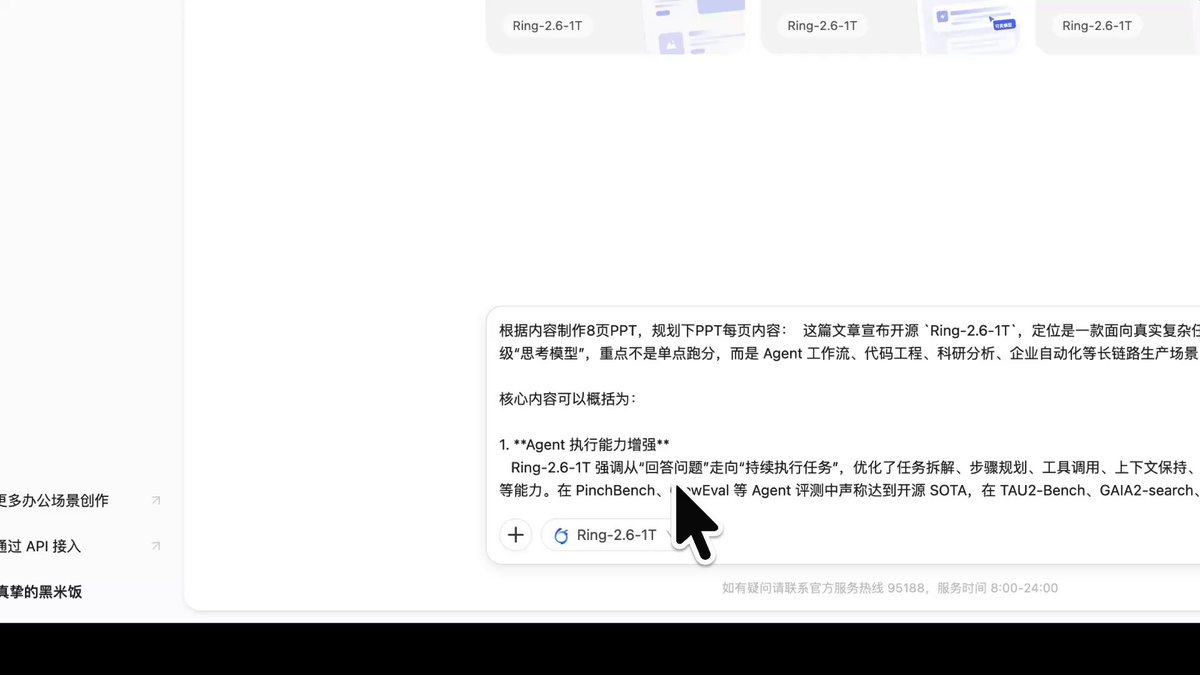
Planning also improves team operations. A manager can review the steps, confirm account scope, check the data source, and approve the run. That is safer than letting an agent operate as a black box.
Test C: Plan First, Then Execute With a PPT Skill
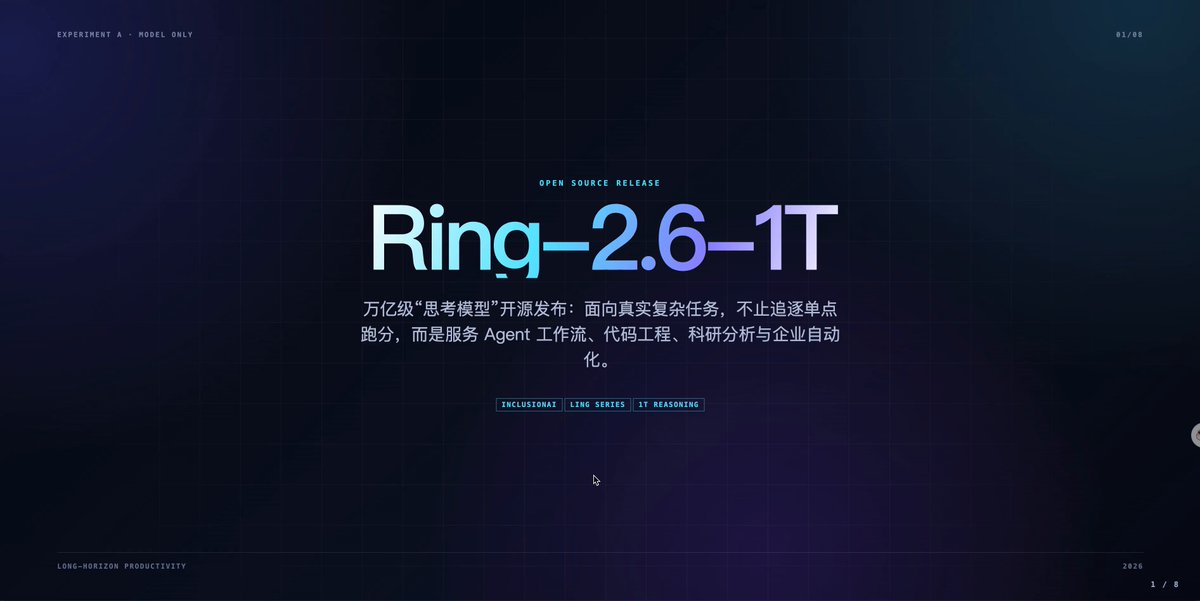
The third test adds a PPT Skill after planning. Now the model is not only told what to do. It is also given a task-specific way to do it.
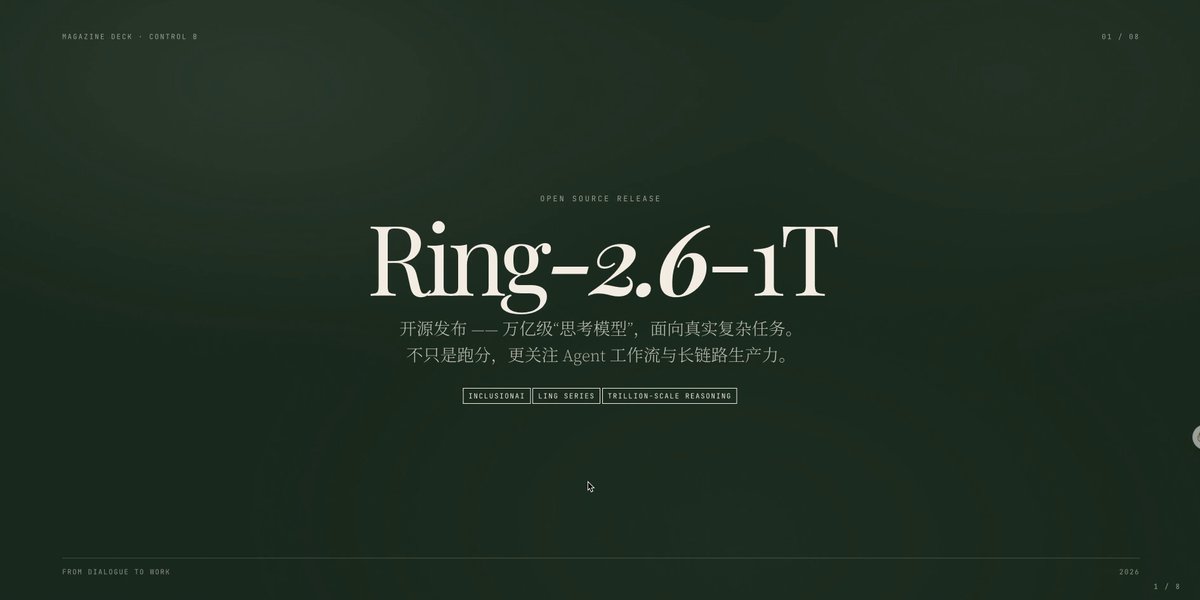
That changes the output. The run can follow layout patterns, visual rhythm, hierarchy rules, and data presentation rules. It no longer has to invent the whole workflow during execution.
Method wins.
This is why Skills matter for operations. A content repurposing Skill, a review-reply Skill, an account-check Skill, or a weekly-summary Skill can capture team experience. The execution becomes more consistent because the method is explicit.
The A/B/C Result Comparison
The source article compares three final covers. The difference is easy to see. Same material. Same model. Different operating method.

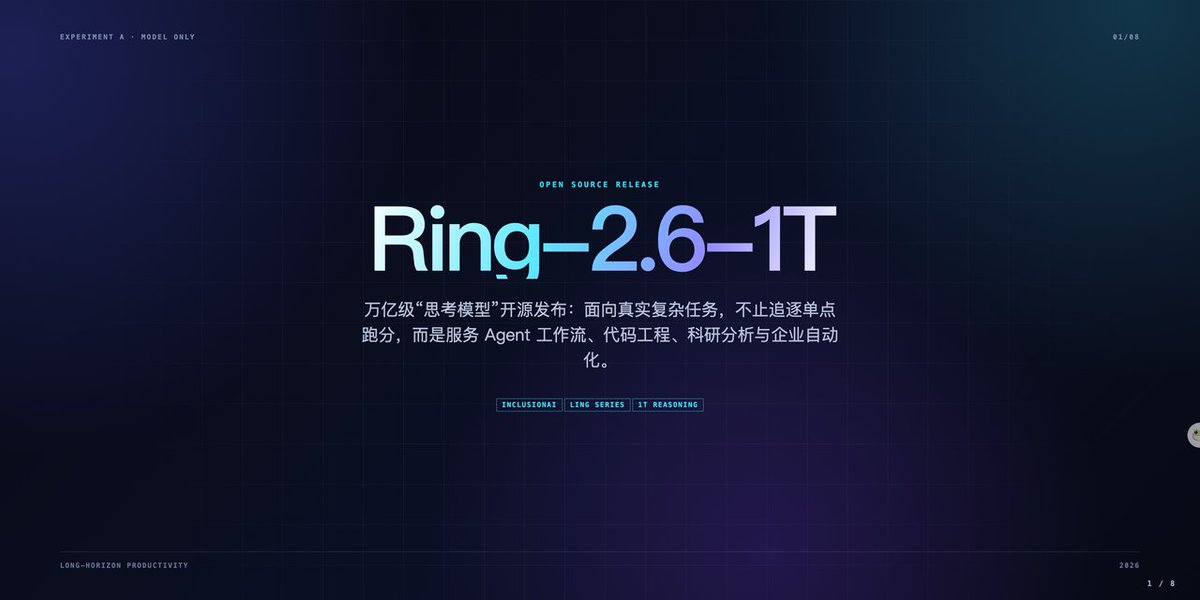
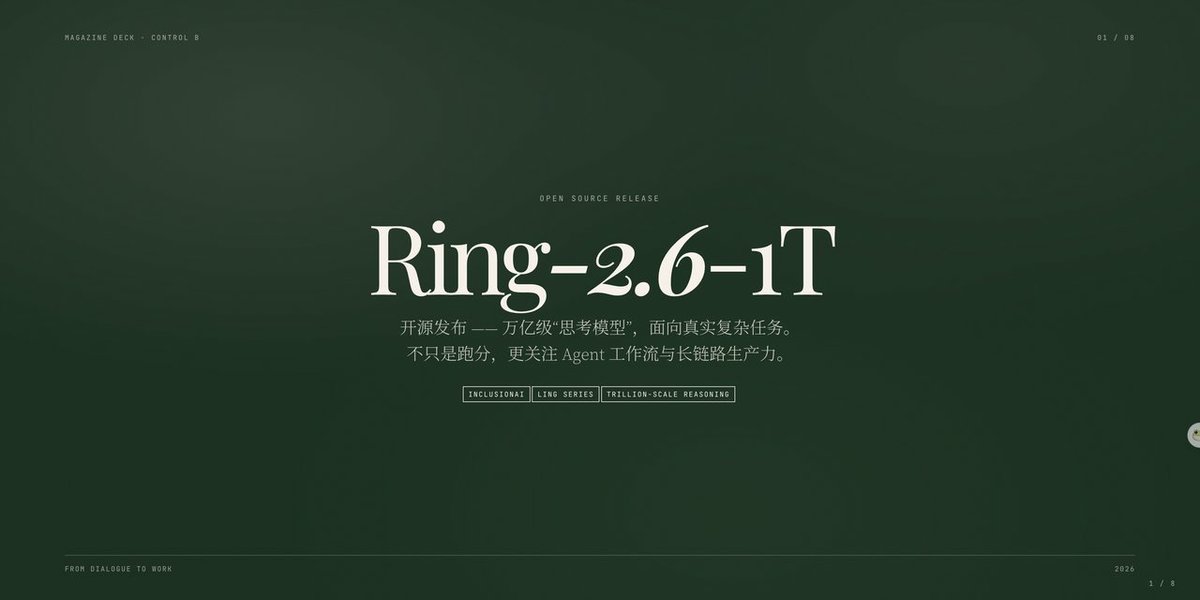
Test A is raw execution. It has the least setup and the highest quality risk. Test B adds planning, so the structure improves. Test C adds a Skill, so the workflow becomes more task-specific and the output becomes easier to trust.
Compare the path.
This is the practical lesson for Hermes Agent users. Do not judge the agent only by the model name. Judge the full workflow: model, Skill, plan, environment, output, and review.
Use proof.
Inspect before action, especially when the run can touch files, browser state, accounts, or public surfaces.
Why Teams Fail With Hermes Agent
Teams fail when they skip the planning layer. They ask the model to execute immediately, then inspect only the final result.
That approach hides mistakes until they are expensive to fix.
Stop early.
Complex work has many invisible choices. A deck needs a story, page rhythm, layout, visual priority, and consistency checks. A browser task needs session state, target selection, page inspection, action logging, and recovery rules.
If the agent starts wrong, it often continues wrong. A planning checkpoint lets the operator correct the path before the run consumes time or touches a real account.
Name the checkpoint.
For browser-heavy teams, this is also why browser use needs context discipline. The run should know which account, tab, asset, and task record it is using.
No guessing.
Otherwise, automation becomes hard to review.
How to Choose the Right Model and Skill
Start with task difficulty. Simple writing tasks may not need a high reasoning setting.
Multi-step tasks, browser tasks, image-aware tasks, and long workflows need stronger stability because one missed step can corrupt the rest of the run.
Then choose a Skill that matches the task type:
- PPT work needs a deck Skill
- Web lookup needs a browser Skill
- Social operations may need content, account, and review Skills
- A generic prompt should not carry every workflow
Finally, check whether the workflow can be reviewed. A useful Skill should produce or support a plan, evidence, output, error notes, and next-step suggestions.
Use this quick table:
| Question | Good answer | Risk signal |
|---|---|---|
| What is the task type? | Clear category such as deck, browser, summary, or mobile run | Vague “do this with AI” request |
| What model is needed? | Matched to tool use and task length | Chosen only by cost or hype |
| What Skill applies? | Task-specific Skill with clear steps | Generic prompt only |
| Who reviews the plan? | Named reviewer before execution | No checkpoint |
| What proves completion? | Output plus evidence or run record | Final answer only |
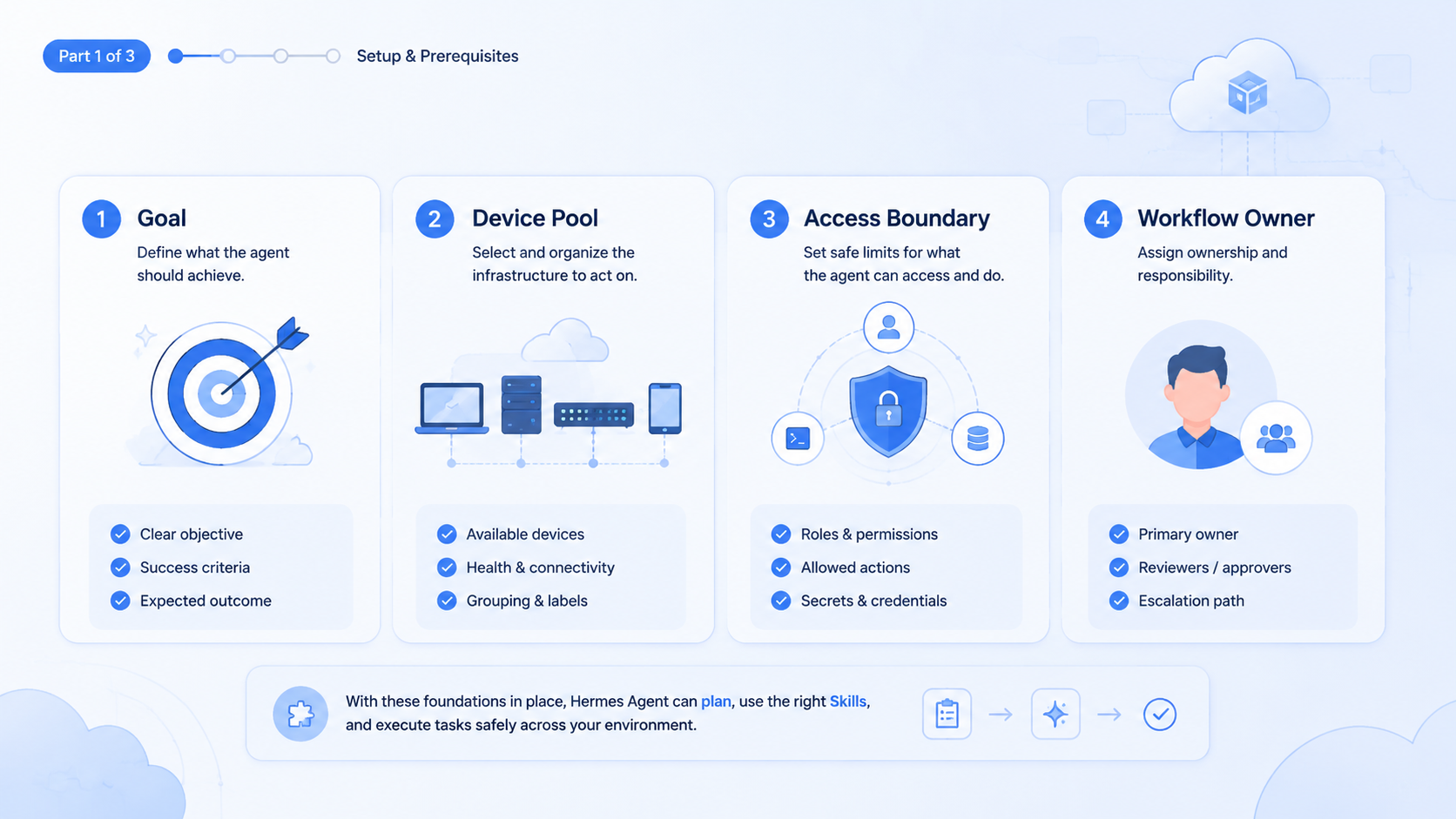
A Practical Hermes Agent Setup for Teams
A team should turn the lesson into a repeatable setup. Do not start by asking, “Which model is best?” Start by naming the work lane.
For example, a social operations team may define a content-repurpose lane. The input is one long source asset, brand notes, target channel, account group, and review owner. The output is a set of channel drafts, a risk note, and a publishing checklist. The Skill should tell the agent how to split the asset, adapt tone, avoid unsupported claims, and mark items that need human approval.
A browser task lane needs different fields. It should include target site, account workspace, allowed actions, stop conditions, screenshot rule, and recovery rule. A mobile task lane needs device group, app state, account owner, action limit, and evidence format.
Use a short field list before each run. For this article’s source workflow, the practical inventory is concrete: 3 test modes, 9 preserved media assets, 7 run fields, and 5 pass/fail checks.
| Field | Why it matters | Example |
|---|---|---|
| Task lane | Selects the right Skill | Deck creation, browser lookup, account check |
| Input source | Prevents vague execution | Article URL, content brief, dashboard export |
| Environment | Keeps context isolated | Browser profile, cloud phone, device group |
| Allowed actions | Prevents overreach | Read only, draft only, no publishing |
| Review owner | Creates accountability | Growth lead, editor, account manager |
| Proof | Makes completion inspectable | Screenshot, file path, run note |
| Stop rule | Controls risk | Ask before login change or public action |
This setup is not bureaucracy. It is the difference between a useful agent and a random assistant. Once these fields are stable, a Skill can reuse them across many runs.
Failure Modes to Watch
Hermes Agent work usually fails in predictable ways. Treat these as pre-run checks.
| Failure mode | What it looks like | Fix |
|---|---|---|
| Vague input | Goal exists, but source, output format, and review rule are missing | Require a task brief |
| Tool drift | Wrong page, wrong account, or changed page state | Name browser context |
| Format drift | Deck, summary, or social draft ignores required structure | Add a format check |
| Missing evidence | Reviewer cannot inspect what changed | Store screenshot or run note |
Use this pass/fail check:
| Check | Pass | Fail |
|---|---|---|
| Plan quality | Steps are clear enough for a human to approve | Plan is only a vague summary |
| Skill fit | Skill matches the task lane | Generic prompt handles everything |
| Environment | Account, browser, or device is named | Agent relies on current context |
| Output | Format is reviewable | Output needs full rewriting |
| Evidence | Result has screenshots, files, or run notes | Only final text is available |
If two checks fail, pause the workflow. Improve the Skill or narrow the task before using it in production.
Hermes Agent Review Rules for Real Runs
Real runs need review rules before execution starts. This is especially true when the task moves beyond text and touches browser sessions, uploads, files, or account state. Browser references from Chrome DevTools documentation show the same engineering pattern: actions need explicit sessions, targets, and observable state.
For a Hermes Agent run, use 4 review gates.
| Gate | Review focus |
|---|---|
| 1 | Input source and task scope |
| 2 | Plan, boundary, and stop rule |
| 3 | Execution evidence |
| 4 | Final output and retry note |
The reviewer should answer 6 questions:
- Is the input source named
- Is the account or environment named
- Is the Skill matched to the task lane
- Are public actions blocked until approval
- Is there proof of completion
- Is there a rollback or retry note
These rules are simple, but they prevent a common failure: the agent completes a task that nobody can safely verify.
Hermes Agent and Growth Operations
For growth teams, Hermes Agent is useful when it becomes part of repeated work. A team may repurpose content, prepare posts, check account state, run dashboard tasks, or produce weekly summaries.
Those tasks should not live only in chat. They need a content library, account ownership, device or browser routing, review state, and proof. MoiMobi’s social media marketing and cloud phone layers are relevant when work moves from planning into real accounts or app surfaces.
The right pattern is simple: plan, execute, record, review, and improve. The Skill should make that pattern easier to repeat.
Hermes Agent Beginner Operating Checklist
- Define the input before choosing the model
- Ask the agent for a plan before execution
- Match the Skill to the task category
- Review the plan before the agent touches real accounts or files
- Keep evidence for browser, mobile, or account actions
- Record what failed and turn the fix into the next version of the Skill
The checklist keeps Hermes Agent work from becoming random trial and error. It also gives teams a way to compare models fairly. A model should be judged inside a repeatable workflow, not only from a single raw prompt.
Frequently Asked Questions
Is Hermes Agent mainly about choosing the strongest model?
No. Model quality matters, but the workflow matters too.
A strong model without a Skill may produce usable but generic results, while a model with a good Skill can follow a clearer path that the team can inspect before execution.
What does a Skill actually do?
Yes, directly.
A Skill defines the operating method.
It can define steps, tools, output format, validation rules, and recovery behavior.
Should every task start with a plan?
Most multi-step tasks should. Planning creates a checkpoint before the agent spends time, edits files, opens accounts, or runs tools.
Short task, short plan. Risky task, explicit plan.
Why did the PPT result improve with a Skill?
The Skill gave the run specific guidance for slide structure, layout, visual hierarchy, and execution rhythm.
That removed guesswork during the run.
How should a team test a new Skill?
Use the same input across three runs: raw model, planned execution, and planned execution with the Skill.
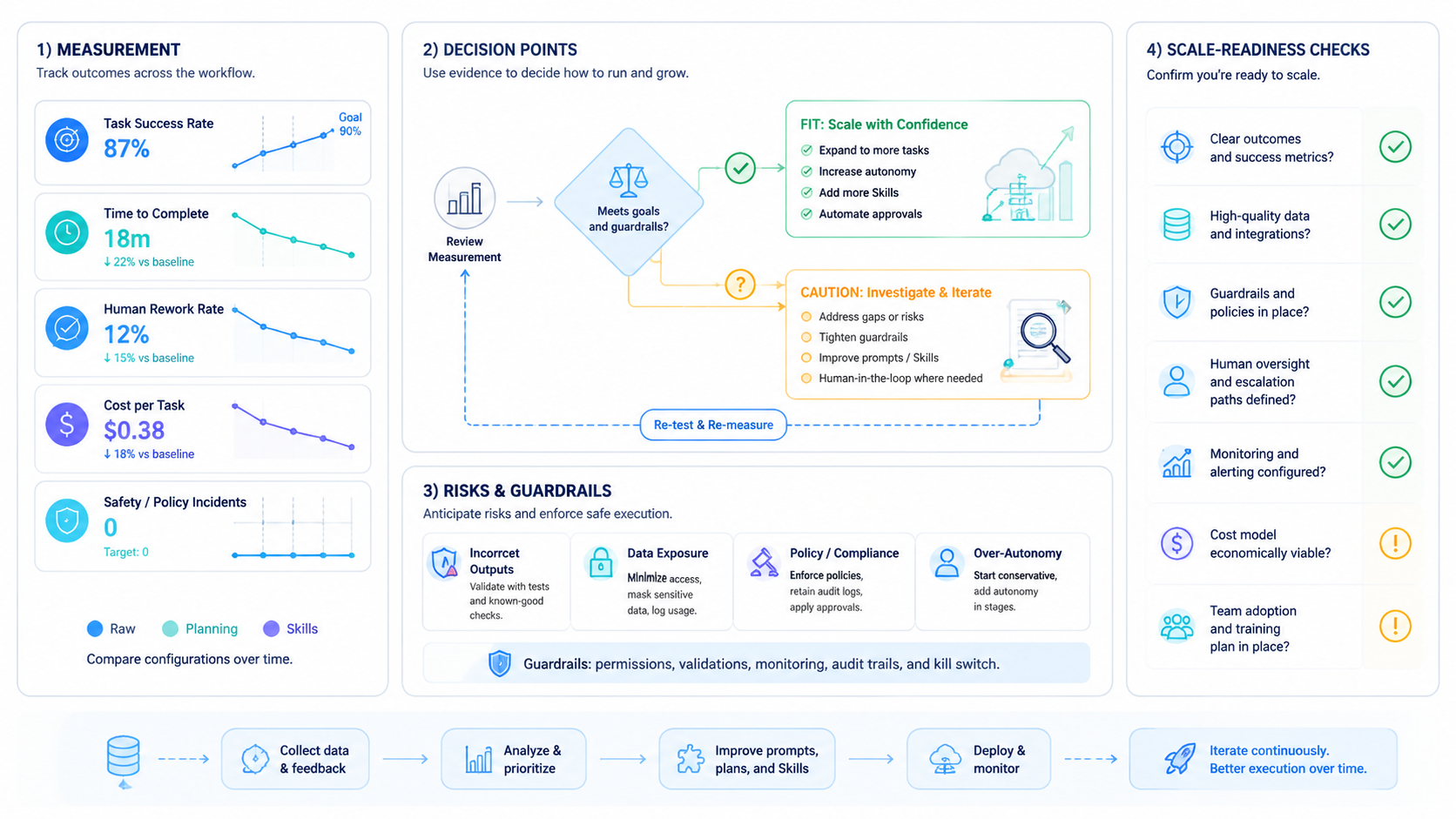
Compare quality, errors, rework, and review effort in one table so the decision is based on visible differences.
When does browser or mobile execution matter?
It matters when the workflow leaves text and touches accounts, dashboards, uploads, apps, or device-specific state.
Keep evidence.
At that point, environment isolation and run evidence become important.
How do Skills improve over time?
Teams should record failures, edge cases, and reviewer edits.
Those notes become better instructions, checks, and recovery rules in the next Skill version.



