
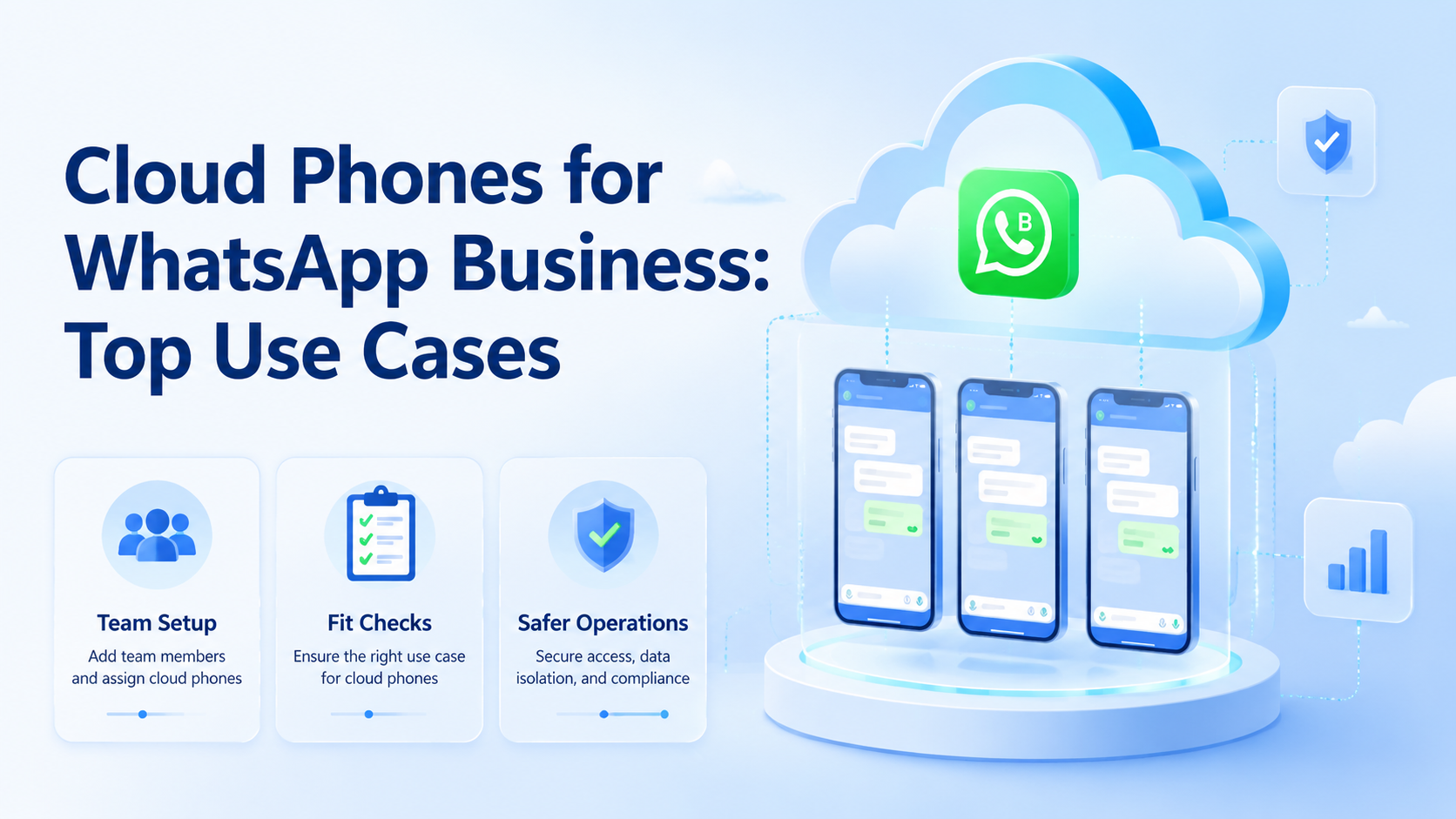
Cloud phone infrastructure lets teams run mobile app workflows on remote Android devices instead of relying on local handsets. Cloud phones for WhatsApp Business are most useful when a team needs clear device ownership, repeatable account work, and clean handoff between operators.
Key Takeaways
- Cloud phones fit WhatsApp Business workflows that need real mobile app access, team handoff, and device separation
- Strong use cases include customer support, local market work, campaign replies, QA, and operator training
- Poor use cases include policy-violating outreach, unclear account ownership, and unmanaged shared logins
- A pilot should track task time, error types, review load, and account handoff quality
- Teams should check WhatsApp and Meta rules before building any message workflow
What Are Cloud Phones for WhatsApp Business?
For WhatsApp Business, remote phone lanes are mobile devices that teams access through a browser or control panel. The phone runs the app, stores its own device state, and gives staff a controlled place to complete approved mobile tasks.
The core value is operational separation. A team can assign one account to one device lane, keep notes on who used it, and avoid passing a local handset between shifts. That does not remove platform policy duties, but it makes day-to-day work easier to inspect.
For WhatsApp Business work, teams should start with the official product rules. Meta publishes WhatsApp Business Platform documentation and policy material for business messaging, account setup, and approved use. Useful starting points include WhatsApp Business Platform docs and the WhatsApp Business Messaging Policy.
The setup is not a shortcut for spam. It is a way to keep mobile execution clean when staff need to reply, verify, test, or manage accounts from different locations.
Why Cloud Phones for WhatsApp Business Matter
WhatsApp Business work often breaks down at the handoff point. A support agent leaves a note, a second agent opens the wrong phone, and a manager later cannot tell which step caused the issue.
Cloud devices give each workflow a named lane. The lane can include the account purpose, owner, region, access route, task list, and last review note. When the next operator starts, the work has a state instead of a rumor.
That is why this topic matters for multi-person teams. The value is not just remote access. The value is a repeatable mobile workspace that can be assigned, checked, paused, and improved.
Google Search Central's helpful content guidance is written for publishers, but the same logic applies to internal operations. Build for the real user and the real task, then remove steps that create confusion. Source: Google Search Central.
Top Use Cases for Cloud Phones for WhatsApp Business
The strongest use cases share one trait: the team needs mobile app access, but local phones create friction or unclear ownership.
| Use case | Best fit | Review point |
|---|---|---|
| Customer support | Teams replying from approved business accounts | Response quality, notes, and unresolved cases |
| Local market work | Regional teams that need separate devices and routing | Owner, language, region, and account purpose |
| Campaign reply handling | Inbound replies after ads, forms, or events | Opt-in source, reply script, and escalation path |
| QA and training | Teams checking flows before staff use them live | Test notes, screen state, and failed steps |
| Account recovery support | Approved recovery tasks with a known owner | Proof, next action, and stop rule |
The table should guide scope. A cloud device is useful when the task has an owner, a reason, and a review path. It is weak when a team uses it as a shared black box.
Cloud Phones for WhatsApp Marketing and Support
For WhatsApp marketing, remote mobile lanes work best around permission-based workflows. A team may need to answer inbound replies, sort qualified leads, check campaign links, or move a customer to a human agent.
Message quality still matters. The platform rules, opt-in source, and customer expectation should decide what staff do next. The device layer only makes the work easier to assign and review.
Support teams get a different benefit. A manager can keep one device lane for one customer segment, then review notes at the end of the shift. If a reply needs escalation, the next agent starts from the same mobile state.
This is where multi-account management becomes part of the workflow. Accounts, operators, routes, and task lists need one map. Otherwise, each device becomes a private habit.
Fit and Not-Fit Rules
Cloud phones are a good fit when the team has a real mobile workflow. They are a poor fit when the team has not defined account ownership or message rules.
Check the fit before any tool purchase. A simple yes or no at this stage saves cleanup later.
Good fit
- Approved business accounts with clear owners
- Support, QA, training, or reply workflows
- Teams that need shift handoff and review notes
- Work that benefits from [device isolation](https://www.moimobi.com/en/products/device-isolation)
Poor fit
- Unclear outreach rules or missing opt-in checks
- Shared accounts with no owner
- Tasks that ignore platform or customer terms
- Automation before the SOP is tested by people
The simple rule is this: use remote phones to make valid work cleaner, not to hide bad work.
How to Get Started with Cloud Phones for WhatsApp Business
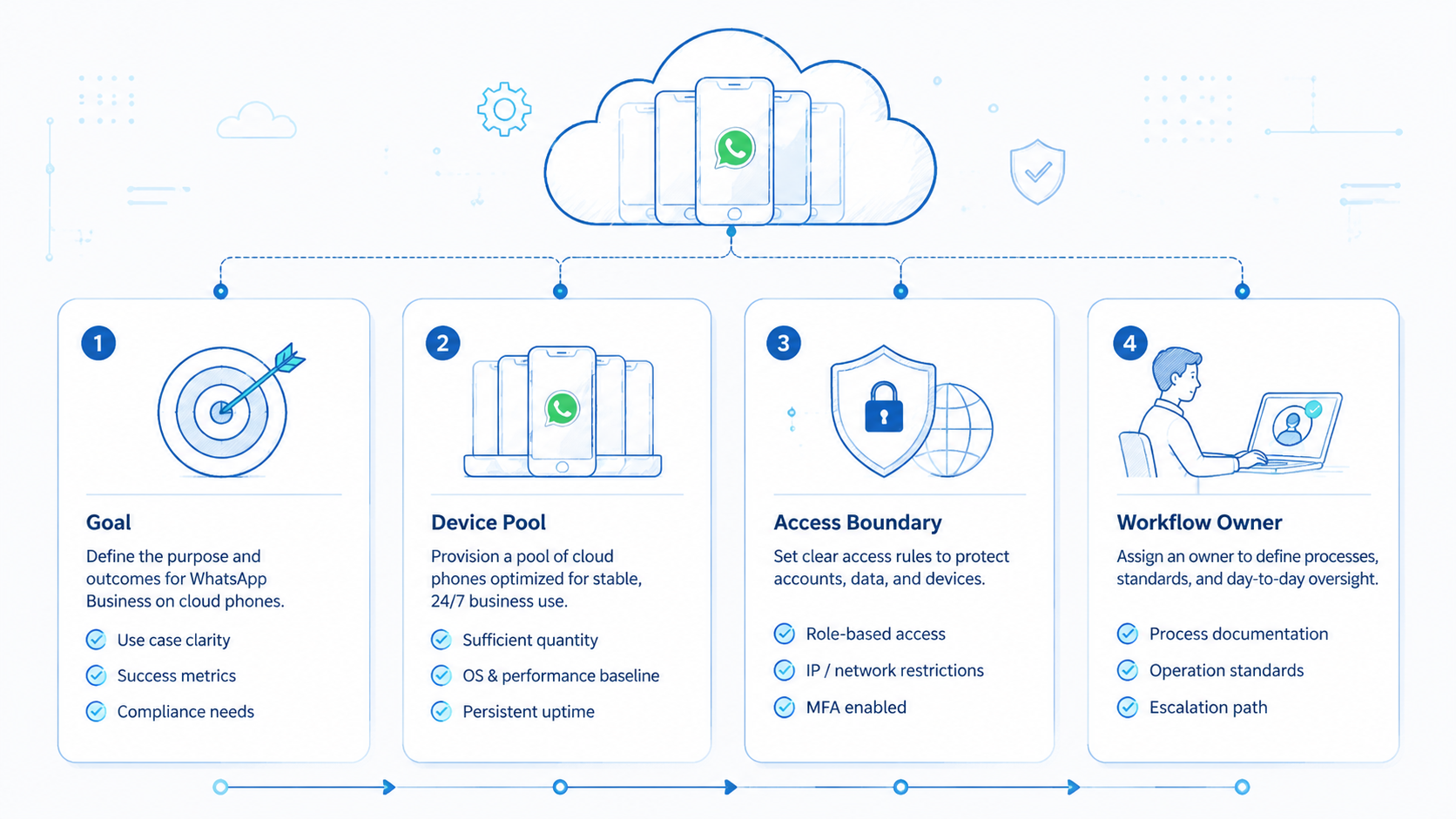
Start with a small pilot. Five well-scoped device lanes will show more than a large pool with no naming rules.
- Name each lane: account, purpose, owner, region, and allowed task
- Set access rules: who can open the device, who can approve sensitive steps, and who reviews notes
- Connect the route: document expected region, proxy, and network path through a proxy network when routing matters
- Write stop rules: pause on login prompts, policy warnings, customer complaints, or unexpected account state
- Check handoff: ask a second operator to continue from the note without a call
- Review weekly: count failures, unclear notes, slow tasks, and repeated training gaps
For teams that also run app-side tasks outside WhatsApp, mobile automation may sit beside the phone lane. Keep the automation narrow until the manual workflow is clear.
Cloud Phone vs Emulator for WhatsApp Business
The cloud phone vs emulator decision starts with the task. A cloud device is closer to a managed remote handset. A cloud emulator is usually software-based and may behave differently from a physical device.
For QA, training, and low-risk test work, an emulator may be enough. For app workflows where the mobile device state matters, teams usually prefer a remote phone lane that they can assign and review.
Use a short decision list:
- Choose a remote phone lane when operators need a device state, app login, and shift handoff
- Choose an emulator when the job is basic testing, not live account work
- Avoid either option when the workflow violates platform policy or lacks customer permission
- Review any setup that stores credentials, personal data, or customer messages
Do the boring check first. If nobody can explain the account owner, task purpose, and stop rule, the tool choice is premature.
Review Metrics for the First Pilot
Use a small scorecard for the first two weeks. The goal is not perfect output; the goal is to see where work breaks.
Track these simple signals:
- Time from task start to clean handoff
- Count of login checks and failed app steps
- Number of notes that another operator could use without a call
- Tasks paused by a stop rule
- Customer replies that needed manager review
- Device lanes that sat idle for more than three days
Short numbers beat long opinions. If the scorecard is hard to fill in, the workflow is still too vague.
Common Mistakes to Avoid
Process theater is the first mistake. A shared pool with no names will recreate the same local-phone mess in the cloud, only with more people able to touch it from far away.
Mixing every channel into one device lane is the next problem. WhatsApp support, TikTok checks, QA tests, and recovery work may need separate lanes. A phone farm can help with capacity, but capacity needs structure.
Thin logs fail fast. If staff only write "done," managers cannot audit what happened. Log the task, result, issue, and next owner.
The final mistake goes the other way. OWASP's logging guidance recommends useful security records without careless exposure of secrets or private data. Source: OWASP Logging Cheat Sheet.
Frequently Asked Questions
Are cloud phones allowed for WhatsApp Business?
The device model is only one part of the decision. Teams still need to follow WhatsApp and Meta business rules before assigning staff to live account work.
Can cloud phones replace local support phones?
They can replace some local device work when the team needs remote access, shift handoff, and review notes. Test one workflow first, then decide from error logs.
Do cloud phones improve account safety?
They improve separation and traceability. They do not remove policy, consent, content, or account-quality risks, so review still has to stay active.
How many accounts should one device lane hold?
Use one account or one narrow work context per lane. Mixed lanes make failures hard to explain when a login prompt or customer issue appears.
What should a manager review weekly?
Review failed logins, unclear notes, slow tasks, customer complaints, repeated staff questions, and tasks that were paused by a stop rule.
Is a cloud emulator the same thing?
No. An emulator is software-based, while a cloud phone usually represents a managed mobile device environment with a different operating model.
Can this work with other social apps?
Yes, if the app workflow is approved and well scoped. Keep each app lane separate when signals, rules, owners, and review habits differ.
Conclusion
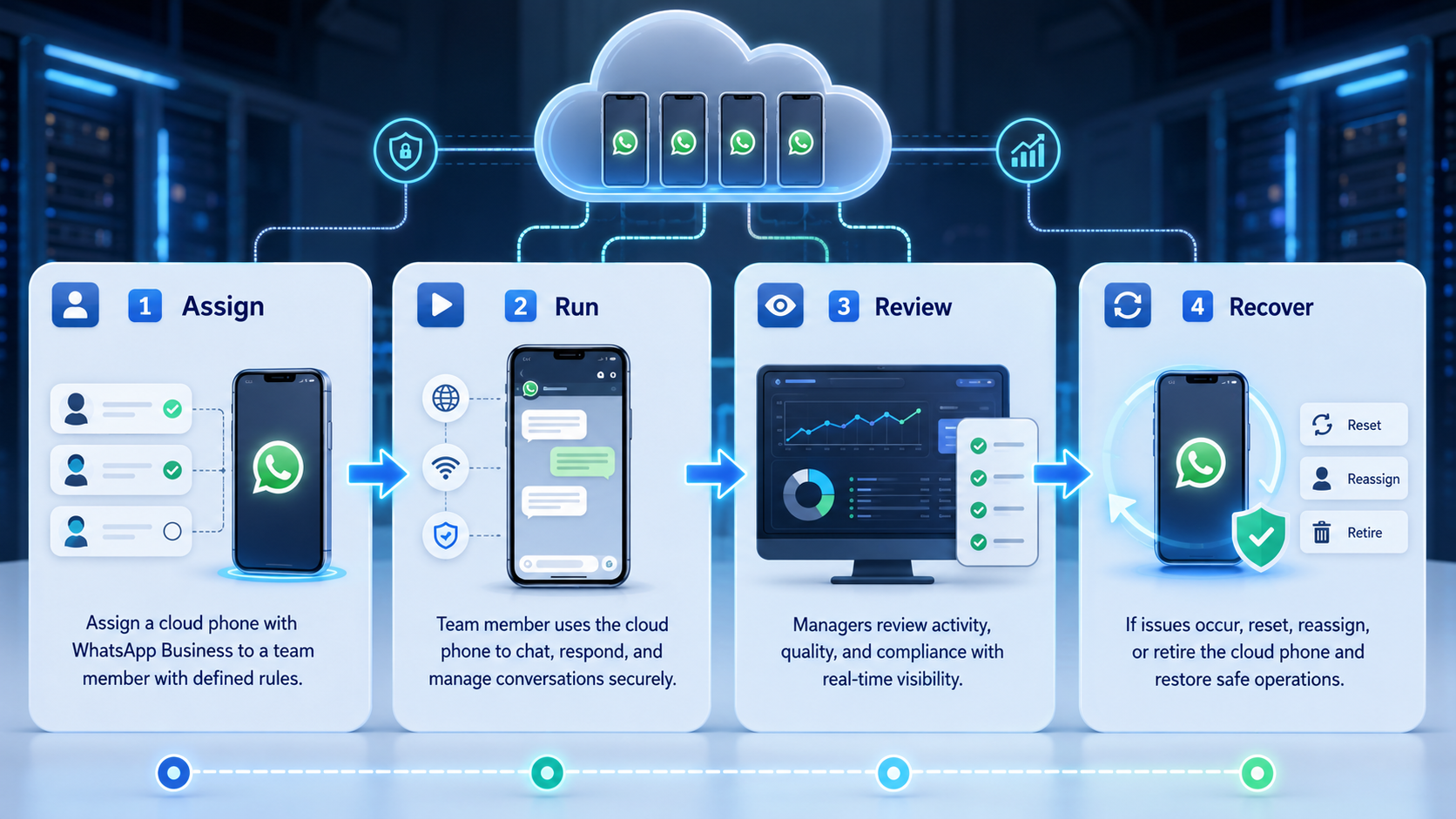
Cloud phones for WhatsApp Business are most valuable when they create clean mobile work lanes. Each lane should have an account owner, task purpose, access rule, route note, and review habit.
Before scaling, test one support or reply workflow for two weeks. If a second operator can continue the work from the notes, and a manager can explain each failure, the setup is ready for a larger rollout.



