
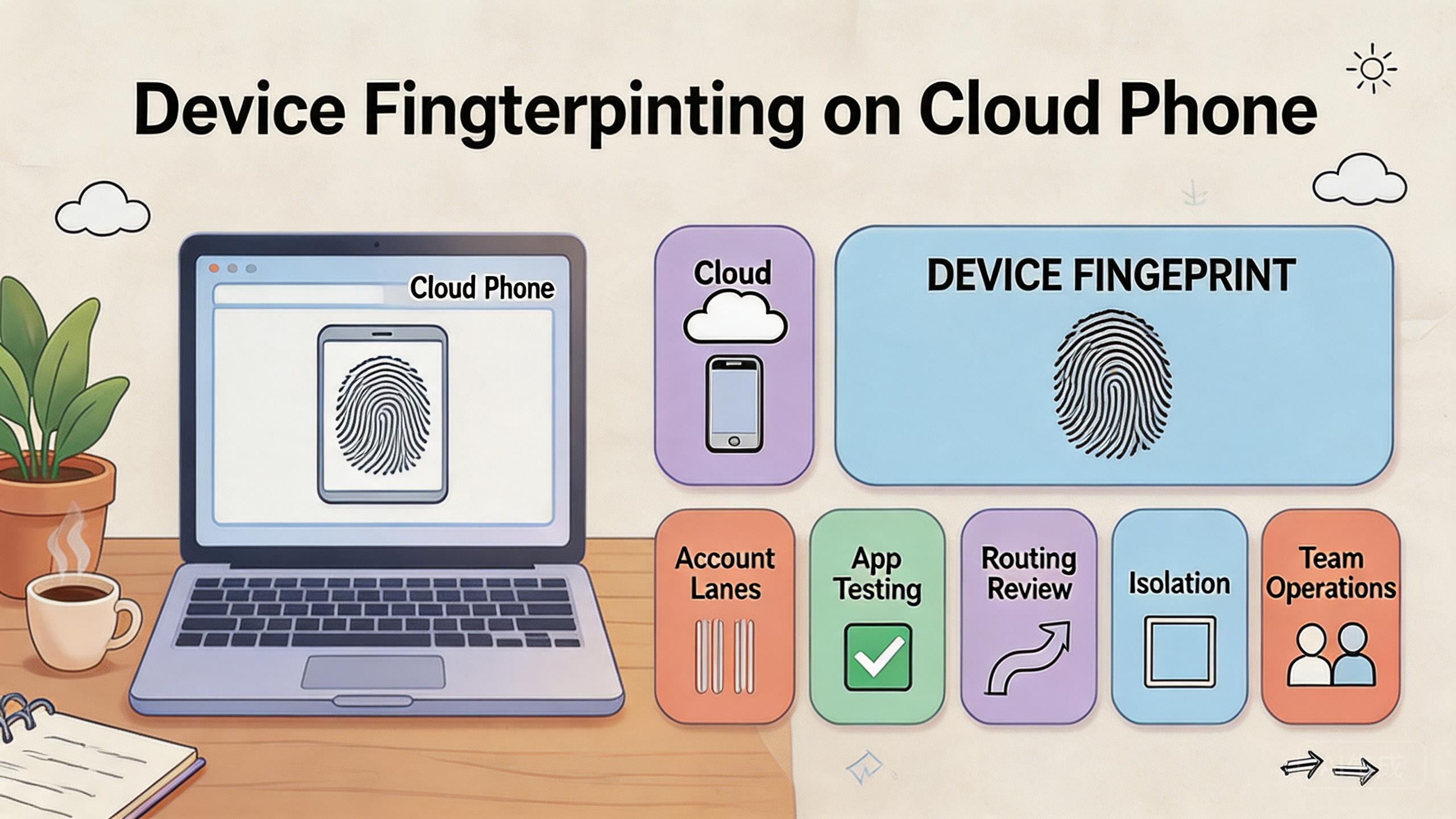
Device fingerprinting uses sets of device, app, browser, network, and behavior signals that systems may use to recognize or evaluate a device environment. On cloud phones, the practical issue is not a magic identity string. It is whether a team can keep mobile environments consistent, separated, and reviewable.
The direct answer is operational. Cloud phones can help teams manage device fingerprints by giving each workflow a clearer Android lane, but they do not remove detection, policy, or platform review. Teams still need clean account rules, stable routes, careful app state handling, and a recovery process.
For MoiMobi users, the topic matters because device identity affects mobile operations. QA teams, social teams, account operations teams, and support teams may all need remote Android sessions. The goal is to make those sessions easier to audit, not to frame remote execution as invisible or exempt from review.
Key Takeaways
- Device fingerprints combine multiple signals, not one simple value.
- Cloud phones help when teams need separated, documented mobile lanes.
- Device isolation, route notes, app state, and account ownership all affect review quality.
- A controlled pilot should prove repeatability before teams scale device pools.
What Is Device Fingerprinting on Cloud Phones?
Device fingerprinting is the process of evaluating signals from a device environment. Those signals may include hardware-like attributes, software state, app data, browser behavior, IP or route context, session history, and usage patterns. The exact signals vary by platform and app.
On a cloud phone, the team is usually working with a remote Android environment. That environment can be assigned to a workflow, reused, reset, or reviewed. The useful question is whether the environment stays understandable over time.
Treat device fingerprints as layered signals, not a single label that can be changed once and forgotten. A device environment has many layers. Some layers are technical. Some layers come from human behavior. Some layers come from account history and app state.
Use a simple framework:
- Device layer: Android version, app install state, screen properties, storage, and environment details.
- App layer: app version, login state, cache, permissions, and session history.
- Network layer: route class, location pattern, latency, and change history.
- Account layer: account age, role, behavior, content, and prior actions.
- Workflow layer: who used the lane, what action ran, and what recovery followed.
This framework keeps teams from blaming only one factor. A strange result may come from app state, account behavior, routing, or a workflow mistake. The device fingerprint is part of a larger operating picture.
Google Search Central's helpful content guidance emphasizes useful, people-first output rather than manipulation (Google Search Central). That principle is also relevant here. Infrastructure should support legitimate workflows and clear review, not reckless behavior.
Why Device Fingerprints Matter on Cloud Phones
These signals matter because teams often reuse remote Android environments across repeated workflows. When state is unclear, results become hard to trust. A failure may look like an app bug, an account issue, a route issue, or a device problem at the same time.
Clean device lanes reduce that confusion. One lane may support app testing. Another may support customer support reproduction. Another may support social workflow review. Each lane should have a purpose, owner, and reset rule.
The decision impact is real. A QA team may need stable app state to reproduce a bug. A marketing team may need clean mobile sessions for campaign checks. An operations team may need account lanes that do not mix unrelated histories. In each case, device fingerprints affect how easily the team can explain results.
Consider a support team investigating a mobile issue. One operator opens the app on a cloud phone. Another reviewer checks the same state later. If the device lane has old cache, unknown account history, and unrecorded route changes, the result is weak. If the lane has a known build, account, route, and reset state, the review is stronger.
The point is not to predict a specific platform outcome. The point is to reduce avoidable uncertainty. Teams that manage device fingerprints as part of workflow hygiene can debug and review faster.
| Signal area | Review question | Operational response |
|---|---|---|
| Device state | Is the Android lane clean? | Record ready, review, reset, or quarantine |
| App data | Is the app state expected? | Track build, cache, login, and permissions |
| Route | Did routing change? | Record route class, owner, and reason |
| Account | Does the account match the lane? | Separate account groups and roles |
Device Fingerprinting Benefits and Use Cases
The main benefit is clearer separation. Cloud phones can give each team, workflow, account group, or test case its own remote Android lane. That makes later review easier.
The second benefit is cleaner handoff. A tester, operator, reviewer, and admin can work from a shared device record instead of private notes. This matters when teams run mobile work across locations or shifts.
The third benefit is faster recovery. A device lane with a known state can be reset, paused, or reviewed more quickly. A lane with unknown state often turns a small issue into a long investigation.
Common use cases include:
- Mobile QA: testing app flows across known Android lanes.
- Support reproduction: recreating customer issues with clear app and account state.
- Social workflow review: checking mobile-first content or account operations.
- Campaign QA: reviewing links, landing pages, forms, and mobile display.
- Managed operations: separating client or account groups into visible lanes.
These use cases connect to device isolation. Isolation helps keep app data, account state, and workflow history easier to manage. It does not replace policy review or good operating rules.
Teams may also connect this to multi-account management. Each account group should have a clear purpose and lane. Mixing unrelated account histories makes device fingerprint review harder.
For testing teams, mobile automation can help after the lanes are stable. Automation should start with low-risk repeat checks. Broad actions should wait until the team can explain failures.
How to Get Started with Device Fingerprinting on Cloud Phones
The main mistake is starting with technical tuning before the workflow is clear. A team should first define what the device lane is supposed to support. Then it can decide which signals must be stable.
Use this setup path:
- Define the workflow. Name the task, account group, app, or test family.
- Assign a cloud phone lane. Keep the lane tied to one workflow during the pilot.
- Document app state. Record app version, login state, cache state, permissions, and test account.
- Record route policy. Note the route class, intended region, owner, and change reason.
- Separate account histories. Do not mix unrelated accounts in one lane.
- Set recovery states. Use ready, under review, reset needed, and quarantined labels.
- Review before scale. Expand only after repeat runs remain understandable.
The highest-risk step is account and app state. A device lane may look clean while the app carries old data. A test may fail because the account is stale. A campaign check may look wrong because permissions changed.
Create a simple run record. Include device lane, app version, account group, route policy, operator, action, result, and recovery status. This record gives managers a way to review what happened.
Use proxy network routing notes only where routing is relevant to the workflow. Random route changes make device fingerprint review harder. A stable, documented route model is easier to inspect.
Teams should also decide who can change lane settings. Operators may run the task. Admins may reset or change route policy. Reviewers may inspect results. Flat access makes later investigation harder.
Device Fingerprints Audit Checklist
A device fingerprints audit checklist gives teams a repeatable way to inspect a lane before scaling. Keep it short enough for daily use. Long forms usually fail when operators are busy.
Begin with the purpose of the lane. The team should know whether the device supports QA, support reproduction, account operations, or campaign review. A lane without a purpose is hard to audit.
Then check the app and account context. The app version, login state, account group, and recent actions should be visible. If those details are unclear, the team should pause before using the lane again.
Next, review the network context. Route class, change timing, and owner should be recorded when routing matters. A route note does not need to be long. It only needs to explain what changed and why.
Use this daily checklist:
- Lane purpose is named.
- App version and login state are known.
- Account group matches the lane.
- Route policy is recorded.
- Recent actions are visible.
- Recovery state is clear.
- Owner can explain the next step.
The checklist is not meant to predict every platform decision. It helps the team avoid avoidable confusion. When device fingerprints become easier to review, operational decisions become less dependent on guesswork.
Governance for Device Fingerprinting Workflows
Governance keeps device fingerprinting work from becoming a set of private habits. Every lane should have an owner, allowed actions, and a stop condition. These rules make the workflow easier to explain.
The owner decides when the lane can change. The allowed action list defines what operators may do. The stop condition explains when a lane should be paused, reset, or quarantined. This is basic control work, not heavy bureaucracy.
Governance also protects handoff. A new operator should understand the lane without asking for a long verbal history. A reviewer should know which records matter. An admin should know what can be reset safely.
For teams running many lanes, governance prevents quiet drift. One device may start as a QA lane and later become a support lane without anyone recording the change. That kind of drift weakens device fingerprints review because the history becomes mixed.
A simple owner review can solve much of this. Review lane purpose weekly. Remove unused lanes. Reset stale lanes. Split lanes that carry unrelated work. Keep only the lanes the team can explain.
Common Mistakes to Avoid
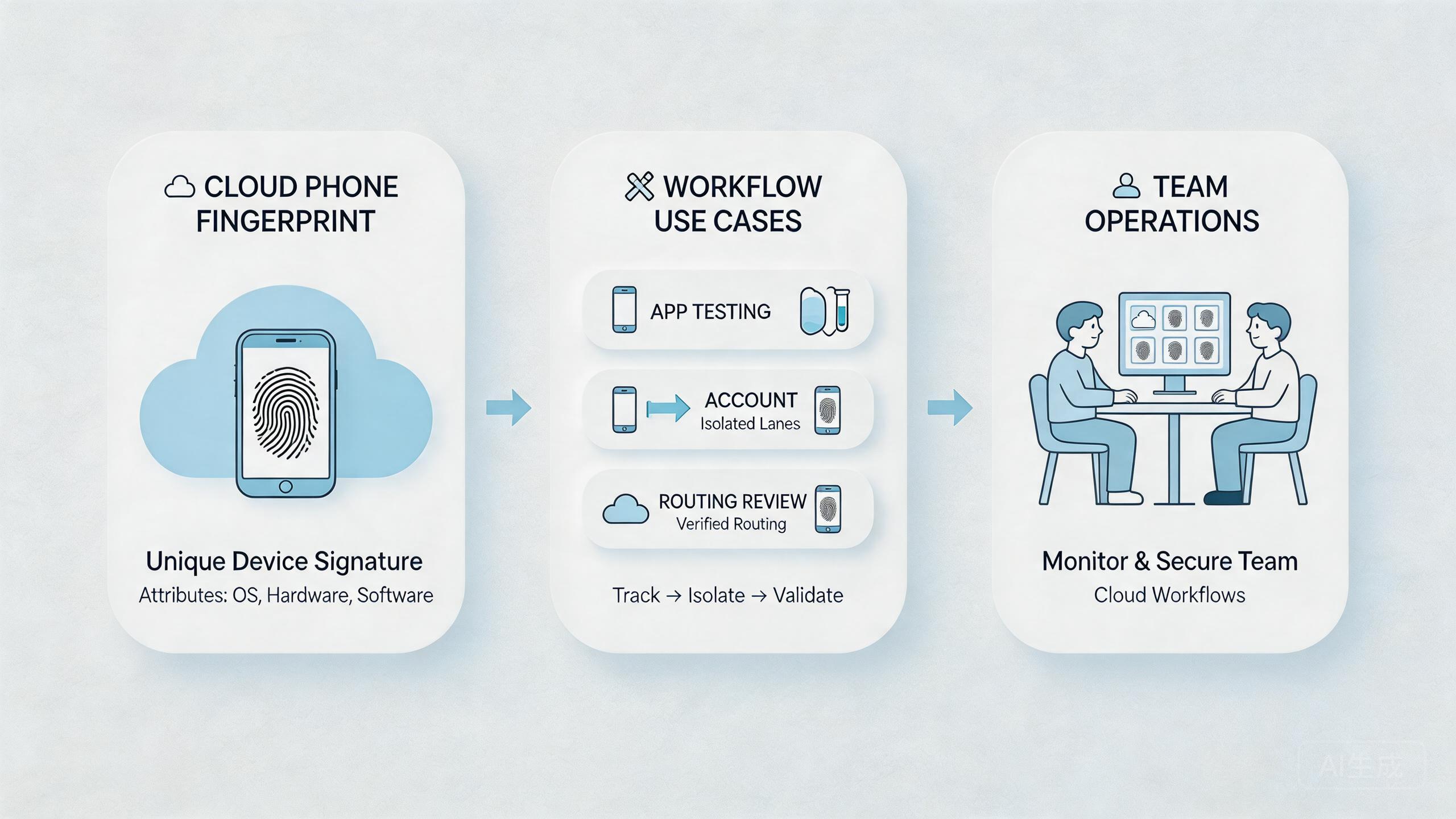
The first mistake is treating device fingerprints as a single switch. They are not. They are a mix of environment, app, network, account, and behavior signals.
The second mistake is mixing workflows in one device lane. A remote Android session used for QA, social checks, and support reproduction will carry unclear context. Separate lanes reduce confusion.
The third mistake is skipping app state records. App version, cache, login, permissions, and session history can all affect results. A clean route does not fix messy app state.
The fourth mistake is changing routes without notes. Route changes may be needed, but they should be recorded. A later reviewer should know what changed and why.
The fifth mistake is over-automating early. Automation can repeat hidden state problems faster. Begin with reviewable tasks and build automation only after the lane is stable.
The sixth mistake is expecting infrastructure to solve policy issues. Google Play's policy resources show that platform rules still apply regardless of tooling (Google Play Policy Center). Teams should review relevant rules before scaling workflows.
Pilot Metrics and Review Loop
A pilot should measure whether the team can understand its device lanes. Do not claim that it removes every detection or platform risk. That would be too broad.
Track practical signals:
- Lane clarity: can the team name the workflow and owner?
- State clarity: is app, account, and route state recorded?
- Repeat quality: can the same task run again with comparable inputs?
- Handoff time: can another person continue without private notes?
- Recovery speed: can a failed lane be reviewed and reset quickly?
Run the pilot across a small number of device lanes. One strong pilot is better than a large pool with unclear records. Review the same workflow several times before expanding.
The review loop should ask what changed. Did the app version change? Did the account state change? Did route policy change? Did an operator skip a step? These questions make device fingerprints easier to reason about.
Good review also includes a stop condition. Pause the lane when state is unclear. Reset it when app history is not trusted. Quarantine it when repeated failures cannot be explained.
The review should also compare intended state with actual state. A lane assigned to QA should not quietly carry production account work. A lane assigned to one client should not carry another client's app history. These mismatches are often where confusion starts.
Managers do not need a complex dashboard at first. They need enough record quality to answer basic questions. Who used the lane? What changed? What result appeared? What should happen before reuse?
Google's SEO Starter Guide emphasizes clear organization and helpful structure for users (SEO Starter Guide). Operations need similar clarity. A lane record should help the next person understand the work.
Fit Boundaries for Device Fingerprints Work
Device fingerprint work fits best when the team needs controlled mobile environments for real workflows. It is useful for QA, support reproduction, account operations, campaign review, and managed mobile execution.
The fit is weaker when the goal is vague or rule-avoidant. A cloud phone setup should not be sold as a way to remove platform review. Treat it as a way to improve workflow separation and auditability.
Use cloud phones when shared remote access, device separation, and handoff matter. Use local phones when physical hardware behavior, sensors, carrier details, or hands-on inspection are central to the task.
A hybrid model is common. Local devices handle hardware-sensitive checks. Cloud phones handle parallel review, repeat mobile workflows, and team handoff. The right mix depends on the work.
The boundary is simple. Better lane records can make cloud phones a fit. Teams that cannot explain the workflow should fix that first.
Change Management for Device Fingerprinting
Change management is often the missing piece. Teams may update apps, swap account groups, change routes, add automation, or reuse a lane for a new task. Each change can affect how device fingerprinting work is interpreted later.
Use a simple change rule. One meaningful change should be recorded before the next run starts. The note should name what changed, who approved it, and why the change was needed. This is enough for most early workflows.
Examples include:
- app version changed,
- login account changed,
- device lane purpose changed,
- route policy changed,
- automation script changed,
- reset state changed,
- reviewer changed the approval rule.
These changes are not automatically bad. The problem is unrecorded change. A team cannot review device fingerprints clearly when several variables move at once and nobody knows which one mattered.
A practical operational habit is to change one major variable at a time when possible. If a test lane fails after an app update and a route change, the team has two possible causes. If it fails after only one recorded change, review is simpler.
Change management also helps managers decide when to scale. A lane with clear change history can be copied or expanded. A lane with hidden history should be cleaned before it becomes a template for more work.
Team Review Checklist Before Scaling
Before scaling cloud phone lanes, run a short team review. The review should test whether the workflow is understandable, not whether the tool has enough features.
Ask these questions:
- Can the team explain what the lane is for?
- Can another operator repeat the workflow?
- Can a reviewer see app, account, and route state?
- Can an admin reset or quarantine the lane?
- Can a manager see which changes happened?
- Can the team identify which records are missing?
This checklist keeps device fingerprinting work tied to operations. It prevents the team from adding more lanes before the first lane is stable.
A good answer is short. A weak answer needs a story. When the team needs a long explanation to describe one lane, the lane is not ready for scale.
Use the review to clean the system. Remove stale lanes. Rename vague lanes. Split mixed workflows. Reset unclear app states. Document route policy. Then run the next pilot with fewer unknowns.
Frequently Asked Questions
What are device fingerprints?
They are collections of signals from device, app, network, account, and behavior context. The exact signals vary by platform.
Do cloud phones remove fingerprinting?
No. Cloud phones provide remote Android environments. They do not remove platform review or detection systems.
Why do device fingerprints matter for teams?
They affect how teams understand mobile results. Unknown device state can make testing, support, or account review harder.
What should teams document first?
Document device lane, app version, account group, route policy, operator, action, result, and recovery state.
Is device isolation useful?
Device isolation can help separate app data and workflow history. Pair it with clear account and route rules.
Can automation help?
Automation can help after the workflow is stable. Begin with narrow checks that are easy to inspect.
When should a lane be reset?
Reset when app state is unclear, account history is mixed, or a failed run cannot be explained.
How many lanes should a pilot use?
Use the smallest number needed to test one workflow. Add more only after handoff and recovery are clear.
Conclusion
Device fingerprinting on cloud phones should be managed as an operations problem. The useful work is not chasing a single hidden value. The useful work is keeping device, app, route, account, and workflow state clear.
Cloud phones can support that process when they are used as controlled mobile lanes. They help teams separate workflows, review results, and recover from unclear states. They do not remove the need for policy review, content quality, or good operating discipline.
Before scaling, run one pilot. Name the workflow, assign a lane, document state, record routing, and review failures. Expand only when another operator can understand the lane without private explanation.



