
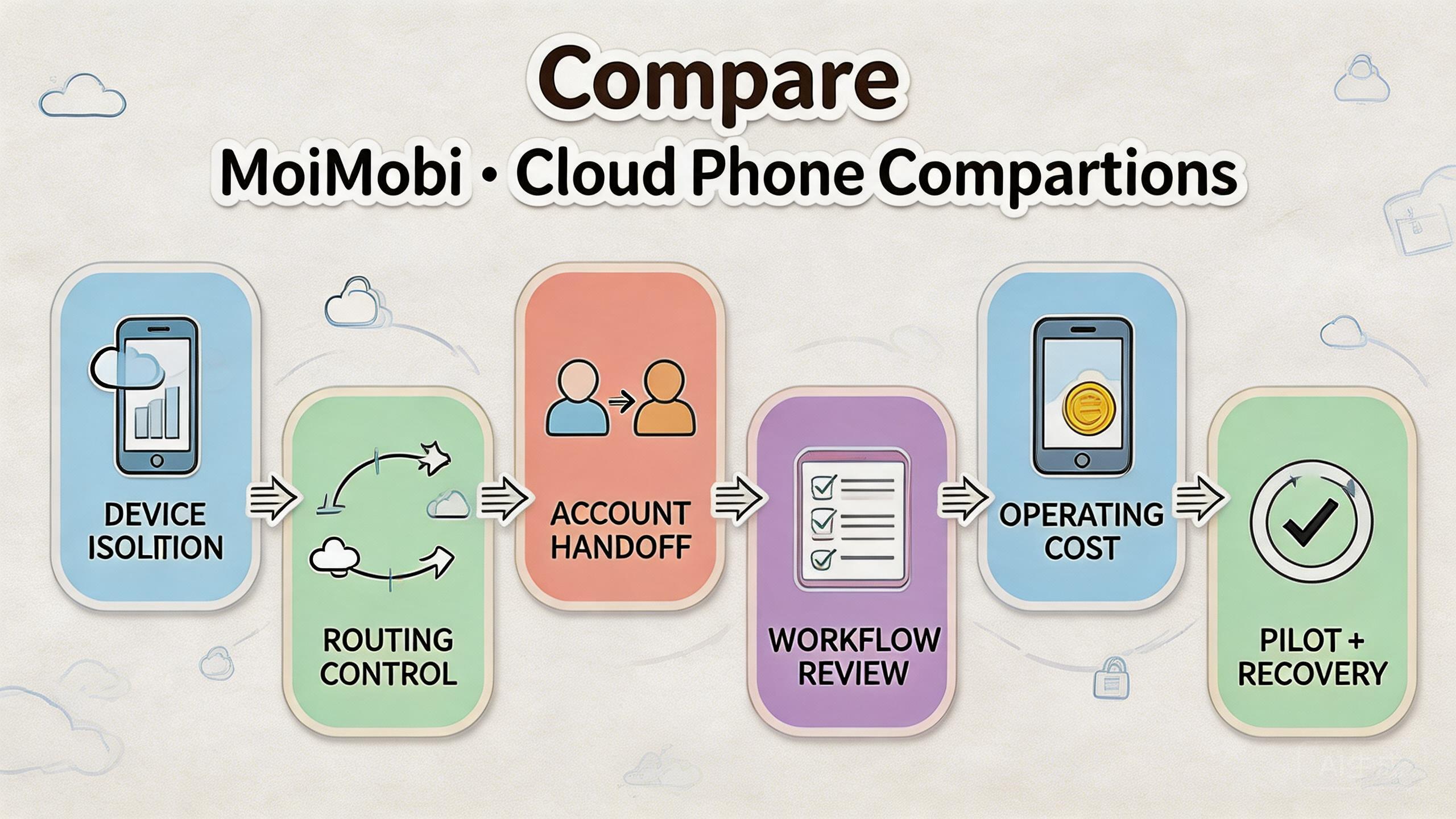
A cloud phone comparison is a practical review of remote Android options based on workflow fit, device control, account separation, routing, cost, and recovery needs.
The right choice is not always the most familiar cloud phone brand. The better choice is the option that helps a team run mobile work with less confusion. For business teams, that usually means clear device pools, role boundaries, route notes, review visibility, and a simple recovery path.
MoiMobi is worth comparing when the buyer needs cloud phones as part of mobile execution infrastructure. A lighter cloud phone option may fit casual remote access. A stronger operations platform may fit teams that manage account lanes, app workflows, QA checks, or social media activity across several people.
The selection rule is direct. Choose the option that makes the daily workflow easier to assign, inspect, repeat, and restore. If a tool gives remote Android access but leaves managers guessing about device state, user access, or route history, it may become harder to manage as work grows.
Key Takeaways
- A cloud phone comparison should start with workflow fit, not a generic feature list.
- MoiMobi fits teams that need device isolation, routing context, account handoff, and reviewable mobile execution.
- Lightweight remote-phone tools can fit solo users or occasional access needs.
- Teams should compare setup cost, review cost, recovery cost, and management overhead.
- A small pilot is the clearest way to validate which option fits the team.
A practical cloud phone comparison framework
A useful cloud phone comparison starts with the job the product must do. A solo user may only need a remote Android screen. A business team usually needs a repeatable operating model.
Start with four questions:
- What mobile workflow needs to run?
- Who operates, reviews, and resets the device?
- Which account group, app, or market does the device lane support?
- What happens when the lane fails or needs cleanup?
These questions prevent shallow comparison. Many cloud phone products can provide remote access. Fewer setups help teams understand ownership, state, routing, and recovery after repeated work.
For MoiMobi, the comparison should focus on execution infrastructure. A cloud phone is one layer. Teams may also need device isolation, proxy network planning, mobile automation, and multi-account management.
Google Search Central encourages helpful, reliable content for people rather than thin claims (Google Search Central). The same standard should apply to buying decisions. A useful comparison should explain the work impact, not only label one product as better.
Use this framework before comparing vendors:
| Comparison area | What to inspect | Why it matters |
|---|---|---|
| Device control | Can the team assign, review, and reset lanes? | Prevents vague device state. |
| Account separation | Can workflows stay separate enough to inspect? | Reduces mixed account history. |
| Routing context | Can route assumptions be recorded? | Improves troubleshooting. |
| Team access | Can roles differ by operator, reviewer, and admin? | Limits accidental changes. |
| Recovery process | Can a bad lane be paused and restored? | Keeps one issue from spreading. |
| Fit boundary | Does the tool match the actual use case? | Avoids overbuying or underbuying. |
This cloud phone comparison framework keeps the decision practical. A strong option reduces the buyer's current friction.
Use case fit before feature fit in cloud phone comparison
Feature lists are easier to compare after the use case is clear. Without a clear use case, every product sounds similar. With a clear use case, the gaps become visible.
Solo remote access is the simplest use case. A user may need one remote Android device to access apps away from a physical phone. In that case, a lighter cloud phone tool may be enough.
Team account operations need more structure. Operators need separate account lanes. Reviewers need enough visibility to inspect work. Admins need a way to pause, reset, or retire lanes when something breaks.
QA and app testing teams need repeatability. A cloud phone should support stable app state, clear device setup, and a reset process. The buyer should ask whether a test can be repeated without rebuilding the environment each time.
Social media teams often need shared access, device separation, and account workflow notes. The tool should support a clean handoff between operators, not only open a screen.
Agencies and global teams need governance. Client accounts, markets, and operator groups may need separate pools. A platform that cannot show ownership or status may create review overhead.
The practical lesson is simple. Do not compare cloud phones as if all buyers have the same problem. Compare them by workload. A tool that is enough for occasional remote access may be weak for daily team operations.
Cloud phone comparison matrix for team workflows
The matrix below compares common evaluation paths. It does not make unsupported claims about specific vendors. It shows what the buyer should validate during a pilot.
| Team need | Lightweight remote phone | MoiMobi-style workflow infrastructure | What to test |
|---|---|---|---|
| Occasional app access | Often enough | May be more than needed | Access speed and basic stability |
| Shared account work | May become messy | Stronger when lanes are defined | Handoff and account state clarity |
| Multi-account operations | Needs careful process outside the tool | Better fit when pools and owners are clear | Pool design and review notes |
| Mobile QA | Depends on reset control | Useful when state and recovery are visible | Repeatability and reset time |
| Social media workflows | Can work for small teams | Stronger for shared team execution | Account grouping and access roles |
| Global operations | May lack management depth | Better fit when routing and review matter | Market lanes and route assumptions |
This comparison also shows why a “best cloud phone” answer is usually incomplete. The better question is, “best for which team and workflow?”
For example, a founder testing one app may prefer the simplest remote Android setup. A growth team running shared account workflows may need separated pools, role controls, and review notes. A QA team may care more about reset speed and repeatability than account grouping.
MoiMobi should be evaluated where mobile work needs structure. That includes cloud phones, phone farm use cases, mobile automation, device isolation, and account workflow handoff. A buyer should still validate the fit with its own process.
Operational trade-offs and team workflow
The common mistake is treating cloud phone comparison as a screen-count decision. Device count can matter, but it does not explain whether a team can manage daily work.
Workflow handoff is the first trade-off. A simple remote phone tool may be fast for one person. A team workflow needs context. The next operator should know which lane to use, what changed, and whether the device is ready.
Review visibility is the second trade-off. A manager should not need to ask every operator for status. The system should make it easier to see which lanes are active, paused, reusable, or under review.
Routing clarity is the third trade-off. Teams that use regional workflows or proxy routes need enough notes to debug problems later. A route that changes without record makes review harder.
Recovery is the fourth trade-off. Every repeated mobile workflow eventually has failures. The key question is whether one failed lane can be isolated without blocking the whole team.
Use this short handoff test:
- Can a second operator continue the same lane without guessing?
- Can a reviewer understand the last important change?
- Can an admin reset the lane and record the decision?
- Can the team tell whether the issue came from app state, account state, route context, or user action?
If these answers are unclear, the tool may be too light for team-scale work. If the answers are clear, the platform is carrying useful operational context.
Setup cost, ongoing cost, and management overhead
Cost is not only the monthly price. A cloud phone comparison should include the cost of setup, training, review, recovery, and daily coordination.
Setup cost includes pool design, role rules, route notes, and reset policies. This work may feel slower at first. It can reduce confusion later if the team actually follows the process.
Training cost includes teaching operators how to use lanes, record changes, and avoid casual configuration edits. A tool that looks simple but creates hidden mistakes may cost more over time.
Review cost includes manager time. If a lead needs to inspect account work each day, the platform should reduce status questions. Poor visibility turns review into a chat-based investigation.
Recovery cost includes cleanup after failures. A failed lane should have a known path: pause, inspect, reset, verify, and return. Without that path, teams often reuse unclear environments by habit.
Change cost also matters. Teams change workflows, apps, account groups, and markets. A useful system should adapt without forcing the team to rebuild everything from zero.
Google’s search documentation highlights clear organization and user value (Google Search docs). Operations need a similar standard. The buyer should be able to explain how the tool is organized and why the setup helps the user team.
Do not compare price alone. Compare total operating effort. The lowest visible price may not be the lowest total cost when review and recovery are included.
Which option fits different teams best
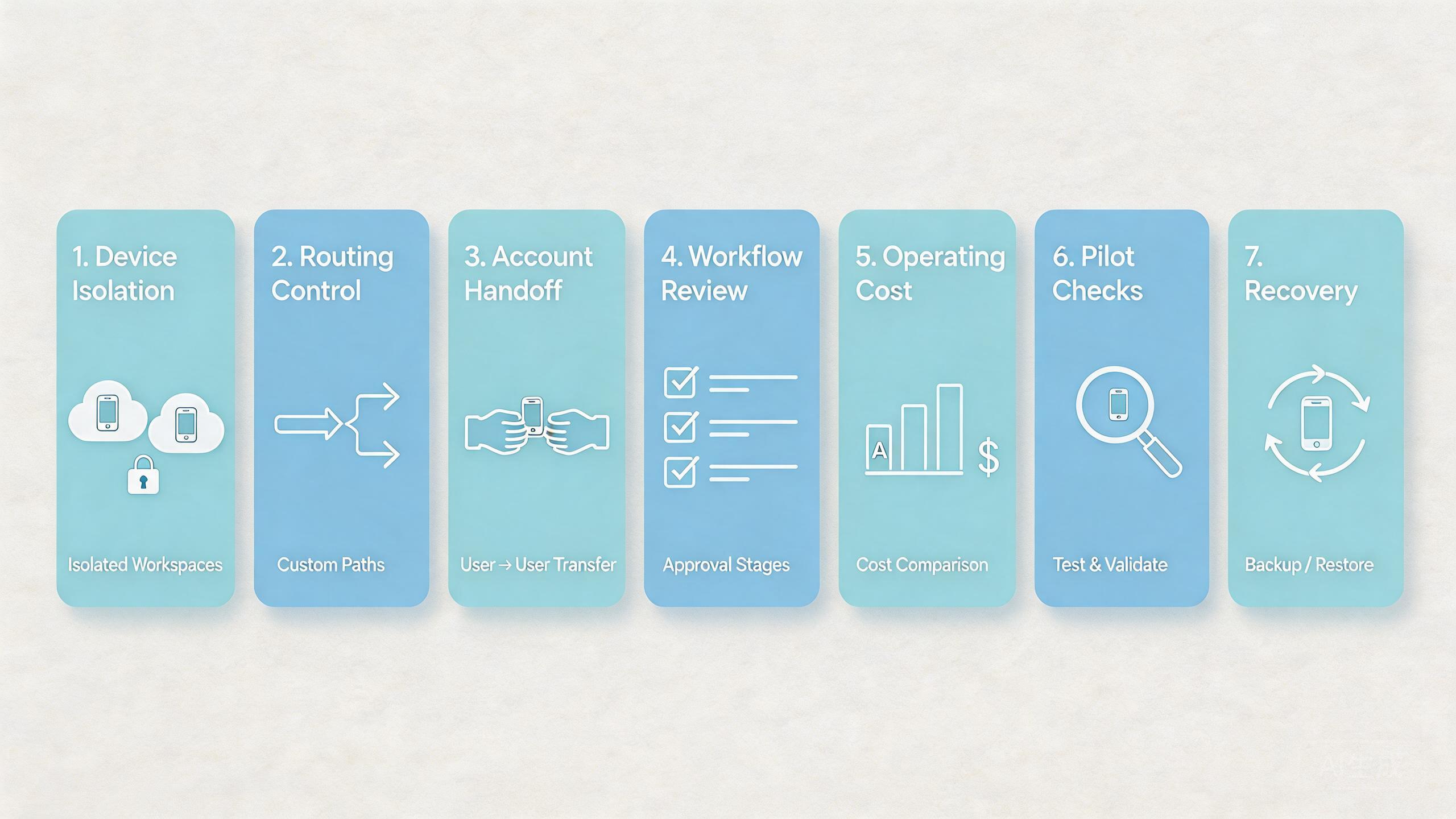
The right option depends on the team shape. A cloud phone comparison should map options to operating needs.
Solo users and occasional access
A solo user may only need one remote Android device. The main test is simple access, app compatibility, and session continuity. A heavy workflow system may be unnecessary.
Small teams with repeat work
A small team needs basic lane ownership. Define who uses each device, when a lane is reusable, and how status is recorded. A tool that supports clear handoff can prevent early chaos.
Multi-account teams
Multi-account teams need separation. Account groups should not blur across devices, routes, or operators. MoiMobi is a stronger candidate when the buyer needs controlled account lanes and repeatable review.
Agencies
Agencies need client boundaries, reviewer visibility, and clean exception handling. A cloud phone comparison for agencies should test whether managers can inspect work without reconstructing it from chat.
QA and product teams
QA teams need repeatability. The platform should support stable device state, app version notes, reset rules, and test handoff. A phone farm or mobile automation layer may also matter.
Global teams
Global teams need market context. They may separate lanes by region, language, account group, or workflow. Route notes and recovery review become more important as coverage expands.
Teams with unclear process
Some teams should not switch tools yet. If account ownership, workflow rules, and recovery steps are unclear, a new platform may expose the problem but not solve it.
Pilot checklist for a cloud phone comparison
A pilot turns comparison into evidence. Keep it small, real, and measurable.
Use one workflow. Do not test every use case at once. Choose a repeated workflow that already causes enough friction to teach the team something.
Assign a small pool. Keep the pool narrow enough to inspect daily. More devices can wait until the process is clear.
Define roles. Separate operators, reviewers, and admins when the workflow allows it. Flat access may feel faster, but it makes review harder later.
Record route assumptions. Write down the market, region, or proxy context tied to the lane. Review becomes easier when route behavior is not a mystery.
Measure handoff. Track how long another operator needs to continue work. The shorter and clearer the handoff, the stronger the fit.
Measure recovery. Pause one failed lane, inspect it, reset it, and return it after review. This test shows whether the system can handle real problems.
Review the result with a simple scorecard:
| Pilot signal | Good sign | Weak sign |
|---|---|---|
| Setup | The team can prepare lanes quickly. | Setup depends on one expert. |
| Handoff | Operators continue with little guessing. | Status lives in chat messages. |
| Review | Leads can inspect lane state. | Review requires asking everyone. |
| Recovery | Failed lanes have a known path. | Bad lanes return by habit. |
| Expansion | The next pool is easy to define. | The team cannot explain what worked. |
The pilot should end with a clear decision. Keep the option if it reduces confusion. Revise the workflow if the tool exposes weak process. Pause expansion if the team cannot explain the benefit.
Governance checks before choosing an alternative
Governance is not a separate enterprise layer for large companies only. It is the basic set of rules that keeps mobile execution understandable when more than one person touches the work.
Start with access governance. Decide who can operate a device lane, who can review it, and who can change its settings. Flat access may look convenient, but it makes mistakes harder to trace. A cloud phone comparison should ask whether role separation is practical for the buyer's team.
Device governance comes next. Each lane should have a purpose and a current state. Useful states include active, reusable, under review, reset required, and retired. These labels help operators avoid guessing.
Route governance is also important. Some workflows depend on market context, proxy routing, or network consistency. A tool does not need to solve every route decision by itself. Good setup makes route assumptions easier to document and review.
Change governance protects the team during growth. App updates, account changes, automation edits, and reset decisions should not disappear into private messages. Short notes are usually enough. The goal is traceability, not paperwork.
These checks matter because cloud phone alternatives can look similar during a demo. Differences appear when the team handles exceptions. A strong fit makes exceptions easier to see, pause, and fix.
Migration planning for cloud phone alternatives
Migration should not begin with every workflow at once. A careful team moves one workflow, reviews the result, and expands only after the new process is stable.
Map the current workflow first. List the devices, accounts, operators, routes, app states, and review steps already in use. This inventory prevents the team from moving unclear habits into a new platform.
Choose a test workflow with real value. Pick something important enough to reveal problems, but not so critical that the team rushes decisions. A weekly account workflow, app review path, or social media process often works well.
Define the success measure before switching. Good measures include shorter handoff time, fewer status questions, clearer recovery, and easier manager review. Avoid vague goals such as “better cloud phone experience.”
Plan rollback conditions. A rollback is not failure. It is a controlled way to protect work when the migration exposes missing process. Example triggers include unclear owner status, repeated reset problems, or route notes that reviewers cannot understand.
After the pilot, compare the result against the old workflow. Did operators work faster? Did reviewers understand status sooner? Did recovery improve? Did the platform reduce hidden work, or only move it into a new interface?
This migration view keeps the comparison honest. The strongest alternative is not the one that sounds best on paper. It is the one that improves the buyer's daily process.
Frequently Asked Questions
What is a cloud phone comparison?
A cloud phone comparison evaluates remote Android options by workflow fit, device control, access, routing, recovery, cost, and team handoff.
Is MoiMobi only a cloud phone rental tool?
No. MoiMobi should be evaluated as mobile execution infrastructure for teams that need cloud phones, device isolation, routing, and workflow control.
Which team needs a more advanced cloud phone setup?
Teams with shared account work, QA workflows, agencies, social media operations, and global execution usually need more structure than solo users.
What should teams compare first?
Compare the workflow first. Device pools, role boundaries, route notes, and recovery rules often matter more than broad feature labels.
Does a cloud phone platform remove account risk?
No. Teams still need policy awareness, responsible operations, and review discipline. Cloud phones improve control, but they do not remove responsibility.
How many cloud phones should a pilot use?
Use the smallest pool that can run one real workflow. A small pilot is easier to inspect and improve.
Should automation be included in the first comparison?
Only if the workflow is already stable. Automation should support repeatable steps, not hide unclear ownership or weak recovery rules.
How should pricing be compared?
Compare total operating cost. Include setup time, training, review time, recovery effort, and the cost of unclear handoff.
Conclusion
A useful cloud phone comparison does not start with hype. It starts with the work. The buyer should define the workflow, account lanes, access roles, routing context, review needs, and recovery process before choosing a platform.
MoiMobi is a strong candidate when the team needs mobile execution infrastructure rather than simple remote Android access. The fit is especially clear when account separation, workflow handoff, device isolation, and route review matter.
The next step is a pilot. Pick one repeated workflow, create a small pool, assign roles, record route assumptions, and measure handoff plus recovery. If the system makes daily work easier to inspect and repeat, it is likely a better fit. If not, fix the operating model before expanding.



