
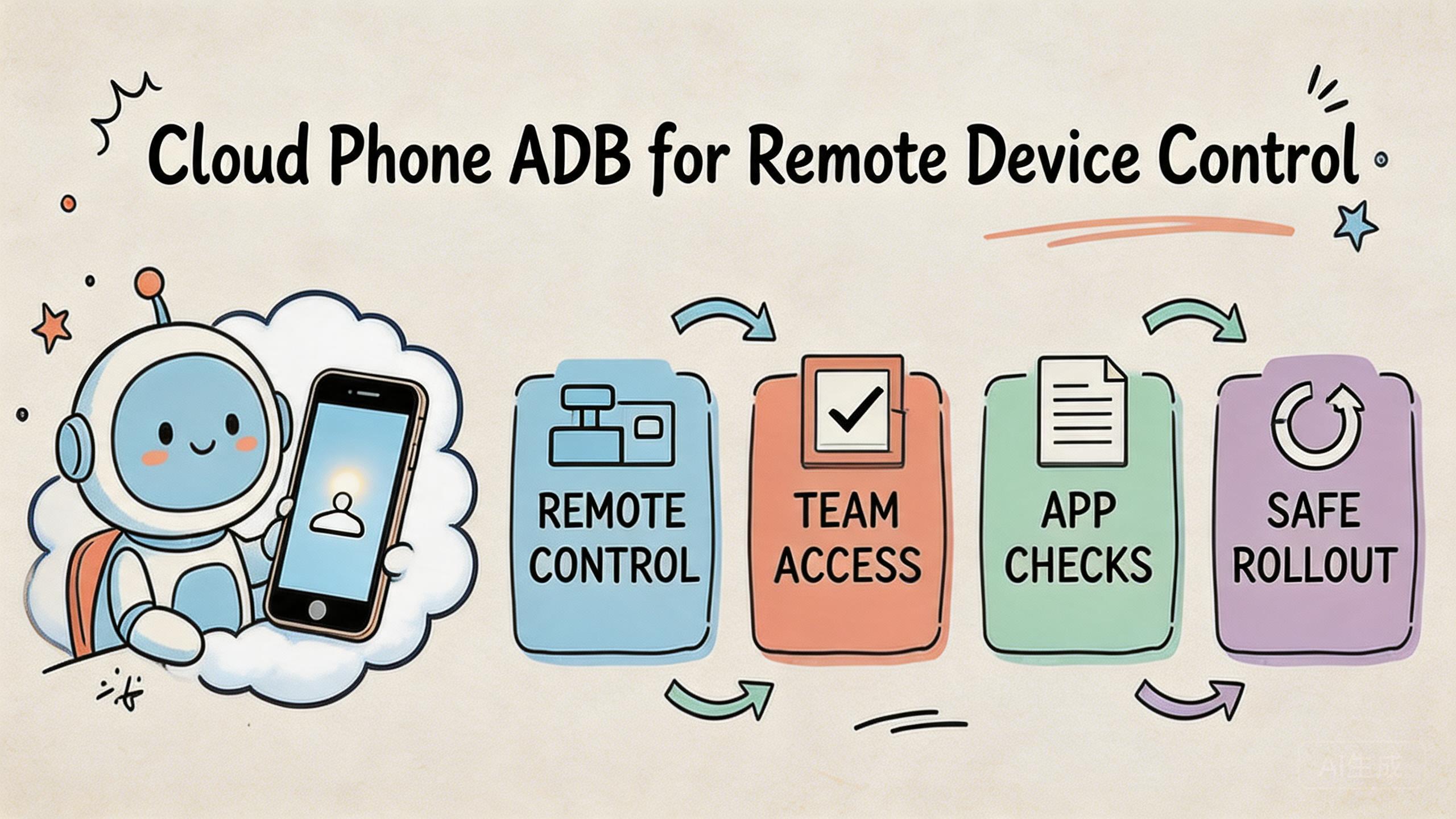
Key Takeaways
- Cloud phone ADB is remote access to Android Debug Bridge functions on cloud-based Android devices.
- It is useful when teams need app checks, log access, install flows, state review, and repeatable device control without local hardware handling.
- ADB access should be treated as an operations tool with roles, logs, device pools, and recovery rules.
- The best setup starts with one controlled workflow, not broad device access for every user.
- MoiMobi teams should connect ADB usage to device isolation, routing policy, and mobile automation instead of treating it as a standalone shortcut.
Cloud phone ADB is remote use of Android Debug Bridge tools on Android devices that run in cloud infrastructure. It lets a team inspect, control, install, debug, or review device behavior without keeping every device on a local desk.
The practical value is not only technical access. The value is controlled mobile work. A developer, QA lead, support operator, or automation owner can interact with a remote Android environment while the team keeps device ownership, routing rules, and recovery steps organized.
This matters because cloud phones are not just screens. In a team setup, a cloud phone can be part of a larger execution stack with device isolation, stable routing, and mobile automation. ADB access becomes one control layer inside that stack.
Android Debug Bridge itself is an official Android developer tool. Google describes ADB as a command-line tool that lets developers communicate with a device, install and debug apps, and run commands on the device (Android Developers: ADB). The same control idea can apply to cloud phone operations.
The right question is simple. Do you need local hardware access, or do you need repeatable remote device control across a team? Repeated, shared, and review-heavy jobs often fit cloud phone ADB. Tasks that depend on physical sensors, cables, or hands-on device inspection may still need local hardware.
What Is Cloud Phone ADB for Remote Device Control?
ADB on cloud phones is not a magic version of Android Debug Bridge. It is a way to connect ADB-style control to remote Android devices. The phone runs in a cloud phone environment, and the team uses a controlled path to inspect logs, check app state, push files, install builds, or trigger commands.
The common misunderstanding is that ADB is only for developers. Developers use it often, but operations teams can also benefit when the use case is controlled. For example, a support team may need logs from a failed app session. A QA team may need to install the same build across several remote devices. An automation owner may need a repeatable command path before a workflow starts.
ADB access works best when it is paired with clear device ownership. A loose setup can create trouble fast. Users may run commands on the wrong device, leave old state behind, or change settings without review. A stronger setup ties each device to a pool, a role, and a task.
For MoiMobi, the ADB layer should support execution infrastructure. That means access is not only a port or command line. It includes device grouping, status labels, account boundaries, route rules, and recovery steps. The phone farm idea becomes stronger when every remote device has a known job.
Think of the stack in four parts:
| Layer | What it controls | Why it matters |
|---|---|---|
| Device pool | Which cloud phones belong to which workflow | Prevents mixed state and unclear ownership |
| ADB access | Who can inspect, install, debug, or run commands | Limits accidental changes and unsafe handoff |
| Routing policy | Which network path supports the device lane | Keeps review and troubleshooting explainable |
| Recovery flow | How failed or changed devices return to service | Reduces guessing after bad runs |
This structure keeps cloud phone ADB useful for teams. Without the structure, ADB access can become another unmanaged tool. With it, remote device control becomes safer to review and easier to repeat.
Why Cloud Phone ADB for Remote Device Control Matters
Remote device control matters when mobile work moves beyond one person and one phone. A local developer can plug in a handset and run ADB commands. A distributed team needs a different pattern. They need shared access without losing control.
The first reason is speed. A team can inspect device state without waiting for a local phone to be shipped, found, charged, or connected. This can help QA, support, and app operations move faster when the workflow is clear.
The second reason is repeatability. Repeated mobile work breaks when every device has a different setup. ADB commands can help standardize checks, but only when each command is tied to the right device lane. A clean lane makes it easier to know what changed.
The third reason is recovery. Failed mobile workflows are normal. The useful question is whether the team can see the failure, collect enough evidence, and bring the device back to service. Cloud phone ADB can support that loop by exposing logs, app state, or command output.
Google Search Central’s helpful content guidance says content should help people complete real tasks, not only repeat surface claims (Google Search Central). The same standard fits infrastructure. Command access should help a team complete real work: inspect a device, install a build, collect logs, reset state, or confirm a run.
Here is a simple way to judge value:
- Use ADB when it shortens a real device-control task.
- Limit ADB when it gives too much power to the wrong role.
- Log ADB actions when several people share the same pool.
- Pair ADB with device status rules.
- Review failures by lane, not by random individual device.
The value is strongest in team workflows. A single user may only need convenience. A team needs consistency. MoiMobi’s model is built around shared execution, so ADB should be part of the operating process rather than an unmanaged technical feature.
Key Benefits and Use Cases for cloud phone adb
The main use cases are practical, not flashy. Cloud phone adb helps when the team needs remote inspection and control. Common examples include app checks, state review, setup tasks, and repeated QA paths.
One clear use case is build installation. A QA lead may need to install the same APK across several cloud phones. With ADB-style access, the team can reduce manual upload and tap-through work. The benefit is cleaner repeat testing, not only faster install time.
Another use case is log review. A support operator may need technical evidence after a user reports a failed flow. Remote logs can help the team understand whether the problem is app state, device state, network behavior, or the workflow itself. This should be handled with role control and clear privacy rules.
App state checks are also common. A team may need to confirm package state, permissions, storage behavior, or a basic command result before running a workflow. These checks can reduce wasted runs. They also make handoff cleaner because the next operator knows what was already reviewed.
Automation setup is a fourth use case. ADB can support pre-run checks before mobile automation starts. For example, the system can confirm that the target app is installed, the device is online, and the device belongs to the correct pool.
Remote review is another fit. Leads may not need full command power. They may need evidence that a device lane is ready, used, failed, or reset. ADB output can support that review when it is stored and tied to the right task.
For multi-account management, the most important point is separation. Cloud phone ADB should not blur account lanes. It should support cleaner state checks inside isolated device groups. Pair it with device isolation and proxy network rules so each workflow stays explainable.
Use cases that often fit:
- QA smoke checks across remote Android devices.
- App install and update validation.
- Log collection after failed runs.
- Pre-run checks for automation workflows.
- Device state review before handoff.
- Pool-level recovery after repeated failure.
- Technical support for remote mobile operations.
Avoid treating ADB as open-ended access for every user. A broad command path can create hidden changes. The better model is role-based. Give each role the smallest control set needed for the task.
How to Get Started with Cloud Phone ADB for Remote Device Control
Start with one workflow and one device pool. Do not give broad ADB access before the team knows which job it supports. A narrow first lane is easier to test, review, and improve.
- Define the task. Choose one job, such as APK install testing, log review, app state checks, or automation preflight.
- Assign a device pool. Keep the ADB workflow tied to a known group of cloud phones instead of a mixed shared pool.
- Set user roles. Decide who can run commands, who can only review results, and who can reset a device.
- Document allowed actions. List the commands or actions that fit the workflow. Keep unsafe or unrelated actions outside the lane.
- Check routing and state. Confirm that the device route and device status match the workflow before commands run.
- Log outcomes. Store enough result data to explain what happened during install, review, failure, or reset.
- Review before scale. Expand only after the pilot shows cleaner handoff and faster recovery.
The highest-risk step is role design. ADB can expose powerful controls. Google’s Android documentation shows that ADB can install apps, run shell commands, and communicate with a device (Android Developers: ADB). That is useful for technical work, but it also means access should be deliberate.
Keep the first setup plain. One pool, one workflow, one owner, and one review path are enough. More complexity can wait until the team proves the lane works.
Use a short readiness check:
- Is the device pool named and owned?
- Is the user role clear?
- Are allowed actions documented?
- Is the route known?
- Is device status visible?
- Is there a reset path?
- Can another operator repeat the same process?
The answer should be clear before the team relies on the lane. If the process depends on one person’s memory, the setup is not ready for scale.
Fit Boundaries and Team Controls
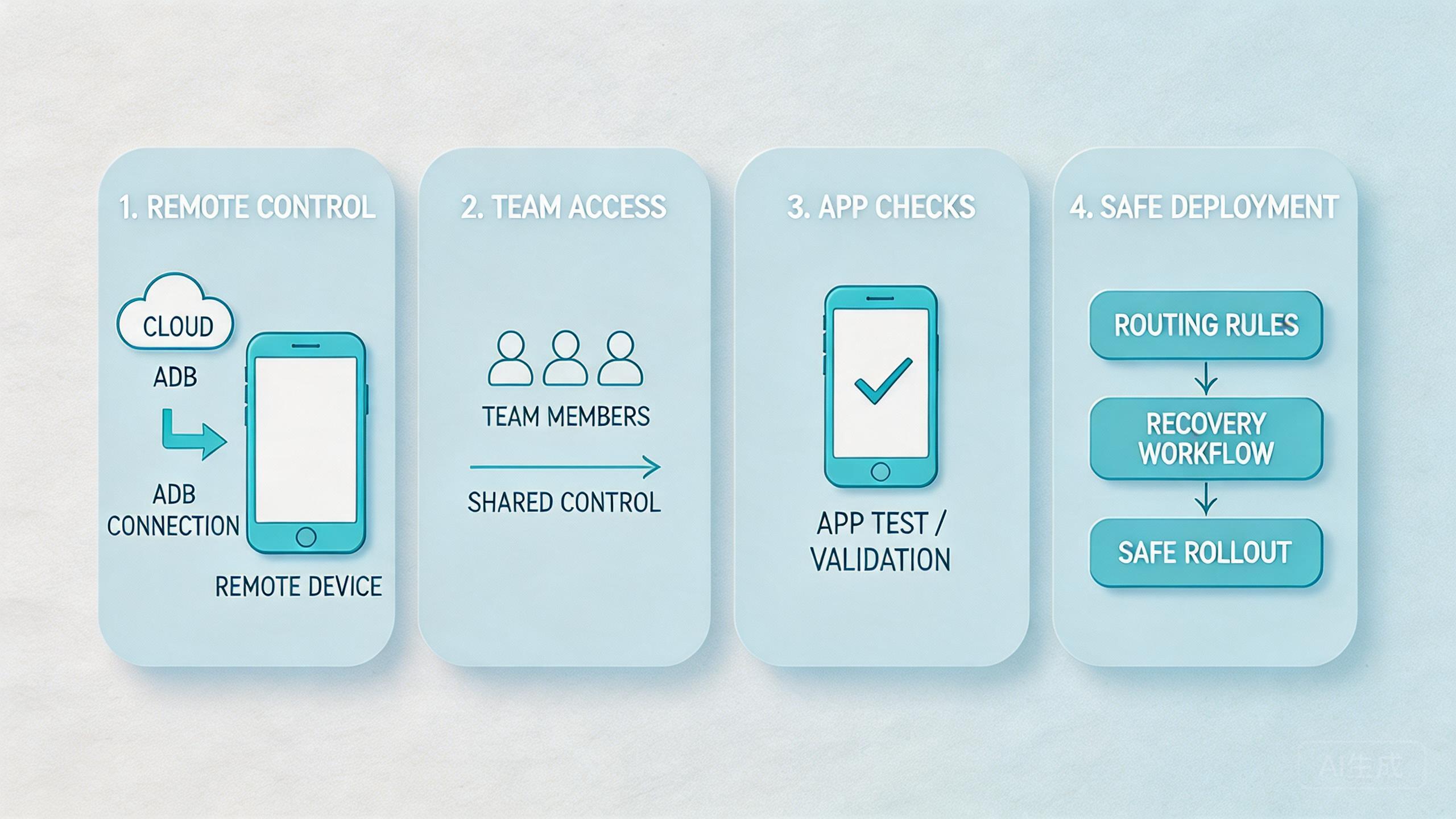
Command-level control fits best when it improves a repeated task. It does not fit every mobile problem. The boundary is important because ADB access can add power and risk at the same time.
Strong fit appears in QA, app checks, remote support, and managed automation. These workflows benefit from command access because the team needs evidence, repeat steps, and state control. ADB helps when it makes a task easier to inspect.
Medium fit appears in mixed operations. For example, a social media marketing team may need device state checks, but most daily work may still happen through an interface. ADB should support the lane, not replace the normal workflow.
Weak fit appears when the job depends on physical hardware. Sensor tests, accessory checks, local cable behavior, and device-body inspection usually need real devices. A cloud phone may support early review, but it should not be treated as the only answer for hardware-led work.
Control also depends on the site policy and app policy involved. Platform rules still apply even when the device is remote. ADB access can help a team inspect and run tasks, but it does not remove the need for responsible operation.
Use this fit guide:
Repeated app checks, log review, install tests, automation preflight, and controlled recovery workflows.
Account operations, social workflows, or ecommerce work where device state matters but broad command access is not needed.
Physical sensor testing, cable-level debugging, accessory testing, or device-body inspection.
A clear boundary makes the tool safer. Operators should know when to use ADB, when to use the normal UI, and when to escalate to a technical owner. That separation protects the workflow from casual changes.
Common Mistakes to Avoid
The first mistake is giving ADB access before defining the workflow. Open access can feel efficient, but it creates hidden changes. A team should know which task the command path supports before anyone uses it.
The second mistake is mixing device pools. ADB commands can change device state. If several workflows share one pool, a change for one lane may affect another. Separate pools make the impact easier to review.
The third mistake is skipping logs. When a command changes app state or collects evidence, the result should be tied to the device, user, time, and workflow. Without that trail, the team may not know what happened after a failed run.
Another mistake is letting every operator use the same level of access. A reviewer may only need results. A QA engineer may need install and log commands. An admin may need reset controls. Flat access makes mistakes harder to contain.
Route drift is also a common issue. Teams may run ADB checks while the device is on the wrong route or in the wrong state. Later, results become hard to explain. Pair command access with routing policy and status checks before the workflow begins.
Some teams also overuse ADB. Not every task needs command-line control. If the normal interface solves the job clearly, use it. Keep ADB for tasks where command access gives real inspection, install, debug, or recovery value.
The last mistake is scaling too early. A pilot should show that ADB access improves setup time, handoff clarity, or recovery speed. Unclear results usually mean the team should narrow the workflow before adding devices.
Pilot Metrics for Cloud Phone ADB Workflows
A pilot should measure whether ADB control helps the team do better work. The goal is not to prove that commands run. The goal is to prove that the workflow becomes clearer and easier to recover.
Track setup time first. A good lane should make device preparation more predictable. Operators should know which pool to open, what state to expect, and which checks to run.
Measure handoff quality next. Another person should be able to review the same device lane without asking for private notes. ADB output, device status, and task history should explain the work.
Watch recovery time. When a command fails or a device enters a bad state, the team should know what to do. Mark the device, collect evidence, reset if needed, and return the lane to service only when the status is clear.
Use a compact scorecard:
| Check | Pass signal | Review question |
|---|---|---|
| Setup | Operator starts without local hardware help | Is the device pool clear? |
| Access | Role matches the task | Can this user run only needed actions? |
| State | Device status is visible | Is the device ready, used, or under review? |
| Routing | Route is known before commands run | Can the team explain the network path? |
| Recovery | Failed runs have an owner | Who resets or quarantines the device? |
Do not rely on one successful run. Repeat the pilot several times across normal work. The useful signal is consistency. A process that works across users and days is closer to real infrastructure.
Google’s SEO Starter Guide focuses on clear organization for users and search systems (Google Search Central SEO Starter Guide). Operations need the same habit. Clear names, roles, logs, and status labels make the workflow easier for people to trust.
Frequently Asked Questions
What is cloud phone ADB?
ADB for cloud phones is device control for remote Android environments. It helps teams inspect, install, debug, or review cloud phone state without local hardware.
Is cloud phone ADB only for developers?
No. Developers use ADB often, but QA, support, and operations teams can also use controlled ADB workflows for app checks and recovery.
What can teams do with cloud phone adb?
Teams may use it for APK installs, log checks, package state review, pre-run checks, and device recovery steps. Exact actions depend on the platform and access rules.
Does ADB access replace the normal device interface?
No. It should support the normal workflow. Use the UI when it is enough, and use ADB when command-level inspection or control adds real value.
What is the main risk of remote ADB access?
The main risk is unmanaged change. A user can affect device state, app setup, or workflow results if access is too broad or poorly logged.
How should a team start?
Start with one device pool, one workflow, one owner, and one allowed action set. Expand only after the pilot improves handoff and recovery.
Does cloud phone ADB help mobile automation?
It can help with pre-run checks, app setup, state review, and recovery. It should be paired with clear automation rules and device pool ownership.
When is local hardware still better?
Local hardware is better when the task depends on sensors, accessories, cables, physical inspection, or device-specific hardware behavior.
Should every operator get ADB access?
No. Give each role only the access needed for its task. Reviewers, operators, QA engineers, and admins should not all have the same control level.
Conclusion
Command-level access is useful when teams need more than a remote screen. It gives technical access to inspect, install, debug, and recover Android device workflows inside a cloud phone environment.
The strongest use cases are repeatable and team-based. QA checks, app install tests, log review, automation preflight, and recovery workflows can all benefit when ADB access is tied to pools, roles, routes, and status labels.
The weak use cases are also clear. Hardware-led testing still needs physical devices. Broad access without rules can create hidden changes. ADB should be used as a controlled work layer, not as an open shortcut.
The next step is to choose one workflow and test it with one cloud phone pool. Define the owner, allowed actions, route policy, device status labels, and recovery path. A pilot that improves setup, handoff, and recovery shows cloud phone adb is becoming useful infrastructure. Unclear results mean the team should narrow the workflow before adding devices or access.



