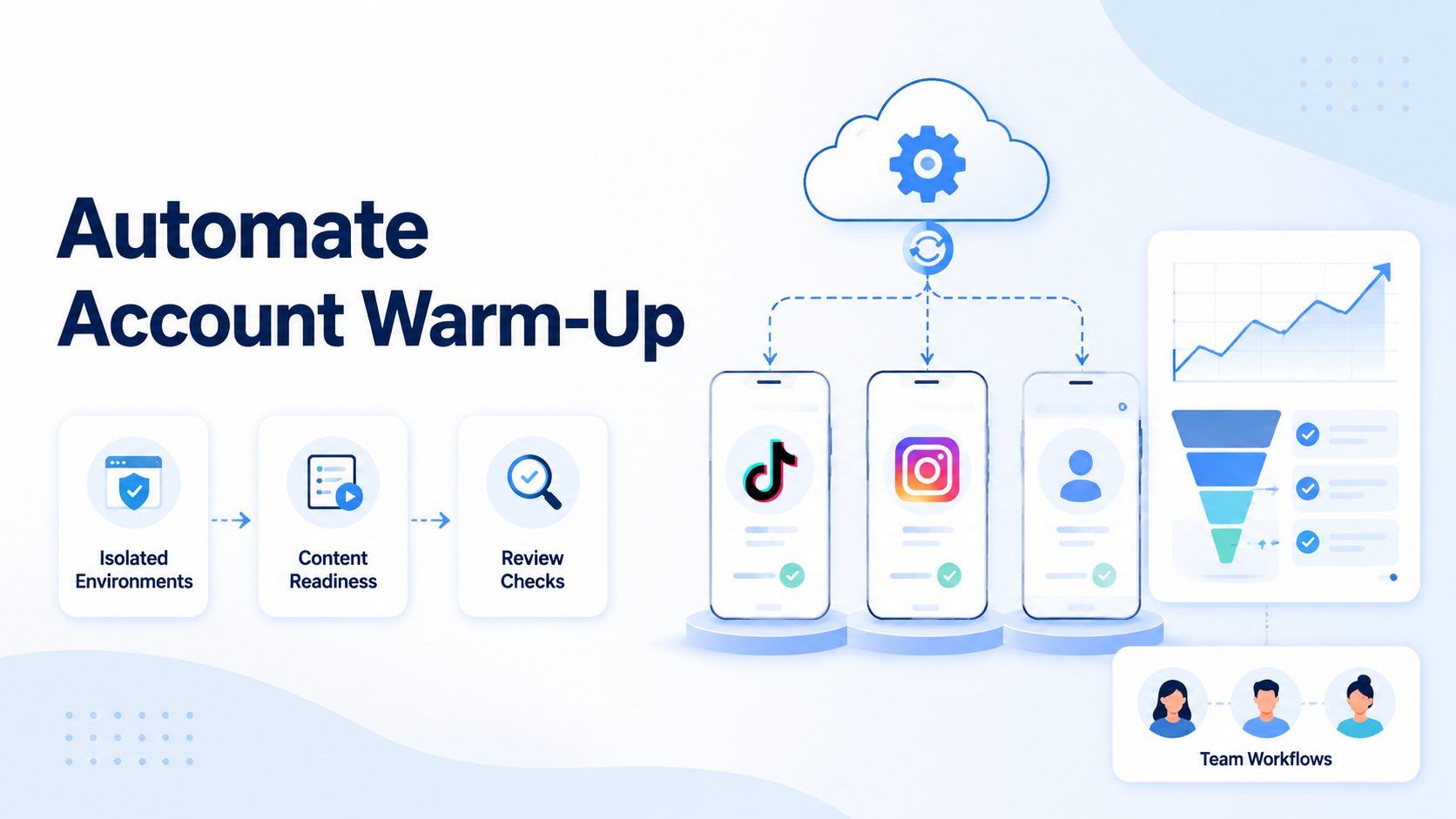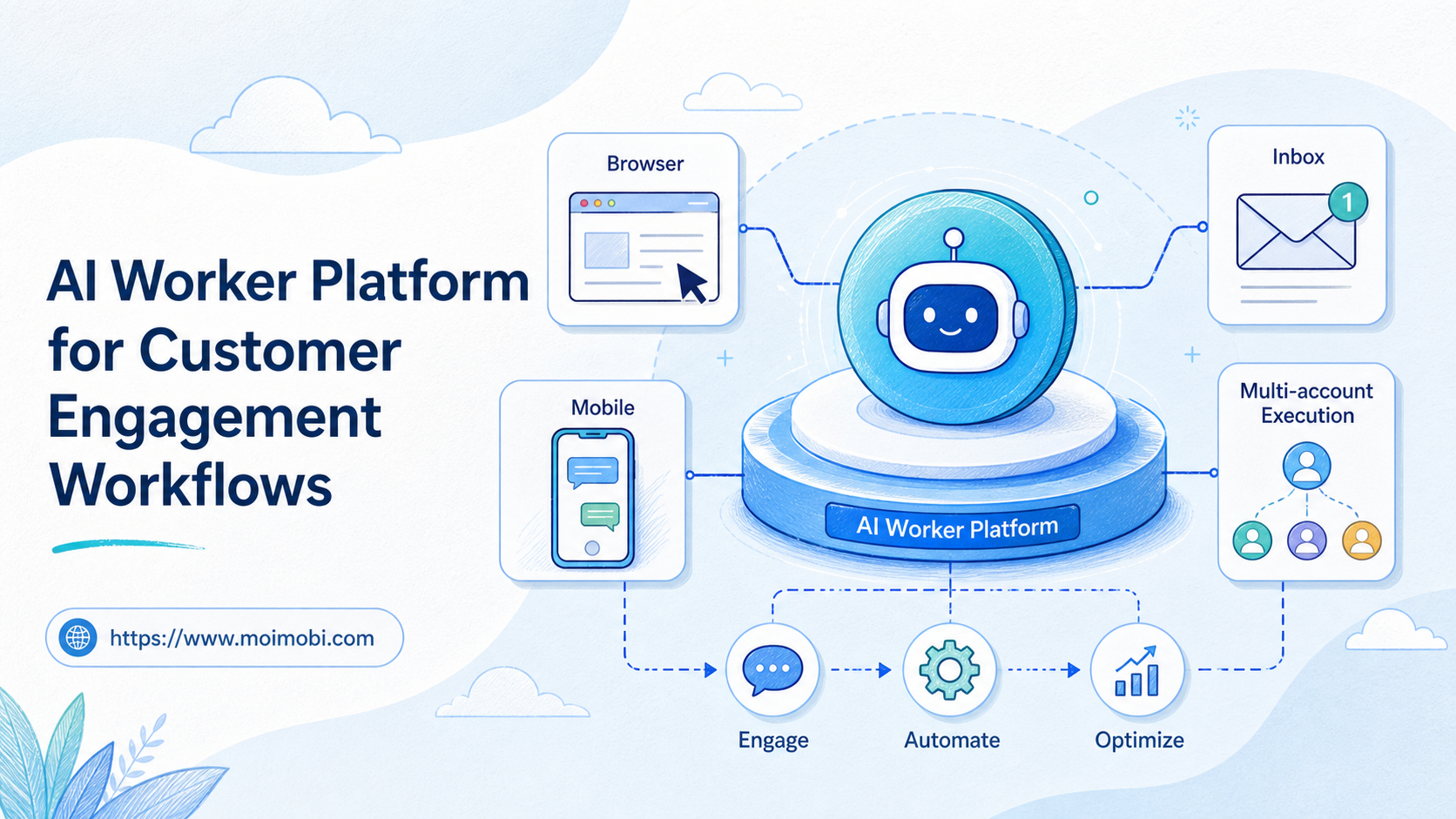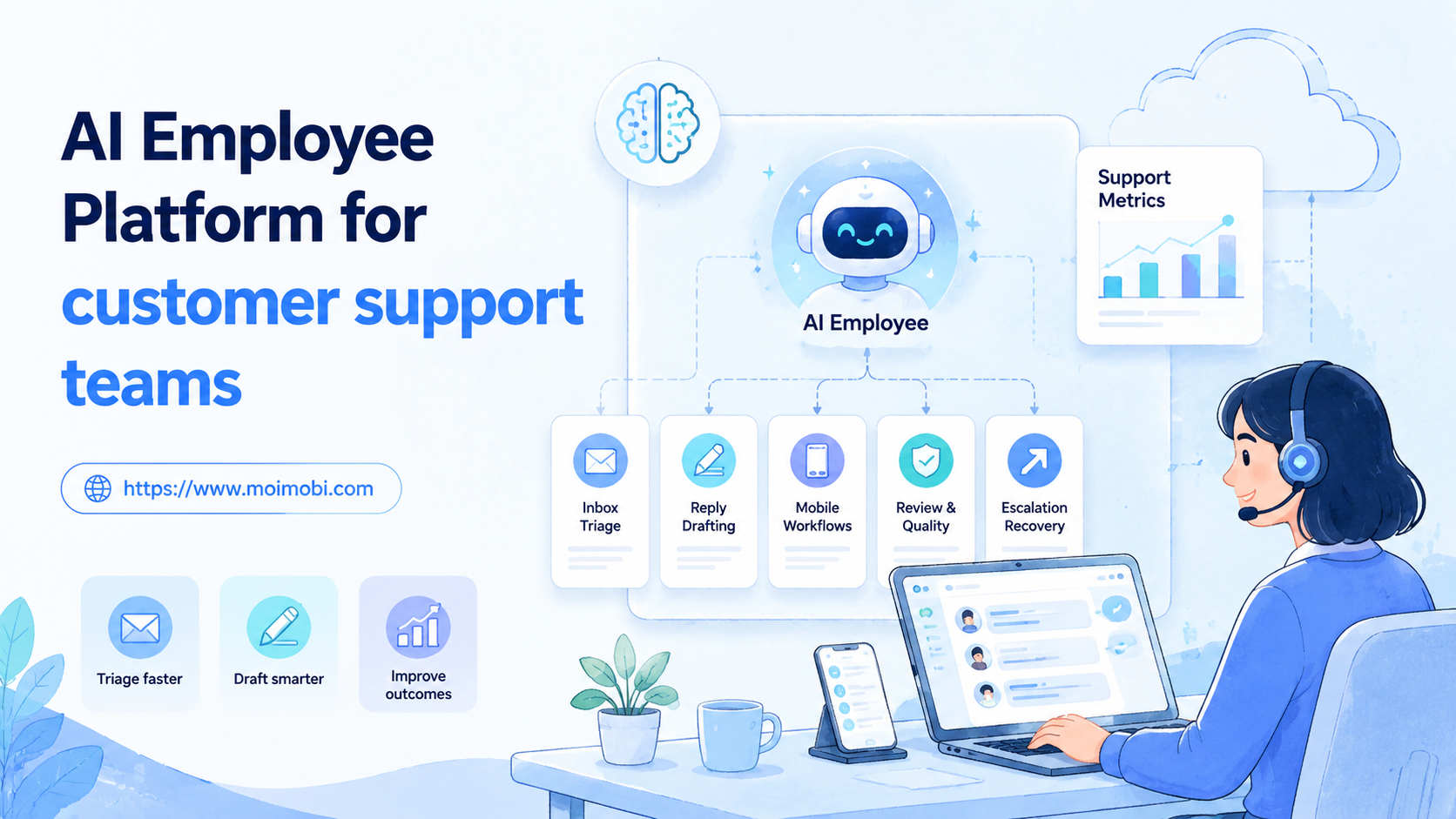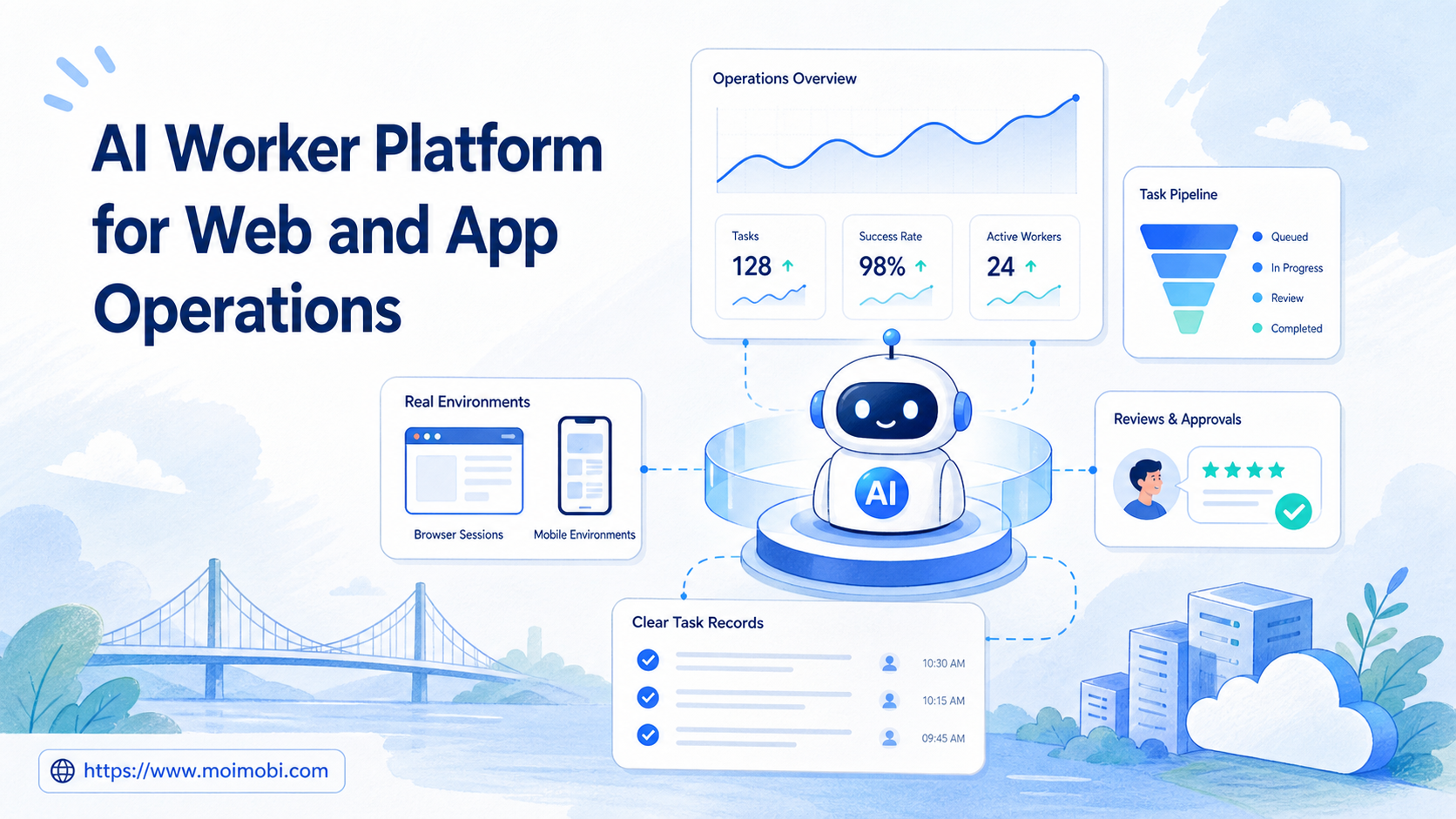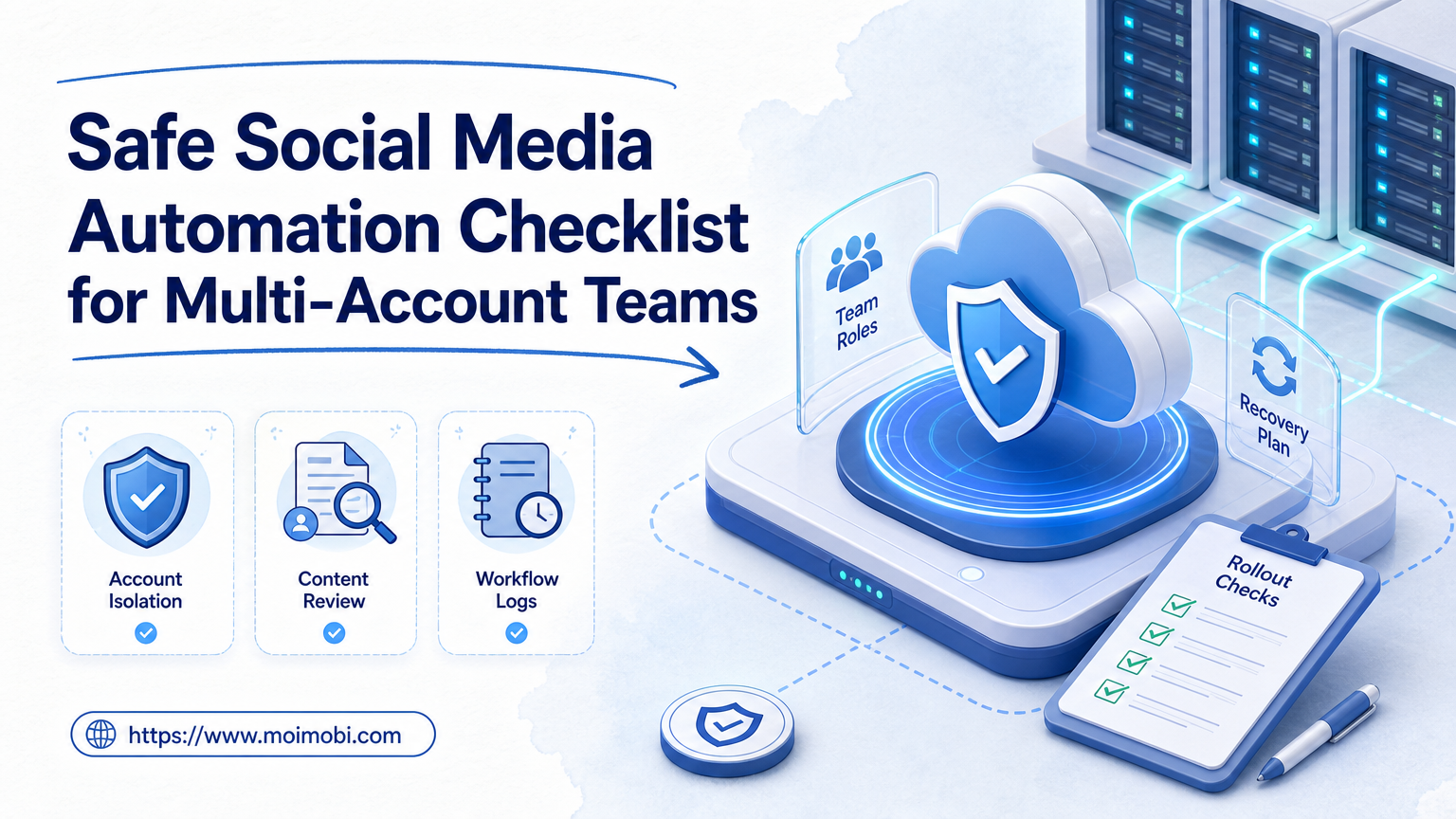
A safe social media automation checklist is a set of operating rules that helps teams automate repeatable social tasks without losing account ownership, content quality, review control, or recovery visibility. The checklist does not promise that every platform risk disappears. Its practical value is reducing avoidable mistakes.
For multi-account teams, "safe" means controlled. Each account needs a clear workspace, a responsible operator, reviewed content, approved task types, and logs that show what happened. The checklist should make the workflow inspectable before it becomes large.
This matters because social platforms care about authenticity and user trust. TikTok's integrity and authenticity guidance warns against spam, fake engagement, deceptive account behavior, and automation used to run many accounts in manipulative ways. Instagram's Community Guidelines also emphasize authentic interaction and respect for the community. A responsible automation workflow should stay inside those boundaries.
Key Takeaways
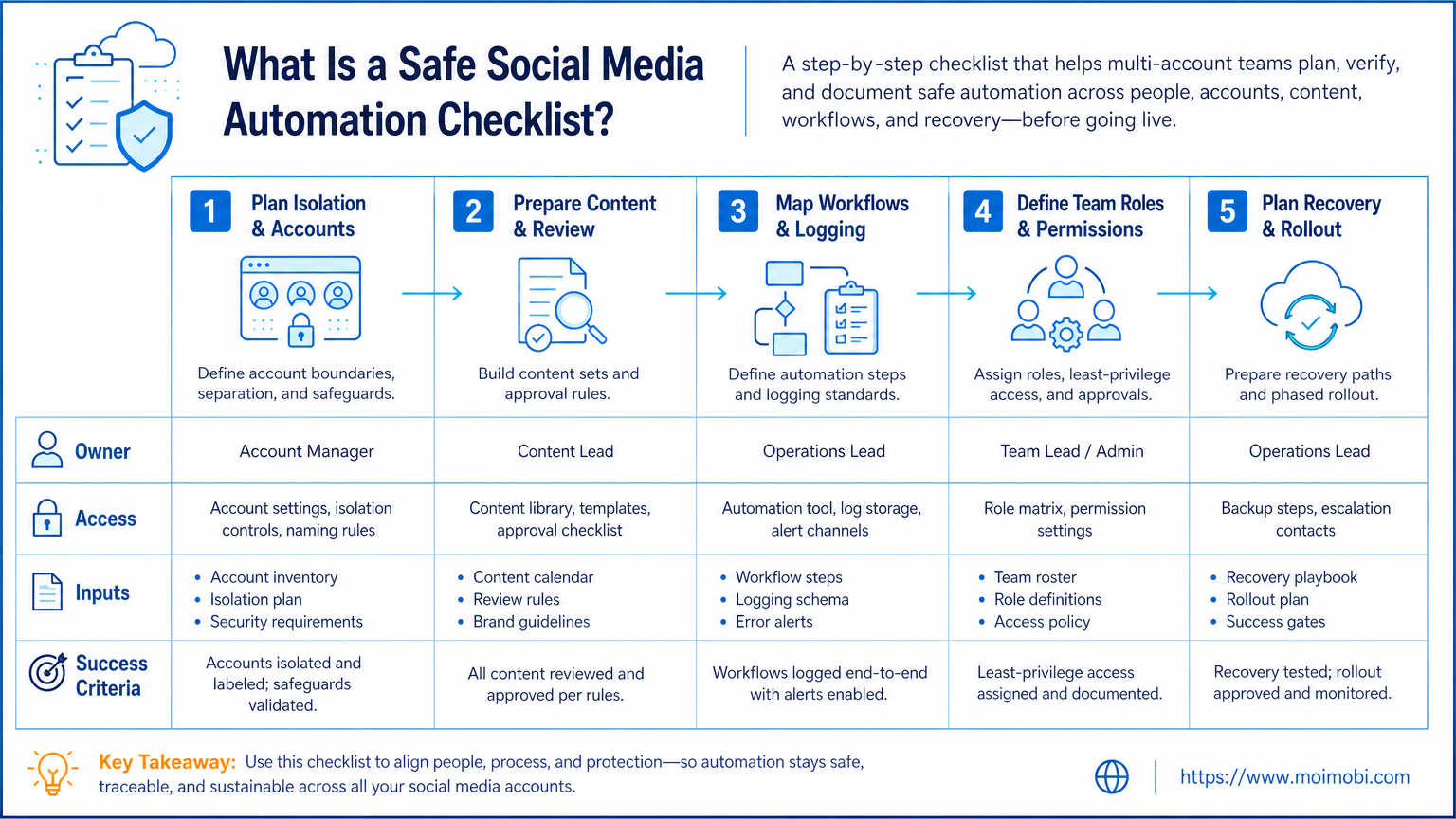
- Keep automation tied to legitimate tasks, not fake engagement.
- Assign one account workspace, owner, and review path per profile.
- Use logs to inspect publishing, replies, failures, and manual takeovers.
- Pilot with a small account set before expanding to more profiles.
What Is a Safe Social Media Automation Checklist?
A safe checklist is a governance layer for social media operations. It defines what the team may automate, who controls each account, and how failed tasks are reviewed.
The common mistake is treating automation as only a speed problem. Speed is secondary. The first requirement is control. A team that publishes faster but loses track of account ownership, content approval, or reply quality has created a larger operations problem.
For Moimobi users, the checklist connects execution environments with team process. A social account may run in a browser profile, a cloud phone, or a mobile workspace. The important point is that each profile has a stable place to work and a clear trail of actions.
Use the checklist before you add accounts. Fixing ownership, routing, and review rules is easier with ten accounts than with one hundred.
Why a Safe Social Media Automation Checklist Matters
Multi-account operations fail when small manual shortcuts become habits. One operator logs into the wrong profile. A draft gets published before review. A customer message is answered twice. A failed task is retried without context.
The checklist reduces these problems by forcing four decisions:
- Which tasks are allowed?
- Which accounts can run those tasks?
- Which environment owns each account?
- Who reviews the result?
It also helps teams separate useful automation from risky volume. Legitimate automation may include approved publishing, inbox triage, comment routing, reporting, and status checks. Risky automation usually looks like repetitive engagement, unclear ownership, or behavior that conflicts with platform rules.
Teams using multi-account management should treat the checklist as an operating standard, not a one-time setup document.
Checklist: Account Environment and Isolation
Start with the environment. Every account should have a known workspace before it has scheduled tasks.
| Check | Pass Signal | Failure Signal |
|---|---|---|
| Workspace assignment | Each account has one named browser or mobile environment | Operators use shared generic sessions |
| Device separation | Mobile app accounts run in separated mobile workspaces | Several unrelated accounts rotate through one device |
| Role access | Operators only access profiles they manage | Everyone can operate every account |
| Routing notes | Network or proxy changes are recorded | Routing changes happen without explanation |
| Recovery owner | Failed tasks go to a named reviewer | Failures are retried until they disappear |
If most work happens inside mobile apps, use device isolation and mobile automation as part of the operating model. If the work happens in web dashboards, include browser profile rules as well.
Checklist: Content, Replies, and Human Review
Content quality is part of operational safety. Automation should not remove the team's responsibility to review what gets published or sent.
Use this workflow before scaling:
- Content source: Every post, caption, or reply template has an owner.
- Approval state: Draft, reviewed, approved, and rejected states are visible.
- Publishing rule: Only approved content can enter scheduled workflows.
- Reply boundary: Automated replies handle routine cases only.
- Escalation path: Sensitive messages move to a human reviewer.
- Audit trail: Each publish or reply action creates a task record.
This is especially important for customer engagement. A reply workflow can save time, but only if it protects tone, context, and escalation. For teams running social media marketing, the goal is consistent execution, not blind output.
How to Get Started with the Checklist
Begin with a single workflow. Do not automate every platform and every account at once.
Use this setup order:
- Pick one platform, such as TikTok, Instagram, Facebook, WhatsApp, or Telegram.
- Choose one task, such as publishing, inbox triage, comment routing, or reporting.
- Assign five to ten accounts to named workspaces.
- Define allowed actions and stop rules.
- Run the workflow for a short pilot period.
- Review logs before adding more accounts.
The strongest first workflow is usually one that already has a clear SOP. When the human process is unclear, automation will only make the confusion faster.
Common Mistakes to Avoid
Avoid using automation to create fake engagement. That includes repetitive likes, fake comments, artificial follower growth, or actions designed to mislead users or platforms.
Skipping environment mapping creates weak recovery paths. An account without a stable workspace is hard to review when something fails.
Treating every failed task as a retry problem is another common failure. Some cases need human review, credential checks, app session renewal, or workflow changes.
Full access for every operator may feel convenient, but it weakens accountability. Use roles for publishing, reply review, monitoring, and administration.
Volume alone is a poor success metric. Track quality signals such as reply accuracy, escalation rate, failed workflow reasons, and account-environment mismatches.
Governance Checks Before Expanding Automation
Governance turns the checklist into a repeatable team habit. Without it, even a well-designed workflow can drift as new accounts, platforms, and operators are added.
Use a short weekly review:
- Account map: Confirm every account still has one owner and one active workspace.
- Content approvals: Check whether any scheduled content skipped review.
- Reply quality: Sample replies that were automated, edited, or escalated.
- Failure reasons: Group failures by login, UI change, content issue, or operator handoff.
- Access changes: Review who gained or lost permissions during the week.
- Workflow edits: Record every rule change before running it across more accounts.
The review does not need to be slow. A 20-minute review can catch shared-session mistakes, stale templates, and unclear ownership before they spread across the whole account pool.
For teams using both browser and mobile environments, governance should cover both surfaces. A clean browser workflow can still fail if mobile app tasks run outside the same review process.
Who It Fits and When It Is a Strong Match
This checklist fits teams that manage several accounts, platforms, or operators. Agencies, cross-border sellers, support teams, creator operations, and ecommerce teams can use it for repeated social workflows.
Use it when:
- Accounts need separated environments.
- Operators work remotely or across shifts.
- Publishing, replies, and monitoring repeat daily.
- Managers need visibility into task results.
- Failed tasks need recovery records.
The fit is weaker when the team only needs occasional manual posting or one account with one owner. In that case, a simple content calendar may be enough.
For larger operations, connect the checklist to phone farm infrastructure or browser profile management. The execution environment must match the workflow, not the other way around.
Checklist: Incident Handling and Evidence Records
An incident path belongs in every safe social media automation checklist. An incident does not have to mean a severe account problem. It can be a missing approval, expired login, unexpected platform prompt, wrong workspace selection, duplicate reply, or task that cannot be completed as written. What matters is that the team stops the right action and records enough context for the next person to make a sound decision.
Use the same short incident record for every recurring workflow:
| Record item | What the team should capture | Why it matters |
|---|---|---|
| Account and workspace | The profile, assigned environment, and task owner | Shows where the task ran and who can review it |
| Task state | Started, paused, blocked, handed off, or cancelled | Prevents a blocked task from being mistaken for a completed one |
| Observed condition | A short factual note, such as an expired session or missing approval | Gives the reviewer evidence instead of a vague failure label |
| Action not taken | What the operator deliberately did not publish, send, or change | Protects the account when the workflow pauses at a boundary |
| Next owner and due time | Who decides next and when the item should be revisited | Stops incidents from disappearing into a chat thread |
Do not turn a simple record into a long report. One or two factual sentences, a task link, and an owner are enough for most cases. The record should be written while the context is still available. Waiting until the end of the week usually turns a correct explanation into a guess.
The recovery path should be different for each problem type. A missing asset goes back to the content owner. A permission or session issue goes to the account owner. A public reply that needs judgment goes to the reviewer. A policy-related uncertainty should pause until the team can confirm the approved path. This routing protects operators from being asked to make decisions outside their role.
Checklist: Mobile Execution and Cloud Phone Boundaries
Mobile-first social work needs its own checks. A mobile task may be legitimate and repeatable, but it should still run in the environment assigned to that account. Before the task begins, verify the named device, account role, approved action, and reviewer. After it finishes, record the result or the reason it stopped.
For a cloud phone workflow, check that the mobile environment is assigned to the correct account, the operator can identify the task source, and any required approval exists before a public action. The goal is not to maximize device activity. It is to make app-based work just as traceable as browser-based work.
Keep mobile and browser task rules consistent where possible. Both should have account ownership, task scope, a pause rule, a result record, and a recovery owner. The execution surface can change, but the governance model should not. That consistency makes shift handoffs easier and helps managers compare a mobile failure with a browser failure without reconstructing two unrelated processes.
Checklist: Team Onboarding and Change Control
New operators should not learn the workflow by copying whatever the previous person did. Give each role a short onboarding checklist: which account groups they may access, which task types they may start, when they must stop, and where they record a result. A 15-minute walkthrough of one real task is more useful than a long generic policy document.
When a workflow changes, record the effective date, the field or rule that changed, and the reason. For example, a team may add an approval flag after a repeated caption issue, or move a mobile task to a named cloud phone after a workspace mismatch. Testing one change on a small group before applying it across the account pool makes the system easier to maintain.
Change control also creates a useful weekly signal. When the same incident appears more than once, the team should repair the checklist, task package, or ownership rule rather than simply reminding operators to be careful. Repeated exceptions are evidence that the current workflow is incomplete.
Pilot Rollout, Measurement, and Recovery Checks
The pilot should prove that the workflow is controlled. It should not chase maximum output.
Track these metrics:
- Completed tasks by account.
- Manual takeover rate.
- Failed task reasons.
- Review approval time.
- Reply escalation rate.
- Account-environment mismatch events.
- Operator time per account.
Recovery is the most important test. Ask what happens when a login session expires, an app changes UI, a message needs human judgment, or a task runs on the wrong account. A safe workflow has a pause point, a reviewer, and a record of what changed.
After the pilot, keep only the steps that improved control. Remove automation that creates review burden without reducing manual work.
Frequently Asked Questions
What is a safe social media automation checklist?
It defines account, content, workflow, review, and recovery rules for controlled social automation.
Does safe automation mean no platform risk?
No. It means the team reduces avoidable operational mistakes and avoids manipulative or low-quality behavior.
What tasks are reasonable to automate first?
Start with approved publishing, inbox triage, comment routing, reporting, and monitoring.
What tasks should teams avoid?
Avoid fake engagement, repetitive spam, hidden ownership, and actions that conflict with platform rules.
Do multi-account teams need separate environments?
Yes, for important profiles. Separate workspaces make ownership, review, and recovery clearer.
Should replies be fully automated?
Only routine replies should be automated. Sensitive, unclear, or high-value messages need human review.
What should managers check weekly?
Review failed tasks, account mismatches, manual takeovers, approval delays, and reply escalation quality.
When is the workflow ready to scale?
Scale after a pilot shows clean ownership, visible logs, recoverable failures, and consistent review quality.
Conclusion
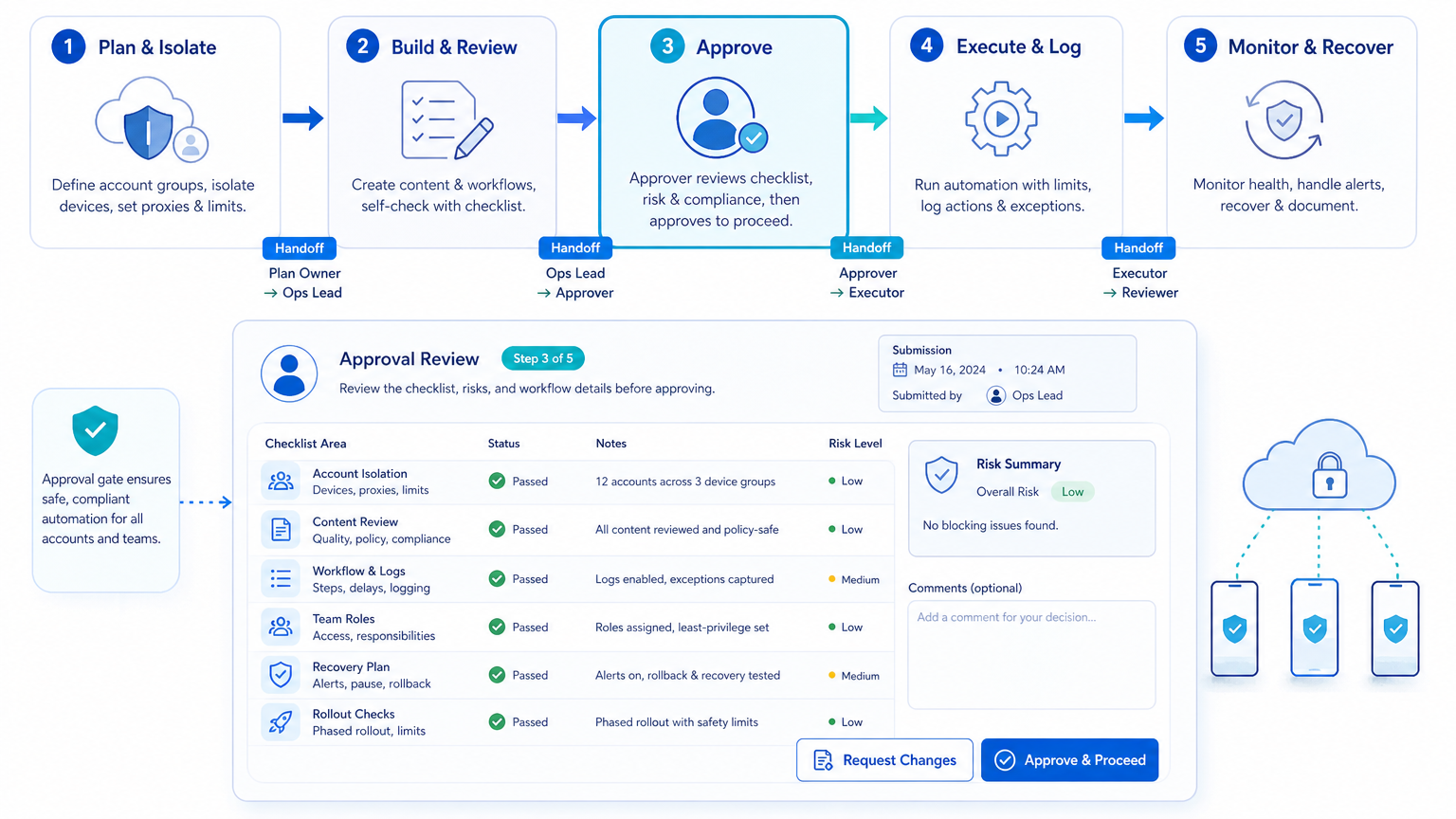
This checklist helps multi-account teams move from scattered manual work to controlled execution. It should cover account isolation, content approval, role access, workflow logs, and recovery steps.
Before scaling, run one small pilot. When the team can explain who owns each account, where each task ran, what happened, and how failures were handled, the workflow is ready for careful expansion.