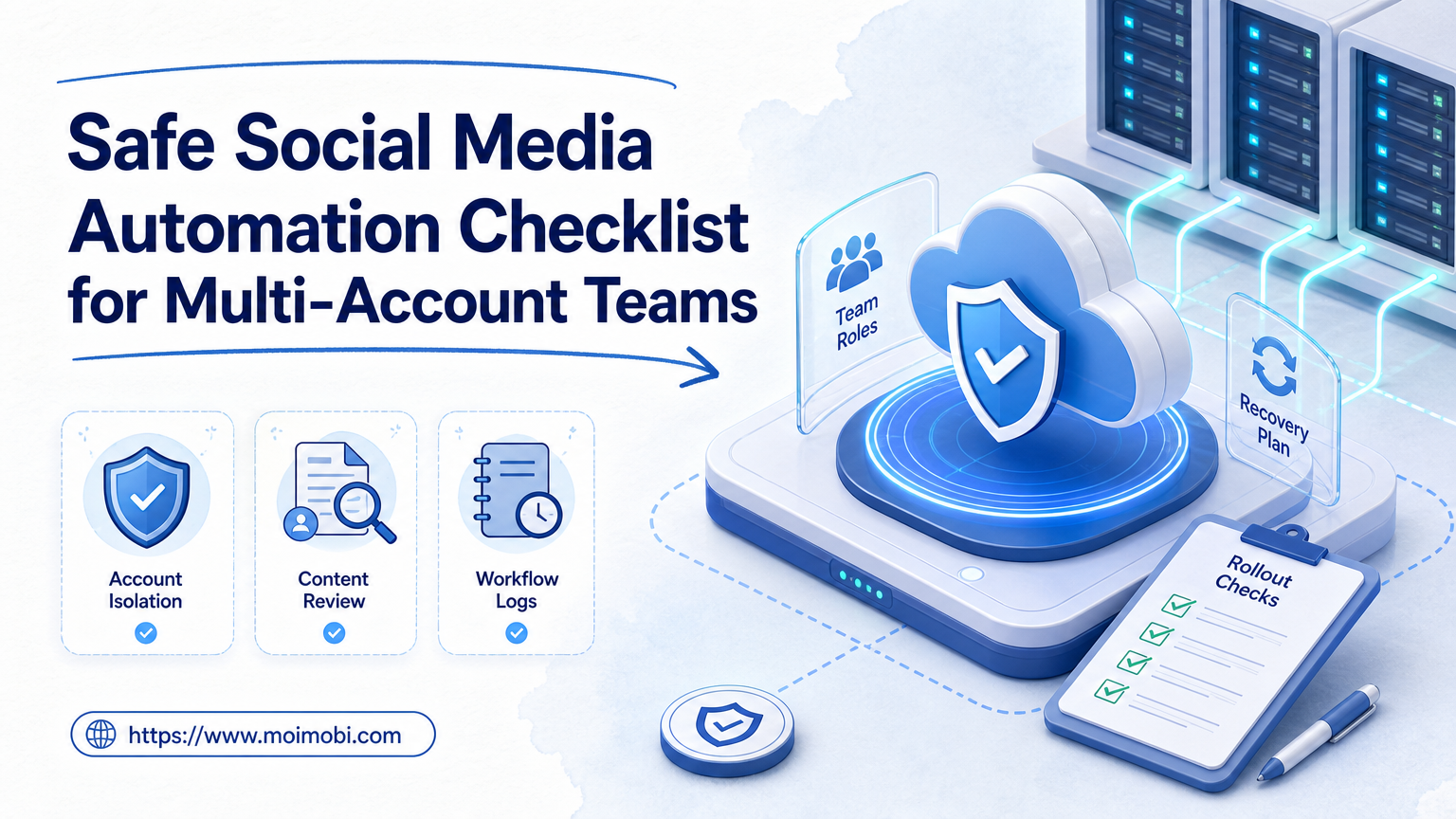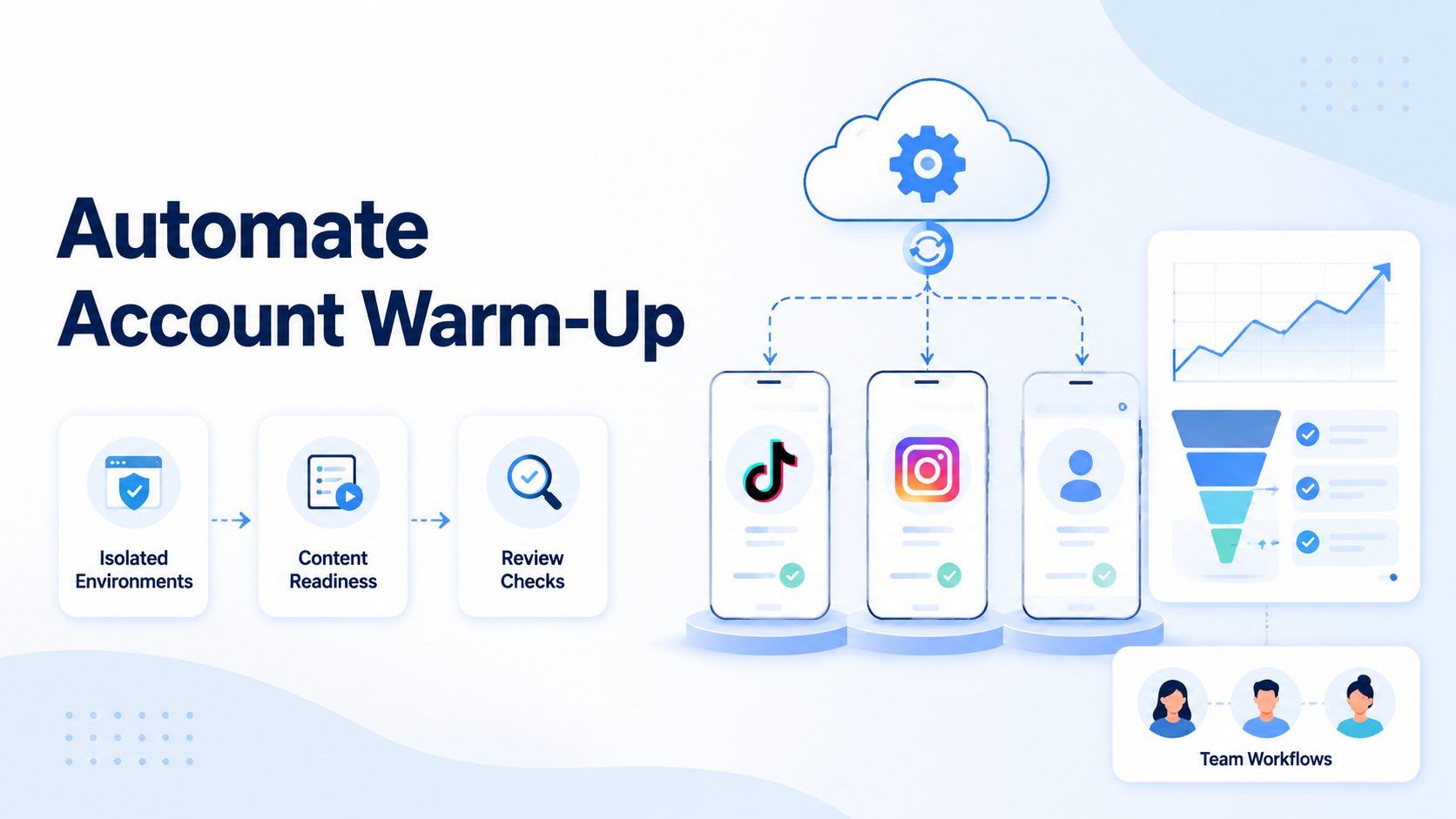
Automate account warm-up means turning early account preparation into a controlled workflow before a team expands publishing, replies, outreach, or multi-account operations. It should not mean fake engagement, spam, or scripts designed to manipulate platform systems.
For TikTok and Instagram teams, warm-up is useful only when it supports normal account setup: complete profiles, consistent login environments, reasonable activity, human review, content readiness, and a clean handoff between operators. TikTok’s official integrity rules state that the platform does not allow spam, fake engagement, deceptive account behavior, or automation tools designed to bypass its systems. Instagram also frames its community rules around authentic sharing and safe interaction. That is the operating boundary.
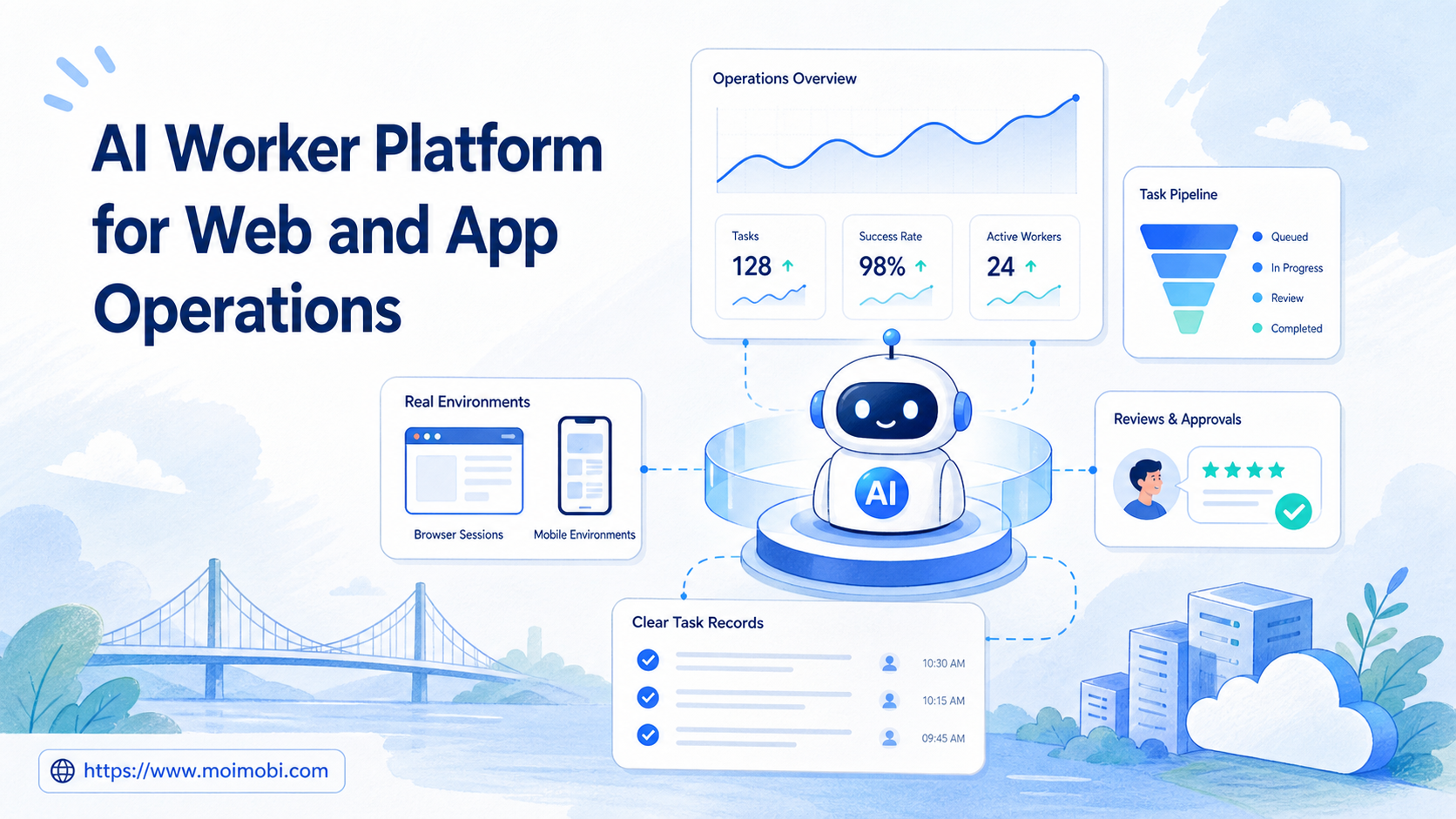
Moimobi fits this workflow because account preparation is not just a content problem. Teams also need AI browser and cloud phone execution infrastructure for separated workspaces, persistent Android sessions, mobile execution, and reviewable task records. The goal is not to make accounts look artificial. The goal is to make team execution less chaotic before scale begins.
Core Operating Takeaways
- Warm-up should prepare accounts for normal use, not manufacture engagement signals.
- Teams need isolated browser or mobile environments before they need more accounts.
- A useful warm-up workflow has stop rules, task logs, and review checkpoints.
- TikTok and Instagram scaling should start after profiles, content, routing, and response workflows are stable.
- Automation should handle repeatable preparation tasks while humans keep control of risky decisions.
What You Need Before You Start and automate account warm-up
The common mistake is treating warm-up as a bot sequence. A safer model is to treat it as an onboarding checklist for each account workspace.
Before you automate account warm-up, define what the account is for. A product tutorial account, a creator-style account, a customer reply account, and a regional test account should not behave the same way. They need different profile details, content plans, comment boundaries, and response workflows.
Start with these prerequisites:
| Requirement | Why it matters |
|---|---|
| Account role | Prevents every account from publishing the same content |
| Stable environment | Reduces accidental session mixing across operators |
| Profile checklist | Makes the account look complete before activity begins |
| Content inventory | Keeps publishing from becoming random or duplicated |
| Activity boundaries | Prevents warm-up from turning into spam-like behavior |
| Review owner | Gives someone authority to pause, fix, or approve scaling |
Moimobi can support the execution layer through cloud phone environments, device isolation, and workflow operations. A cloud phone solves only part of the problem. Teams also need routing consistency, account separation, and enough capacity to avoid running every workflow through one fragile lane.
This is especially important when TikTok and Instagram operations move beyond one person. A solo operator can remember which account did what. A team needs records, account assignments, environment ownership, and a review loop.
How to Get Started with How to Automate Account Warm-Up Before Scaling TikTok and Instagram
Do not begin with aggressive follow, like, or comment patterns. TikTok’s official integrity and authenticity guidelines specifically call out spam, fake engagement, and automation tools designed to bypass systems. Treat that as a hard boundary, not a suggestion.
Use this sequence instead:
-
Assign one account role.
Decide whether the account is for brand trust, product education, creator-style content, customer replies, regional testing, or community monitoring. -
Create a separated execution environment.
Use a dedicated browser profile, cloud phone, or Android environment. Keep login sessions and account workspaces separated. -
Complete the account profile.
Add profile images, bios, links, category settings, and basic brand context. Do not scale activity while the profile still looks unfinished. -
Prepare the first content batch.
Build a small queue of videos, captions, replies, and pinned profile material. Warm-up without content planning usually becomes random browsing. -
Run low-volume normal activity.
Open the app, check notifications, review content, save drafts, and handle legitimate replies. Keep actions aligned with the account’s role. -
Log each task result.
Track whether the account logged in successfully, whether content was posted, whether replies were handled, and whether any checkpoint failed. -
Review before scaling.
Move the account to the next stage only when the profile, content, login environment, and response workflow are stable.
This is where multi-account management matters. The system should help the team see which accounts are ready, which need review, and which should stay paused.
Best Practices During Setup
Different teams need different warm-up models. The right setup depends on the number of accounts, who operates them, and where execution happens.
For a small creator team, a lightweight setup may be enough. Use one workspace per account, a content checklist, and a weekly review. The main risk is usually inconsistency, not infrastructure complexity.
For an agency, account ownership becomes more important. Client accounts should not share unmanaged sessions or undocumented handoffs. Each account needs an owner, a workspace, a task history, and a clear escalation path.
For an e-commerce team, warm-up should connect to product content and customer replies. The workflow should not stop at posting. It should include comment review, direct message handling, and lead follow-up.
For a multi-platform growth team, use one source of truth for account state. TikTok and Instagram accounts may use different content formats, but the team still needs consistent status labels.
Useful labels include:
profile incompletecontent queue readylogin environment stablereply workflow readyneeds human reviewpaused for issueready for scaling
This is also where device isolation becomes practical. The point is not to promise account safety. The point is to reduce operational conflicts caused by shared devices, mixed sessions, and unclear account ownership.
How to automate account warm-up without crossing the wrong line
The safest operating principle is simple: automate preparation, not deception.
Preparation includes profile checks, environment assignment, draft scheduling, task reminders, session health checks, and workflow logs. These are normal team operations. Deception includes fake engagement, spam comments, misleading account identities, or attempts to bypass platform systems.
TikTok’s integrity rules explicitly mention spam, automation used to run many accounts or send repetitive content, fake reviews or comments, and services that artificially increase engagement. That makes the boundary important for any team planning scale.
Use this pass/fail check before running a workflow:
| Question | Pass condition |
|---|---|
| Is the account role clear? | The account has one operating purpose |
| Is the environment separated? | The account has a dedicated browser or mobile workspace |
| Is the activity normal? | Actions match real account preparation |
| Is content ready? | The team has approved drafts or media |
| Is there a stop rule? | Operators know when to pause the workflow |
| Is there a review owner? | A person can approve or reject scaling |
If the workflow cannot pass this table, do not scale it. Fix the operating model first.
Common Mistakes to Avoid
The first mistake is searching for a “TikTok warm up bot” before defining the operating policy. A bot-first approach usually ignores profile quality, content readiness, and review ownership.
The second mistake is treating all accounts the same. A customer reply account should behave differently from a brand awareness account. A test account should not inherit the same schedule as a main brand account.
The third mistake is skipping environment consistency. Teams often focus on captions and posting schedules, then forget login ownership, proxy routing, and device assignment. A mobile automation workflow works better when account state is clean before tasks begin.
The fourth mistake is scaling before measurement. Warm-up should produce evidence. Did the account log in cleanly? Did content publish? Did comments require human review? Did the task run in the expected workspace?
The fifth mistake is using risky language internally. If the team talks about “beating bans” or “tricking the algorithm,” the workflow is already pointed in the wrong direction. Use operational language: account setup, content readiness, workspace isolation, routing consistency, and review checks.
How to measure whether an account is ready to scale
An account is ready to scale when the team can operate it repeatedly without confusion. The signal is not just age. It is the combination of profile completeness, environment stability, content readiness, and workflow records.
Use a simple scorecard:
| Area | Ready signal |
|---|---|
| Profile | Bio, image, category, and link are complete |
| Environment | Login works from the assigned workspace |
| Content | At least one approved content batch exists |
| Replies | The team has approved reply rules |
| Logs | Tasks produce traceable results |
| Escalation | A human owner can pause or approve |
Do not scale based on a single green check. Scale when the account passes the full operating checklist. One incomplete area can create confusion once more accounts and more operators enter the workflow.
Moimobi helps because the workflow lives inside execution environments, not in scattered spreadsheets alone. Teams can connect cloud phones, browser profiles, account roles, and task outcomes into a more controlled operating layer.
What to Do Next
Start with a pilot instead of a full rollout. Pick three to five TikTok or Instagram accounts. Assign a role to each account. Put each one in a separated workspace. Prepare the first content batch and run a limited warm-up workflow for one or two weeks.
Review the pilot before scaling. Look for account login issues, missed handoffs, duplicate content, unclear replies, and any workflow that requires too much manual repair.
If the pilot is stable, expand one variable at a time. Add more accounts, more content formats, or more operators. Do not expand all three at once.
Teams that need TikTok-specific execution can also review Moimobi’s cloud phone for TikTok workflow page. If the team is comparing emulator-style setups, the cloud phone vs emulator guide can help frame the infrastructure decision.
Frequently Asked Questions
What does automate account warm-up mean?
It means turning account preparation into a repeatable workflow. It should cover profiles, environments, content readiness, task logs, and review checkpoints.
Is account warm-up the same as fake engagement?
No. Warm-up should support normal account preparation. Fake engagement, spam, and deceptive activity are outside a safe operating model.
Can I use a TikTok warm up bot?
Be careful with that framing. If a bot creates repetitive actions, fake engagement, or attempts to bypass systems, it creates platform-policy risk.
How do I warm up Instagram accounts safely?
Use complete profiles, real content, separated workspaces, normal activity, and human review. Avoid repetitive actions that do not match real use.
How many accounts should a pilot include?
Three to five accounts is enough for many teams to test the workflow. The goal is to find process problems before scale.
Do cloud phones replace the need for operators?
No. Cloud phones provide execution environments. Operators still define content, review replies, handle exceptions, and approve scaling.
What should stop a warm-up workflow?
Stop when login issues, profile errors, repeated content, unclear ownership, or unexpected task behavior appears. Fix the workflow before continuing.
Conclusion
To automate account warm-up well, treat it as an operating system for account readiness. The workflow should prepare accounts, separate environments, record tasks, and give humans control before scale begins.
The next step is simple: build a pilot scorecard before adding more accounts. If each account has a clear role, a separated workspace, approved content, task logs, and review ownership, the team is closer to responsible scale.
Sources: TikTok Integrity and Authenticity Guidelines, Instagram Community Guidelines, Instagram Messaging API