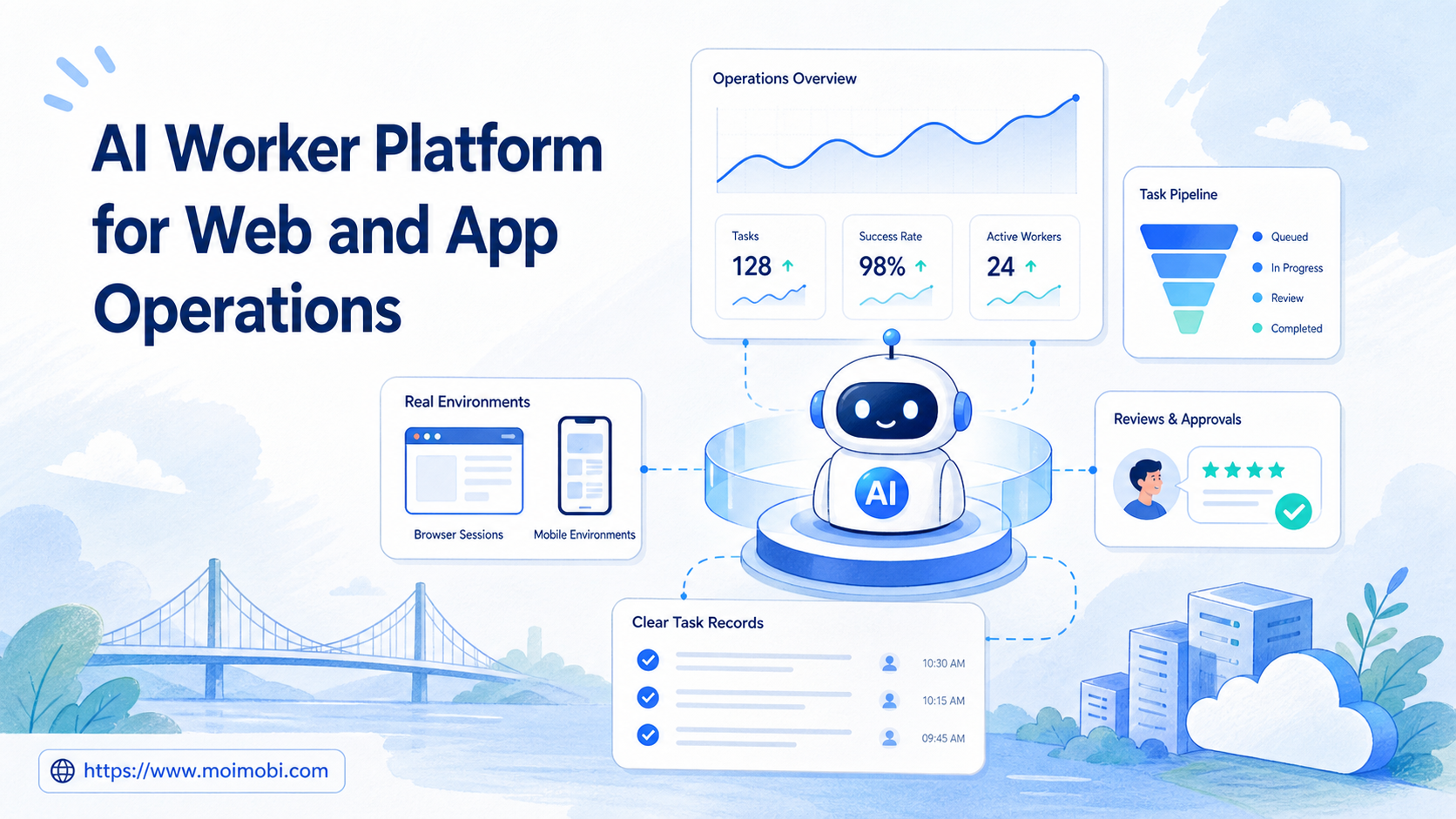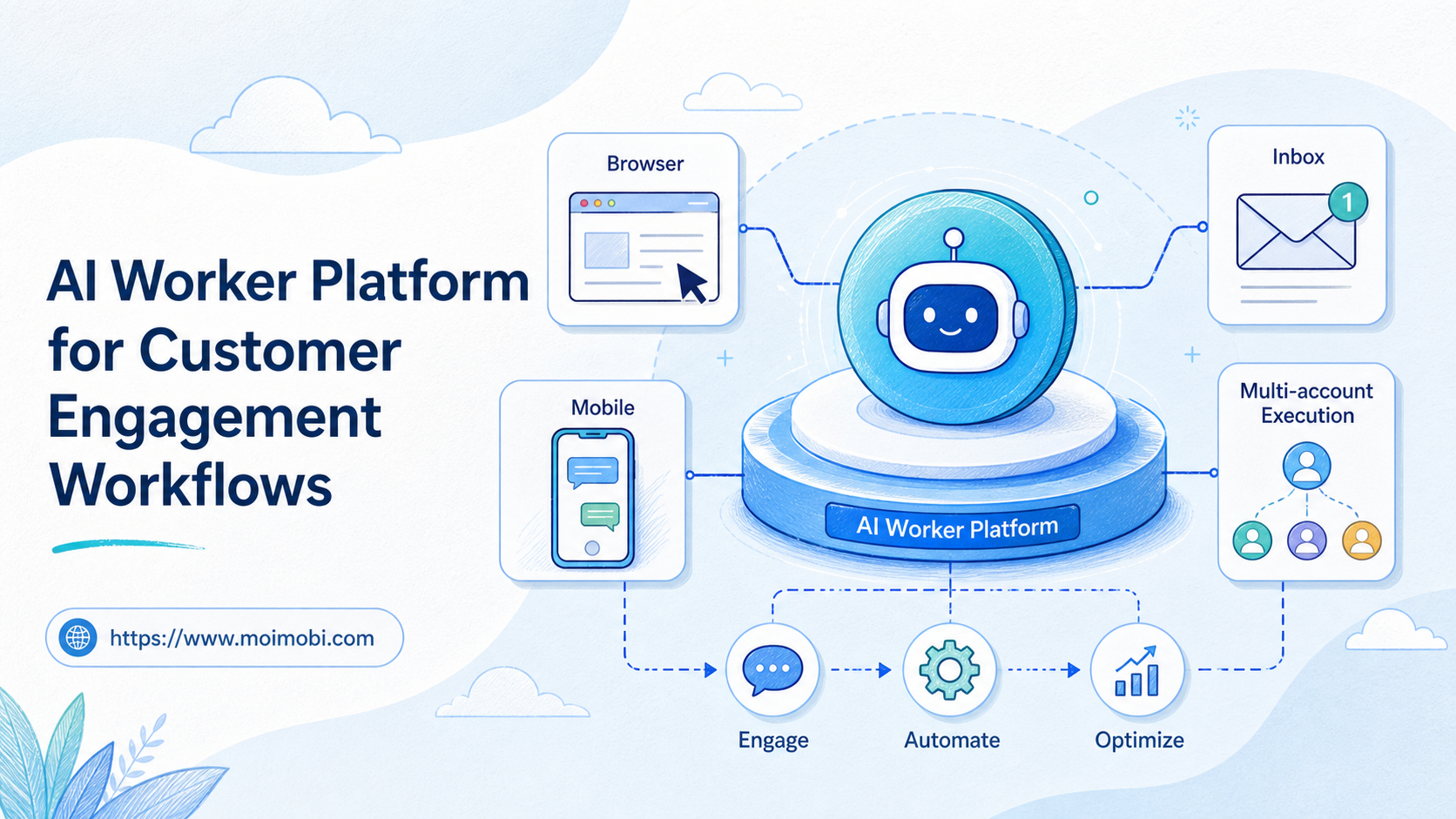
Title: AI Worker Platform for Customer Engagement Workflows
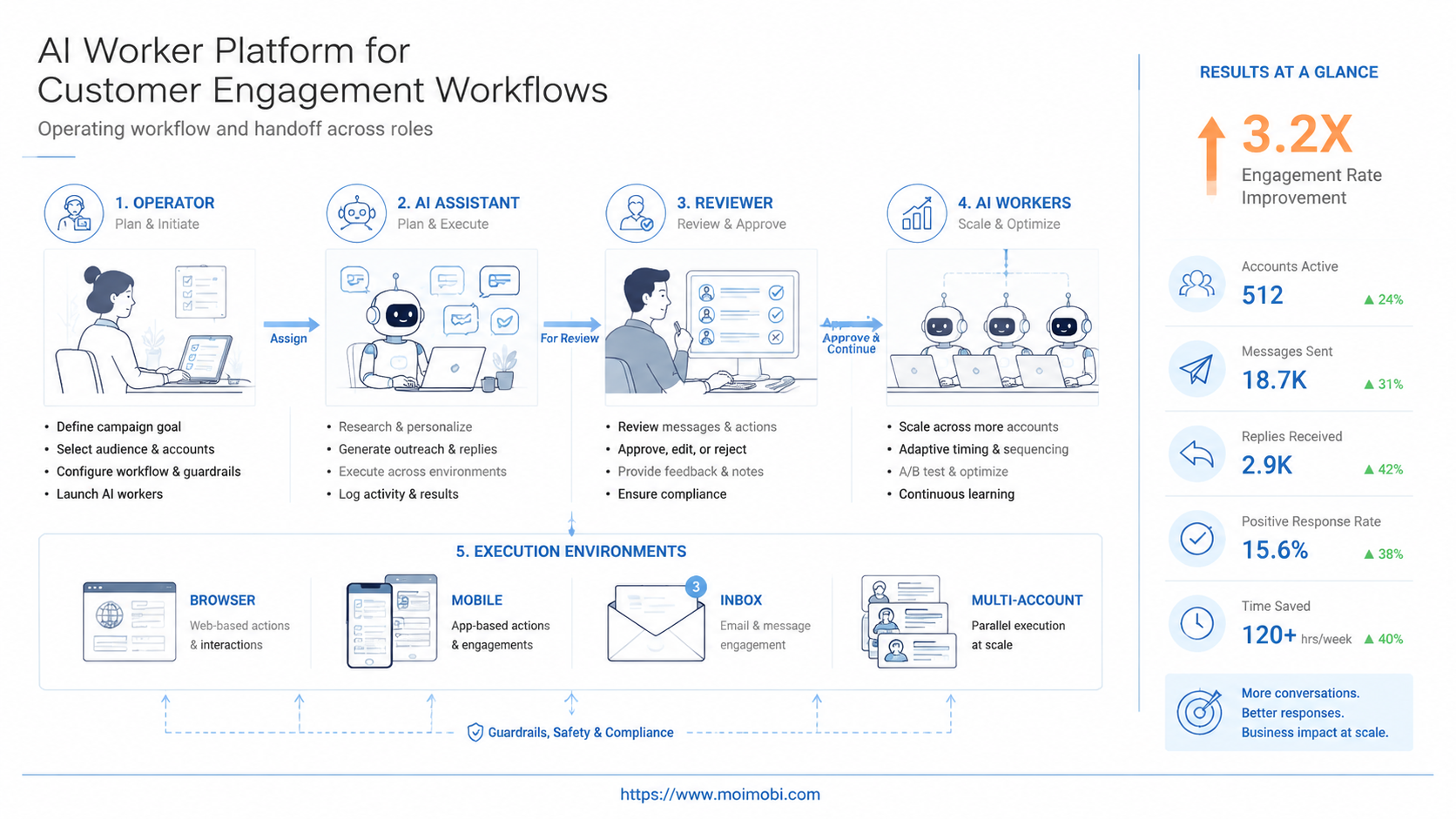
An AI worker platform is execution software that helps teams assign, run, review, and track repeatable work through AI workers. For customer engagement workflows, the real test is support for replies, follow-ups, account routing, and handoffs across browser and mobile environments.
Customer engagement is not one task. It includes comments, DMs, support inboxes, lead follow-ups, order questions, and community replies. A useful platform must keep those workflows organized without turning every message into uncontrolled automation.
Moimobi fits this problem as an AI browser execution platform and mobile execution layer for teams that need account-specific environments. The goal is practical: help operators prepare, review, send, and record engagement work with clearer control.
Key Takeaways:
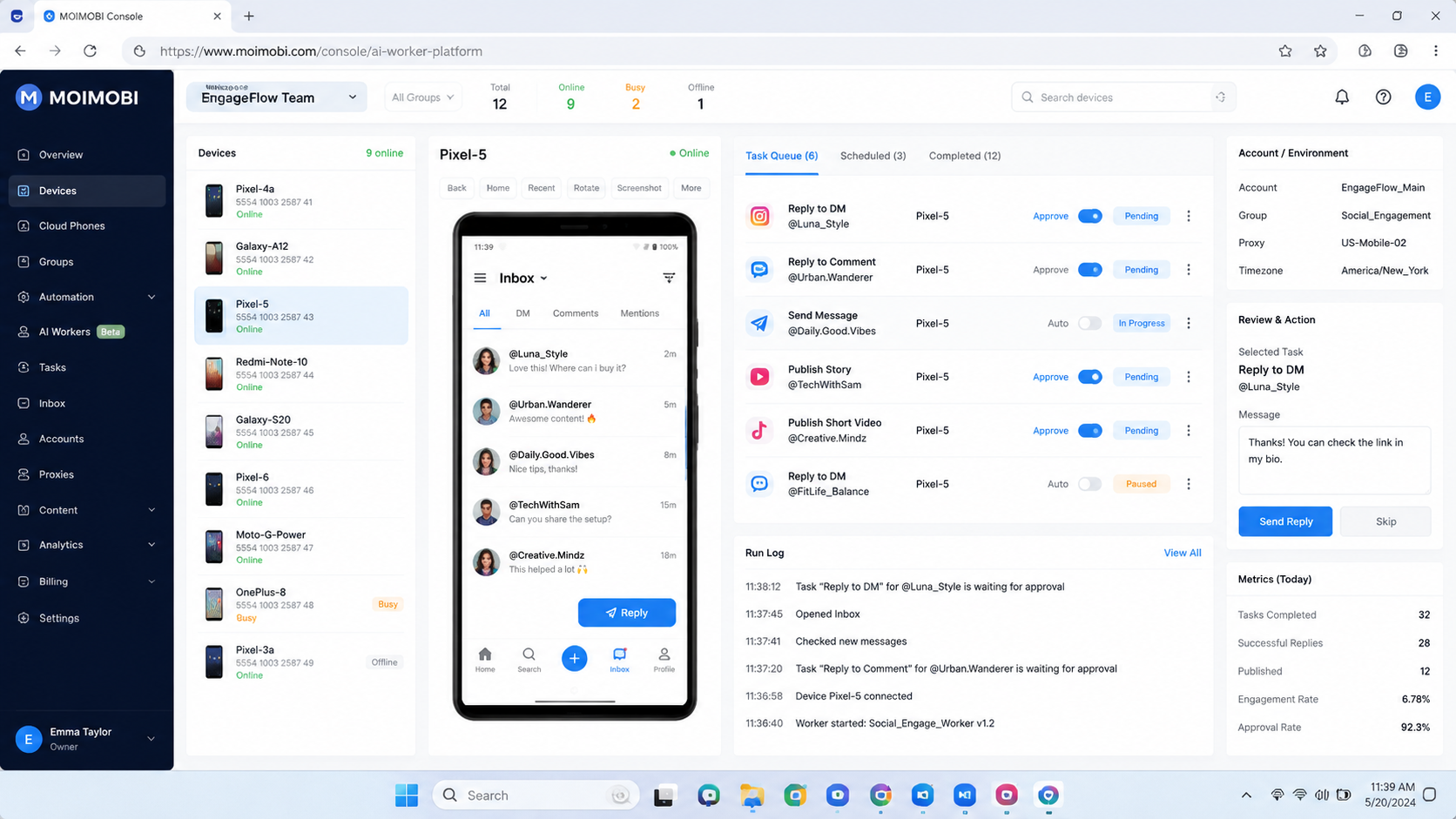
- Customer engagement AI workers should support task execution, not only reply writing.
- The best early workflows are repetitive, account-specific, and easy to review.
- Browser profiles, cloud phones, and mobile devices should be assigned by account role.
- Human approval should remain visible for sensitive replies, pricing, refunds, and complaints.
- Teams should measure completion quality, review time, escalation rate, and missed conversations.
What Is AI Worker Platform for Customer Engagement Workflows?
For customer engagement, an AI worker platform connects AI-assisted work to the places where conversations happen. The work surface may include web inboxes, social media dashboards, mobile apps, CRM screens, order systems, and internal task boards.
The platform should answer three operating questions. Who owns the conversation? Which account or environment should handle it? What evidence proves the task was completed correctly? Without those answers, an AI reply tool can create more coordination work for the team.
Customer engagement workflows usually involve four jobs:
- Classify the message or comment.
- Prepare a suggested response or next action.
- Route the task to the right account owner.
- Record the outcome for follow-up and review.
The worker does not need to replace the human operator. In a mature workflow, it removes repeated preparation steps and makes review faster. For example, the worker can summarize a customer's message, find the related account note, draft a reply, and wait for approval before anything is sent.
Execution environment matters here. A web-based inbox may belong in a browser profile. A mobile-first message flow may need a cloud phone. A multi-brand operation may need separate account workspaces so one team member does not cross-post or answer from the wrong profile.
Why AI Worker Platform for Customer Engagement Workflows Matters
Customer engagement breaks down when conversations move faster than the team can triage them. A comment becomes a DM. A DM becomes a support case. A support case needs an order check. The task may cross a browser dashboard, a mobile app, and a CRM before someone can answer properly.
This platform matters because it turns that movement into a controlled workflow. The worker can prepare the context. The operator can make the judgment. The system can keep the record.
The value is highest when teams manage several accounts or channels. A single social manager may know which voice belongs to which account. A growing team needs account labels, permissions, workflow logs, and a clear handoff path. Moimobi's multi-account management use case fits this pattern because customer engagement work often depends on account-level separation.
Official platform rules also matter. Meta's platform terms and messaging policies distinguish normal user communication from unwanted or policy-breaking automation. WhatsApp Business Platform documentation also describes business messaging as a governed channel with templates, user consent, and policy requirements. These sources point to one practical lesson: customer engagement automation should be designed around permission, context, and review.
| Scenario | AI worker role | Execution environment | Review metric |
|---|---|---|---|
| Instagram comment follow-up | Classify comment, draft response, flag sensitive cases | Browser dashboard plus mobile app workspace | Approved reply rate and escalation accuracy |
| WhatsApp customer questions | Prepare answer from order notes and prior conversation | Cloud phone or mobile messaging environment | Time to first reviewed response |
| Multi-brand support inbox | Route each message to the correct brand account owner | Isolated browser profiles by brand | Wrong-account prevention and handoff clarity |
| Lead follow-up after social activity | Summarize lead context and suggest next step | Browser CRM, social inbox, and task queue | Follow-up completion and next-action quality |
Key Benefits and Use Cases
The common misunderstanding is that customer engagement AI is mainly about sending more replies. That is too narrow. A stronger workflow helps the team prepare better replies, route tasks faster, and avoid losing conversation context.
One benefit is context assembly. The AI worker can collect the customer message, account name, prior notes, order detail, and suggested response into one review view. The operator no longer has to search five places before replying.
A second benefit is channel continuity. Customer conversations may start on TikTok, move to Instagram, and end in WhatsApp or email. The platform cannot make every channel identical, but it can help teams keep roles, records, and task ownership consistent.
A third benefit is operational memory. When the same type of customer question appears again, the team can reuse a better workflow. That may include a preferred reply style, an escalation rule, or a check that must happen before the reply is approved.
Common use cases include:
- Comment reply preparation for social media teams.
- DM triage for support and sales operators.
- Multi-account customer engagement for agencies.
- Follow-up reminders for leads collected from social content.
- Community monitoring for recurring questions and complaints.
- Order-status response preparation for e-commerce teams.
These use cases work best when the final message is reviewed before sending. Drafting and routing can move quickly. Final communication should remain accountable, especially when the topic involves pricing, refunds, legal claims, safety, or customer frustration.
How to Get Started with AI Worker Platform for Customer Engagement Workflows
Start with one repeatable engagement path. A good first pilot is narrow enough to inspect, but frequent enough to prove whether the workflow saves time.
- Choose one channel: pick Instagram comments, WhatsApp replies, web chat, or another single queue.
- Define account ownership: assign which worker, human owner, and environment belong to each account group.
- Write a response boundary: decide which replies can be drafted, which need escalation, and which must never be automated.
- Connect the workspace: map browser profiles, mobile devices, inboxes, and task records before the pilot starts.
- Run a small sample: test a limited set of conversations and inspect every output.
- Measure review quality: track edits, escalations, wrong-account events, and missed follow-ups.
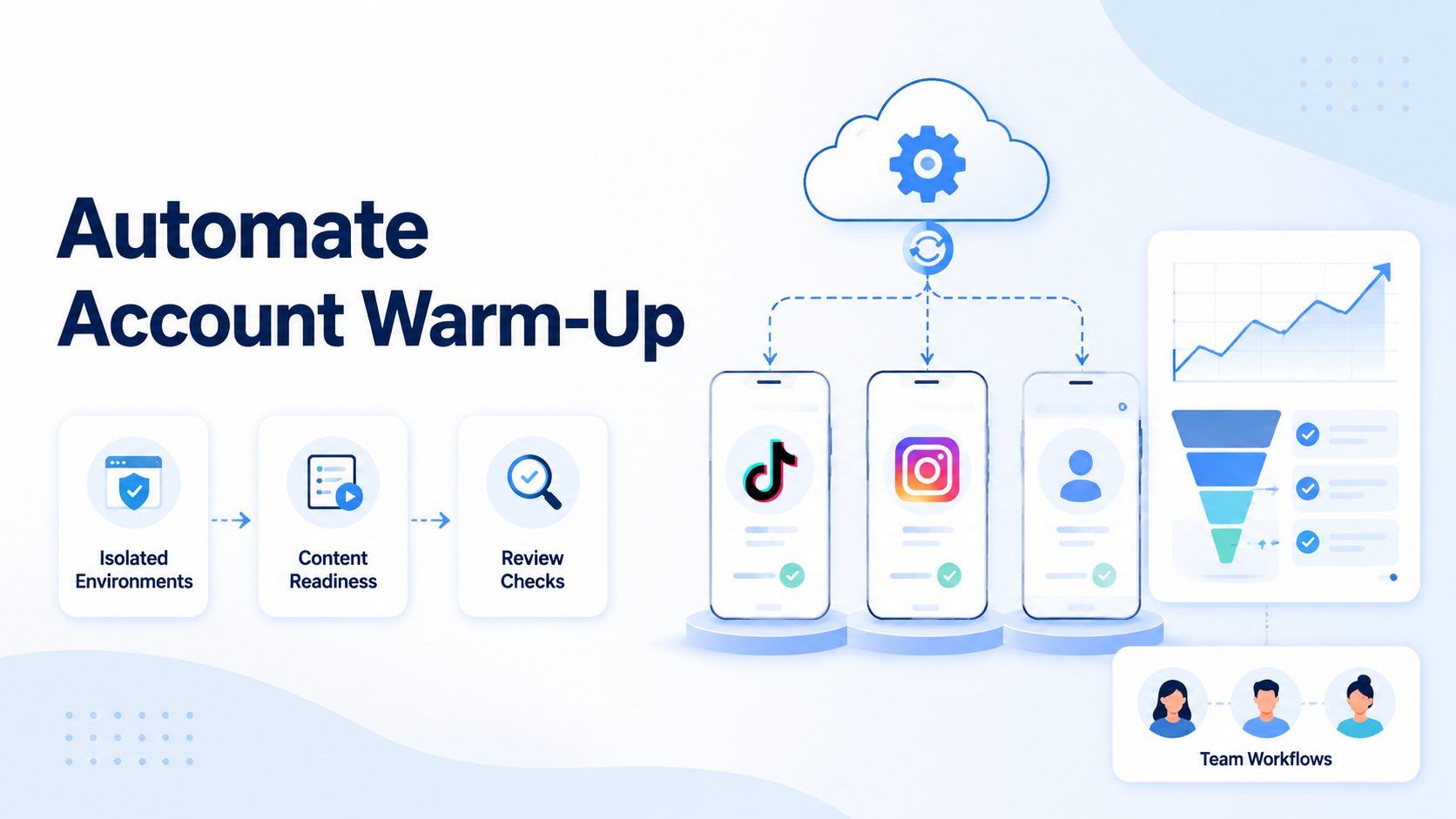
Use account environments deliberately. Web inboxes usually fit browser profiles. Mobile-first apps may need mobile automation or cloud phones. Teams with account-sensitive work should also consider device isolation so task execution does not happen from mixed sessions.
The highest-risk step is sending. Keep sending rights separate from drafting rights until the workflow is proven. A worker can prepare the response, but a human can approve the first version. Later, the team may allow low-risk categories to move faster while keeping sensitive categories reviewed.
Common Mistakes to Avoid
The first mistake is building a reply machine instead of a workflow. A reply machine pushes messages out. A workflow decides what the message is, who owns it, whether it needs review, and where the result is recorded.
The second mistake is letting one worker handle all customer channels. That design hides accountability. A better model separates workers by channel, account group, or task type. For example, one worker handles comment classification, while another prepares replies for approved support cases.
The third mistake is ignoring platform context. Instagram, WhatsApp, Facebook, and other channels have their own rules and user expectations. The team should keep platform documentation close to workflow design. Meta's business messaging guidance and WhatsApp Business Platform rules are more useful than generic automation advice when the workflow touches those channels.
The fourth mistake is measuring only volume. More replies are not a success metric by themselves. A stronger dashboard tracks fewer missed conversations, faster review, better escalation, and cleaner customer records.
The fifth mistake is using shared environments. A shared browser session or shared phone can make work look faster at first. It becomes hard to audit once several accounts, brands, or operators are involved.
Who It Fits and When It Is a Strong Match
The platform is a strong match when customer engagement already follows a repeated process. The team knows the common message types. It knows which replies require approval. It has account owners who can review results.
It is also a strong match for multi-account operations. Agencies, cross-border sellers, and social media teams often manage separate brands, regions, or client accounts. Those teams need account-specific execution, not one shared inbox with unclear ownership.
Good fit
- High-volume comments or DMs that need triage.
- Customer questions that require repeated context checks.
- Teams managing several accounts, brands, or regions.
- Workflows where a reviewer can approve suggested replies.
Not a good first fit
- Highly sensitive disputes with no standard review path.
- Cold outreach without consent or user-triggered context.
- Accounts with no owner or no response guidelines.
- Teams that cannot review task logs or correct mistakes.
Fit also depends on channel mix. A browser-heavy support team may start with profiles and web dashboards. A mobile-heavy social team may start with cloud phones and app workflows. A combined team may need both, but it should still begin with one queue and one account group.
Pilot Rollout, Measurement, and Recovery Checks
A pilot should prove operational control before scale. The first question is not "How much can it automate?" The better question is "Can the team see what happened and correct it?"
Use five metrics for the first review cycle:
- Completion rate: how many assigned engagement tasks reached a reviewed outcome.
- Human edit rate: how often the suggested reply needed material changes.
- Escalation accuracy: whether sensitive conversations were routed correctly.
- Environment accuracy: whether the right account and workspace were used.
- Recovery time: how quickly a failed task was diagnosed and rerun or closed.
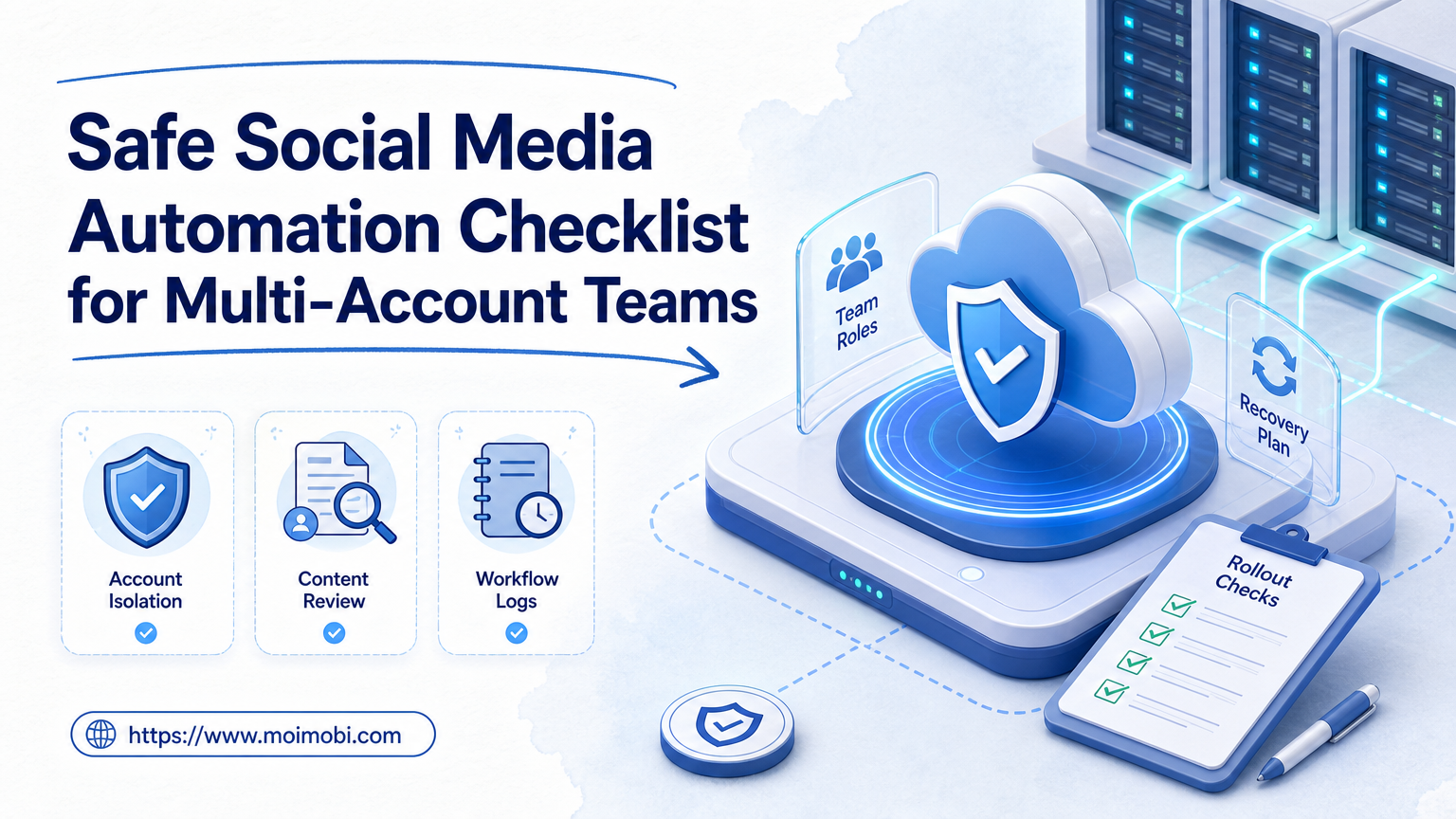
Recovery checks matter because customer engagement work is visible. A failed data lookup may be harmless if it stops before sending. A wrong-account reply can damage trust. The workflow should stop when the account, source message, or approval status is unclear.
Record enough evidence for review. Useful fields include account name, source channel, customer message, suggested response, reviewer, final action, timestamp, and failure reason. This turns the pilot into a learning loop instead of a one-time demo.
Moimobi's social media marketing use case aligns with this rollout style because social engagement combines content, comments, messages, account identity, and response timing. The same pattern can extend into e-commerce support or sales follow-up.
Frequently Asked Questions
What is an AI worker platform for customer engagement?
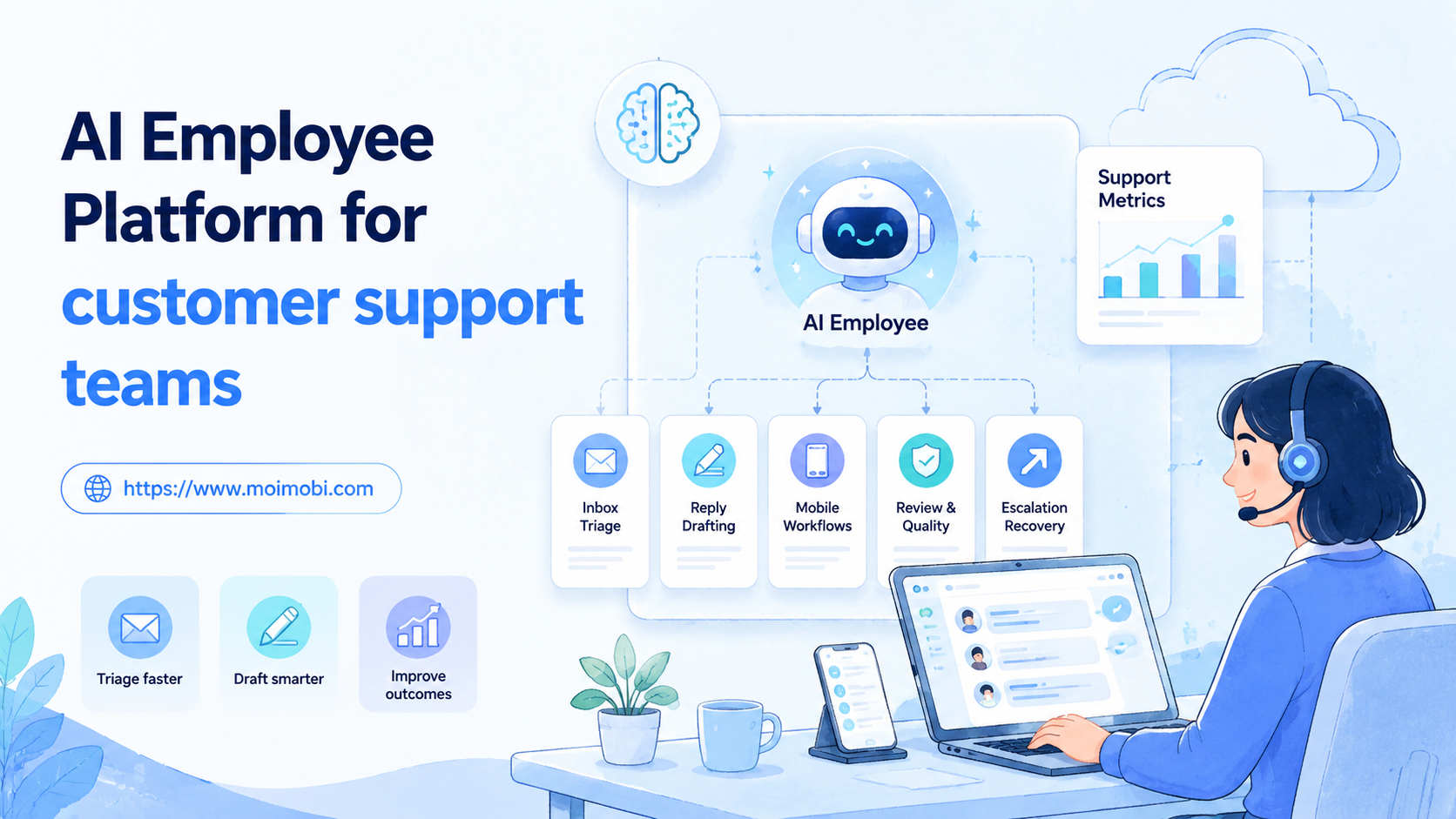
It is a system for assigning AI workers to engagement tasks such as triage, reply drafting, routing, and task logging across customer channels.
Is it the same as AI employee software?
Not exactly. AI employee software may describe a broad category. A stronger worker platform should include execution environments, workflow controls, and review records.
Can it send replies automatically?
Some workflows may allow final sending after careful testing. For most teams, drafting and routing are safer starting points than unsupervised sending.
Which teams benefit first?
Teams with repeated comments, DMs, support messages, or lead follow-ups usually benefit first. The workflow should already have clear owners.
Does it require mobile execution?
Mobile execution is needed when the customer channel lives mainly inside an app. Browser-only workflows can start with web sessions and dashboards.
How should agencies use it?
Agencies should separate workers by client account, channel, and task type. That reduces wrong-account work and makes review easier.
What should not be automated first?
Sensitive complaints, refunds, pricing disputes, legal claims, and account changes should stay under human review until the process is mature.
How do teams know the workflow is working?
They should see fewer missed messages, faster review, better escalation, cleaner records, and fewer account-environment mistakes.
Conclusion
The right priority is narrow workflow first, controlled environment second, measured expansion third. Customer engagement is too visible to treat as a simple auto-reply problem.
Start with one channel and one account group. Give the AI worker a defined role, a clear workspace, and a human review path. Track completion, edits, escalation, environment accuracy, and recovery time before adding more accounts.
For teams evaluating Moimobi, the next decision is whether the engagement workflow belongs in browser profiles, cloud phones, mobile automation, or a combined execution system. Once that boundary is clear, an AI worker platform becomes easier to govern and easier to scale.
References