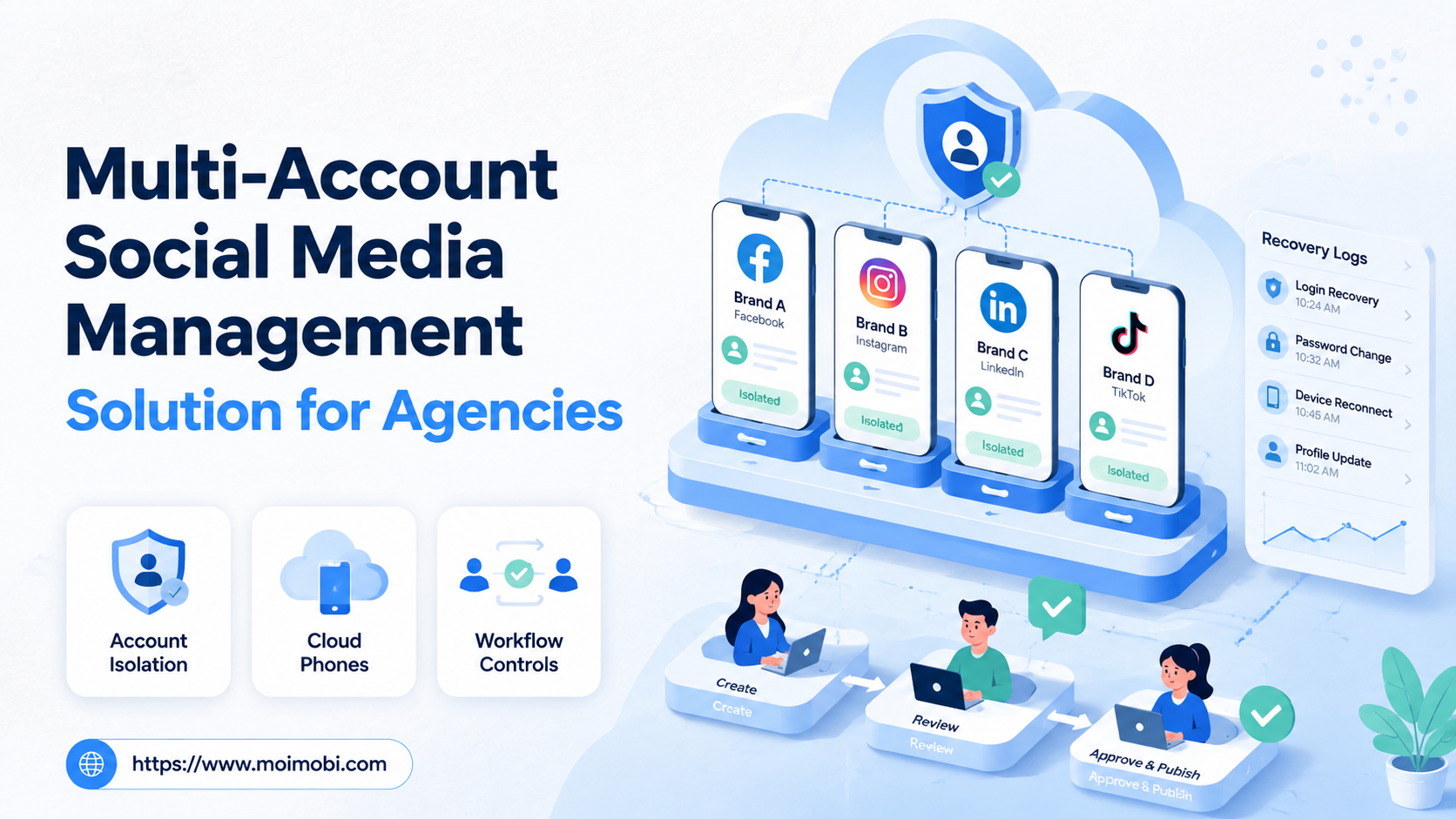
A multi-account social media management solution is a controlled system for assigning accounts, environments, tasks, approvals, and reporting across many client or brand accounts. For agencies, the real value is not simply switching between profiles faster. The value is knowing who owns each account, where it runs, what work was completed, and what needs review.
Agencies often outgrow basic scheduling tools when account work spreads across platforms, mobile apps, inboxes, content libraries, and client-specific rules. A team may need to publish, reply, monitor, collect leads, and report results across dozens of accounts. Without account isolation and task records, that work becomes hard to delegate safely.
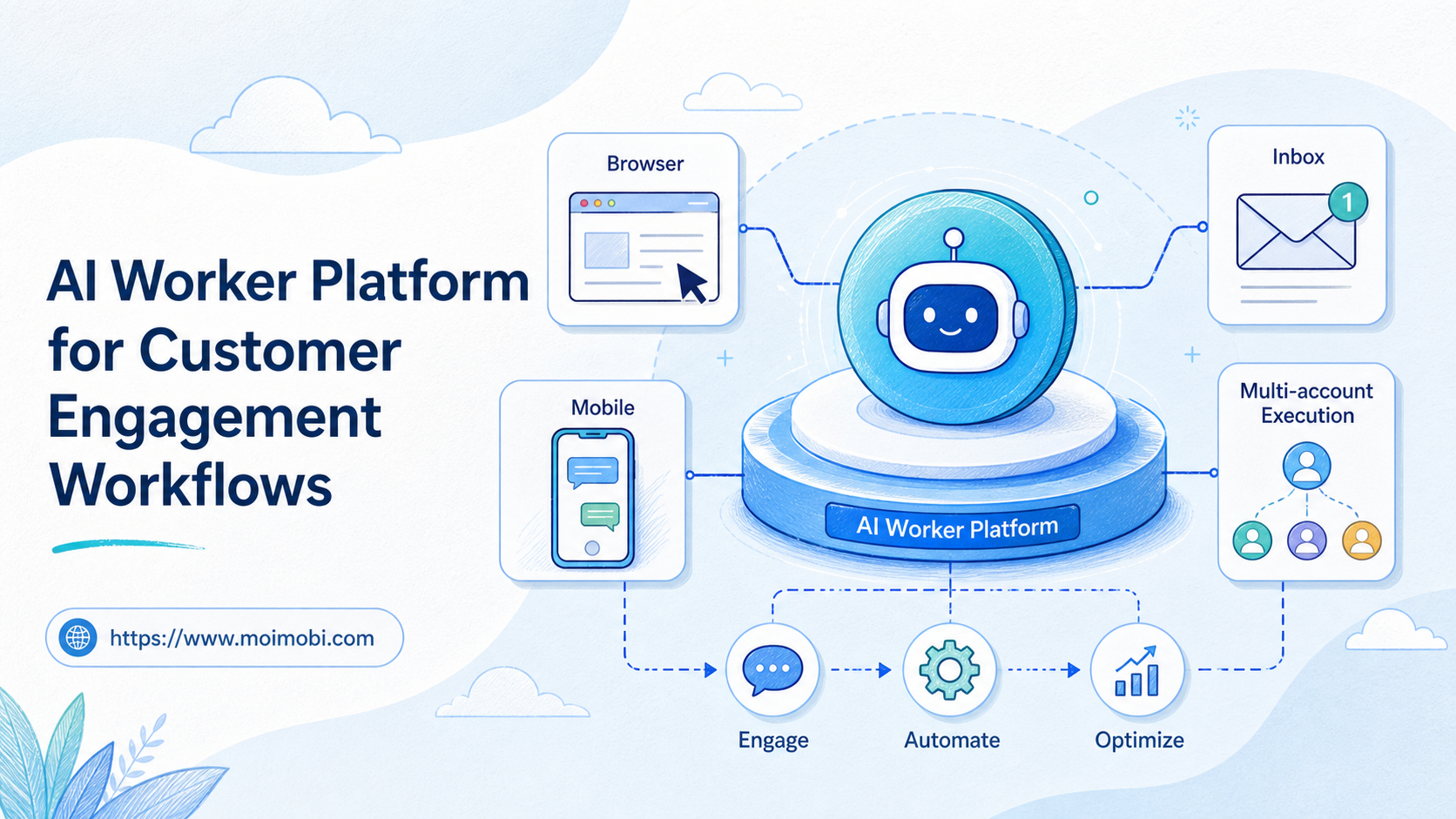
MoiMobi approaches this as an AI browser and cloud phone platform for execution, not just a dashboard. It connects browser profiles, cloud phones, proxy routing, and workflow automation so agencies can manage account operations with more control.
Key Takeaways
- Agencies need more than post scheduling when account work includes replies, mobile apps, lead follow-up, and client approvals.
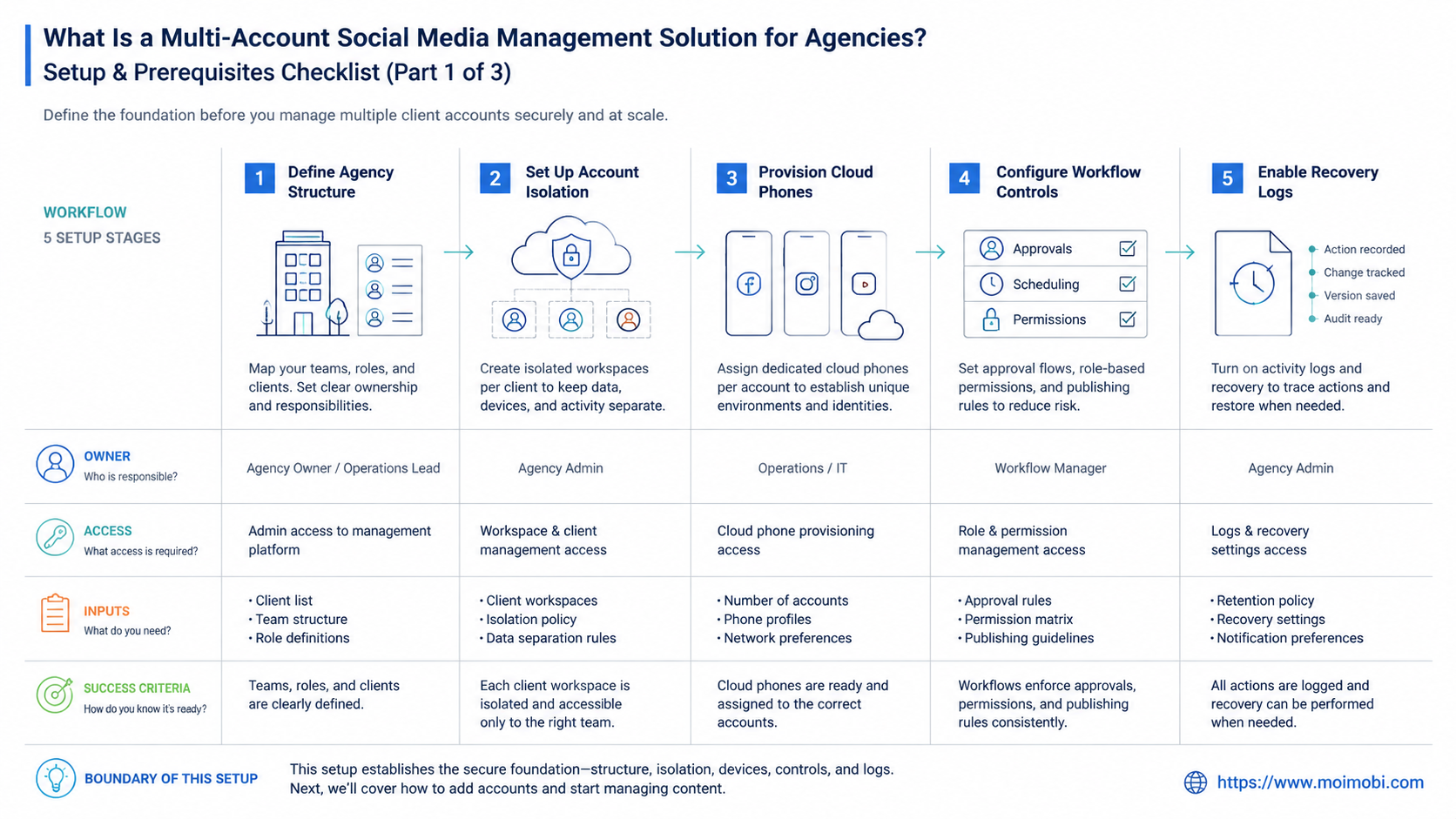
- A strong setup ties each account to an owner, environment, route, workflow, and recovery record.
- Cloud phones fit app-first work; browser profiles fit web dashboards and logged-in account management.
- Human review should remain part of sensitive actions such as replies, outreach, and settings changes.
- Start with one client group and one repeatable workflow before expanding to every account.
What Is a Multi-Account Social Media Management Solution for Agencies?
A multi-account social media management solution for agencies helps teams operate many client or brand accounts from one structured system. It usually covers account organization, publishing, inbox work, monitoring, permissions, reporting, and workflow assignment. In an execution-focused setup, it also includes the browser or mobile environments where account work actually happens.
The difference matters. A traditional social media management tool may focus on scheduling content and reviewing performance. Agencies still need those functions, but many operational tasks happen outside API-based publishing. Examples include app-only notifications, account-specific comments, mobile inbox checks, creator outreach, or client-specific approval flows.
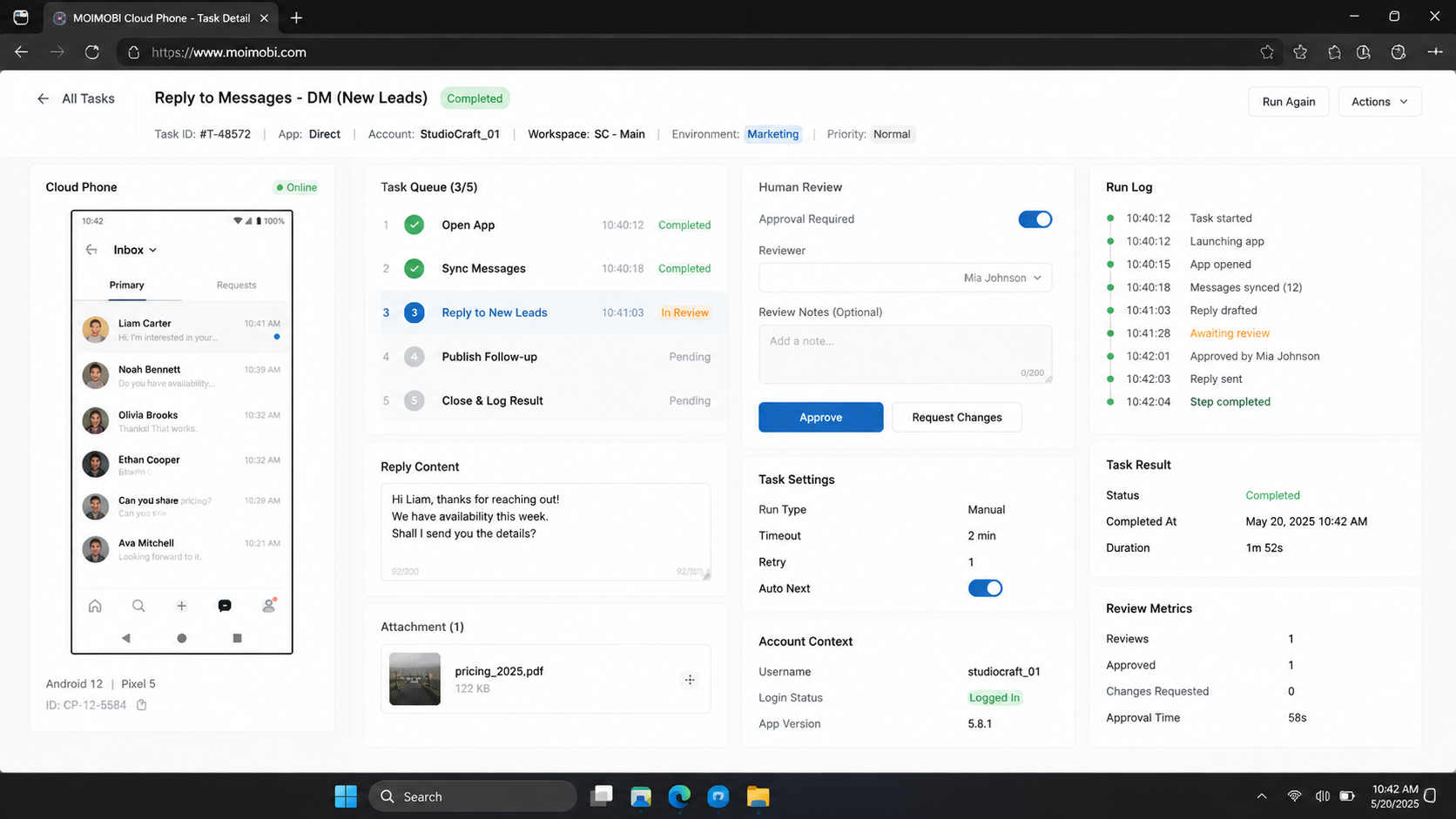
An execution-oriented system treats each account as a workspace. The workspace has a login environment, an assigned team owner, content tasks, review steps, and activity records. If a task fails, the agency can see whether the issue belongs to the account, the device, the route, the workflow, or the reviewer.
This is why MoiMobi connects multi-account management with device isolation and automation. The goal is not to replace agency judgment. The goal is to make repeated social media work easier to assign, run, pause, and audit.
Why This Matters for Agency Operations
Agency workflows break down when every account is treated like a browser tab. One operator may remember which client uses which phone, which login, and which message template. A growing agency cannot depend on memory. It needs a system that keeps account context visible.
The first pressure is client separation. A fashion client, a local service client, and an e-commerce client may have different approval rules. Their accounts should not share the same work queue, device history, or content library. If every account sits in one loose workflow, mistakes become more likely.
The second pressure is platform diversity. TikTok, Instagram, Facebook, WhatsApp, Telegram, YouTube, and LinkedIn do not behave like one uniform channel. Some work is web-based. Some work is mobile-first. Some work requires a logged-in app. A management system should match the execution environment to the platform task.
The third pressure is policy awareness. Meta's platform terms and TikTok's community guidelines both make clear that platform behavior, spam, fake engagement, and automated access matter. A management solution cannot promise that accounts will never be restricted. It should help agencies keep work controlled, reviewable, and aligned with each client's policy boundaries.
Key Benefits and Use Cases
The biggest benefit is operational clarity. Agencies can see which account is assigned to which team member, which environment is used, and which tasks are waiting for review. That makes daily account work easier to manage.
Use cases usually fall into five groups:
- Publishing operations: preparing posts, reviewing drafts, publishing approved content, and recording status.
- Customer engagement: handling comments, DMs, inquiry triage, and follow-up tasks.
- Monitoring: checking brand mentions, competitor activity, reviews, and account health signals.
- Lead workflows: collecting prospects, assigning follow-up, and updating status.
- Reporting: collecting task outcomes, content output, reviewer notes, and client-ready summaries.
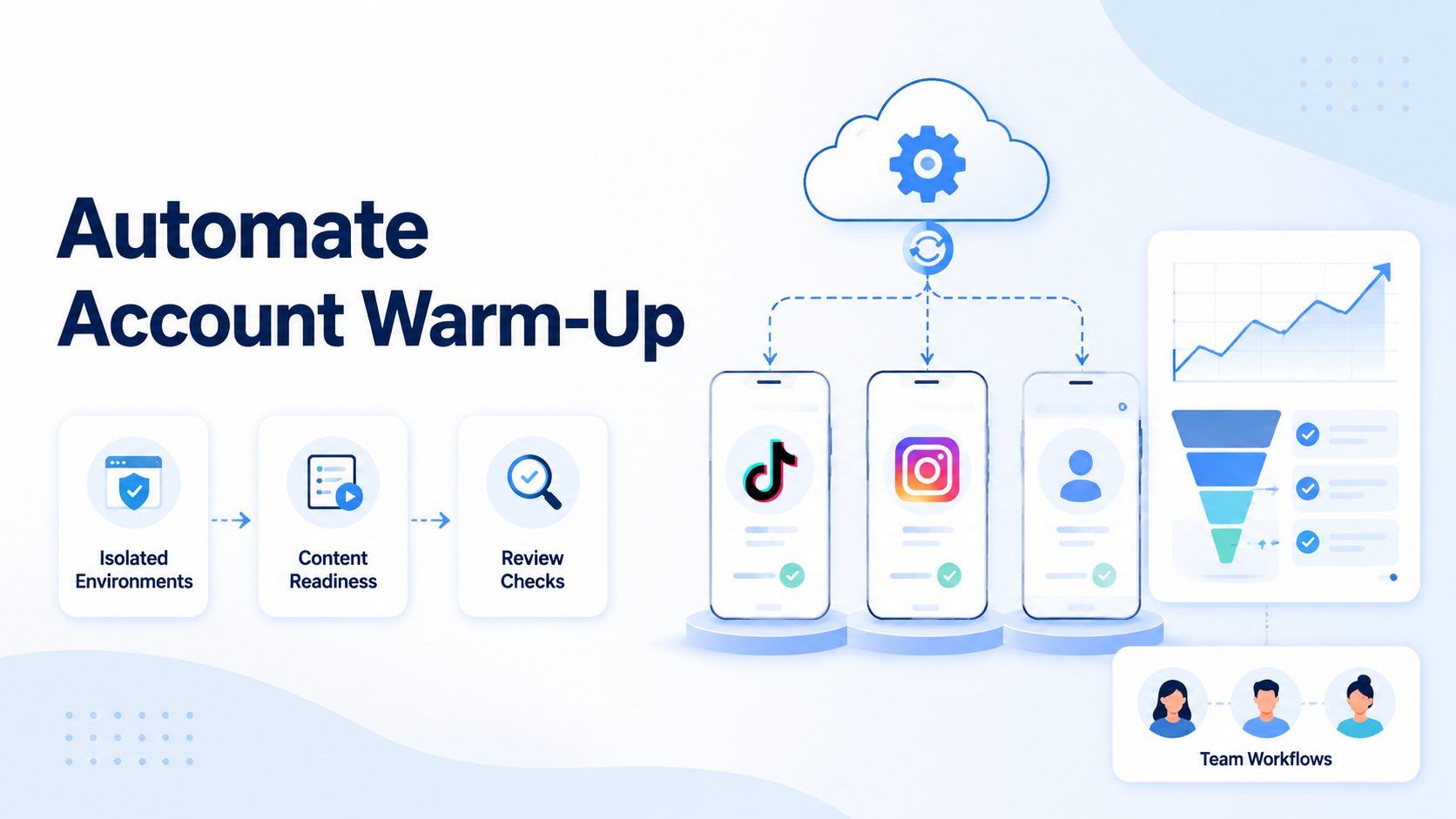
For mobile-heavy channels, cloud phones can hold app sessions and mobile-first account workflows. For web dashboards, browser profiles can keep sessions and account data separated. Agencies often need both because client work rarely stays inside one surface.
| Agency need | Best execution layer | What to track |
|---|---|---|
| Web dashboard management | Browser profile | Account, login state, task owner |
| App-first posting or inbox checks | Cloud phone | Device, app session, account role |
| High-volume monitoring | Workflow queue | Source, status, next action |
| Client approval | Review step | Approver, decision, timestamp |
| Recovery after a failed task | Activity log | Failure type, owner, repair action |
This structure also supports cleaner team handoff. A strategist can create a plan, a content operator can prepare assets, a reviewer can approve, and an execution owner can run the task in the correct environment.
How to Get Started with a Multi-Account Social Media Management Solution for Agencies
Start with account inventory before choosing features. List every client, platform, account owner, login method, and current tool. Then mark which accounts require mobile access, browser access, or both.
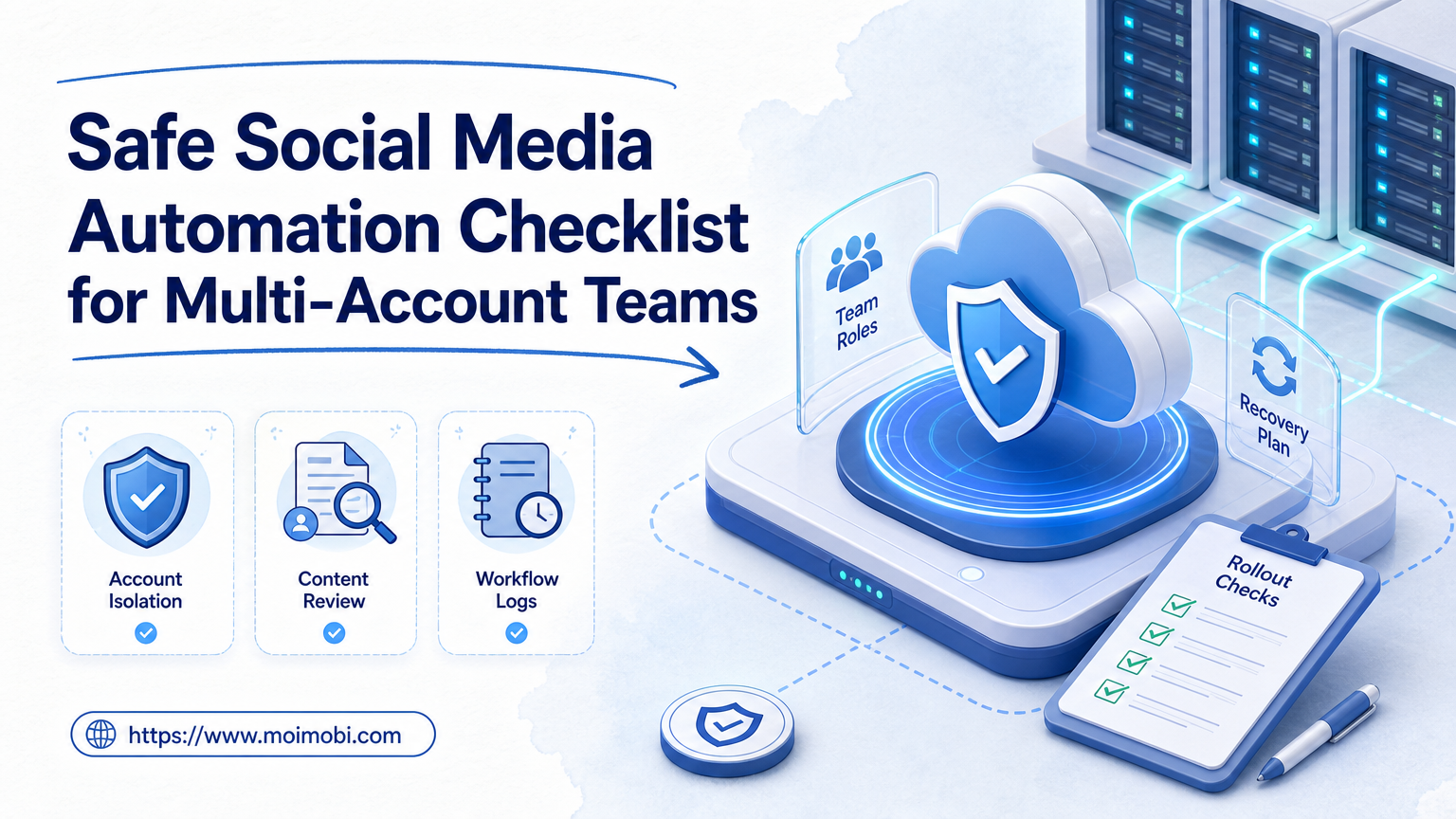
Use this preflight checklist:
- Account ownership: Each account has one responsible owner.
- Client boundary: Client accounts are grouped separately.
- Environment assignment: Each account has a browser profile, cloud phone, or defined workspace.
- Permission model: Operators, reviewers, and admins have different rights.
- Approval rule: Sensitive actions pause for human review.
- Activity record: Each task saves status, time, account, and owner.
- Recovery path: Failed tasks have an assigned repair owner.
After the inventory, roll out in a fixed order:
- Choose one client group. Start with a small group that has real work but manageable risk.
- Map account environments. Assign browser profiles for web tasks and cloud phones for app tasks.
- Define allowed work. Separate monitoring, drafting, publishing, replying, outreach, and settings changes.
- Create approval gates. Require review for public replies, client-sensitive content, and account settings.
- Run a limited task queue. Use real tasks, not artificial tests.
- Review failures daily. Check whether issues come from account state, workflow design, environment, or review delay.
- Expand only after clarity improves. Add more accounts when the first group is easier to manage.
Browser automation standards help explain why environment assignment matters. The W3C WebDriver specification describes browser automation through session-based commands, while Playwright documents browser contexts as isolated state containers. Agencies do not need to become automation engineers, but they do need the same idea: every account workflow needs a known context.
Common Mistakes to Avoid
The first mistake is buying a tool only for scheduling. Scheduling is useful, but agency account work also includes replies, inbox handling, client approvals, monitoring, and issue recovery. A pure calendar view may not cover the work that consumes the most team time.
The second mistake is sharing account environments casually. If several operators use the same browser profile or mobile device for unrelated accounts, session history can become confusing. Separate workspaces make problems easier to investigate.
The third mistake is removing human review too early. Automation can prepare drafts, gather status, open workflows, or organize follow-up tasks. Public replies, sensitive DMs, offer terms, complaints, and account settings should have approval rules.
The fourth mistake is ignoring recovery. Every workflow should say what happens when login state changes, a platform page changes, a content upload fails, or a reviewer rejects the action. Without recovery rules, automation failure becomes manual chaos.
The fifth mistake is measuring only output volume. Agencies should track task completion, reviewer effort, failure causes, response quality, and client feedback. More activity is not the same as better operations.
Where a Multi-Account Social Media Management Solution Fits
A multi-account social media management solution is a strong match when an agency manages repeated work across many accounts. It is especially useful when the team handles both content execution and customer engagement.
Strong-fit signs include:
- The agency manages accounts for several clients or regions.
- Operators need to switch between web dashboards and mobile apps.
- Client approvals slow down publishing or replies.
- Inboxes, comments, or lead follow-up are hard to assign.
- Account issues are difficult to diagnose after they happen.
- Reports require manual collection from several platforms.
It is a weaker fit when the agency only manages a few low-volume accounts and all work happens inside one native platform dashboard. In that case, a lightweight scheduler may be enough. It is also a weak fit when the team has not defined client approval rules. Better environments will not fix unclear ownership.
Agencies with mobile-first channels should pay close attention to device isolation. A mobile account may depend on app state, notifications, saved drafts, and mobile-only screens. A browser-only workflow may miss those details.
For social growth teams, social media marketing workflows should be designed around responsible task boundaries. Monitoring, draft preparation, and reporting are safer starting points than unrestricted outreach or bulk replies.
Agencies should also check whether the tool supports client-level separation. One client may approve posts daily, while another approves only campaign batches. One account may require mobile inbox checks, while another only needs web dashboard reporting. A strong match exists when those differences can live inside separate workspaces instead of scattered spreadsheets and chat threads.
There is a simple stop rule. If the team cannot name the account owner, execution environment, approval path, and recovery owner for a client account, it is too early to automate that account heavily. Fix the operating model first, then add higher-volume workflows.
Pilot Rollout, Measurement, and Recovery Checks
A pilot should answer one question: does the system make agency operations easier to control? A successful pilot reduces confusion, not just clicks.
Track these metrics during the first two weeks:
- Task completion rate: How many planned tasks reached a clear final status?
- Review backlog: How many tasks waited for approval too long?
- Environment failures: Which tasks failed because of login, device, profile, or route problems?
- Recovery time: How long did repair take after a failed task?
- Client visibility: Could the team explain what happened without searching chat history?
Review the pilot with the client-facing team, not only the operators. Account managers can confirm whether reports are easier to explain. Reviewers can say whether approvals are clearer. Operators can identify which environment or workflow still causes repeated repair work.
Use a recovery checklist after each failed run:
- Identify the account and client group.
- Confirm the execution environment used for the task.
- Check whether the failure was platform, workflow, asset, permission, or reviewer related.
- Assign a repair owner.
- Record the fix before restarting the task.
- Update the SOP if the same failure appears twice.
This review loop matters because agencies scale through repeatability. A task that succeeds once is helpful. A task that succeeds, logs its result, and shows how to recover from failure is operationally valuable.
Frequently Asked Questions
What is a multi-account social media management solution?
It is a system for organizing many social accounts, assigning tasks, controlling environments, reviewing actions, and tracking results.
Why do agencies need account isolation?
Account isolation keeps client work, login state, device history, and task records easier to separate. It also improves diagnosis when something fails.
Are cloud phones required for every agency?
No. Cloud phones are most useful when work depends on mobile apps, app notifications, or mobile-only account screens.
Can this replace a social media scheduler?
It can complement a scheduler, but the focus is broader. Agencies also need inbox workflows, account workspaces, approvals, monitoring, and recovery.
What should agencies automate first?
Start with monitoring, draft preparation, status checks, and reporting. Add publishing or replies only after review rules are clear.
How should client approvals be handled?
Use explicit approval gates. Save who approved the task, what changed, and when the action moved to execution.
What causes most multi-account workflow problems?
Common causes include shared environments, unclear ownership, missing logs, weak recovery rules, and trying to automate sensitive actions too early.
How does MoiMobi help agencies?
MoiMobi connects browser profiles, cloud phones, proxy routing, task queues, and AI-assisted workflows into one execution environment for multi-account operations.
Conclusion
Agencies should evaluate multi-account social media tools by control, not only convenience. The priority order is simple: separate client accounts, assign the right execution environment, define approval rules, record task outcomes, and review failures before expansion.
Start with one client group and one repeatable workflow. Confirm that every account has an owner, workspace, approval path, and recovery record. If the pilot makes account work easier to explain, the agency has a stronger foundation for scaling social media operations across more clients.
References