
Key Takeaways
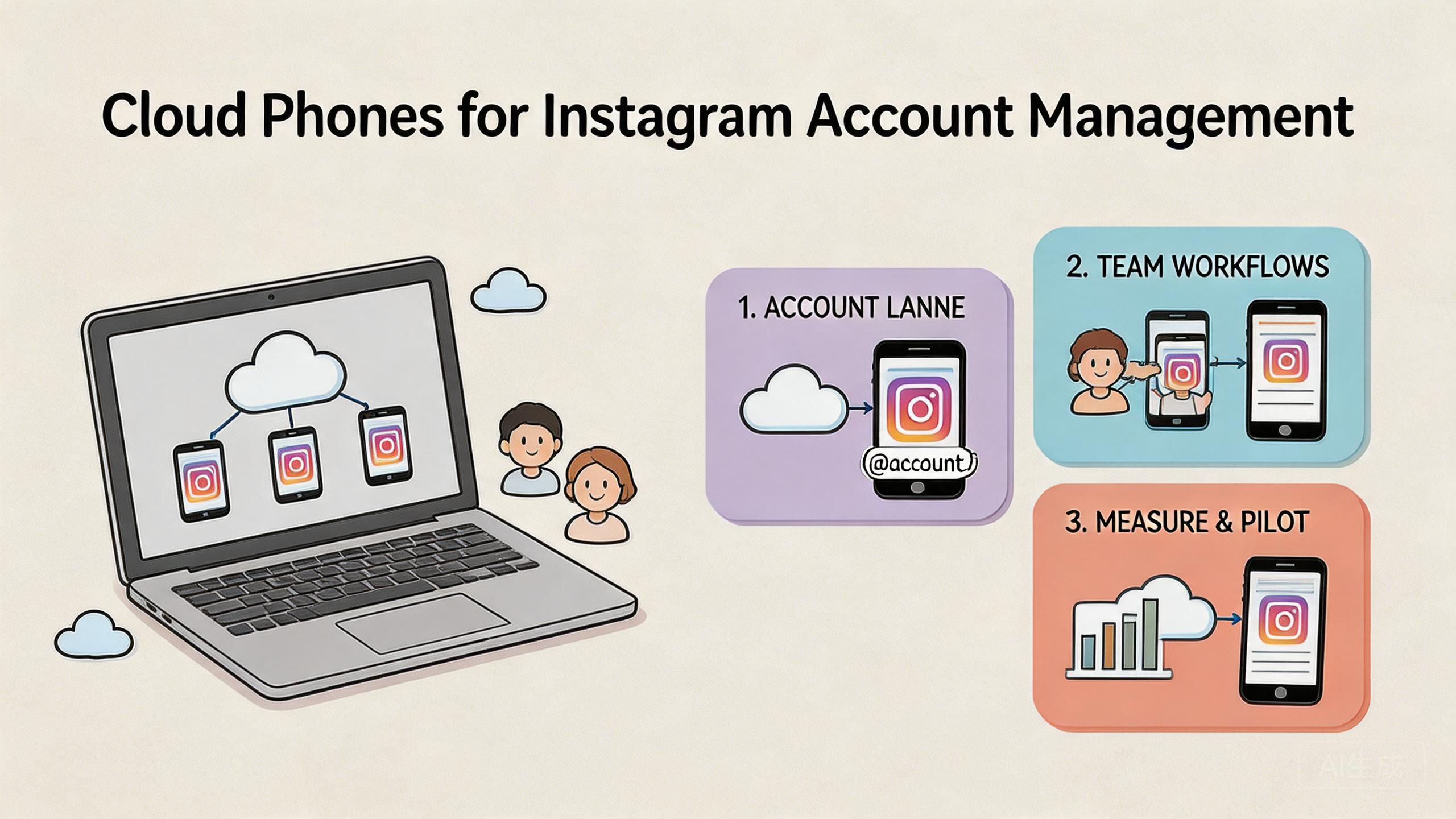
- Instagram account management on cloud phones is a way to run shared mobile account work inside controlled remote Android environments.
- The model fits teams that need account separation, app-based work, handoff, review, and repeatable daily workflows.
- Strong execution needs clear account lanes, routing rules, device state labels, role ownership, and recovery checks.
- Start with a small pilot before adding more accounts, operators, or automation.
Introduction
Instagram account management on cloud phones is the practice of running repeated Instagram account tasks inside remote Android environments with clear ownership, routing, state, and review rules. Teams use this model when one local phone, one browser session, or one operator's memory is no longer enough to keep work organized.
The direct answer is simple. Cloud phones can help Instagram teams when the work is mobile-first, account-heavy, and shared across several people. They do not replace strategy, content quality, customer care, or platform rules. They support the execution layer around those tasks.
This matters because Instagram account work is rarely one action. A team may need content checks, profile review, message handling, comment review, campaign support, account notes, and daily status updates. When those tasks move across operators, the team needs a stable way to know which account is in which state.
MoiMobi treats cloud phones as mobile execution infrastructure. A cloud phone platform gives teams remote Android environments. Device isolation, routing control, and workflow notes help turn those environments into account lanes.
The goal is not to push more activity without control. The useful goal is cleaner work: each account has a lane, each lane has a role, and each role has a review path. That is how Instagram account management becomes easier to run at team scale.
The Core Idea Behind Cloud Phones for Instagram Account Management and instagram account management on cloud phones
The core idea is account-lane control. Each Instagram account or account group should run inside a known environment with a known route, known owner, and known status. The cloud phone is the mobile runtime that holds that work.
A common misunderstanding is that cloud phones are only remote screens. A remote screen is useful, but it is not the whole system. The value appears when the team can assign an environment, hand it off, inspect the state, and reset it when needed.
For Instagram teams, the lane model is practical. One lane may support a brand account. Another may support a client account. Another may support review or support work. Each lane should have simple labels such as ready, active, blocked, review, or reset.
This helps reduce hidden context. Without lanes, one operator may know which account was used, which app state changed, and what needs follow-up. With a shared lane, that knowledge can move into notes, status, and review habits.
Plain notes are part of the system. A note can list account, lane, owner, task, status, and next step. Use short words that every operator understands. Ready means the lane can be used. Review means a manager should check the output. Blocked means work should stop until the issue is clear.
This simple language matters during handoff. A new operator should not need to ask which account is safe to touch, which app is open, or what the last person changed. The lane should tell the story. When that happens, the team spends less time guessing and more time doing controlled work.
The model still depends on good judgment. Content quality, messaging style, timing, account rules, and customer response all matter. A cloud phone cannot make poor account management strong. It can make the mobile work easier to assign, monitor, and repeat.
Instagram teams should also think about platform responsibility. Meta's rules and Instagram's own policies still apply. Google Play policy guidance is a useful reminder from the wider app ecosystem: platform rules remain important even when the device model changes (Google Play Policy Center).
Why Teams Search for This Topic and instagram account management on cloud phones
Teams usually search this topic after the old setup becomes hard to manage. One phone may have worked early. One operator may have known the whole process. One spreadsheet may have been enough. Scale changes that.
The problem is not only account count. More accounts create more app states, notes, routes, shifts, roles, and review needs. The team needs to answer basic questions quickly: who touched this account, what changed, what is blocked, and what should happen next?
| Workflow question | Why it matters | Cloud phone lane answer |
|---|---|---|
| Which account is being used? | Operators need clear ownership. | Assign one account or group to one lane. |
| Which route applies? | Random routing makes review harder. | Document route rules before work starts. |
| What is the current state? | Handoff fails when status is vague. | Use ready, active, review, blocked, and reset. |
| Who checks the output? | Account work needs review, not only action. | Name a reviewer for each workflow. |
Google's guidance on helpful, reliable content focuses on serving users with useful information rather than thin output (Google Search Central). The operating lesson is similar. More account activity is not useful if the team cannot explain what was done.
Teams also search because mobile workflows are hard to share. Browser tools may support some tasks, but many account checks happen inside mobile apps. Remote Android environments give operators a shared mobile surface without passing devices between desks.
The practical decision is whether the team needs shared mobile execution. When the answer is yes, cloud phones can become part of the operating layer. When the work is simple, solo, or browser-only, the extra layer may not be needed.
Teams should also separate account work from content strategy. The lane helps operators run checks, notes, support tasks, and app-based work. It does not decide what to post, who to contact, or how to handle sensitive customer issues. Those choices still need team rules.
A clear split helps managers review the setup. The cloud phone lane answers "where did the mobile work happen?" The workflow answers "what task was done?" The reviewer answers "was the result good enough?" Those three answers keep Instagram operations easier to audit.
Who Benefits Most and In What Situations
Instagram account management on cloud phones fits teams with repeated mobile account tasks and more than one person involved. It is not only for large teams. It can help any group that has handoff, review, and environment separation problems.
Agencies, growth teams, social teams, support teams, and operators with several account lanes.
Teams with some mobile Instagram work and some web-based planning or reporting work.
Solo users with one simple account, no handoff issue, and no need for separate environments.
Agencies are a clear example. One team may manage several clients, each with different account context, content calendar, and review owner. Separate cloud phone lanes make client work easier to label and inspect.
Internal social teams may also benefit. A brand team may split work across content review, message checks, support, and campaign tasks. A shared mobile lane lets operators continue work without relying on one person's device.
Growth teams should be more careful. Instagram account work can involve platform rules and user trust. A controlled environment helps with workflow clarity, but it does not remove the need for responsible process. Teams should avoid spam framing and absolute safety claims.
The fit is weaker when the account workflow is not yet defined. If the team cannot explain the task, owner, next step, and review rule, adding more environments will not solve the core problem. Define the work first.
Support teams may need a different setup. They may care less about campaign volume and more about message handling, issue notes, and clear owner handoff. A support lane should show what was answered, what still needs help, and what should wait for a manager.
Content teams may use lanes for review and app checks. They may need to inspect mobile display, account alerts, profile state, or message context. The work is not only posting. It is also the daily check that shows whether the account workflow is stable.
Agency teams need strict client separation. One client lane should not share notes, state, or route rules with another client lane. This is a process rule, not a magic safety claim. It helps the team keep work readable when several client accounts are active.
For teams already focused on social media marketing workflows, the strongest case is usually coordination. Several people can work across mobile lanes while managers keep status visible.
How to Evaluate or Start Using Cloud Phones for Instagram Account Management
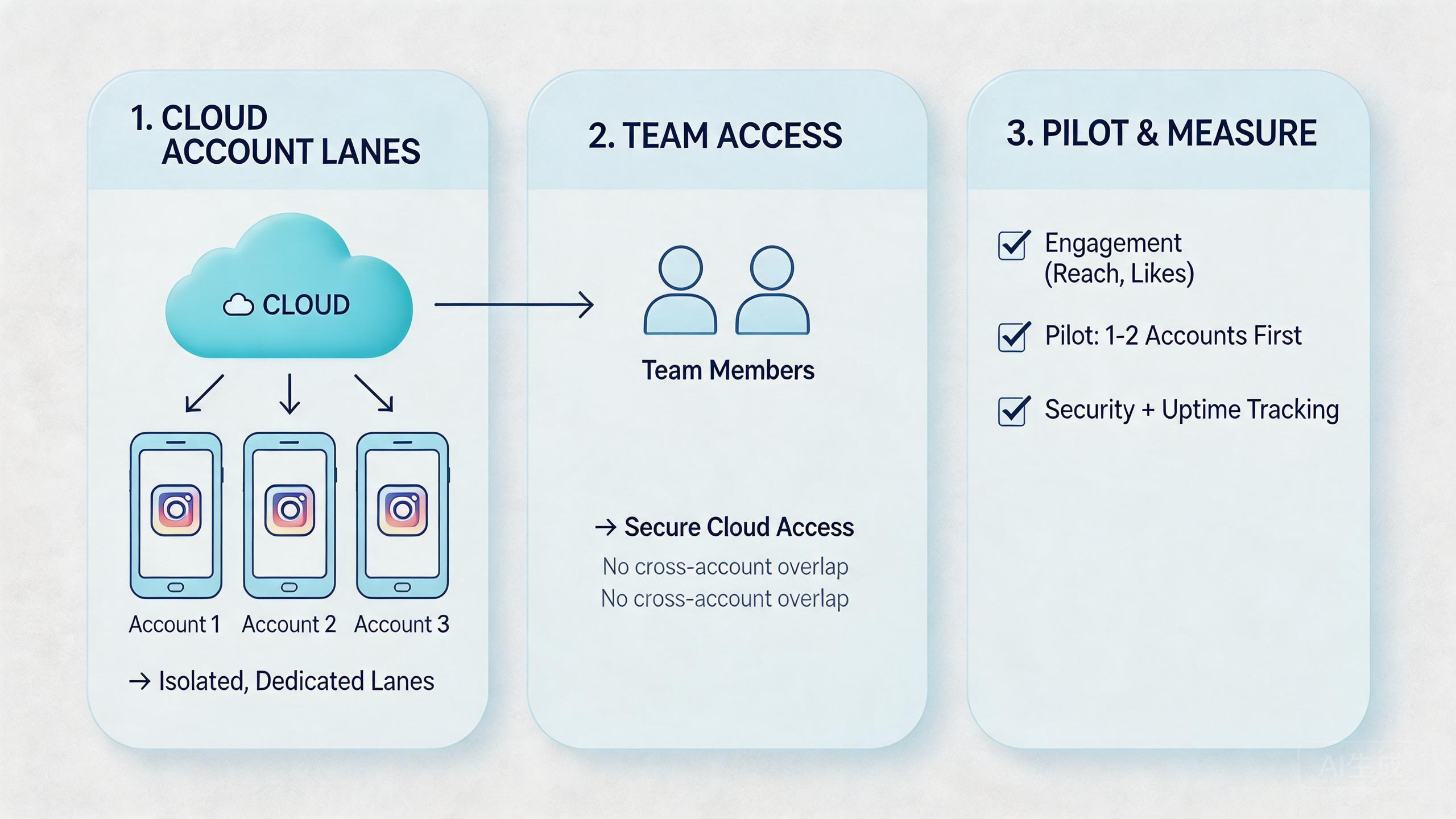
Start with guardrails, not volume. The first goal is to prove that one account lane can be assigned, used, reviewed, and recovered without confusion. After that, adding more lanes is easier.
-
Checkpoint 1: Account lane
Pass if one account or account group maps to one clear lane. Not ready when several unrelated accounts share one unclear environment.
-
Checkpoint 2: Route rule
Pass if the route is named and documented. Review the setup when operators change routes without notes.
-
Checkpoint 3: Role owner
Pass if each task has an operator and reviewer. Stop the setup if everyone can change state without review.
-
Checkpoint 4: Status labels
Pass if ready, active, hold, review, reset, and blocked mean the same thing to everyone.
-
Checkpoint 5: Recovery path
Pass if the team knows when to pause, reset, or escalate a lane. Treat silent broken work as a failed pilot signal.
Plain setup works best. Use one account group, one lane, one route rule, one owner, and one review time. Keep the first task small enough for a manager to inspect manually.
Use proxy routing deliberately when account context or region behavior matters. The exact routing policy depends on the workflow, but the rule should be written down before operators begin.
Add mobile automation only after the manual path is stable. First, run the task by hand. Then automate repeat steps that have clear inputs and outputs. Keep judgment-heavy actions under review.
Google's SEO Starter Guide explains the value of clear structure for users and systems (Google Search Central SEO Starter Guide). Instagram account workflows need the same logic. A task that cannot be written clearly is not ready to scale.
Use a plain setup board during the first week. The board can show lane, account group, route, owner, task, status, and next step. Keep the board short enough that a manager can scan it in a few minutes.
Check the board before work starts. The operator should know which lane to open, what task to run, and what state to leave behind. Check it again after work ends. The reviewer should see what changed and what still needs attention.
Do not automate a task that changes every day. Start with steps that are stable: open the app, check a known page, mark a task, or capture a simple status. Leave judgment, replies, and sensitive decisions for people until the team has a strong rule.
Mistakes in Instagram Account Management on Cloud Phones
The biggest mistake is treating cloud phones as a shortcut around process. They are better understood as execution lanes. Without rules, more lanes can create more confusion.
Another mistake is mixing unrelated accounts inside one environment. This may feel faster at first. Later, the team struggles to review state, route, notes, and ownership. Separation helps account work stay readable.
Weak status labels are also common. "Done" is often too vague. A better status set is ready, active, blocked, review, reset, and hold. These labels tell the next operator what to do.
Teams should also avoid measuring only activity. More checks, messages, or actions do not prove better management. Better measures include completed tasks, missed items, handoff time, review effort, blocked lanes, and repeat issues.
Avoid these patterns:
- One lane holds several unrelated Instagram accounts.
- Operators change route or app state without notes.
- Managers review volume but not account quality.
- Broken sessions are reused without a reset rule.
- Team members rely on private chat instead of lane notes.
- Automation starts before the manual workflow is stable.
The fix is simple but strict. Pick one account group. Define the lane. Write the task list. Name the owner. Review the output. Then decide whether another lane is justified.
Language matters as well. Do not promise account safety, zero enforcement, or platform immunity. Better team language is safer and more useful: cleaner separation, clearer handoff, easier review, and faster recovery.
Another mistake is ignoring small failures. A missed note, unclear owner, or stale status may look minor. In a multi-account workflow, small misses can spread. The next operator may continue from the wrong state.
Treat small failures as training data. If a note is unclear, rewrite the note format. If a lane is often blocked, review the route, app state, or task list. If one task causes repeated rework, keep it manual until the team knows why.
The goal is steady work. A calm process is better than a fast process that nobody can explain. Instagram account management on cloud phones works best when the team can see the state of each lane without a long meeting.
Pilot Rollout, Measurement, and Recovery Checks
A pilot should prove control before scale. Use one Instagram account group, one cloud phone lane, and one daily task list. The team should learn whether the workflow is easy to run, review, and fix.
Track six simple signals:
- Setup time: how long the lane takes to prepare.
- Handoff time: how long another operator needs to continue.
- Missed tasks: which checks were skipped or unclear.
- Review time: how long approval takes.
- Blocked lanes: which lanes need help or reset.
- Recovery time: how long it takes to return to work.
Keep notes short. Each row can show account, lane, owner, status, app path, and next step. Short notes are more likely to be used during busy work.
Check a small sample each day. Open a few lanes, compare notes, and review the next action. Look for wrong owner, unclear route, old status, or repeated app issues.
Recovery rules should exist before the pilot starts. Decide when a lane needs reset. Decide who can approve the reset. Decide when the team should stop a task instead of continuing through confusion.
The pilot can expand when another operator can follow the process without private help. That is the real test. If the workflow only works because one person remembers everything, it is not ready for more accounts.
Use one review meeting at the end of the pilot. Keep it short. Ask which tasks were clear, which tasks were missed, which lanes were blocked, and which notes helped the most. The answers show whether the team needs more lanes, better labels, or fewer steps.
The pilot should also produce a reset rule. A lane may need reset after a wrong account state, unclear route, missing note, or repeated app issue. Write the rule in plain words. Everyone should know when to stop instead of pushing forward.
Expansion should be gradual. Add one lane or one account group, then review again. This keeps mistakes small. It also helps managers see whether new capacity is real capacity or just more surface area to manage.
Frequently Asked Questions
What is instagram account management on cloud phones?
It is a way to run Instagram account work inside remote Android environments. The goal is clearer account lanes, shared access, and easier team review.
Does this replace Instagram's own tools?
No. It supports mobile execution. Instagram's app, policies, analytics, and account tools still have their own roles.
When should a team use cloud phones for Instagram work?
Use them when work is mobile-first, repeated, shared, and account-heavy. Simple solo account management may not need this layer.
How many accounts should a pilot include?
Begin with one account group. Add more only after the first lane is easy to assign, review, and recover.
Can agencies use this for client work?
Yes, when each client has a separate lane, task list, owner, and review rule. Mixed client work should be avoided.
What should be automated first?
Automate stable repeat steps after the manual process is clear. Keep judgment-heavy account decisions under human review.
What is the main risk?
The main operational risk is mixed context. Accounts, routes, notes, and app states can drift when lanes are unclear.
What should managers measure?
Measure missed tasks, handoff time, review time, blocked lanes, repeated issues, and recovery speed. Raw action count is not enough.
Conclusion
Cloud phones for Instagram account management make sense when the work is mobile-first, repeated, and shared across a team. The model gives operators a controlled Android lane for account work and gives managers a clearer way to review status.
The strongest setup is simple. Each account group needs a lane, owner, route rule, task list, status, and recovery path. Instagram workflows become easier to operate when those parts are visible.
Start with one small pilot. Choose one account group, one task list, and one reviewer. Measure setup time, missed work, handoff quality, and recovery speed. Expand only when the same process works without private knowledge.
MoiMobi can support this as part of a broader multi-account execution system. Use cloud phones for mobile runtime, isolation for cleaner account context, routing rules for clearer review, and simple notes for daily control. That is the practical path from scattered Instagram work to team-scale execution.



