
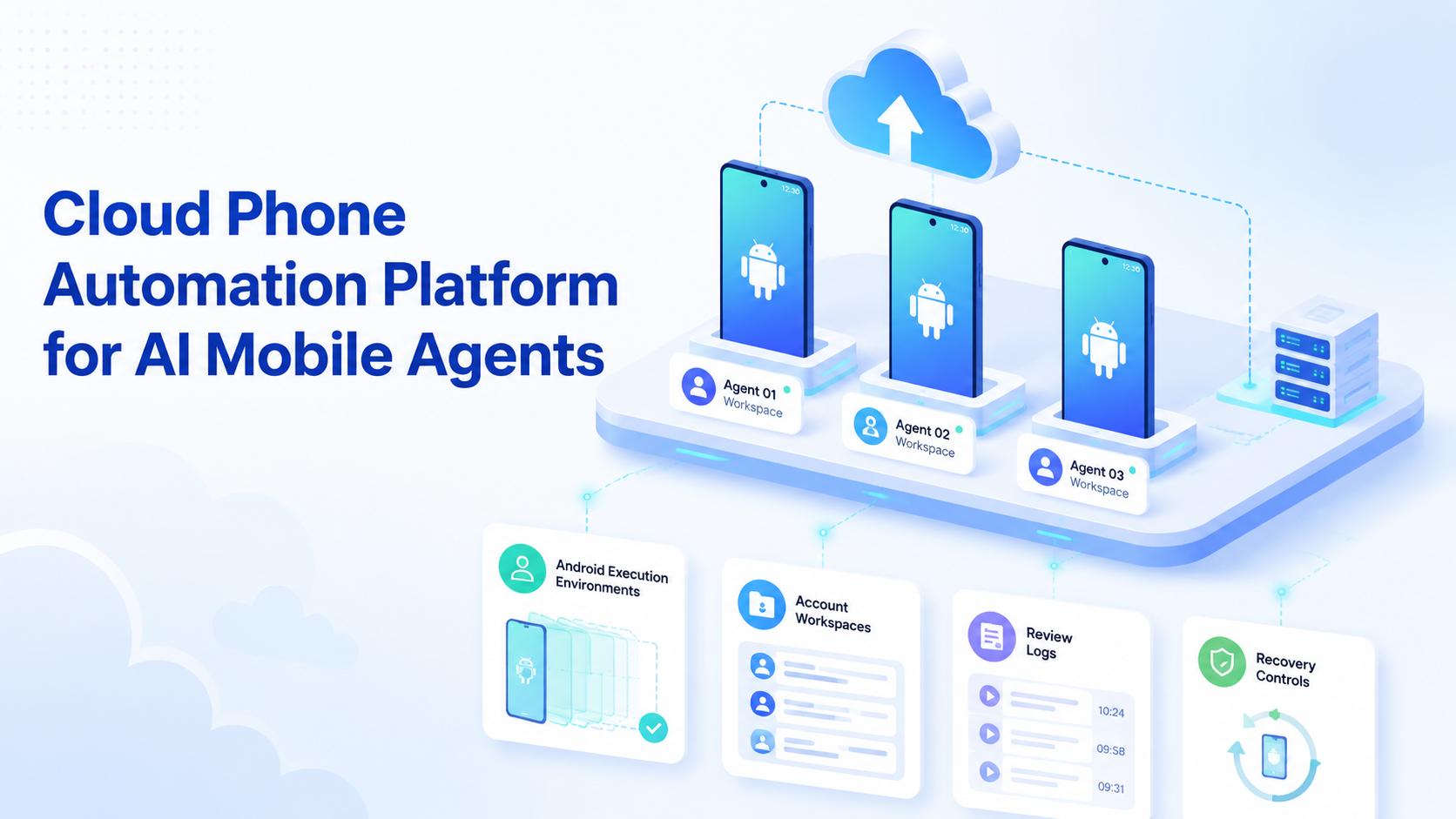
Cloud phone automation is the use of remote Android phone environments to run repeatable mobile workflows for AI agents and operations teams. It matters when the work happens inside mobile apps, mobile inboxes, short video platforms, or account workspaces that a desktop browser cannot fully cover.
For AI mobile agents, the phone is not just a screen. It is the execution surface. The agent needs a device environment, app state, account context, review rules, and a way to recover failed runs.
MoiMobi treats cloud phone automation as part of a broader execution system. Browser profiles can handle web dashboards. Cloud phones and Android devices handle mobile-first work.
Core Operating Takeaways
- AI mobile agents need a real mobile execution environment, not only a text prompt.
- Cloud phones help teams run app workflows with account separation and task logs.
- Browser automation and mobile automation should be evaluated as separate surfaces.
- Human review remains important for posts, replies, account changes, and customer-facing actions.
- Start with one mobile workflow and measure completion, review load, and recovery time.
The Core Idea Behind Cloud Phone Automation Platform for AI Mobile Agents
A cloud phone platform gives teams remote Android environments that can run apps, hold account sessions, and support repeatable tasks. AI agents can use those environments to prepare posts, check inboxes, review app screens, collect status, or follow SOPs.
This does not mean every action should run without supervision. A better model is task execution with review. AI can prepare, navigate, draft, collect, and report. Operators can approve sensitive steps and handle exceptions.
Official cloud-device services show why this layer exists. AWS Device Farm describes hosted physical phones and tablets, remote access, logs, and video for app testing. Firebase Test Lab describes testing Android and iOS apps across real and virtual devices in the cloud.
Operations teams use different workflows than QA teams, but the infrastructure lesson is similar: mobile apps need mobile execution surfaces.
Why Teams Search for This Topic
Teams search for this topic when browser automation stops matching the work. A social media operator may need TikTok, Instagram, WhatsApp, or Telegram app flows. An ecommerce team may need marketplace apps, mobile messages, or account checks.
The common friction points are concrete:
- One desktop browser cannot represent mobile app behavior.
- Shared devices make account ownership unclear.
- Manual phone work is hard to scale across operators.
- Failed app tasks often lack logs and recovery notes.
- AI output still needs a place to execute.
MoiMobi connects this need to mobile automation. The goal is not only remote access. The goal is repeatable mobile work with account context and review.
Who Benefits Most and In What Situations
Cloud phone automation fits teams that manage repeated app-based workflows. The best fit is usually a team with multiple accounts, recurring tasks, and a need for clean ownership.
| Team | Mobile workflow | Control needed |
|---|---|---|
| Social media team | Content checks, app publishing prep, comments, inbox review. | Account assignment, approvals, and post status. |
| Customer support team | WhatsApp, Telegram, or app-based message handling. | Tone rules, escalation, and send logs. |
| Ecommerce operator | Marketplace app checks, order updates, customer questions. | Account workspace, task owner, and recovery notes. |
| Agency | Client account monitoring across several platforms. | Separated environments, review queues, and status reports. |
Teams with only web dashboards may not need cloud phones first. They can start with browser execution and add mobile capacity when the workflow reaches app-only steps.
How to Evaluate or Start Using a Cloud Phone Automation Platform
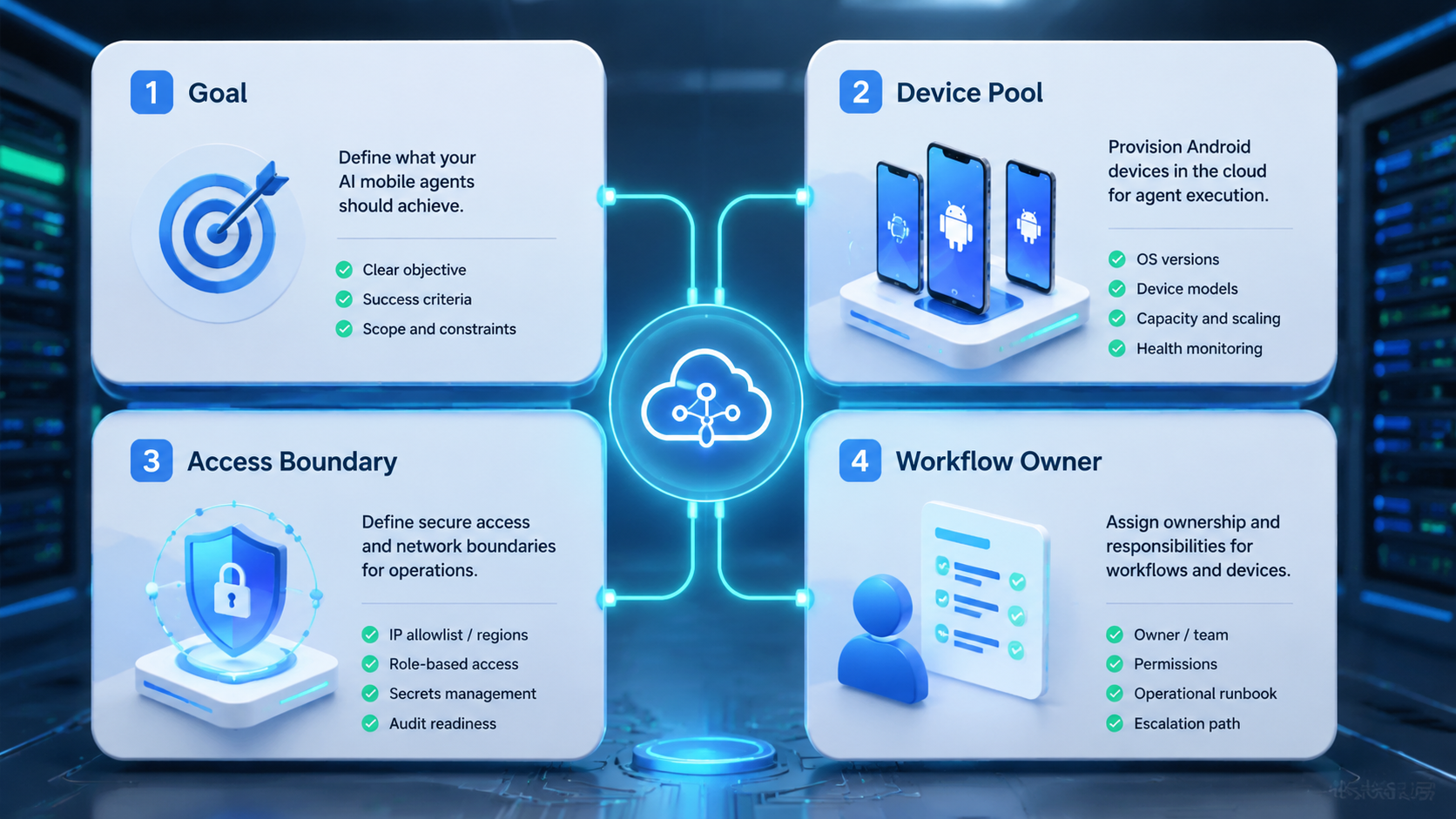
Do not start by adding every account. Start by proving one workflow.
- Name the mobile task. Pick one repeated action, such as inbox review, post verification, comment drafting, or app status checks.
- Assign the environment. Give the account its own phone workspace, login state, and task owner.
- Set action boundaries. Decide which actions AI can prepare and which actions require approval.
- Log the result. Track completed actions, blocked screens, failed uploads, rejected drafts, and manual corrections.
- Review the failure cases. Look for expired sessions, app layout changes, wrong-account actions, and missing assets.
For larger teams, device isolation should be part of the first design pass. Separate execution environments make account-level review easier.
Mistakes That Reduce Results
The first mistake is treating cloud phones as simple device rental. The operational value comes from workflow design: account mapping, task routing, logs, review, and recovery.
The second mistake is confusing mobile execution with browser automation. The W3C WebDriver specification is useful for browser control. It does not replace the need for a mobile app environment when the work happens inside Android apps.
The third mistake is skipping human review. AI agents can prepare work, but posts, replies, customer messages, and account changes often need approval. Removing review too early creates avoidable cleanup work.
The fourth mistake is scaling before the pilot is measurable. More phones and more accounts will not fix a vague task definition.
Pilot Rollout, Measurement, and Recovery Checks
A good pilot tests the mobile workflow, not the marketing claim. Use one account group, one app workflow, and one review owner.
Measure five signals:
- Completion rate: how often the agent finishes the task.
- Review load: how often humans correct or reject output.
- Recovery time: how long failed runs take to fix.
- Account accuracy: whether the right phone and account were used.
- Business output: replies drafted, checks completed, posts verified, or issues resolved.
Recovery checks should include real failure modes. Test expired logins, app updates, blocked screens, missing media, and wrong account selection. If the system cannot show what failed, it is not ready for more accounts.
MoiMobi's cloud phone farm infrastructure page is useful when teams need to think beyond one device and plan a larger mobile execution pool.
Frequently Asked Questions
What is cloud phone automation?
It is the use of remote Android phone environments to run repeatable mobile tasks with account context, logs, and review controls.
Why do AI agents need cloud phones?
They need cloud phones when the workflow happens inside mobile apps or mobile-first account environments.
Is a cloud phone the same as an emulator?
No. Cloud phones and emulators can serve different needs. For comparison workflows, see MoiMobi's guide to cloud phone vs emulator.
Can AI mobile agents publish automatically?
They can support publishing workflows, but teams should keep approval checks for public or customer-facing actions.
Who should use this first?
Teams with repeated mobile account work should start first. Examples include social media, support, ecommerce, and agency operations.
What should a pilot measure?
Measure completion rate, review load, recovery time, account accuracy, and business output.
Does this replace browser automation?
No. Browser automation and mobile execution solve different workflow surfaces. Many teams need both.
Conclusion
Cloud phone automation gives AI mobile agents a controlled place to execute app-based work. The useful stack includes Android environments, account separation, workflow logs, human review, and recovery paths.
Start with one mobile workflow. Map the account, assign the phone environment, define approval points, and measure failures before adding more accounts or devices.



