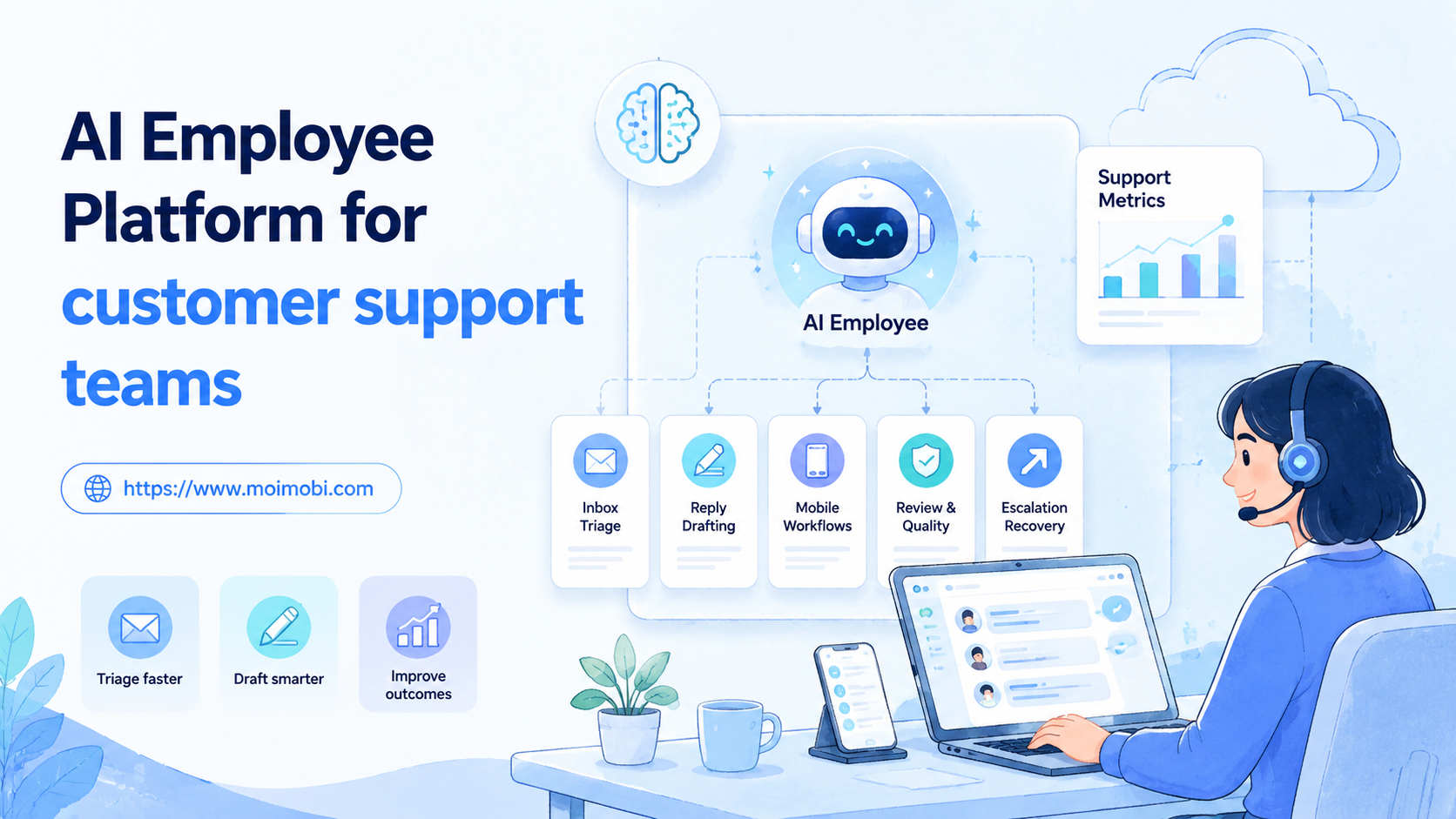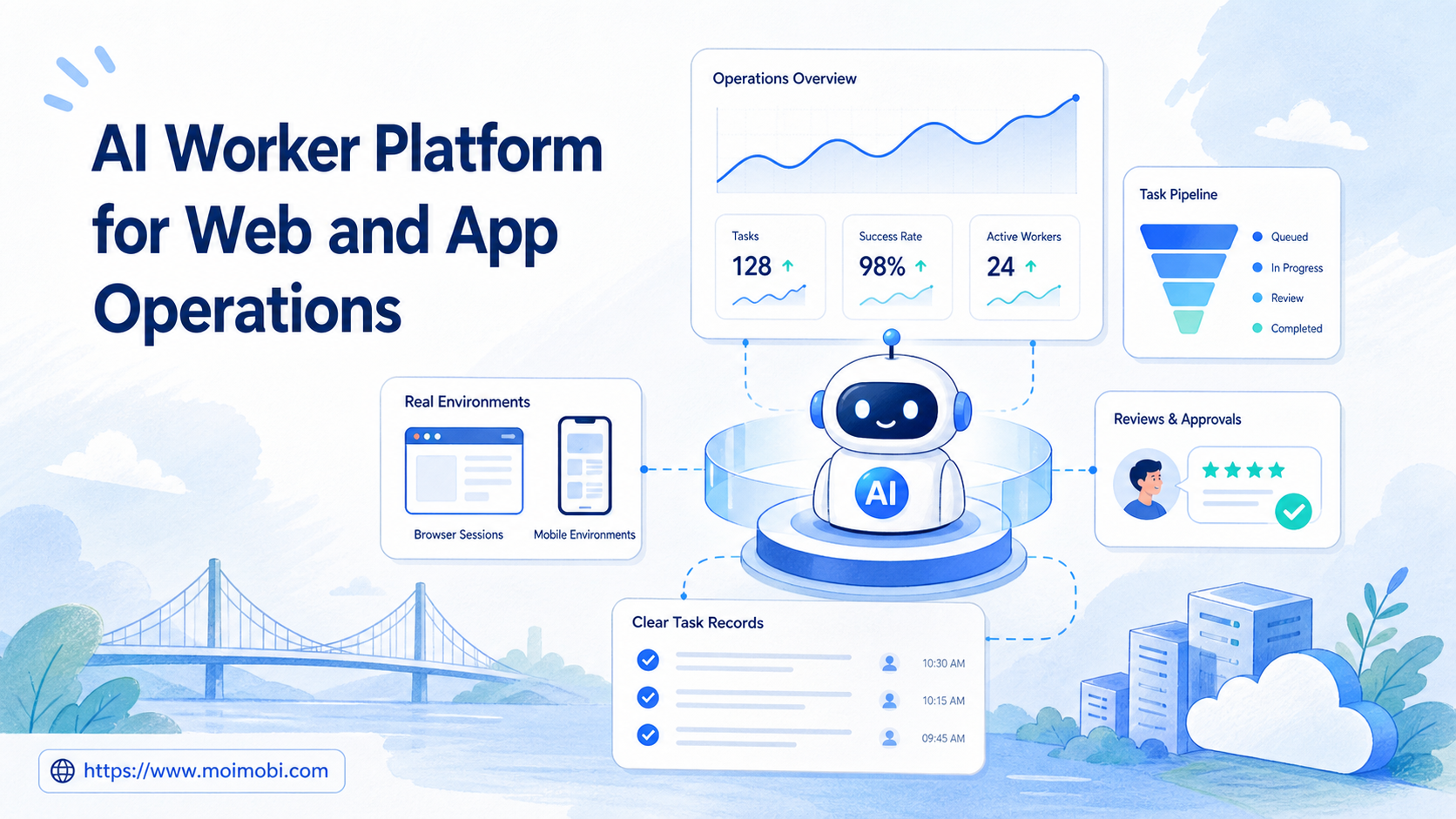
Title: AI Worker Platform for Web and App Operations
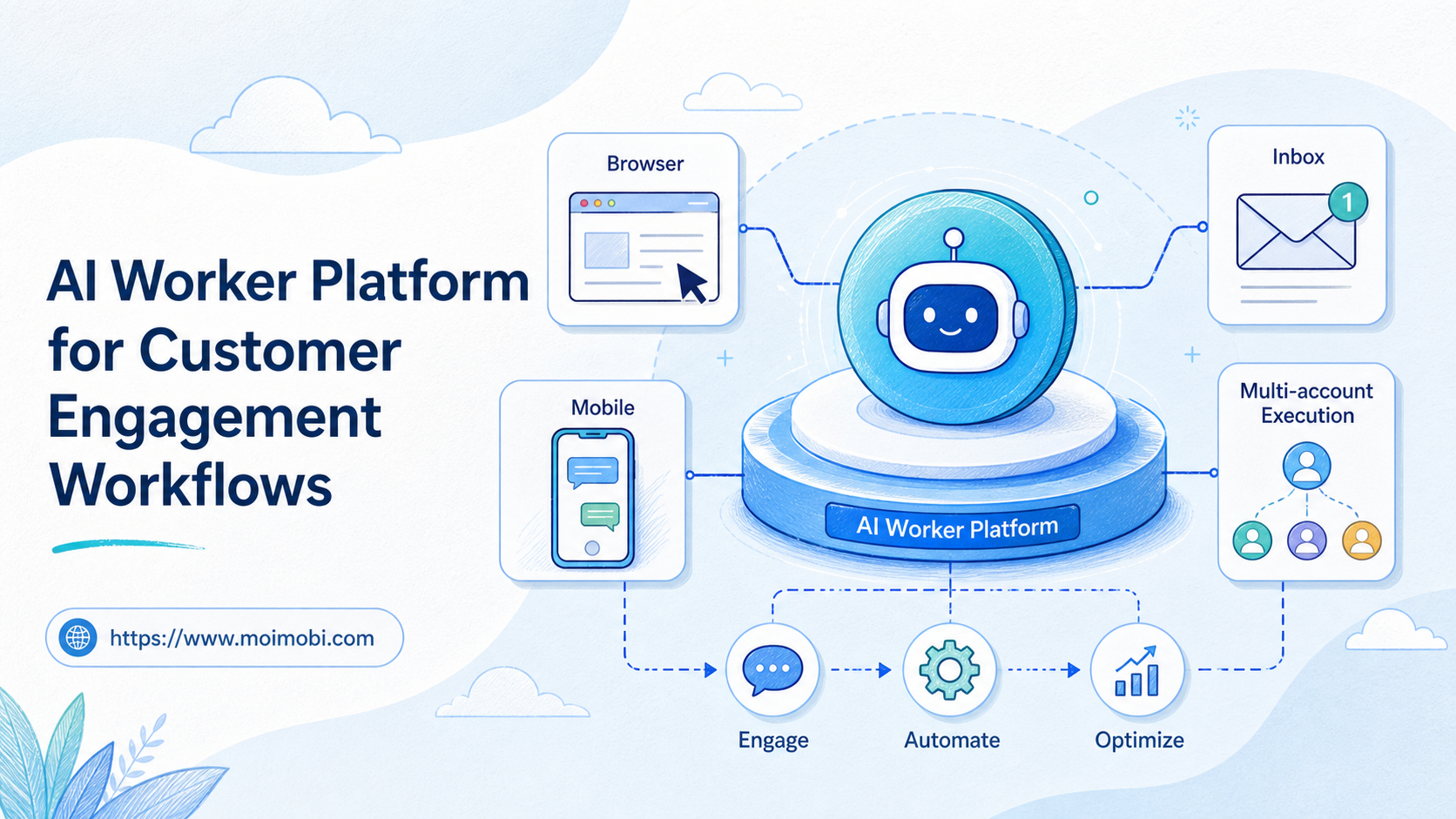
An AI worker platform is a system that lets teams assign repeatable digital tasks to AI-assisted workers, then run those tasks inside controlled web and app environments. For web and app operations, the platform must connect planning, browser sessions, mobile execution, account workspaces, reviews, and task records.
The practical goal is not to replace every operator. The system makes repeated work easier to route, inspect, and improve. A team may research in a browser, prepare a reply with AI, execute a mobile step on a cloud phone, and send the final result to a reviewer.
Moimobi fits this category as an AI browser and cloud phone platform for teams that need execution environments, not only chat output. The useful question is simple: which tasks should become AI worker workflows, and which tasks should stay under human control?
Key Takeaways
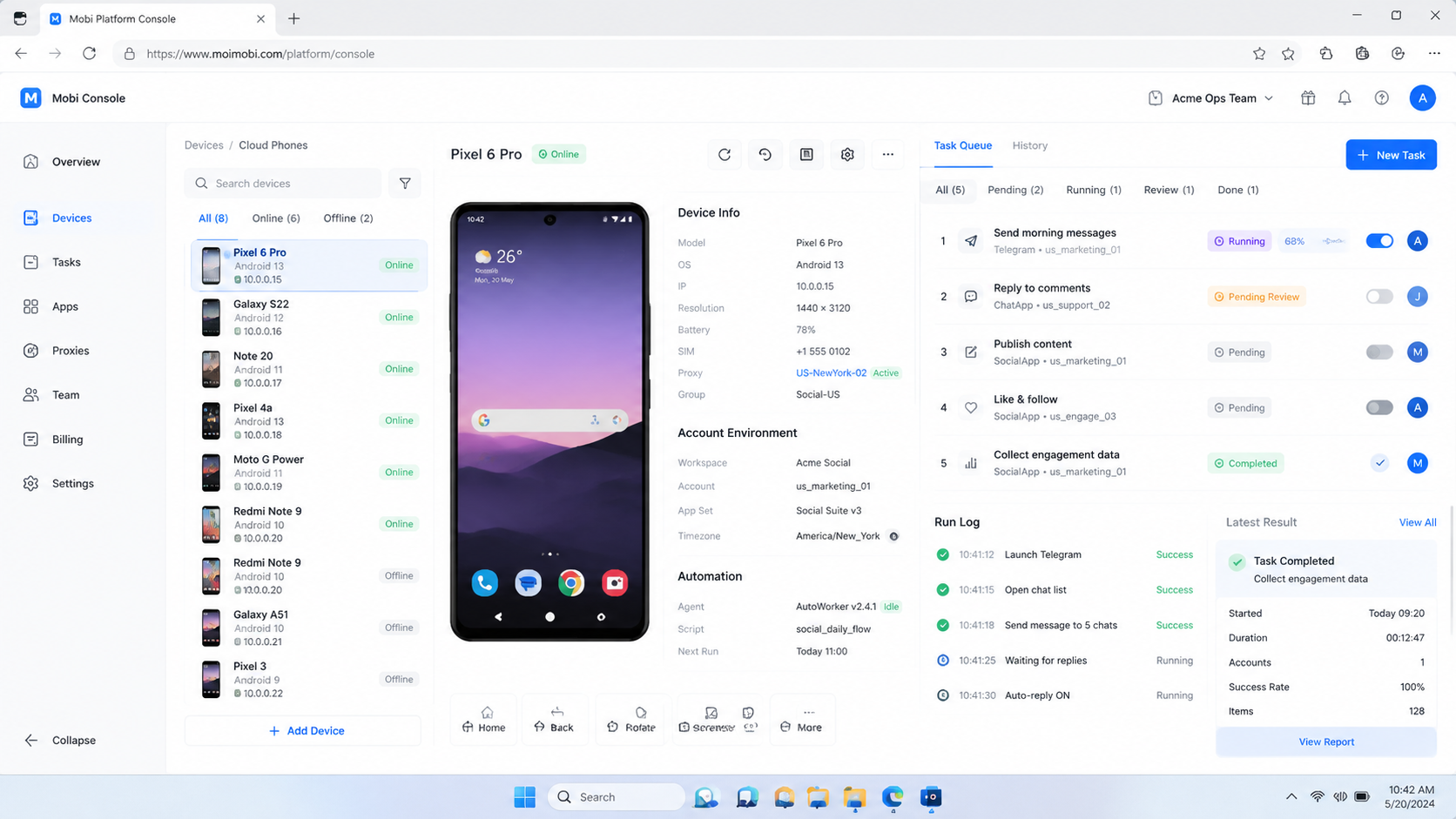
- An AI worker platform connects AI planning with real execution environments.
- Browser profiles are better for web dashboards, admin panels, and logged-in web tasks.
- Mobile execution environments are better for app-based workflows, messaging, publishing, and mobile account activity.
- Good systems separate drafting, execution, review, and recovery instead of merging them into one opaque action.
- Teams should measure task quality, account accuracy, review speed, and failure reasons before scaling.
What Is AI Worker Platform for Web and App Operations?
For web and app operations, an AI worker platform works as an operating layer for repeated online work. It takes task intent, account context, source material, and review rules, then routes the work to the right environment.
The worker may prepare a content draft, inspect a page, organize a lead list, classify customer messages, or queue a mobile app action. The platform should also record what happened. Without a record, the team cannot tell whether the work was completed, paused, edited, or rejected.
Web operations usually depend on browser state. This includes logged-in dashboards, forms, analytics pages, CRM records, marketplace consoles, and support tools. Browser automation standards reflect this session-based model. W3C WebDriver defines browser automation around sessions, commands, elements, and capabilities, while Playwright uses browser contexts, pages, locators, and traces to make web execution observable.
App operations depend on mobile state. This includes Android app sessions, device settings, app permissions, media files, notifications, and mobile inboxes. Android Enterprise documentation frames Android work around managed devices and apps. Testing platforms such as AWS Device Farm and Firebase Test Lab also treat mobile execution as device-based runs with logs, states, and artifacts.
The same principle applies to business operations. Execution depends on context. AI output is only one layer. The worker still needs the right browser profile, the right app environment, the right account, and a clear review rule.
Why AI Worker Platform for Web and App Operations Matters
The value appears when a team has many small tasks crossing web tools and mobile apps. One person may copy customer details from a dashboard, check a message in an app, prepare a reply, and update a status field. That work is not hard once. It becomes expensive when repeated across many accounts, brands, regions, or clients.
This platform model gives the team a shared way to split the work. AI can help prepare content, summarize inputs, classify intent, and suggest next actions. The execution environment handles where the action happens. The review layer decides whether the action is allowed.
This structure reduces confusion. A browser-based task stays in a browser profile. A mobile app task runs in a controlled mobile environment. A sensitive action waits for a person. The team does not need every operator to remember every boundary from memory.
For Moimobi users, a common pattern is to combine browser profiles, cloud phone environments, and account-level task logs. The result is not a magic autopilot. Teams get a more inspectable way to run repeated web and app operations.
| Operation type | Best environment | AI worker job | Human review signal |
|---|---|---|---|
| Lead research | Browser profile | Open sources, summarize accounts, prepare a shortlist | Source quality and lead fit |
| Content publishing prep | Browser plus mobile environment | Draft caption, match asset, prepare account-specific note | Correct account, media, and timing |
| Customer message handling | App environment or web inbox | Classify message, draft response, route escalation | Reply accuracy and escalation reason |
| Marketplace monitoring | Browser dashboard | Collect status changes, flag abnormal items, update report | Exception type and next action |
Key Benefits and Use Cases
The common misunderstanding is that AI workers are only chatbots with task names. That model breaks down quickly. A useful worker needs a place to work, permission boundaries, and a record of outcomes.
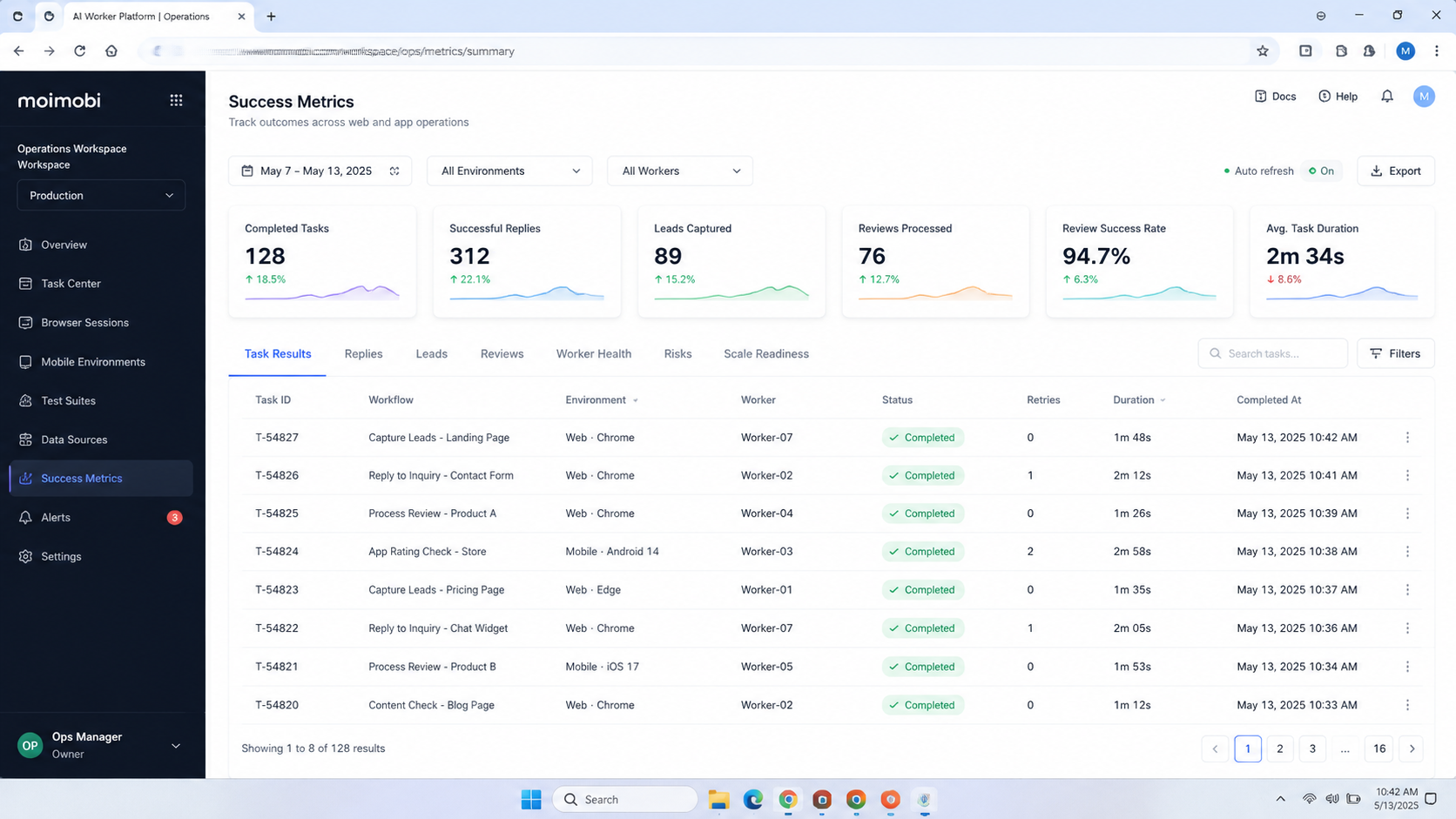
One benefit is routing clarity. A platform can separate tasks that need web state from tasks that need mobile state. It can also identify which actions should stop for review. This matters when several team members share responsibility for accounts, content, customer replies, or marketplace operations.
Another benefit is repeatability. The same workflow can run again with a different account group, asset, customer message, or campaign. The team can compare results because the steps and records are similar.
Use cases usually fall into five groups:
- Content operations: prepare captions, adapt post drafts, check asset readiness, and route publishing for review.
- Customer engagement: classify comments or messages, prepare replies, and assign sensitive cases.
- E-commerce operations: monitor listings, collect order signals, flag reviews, and prepare support notes.
- Sales operations: research leads, update records, prepare outreach drafts, and schedule follow-up.
- Social media operations: coordinate web planning, mobile app steps, monitoring, and account-level reporting.
Teams that manage many channels can connect this model with multi-account management. Account structure is the foundation. AI workers are easier to control when each account, environment, owner, and reviewer is already named.
How to Get Started with AI Worker Platform for Web and App Operations
Start with one workflow, not a broad automation program. The first workflow should be repeated often enough to matter and bounded enough to inspect. A customer reply workflow, content publishing preparation workflow, or lead research workflow is usually easier to test than a full end-to-end operations replacement.
Use these checkpoints before assigning work:
- Checkpoint 1: Name the task. Write the exact output expected from the worker. Avoid vague goals like "manage the account."
- Checkpoint 2: Pick the environment. Mark each step as browser profile, mobile environment, or human review.
- Checkpoint 3: Assign accounts. Connect each task lane to an account group, owner, and reviewer.
- Checkpoint 4: Define permissions. Separate drafting, checking, clicking, replying, publishing, deleting, and payment-related actions.
- Checkpoint 5: Log the result. Capture status, environment, account, reviewer, failure reason, and next action.
The first pass should keep execution narrow. Let the worker gather inputs, prepare drafts, or inspect status. Add higher-impact actions only after the team trusts the review and recovery process.
If the workflow depends on app activity, evaluate mobile automation as a separate execution layer. If the workflow depends on account separation, include device isolation and browser profile rules early. Changing those rules later is harder than setting them before the pilot.
Common Mistakes to Avoid
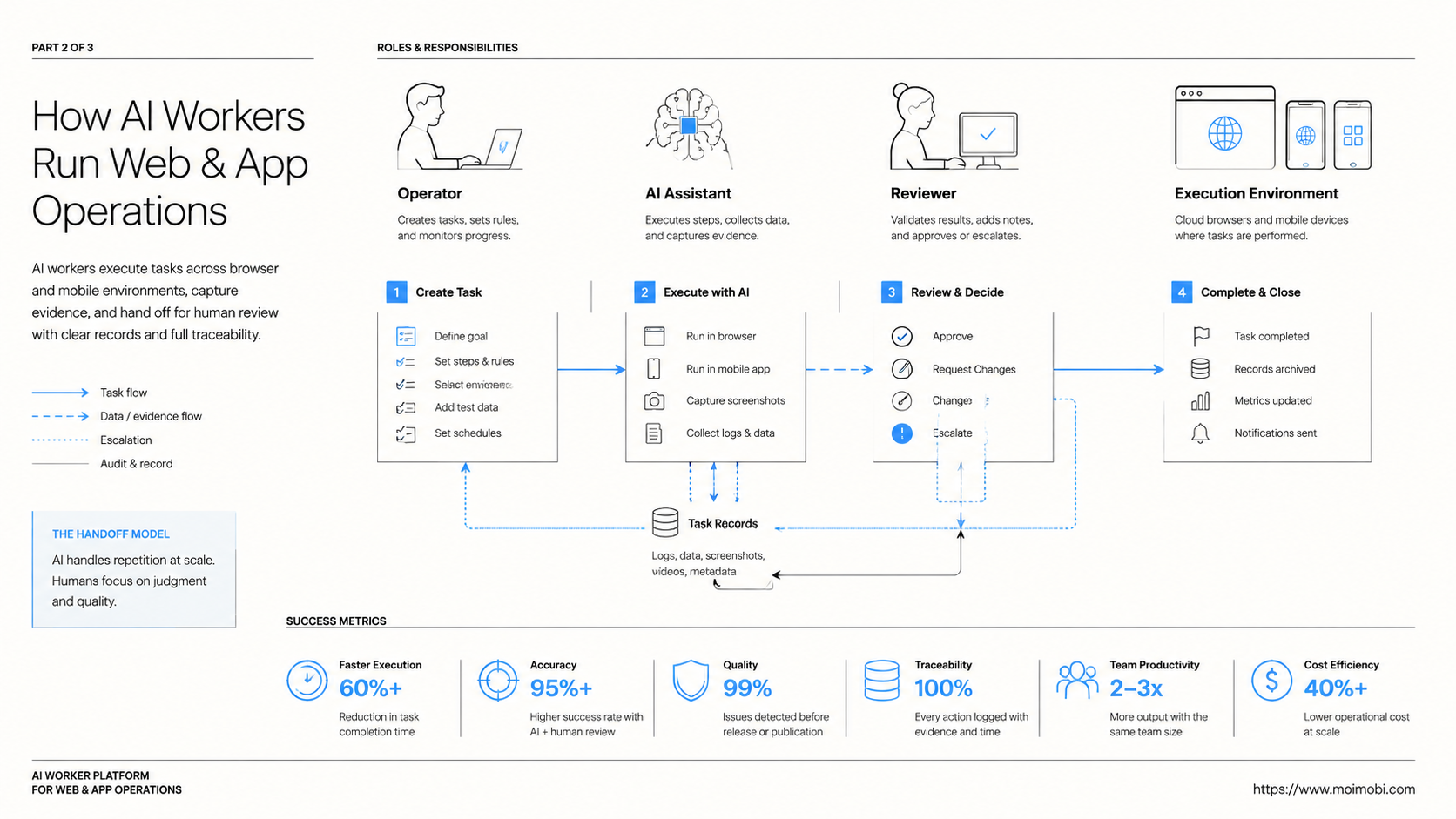
The first mistake is treating AI workers as one large general operator. Broad workers are hard to audit. A better model assigns workers by role, account group, and environment.
The second mistake is ignoring environment fit. A browser profile is not a mobile app session. A mobile environment is not a replacement for every web dashboard. The task should decide the execution surface.
The third mistake is skipping review design. Teams often define how a worker starts but forget how it pauses. Every workflow needs stop rules. Examples include missing login state, unclear customer intent, unexpected payment information, wrong account context, or content that needs approval.
Another problem is weak failure tracking. A failed task should not only say "failed." It should identify the layer. Was it a browser session issue, mobile app issue, account assignment issue, asset issue, network issue, permission issue, or review delay?
Operational limits matter. Public replies, publishing, account settings, payments, refunds, and deletion actions should usually require clear approval. The platform should support that boundary instead of hiding it behind a single run button.
Who It Fits and When It Is a Strong Match
The strongest fit is a team with repeated digital work across several tools. This model works best when the task has a recognizable pattern, a known account context, and a measurable result.
Good fits include social media teams, customer support teams, e-commerce operators, agencies, sales operations teams, and cross-border teams that use both web dashboards and mobile apps. These teams usually need more than a writing assistant. They need execution capacity with records.
Weak fits are different. A team with one account, one low-volume workflow, and no repeatable process may not need a platform yet. A team that cannot define who approves actions will also struggle. Automation does not fix unclear ownership.
Strong fit
- Repeated tasks across web dashboards and mobile apps.
- Multiple accounts, clients, regions, or channels.
- Clear review rules for replies, publishing, and account actions.
- Need for logs, status, and recovery reasons.
Weak first fit
- One-off tasks with no repeated workflow.
- No defined account ownership.
- No reviewer for public or sensitive actions.
- Unclear success metric beyond "do more work."
Moimobi should be evaluated when the team needs both environments and structure. A browser-only tool may fit web research. A mobile-only tool may fit app operations. A combined execution platform helps when the same team moves between both surfaces.
Pilot Rollout, Measurement, and Recovery Checks
The first pilot should prove that the team can control one workflow. Do not begin with every account or every channel. Choose one account group, one task type, and one reviewer.
A practical pilot could follow this pattern:
- The worker collects source information in a browser profile.
- The worker prepares a task note, draft, or reply suggestion.
- A mobile environment handles the app-specific step if needed.
- A human reviewer approves, edits, pauses, or rejects the result.
- The platform records status, reason, account, environment, and next action.
Measure the pilot with operational signals, not only completion count:
- Environment accuracy: did the task use the correct browser or app environment?
- Account accuracy: did the correct account group receive the task?
- Output quality: how often did the reviewer approve with minimal edits?
- Recovery clarity: did failed runs name the real failure layer?
- Review speed: how long did approval or escalation take?
The review loop should inspect both successful and failed runs. Successful runs show whether the workflow can repeat. Failed runs show whether the system produces enough evidence to fix the next run.
For mobile-heavy teams, the pilot may include Android antidetect and device environment checks. For social media teams, social media marketing workflows can provide the next page to evaluate after the operating model is clear.
Frequently Asked Questions
What is an AI worker platform?
It coordinates AI-assisted task planning, execution environments, review rules, and task records for repeated digital work.
How is it different from AI employee software?
AI employee software often describes the user-facing role. The platform describes the infrastructure that lets those workers run, pause, review, and record tasks.
Does an AI worker platform need browser execution?
It needs browser execution when tasks involve web dashboards, forms, admin tools, account settings, or logged-in web sessions.
When does it need mobile execution?
It needs mobile execution when the workflow depends on Android apps, mobile inboxes, media libraries, notifications, or app-specific account state.
Can one worker handle both web and app steps?
Yes, but the workflow should define which step uses which environment. Broad access without boundaries is harder to audit.
What should a team automate first?
Start with repeated preparation work, monitoring, research, draft creation, classification, or status collection. Keep sensitive final actions reviewed.
What metrics matter most?
Track account accuracy, environment accuracy, reviewer edit rate, completion quality, failure reason, and recovery time.
Is this only for social media teams?
No. It can also support e-commerce, customer support, sales research, marketplace monitoring, and back-office workflows.
Conclusion
For web and app operations, this platform is useful when a team needs AI help plus controlled execution. The real value is not only generating content or instructions. The operating gain comes from routing work through the right browser profile, mobile environment, account lane, reviewer, and record.
Start with one repeated workflow. Map each step to web, app, or human review. Then measure whether the worker improves task quality, review speed, and recovery clarity before scaling to more accounts.
References