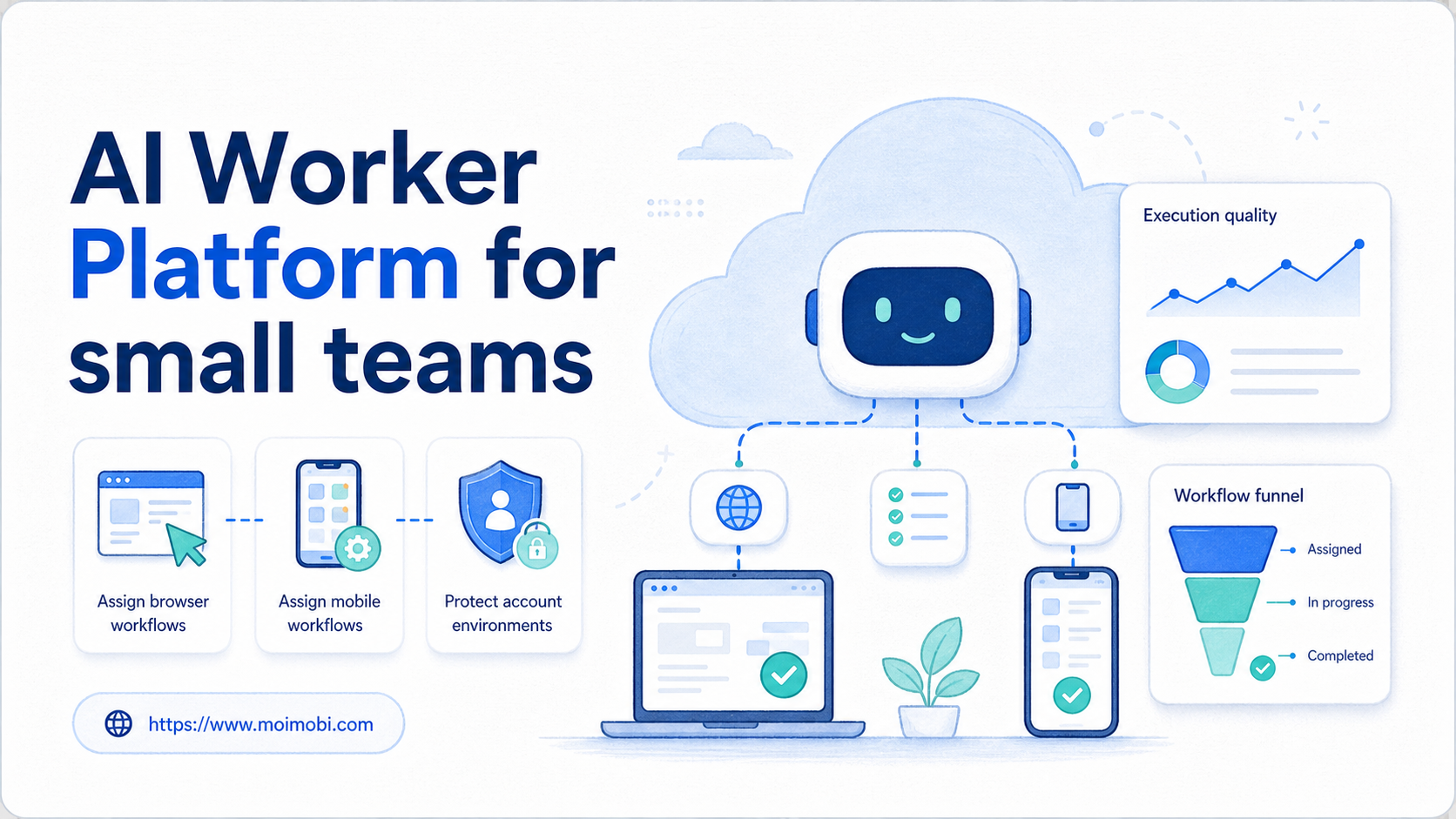
An AI worker platform is a system that helps small teams assign repeatable digital work to AI workers, then run that work in controlled browser or mobile environments. The value is not only faster content generation. A better outcome is turning daily online operations into assigned, logged, and reviewable workflows.
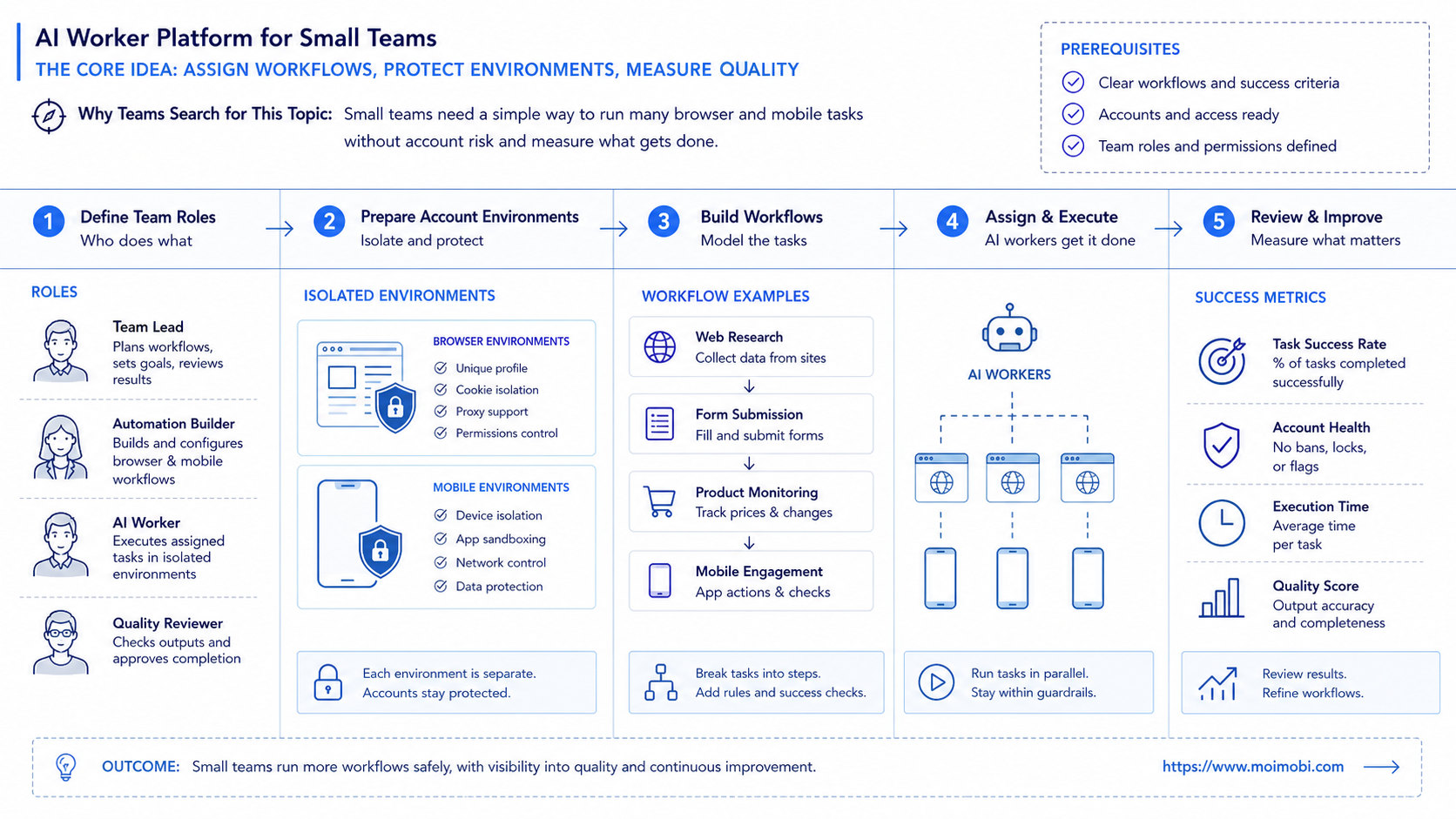
Small teams search for this category when they have too much repeated work and not enough operators. A founder may handle content publishing, customer replies, lead research, account checks, and reporting. Another operator may cover approvals and client communication. The team needs leverage, but it cannot lose control of accounts, permissions, or customer-facing actions.
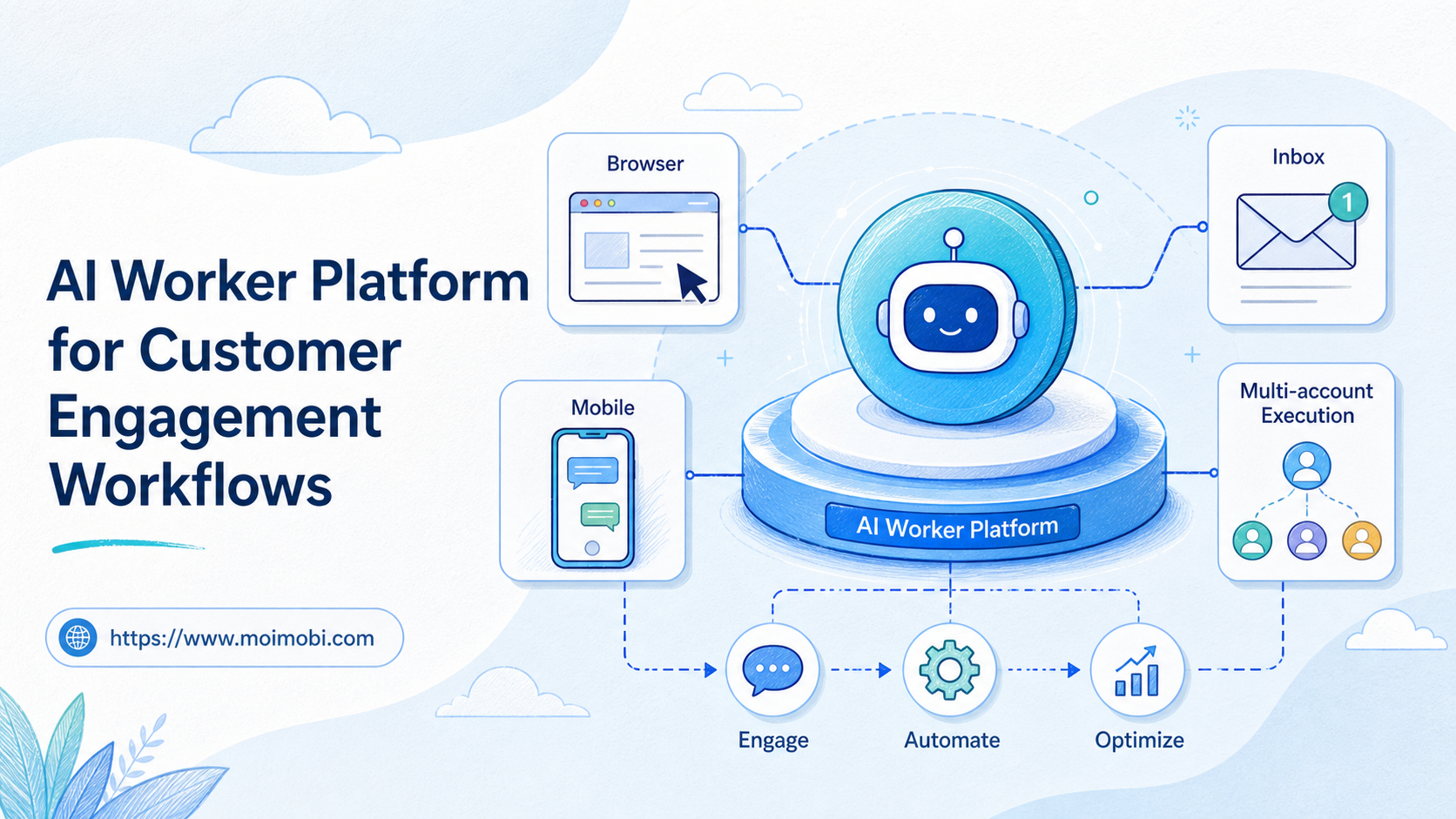
Moimobi is built around this execution problem. It connects AI with browser profiles, cloud phones, Android devices, account workspaces, and workflow records. That makes it closer to an AI execution platform than a general writing tool.
Key Takeaways
- Small teams should start with one narrow workflow, not a broad "AI employee" promise.
- The strongest AI worker setup assigns work by role, account environment, review rule, and success metric.
- Browser workflows need profile control; mobile workflows may need a cloud phone execution environment.
- Human approval should stay close to customer replies, publishing, account settings, and sensitive changes.
- Success should be measured by completed work, rework rate, failure reasons, and handoff quality.
The Core Idea Behind AI Worker Platform for small teams
The common mistake is thinking an AI worker platform is just a place to create more agents. Small teams do not need more vague helpers. They need fewer loose tasks, cleaner handoffs, and clearer proof that work was done correctly.
For a small team, an AI worker should have a narrow job. One worker can monitor dashboards. Another can prepare posts. Another can triage messages. Another can collect lead data. Each worker needs a defined account environment, a permitted workflow, and a result format.
This distinction matters because AI alone does not execute business operations. The AI layer can understand intent, draft content, classify messages, or choose the next workflow. The execution layer still needs a browser session, a mobile device, a cloud phone, or an account workspace where the task can actually run.
Browser and mobile automation also depend on runtime state. The W3C WebDriver specification describes browser automation through remote control of a user agent. Playwright documents actionability checks before actions such as clicking or filling fields. These sources are useful reminders: a task should not run only because a prompt says so. It should run when the environment is ready.
Small teams benefit when the platform connects four things:
- The task that should be done.
- The account or workspace where it should happen.
- The AI worker allowed to handle it.
- The log that proves what happened.
That model is more practical than hiring a fictional digital employee with no boundaries. It gives the team a way to start small, review outcomes, and expand only when the workflow is clear.
Why Teams Search for This Topic
Small teams usually search for this topic after repeated tasks start crowding out strategy. The issue is not one large project. It is the daily drag of small tasks that never stop.
A lean agency may manage several client accounts. A founder-led e-commerce team may need product checks, social replies, and listing updates. A creator team may need content preparation, comment triage, and trend monitoring. These workflows are not complicated one time. They become hard because they repeat across platforms and accounts.
| Small-team pain | What breaks manually | What the platform should provide |
|---|---|---|
| Too many repeated checks | Tasks are skipped or remembered late | Task queues with status and owner |
| Multiple accounts | People mix sessions or lose context | Separated account environments |
| Customer replies | Responses depend on who is online | Drafting, triage, and approval gates |
| Content publishing | Assets, captions, and accounts are scattered | Content assignment and execution records |
| Reporting | Work happens but is hard to prove | Run logs, metrics, and exception reasons |
This is why a small team should not evaluate only model quality. The better question is whether the system can keep work assigned, executed, reviewed, and measured.
Scenario: A Three-Person Team Using AI Workers
Consider a three-person social commerce team. The content lead owns drafts and assets. The support lead handles customer engagement. The operations lead manages reporting and account health. AI workers can reduce repeated browser and mobile work, but public actions still need human control.
The team creates four workers instead of one general assistant. Each worker has a role, an environment, and a review rule.
| AI worker | Primary task | Execution environment | Human review | Success signal |
|---|---|---|---|---|
| Content prep worker | Prepare captions and asset checklists | Content library and browser workspace | Approval before publishing | Drafts ready with assigned assets |
| Inbox triage worker | Sort messages and suggest replies | Browser or mobile account workspace | Approval for sensitive replies | Messages labeled and routed |
| Monitoring worker | Check dashboards and competitor pages | Read-only browser profile | Review only for anomalies | Report includes source links |
| Mobile task worker | Run app-first checks or mobile workflows | Cloud phone or Android device | Stop on state mismatch | Run status logged per account |
This structure fits a small team because it avoids over-automation. The workers handle repeated preparation and execution support. People keep ownership of judgment, customer tone, approval, and escalation.
The same setup can connect with multi-account management. One account should not be treated as interchangeable with another. Each account may need its own browser profile, mobile workspace, routing, content rules, and review history.
Who Benefits Most and In What Situations
This model fits small teams that already have repeated workflows. It is strongest when the team can name the workflow, the account group, the expected output, and the person who reviews exceptions.
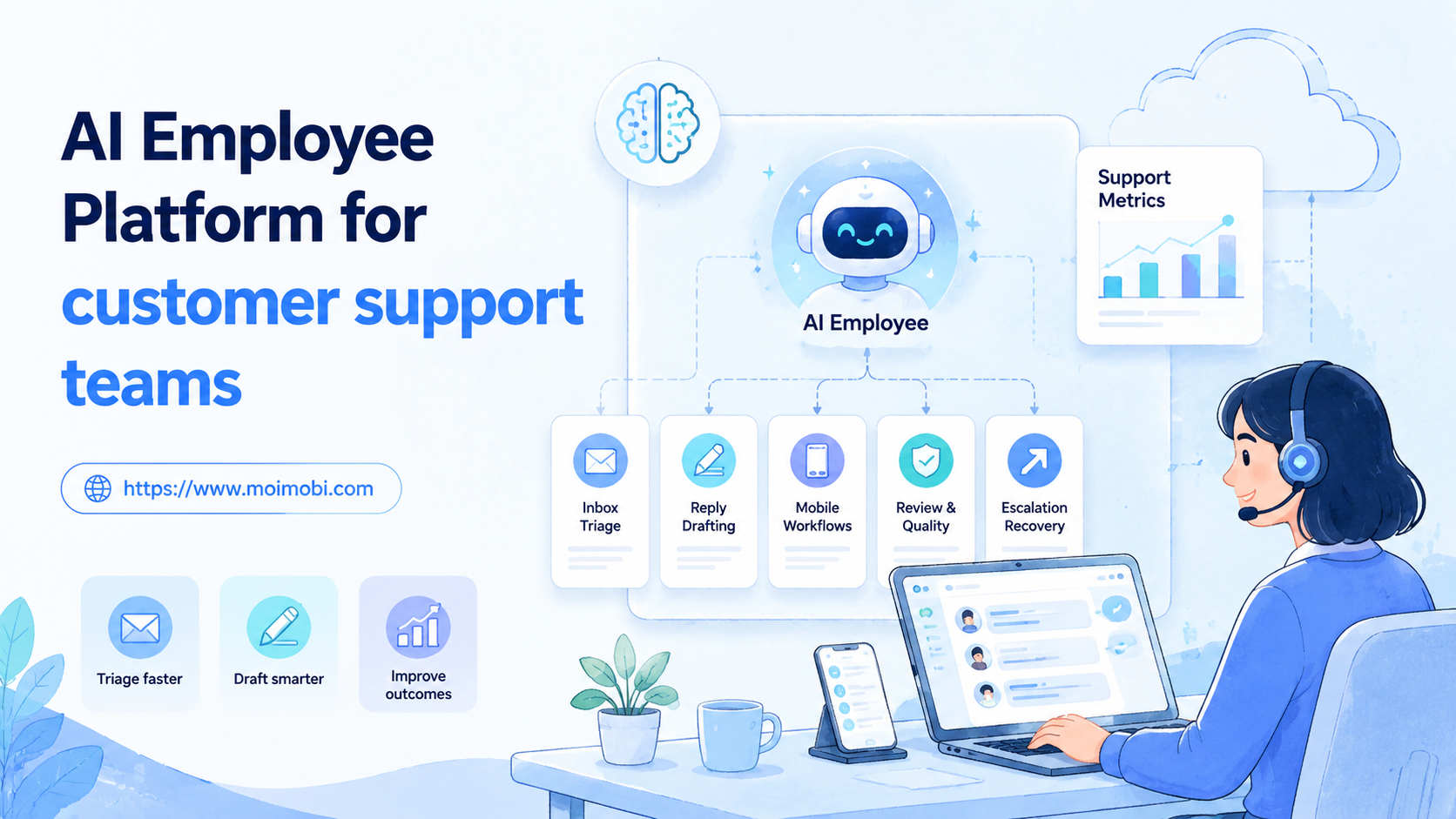
Agencies benefit when they handle similar work for multiple clients. E-commerce sellers benefit when browser dashboards, social apps, and customer messages create daily operations load. Support teams benefit when inbox triage and reply preparation need faster routing. Growth teams benefit when lead research and monitoring happen across multiple sources.
The model is weaker when there is no repeatable process yet. If every task is a new strategy decision, the platform will not create operational clarity by itself. Write down the workflow first, then automate the parts that repeat.
Good fit
- Repeated browser dashboard checks
- Multi-account social media operations
- Customer message triage
- Content preparation and publishing support
- Mobile app workflows that need cloud phones
Weak fit
- Undefined tasks with no owner
- One-off creative strategy
- High-risk changes without approval
- Bulk outreach without consent or context
- Workflows with no useful success metric
Moimobi's value is clearest when browser and mobile execution environments matter. A small team may begin with browser profiles and later add mobile automation when tasks move into app-first workflows.
How to Evaluate or Start Using AI Worker Platform for small teams
Choose one workflow that already happens manually. The goal is not to automate the whole company. The goal is to create one reliable AI worker lane that the team can review.
- Pick one repeated workflow. Choose a task that happens daily or weekly and has a clear output.
- Assign one worker role. Give the AI worker a narrow responsibility, such as monitoring or inbox triage.
- Bind the account environment. Decide which browser profile, mobile device, or workspace belongs to the run.
- Set review rules. Mark which actions can complete and which must pause for human approval.
- Define the run record. Store account, task, result, error reason, reviewer, and next action.
- Run a short pilot. Test with a limited account group before expanding to more workflows.
- Review failures weekly. Separate unclear instructions, page changes, account issues, and approval bottlenecks.
The highest-risk step is usually environment readiness. A browser task may fail if the profile is logged out or the page changed. A mobile task may fail if the app is unavailable or the device state differs from the workflow.
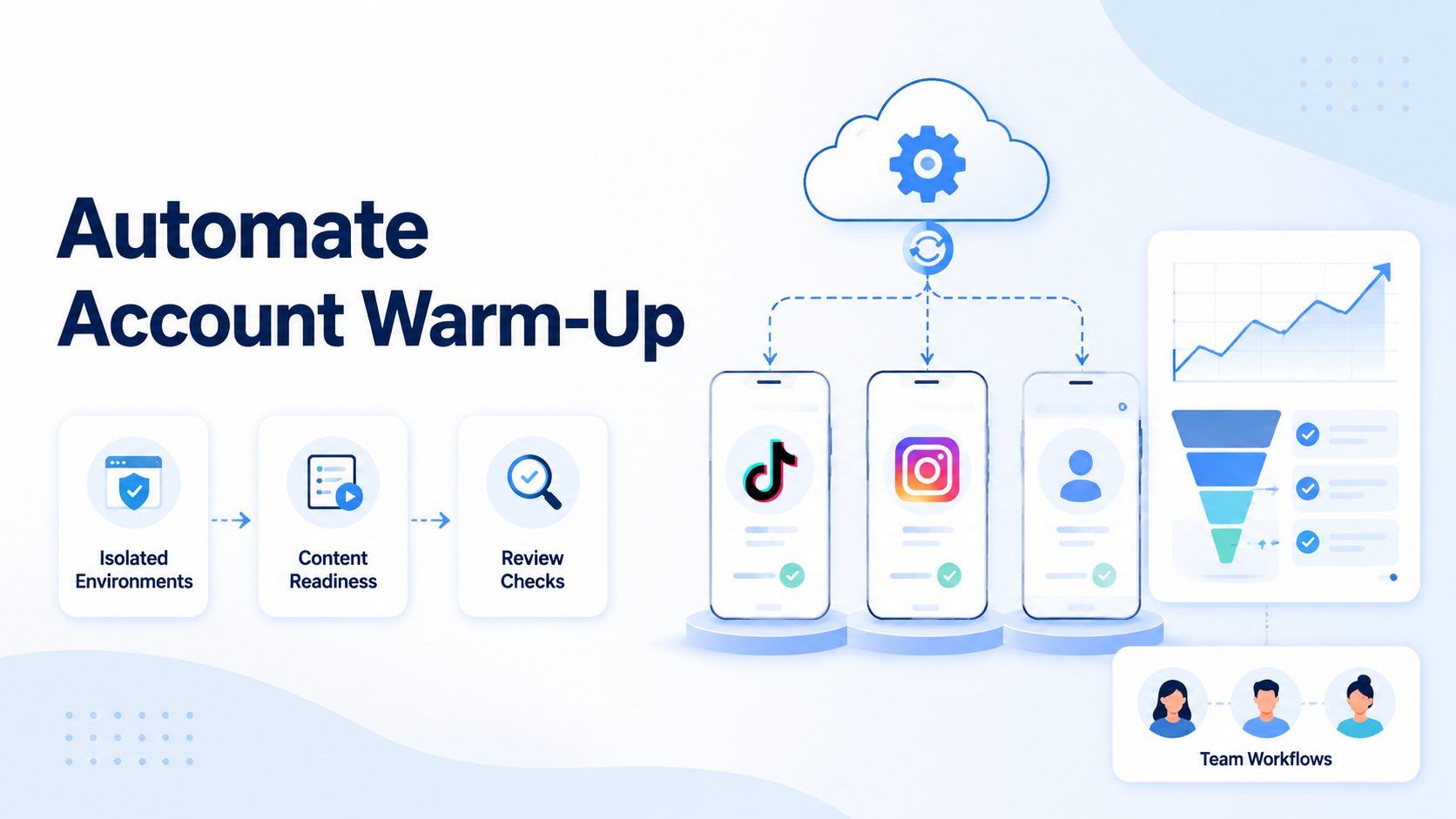
For account-sensitive work, device isolation should be part of the evaluation. Isolation is not a magic safety claim. It is an operating practice that keeps accounts, sessions, assets, and logs easier to separate.
Mistakes That Reduce Results
The first mistake is starting with too many AI workers. A small team should not create ten workers before proving one workflow. More workers create more review load if the workflow design is weak.
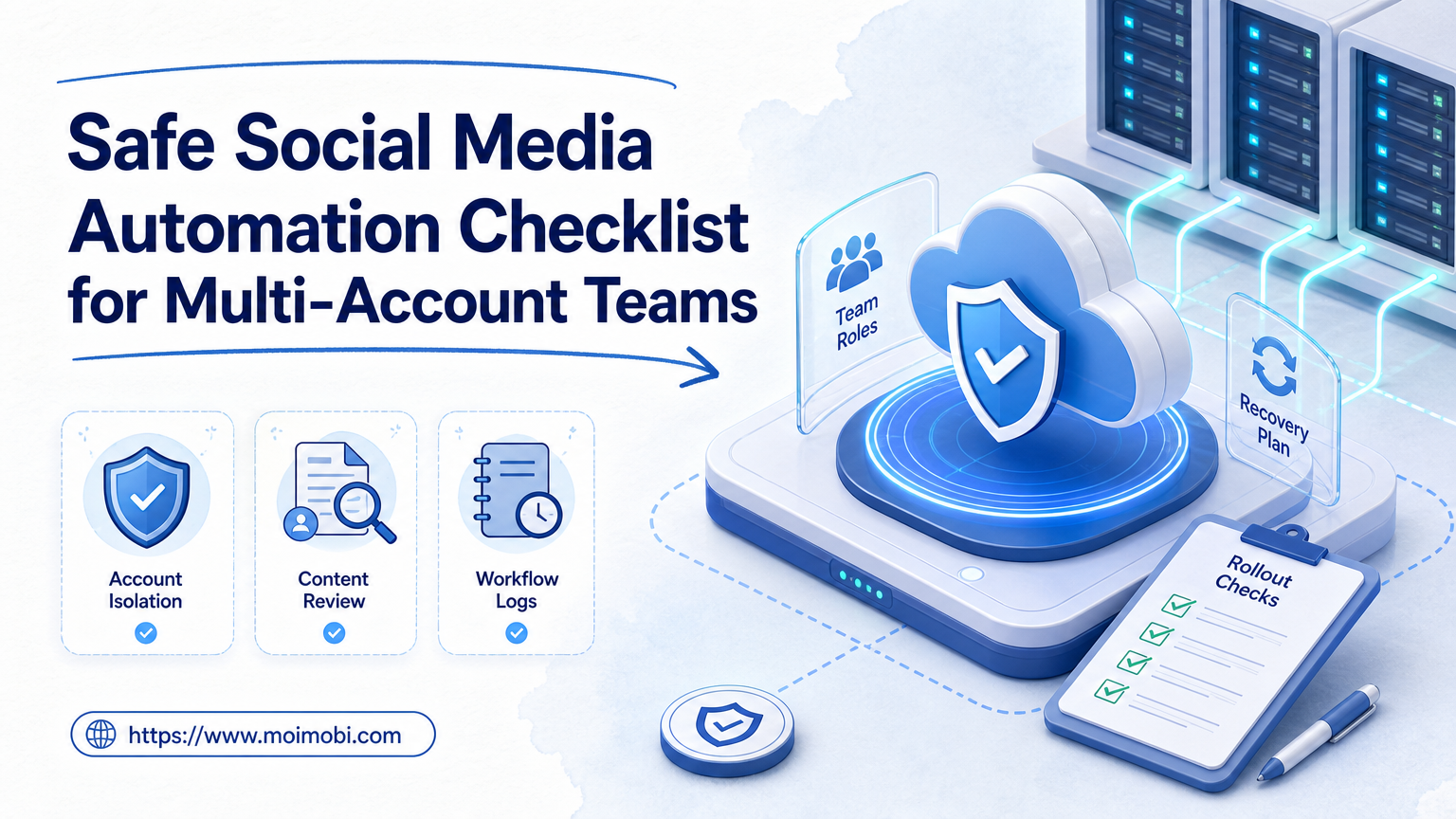
The second mistake is skipping human approval. Customer replies, public posts, account settings, payments, and sensitive data should have clear pause points. Automation should reduce repetitive work without hiding decisions from the operator.
The third mistake is mixing browser and mobile work into one bucket. Browser workflows depend on web sessions and page state. Mobile workflows depend on Android sessions, app screens, and mobile device context. Both can be managed under one system, but they need different execution paths.
Logging is another common gap. OWASP's logging guidance highlights event reconstruction, accountability, and anomaly detection as important logging goals. For AI workers, that means the team should know who configured a task, which account ran it, what changed, and why a run failed.
Small teams should also avoid measuring only time saved. A faster workflow that creates more rework is not a good result. Measure completed work, clean handoffs, useful logs, and lower operator burden after review is included.
Operational Limits for Small-Team AI Workers
Small teams need stricter limits than large teams because every exception lands on the same few people. An AI worker lane should have a maximum task scope, a named owner, and a clear stop rule before it runs across more accounts.
One useful limit is account scope. A worker that handles one client account or one account group is easier to review than a worker that moves across every workspace. When the workflow proves reliable, the team can expand by adding another account group instead of making the first worker too broad.
Another limit is action sensitivity. Monitoring and draft preparation can usually run with lighter review. Customer replies, publishing, account settings, and payment-related changes need stricter approval. This keeps the worker useful without pushing judgment into a hidden automation path.
Capacity also matters. If every worker pauses for human review at the same hour, the team has not reduced workload. It has moved the bottleneck. A practical rollout staggers workflows, separates low-risk checks from approval-heavy actions, and reviews exceptions before adding more scheduled work.
Success Metrics and Review Loop
The platform should make the team more controlled, not just more automated. The pilot should produce evidence that work is easier to assign, execute, and review.
Track these metrics during the first month:
- Completed runs by workflow.
- Manual takeover rate.
- Approval wait time.
- Rework rate after review.
- Failed runs by environment, account, and task type.
- Time saved after rework is included.
- Number of workflows expanded after a clean pilot.
The review loop should improve the workflow, not only the prompt. Rewrite unclear instructions. Adjust account assignment. Add approval gates when errors are sensitive. Split the worker role if one AI worker is handling too many unrelated tasks.
Small teams should expand only when the first worker lane is understandable. If failures are visible and fixable, the team can add more workers. If failures are vague, adding more AI workers will only make the system harder to manage.
Frequently Asked Questions
What is an AI worker platform?
It is a system for assigning repeatable digital work to AI workers, then executing and reviewing that work across real browser or mobile environments.
How is this different from AI employee software?
AI employee software may focus on chat or task planning. An AI worker platform for operations also needs account environments, workflow execution, logs, and review gates.
Is an AI worker platform useful for very small teams?
Yes, when repeated work has clear inputs and outputs. It is less useful when every task is undefined or strategy-heavy.
Which workflow should a small team automate first?
Start with a frequent task that already works manually. Good examples include monitoring, inbox triage, content preparation, or dashboard updates.
Do small teams need browser profiles?
They often do when tasks depend on logged-in accounts, web dashboards, client workspaces, or account-specific history.
When should a small team use cloud phones?
Use cloud phones when tasks depend on mobile apps or Android device context. Browser profiles are not a full replacement for app-first workflows.
How many AI workers should a small team create first?
Start with one or two workers. Prove the workflow, logs, review rules, and ownership before adding more workers.
What should humans still control?
Humans should control approvals, customer tone, escalation, sensitive changes, and final responsibility for public or account-impacting actions.
Conclusion
For small teams, an AI worker platform should turn repeated online work into controlled execution. The useful pieces are worker roles, account environments, review gates, run logs, and clear success metrics.
Begin with one workflow and one account group. Define the worker role, the environment, the approval point, and the result record. Once that pilot produces clean logs and understandable failures, expand to more browser and mobile workflows without losing operational control.