
Key Takeaways
- Cloud phones are used for remote mobile app work, account operations, customer replies, testing, and review.
- Business teams should evaluate them as execution environments, not only as rented Android screens.
- The best first pilot maps one account group to a small device set with clear task records.
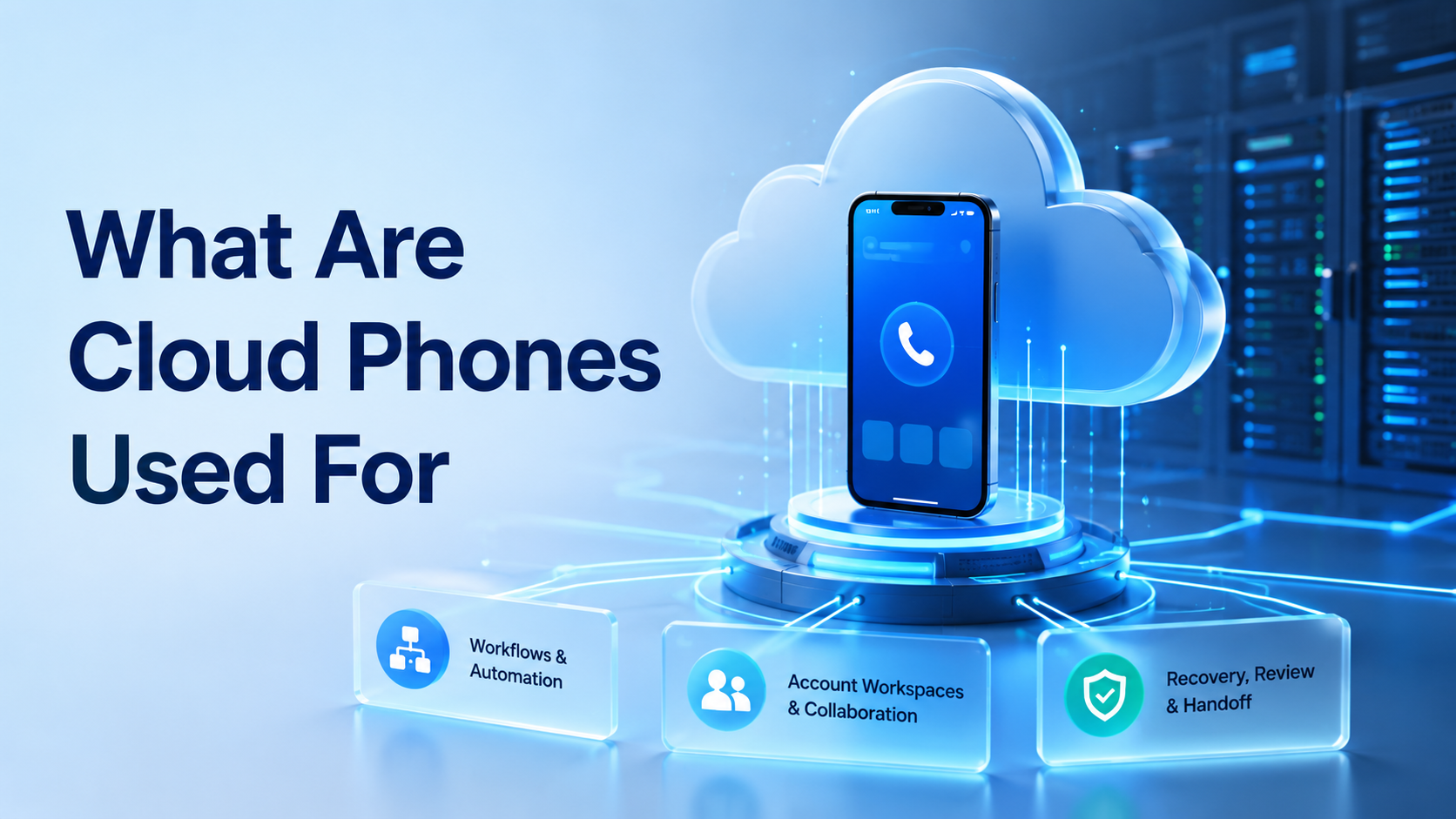
Cloud phones are remote Android devices that teams use to run mobile app workflows through the internet. In business operations, they support app checks, account workspaces, customer replies, content review, order follow-up, and mobile task automation across teams that cannot pass physical devices around all day.
The strongest use cases appear when mobile work needs persistence. Sometimes the missing piece is not a device; it is ownership. That changes the buying decision.
A team may need app state, login context, screenshots, notes, and a clean handoff between operators. A simple remote screen is not enough without those operating details, especially when multiple people touch the same account during a week.
What Are Cloud Phones Used for Day to Day?
Teams use cloud phones for business tasks that depend on mobile apps and repeated account access. That can include social media checks, marketplace app review, customer message triage, app testing, and account-specific monitoring.
The day-to-day value is control. Instead of passing physical phones between staff, a team can open remote devices from a browser or desktop interface. Each device can support one account, one account group, or one task queue.
Common daily workflows include:
| Workflow | Why the remote phone helps |
|---|---|
| Social account checks | Keeps mobile app state tied to an account |
| Customer replies | Gives support teams a mobile inbox workspace |
| Ecommerce app review | Helps operators check order or listing status |
| App testing | Provides repeatable remote Android access |
| Campaign review | Captures screen proof before approval |
MoiMobi's cloud phone layer is built for this kind of mobile execution context.
What Are Cloud Phones Used for in Social Media Teams?
Social media teams use cloud phones when work needs mobile app access rather than only a web dashboard. TikTok, Instagram, WhatsApp, Telegram, and similar platforms often include app-first workflows that operators need to review directly before a task moves forward.
Judge a cloud phone for TikTok automation by workflow control, not by claims about volume. The checklist is practical. Teams need account routing, task notes, review proof, and recovery steps. The same logic applies to cloud phones for WhatsApp marketing, where message context and approval paths matter.
For teams managing many accounts, multi-account management becomes the larger operating model. The phone is one execution environment inside that model, not the whole system, so managers still need account assignment and review rules.
What Are Cloud Phones Used for Beyond Social Media?
Mobile workflows also show up in ecommerce, customer support, app testing, and field operations. The pattern changes by team:
| Team | Common mobile task |
|---|---|
| Ecommerce seller | Check marketplace app status |
| Support team | Review a mobile inbox |
| QA team | Repeat app checks without local setup |
| Field team | Confirm task status from a remote device |
Google's Android Emulator documentation explains how developers can test Android apps locally. Business teams often need a different setup: persistent remote devices that support handoff, review, and account assignment over time.
The Google Play policy center is also useful background for app ecosystem expectations. Review rules early. Business teams should check the requirements of each app and platform before designing automated workflows.
Use mobile automation when repeated mobile tasks have clear steps and review rules. Add it after the manual route works. Automation should support known work, not replace process design.
Cloud Phone vs Emulator for Operations
A cloud emulator usually fits testing, preview, or short sessions. A cloud phone usually gets evaluated for persistent account operations and team workflows where the same account returns again and again. Providers may use the terms differently, so teams should test their real task.
The practical difference is accountability. An operations team should be able to answer:
| Operations question | Why it matters |
|---|---|
| Which account used the device? | Confirms account routing |
| Which operator started the task? | Shows ownership |
| What app screen or result was captured? | Gives review proof |
| Who reviewed the output? | Supports approval control |
| What happens when the task fails? | Defines recovery |
If the tool cannot support those answers, it may still be useful for testing, but it is weaker as business execution infrastructure.
Who Should Use Cloud Phones?
This setup fits teams that run repeated mobile app work across accounts, operators, or regions. It is most relevant when mobile app state must stay available between sessions.
The fit is weaker when the work happens entirely in a web dashboard. In that case, an isolated browser profile or device isolation may be a cleaner first step.
Use this fit test:
| Strong fit | Weak fit |
|---|---|
| Mobile app access is required | Web dashboard handles the task |
| Account state must persist | One-time app preview is enough |
| Multiple operators need handoff | One person owns the full task |
| Review proof matters | No task record is needed |
Pilot Rollout and Recovery Checks
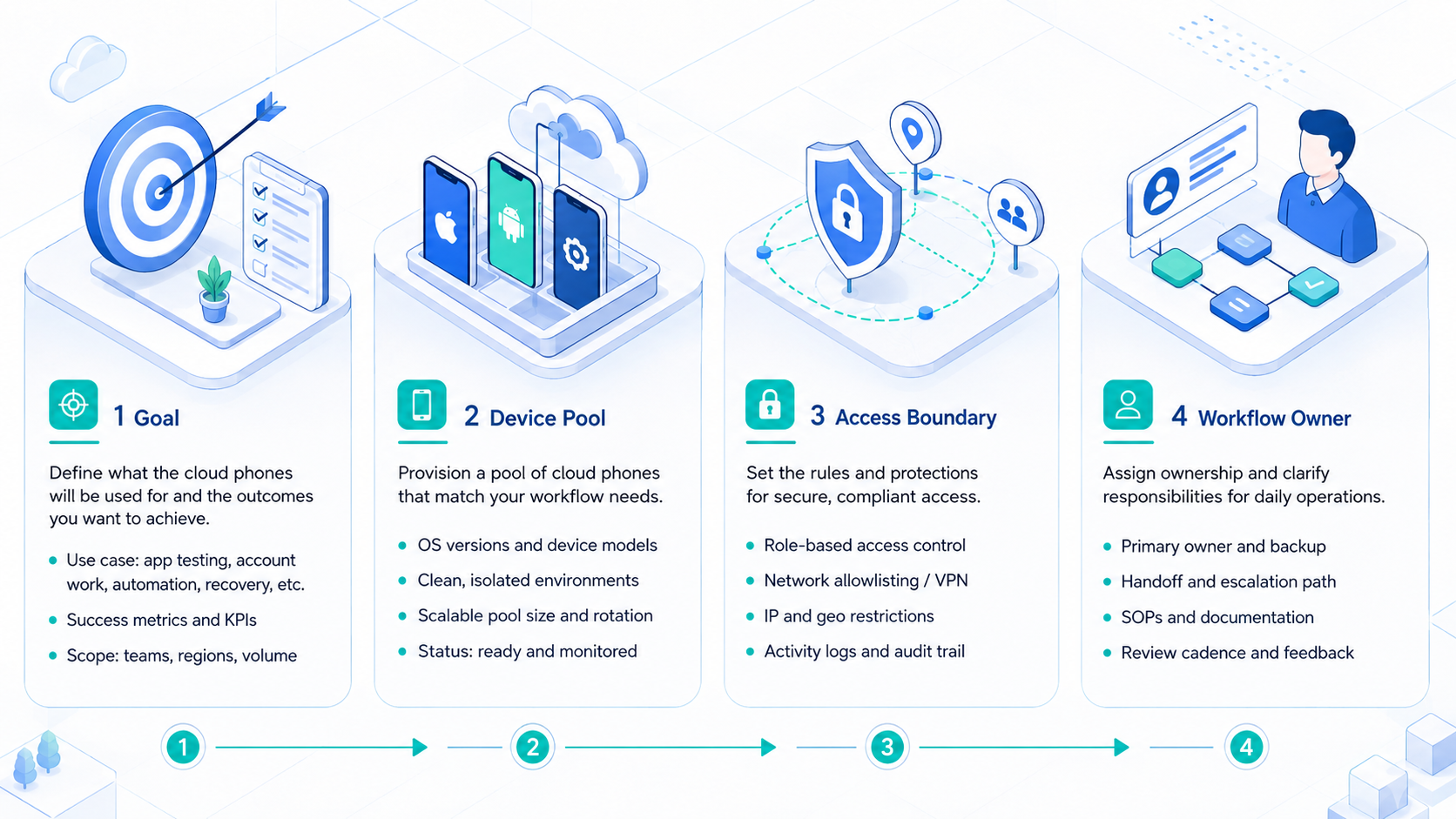
Start with one workflow and a small device group. A large device pool can hide unclear ownership and weak task records.
- Pick one workflow, such as customer replies or social account checks.
- Assign 3 to 5 devices to one account group.
- Map every device to an account, owner, and reviewer.
- Capture task status, screen proof, and failure reasons.
- Review blocked steps before adding more devices.
Measure completion rate, review time, recovery time, and idle devices. These numbers help the team decide whether to scale or redesign the workflow.
Frequently Asked Questions
What are cloud phones used for most often?
Teams use them for remote mobile app access, social account work, customer replies, app testing, and account-specific operations.
Are cloud phones only for social media?
No. Ecommerce, support, QA, and remote operations teams may also use them for mobile app workflows.
Can cloud phones replace physical phones?
Remote phones can reduce device handoff, but physical phones may still matter for hardware-specific checks.
Are cloud phones the same as emulators?
Not exactly. Emulators often focus on testing, while remote phones usually focus on persistent mobile work with account context.
How many devices should a business start with?
Start with 3 to 5 devices and one workflow that a manager can inspect. Expand only after review and recovery are clear.
What should managers track?
Track account mapping, task status, screenshots, failure reasons, review time, and recovery time.
When should teams avoid cloud phones?
Avoid them when a browser dashboard, supported API, or normal scheduling tool already solves the task.
Conclusion
Remote phones are most useful when mobile app work needs persistence, assignment, review, and recovery. They are less useful when the team only needs a quick Android preview.
Before scaling, test one workflow. If the team can name the account, device, operator, task, proof, and recovery path, cloud phones can become a real mobile execution layer.



