
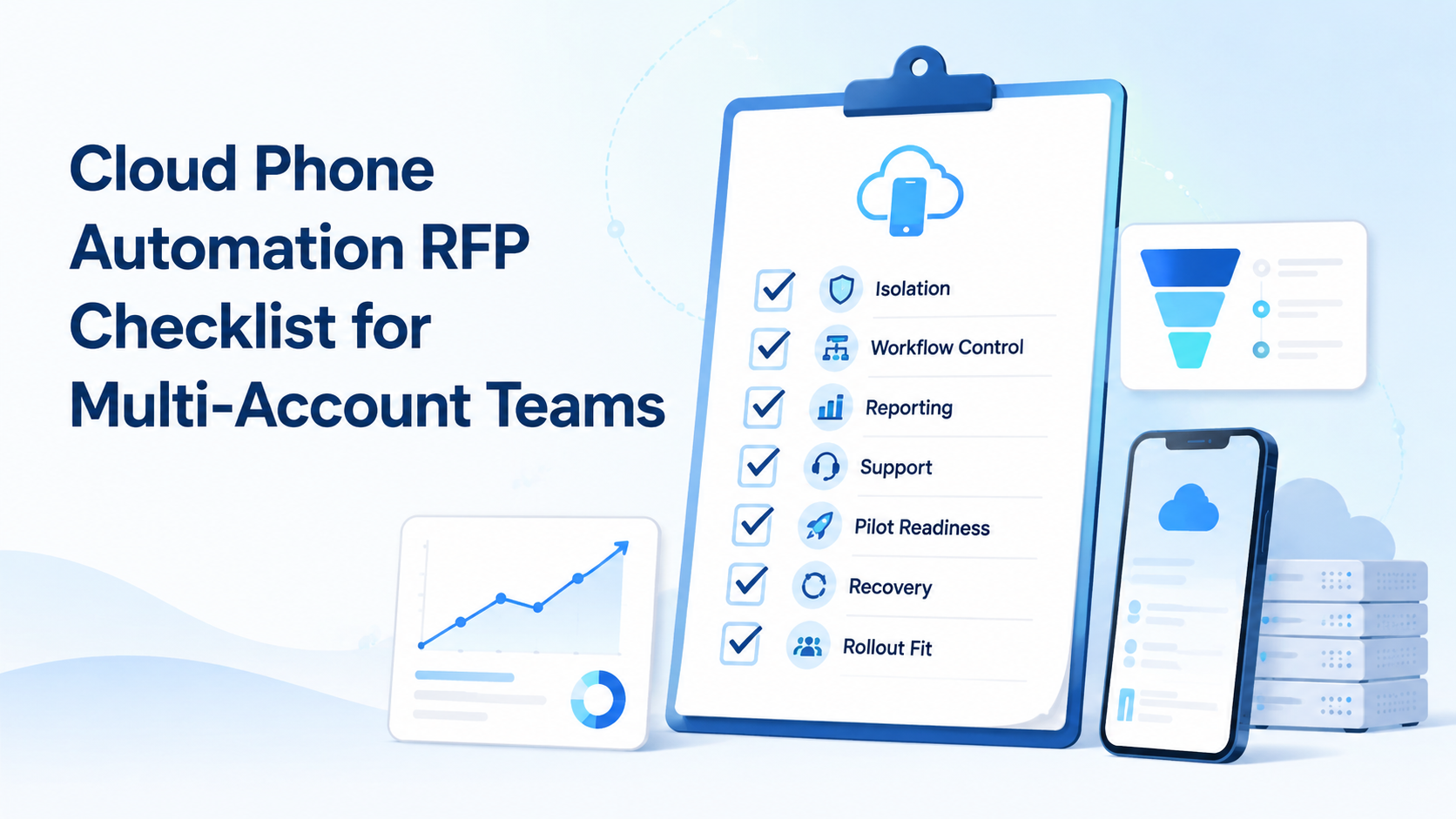
A cloud phone automation RFP checklist is a structured way to evaluate whether a vendor can support isolated mobile execution, repeatable workflows, team controls, and measurable operations. It should help you compare providers on execution quality, not only price per device.
For multi-account teams, the buying decision is rarely just "cloud phone vs physical phone farm." The real question is whether your team can run many mobile accounts without mixing sessions, losing visibility, or turning every workflow into manual device handling.
Use this checklist when you are comparing a cloud phone platform with physical devices, Android emulators, browser profile tools, or hybrid execution stacks. The best RFPs ask for proof around isolation, automation, access control, recovery, reporting, and support boundaries.
Key Takeaways
- Evaluate execution quality before device quantity.
- Require proof for isolation, persistence, roles, logs, and recovery.
- Compare browser profile tools and cloud phones by workflow fit.
- Run a small pilot before expanding account volume.
The Core Idea Behind a Cloud Phone Automation RFP Checklist
A cloud phone automation RFP checklist turns a vague tool search into a buying framework. Instead of asking "how many devices do we get?", it asks "what operational system are we actually buying?"
That distinction matters. A remote Android device may be enough for light manual work. A multi-account operations team needs more: account separation, workflow repeatability, team permissions, logs, device assignment, and recovery steps when a task fails.
Official device-cloud products show why these details matter. AWS Device Farm describes remote access to real physical phones, automated app testing, logs, video, and reports. Firebase Test Lab also frames cloud devices around real and virtual device coverage, test execution, and result analysis. Even though these are testing services, they set useful expectations for procurement: remote devices should be observable, controllable, and measurable.
For operations teams, that means your RFP should not stop at device screenshots. Ask whether the vendor can support the daily operating model: who owns each account, which environment runs it, what task ran, what failed, and how the team reviews the next action.
Cloud Phone Automation RFP Checklist: Core Requirements
The first section of the RFP should cover the minimum operating requirements. These are the fields that separate a usable execution layer from a simple device rental offer.
| Requirement | What to Ask | Why It Matters |
|---|---|---|
| Device isolation | Can each account run in a separated Android environment? | Reduces session mixing and operational conflict. |
| Persistent state | Are app sessions, settings, and assigned devices retained? | Prevents teams from rebuilding account workspaces every day. |
| Workflow automation | Can tasks be repeated, scheduled, paused, and reviewed? | Turns manual phone handling into a repeatable system. |
| Team permissions | Can roles control who views, operates, or edits accounts? | Protects shared account operations from accidental changes. |
| Logs and reporting | Can the system show task outcomes and device activity? | Gives managers evidence for review and recovery. |
For Moimobi-style operations, the checklist should also evaluate how mobile automation, device isolation, and multi-account management work together. Buying these as disconnected features can create gaps between planning, execution, and review.
Why Teams Search for This Topic
Teams usually search for this topic after a lightweight setup stops scaling. A few physical phones may work for early testing. A spreadsheet plus manual phone handling may work for one operator. The model breaks when account volume, handoff, or task frequency increases.
The common misunderstanding is that a cloud phone automatically replaces every physical phone farm. It may reduce hardware handling, but the RFP still needs to test operational fit. Power, network, access, storage, account assignment, and task logs all move into the vendor relationship.
The same applies to "GeeLark vs cloud phone," "MoreLogin vs cloud phone," or "BitBrowser vs cloud phone" research. Some tools emphasize browser profiles. Others emphasize Android environments. Your RFP should identify whether the team needs browser workspaces, mobile app execution, or both.
For a deeper infrastructure view, compare your requirements with a cloud phone farm infrastructure model. That helps procurement teams avoid buying a device count while ignoring queueing, routing, account ownership, and recovery.
Who Benefits Most and When It Is Not a Fit
Cloud phone automation fits teams that run repeated mobile workflows across accounts. Common examples include social media publishing, inbox review, customer reply handling, app-based e-commerce operations, and account activity checks.
The strongest fit appears when the same workflow repeats across many accounts. One account may need content upload, comment review, message triage, or customer follow-up. Ten accounts need assignment, timing, status tracking, and recovery. Fifty accounts need a controlled operating model.
It is not a fit when the team only needs one-off app testing, occasional manual access, or pure browser automation. In those cases, an emulator, a testing cloud, or a fingerprint browser may be simpler. Android's own Emulator documentation is a good reminder that emulators are designed for app development and testing workflows, not as a universal replacement for account operations.
Use a pass/fail boundary in the RFP:
- Pass if the vendor supports persistent account workspaces and task tracking.
- Pass if operators can hand off work without sharing raw credentials.
- Pass if failed tasks can be reviewed and retried with context.
- Fail if every account is only a generic remote phone with no workflow layer.
- Fail if the vendor cannot explain logs, roles, assignment, or recovery.
How to Evaluate or Start Using the Checklist
Do not start by asking vendors for the lowest monthly device price. That can hide the real cost: manual coordination, failed workflows, and unclear ownership.
Use a staged evaluation:
- Map your top three workflows, such as publishing, replying, and monitoring.
- Define one account-to-environment rule for each workflow.
- Ask vendors to show how a task is assigned, executed, paused, and reviewed.
- Request evidence of logs, status history, and failure handling.
- Run a pilot with a small account group before expanding.
If your team operates across browser and mobile surfaces, include browser profile requirements in the same RFP. A phone farm may cover mobile capacity, while a browser profile system may cover web dashboards. The procurement question is whether the vendor can support one operating system across both.
Mistakes That Reduce Results
The first mistake is buying isolated tools without a shared workflow model. A team may have cloud phones, browser profiles, proxies, and spreadsheets, but no reliable handoff process. That creates blind spots.
The second mistake is ignoring governance. Android Enterprise's Android Management API exists for managed-device policy control in enterprise settings. Multi-account operations need the same procurement instinct: define who can access what, which policies apply, and how changes are audited.
The third mistake is treating automation as a black box. If an automated task fails, the team needs enough context to decide whether to retry, hand off to a human, or change the workflow. Without logs, automation becomes harder to manage than manual work.
Use this scorecard during vendor calls:
| Score | Meaning | Procurement Action |
|---|---|---|
| 0 | Not supported | Remove or mark as high risk |
| 1 | Manual workaround | Require pilot proof |
| 2 | Supported but limited | Document limits clearly |
| 3 | Supported with logs | Suitable for controlled rollout |
| 4 | Supported with roles, logs, and recovery | Strong operational fit |
Pilot Rollout, Measurement, and Recovery Checks
A pilot should not try to prove every possible use case. It should prove that one real workflow can run cleanly from assignment to review.
Pick 5 to 10 accounts, one platform, and one repeatable task. For example, test mobile content publishing, inbox triage, or daily account review. Assign each account to a specific environment, operator role, and task schedule.
Track a small set of metrics:
- Task completion rate
- Manual takeover rate
- Average recovery time
- Account-environment mismatch events
- Operator time spent per account
- Failed task reasons
Recovery checks are as important as success metrics. Ask what happens when a device disconnects, an app session expires, a workflow stalls, or an operator needs to take over. If the vendor cannot show the recovery path during a pilot, the RFP should not treat the platform as production-ready.
Teams using social media marketing workflows should also measure content output, reply latency, and review quality. The goal is not to maximize task volume blindly. The goal is controlled execution that the team can inspect and improve.
Frequently Asked Questions
What should a cloud phone automation RFP include first?
Start with isolation, persistent sessions, workflow control, team permissions, logs, and recovery. Device count comes after operating requirements.
Is a cloud phone better than a physical phone farm?
It depends on the workflow. Cloud phones reduce local hardware handling, while physical devices may still matter for specific testing or operational constraints.
Should I compare GeeLark vs cloud phone tools directly?
Compare the execution model, not just the category name. Check whether the tool focuses on Android environments, browser profiles, or a combined workflow.
Where do MoreLogin and BitBrowser fit?
They are usually evaluated around browser profile management. If your task must run inside mobile apps, include cloud phone requirements separately.
How many internal controls should the RFP require?
Require enough controls to match your team size. At minimum, ask for role access, account assignment, activity logs, and recovery ownership.
Can an emulator replace cloud phone automation?
Sometimes for development or testing. For multi-account mobile operations, evaluate persistence, app behavior, routing, and team workflow needs before deciding.
How long should the pilot run?
Run long enough to cover repeated tasks, session changes, and at least one recovery scenario. A short demo is not enough for procurement.
What is the biggest warning sign in vendor responses?
Vague answers about logs, isolation, or failure recovery are warning signs. Ask for a live walkthrough, not only screenshots.
Conclusion
A cloud phone automation RFP checklist should help your team buy execution capacity, not just remote Android screens. The strongest checklist covers isolation, persistence, automation control, team permissions, logs, reporting, and recovery.
Before signing with a vendor, test one real workflow with real operating constraints. If the pilot shows clear assignment, execution, review, and recovery, the platform is closer to production fit. If those steps are unclear, refine the RFP before scaling account operations.



