
Key Takeaways
- A useful UGPhone review starts with the team’s approved mobile tasks, not a feature checklist copied from a pricing page.
- Compare providers on workspace assignment, access control, app compatibility, task evidence, support process, and migration cost.
- Run a small, reversible pilot before moving a client or operational workflow to a new remote Android environment.
A UGPhone review should answer a practical operating question: can a team run its approved mobile work in a way that is visible, controlled, and recoverable? The answer depends less on a single specification and more on the workflow around the device. A remote Android service may look suitable in a demo, then create problems if the team cannot assign workspaces clearly, record task outcomes, manage access changes, or recover when an app session or device state changes.
This article does not claim that every team should switch providers. It provides a review framework for teams considering a remote Android or cloud-phone environment. The aim is to help operators compare the things that affect daily work rather than choosing only by device count, promotional pricing, or a one-time speed test.
Android’s own device tooling is a useful benchmark for the mindset. Android Device Streaming and Firebase Test Lab treat remote devices as managed resources with explicit device context and observable results. A production operations team needs the same discipline: know which workspace was used, which task ran, what result was recorded, and who owns recovery.
Start a UGPhone Review With the Actual Job To Be Done
Before comparing any provider, list the mobile tasks the team expects to run. Keep the list concrete. Examples might include reviewing approved content in a mobile app, handling a customer-support handoff, validating an app-specific workflow, or collecting a permitted status check for a campaign. Avoid vague requirements such as “we need more phones.”
For every task, define the environment requirement, expected evidence, owner, and stop rule. If a task needs a particular Android version, a reliable app state, a human approval gate, or a fixed review window, record that before a trial begins. This creates an evaluation baseline that does not depend on a sales demo.
| Review question | Evidence to request during a pilot | Why it matters |
|---|---|---|
| Can the right role access the correct workspace? | Role assignment and access-change record | Prevents anonymous device use |
| Can the team identify the workspace used for a task? | Stable workspace label in the task log | Supports handoffs and incident review |
| Can a task be paused safely? | Clear state change and named recovery owner | Avoids repeated or unapproved actions |
| Can approved apps run predictably? | Test result from the team’s own permitted workflow | Reveals compatibility before migration |
| Can the team export or retain required evidence? | Task result, timestamp, and support reference | Keeps operating records usable |
| Can access be removed promptly? | Verified role removal in a test account | Reduces lingering access risk |
The provider that is best for one team may not fit another. A solo creator testing one app has different needs from an agency with client approvals, or a support team that requires clear records across shifts.
Check Workspace Assignment and Ownership
The device is not the whole unit of work. A team needs a stable workspace reference that it can assign to a role or task. During a pilot, test whether operators can tell which environment is approved for a given job without relying on memory or a recently opened session.
Ask how the team will record the workspace in a task handoff. A workable record can be short: workspace label, task type, current owner, last confirmed action, result evidence, and next review time. The important part is that a different person can understand the record later.
If the workflow involves a cloud phone, the first requirement is the same: tie the approved workspace to the task before execution. This is an operating control, not a marketing term. The team should be able to distinguish a device availability issue from a client-approval or task-scope issue.
For a broader decision framework, compare the provider with the requirements of a cloud phone platform used for mobile execution. The comparison should focus on the actual work boundary, visibility, and recovery process rather than assuming every remote Android service has the same operational controls.
Review Access Control and Team Changes
Remote Android access often becomes difficult during real staffing changes. A pilot should include both an addition and a removal test. Add a temporary operator using the smallest suitable role. Confirm that they can perform the approved test task. Then remove access and verify that the workspace and any task queue no longer accept that role.
This follows basic security guidance. NIST SP 800-53 covers account management and access enforcement. The OWASP Authorization Cheat Sheet recommends least privilege and deny-by-default patterns. In a practical review, those principles mean the team should not need to share secrets or grant broad access just to cover a short shift.
Document who can approve a role change, how long temporary access lasts, and where the review record lives. If a provider’s operational model makes these questions hard to answer, that gap will usually appear again during a client escalation or employee transition.
Test the Workflow, Not Only the Device Screen
A device preview can look good while the real workflow is incomplete. Run a small pilot that mirrors a normal work cycle. Start with a defined task, assign an owner, execute only the approved steps, capture evidence, deliberately pause one item, and complete a handoff to another authorized role.
The test should include at least one expected exception. For example, a required approval may be missing, an app may need a legitimate reauthentication, or a task may reach a customer-specific question that needs support ownership. The team should see how the service and its own SOP handle the pause. Do not judge the pilot only by whether the app launched.
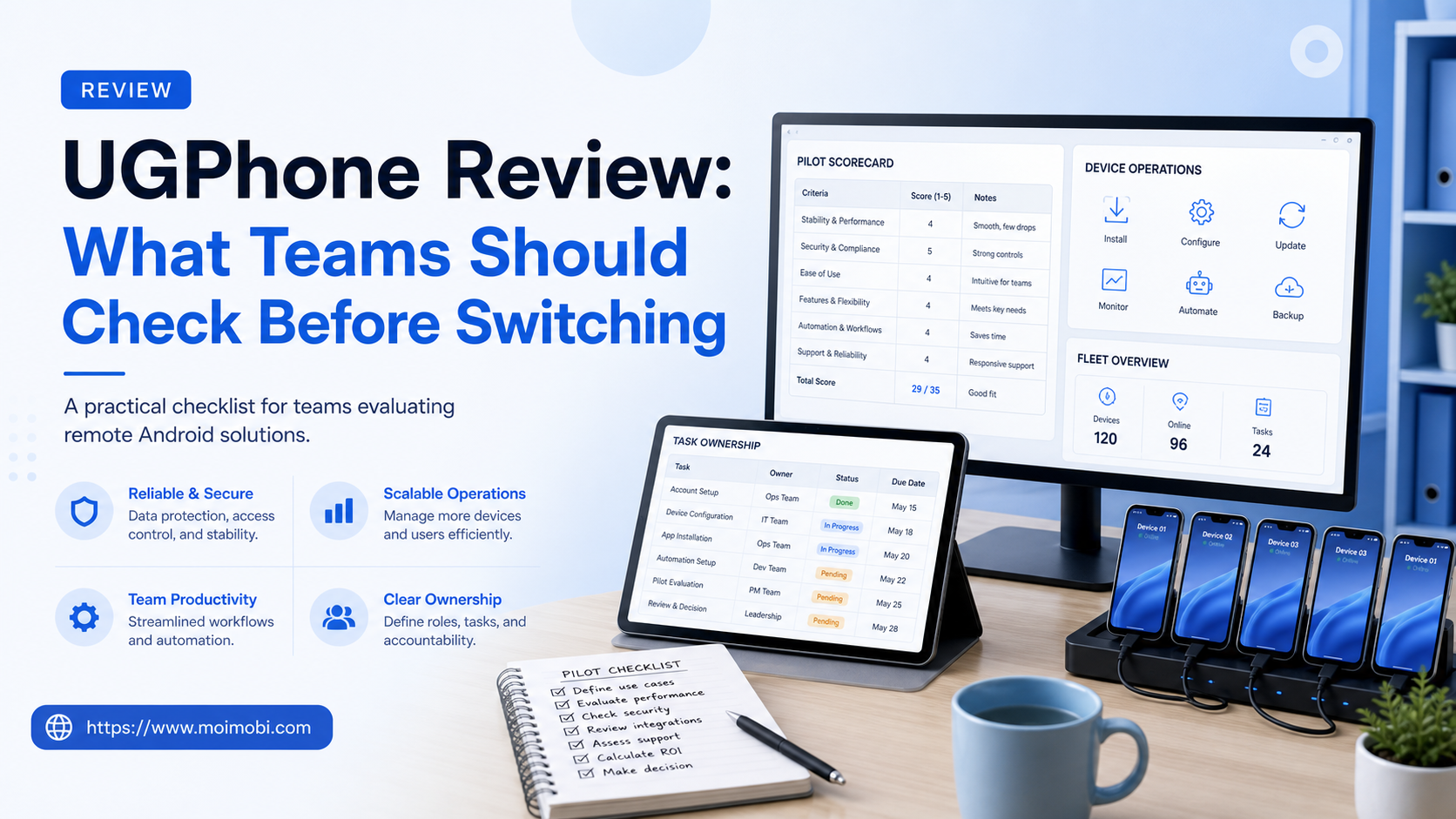
Use a simple scorecard after each test:
- Was the correct workspace selected before action?
- Did the operator know the task scope and stop rule?
- Could the team record a clear result without copying sensitive content?
- Could a second operator understand the handoff?
- Could the team identify the recovery owner when the task paused?
The scorecard creates a fair comparison across providers and prevents a trial from becoming a collection of unrelated impressions.
Consider Browser and Mobile Work Together
Many operations teams do not work only in mobile apps. They may use a browser for planning, reporting, account administration, or approved web dashboards, then switch to a mobile workspace for app-specific steps. A provider review should map that boundary rather than forcing all work into one environment.
Use device isolation for clear workspace separation when the operating model needs it. Use multi-account management to understand which account context, role, and task are active. The goal is continuity across workspaces, not an uncontrolled ability to open several contexts at once.
During a pilot, test one browser-to-mobile handoff. Record the task reference in the browser-side planning step, open the assigned mobile workspace, complete an approved action, and attach the resulting evidence to the same record. If that chain is unclear, the team will struggle to diagnose a failure later.
Evaluate Support, Recovery, and Evidence
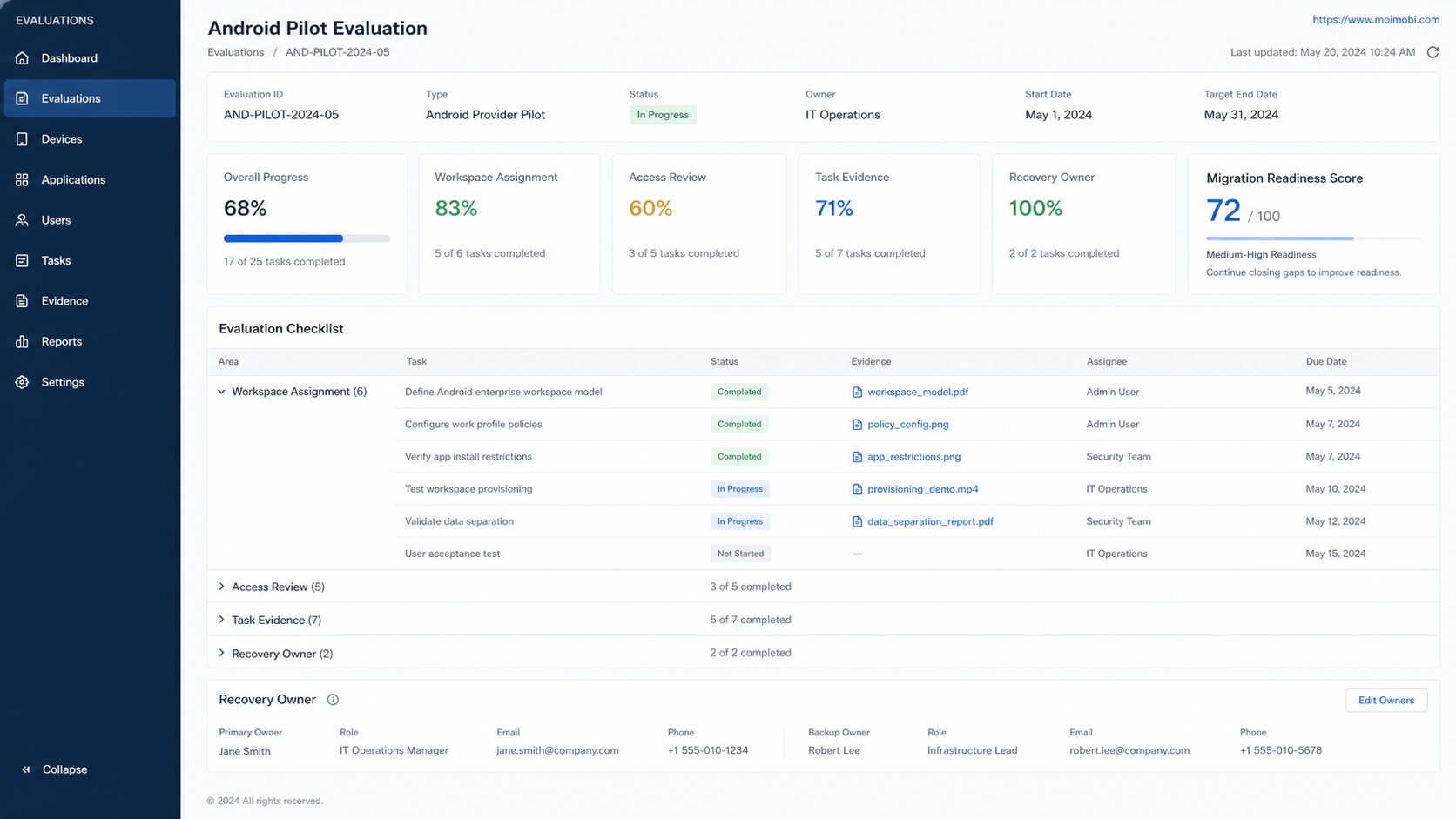
The most important provider behavior may appear after something does not go as planned. Ask how the team will report a device problem, where it can see the current status, what information support needs, and how long the team can keep a task paused without losing context.
Separate three kinds of issue in the operating record. “Workspace unavailable” is a device or service issue. “Access review needed” is an identity or permission issue. “Task blocked” is a business issue, often because an approval or instruction is missing. Mixing them together makes it hard for either the provider or the team to solve the right problem.
Evidence also matters. A team should be able to retain a permitted task record, timestamps, and support references without turning an operations board into a store of private customer data. This is especially important for agencies and support teams that need to explain a decision to a client or manager.
Migration Plan: Move One Workflow at a Time
Do not migrate every workflow on the first day. Start with a low-risk, reversible task that has a clear owner and success condition. Keep the existing path available until the pilot produces a stable result. Then move the next workflow only after documenting what changed in the process.
A practical migration sequence is: inventory the current workspaces, select one approved task, establish the new workspace reference, run a supervised test, document an exception path, train the backup owner, and review the result after a week. This gives the team a chance to improve its own operating rules before the new environment becomes critical.
If a workflow fails the pilot, record why. The issue might be app compatibility, a missing access rule, unclear client approval, or a weak handoff process. A failed pilot is useful evidence. It is better than discovering the same problem after a large migration.
Common Mistakes in a UGPhone Review
The first mistake is choosing solely by price per device. Price is relevant, but it does not show whether the team can manage access, evidence, and recovery when work changes hands.
The second mistake is testing with an unstructured personal task. Use a representative, approved team workflow. Otherwise the trial cannot reveal whether the service fits real roles and handoffs.
The third mistake is migrating client work without a rollback plan. Keep the prior operating path available until the new workflow has passed a controlled review.
The fourth mistake is treating a device problem as a reason to widen access or bypass approval. Pause, record the exception, and send it to the right recovery owner.
The fifth mistake is reading provider claims as a substitute for a pilot. Confirm the behavior that matters in the team’s own permitted use case and retain the result in the evaluation record.
Frequently Asked Questions
What should a UGPhone review focus on?
Focus on the team’s real mobile tasks, workspace ownership, access changes, evidence capture, support process, and migration risk. A feature list alone is not enough.
Should a team switch every workflow at once?
No. Start with one reversible, low-risk workflow, retain the current path during the pilot, and expand only after the team can demonstrate clear ownership and recovery.
How do you compare a remote Android service fairly?
Use the same pilot task, scorecard, approval rules, and evidence requirements for each option. Compare operational results, not only screenshots or advertised specifications.
What is a good first migration metric?
Track whether every pilot task has an assigned workspace, named owner, clear result evidence, and recovery owner for exceptions.
Is device uptime enough to judge a provider?
No. Uptime is useful, but a healthy device does not prove that the right role had access, the task was approved, or the result could be explained later.
Where can teams compare UGPhone alternatives?
Use the UGPhone alternative comparison as a starting point, then test the options against the team’s own task and governance requirements.
Conclusion
A good UGPhone review is a workflow review. Define the jobs that matter, test workspace ownership and access changes, run a representative pilot, inspect recovery paths, and migrate gradually. This approach helps a team choose a remote Android environment that supports accountable mobile work instead of merely adding more screens.
Use the same scorecard after the first month. It shows whether the initial pilot rules still fit normal team operations.



