Content Type: guide
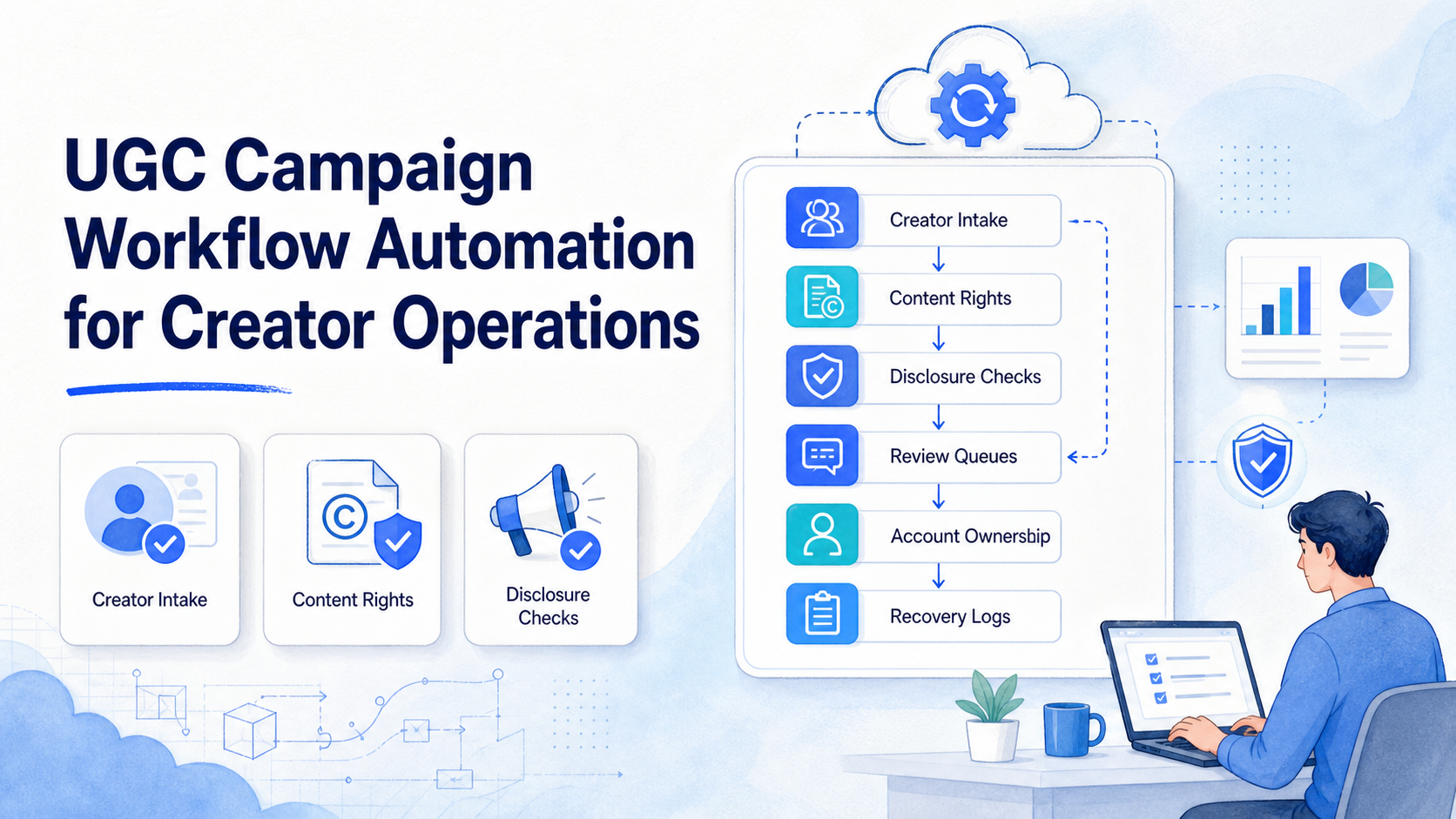
UGC campaign workflow automation is the process of turning creator briefs, asset collection, approval, disclosure checks, publishing tasks, replies, and reporting into a repeatable operating system. It should not mean auto-posting every creator asset or auto-replying to every comment without review.
The best use case is coordination. Creator teams often manage many briefs, draft captions, content files, usage rights, platform accounts, approval notes, and customer questions at once. Automation should keep those pieces visible so the team can move faster without losing ownership or compliance context.
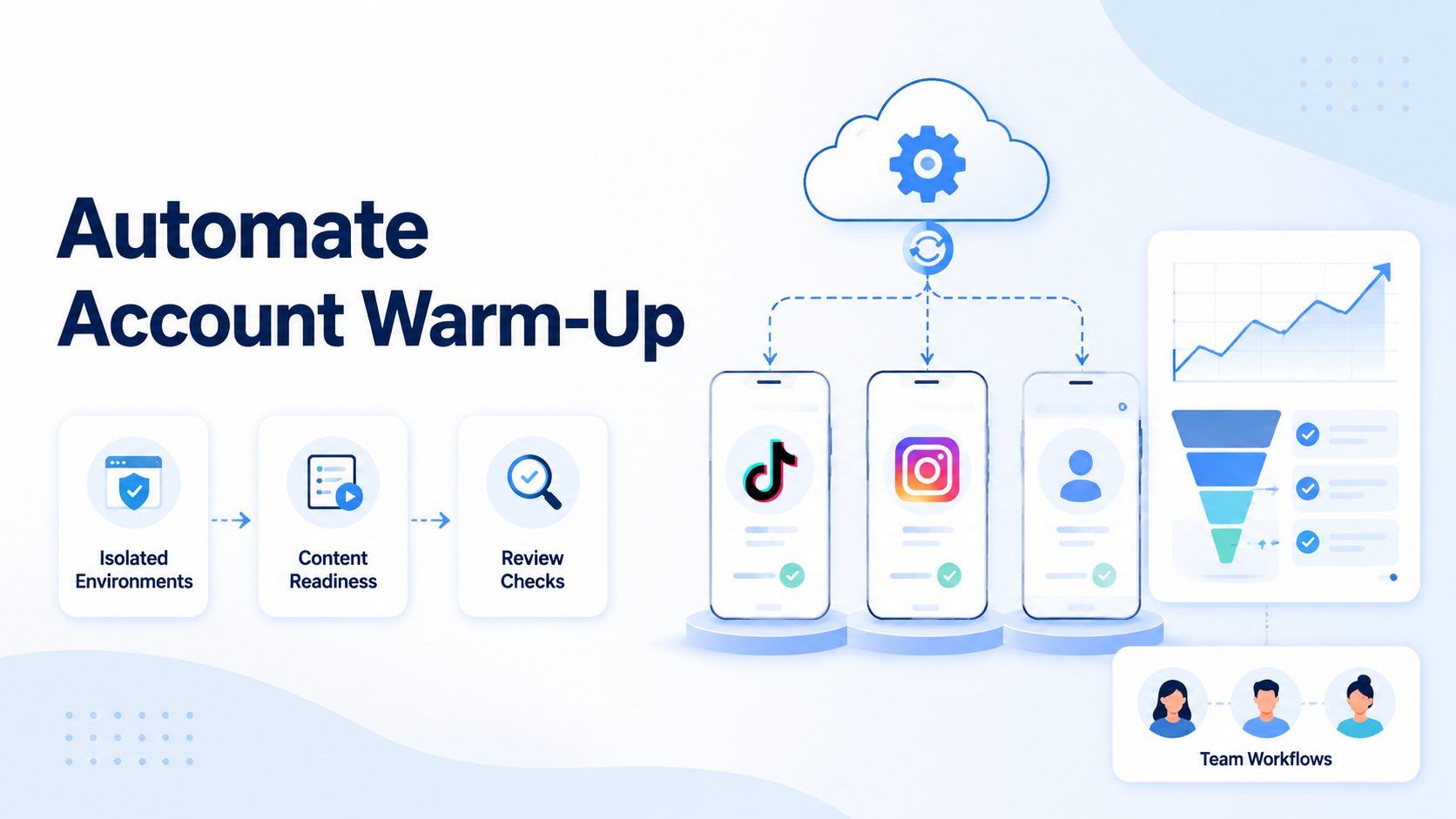
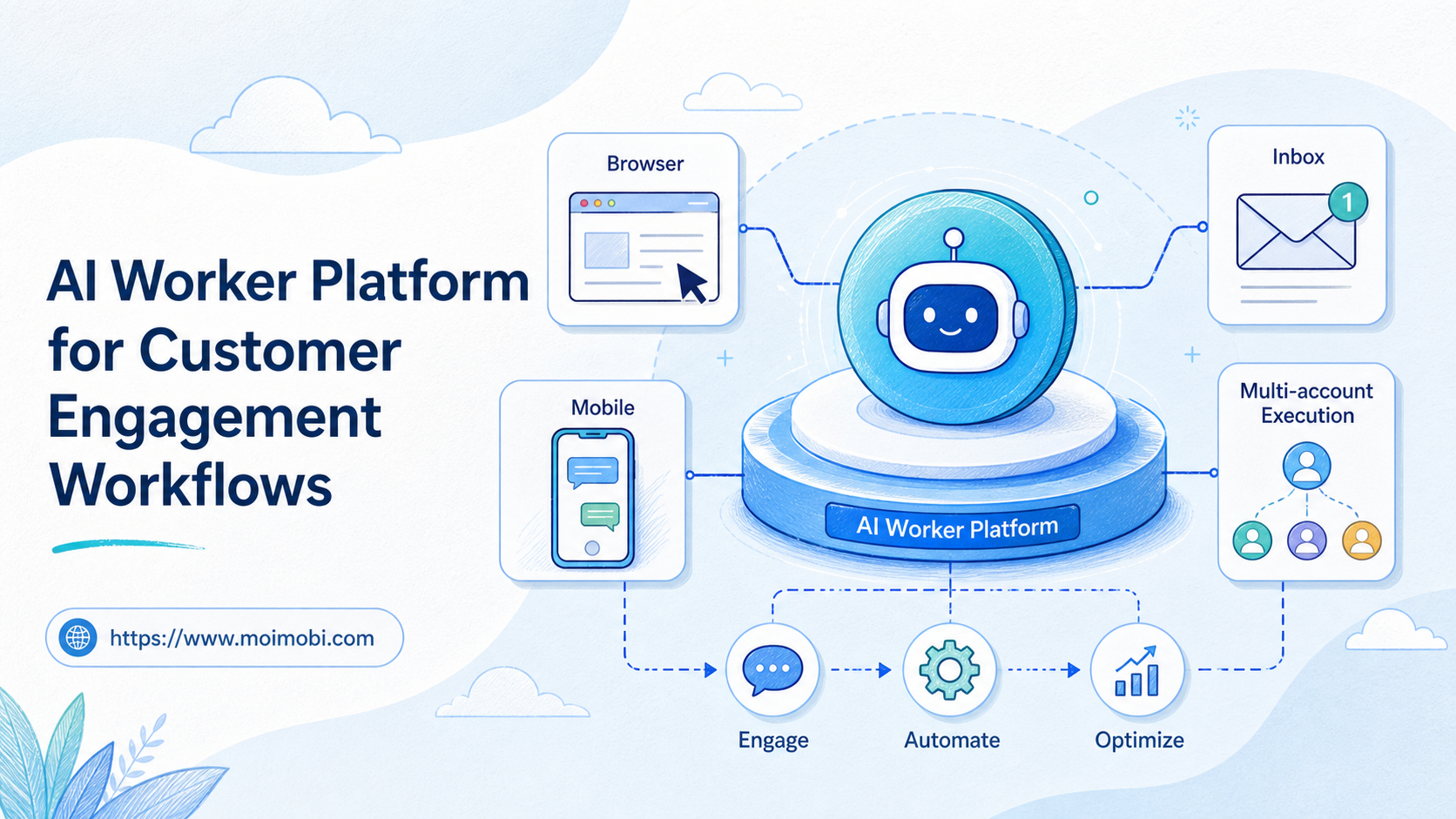
For Moimobi users, the workflow can connect browser work, mobile app work, and account environments. A cloud phone may hold a mobile app workspace, while the team dashboard keeps task status, owner, reviewer, and recovery notes clear.
Key Takeaways
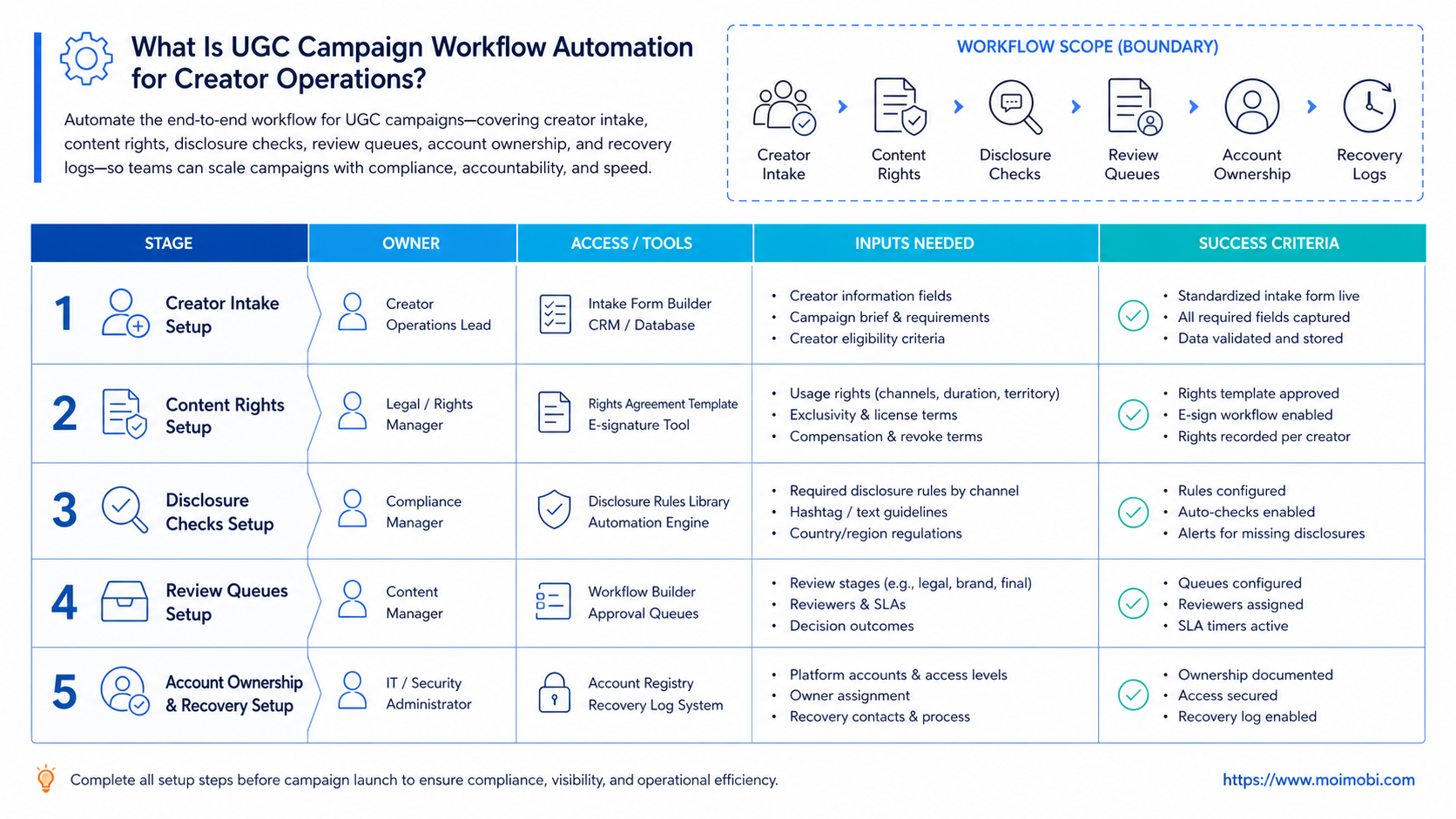
- UGC campaign workflow automation should organize creator work, not remove human judgment.
- The workflow needs fields for brief, creator, content rights, disclosure, review, owner, and platform.
- Public posts, sponsored content, sensitive replies, and customer claims need review gates.
- Start with one campaign type before adding more creators, accounts, or platforms.
- Measure approval time, missing assets, failed tasks, reply quality, and recovery actions.
What Is UGC Campaign Workflow Automation for Creator Operations?
The common mistake is treating UGC automation as a posting tool. A stronger model treats it as campaign control. The system should help the team know which creator delivered what, which asset is approved, which disclosure applies, which account will publish, and which comments need follow-up.
The U.S. Federal Trade Commission explains that endorsements and influencer marketing require clear handling of material connections and reviews. Its business guidance on endorsements, influencers, and reviews is a useful baseline because UGC campaigns often involve incentives, gifts, affiliate arrangements, or paid relationships.
In practice, UGC workflow automation has four layers:
- Intake. Brief, creator, deadline, product, platform, and content format.
- Rights and disclosure. Usage permission, sponsorship status, label requirement, and region notes.
- Execution. Drafting, review, publishing preparation, mobile app steps, and reply handling.
- Feedback. Performance notes, customer response, failed task reason, and next action.
This structure keeps the team focused on repeatable work. It also makes exceptions visible before they become account or brand issues.
Why UGC Campaign Workflow Automation Matters
Creator operations break down when work lives in scattered messages. One person has the creator brief. Another has the approved caption. A third person knows whether the post needs a disclosure. Someone else handles comments after launch. That may work for a single campaign, but it becomes fragile when the team runs several creators across TikTok, Instagram, and short-form content channels.
Instagram's Help Center says branded content is creator or publisher content that features or is influenced by a business partner for an exchange of value. It also states that Meta's branded content policies require the paid partnership label for branded content. See Instagram's explanation of what is considered branded content.
This is why UGC operations need more than a calendar. The system needs approval fields and action history. Teams need to know whether an asset is cleared for organic posting, paid use, whitelisting, reposting, email, product page use, or only one creator profile.
Automation improves the flow when it reduces missing information. It creates reminders, routes tasks, standardizes checklists, prepares replies, and records what happened. It becomes risky when it tries to make every public decision without human review.
Key Benefits and Use Cases
A creator campaign system becomes useful when the team repeats the same steps for many creators. The value comes from fewer missing assets, clearer ownership, faster approvals, and more reliable follow-up after content goes live.
| Workflow area | Automation role | Human review point |
|---|---|---|
| Creator intake | Collect brief, format, deadline, and handle | Confirm creator fit and campaign scope |
| Asset tracking | Record file status, usage rights, and approval state | Approve final content and rights notes |
| Publishing preparation | Prepare caption, hashtags, task owner, and account route | Review disclosure, claim, and brand language |
| Engagement follow-up | Draft reply categories and route comments | Approve sensitive replies and customer issues |
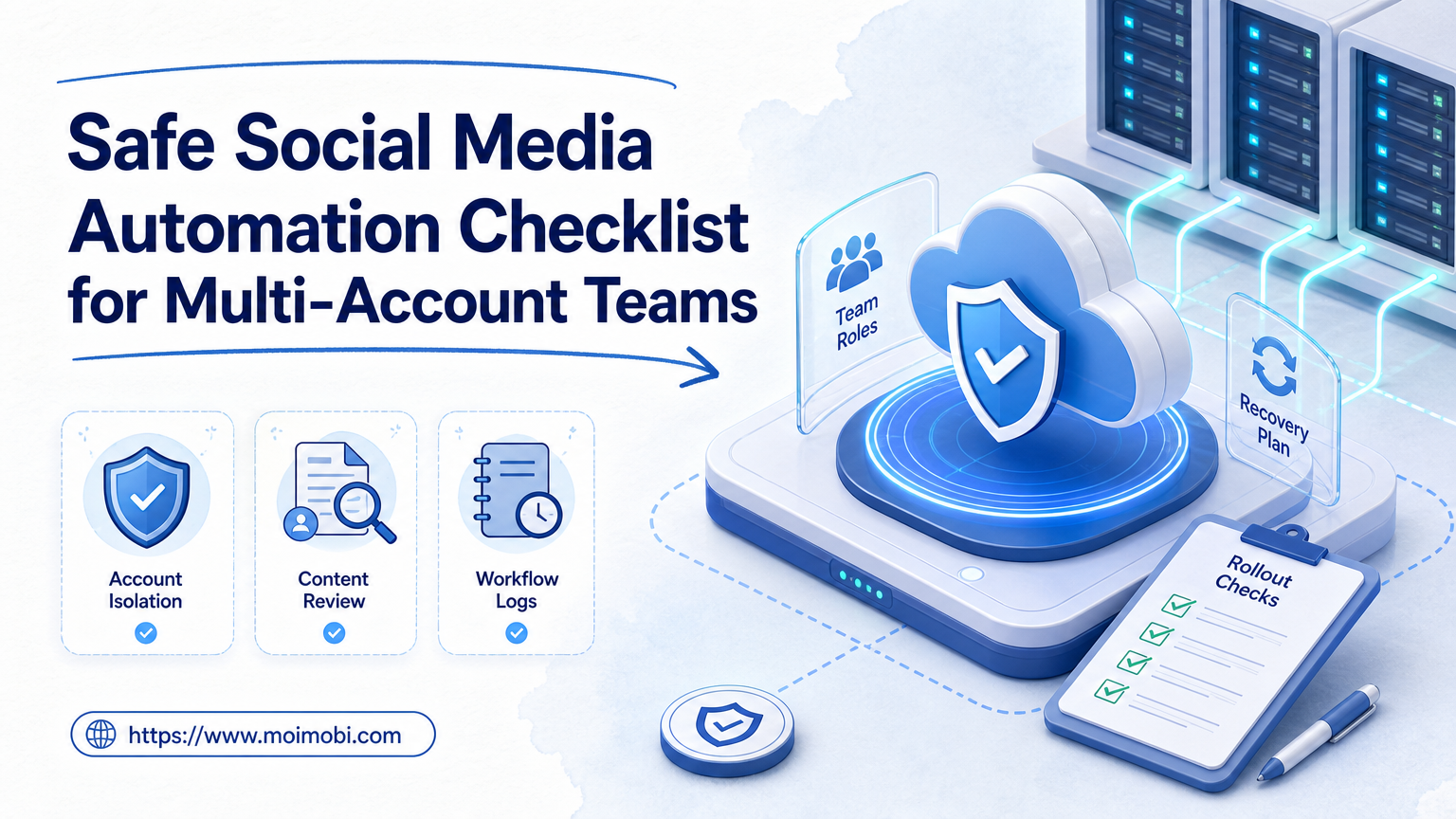
A creator team may use social media account workflow management to keep brand accounts, creator accounts, and support roles separated. A campaign manager can then see which account owns posting, which reviewer approves captions, and which operator handles follow-up.
For TikTok-heavy campaigns, a TikTok creator operations workflow can keep mobile execution, comment review, and publishing preparation closer to the platform where the work happens.
How to Get Started with UGC Campaign Workflow Automation for Creator Operations
Start with preparation, not bulk execution. A clean first workflow usually handles one campaign type, one platform, one approval path, and one account group.
Use this sequence:
- Define the campaign object. Record campaign name, product, creator list, deadline, offer, content format, and target platform.
- Create creator records. Add handle, contact, agreement status, usage rights, payment or gift status, and required disclosure notes.
- Build asset states. Use requested, received, needs edit, approved, scheduled, posted, replied, and archived.
- Add review gates. Require human review for claims, sponsored content, regulated categories, pricing, complaints, and public replies.
- Map accounts to environments. Assign each brand account to a browser or mobile workspace with a named owner.
- Prepare task templates. Create repeatable tasks for caption draft, disclosure check, mobile publish prep, comment triage, and weekly report.
- Run a small pilot. Use one creator group and one account before expanding to more platforms.
Moimobi's mobile automation workspace fits the execution side when the campaign requires app-based checks, account handoff, or mobile reply workflows. Browser work and mobile app work should remain visible in the same operating record.
Common Mistakes to Avoid
The first mistake is automating public activity before the review model is clear. A draft caption can be automated. A final post should still pass disclosure, claims, rights, and account-owner checks.
The second mistake is ignoring rights. A creator may allow a brand repost on one platform but not paid ads, product page reuse, or long-term archive use. The workflow should record the allowed uses before anyone prepares distribution tasks.
The third mistake is treating comments as one generic reply queue. Comment reply automation for creators should sort intent first: product question, shipping question, complaint, price question, spam, creator-specific comment, or escalation.
The fourth mistake is mixing account environments. If several operators use the same account without clear ownership, the team loses context. A separated account environment helps keep each account lane easier to audit.
Team Operating Model for Creator Campaigns
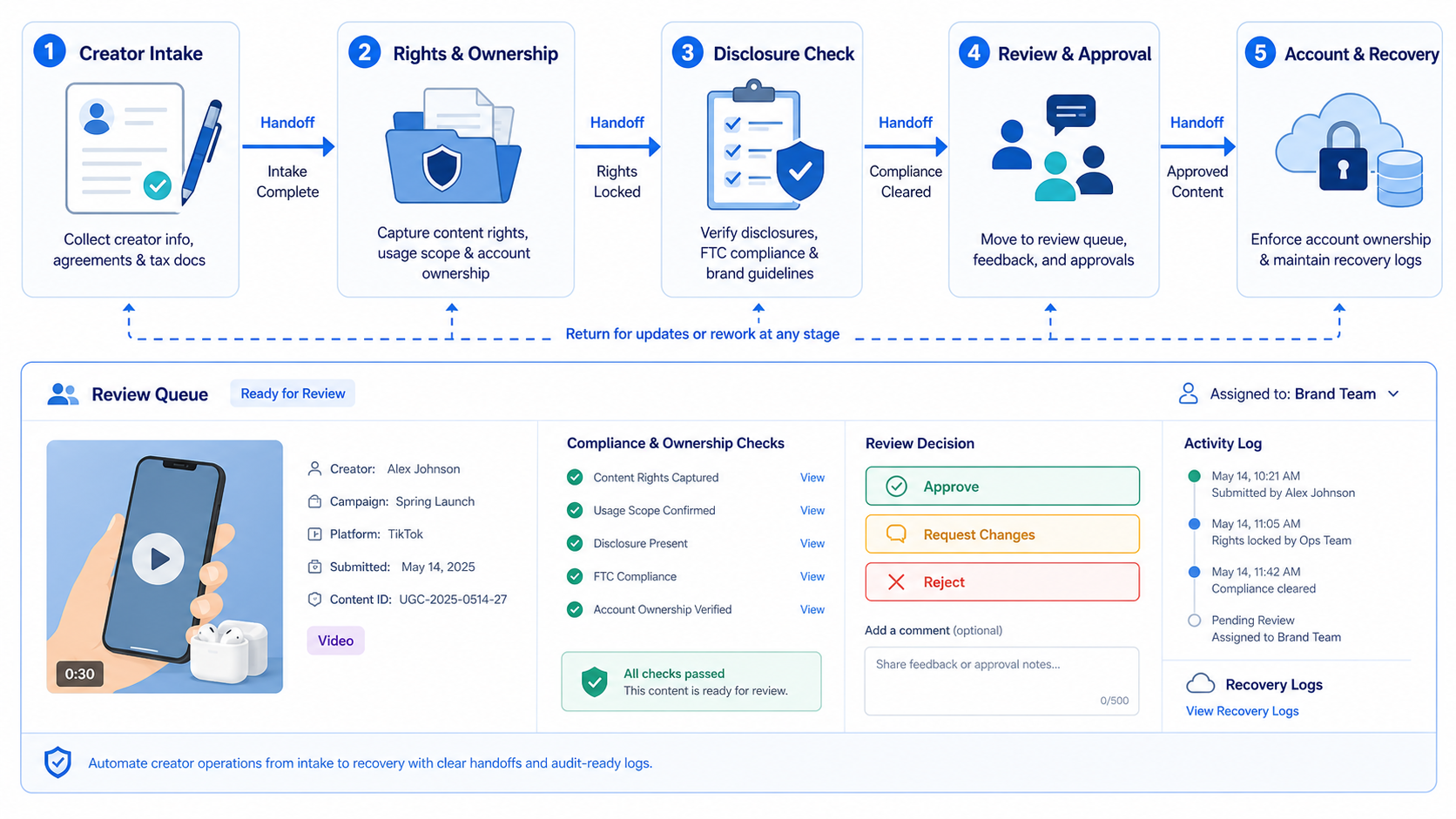
Workflow automation works only when roles are explicit. A creator campaign usually needs at least four roles: campaign owner, content reviewer, account operator, and response owner. One person can hold more than one role in a small team, but the role should still be named in the workflow.
The campaign owner controls the brief, creator list, deadlines, and final campaign scope. The content reviewer checks rights, disclosure, brand claims, and whether the asset matches the campaign objective. The account operator handles platform-specific preparation, such as mobile app checks, publishing readiness, or saved draft review. The response owner handles comments, DMs, support questions, and escalation after the post is live.
Without role fields, the workflow becomes another task list. With role fields, a manager can see who should act next and where the campaign is blocked.
Use these fields in the operating model:
- Campaign owner
- Creator contact owner
- Content reviewer
- Publishing account owner
- Comment and DM owner
- Rights approval status
- Disclosure review status
- Escalation owner
- Recovery note
This operating model is especially useful when brands run several creator accounts and several brand accounts at once. It reduces the chance that one teammate edits the caption while another prepares a different version for publishing.
Publishing and Reply Workflow Boundaries
Publishing tasks should have stricter gates than preparation tasks. It is usually low risk to automate reminders, asset status updates, draft organization, and report assembly. Public posting and public replies need more context.
Before a post goes live, the workflow should confirm the creator asset, caption, platform, disclosure, account, scheduled time, and reviewer. If one field is missing, the task should move to review instead of continuing silently.
Reply workflows need a similar boundary. A useful system can classify comments by type, draft answer options, and route questions to the right owner. It should not auto-answer sensitive product claims, refunds, complaints, legal questions, or personal data issues without a human review step.
For creator operations, the safest automation pattern is prepare, route, record, and review. Execution comes after the team has confidence in the task state.
Post-Campaign Review and Learning Loop
The workflow should not end when content is posted. A campaign record should keep enough context for the next campaign to improve. Teams should know which creators delivered on time, which asset formats required rework, which disclosures caused delays, and which comment categories created support load.
Create a short post-campaign review after every pilot. The review should answer:
- Which creator briefs were unclear?
- Which assets missed approval requirements?
- Which posts needed disclosure changes?
- Which replies needed escalation?
- Which account or environment caused delays?
- Which workflow step should change before the next campaign?
This review loop turns automation into operational memory. It helps the team improve the next brief, not just repeat the same checklist.
Keep one more field for creative learning. Mark whether the asset worked because of format, hook, product angle, creator credibility, or timing. That note helps the next campaign brief become more specific, instead of forcing the team to rediscover the same lesson in a new spreadsheet.
Who It Fits and When It Is a Strong Match
UGC campaign workflow automation fits teams that run recurring creator campaigns, track several creators, and need consistent review before publishing or replying.
It can help small teams if the campaign already has repeatable steps. If every creator project is custom, start with checklists before adding automation.
It is not a good match for teams trying to mass-message creators, auto-post unapproved assets, or generate engagement without review. Those workflows create operational and policy risk.
TikTok's support page for brand promotion says content that promotes a brand, product, or service must follow its Terms, Community Guidelines, Branded Content Policy where applicable, laws, and regulations. It also says creators should use the content disclosure setting when required. See TikTok's guide to promoting a brand, product, or service.
Pilot Rollout, Measurement, and Recovery Checks
The initial pilot should measure whether automation reduces confusion. Use one campaign and track the handoffs that usually fail.
Create a review sheet with these fields:
- Creator and platform
- Asset status
- Rights status
- Disclosure status
- Publishing owner
- Comment owner
- Failed task reason
- Recovery action
- Next review date
Review the pilot after one campaign cycle. Count how many assets were missing, how many captions needed rework, how many replies required escalation, and how many tasks failed because ownership was unclear.
Only expand after the team can explain each failed task. If failures are still vague, add better fields before adding more creators.
Store those notes beside the campaign record. A future operator should be able to reopen the campaign and understand the decision without searching through chat history.
That record also supports cleaner handoffs.
Frequently Asked Questions
What is UGC campaign workflow automation?
It is a structured system for creator intake, asset tracking, approval, publishing preparation, comment routing, and campaign reporting.
Is it the same as social media scheduling?
No. Scheduling handles timing. UGC workflow automation also tracks creator records, rights, disclosures, review gates, account ownership, and follow-up.
Can creators use it directly?
Sometimes. Many teams keep creators in intake and delivery steps, while internal operators handle approval, account work, and reporting.
Does UGC automation replace human review?
No. It should support human review, especially for sponsored content, claims, complaints, pricing, and sensitive replies.
What should be automated first?
Start with intake fields, asset status, reminder tasks, review queues, and reporting. Add execution only after the review path is clear.
How does this help TikTok and Instagram campaigns?
It keeps briefs, assets, disclosures, publishing preparation, and comment follow-up visible across platform-specific account workflows.
What is the biggest risk?
The biggest risk is treating automation as permission to publish or reply without context. Keep public actions behind owner and reviewer checks.
How should a team measure success?
Track approval speed, missing assets, failed tasks, escalation rate, reply quality, and whether campaign owners can find the full record.
Conclusion
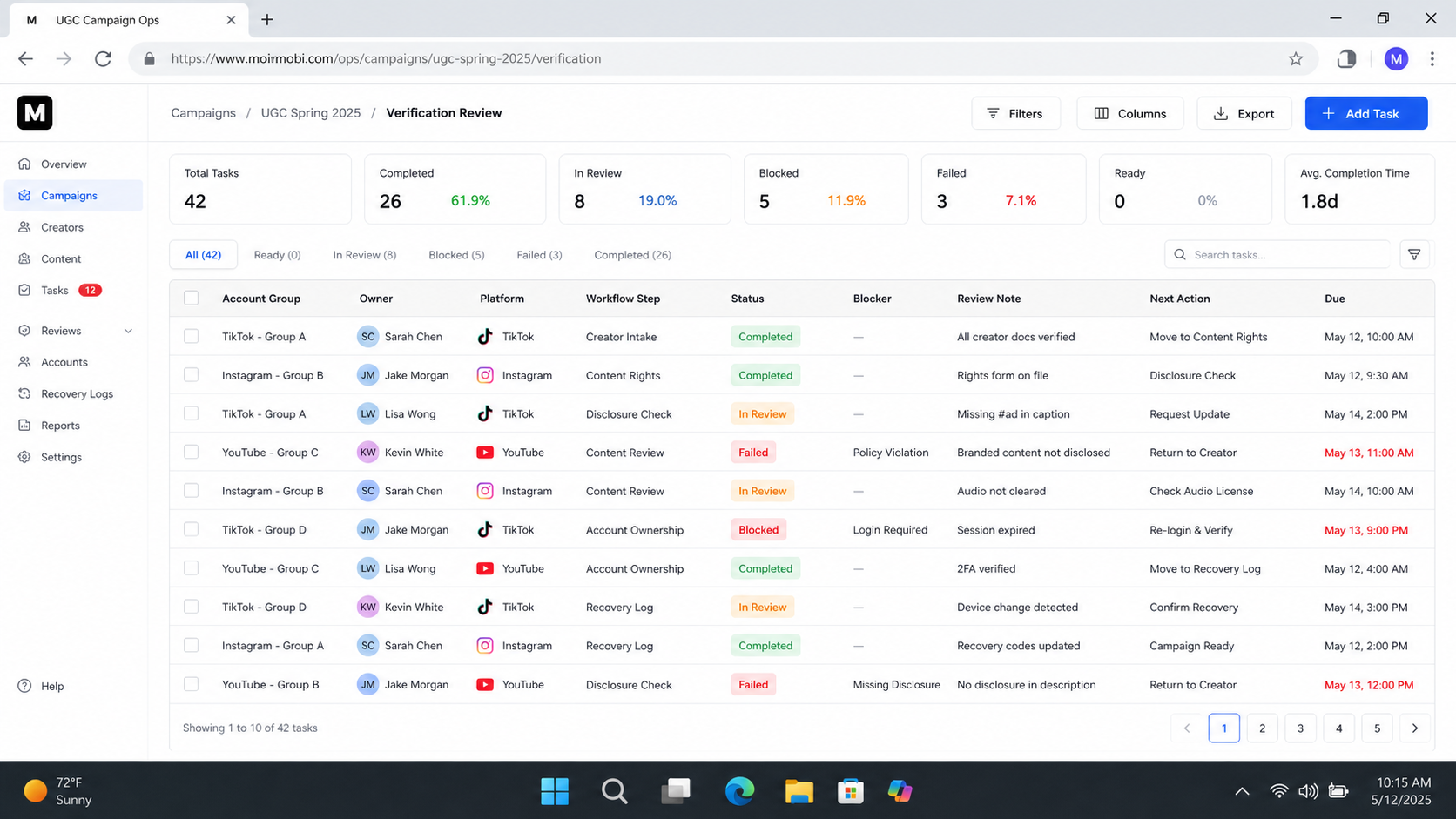
UGC campaign workflow automation works best when it turns creator operations into visible, reviewable work. The first goal is not more output. The first goal is fewer missing assets, clearer ownership, cleaner disclosures, and faster recovery when a task fails.
Before scaling, test one campaign. If the team can see who owns each asset, which content is approved, which disclosure applies, and what happened after publishing, the workflow is ready for a broader rollout.