
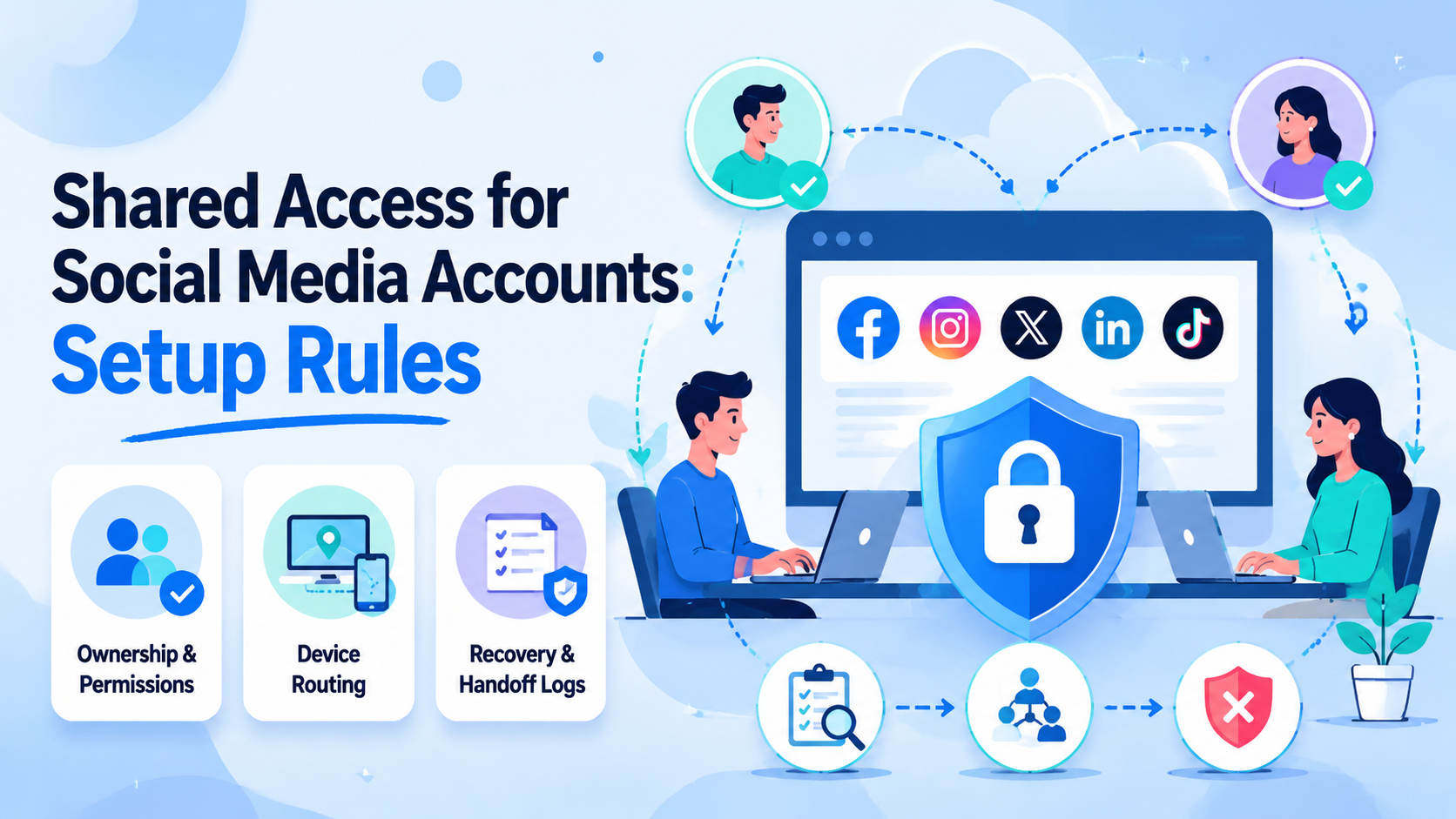
Shared access for social media accounts lets a team work through controlled roles, devices, and recovery paths. It is not convenience alone. It is clean ownership, safer handoff, and traceable work.
The setup rule is simple: one account group needs one owner, one approved access path, one recovery record, and one review trail. Skip any of those, and shared access becomes guesswork.
Key Takeaways
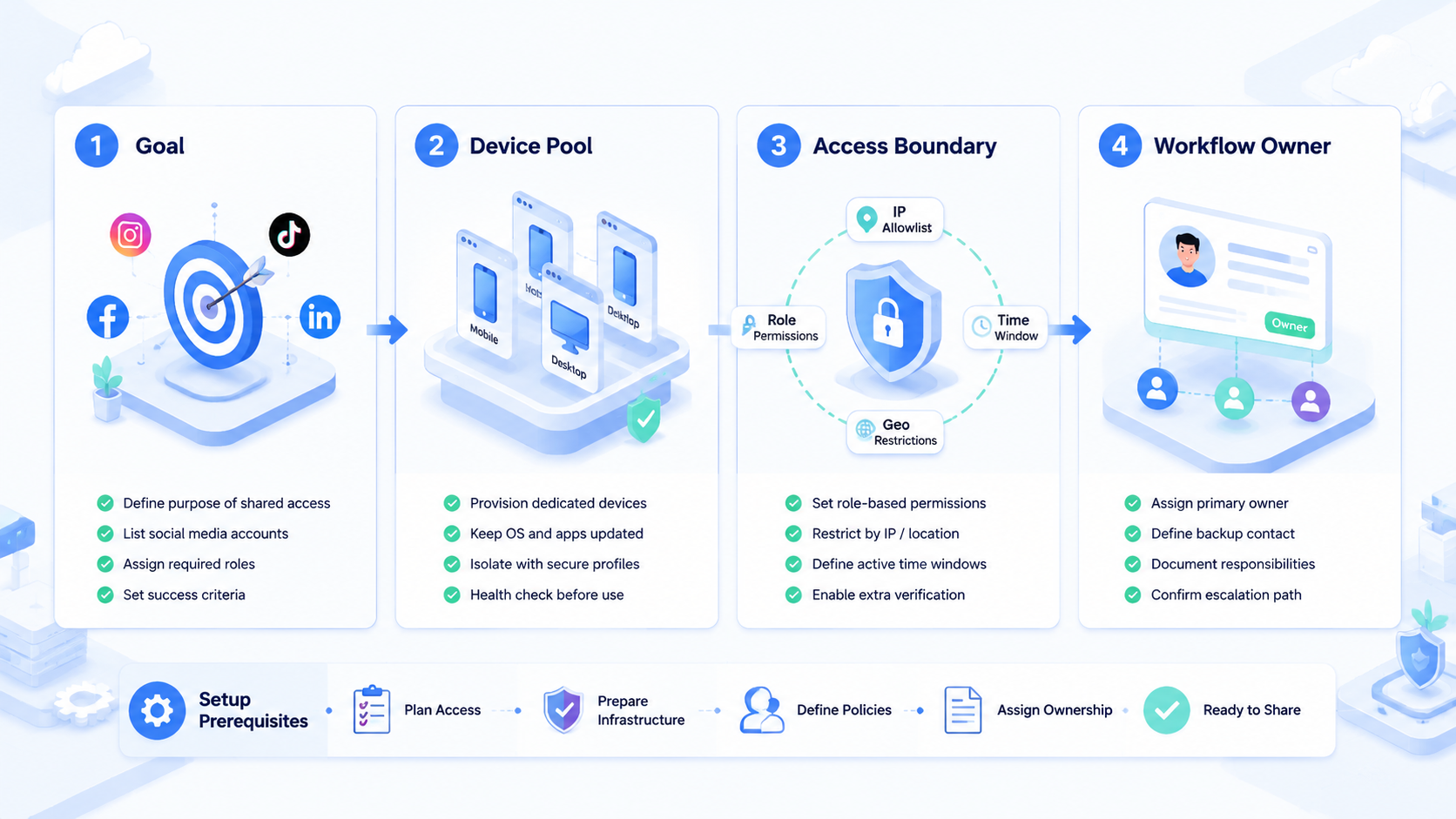
- Shared access should separate owners, operators, reviewers, and recovery contacts.
- Password sharing is weaker than role-based access and controlled environment assignment.
- Teams should keep device, proxy, login, and recovery records together.
- A small pilot should test 8 accounts, 3 operators, 2 handoff rounds, and 1 recovery drill.
Shared Access for Social Media Accounts Core Idea
The core idea is controlled delegation. A brand account, client account, or campaign account may need multiple people, but each person should not improvise a login method.
Good shared access answers four questions before work starts:
- Who owns the account?
- Who can operate it today?
- Which environment should open it?
- How does the team recover it if access changes?
For mobile-heavy teams, multi-account management is stronger when account access, device assignment, and operator responsibility live in one process.
Why Shared Access for Social Media Accounts Needs Rules
The common misunderstanding is that shared access means sharing a password in a chat. That creates weak accountability. It also makes recovery harder when a teammate leaves or a device changes.
Operational teams search for this topic because the work has moved beyond one person. A creator manager may review content. A media buyer may check comments. Name it. The account needs one shared record that explains who may act, where the work happens, and how access gets removed.
The handoff gets messy fast. A support operator may answer messages. A client lead may need emergency access.
Platform policy details vary, so teams should avoid claims that any setup removes all risk. Keep the claim narrow. Google Search Central is a useful reminder: operational scale should still serve real users and useful output.
Who Benefits Most and In What Situations
Shared access fits teams with repeatable workflows and clear roles. Agencies, social commerce teams, support groups, and marketplace operators often need this structure. The common thread is handoff, not headcount.
It is less useful for a solo operator who can safely manage every login and recovery path alone. The moment a second person needs access, the team needs rules. A clear owner, a named device path, and a revoke step prevent simple work from turning into a private guessing chain.
For app-based work, cloud phone environments can keep account work closer to the device context used by the team. Check the path.
Web is not app. Browser-only access may not cover app notifications, mobile sessions, or Android-specific checks. Keep them separate.
Shared Access for Social Media Accounts Setup Checks
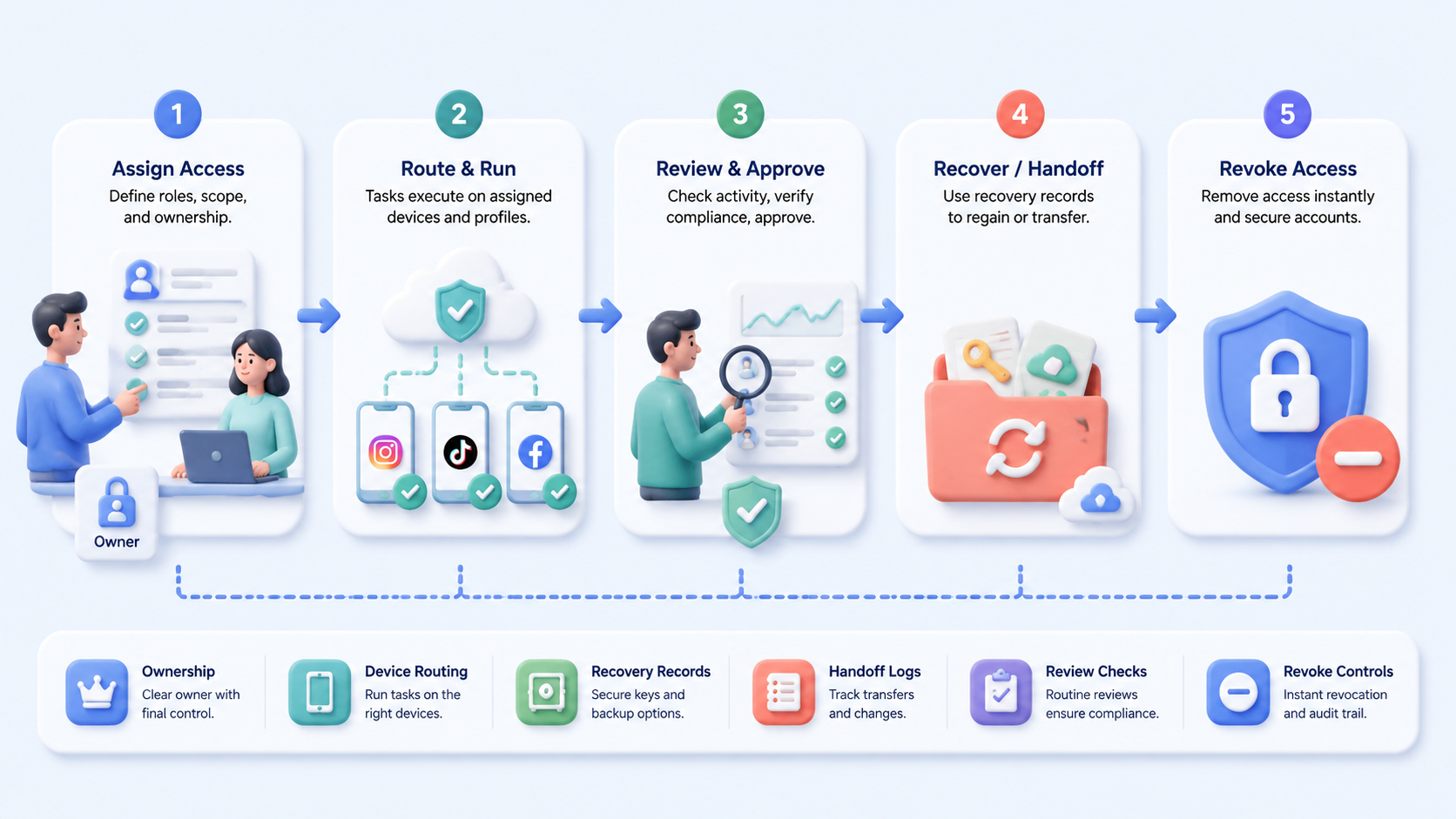
Use checkpoints instead of a loose checklist. Run this before the first shared login, not after a problem.
- Ownership passes when every account has one business owner; it fails when several people claim control.
- Environment passes when each account opens from an assigned device or profile; it fails when operators choose any device.
- Recovery passes when email, phone, 2FA, and backup codes are recorded; it fails when recovery depends on one person.
- Handoff passes when work notes show actor, time, and result; it fails when the next operator guesses prior action.
Add device isolation when accounts should not share device state. Add proxy network planning when routes, regions, or customer markets matter. Route first.
Mistakes That Reduce Results
Avoid one master login that everyone uses. That hides the actor behind each action. It also makes departure handling harder.
Keep recovery data inside the operating record. If the account owner leaves, the team needs recovery contacts and backup codes before an incident. Write them down before launch.
Keep the record short enough for a busy lead to update during normal work. Make it boring. A simple row with owner, device, login path, recovery contact, and last change beats a long private note.
Separate app work and browser work in the notes. Mark it clearly. Social accounts may have mobile sessions, web dashboards, and notification flows. A clean record should show which path was used.
This matters most when one person works in the app and another reviews from a web dashboard.
OWASP logging guidance is practical here. Useful events need actor, action, target, time, and outcome. Social access records need the same shape.
Pilot Rollout, Measurement, and Recovery Checks
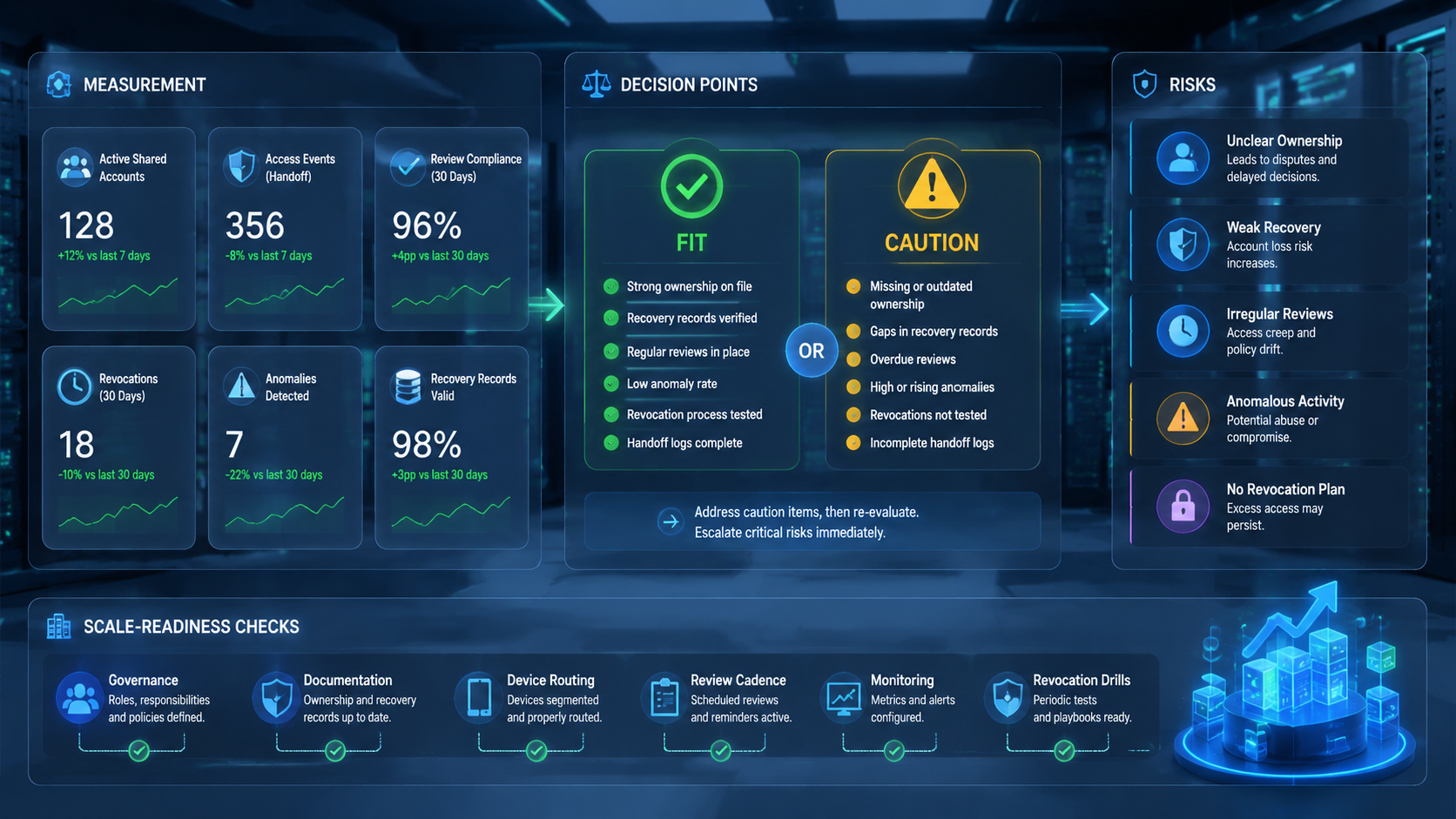
Pilot with 8 accounts, 3 operators, 2 handoff rounds, and 1 recovery drill. Start small enough to watch. The goal is not speed first. The goal is repeatability.
Measure these signals. Pick one reviewer who did not run the task, because fresh eyes reveal unclear ownership faster than the original operator.
- Operator finds the assigned account environment in under 60 seconds.
- Reviewer identifies who touched each account yesterday.
- Team completes a recovery drill without contacting a former operator.
- Manager revokes access without breaking unrelated accounts.
The NIST Cybersecurity Framework is useful because it frames operations around identify, protect, detect, respond, and recover. Audit it. Shared access should pass all five, even at small scale.
Frequently Asked Questions
Use these answers as operating checks, not legal advice.
Is shared access the same as password sharing?
No. Password sharing is one weak method; shared access needs roles, assigned environments, logs, recovery rules, and a tested revoke path.
How many people should access one account?
Keep the group small enough that a manager can explain every person, device path, and recovery duty without opening a private chat thread.
Should every account use a separate device?
Not always; split devices or profiles when client, region, ownership, or risk group differs.
What is the first setup step?
Assign one owner per account group, then map the approved device or profile before any operator starts routine work.
How do teams handle operator turnover?
Revoke access, rotate credentials where needed, verify recovery contacts, inspect recent actions, and record the closeout owner that same day.
Can automation be part of shared access?
Yes, but only after access, environment assignment, and review logs are clear enough that automation cannot hide ownership.
What should managers review weekly?
Review access lists, recovery records, login changes, failed attempts, unresolved account notes, and any operator who still has access without a current task.
Conclusion
Shared access for social media accounts works when every account has a named owner, a controlled environment, a recovery path, and a readable action trail. Without those pieces, the team is only sharing access, not managing it.
Start with a small account group. Prove that operators can hand off work, reviewers can read the trail, and recovery does not depend on memory.



