
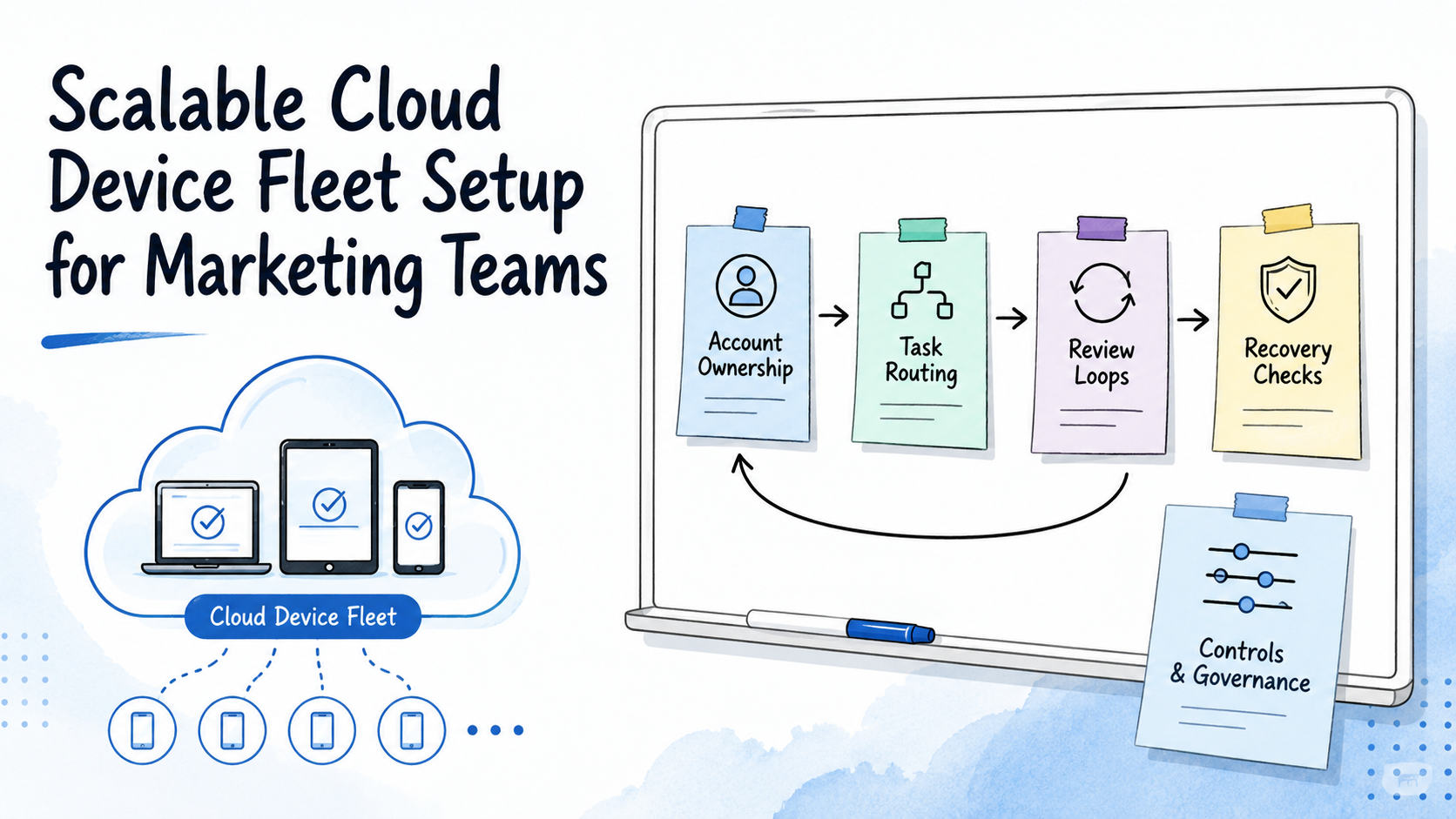
Key Takeaways
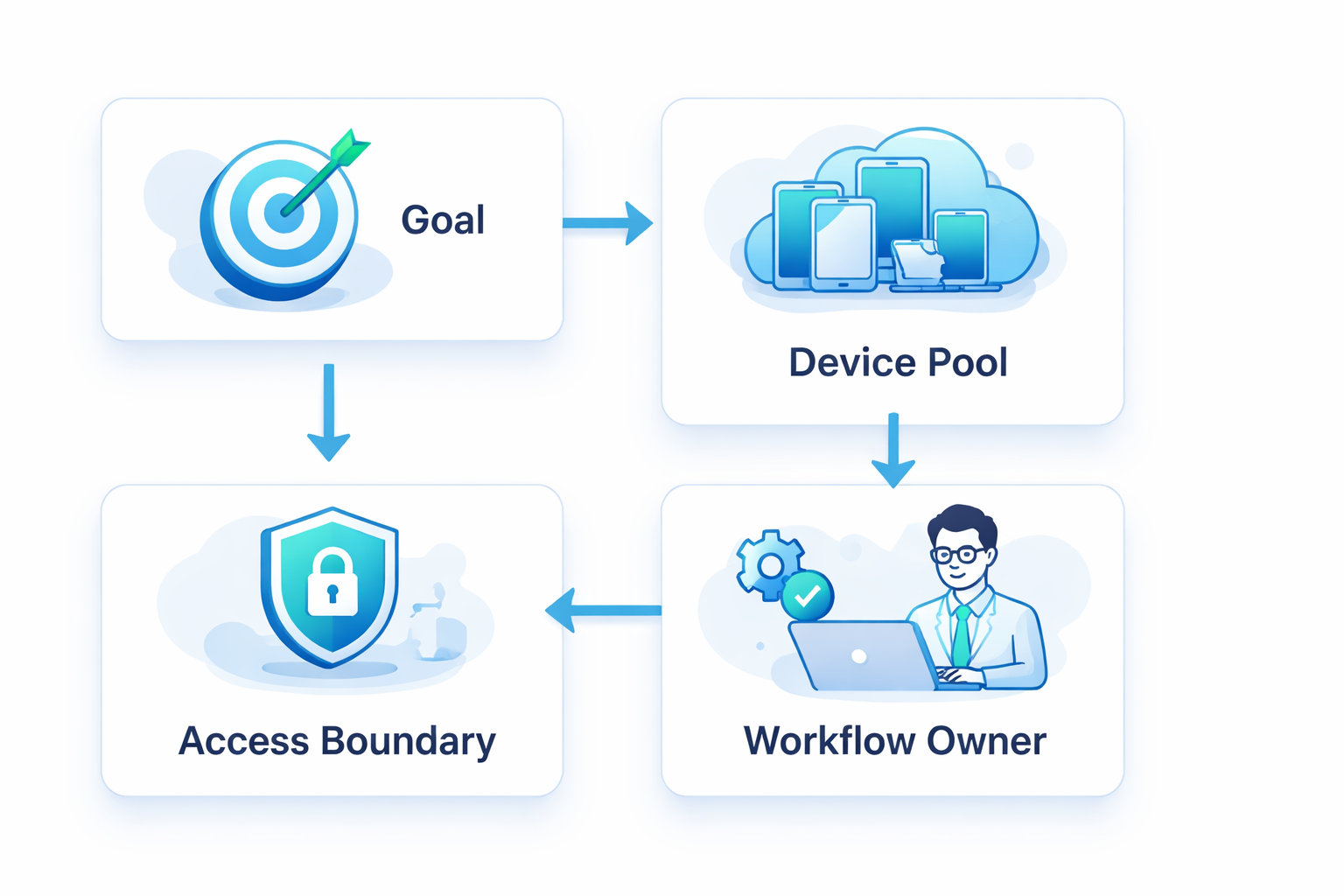
- Fleet scale starts with workflow design, not device count.
- Marketing teams need account ownership, task routing, device isolation, and review logs.
- The first pilot should test a small group of devices before the team adds more capacity.
A scalable cloud device fleet is a managed group of remote Android environments that can run repeated marketing workflows with clear assignment and review. The goal is not to rent more screens. The goal is to create reliable mobile task capacity for publishing, replies, app checks, and account operations.
For marketing teams, scale breaks when accounts, devices, and tasks are not tied together. A cloud phone fleet works best when every device has a clear owner, purpose, account context, and recovery path.
What Is a Scalable Cloud Device Fleet?
In practice, this fleet is a device system that can grow without losing control. It may include cloud phones, Android devices, routing rules, account workspaces, review logs, and operator roles.
The common mistake is treating a fleet as a bulk device purchase. That is only the bottom layer. The useful system includes task assignment, device health checks, file preparation, login review, and failure notes.
Think of the fleet as marketing infrastructure. A phone farm business may focus on device volume. A team fleet should focus on useful task output per device and per account.
Why Scalable Cloud Device Fleet Setup Matters
Marketing teams use mobile apps for publishing, replies, social listening, marketplace checks, and customer follow-up. These jobs do not scale well when devices are passed around by hand.
A scalable setup prevents three common problems:
- operators do not know which account owns which device
- managers cannot see what happened after a task
- failed workflows require long manual rescue
Google's guidance on creating helpful content is written for search, but one rule also fits operations: useful output should be clear to the person reviewing it. Fleet reports should show what was done and what changed.
Core Components of a Marketing Device Fleet
The setup should stay simple enough to inspect. Start with these components before adding more tools.
| Component | What it controls | Why it matters |
|---|---|---|
| Device workspace | Cloud phone or Android environment | Gives each task a place to run |
| Account owner | Account, platform, and operator | Reduces mixed context |
| Task queue | Publishing, reply, or review task | Keeps work assigned |
| Review log | Result, screenshot, and failure note | Makes output auditable |
| Recovery rule | What to do after failure | Lowers rescue time |
Use device isolation when account context matters. Use mobile automation only after the task path is clear.
How to Start a Scalable Cloud Device Fleet
Do not start with 100 devices. Begin with one workflow that the team can measure for 7 days.
Use this pilot checklist:
| Check | Pass signal |
|---|---|
| Platform and task | One platform and one task are named |
| Device group | 5 to 10 devices are assigned |
| Account owner | Each device has one account owner |
| Tracking | Result, idle time, failure, and rescue minutes are logged |
| Review | The scorecard is reviewed before more devices are added |
For social and messaging workflows, also review relevant platform and app policies. App-heavy teams can use the Google Play policy center as one reference.
Common Mistakes to Avoid
The first mistake is adding devices before the workflow is ready. Once volume rises, unclear work becomes much harder to review, and small gaps turn into daily cleanup work for managers.
The second failure mode is mixed account environments. A shared phone may look faster at first. The hidden cost appears later, when workspace history is unclear and the reviewer cannot tell which account, operator, or device caused an issue. For account-based marketing, use multi-account management to connect accounts, devices, and operators.
Risk review is the third mistake area, especially when automation enters the workflow. The NIST AI Risk Management Framework separates map, measure, manage, and govern. For fleet work, write the task map first; then measure failures, manage recovery, and govern access.
Fit Boundaries for Marketing Teams
This setup fits teams with repeated mobile tasks across accounts. Daily work changes the need. Agencies, cross-border sellers, content teams, and support teams usually need assignment and review structure.
One-off posting or occasional app checks do not need a full fleet. A small phone farm setup may be enough until the team has daily task volume.
Use this rule: if each device cannot be assigned to a task, account, and reviewer, the fleet is not ready to scale.
Frequently Asked Questions
What is a scalable cloud device fleet?
It is a managed group of cloud phones or Android environments that can run repeated tasks with assignment, review, and recovery controls.
How many devices should marketing teams start with?
Start with 5 to 10 devices and one workflow for 7 days. Expand only after the review shows repeatable output.
Is this the same as a phone farm?
Not exactly. A phone farm usually focuses on device volume. A team fleet is more operational: it connects devices to assigned workflows, owners, review notes, and measurable output.
What should the first workflow be?
Choose one task with clear output, such as content publishing, reply review, app checks, or account monitoring.
When does automation belong in the setup?
Automation belongs after the manual workflow is clear. It should reduce repeat work and expose failure points. Keep notes visible for review, because managers still need to understand why a task succeeded or failed.
What should teams measure?
Track completed tasks, failed steps, idle time, manual rescue minutes, and output per account. These numbers show whether more devices will create useful capacity or just more supervision work.
When should the team stop scaling?
Pause when device count grows faster than task quality, review clarity, or recovery speed.
Conclusion
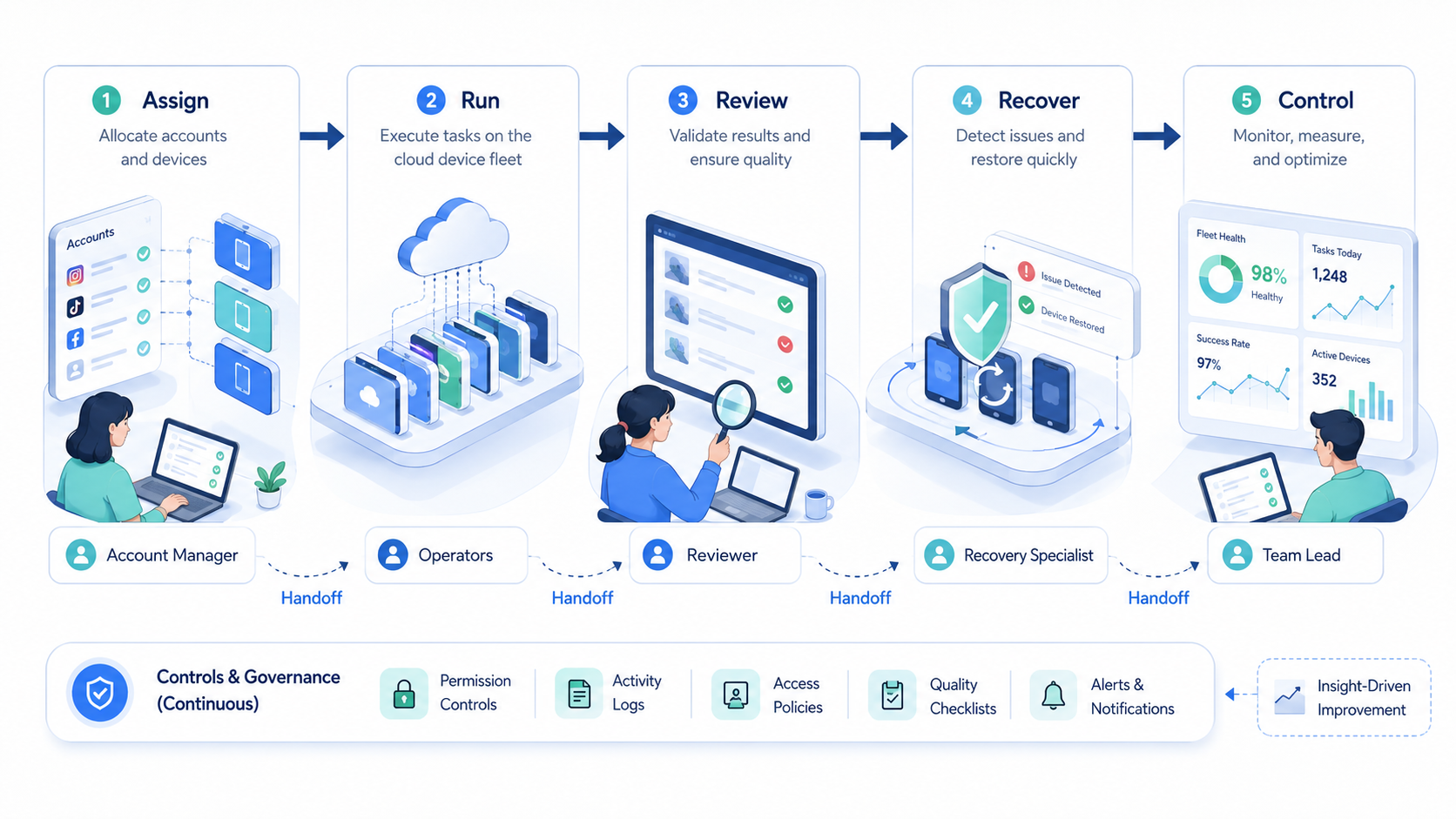
Build the fleet in this order: workflow first, account ownership second, device assignment third, automation last. That order keeps the system measurable.
For a first pilot, use 5 to 10 devices for one marketing workflow. If task success, recovery time, and review quality are clear after 7 days, expand the fleet in controlled batches.



