
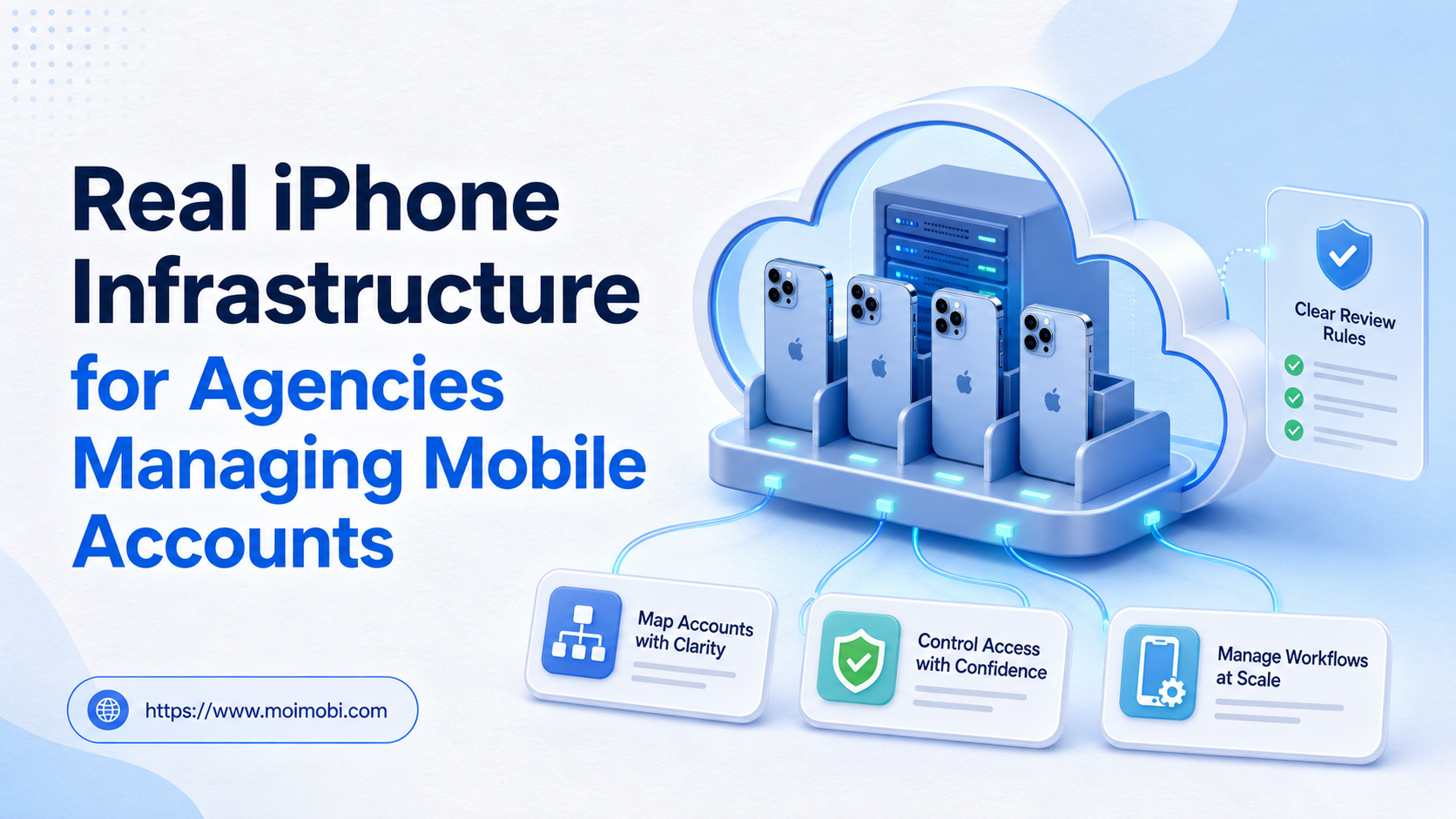
Real iPhone infrastructure is a managed fleet of physical iPhones used for remote access, account assignment, workflow execution, and team control. For an agency, the value is not simply owning more phones. The value is knowing which device belongs to which account, who can use it, what task is running, and how to recover the workflow when something fails.
This model fits when mobile apps are central to client delivery and shared devices are creating handoff, access, or recovery problems. A cloud phone can still be useful for Android-first work, but it should not be presented as an interchangeable substitute for physical iOS infrastructure. The correct choice depends on the app, the account, the operator, and the evidence the team needs to review.
Key Takeaways
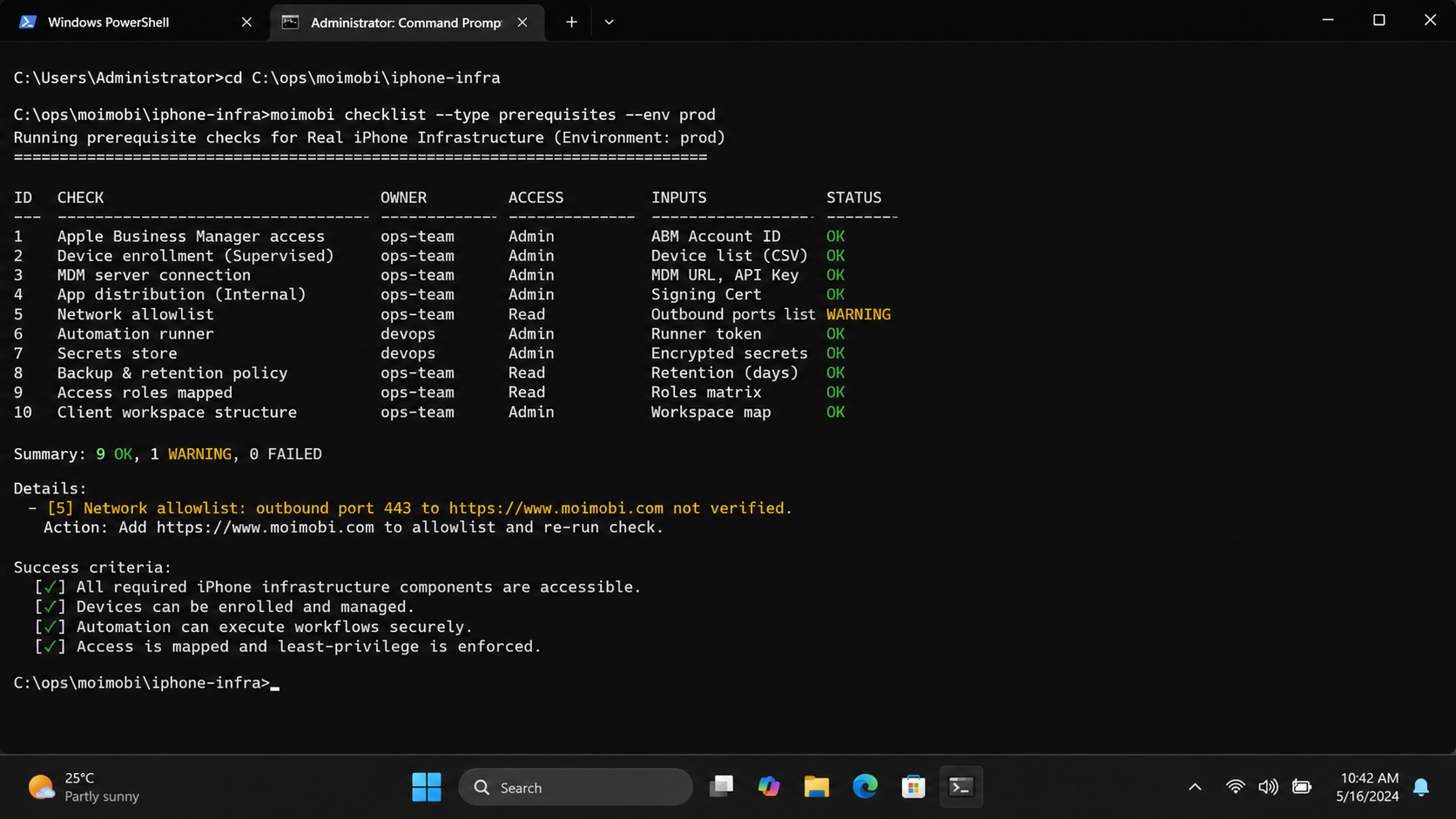
- Real iPhone infrastructure combines physical devices with ownership, access, task, and recovery controls.
- Agencies should map each account to a device, operator, backup owner, and workflow lane.
- Remote access is only one layer; provisioning, approvals, records, and review complete the operating model.
- Start with one client lane and expand only after a second operator can repeat the workflow.
What Real iPhone Infrastructure Means for an Agency
At the center of this model are physical devices and a control process. A typical operating model includes a device inventory, account-to-device mapping, remote access, role assignment, task records, and a recovery path. Without those pieces, an agency may own real hardware but still operate through an informal phone-sharing system.
Apple's platform deployment documentation describes organizational device management through Apple Business or Apple School Manager and a chosen device management service. That makes an important distinction: device ownership, enrollment, management, and user access are separate operational concerns. A serious agency needs a process for each one, not only a remote screen.
The same principle applies to social media automation and other app-native work. A physical iPhone can provide the native iOS environment, but it does not decide whether an account is assigned correctly, whether a task is approved, or whether an operator followed the client SOP. Those controls belong in the operating layer around the device.
Real device, remote access, and managed execution
These terms are related but not identical:
| Layer | What it answers | Agency question |
|---|---|---|
| Physical device | What hardware runs the app? | Is this a real iPhone with a known owner and state? |
| Remote access | How does an operator reach it? | Can the assigned operator work without passing a phone around? |
| Device management | How is it enrolled and configured? | Can the agency apply a repeatable setup and remove access? |
| Workflow control | What work is allowed? | Is the task approved, recorded, and recoverable? |
| Account mapping | Who and what are connected? | Can a manager trace an account to a device and owner? |
The best agency setup makes these layers visible. It does not assume that a real device automatically solves an account-management problem.
Agency Workload Decisions Behind Real iPhone Infrastructure
Agencies manage several forms of separation at once. Clients need separate ownership. Operators need limited access. Accounts need predictable device assignments. Managers need a current view of health, queues, exceptions, and handoffs.
Shared office phones make these relationships difficult to audit. One operator may log in, another may change the app state, and a third may not know which device contains the latest session. A spreadsheet can record an intended assignment, but it cannot prove the device state at the moment a task runs.
The model becomes valuable when the cost of unclear ownership is higher than the cost of maintaining a managed device layer. This is especially relevant for agencies with client-specific SOPs, multiple time zones, or mobile workflows that cannot be completed reliably in a desktop browser.
The four decisions an agency must make
- Device ownership: Decide whether a device is dedicated to one account, one client group, or a controlled task lane.
- Operator access: Define who can view, operate, approve, pause, and recover a device.
- Task boundaries: Separate publishing, engagement, support, testing, and recovery work instead of giving every operator the same permissions.
- Evidence and review: Keep task results, screenshots, exceptions, and handoff notes where a manager can review them.
This is where a real-device fleet operations model becomes more useful than a collection of disconnected phones. The goal is not to imitate a physical shelf in the cloud. The goal is to make the fleet operationally legible. In practice, real iPhone infrastructure works only when a manager can trace a task from client request to device result.
How to Design Real iPhone Infrastructure for Client Accounts
Begin with the account model, not the device count. Group accounts by client, platform, workflow, risk tolerance, and operating hours before deciding how devices are assigned.
A practical agency mapping model
| Record | Minimum fields | Why it matters |
|---|---|---|
| Client | Client name, contract owner, escalation contact | Keeps commercial responsibility clear |
| Account | Platform, handle, status, workflow lane | Prevents accidental cross-client work |
| Device | Model, serial reference, health, current operator | Makes the physical resource traceable |
| Assignment | Account, device, start time, owner, backup owner | Shows who is responsible now |
| Task | Action, approval state, due time, result | Separates planned work from completed work |
| Exception | Failure, evidence, action taken, next review | Makes recovery repeatable |
Apple's Apple Business documentation supports individual, batch, and default device assignment to a device management service. Teams can use that concept as a provisioning reference, then add their own client and workflow fields around it. The device-management assignment is not the same as a social-account assignment, so the two records should remain distinct.
For web preparation or account research, a separate account workspace can keep browser-side work from being mixed with the mobile execution record. For app-native actions, the mobile device remains the execution surface. Treating those as two connected layers produces cleaner handoffs than forcing every task into one environment.
A Five-Step Operating Workflow
The following sequence gives an agency a controlled starting point.
1. Classify the account and task
Record the client, platform, app, task type, approval requirement, and expected result. Mark whether the task is routine, sensitive, or recovery-related. This prevents an operator from treating a high-value client workflow like a disposable test.
2. Assign one accountable owner
Give the account a primary operator and a backup. The device record should show the current assignment, not only the historical owner. When ownership changes, record the handoff time and reason.
3. Provision the device consistently
Check the device state, operating system, required apps, network path, permissions, storage, and login status. Use a repeatable checklist. Do not let every operator invent a different setup for the same client lane.
4. Run an approved task
Put the task in a queue with its input, approval state, expected output, and stop condition. A mobile workflow execution layer can help coordinate repeatable work, but the agency still owns the SOP and the approval decision.
5. Close the task and record the result
Save the result, screenshot or other evidence when appropriate, failure reason, and next action. A task is not complete merely because the operator closed the app. The agency should be able to explain what happened without asking the same operator to reconstruct it from memory.
Access, Provisioning, and Team Control
Access control is part of infrastructure design. Define separate roles for operators, reviewers, managers, and recovery staff. An operator may execute an approved task. A reviewer may approve or reject content. A manager may reassign capacity. A recovery owner may handle exceptions without changing the normal workflow.
Apple's device-assignment guidance also shows why batch operations need permissions and review. Devices can be assigned, reassigned, or unassigned, and these actions create operational consequences. A similar audit trail is useful for account mappings: record who changed the assignment, what changed, and whether a follow-up check is required.
When an agency has multiple client teams, client account coordination should be organized around ownership and task lanes. Do not expose every device to every operator just because remote access is technically possible. Broad access increases ambiguity and makes incident review harder.
How to Measure Whether the Model Works
The first pilot should measure operating quality, not only activity volume. Track these signals for each client lane:
- assignment accuracy: was the intended account opened on the intended device?
- handoff time: can a backup owner take over without repeating setup?
- task completion: did the required output appear in the record?
- exception recovery: how long did it take to identify and resume a failed task?
- review completeness: can a manager see the evidence and next action?
- device utilization: is capacity available when the schedule requires it?
AWS Device Farm provides a useful comparison for the capacity principle. Its documentation describes remote access to physical Android and iOS devices, and explains that concurrent sessions depend on device slots. That is a testing service, not a recommendation for running client accounts, but the operational lesson transfers: remote-device capacity must be modeled explicitly instead of assumed to be unlimited.
Use one client lane for the first pilot. Keep the device assignment stable, require one reviewer, and record every exception. Expand only after the team can show that the same workflow can be repeated by a second operator without losing ownership or evidence. This short pilot also exposes whether the proposed real iPhone infrastructure needs more devices, stronger permissions, or a better recovery queue.
When Real iPhone Infrastructure Is Not the Right Fit
Physical iPhones are not automatically the best option. A browser-first workflow may not need a mobile fleet. An Android-only workflow may be served by a managed virtual environment. A short-lived test may not justify the provisioning and maintenance work of real hardware.
Use a different approach when:
- the workflow runs entirely in web applications;
- the client does not require iOS-specific app behavior;
- the agency is validating an early idea with disposable test accounts;
- the team cannot yet define ownership, approval, and recovery rules;
- the expected workload is too small to justify a managed device process.
The decision should be based on the task's actual execution surface. A real iPhone is relevant when the native app, device continuity, or physical-device behavior is part of the requirement. It is not a substitute for a clear operating model.
Common Mistakes Agencies Should Avoid
Buying devices before defining ownership
More hardware does not solve unclear responsibility. Create the account and assignment model first, then estimate capacity.
Treating remote access as workflow automation
A remote screen lets someone operate a device. It does not create approval, scheduling, logging, or recovery rules. Those functions need their own controls.
Reusing one device across unrelated client lanes
Frequent reassignment creates handoff work and makes state harder to interpret. If reassignment is necessary, record the old state, new owner, and validation step.
Giving every operator the same access
Shared credentials and unrestricted device access make mistakes difficult to attribute. Use role boundaries and a clear escalation path.
Measuring only posts or messages completed
Volume can hide failure. Include assignment errors, interrupted sessions, review delays, and recovery time in the weekly report.
Frequently Asked Questions
What is real iPhone infrastructure?
It is a managed group of physical iPhones with remote access, provisioning, account mapping, task control, and recovery records.
Is it the same as an iPhone farm?
The device fleet may be called an iPhone farm, but infrastructure also includes ownership, access, workflow, and evidence processes around the devices.
Does a real iPhone replace a browser workspace?
No. Browser work and native mobile work are different execution surfaces. Many teams connect them but keep their environments and task records distinct.
Should one account always use one iPhone?
That depends on the platform, workflow, and client requirements. A dedicated assignment can simplify continuity, while controlled groups may be appropriate for lower-risk work.
How should an agency start?
Choose one client lane, define the mapping fields, assign one owner and one backup, and run a small pilot with review checkpoints.
What should managers monitor?
Monitor device health, current owner, account mapping, queue state, failed tasks, review status, and recovery actions.
Can cloud phones and real iPhones be used together?
Yes. Use each for the workload it fits. Keep the account map and approval records consistent across both environments.
What is the main cost to plan for?
Plan beyond device access. Include provisioning, operator time, maintenance, monitoring, recovery, and the management work required to keep assignments accurate.
Conclusion: Start with an Account-to-Device Pilot
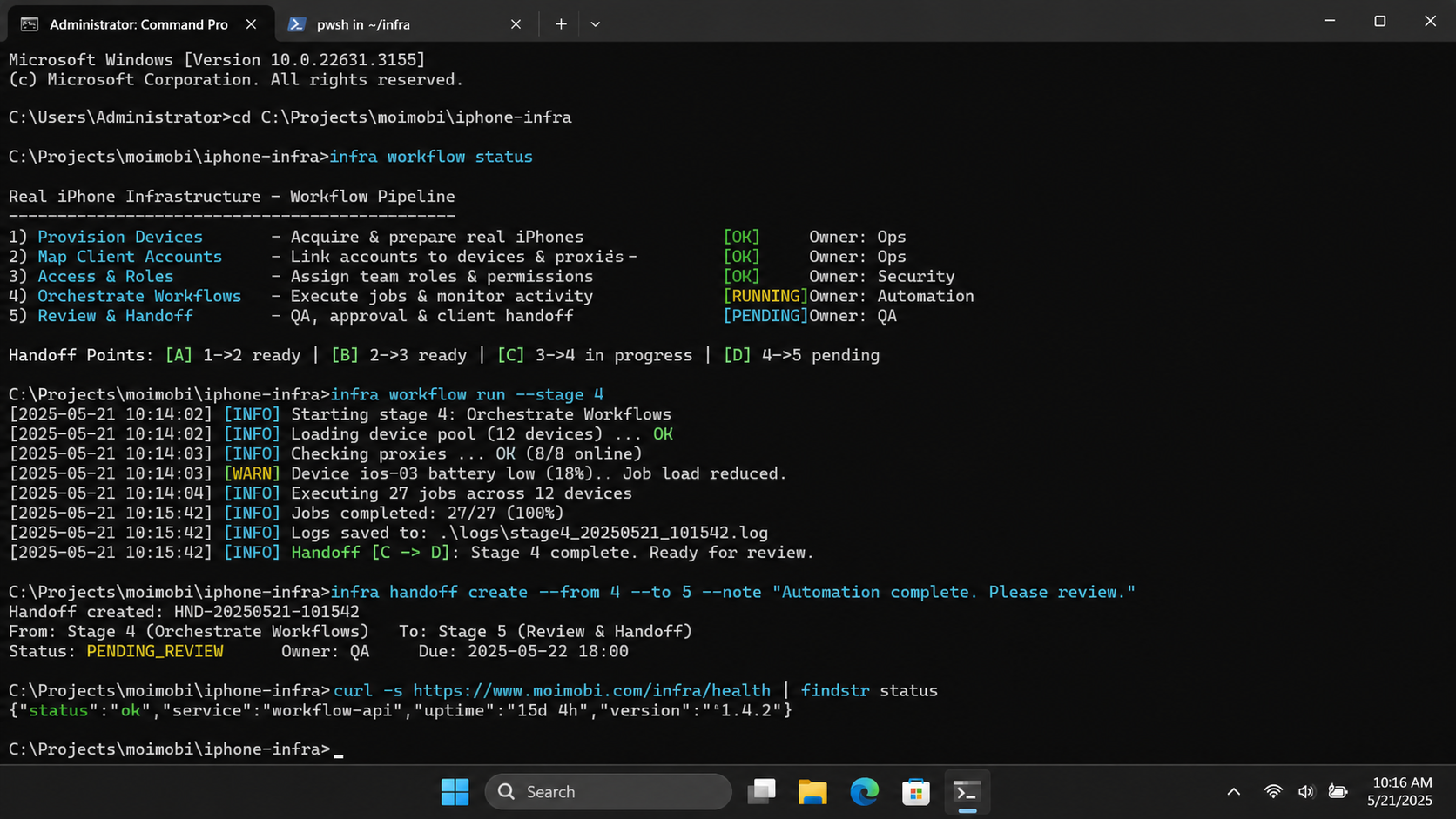
For an agency, the result is a physical mobile execution layer surrounded by operating controls. Device ownership, account mapping, role boundaries, task records, and recovery checks determine whether the fleet is manageable.
Before expanding, prove one narrow workflow. Assign one client lane, document the device and account relationship, run approved tasks, capture results, and review every exception. If the second operator can repeat the process without losing context, the agency has evidence that its infrastructure is ready for the next stage.



