
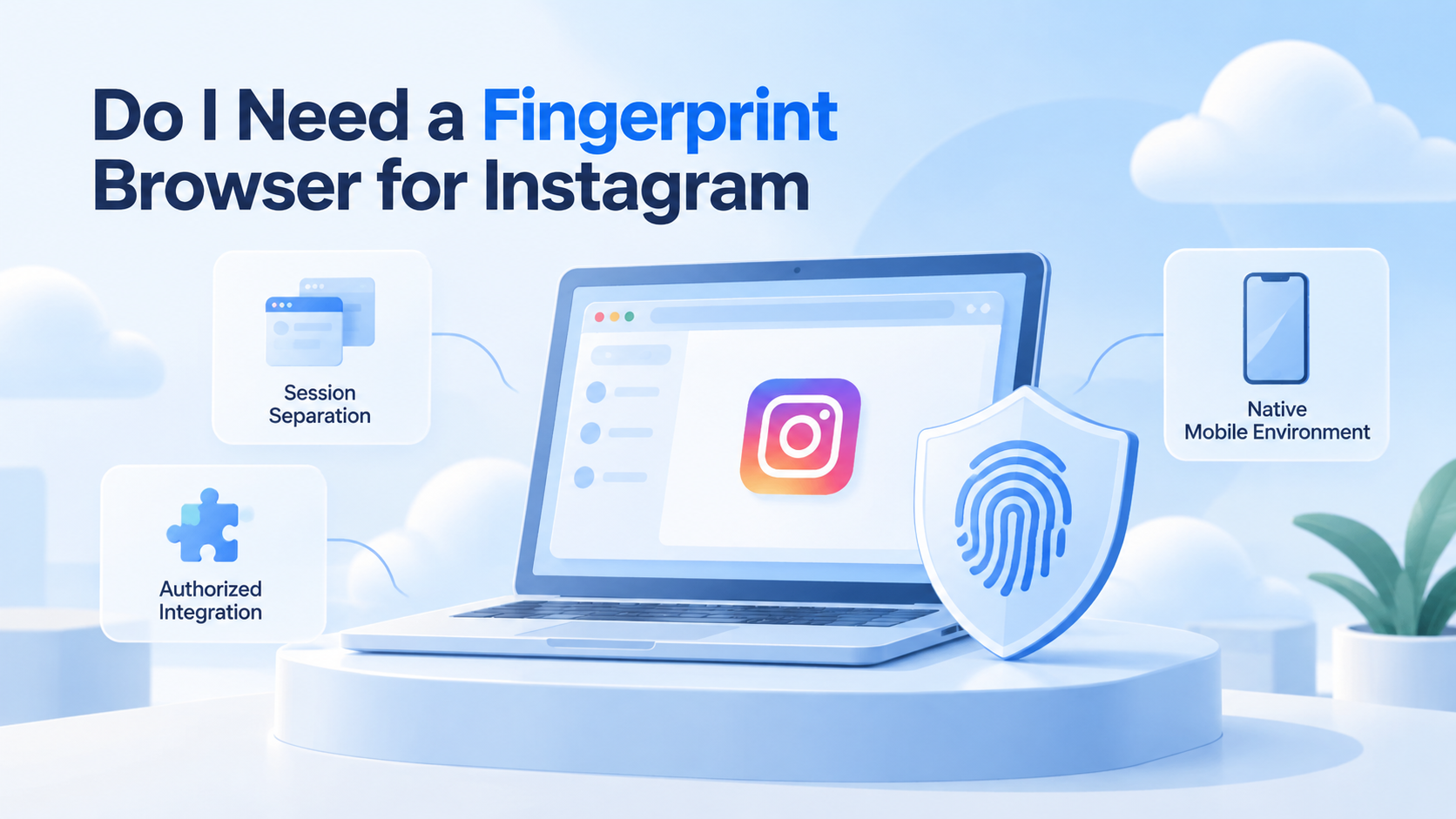
If you are asking “do I need fingerprint browser for Instagram automation,” start with the task rather than the tool. You do not automatically need one. Confirm account authorization and check the available integration path. Consider a dedicated browser environment when an approved web task needs clear session ownership or maintained profile settings. The expected outcome is a justified environment choice, not a promise of unrestricted automation.
For a task that genuinely requires an Android app, evaluate a cloud phone separately. A mobile device and a browser profile solve different execution problems. Neither replaces Instagram permissions, content review, or an account owner's approval.
This guide helps a team choose between integration, manual browser separation, managed profiles, and app-side execution. It does not document a tested Moimobi Instagram connector or supply instructions for avoiding platform enforcement.
Key Takeaways
- Start with the task and account permissions, not the browser's marketing label.
- Session separation and fingerprint management are different requirements.
- Compare a dedicated profile with simpler options before buying.
- Keep native app work separate from browser work.
- Verify identity and results during a small approved test; stop when either is uncertain.
Prerequisites: document the task before selecting a browser
Write down exactly what the operator needs to do. Reviewing a dashboard, preparing a caption, publishing approved content, and sending a customer reply are different tasks. They require different access and have different consequences when repeated accidentally.
Prepare the account owner's authorization, the account type, a named operator, and an expected result. Identify the current tool and the reason it fails. “We want more automation” is too broad to establish a browser requirement.
Verify current feature eligibility and permissions in Instagram's official documentation before committing to an integration. Check your account type and the exact action required. Do not treat a tool's generic Instagram support label as proof that every action is available to your account.
That review should happen before a browser purchase. If an authorized integration covers the task, a browser-based substitute may add unnecessary maintenance. If the integration does not cover it, document the missing action rather than assume that all browser automation is appropriate.
For account assignment across a team, use a multi-account responsibility plan. A tool choice should follow that plan, not determine who can access a client's account.
Do I need fingerprint browser for Instagram automation? Compare the requirements

The question is often really about session mix-ups. An operator opens the wrong account, a shared computer retains another login, or a handoff lacks an account check. These problems call for clear session boundaries and identity verification first.
Mozilla's Multi-Account Containers guide describes multiple logins on one website and site assignments within named containers. This shows that a browser workflow can have separation features without buying a fingerprint-focused product. It does not prove Instagram automation compatibility.
For test automation, Playwright's isolation documentation describes separate browser contexts with their own storage and cookies. These are clean-slate test environments, not proof of persistent production identity or Instagram authorization. The example illustrates why storage separation and fingerprint configuration need distinct evaluation questions.
Fingerprinting concerns are broader than login storage. The W3C Privacy Working Group's guidance describes identification through observable browser or device characteristics. Its mitigations are not complete solutions. Do not interpret a commercial profile setting as proof that a platform cannot correlate activity.
Use the following framework to establish the actual requirement. These are evaluation questions, not universal capability claims about the listed tools.
| Requirement | Candidate path to evaluate | Evidence needed before choosing |
|---|---|---|
| Approved action with a supported integration | Official or authorized integration | Current account eligibility and required permissions |
| Human-operated web work with confusing logins | Separate sessions or ordinary profiles | Correct account appears in each assigned workspace |
| Web work needing maintained environment configuration | Managed browser profiles | Saved settings, ownership, and lifecycle behavior are verified |
| Task available only inside a native app | Approved mobile environment | Actual app access and task support are confirmed |
Choose the smallest path that satisfies the documented task. More environment controls can be useful, but they also create settings that somebody must maintain. If the team cannot explain what a control changes, leave it out of the initial evaluation.
A five-step decision workflow with visible checks
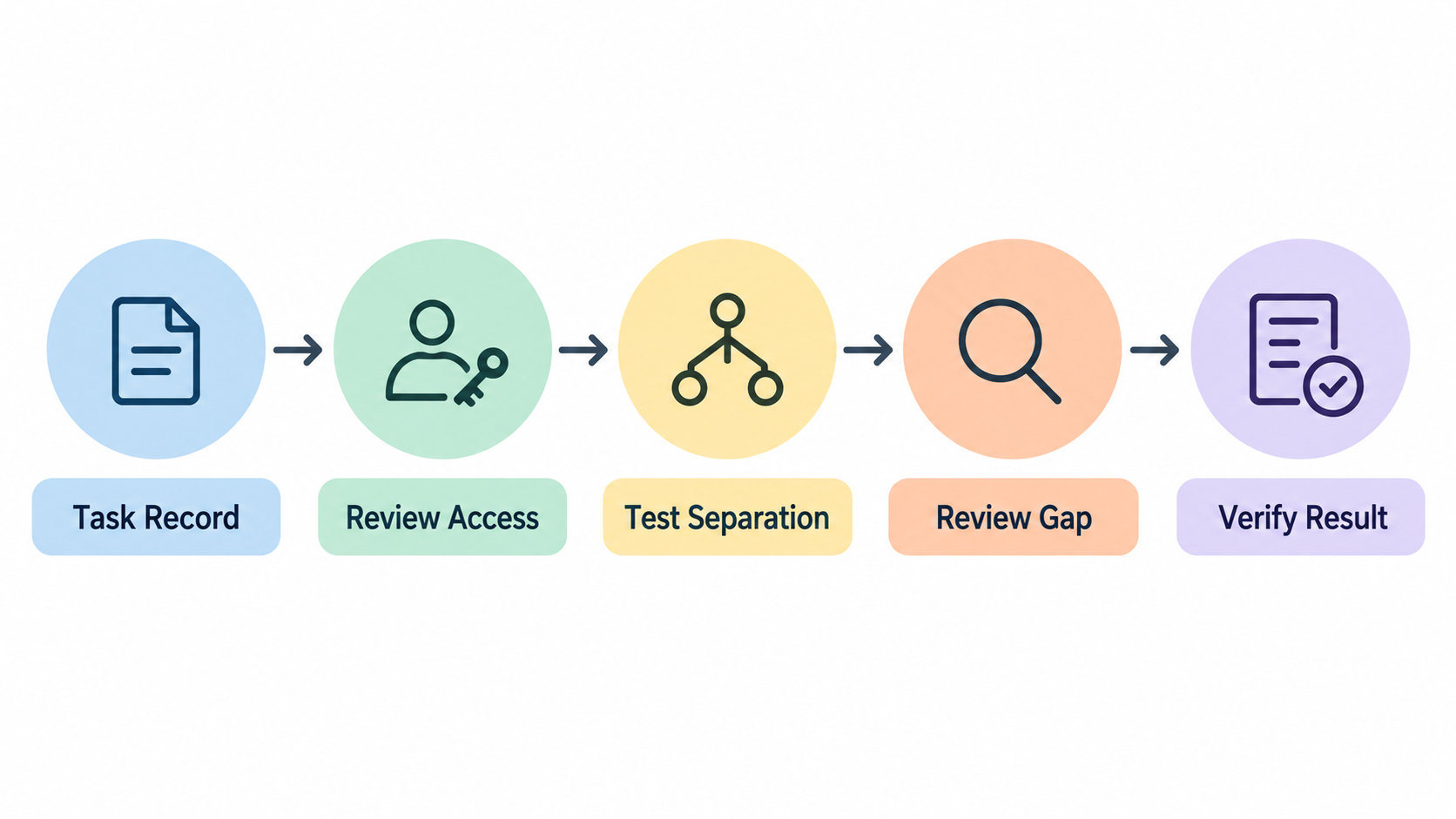
- Name the failure. Select one authorized task and record the present problem. Use a concrete description, such as uncertain account identity, rather than “the browser is unsafe.” Confirm the problem with the operator before changing tools.
- Check the integration option. Review the required account type and current permissions for that exact action. Save the documented limitation if it cannot be covered. Missing documentation is not the same as a verified lack of support.
- Test ordinary separation. In an approved workspace, confirm the signed-in account before a read-only action. Reopen the workspace and check again. Record what changes and whether the original problem remains.
- Evaluate managed profiles only for the remaining gap. Ask the vendor to demonstrate the needed configuration, assignment, and lifecycle behavior. Use a test account where available. Do not infer functionality from a screenshot or a feature name.
- Review the result before extending the task. Compare the observed account, environment, action, and output with the original task record. If these match, decide whether a more consequential action needs separate approval and testing.
Keep the first check read-only where possible. Viewing an authorized page can expose identity or session problems without sending messages or publishing content. A successful observation does not authorize later writing actions.
During a handoff, ask the receiving operator to confirm the account rather than trust a window title. A label can identify the intended profile, while the page still shows an expired or changed login. The result record should say what was actually observed.
If a new tool appears necessary, compare browser-profile and mobile-workspace options at the architecture level. Then validate the selected provider's current behavior. No general comparison can certify your production workflow.
Verification: decide what passes and when to stop
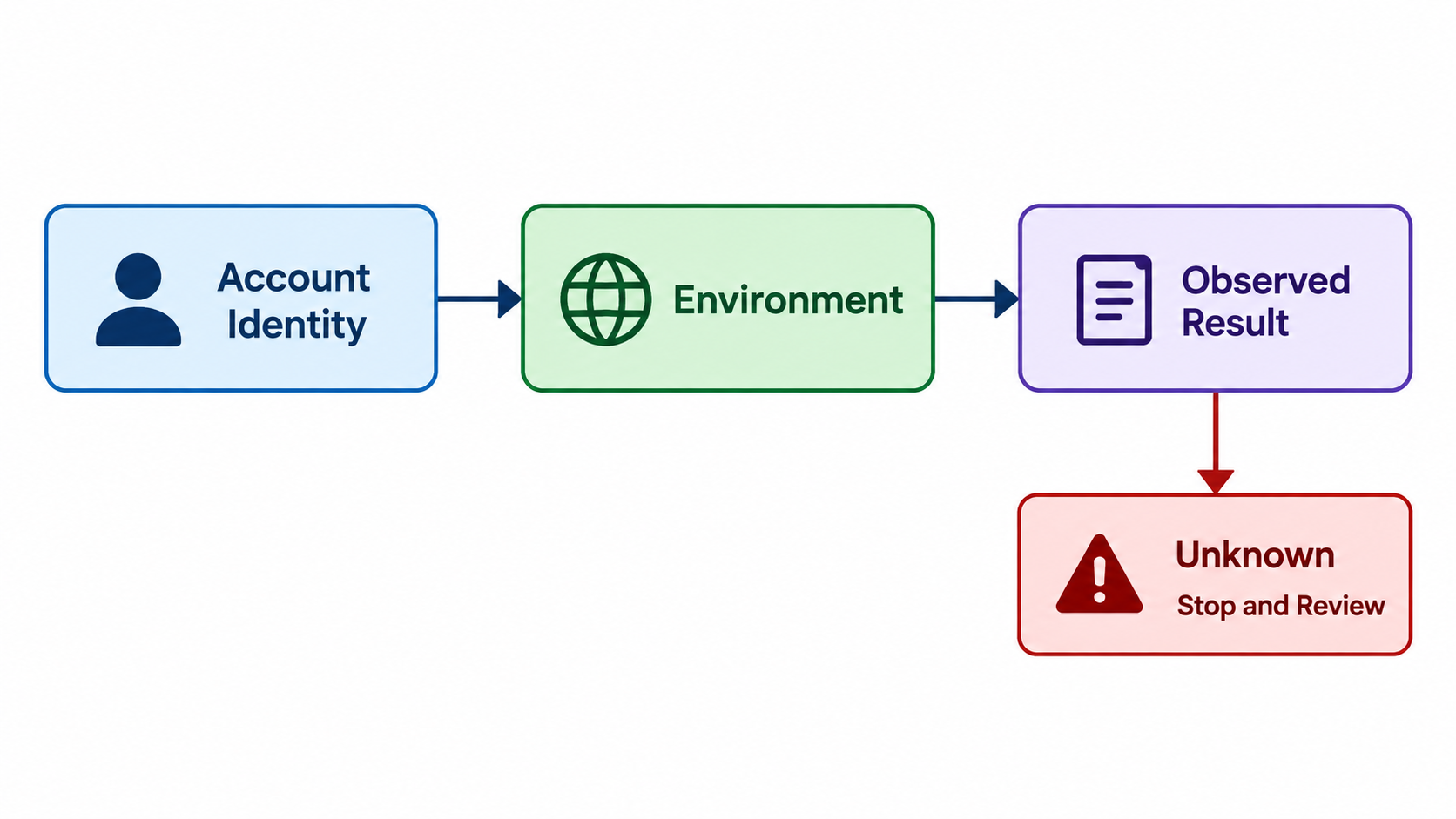
A useful evaluation answers three questions: did the operator reach the intended account, did the environment preserve the required setup, and was the expected result visible? Separate these checks rather than recording only “browser opened.”
For example, a team reviewing an Instagram account's recent content can retain the account reference and review time. It should also state which view was checked and whether the page was accessible. This is an illustrative record design, not a report from a real customer experiment.
Repeat the identity check after reopening or transferring work. If it differs, stop the task and review the assignment. Do not fix the mismatch by selecting another available account merely to keep the queue moving.
Evaluate whether the new setup solves a specific problem that the ordinary option did not. If both options work, consider maintenance, training, and total operating effort. Record unknown vendor capabilities as unknown, not as assumed advantages.
Set a stopping rule for unclear authorization, login challenges, unexpected account identity, or uncertain business results. Ask the authorized owner to resolve account access. A fingerprint browser is not a reason to bypass these checks.
Limits and common purchasing mistakes
Buying for a safety promise. Avoid using claimed ban prevention as the acceptance criterion. The useful evidence is a verified task and a controlled environment, not a prediction about platform decisions.
Confusing profiles with permission. An environment may retain a login, but the team still needs authorization for the intended action. Remove unauthorized work from the evaluation rather than seek a tool that makes it possible.
Assuming every action belongs in a browser. Check the execution surface first. Moving a native app requirement into a phone-sized web window does not establish that the same action exists there.
Treating a successful click as a completed job. Inspect the actual result before repeating an action. An unclear response after publishing or sending needs investigation, not an automatic duplicate attempt.
Skipping maintenance questions. Ask who handles expired access, changed pages, profile configuration, and operator turnover. A setup that works once can still be difficult to operate responsibly.
Frequently Asked Questions
What does a fingerprint browser add to the decision?
It introduces profile configuration and environment-management considerations. Evaluate the particular product's documented behavior; the category name does not establish your requirements.
How do I choose when I operate only one account?
Start with the supported integration or a clearly assigned manual session. Add a dedicated environment only if a documented task or handoff problem remains.
Does an agency need a profile for each client?
An agency needs clear client boundaries and authorization. The appropriate environment model depends on its tools, access arrangements, and actual work.
Can session separation prove that accounts are unlinked?
No such proof is established here. Login separation does not certify anonymity or explain every signal a platform might observe.
Should native app tasks use the same browser setup?
Evaluate them separately. Confirm that the required action exists in the chosen environment before integrating it into a wider workflow.
What should I compare in the price?
Compare the necessary subscription, setup, support, and maintenance effort. Obtain current quotations instead of relying on a generic cost estimate.
When should I abandon a browser-based approach?
Stop when permission, execution surface, or reliable outcome verification cannot be established. Resolve that gap before extending automation.
Next Step: Keep the Decision, Not Just the Tool Name
Save the task, tested option, observed result, and unresolved limitation. That record explains why a fingerprint browser was selected or rejected. Begin the next evaluation only when the account owner and operator understand the boundary of the current one.



