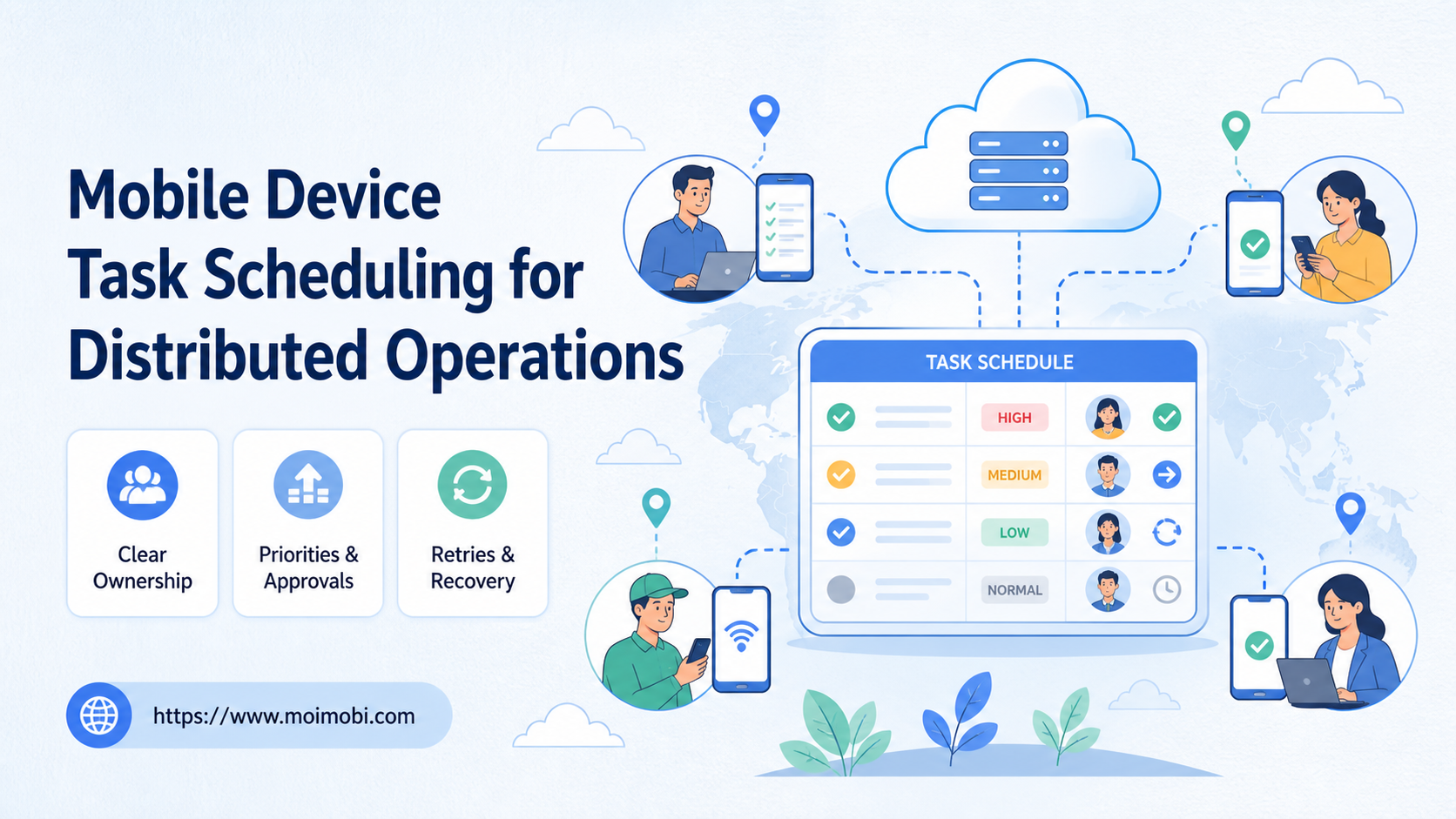
Mobile device task scheduling for distributed operations is a process for assigning app-native work to mobile environments, operators, time windows, approvals, and recovery paths. It turns a list of requested actions into a queue that distributed operations teams can execute, pause, review, and measure.
The difference matters when a team works across several devices, cloud phones, locations, clients, or time zones. A task is not ready merely because a device is online. The account, app state, permission, capacity, owner, and expected result must also line up.
A cloud phone can provide one execution endpoint for scheduled mobile work. The schedule still needs a task contract around it. Without that contract, a queue can move work quickly while hiding duplicate assignments, missing approvals, or failed handoffs.
Key Takeaways
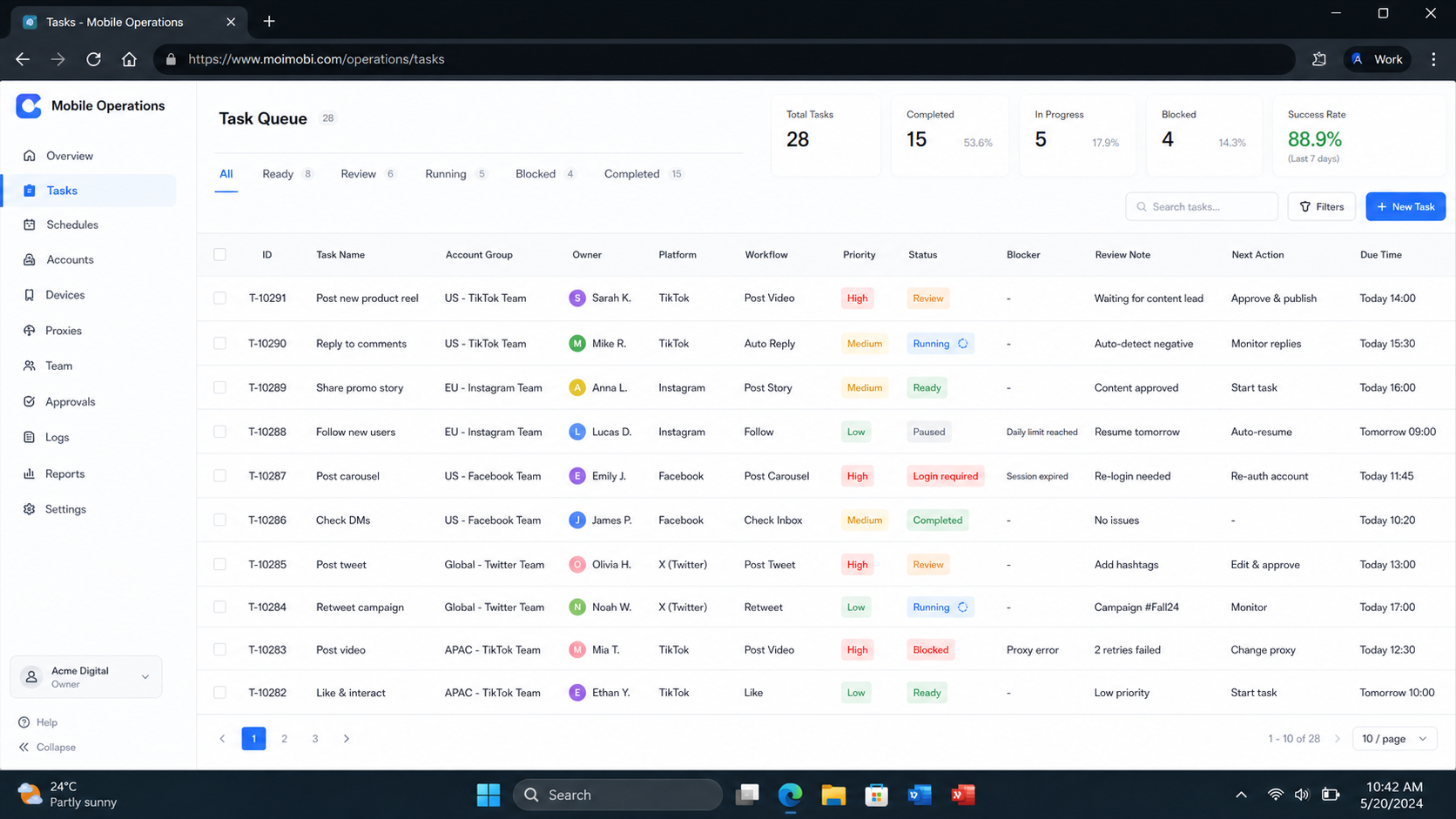
- Mobile device task scheduling links tasks to environments, operators, time windows, priorities, approvals, and results.
- A useful queue separates ready, running, waiting, paused, failed, and completed states.
- Capacity planning should account for environment availability and recovery work, not only the number of devices.
- Start with one task family, test the retry and handoff path, then expand the schedule.
What Is Mobile Device Task Scheduling?
At a system level, this schedule is a control layer for work that runs inside mobile apps or managed Android environments. It decides which task goes to which environment, when it can start, who owns the action, and what evidence closes the task.
The schedule should carry more than a timestamp. A practical task record includes the account lane, action, input, priority, target environment, approval state, retry budget, stop condition, result, and next owner. These fields allow an operator to distinguish an executable task from one that is blocked by a missing permission or an unresolved account state.
The operating unit is the task run, not the device. A device may be available for one workflow and unsuitable for another. A task may also need review before it can be sent to an environment. Treating the device as the only scheduling unit creates false capacity.
Why Mobile Device Task Scheduling Matters for Distributed Operations
Distributed teams lose context at handoff points. One operator creates a task, another opens the app, and a third reviews the result. If the queue stores only “pending” or “done,” each person has to reconstruct the missing state.
The first scheduling problem is collision. Two tasks may target the same account or environment. The second is priority drift. Urgent support work may wait behind a low-value batch because the queue has no explicit ordering. The third is recovery ambiguity. A failed run may be retried by a different operator without checking why it failed.
| Scheduling field | Example value | Decision it supports |
|---|---|---|
| Task lane | Customer reply, publishing, research, recovery | Which policy applies? |
| Account scope | Client A, market B, account group C | Which account can receive it? |
| Environment | Cloud phone 04, Android device 12 | Where can it run? |
| Priority | Critical, scheduled, background | Which work moves first? |
| Approval | Not required, waiting, approved | May execution begin? |
| Capacity | Ready, busy, paused, degraded | Can the environment accept work? |
| Retry state | 0 attempts, retry pending, stopped | Is another attempt justified? |
| Result | Success, partial, blocked, failed | What happens next? |
An official device-management model reinforces this separation. Android Management API represents devices, policies, enrollment tokens, and operations as distinct resources. For a scheduling system, that suggests keeping device registration and task execution as related but separate records. See the Android Management API reference.
Scheduling Mobile Tasks Across Accounts and Environments
Account and environment mapping comes before calendar logic. A task should point to an approved account lane and an allowed execution environment. If the environment is selected first, the queue may place a valid task in the wrong client or platform context.
Use these relationships:
- Account lane: identifies the client, platform, market, and operational purpose.
- Environment: identifies the physical device, cloud phone, or managed Android endpoint.
- Operator role: identifies who can execute, review, pause, or reassign.
- Task contract: identifies the input, expected result, evidence, and stop rule.
- Schedule window: identifies when the task may run and how late it may become.
- Recovery owner: identifies who handles a mismatch, timeout, or failed run.
The account-to-environment relationship should be explicit. The cloud phone farm capacity planning reference is relevant when the team manages a larger pool, but inventory alone is not a schedule. The queue still needs ownership, state, and task-level evidence.
Distributed scheduling also creates a handoff boundary. A task that starts in one time zone may finish after another operator takes over. The queue therefore needs enough context to show what was approved, what was attempted, and what remains. A short task note cannot replace structured state, but it can explain an exception that state labels cannot capture. This context also helps a manager separate capacity problems from account, permission, or input problems during the weekly review.
Mobile Device Task Scheduling Workflow
The following sequence is a practical starting point for a distributed team. Keep the first pilot narrow enough to inspect each failure.
Step 1: Define the task contract
Write the action, input, expected result, required evidence, approval rule, and stop condition. “Publish content” is too broad by itself. Add the account lane, content reference, review status, and close-out evidence.
Step 2: Validate account and environment eligibility
Check that the account belongs to the task lane and that the assigned environment is allowed to operate it. Verify app availability, expected session state, operator permission, and any open exception.
An online device is not automatically ready. A device may be connected while the app is signed out, another task is active, or the environment is reserved for a different lane.
Step 3: Assign priority and a time window
Use a small priority vocabulary. For example, a support escalation may be urgent, a scheduled publishing task may have a defined window, and research may run in the background. Add an expiry or review point so overdue work does not remain silently executable.
Step 4: Reserve capacity
Reserve an eligible environment before the task starts. If the queue has no capacity, keep the task waiting rather than assigning it to an arbitrary endpoint. A fallback environment should have the same account, app, permission, and evidence requirements.
Step 5: Execute with visible state transitions
Move the task through states such as ready, running, waiting for review, paused, failed, and complete. Record the operator and environment at each meaningful transition. A state change is more useful than a single final status when a task crosses time zones or team boundaries.
Step 6: Apply retry and stop rules
Retry transient conditions only when the failure category allows it. Stop on an unexpected account, missing approval, unresolved permission, or conflicting assignment. A retry without a reason can turn a small issue into repeated duplicate work.
Step 7: Record evidence and handoff
Close the run with a task ID, environment, timestamp, result, evidence reference, and next action. If the result is partial, name the remaining work. If it fails, assign the recovery owner before returning the task to the queue.
For comparison, AWS Device Farm’s remote-access documentation treats screenshots, video, and logs as session outputs and models concurrent devices as a resource constraint. It is a testing service, not an account-operations recommendation, but the evidence and capacity pattern is useful when designing a mobile queue. See AWS Device Farm remote access.
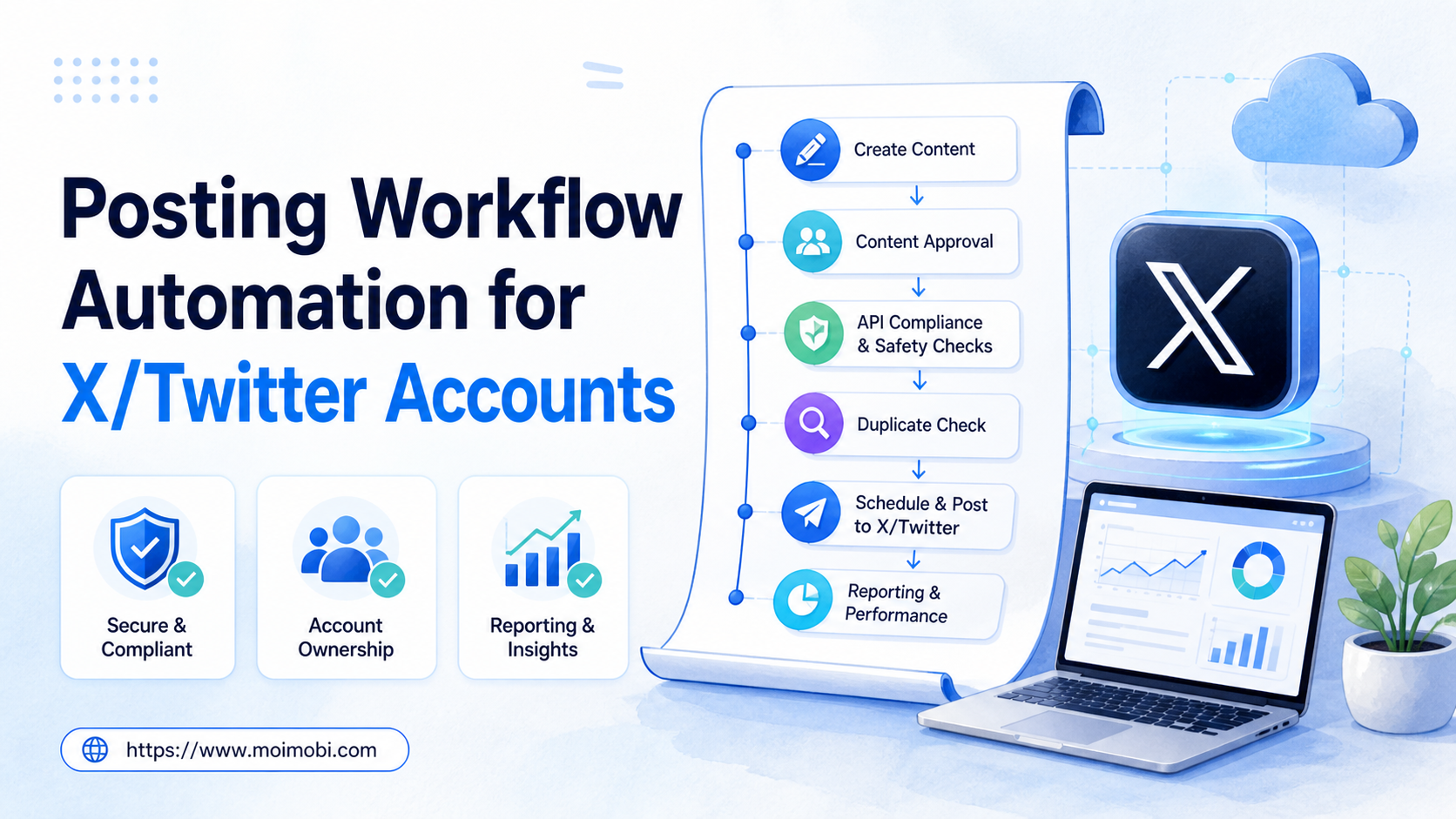
The account-based task routing model should complement these records. Automation can execute a defined task, while the scheduler decides whether that task is eligible, owned, approved, and recoverable.
Fit and Non-Fit Boundaries
Scheduling is a good fit when several operators share mobile work, tasks recur, accounts need separate lanes, or managers need a reliable handoff view. It is also useful when the work has different priorities and approval rules.
The model is less useful for one person doing occasional work on one device. It is also premature when the team cannot define a task result or a stop condition. A larger queue cannot resolve an unclear process.
| Situation | Start with |
|---|---|
| One operator and irregular tasks | A short checklist and manual calendar |
| Repeated work on several environments | Queue, account map, and owner fields |
| Agency with client-specific accounts | Separate lanes, roles, approvals, and handoffs |
| Mobile app work with variable capacity | Environment states and reservation rules |
| Work requiring human review | Approval state before execution |
| Repeated failures without a known cause | Recovery classification before more automation |
Do not frame scheduling as a way to remove human judgment from every task. It is better understood as a way to make judgment points visible and place them at the right stage.
Common Scheduling Mistakes
Scheduling by device count
Ten connected devices do not necessarily mean ten executable slots. Some may be reserved, paused, under recovery, or incompatible with the task. Track eligible capacity, not inventory alone.
Treating all tasks as equal
Without priorities and time windows, support, publishing, research, and recovery compete in the same queue. Add a reason for priority and a review point for overdue work.
Retrying without classification
Transient connection issues and wrong-account conditions need different handling. Classify the failure before choosing retry, pause, reassign, or escalation.
Hiding approval inside a chat
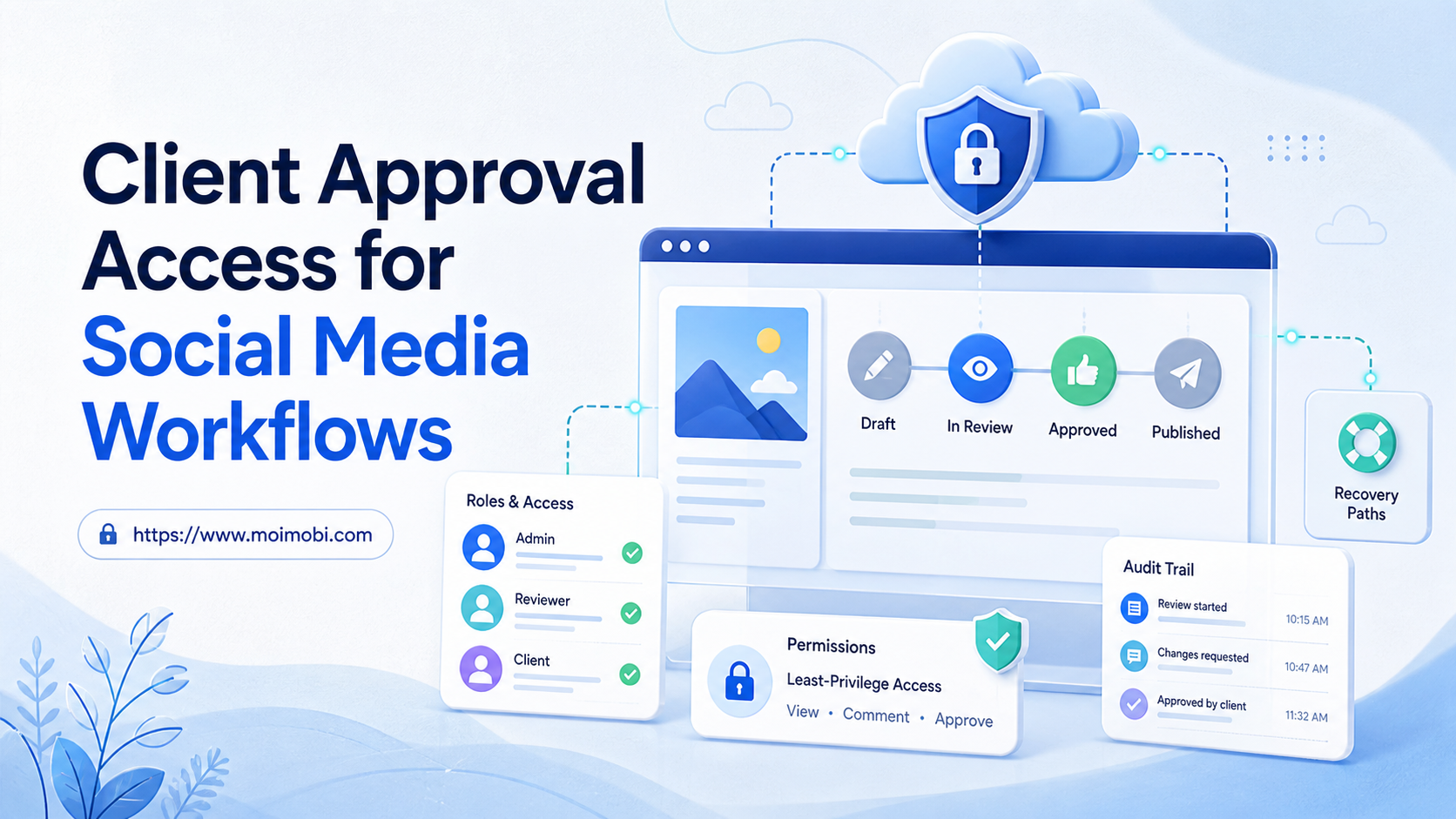
An approval that exists only in a private message is difficult to audit and easy to miss. Put the approval state on the task record.
Reassigning without preserving history
When an operator or environment changes, record the old owner, new owner, reason, and open state. Do not replace the record with an unexplained new assignment.
Measuring only completed actions
Completion volume can rise while collision, retry, and review delay also rise. Track quality of execution and recovery together.
Pilot Measurement and Recovery Checks
Start with one platform and one task family. For example, schedule a defined customer-reply workflow across a small environment group. Keep the input, owner rules, and review requirement stable during the first cycle.
Track:
- assignment accuracy before execution;
- percentage of tasks with an approved environment;
- queue age and overdue rate;
- time spent waiting for approval;
- retry count by failure category;
- conflict count by account and environment;
- evidence completeness;
- time from failure to named recovery owner;
- handoff time between operators.
Review failures by layer. Account mismatches point to mapping. Capacity waits point to reservation or fleet planning. Missing evidence points to the close-out contract. Approval delays point to team ownership. This diagnosis is more actionable than labeling every problem “automation failure.”
Expand when a backup operator can read the queue, identify the correct environment, continue a paused task, and close the result without private instructions. That test measures whether the schedule is operationally understandable.
Frequently Asked Questions
What does mobile device task scheduling control?
It controls task eligibility, priority, timing, environment assignment, ownership, approval, execution state, retry handling, and close-out evidence.
Is mobile device task scheduling the same as a calendar?
No. A calendar shows time. A task scheduler also checks account, environment, permissions, capacity, approval, state, and recovery.
Can cloud phones be included in a mobile task queue?
Yes. Each cloud phone should be represented as an environment with a state, allowed task lanes, ownership rules, and recovery status.
How many retries should a task get?
There is no universal number. Set the rule by failure type. Stop quickly for wrong-account or permission failures, and treat transient connection issues separately.
Should approval happen before scheduling?
It depends on the workflow. A task may be scheduled before approval, but the queue should prevent execution until the required approval is recorded.
How should urgent tasks affect normal work?
Define priority and preemption rules. The queue should show which task was paused, why it was paused, and who owns its resumption.
What happens when no environment is available?
For an unavailable endpoint, leave the task waiting with a visible capacity reason. Do not silently send it to an unapproved environment.
What evidence belongs on a completed task?
Retain the task ID, account lane, environment, operator, time, result, and the relevant screenshot or log reference.
Can scheduling reduce duplicate work?
No. It can reduce ambiguity by reserving tasks, showing active state, and recording ownership. Teams still need clear account mapping and review rules.
How should a team start?
Choose one task family, define the contract, map a small environment group, run real handoffs, and review queue age, collisions, retries, and evidence.
Conclusion: Schedule the Work, Not Just the Device
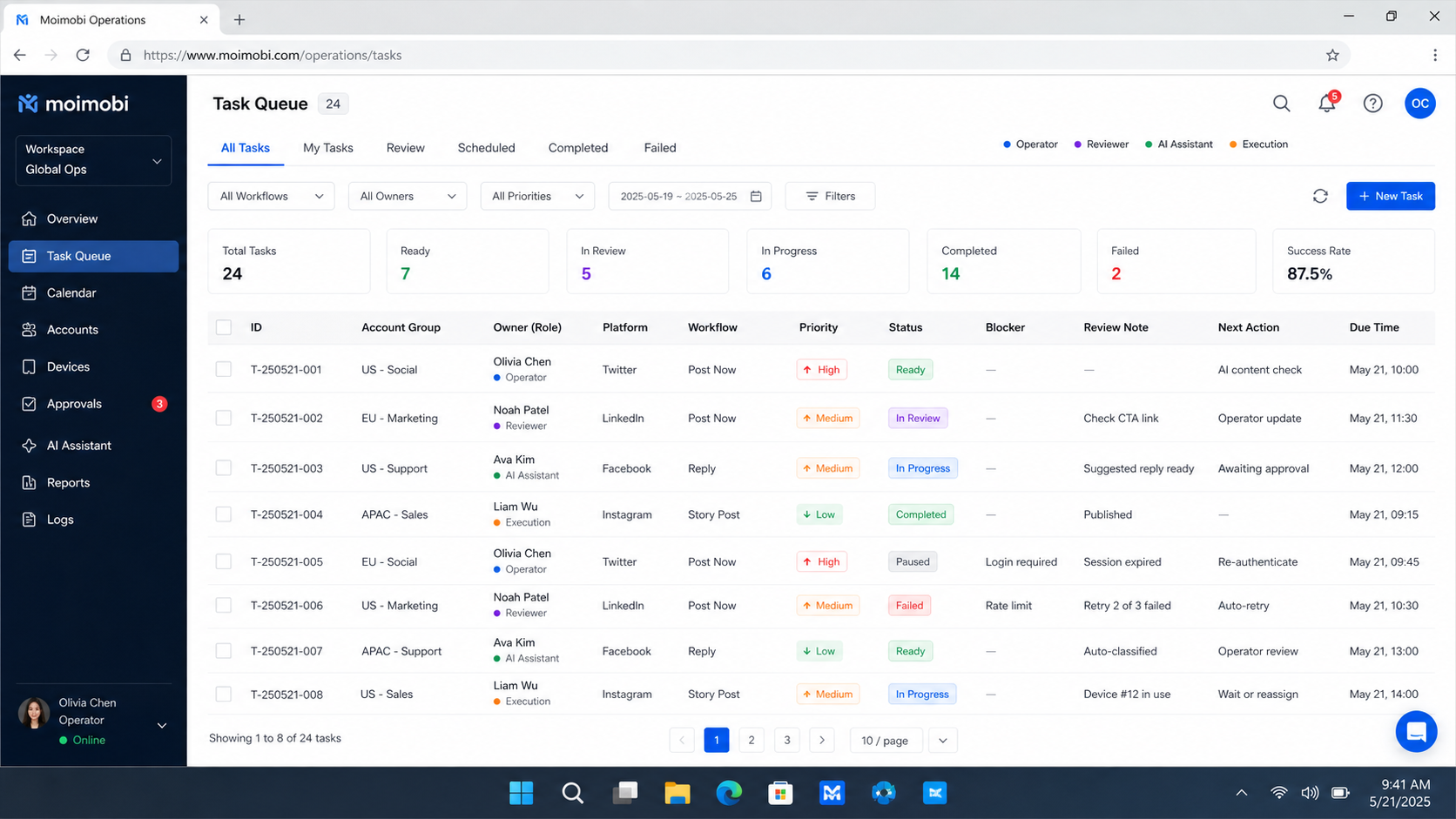
Operationally, the schedule works when the queue understands the task, account, environment, operator, approval, and recovery path. A device count alone cannot provide that context.
Begin with one narrow lane. Define the task contract, reserve eligible capacity, make state transitions visible, classify failures, and verify the handoff. When the team can explain why a task ran, paused, retried, or stopped, the scheduling layer is ready for the next workflow.