
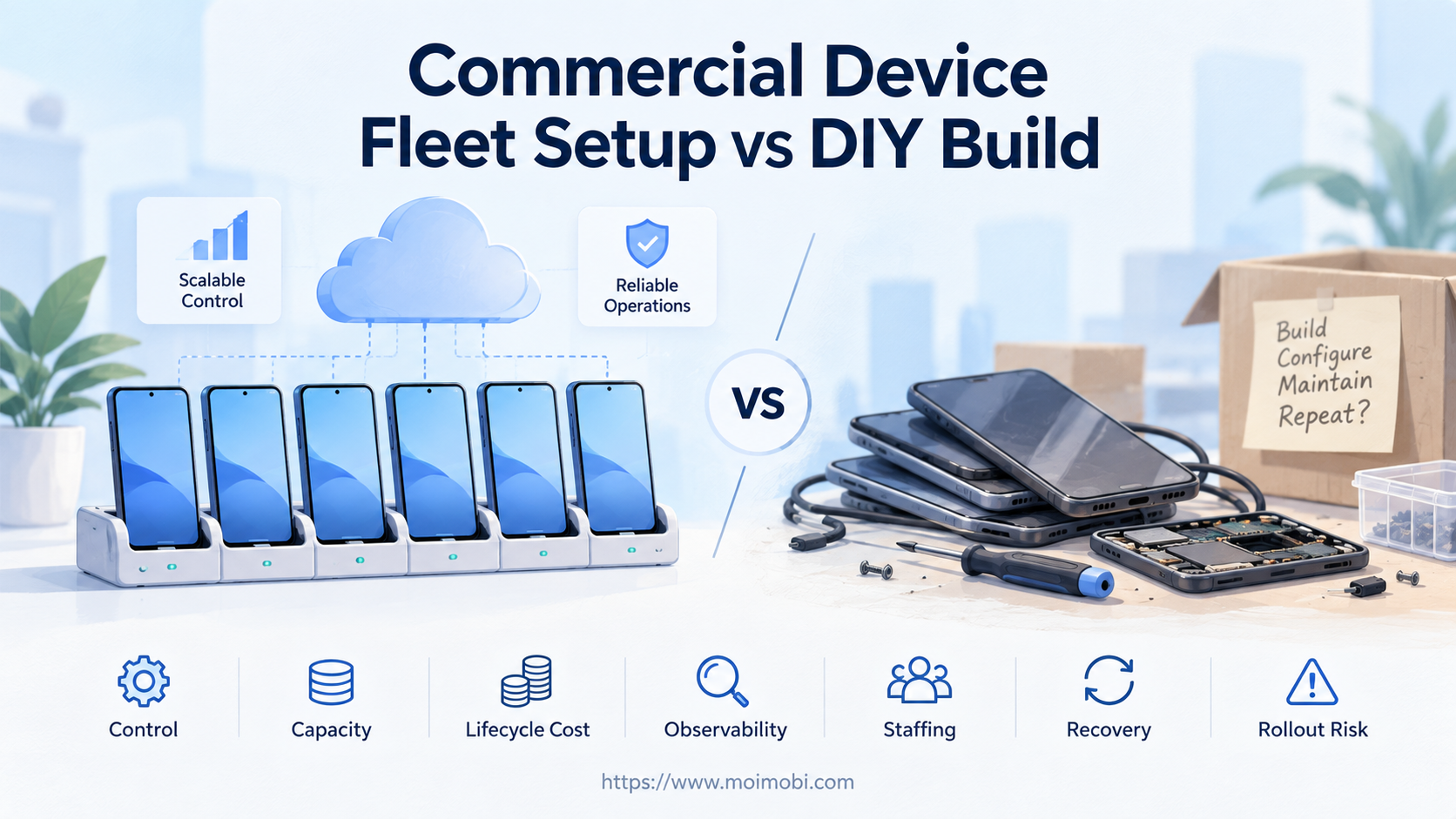
Content Type: comparison
Page Role: commercial
Intent Type: commercial_comparison
A commercial device fleet setup is a managed environment that packages devices, provisioning, access, monitoring, and support into an operating service. A DIY build puts those responsibilities on your own hardware, network, software, and team.
Choose commercial infrastructure when speed, remote access, elastic capacity, and lower internal maintenance matter more than deep hardware control. Choose DIY when the workflow needs custom physical integrations, fixed on-premises custody, or engineering control that a provider cannot expose. A hybrid model fits teams with a stable core fleet and variable overflow demand.
The decision should not start with device price. It should start with workload shape, failure ownership, evidence needs, and the full mobile-device lifecycle.
Key Takeaways

- Compare complete operating systems, not only phones or monthly rental rates.
- Include provisioning, networking, power, cooling, updates, observability, recovery, and disposal.
- Commercial services reduce some infrastructure work but create provider and contract dependencies.
- DIY fleets offer more physical control but require sustained engineering and operations capacity.
- Run the same pilot workload on both options before making a fleet-wide commitment.
- Use a hybrid model when baseline demand is predictable and peak demand is not.
A Practical Comparison Framework for Commercial Device Fleet Setup
Start with six decision areas: workload, control, capacity, reliability, evidence, and staffing. Score each one before asking for quotes or buying hardware. A low-cost design that cannot recover from failed devices is not low cost in production.
| Decision area | Commercial setup | DIY build | Question to answer first |
|---|---|---|---|
| Provisioning | Provider or platform supplies standard workflows | Your team designs enrollment and imaging | How quickly must new capacity become usable? |
| Physical control | Limited to the service contract and exposed controls | Direct access to devices, racks, power, and peripherals | Does the workflow need custom hardware? |
| Capacity | Commonly purchased or allocated as needed | Limited by procured inventory and setup time | Is demand steady, seasonal, or experimental? |
| Operations | Shared with provider support and platform tooling | Owned by internal engineering and operations | Who responds at 2 a.m. when devices fail? |
| Observability | Depends on service logs, screenshots, APIs, and exports | Must be designed and maintained internally | What evidence is required after each task? |
| Lifecycle | Provider may handle replacement and platform upkeep | Team owns purchase through disposal | Who owns patching, repair, and retirement? |
| Data boundary | Defined by provider architecture and contract | Defined by your facility and systems | Where may credentials and task data reside? |
NIST's enterprise mobile-device guidance covers deployment, use, management, and disposal rather than treating enrollment as the finish line. Apply the same lifecycle view here. A commercial proposal and a DIY plan should both explain how devices enter service, stay healthy, and leave service.
The comparison must also separate device availability from workflow readiness. A powered-on phone is not ready if the correct app, account, policy, network path, and task context are missing. Measure time to a verified task-ready state.
Compare Workload Fit Before Feature Fit
Workload shape changes the answer more than a long feature checklist. Define the task, duration, concurrency, state, and recovery path first.
Commercial infrastructure tends to fit these patterns:
- short pilots where buying and staging hardware would delay learning;
- teams distributed across locations and time zones;
- workloads with changing device counts or short-lived campaigns;
- operations that need browser-based remote access and centralized assignment;
- standardized Android tasks that can run within exposed platform controls;
- teams that want provider support for common infrastructure failures.
DIY infrastructure tends to fit different constraints:
- devices must remain in a controlled physical facility;
- the workflow uses custom USB accessories, radios, sensors, SIM equipment, or lab hardware;
- engineers need root-level or board-level access that a service does not offer;
- capacity is stable enough to justify owned inventory and staff;
- internal policy requires direct custody of devices and logs;
- the organization already operates power, networking, monitoring, and repair processes.
Android's dedicated-device documentation shows that fully managed, company-owned devices can be implemented with a custom device policy controller, Android Management API, or a third-party enterprise mobility solution. Those options illustrate the real decision: build and operate the management layer, use standardized APIs, or buy a managed capability.
Do not choose a managed service for a requirement it does not support. Do not choose DIY merely because engineers can assemble a prototype. Production suitability requires repeatable provisioning, failure handling, and ownership.
Commercial Device Fleet Setup vs DIY Operational Trade-Offs
The commercial model transfers part of the operating burden, not all of it. Your team still owns account authorization, task design, application behavior, approval rules, and business outcomes. The provider typically owns the infrastructure functions defined in the agreement.
A DIY phone farm operations layer requires more than a rack of phones. It needs inventory records, device health checks, network segmentation, power control, app deployment, access scheduling, task routing, log collection, spare capacity, and repair procedures. Every custom component becomes something the team must test and maintain.
A commercial cloud phone model can shorten infrastructure setup and make remote allocation easier. The trade-off is dependency on the provider's device types, regions, controls, service limits, and support process. Buyers should validate those boundaries with a real workload.
AWS Device Farm provides a useful managed-service example in the testing market. Its official documentation describes hosted physical devices, remote sessions, managed execution, logs, video, screenshots, and artifacts. A social or commerce fleet is a different use case, but the same buying questions apply: what is hosted, what can be controlled, and what evidence is returned?
What not to do
Do not compare a provider dashboard with a bare handset bill of materials. That comparison omits internal labor and operating systems. Also avoid assuming that provider management automatically makes the business workflow compliant or reliable. Verify the account, data, and task controls separately.
Setup Cost, Ongoing Cost, and Management Overhead
The common mistake is treating purchase price as total cost. Use a workload-based model instead. Keep the inputs visible so finance and operations can challenge them.
For a DIY build, estimate:
- device, rack, hub, cable, power, cooling, and spare inventory;
- facility space and network capacity;
- provisioning and re-provisioning labor;
- remote access, orchestration, monitoring, and log storage software;
- engineering time for platform changes and failed integrations;
- replacement, repair, shipping, and disposal;
- idle capacity held for failures and peaks;
- incident response and operator support.
For a commercial setup, estimate:
- subscription, reservation, usage, storage, bandwidth, and support charges;
- onboarding, integration, and workflow migration;
- higher-tier controls or dedicated capacity when required;
- data export, observability, and retention options;
- provider switching and exit work;
- internal staff who still own tasks, accounts, approvals, and QA.
Calculate cost per verified task-ready device hour, not cost per listed device. A device counts only when it has the required app state, network path, account assignment, and health. Then add the cost of failed tasks, blocked capacity, and manual recovery.
Avoid invented break-even claims. Provider prices, hardware costs, energy, labor, and utilization vary by region and workflow. Build a spreadsheet with your own numbers and run low, expected, and high-demand scenarios.
Which Option Fits Different Teams Best?
Early-stage team testing a workflow
A commercial setup usually offers the faster learning path. The team can test task definitions, permissions, and demand before owning a fleet. Stop the pilot if the provider cannot expose required controls or evidence.
Mature team with stable, high utilization
DIY may become attractive when capacity is predictable and the organization already has device operations expertise. The decision still depends on repair time, software maintenance, and spare inventory. High utilization does not remove lifecycle work.
Agency serving several clients
The priority is separation, assignment, and handoff. A commercial platform with device isolation controls may reduce workspace setup, while DIY can support custom custody rules. Either option needs client-specific permissions and logs.
Product team running app tests
A specialized managed testing service may be the best fit because it includes test execution and diagnostic artifacts. A social operations platform or DIY phone rack should not be selected when the real need is broad device compatibility testing.
Regulated or physically integrated workflow
DIY or dedicated private infrastructure may fit when policy requires physical custody or hardware integration. Confirm the requirement with security and legal teams. Do not infer it from a general preference for control.
Team with steady baseline and seasonal peaks
A hybrid model is often practical. Keep predictable work on owned or reserved capacity, then use commercial capacity for experiments and peaks. The interfaces, task records, and approval model must remain consistent across both pools.
Rollout and Review Checklist
Run a bounded pilot using the same task set on each viable option. Include normal work and failure cases.
- Define the unit of work. Specify the app, account, input, action, output, and completion evidence.
- Select representative devices. Include the OS versions and hardware classes the workflow actually needs.
- Set a capacity target. Test expected concurrency plus a controlled failure margin.
- Provision from zero. Measure time until a device is verified as task-ready.
- Run normal tasks. Track completion, operator touches, queue delay, and evidence quality.
- Inject failures. Test app crashes, offline devices, expired sessions, failed updates, and task cancellation.
- Recover and reassign. Confirm that work can move without losing ownership or audit history.
- Review the exit path. Export required records, revoke access, and retire a device or workspace.
- Compare full cost. Include labor, idle time, support, failures, and migration effort.
- Make a reversible decision. Start with the smallest commitment that proves the operating model.
Use a device fleet infrastructure reference to map power, networking, routing, task control, and monitoring responsibilities. For execution, validate whether the mobile automation control layer can pause, resume, retry, and record the specific tasks in your pilot.
Frequently Asked Questions
What is a commercial device fleet setup?
It is a managed service or platform that packages device capacity with some combination of provisioning, remote access, orchestration, monitoring, and support. Exact responsibilities vary by provider.
Is DIY always cheaper at large scale?
No. Hardware ownership may reduce some recurring service charges, but staffing, facilities, software, spares, failures, and upgrades remain. Use your own utilization and labor data.
When is a commercial setup a poor fit?
It is a poor fit when required hardware, physical custody, network topology, device controls, or evidence cannot be provided. Test those requirements before contracting.
Does a managed fleet remove the need for operations staff?
No. The provider may handle infrastructure tasks, while your team still owns accounts, workflows, approvals, exception handling, and business QA.
Can a DIY fleet be managed remotely?
Yes, but the team must build or integrate remote access, device inventory, scheduling, health checks, and recovery. Remote control alone is not fleet management.
What should a pilot measure?
Measure provisioning time, verified task completion, queue delay, operator touches, failure recovery, evidence quality, capacity use, and total operating effort.
Is a hybrid fleet harder to run?
It can be. Two infrastructure pools create more interfaces and failure paths. A shared task model, identity map, log format, and approval process reduce that burden.
How should security enter the decision?
Define data location, access controls, credential handling, patching, logs, incident response, and disposal requirements. Have security owners validate both provider and DIY controls.
Should a phone farm business start with DIY hardware?
Not automatically. Start with the customer workflow and service boundary. A commercial or hybrid pilot may reveal demand and operating requirements before a large hardware purchase.
Conclusion

Commercial and DIY fleets solve different ownership problems. Commercial infrastructure is stronger when a team values fast rollout, remote allocation, standardized operations, and provider support. DIY is stronger when physical custody, custom hardware, or deep system control is essential and the organization can sustain the operating burden.
Before choosing, require both options to pass the same pilot. Verify task-ready provisioning, normal execution, failure recovery, evidence export, access removal, and full cost. The best decision is the smallest reversible commitment that proves those controls under your real workload.


