
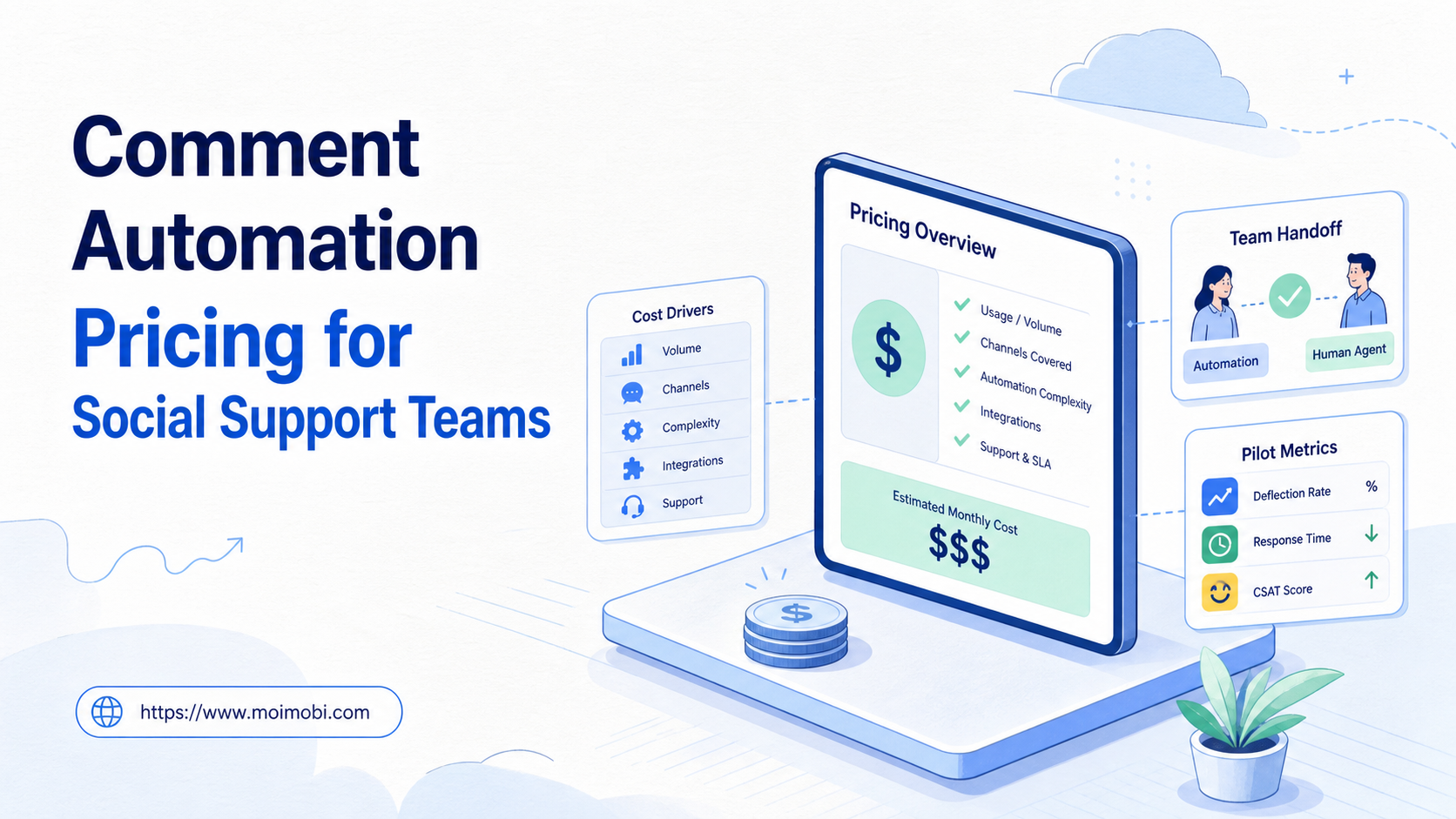
Comment automation pricing is the total cost of a controlled social-support workflow, not simply the subscription shown on a vendor page. A meaningful comparison includes the software plan, account workspaces, review controls, integration effort, monitoring, and the staff time required when a case needs human judgment.
Teams often compare prices too late. They first see a low entry fee, then discover that their real workflow needs assigned accounts, approval queues, reporting, mobile access, or more seats. The better question is: which cost model supports the support volume and control level the team actually needs?
This guide does not publish a universal price list because features, billing units, and support requirements vary by provider. Instead, it gives social support teams a decision structure for comparing plans without rewarding unsafe volume or unreviewed replies.
Key Takeaways
- Compare the cost of a complete support workflow, not a single automation feature.
- Separate fixed platform fees from usage, environment, and staffing costs.
- Put customer-facing replies, policy-sensitive comments, and escalations behind review gates.
- Pilot the workflow with a small queue before committing to a large account or seat plan.
- Measure review quality, handoff clarity, and exception recovery alongside response speed.
What Comment Automation Pricing Usually Includes
The lowest visible plan is rarely the complete budget. A support team needs to decide whether it is buying a comment inbox, a routing workflow, a reply-draft tool, account environments, analytics, or an operating system that combines several of those layers.
| Cost area | What to check | Why it changes the decision |
|---|---|---|
| Platform access | Base plan, seats, and account limits | Low entry plans may not cover the team's queue or roles |
| Workflow usage | Task, message, automation, or API billing unit | Usage can grow with support volume and review retries |
| Account workspace | Assigned browser or mobile environment requirements | Separate roles may need separate, traceable workspaces |
| Review controls | Approval queues, audit logs, permissions, and reporting | These reduce operational ambiguity but may sit above the base tier |
| Implementation | Setup, integration, template creation, and training time | A cheap tool can become costly when the process is undefined |
Pricing should reflect the work boundary. A team using automation to classify comments and prepare a response queue has a different cost profile from a team that needs multiple reviewers, mobile verification, and detailed case evidence. Comparing both against a single “comment automation” label hides the decision that matters.
Comment Automation Pricing: Compare the Workflow, Not the Feature
Start with the intended support journey. A comment appears on an approved social account. A workflow labels the request, links it to a product or service topic, and routes it to the correct owner. A human reviews any reply that needs context, makes a customer commitment, or involves a sensitive issue. The case then has a visible outcome.
This model makes pricing easier to evaluate because each component has a job. Account access supports the assigned workspace. Workflow capacity supports the queue. Review controls support customer-safe decisions. Analytics support the next improvement. A feature that does not map to a step may not be worth paying for yet.
Meta’s Platform Terms are a useful reminder that platforms define their own permissions and policies. A pricing comparison cannot replace that review. Teams should verify what an intended integration, account action, or messaging behavior is allowed to do before they make a tool decision.
Use a simple calculation for planning, not as a vendor quote:
monthly workflow cost = platform access + environment capacity + expected usage + implementation time + review and recovery time
The last two terms are often ignored. Yet a workflow that creates poorly routed cases or forces a manager to investigate every result can cost more than a higher-priced plan with clearer ownership and audit records.
Cost Models Social Support Teams Commonly Evaluate
There is no universally better billing model. The fit depends on whether support volume, account count, operator count, or execution capacity is the real constraint.
- Fits a stable support team with clear reviewers
- Check permission levels and handoff visibility
- Watch for seat limits during seasonal coverage
- Fits teams with separate owned social accounts
- Check account assignment and activity evidence
- Watch for shared-session shortcuts
- Fits variable queue volume or pilot projects
- Check which action consumes a unit
- Watch for repeat runs and exception retries
For example, a two-person team that reviews a few hundred tagged comments may care most about inbox clarity and reviewer roles. A distributed support operation may care more about task evidence, workspace ownership, and the ability to route work across time zones. The best option changes with the operating model.
Multi-account management matters in a pricing decision when it makes ownership visible. It should not be treated as a license to blur account responsibilities or create overlapping replies.
A Decision Matrix for Comment Automation Pricing
Score each option against the conditions below before comparing the final monthly number. A plan that scores poorly on a necessary control is not cheaper when it creates manual rework.
| Decision question | Evidence to request | Warning sign |
|---|---|---|
| Can the team assign each account and queue? | Role map and workspace view | Everyone uses the same shared session |
| Can replies require review? | Approval state and reviewer record | All comments follow one automatic response |
| Can an exception be reconstructed? | Task ID, source, owner, and result | Only a generic “failed” status exists |
| Can usage be forecast? | Billing-unit definition and usage export | Charges are unclear until after the invoice |
| Can the workflow stop safely? | Pause rule and escalation route | Every error triggers an automatic retry |
The NIST guide to log management emphasizes useful event records for operations and security. In a comment workflow, that means logging the task, source reference, owner, action, decision, and exception reason. It does not mean storing credentials or collecting unnecessary customer data.
Environment Capacity and Support Cost
Not every support team needs a mobile execution environment. A browser-based review queue may be enough when the approved work happens in web dashboards. Where a support process must review or continue an authorized mobile-app step, a cloud phone can be one part of the cost model. The relevant question is whether that environment has an assigned account role, a named operator, and a traceable task history.
Avoid adding device capacity simply because it is available in a plan. First identify the customer-support action that genuinely requires it. Then calculate the workspace cost against the time saved, the clarity of handoffs, and the ability to pause exceptions. This keeps environment spending connected to a specific operating need rather than an abstract feature list.
Who Benefits Most and Who Should Start Smaller
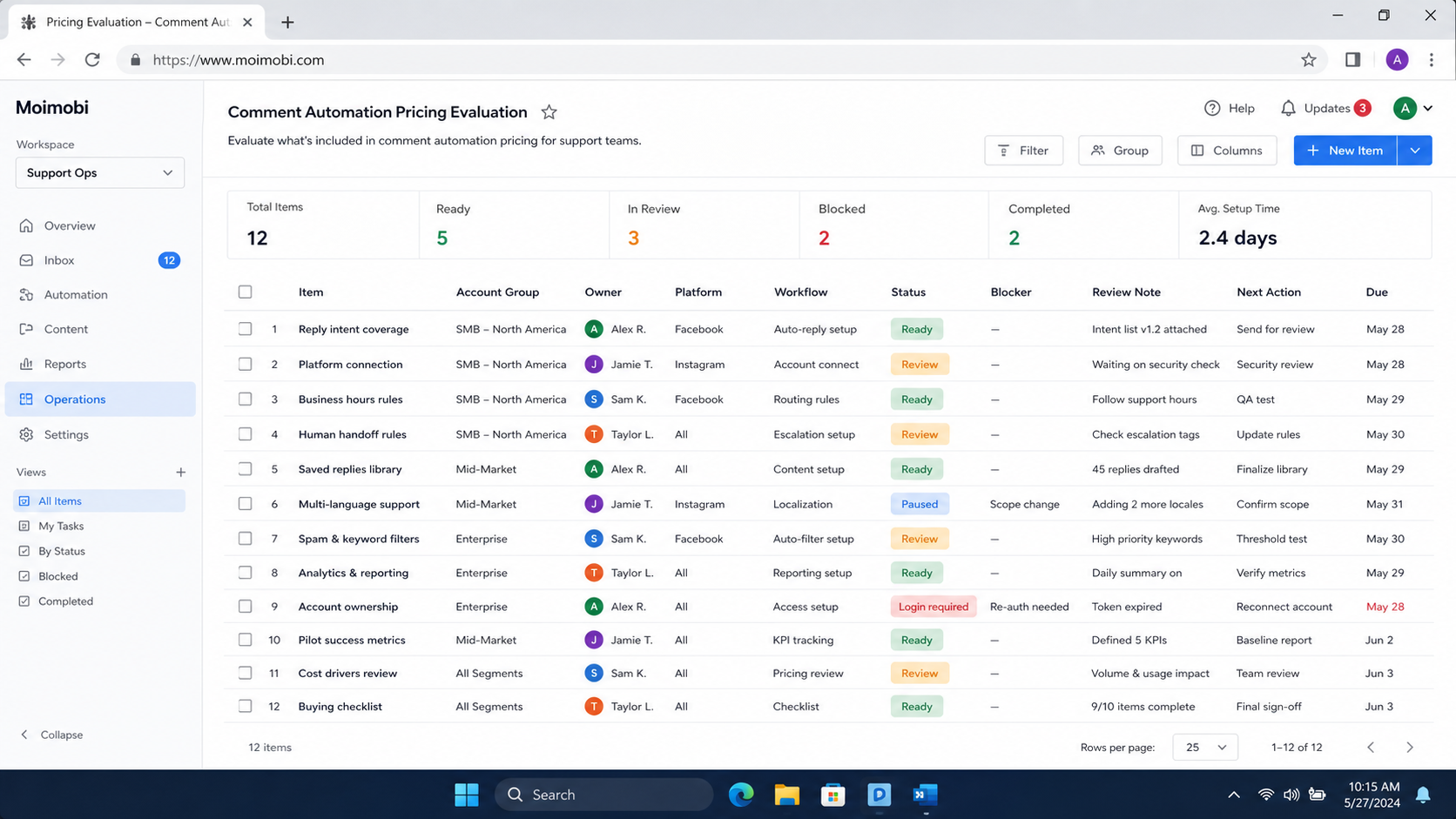
- Teams with recurring comment categories and response SOPs
- Support managers who can own review rules
- Operations with named account and queue owners
- Teams that can measure quality after a pilot
- Undefined customer-response ownership
- No policy for complaints, safety issues, or sensitive requests
- Teams seeking bulk unsolicited outreach
- Workflows with no pause or escalation route
A small team can begin with comment classification and a shared review queue. It does not need a complex plan before it understands its most common cases. A larger team may need role-based access, account separation, analytics, and a clear transfer path between support and community teams.
If some review work happens in a mobile application, mobile automation should carry the same case ID and owner as the browser or dashboard step. Separate records make cost analysis unreliable because the team cannot see where handling time went.
How to Evaluate a Plan Before Buying
Do not start with a full migration. Use a short, controlled evaluation.
- Map one real queue. Choose a defined account, one comment category, and a named support owner.
- Estimate the current baseline. Record manual review time, handoffs, duplicate work, and common exceptions.
- Configure only allowed actions. Begin with tagging, routing, drafts, or reporting rather than uncontrolled replies.
- Test the approval path. Confirm that a reviewer can approve, reject, or revise a proposed action.
- Test a pause case. Use a missing owner, unclear comment, or changed source to verify that the workflow stops visibly.
- Review the billing evidence. Compare recorded usage with the provider's stated unit and estimate the monthly range.
During the evaluation, ask the vendor or internal owner to show how a task is traced from input to outcome. The OWASP Logging Cheat Sheet offers a practical baseline: record meaningful events, protect sensitive fields, and make logs useful for investigation. Those principles also make a pricing model easier to trust.
Mistakes That Make a Low Price Expensive
Buying capacity before defining the queue. Extra accounts, seats, or tasks do not fix unclear routing. Define the comment taxonomy and escalation owners first.
Comparing feature lists without workflow boundaries. Two plans can both say “automation” while one supports approvals and evidence and the other only sends a response. Compare the actual path from comment to resolution.
Ignoring human review time. A system that saves clicking but creates more corrections may increase the total cost. Track review time and rework during the pilot.
Paying for every channel immediately. Start with the channel that has clear categories and enough volume to measure. Add another platform only after the first workflow is stable.
Making response volume the only KPI. A faster queue is not healthier when replies are duplicated, off-topic, or mishandled. Use quality and escalation clarity as decision metrics.
Pilot Metrics and Recovery Checks
Run a limited pilot for one account, one category, and one reviewer group. Record the manual baseline before the pilot, then compare the same work under the new workflow. Look at first-review time, routing accuracy, duplicated cases, reviewer edits, unresolved items, and time needed to recover from a pause.
The recovery check is essential. Deliberately test a comment with insufficient context, a missing owner, and a category that does not match. The expected result is a visible pause, an evidence record, and an assigned next step. A tool that repeats an uncertain action is not creating dependable support capacity.
Device isolation can help teams keep assigned workspaces distinct. It does not replace approval, quality review, or a clear customer-support policy.
Frequently Asked Questions
Is comment automation pricing based on comments, accounts, or seats?
Providers use different models. Ask which activity consumes a paid unit and which features require a higher plan. Then compare that model with the team's actual support workflow.
Should a small support team buy a large plan?
Usually not before a pilot. Start with the queue, accounts, and reviewer roles needed to measure a clear use case.
Can automatic replies reduce support costs?
They may reduce repetitive preparation when categories and review rules are clear. They can increase costs when replies require extensive correction or create new escalations.
What should be included in a pricing comparison?
Include base access, seats, account workspaces, usage units, integrations, reporting, implementation time, review time, and recovery effort.
How can a team avoid surprise usage charges?
Request a precise billing-unit definition, export usage during a pilot, and test whether retries, drafts, reviews, or failed tasks consume units.
Do all comment types need the same workflow?
No. General questions, complaints, safety concerns, and customer-specific cases need different routing and approval rules.
What proves that the selected plan is working?
The team can trace a comment to an owner and outcome, resolve exceptions without duplicate actions, and show improved queue quality against its baseline.
Conclusion
Comment automation pricing is a workflow decision before it is a software decision. Compare what the plan costs to operate the full path: account ownership, classification, review, response, evidence, and recovery. A low subscription may be the right fit for a simple queue. A broader operating model may justify more control capacity.
Before signing a larger plan, run one measured pilot. Confirm the billing unit, review the exception path, and make sure a manager can reconstruct each material case. That gives a social support team a defensible cost decision without sacrificing customer judgment.



