
Key Takeaways
- Cloud phones give ecommerce teams saved remote Android workspaces for app-based work.
- The strongest use cases involve account owners, customer replies, market checks, and mobile review.
- A pilot should measure task completion, recovery time, account routing, and proof quality before scaling.
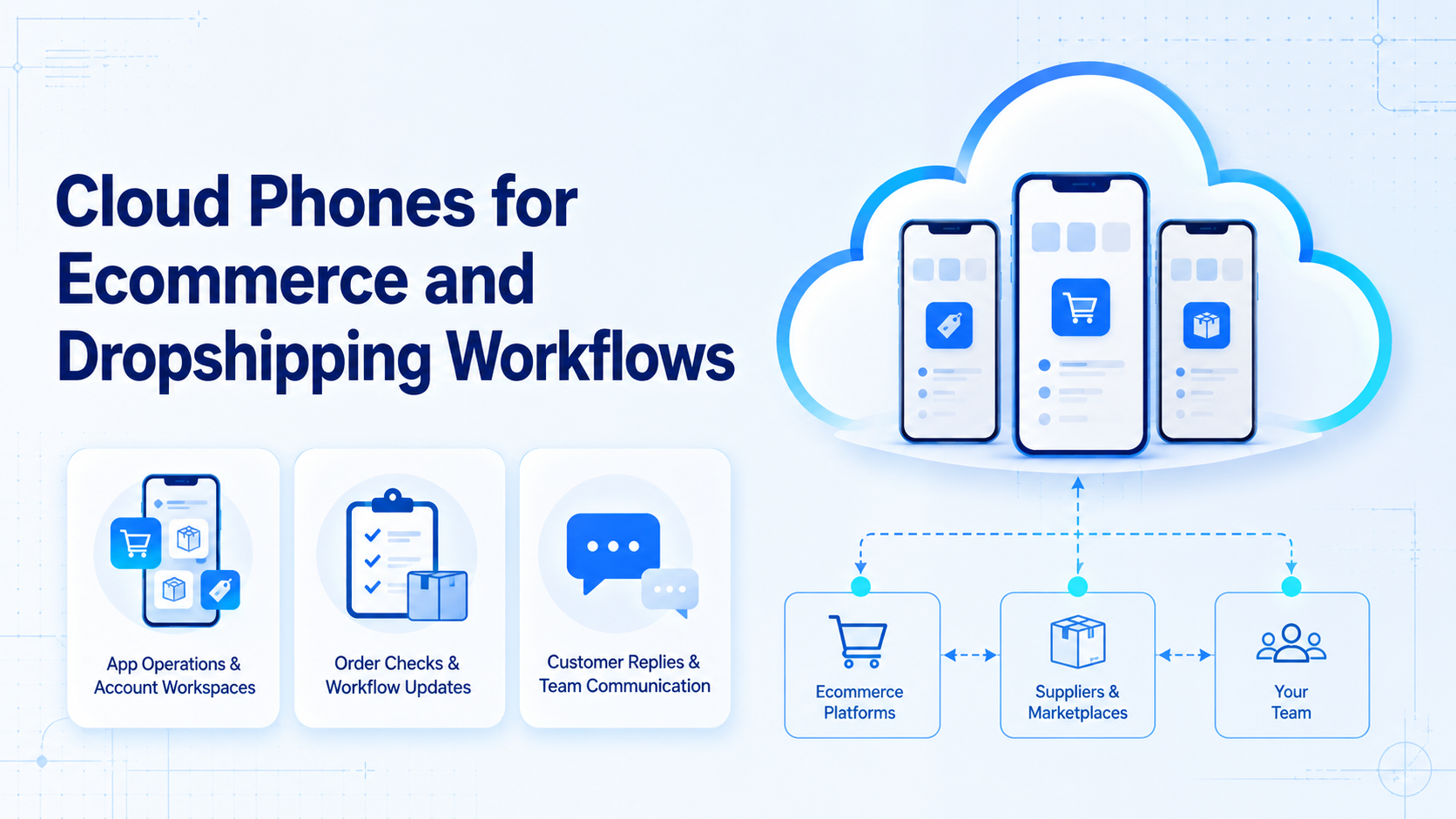
Cloud phones for ecommerce and dropshipping means using remote Android devices to run mobile app workflows without sharing physical phones across a team. Staff use them to open seller apps, check order status, review customer messages, publish updates, and keep account context inside assigned workspaces.
The main decision is not whether a cloud phone looks like a phone. The useful question is whether it gives the team cleaner work: one account, one workspace, one task trail, and a practical recovery path when something fails.
What Are Cloud Phones for Ecommerce and Dropshipping?
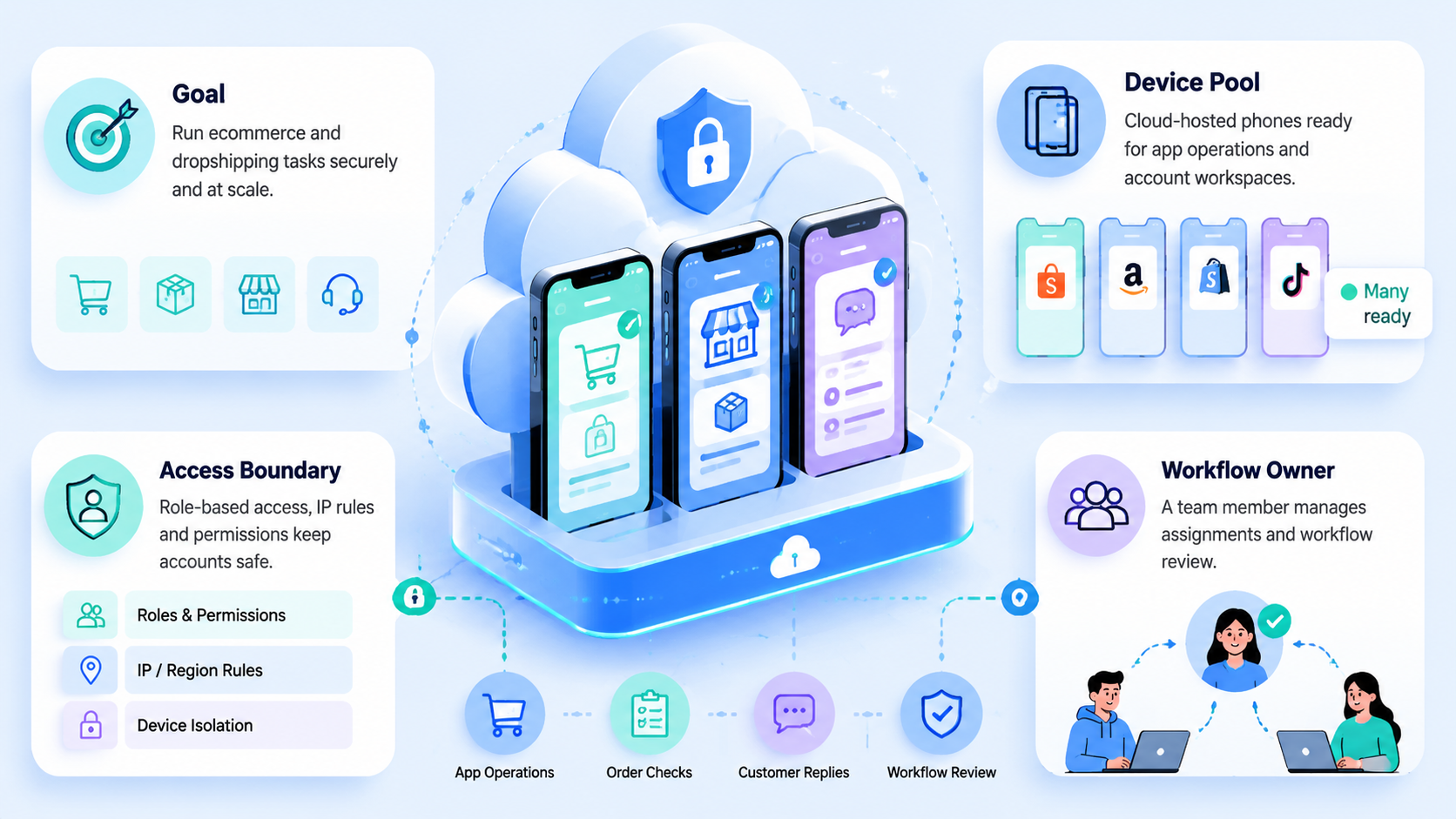
These hosted mobile devices give teams internet access to remote Android workspaces. Each device can hold apps, sessions, screen proof, notes, and task history for a specific account or workflow.
That matters when ecommerce work depends on mobile apps instead of only web admin pages. A cross-border seller may need to check market messages, confirm app alerts, review product status, or hand a task from one staff member to another. A cloud phone gives that work a controlled mobile place to happen.
Think of the setup as three connected parts:
| Layer | Ecommerce role |
|---|---|
| Remote Android device | Runs mobile apps and keeps app state |
| Account workspace | Connects one account or account group to the device |
| Review layer | Captures task status, notes, screen proof, and failures |
MoiMobi positions cloud phones as one part of a broader work system, not as a simple device rental tool.
Why Cloud Phones for Ecommerce and Dropshipping Matter
The common mistake is treating device count as the goal. More screens do not fix unclear owners, mixed sessions, or missing review; ecommerce teams need clear task rules before they need scale.
This setup matters when mobile work repeats across stores, regions, or customer channels. One operator may handle order checks while another reviews customer replies. A manager may need proof that a task happened before the next promotion starts.
The official Google Play policy center is a useful reminder that mobile app ecosystems have rules. A good operating setup should make policy review and approval easier, not hide risky behavior.
Key Benefits and Use Cases
Cloud phones work best when the task needs a mobile app, saved account state, or a clean team handoff. They are weaker when the same task already works through a supported API or a normal web admin page.
Typical ecommerce use cases include:
- checking order and logistics status in seller apps
- reviewing customer messages from mobile-first channels
- collecting screen proof for disputes, approvals, or audits
- monitoring product listings that behave differently in an app
- separating account workspaces for different brands, stores, or regions
- handing mobile tasks from junior operators to reviewers
For teams running several stores, multi-account management is the bigger workflow. The device is only useful when the account, owner, task, and proof stay connected.
How to Get Started with Cloud Phones for Ecommerce and Dropshipping
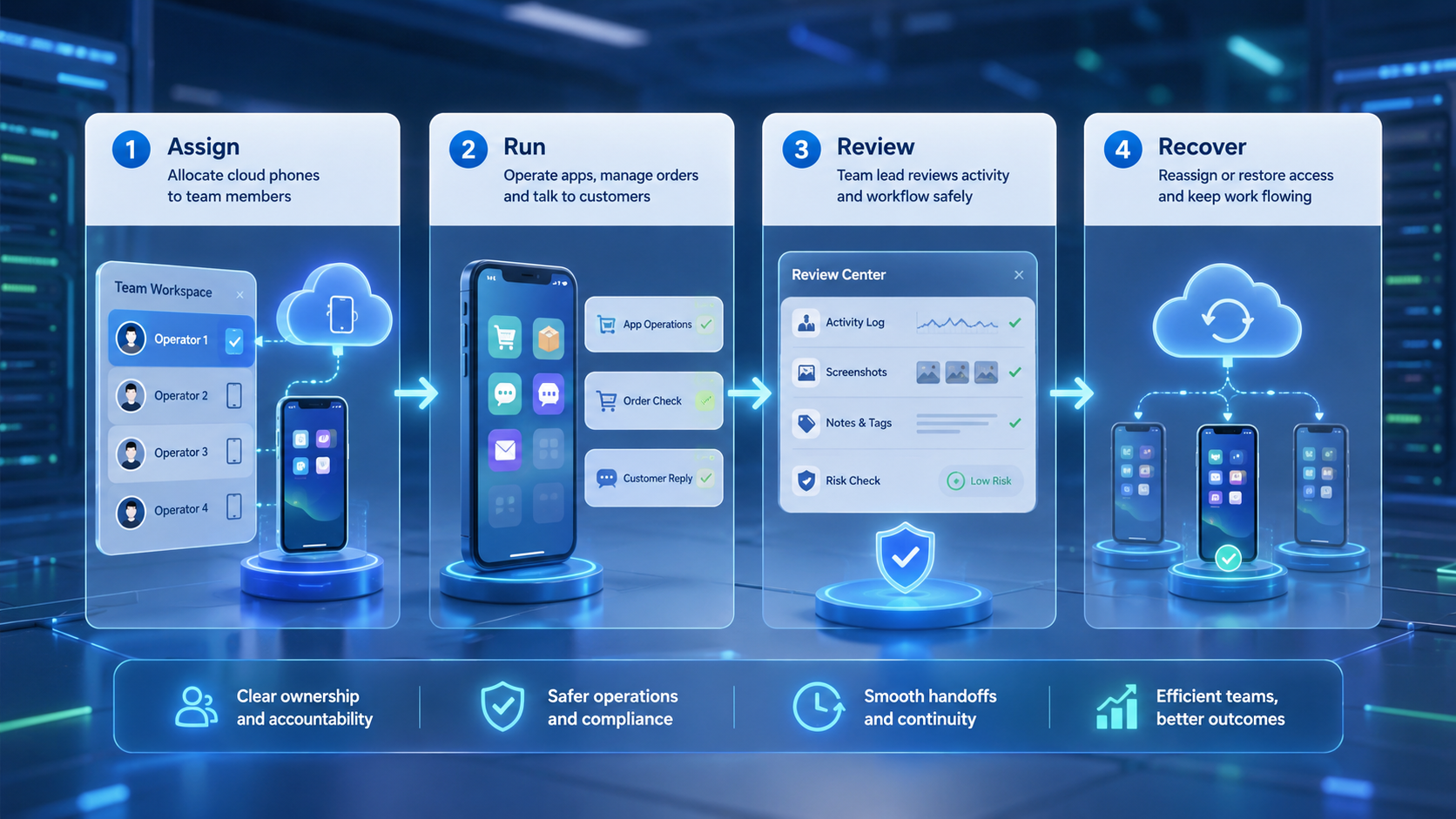
Start with the workflow, not the device pool. A small pilot exposes routing problems faster than a large setup.
- Pick one mobile task, such as customer message review or order status checks.
- Assign 3 to 5 devices to a small account group.
- Map each device to one account, store, or region.
- Record the expected task steps before adding automation.
- Capture screen proof, task status, failure reasons, and reviewer notes.
- Review the pilot before adding more accounts or devices.
Use mobile automation only after the manual path is clear. Automation should repeat a known process, not guess the process for the team.
Common Mistakes to Avoid
Avoid putting unrelated stores or customer channels into one shared mobile environment. That shortcut can make review harder later. It also makes it difficult to know which operator, account, or workflow created a specific result.
Do not build a cloud phone process around weak claims. Google Search Central's guidance on helpful content favors content made for people. The same rule applies to team work: a workflow should solve a real task, not exist only because a tool is available.
Another mistake is skipping recovery design. If an app update breaks a task, the team needs a fallback owner, a review queue, and a way to mark the device as blocked. Without that loop, a failed mobile workflow becomes silent operational debt.
Who It Fits and When It Is a Strong Match
The strongest fit appears when ecommerce teams depend on mobile-first apps, repeated account checks, and distributed operators. Fit improves when one account or store needs a consistent mobile environment over time.
They are a weaker match when the work lives entirely in a browser admin page. In that case, a fingerprint browser or isolated browser workspace may be a cleaner first layer.
Use this fit check:
| Strong fit | Weak fit |
|---|---|
| Mobile app access is required | A web admin page handles the full task |
| Accounts need separated workspaces | One shared admin login is enough |
| Staff need review proof | The task leaves a clean API log |
| App state must stay saved | The task is a one-time test |
Pilot Rollout, Measurement, and Recovery Checks
A pilot should answer one question: can the team repeat the mobile workflow with clear owners and proof? Device uptime matters, but it is not the only metric.
Track these fields during the first run:
- completed tasks per device
- failed task reason
- time to review
- time to recover after a blocked step
- account or store assigned to each device
- screen proof or notes attached to the task
Review the results after one operating cycle. If the team cannot explain why tasks failed, pause scaling. Add better task labels, owner fields, and recovery rules before adding more cloud phones.
Frequently Asked Questions
Are cloud phones useful for ecommerce operations?
Yes. They help when seller apps, customer messages, market checks, or review tasks need a saved mobile workspace with a clear owner.
Can dropshipping teams use cloud phones?
They can. The fit is stronger when store work depends on mobile apps, account handoff, or repeated customer follow-up after a sale.
Are cloud phones better than emulators?
Not always. Google's Android Emulator documentation describes a developer testing tool. A cloud phone is usually judged by saved app state, account routing, and team review.
How many cloud phones should a team start with?
Start with 3 to 5 devices and one workflow that the team can review by hand. Expand only after the team can explain task logs, owner handoff, and recovery steps without guesswork.
Do cloud phones replace ecommerce software?
No. They support app-based work, but inventory, order, payment, and data tools still need a separate source of truth.
What should managers check first?
Check account assignment, task status, failure reasons, screen proof, and reviewer notes.
When should a team avoid cloud phones?
Avoid them when the task is simpler through a browser admin page, supported API, or existing ecommerce platform workflow.
Conclusion
Cloud phones for ecommerce and dropshipping make sense when mobile work is a real team constraint. They give teams a saved place for app work, account context, review proof, and handoff.
Before scaling, run one small pilot. If the team can name the account, owner, task, proof, failure reason, and recovery path for each device, the setup is ready for broader ecommerce account operations.



