
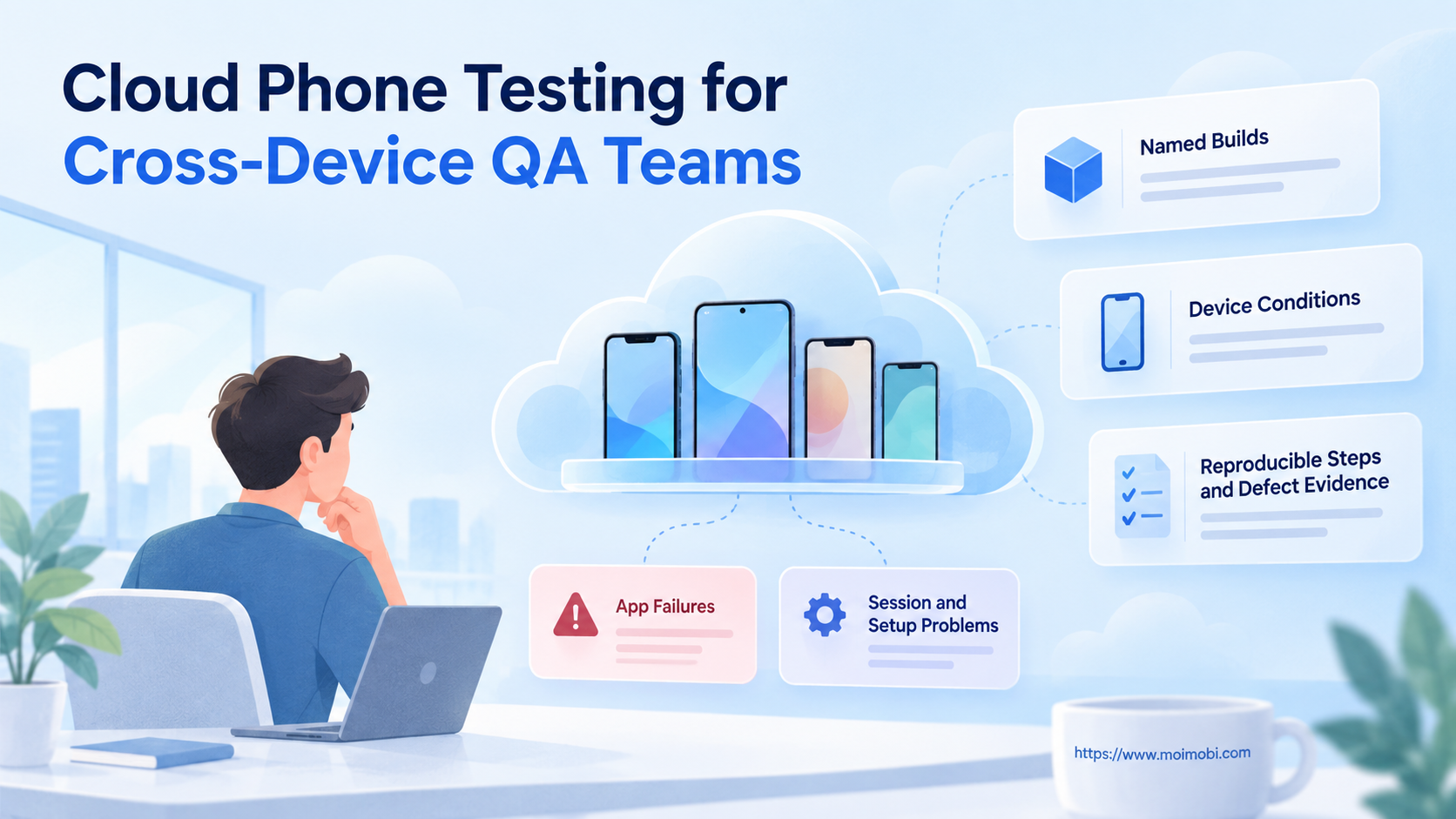
Cloud phone testing should answer a named quality question about a known app build. Prepare an authorized test environment, synthetic data, a repeatable action sequence and the expected outcome. The output should let another tester reproduce the observation, not merely confirm that the app opened remotely.
This guide focuses on cross-device test records and defect handoff. It does not rank emulator and physical-device vendors or claim that a Moimobi environment passed a live app test. The proposed procedure separates an app failure from unavailable infrastructure and incomplete setup.
Key Takeaways
- Attach every observation to a build and an environment record.
- State which behavior the case evaluates before choosing devices.
- Change recorded conditions deliberately, rather than changing everything together.
- Preserve evidence before resetting a failed session.
- Mark blocked and inconclusive cases separately from passing results.
Prepare cloud phone testing around a quality question
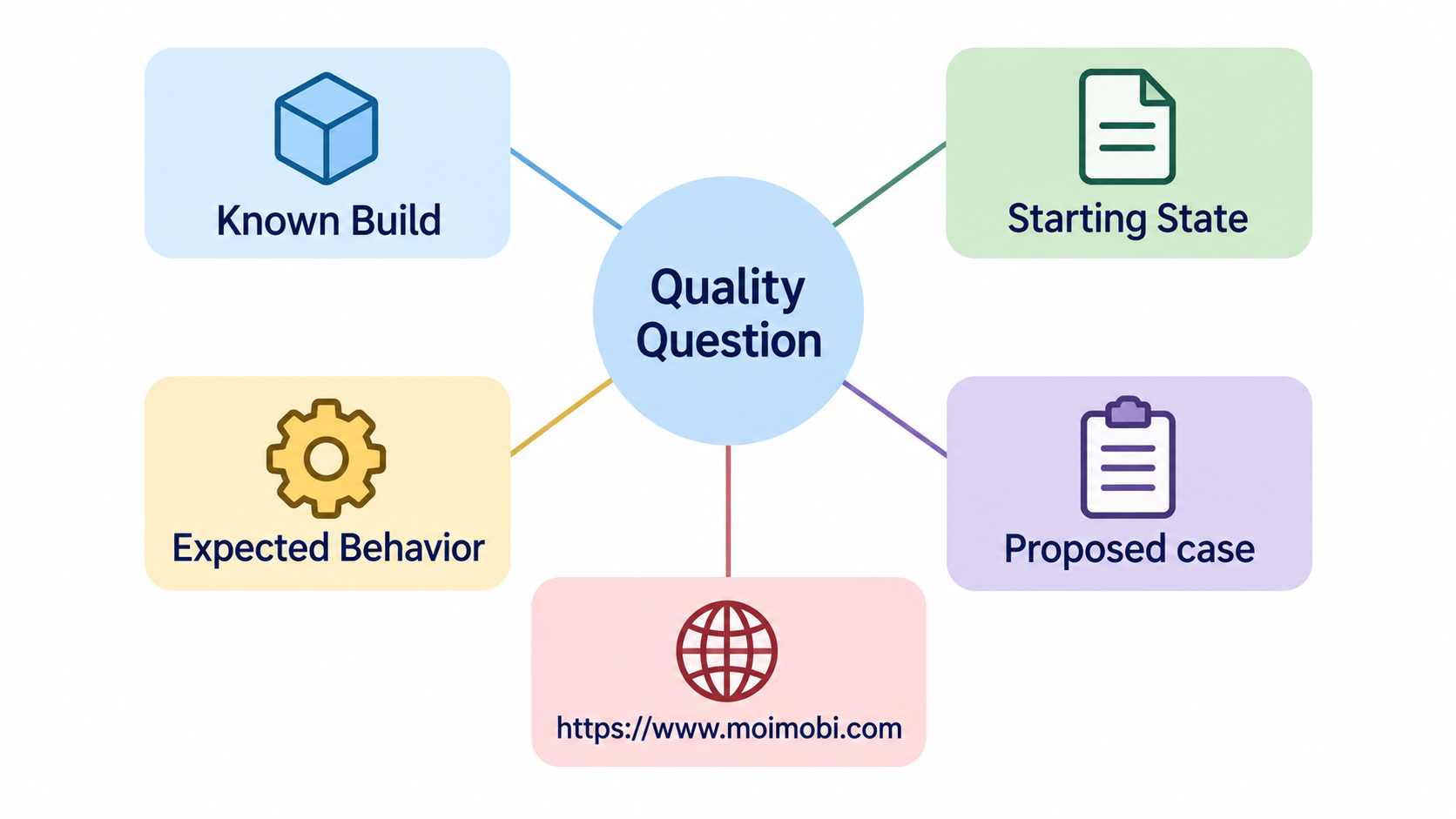
Choose a specific question, such as whether a form remains usable after rotation. State the starting screen, test data, steps and expected result. A case that says check the app leaves different testers free to inspect different behavior.
Android's testing fundamentals distinguishes functional, performance, accessibility and compatibility tests. It also separates test scope from execution location. Use those distinctions to describe what evidence your case can produce. An interface check should not be reported as a performance benchmark without a separate measurement design.
Record the app build, Android version, environment model, relevant display configuration, account or fixture state and test route. Keep private customer data out of the fixture. Explain which conditions are required for the expected behavior and which conditions you intend to vary.
Ask the provider what environment is actually offered. Android's AVD documentation describes a virtual-device configuration with a hardware profile, system image and storage. That is a simulation model, not proof that a remotely accessed instance is a physical handset. Keep physical and emulated observations distinguishable in the report.
Build a cloud phone testing coverage record
List the conditions relevant to the defect or release requirement. For a rotation question, record orientation, screen configuration and whether the app starts fresh or resumes existing state. For a permissions question, record the permission state at the start and the expected response to denial.
Avoid treating every device combination as equally useful. Select configurations that exercise the stated risk, then document what was not covered. This is a proposed planning method, not a measured claim about a particular sample's representativeness.
Use the cloud-phone execution environment overview to frame provider questions, while verifying actual testing support separately. Ask whether the selected environment permits installing the build, controlling initial state and retrieving evidence. A marketing feature list does not establish those conditions for your assigned instance.
Run the case as a reproducible sequence
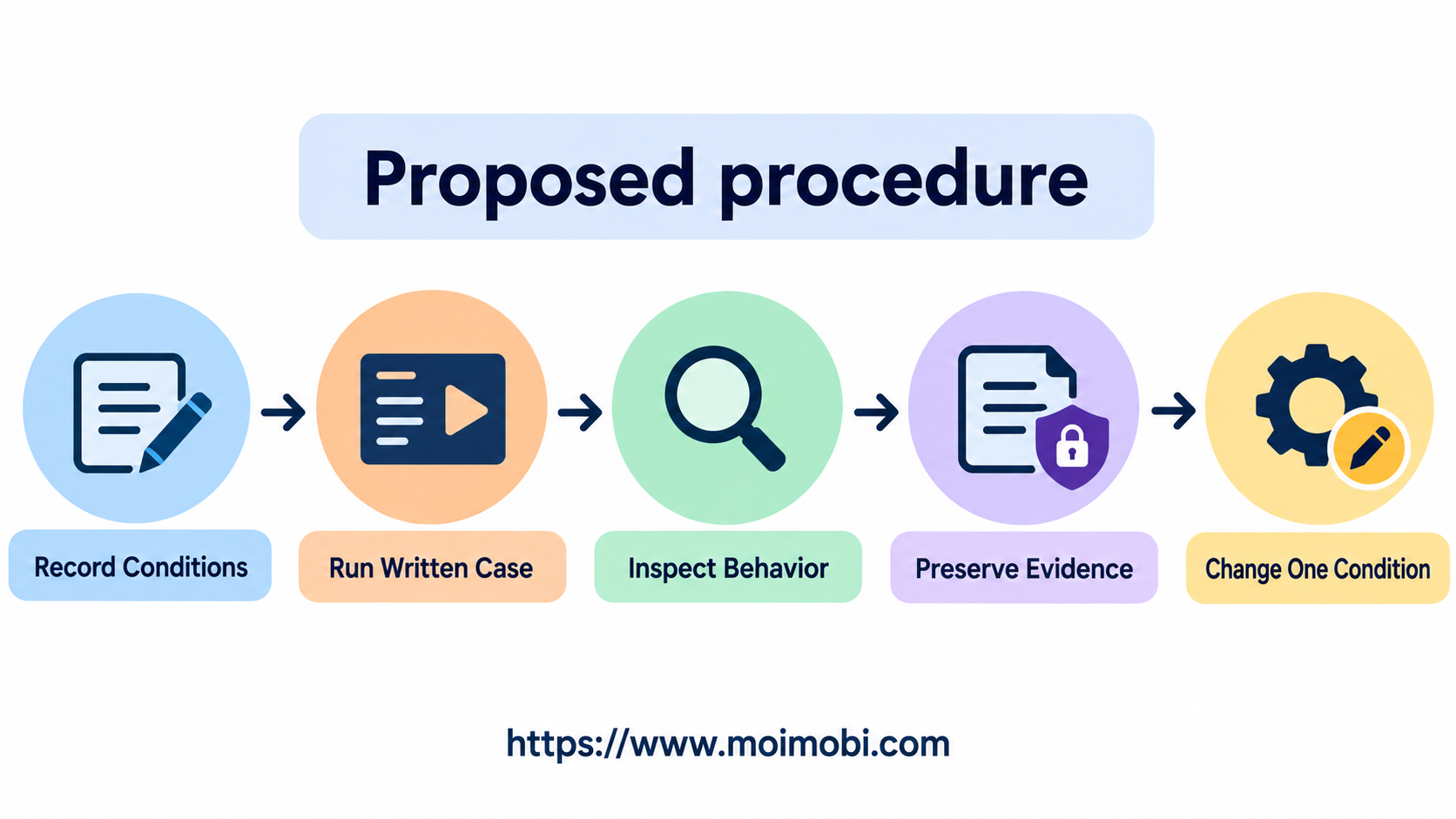
- Confirm the selected build and environment. Compare the installed build reference with the test record. Capture the device conditions needed for this case. If the build cannot be identified, mark the case blocked rather than guessing.
- Establish the starting state. Prepare the approved fixture and navigate to the specified initial screen. Record whether the app was freshly launched or resumed. Apply resets only when the case explicitly requires them.
- Execute the written actions. Follow the same sequence across selected conditions. Record deliberate deviations separately. A tester improvising extra steps has created another case, not reproduced the original one.
- Observe the expected outcome. Inspect the behavior the case names. Record what appeared, what did not appear and where the sequence stopped. Avoid labeling the case passed because an unrelated screen was reachable.
- Preserve the defect packet. Attach build, environment, starting state, steps, expected behavior and observed behavior. Include relevant screenshots or logs when authorized and available. Remove sensitive material before sharing the packet.
- Repeat under a recorded condition change. Keep the case definition intact while varying a selected environment factor. Record whether the issue reproduced, remained inconclusive or could not be tested. Another tester should know what changed between observations.
These steps specify a team procedure. They do not imply that all cloud providers expose the same controls or artifacts. Confirm the available mechanisms before scheduling unattended execution.
Verify cloud phone testing results before defect handoff
Separate case outcome from session outcome. A remote connection failure can block a case before the app reaches the relevant screen. An app behavior that differs from the expectation is a different observation. Keep both visible rather than merging them into a single failure counter.
AWS Device Farm's remote-access documentation describes browser interaction with physical devices and session videos and logs. It warns that captured results include information supplied during a session. This illustrates an evidence boundary; it does not establish equivalent capture features or physical hardware in Moimobi.
Check the packet's completeness before assigning the defect. Can another tester identify the build and reproduce the starting state? Does the screenshot show the relevant observation? Is the changed condition named? Missing fields should produce an incomplete record, not a confident diagnosis.
For teams designing mobile-task execution, keep environment readiness distinct from application correctness. A successful controller response only confirms the action its interface documents. The case still needs an observation of the intended app behavior.
Limits, blocked cases and recovery
Stop when the test needs unavailable hardware behavior, unapproved account access or evidence that the environment cannot capture. Record the missing prerequisite and assign an owner to resolve it. Do not silently substitute another environment and retain the original test label.
Avoid wiping a failed environment before collecting its relevant state. Android's AVD guide describes stored user data and the option to wipe it. In a test procedure, document the intended reset explicitly so later observations are not mistaken for the same starting conditions.
Reproduction is not diagnosis. A failure that appears on one configuration suggests a useful investigation boundary, but it does not establish the underlying cause. Preserve that distinction when handing the case to developers.
Frequently Asked Questions
Does remote access prove that a device is physical?
No. Confirm the provider's execution model and record it alongside the test conditions.
Which build should the evidence name?
The build actually installed for the case, not the latest build someone intended to upload.
Is a connection failure an app defect?
Not by itself. Mark the case blocked if the session prevents the relevant app observation.
Can test accounts replace customer credentials?
Use approved synthetic fixtures where they meet the case requirements. Avoid entering private production data into recorded sessions.
What should change between device runs?
Change the conditions selected by the coverage plan, and record each change. Keep the action sequence comparable.
Should every failure trigger a reset?
No. Preserve evidence first and follow the case's explicit state rules. Unrecorded resets weaken reproduction.
Does a reproduced defect identify its cause?
No. It provides a repeatable observation and investigation context. Diagnosis requires further evidence.
Deliver evidence another tester can use
Cross-device QA depends on comparable observations. Name the build, preserve starting conditions, follow the case and distinguish blocked work from app behavior. The useful output of cloud phone testing is a reproducible defect packet with clear limits, not an impressive device count.



