
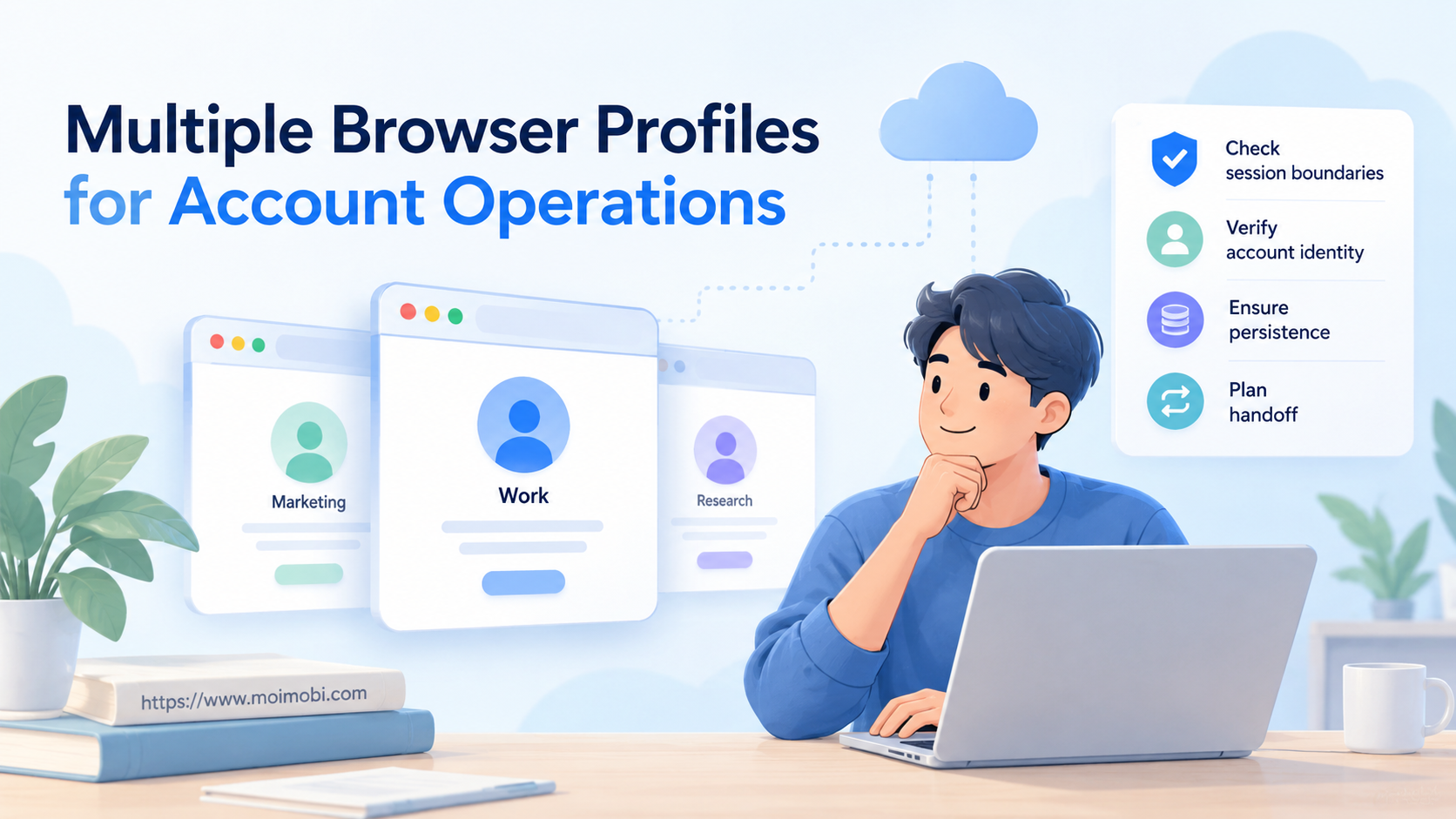
Multiple browser profiles organize authorized account work into separate, recognizable browser workspaces. Start with an account inventory, approved access and a named owner for each workspace. The expected result is a tested account-to-profile map, not simply more open windows.
This guide focuses on session boundaries and handoff. It does not treat profile creation as permission to operate an account. If the platform offers delegated access, evaluate that option before moving a signed-in session between people.
Key Takeaways
- A browser profile and a platform account are different objects.
- Separate storage does not prove anonymity or prevent every form of correlation.
- Validate the active account before any customer-facing action.
- Treat sharing a signed-in profile as an access decision, not a cosmetic change.
What multiple browser profiles separate
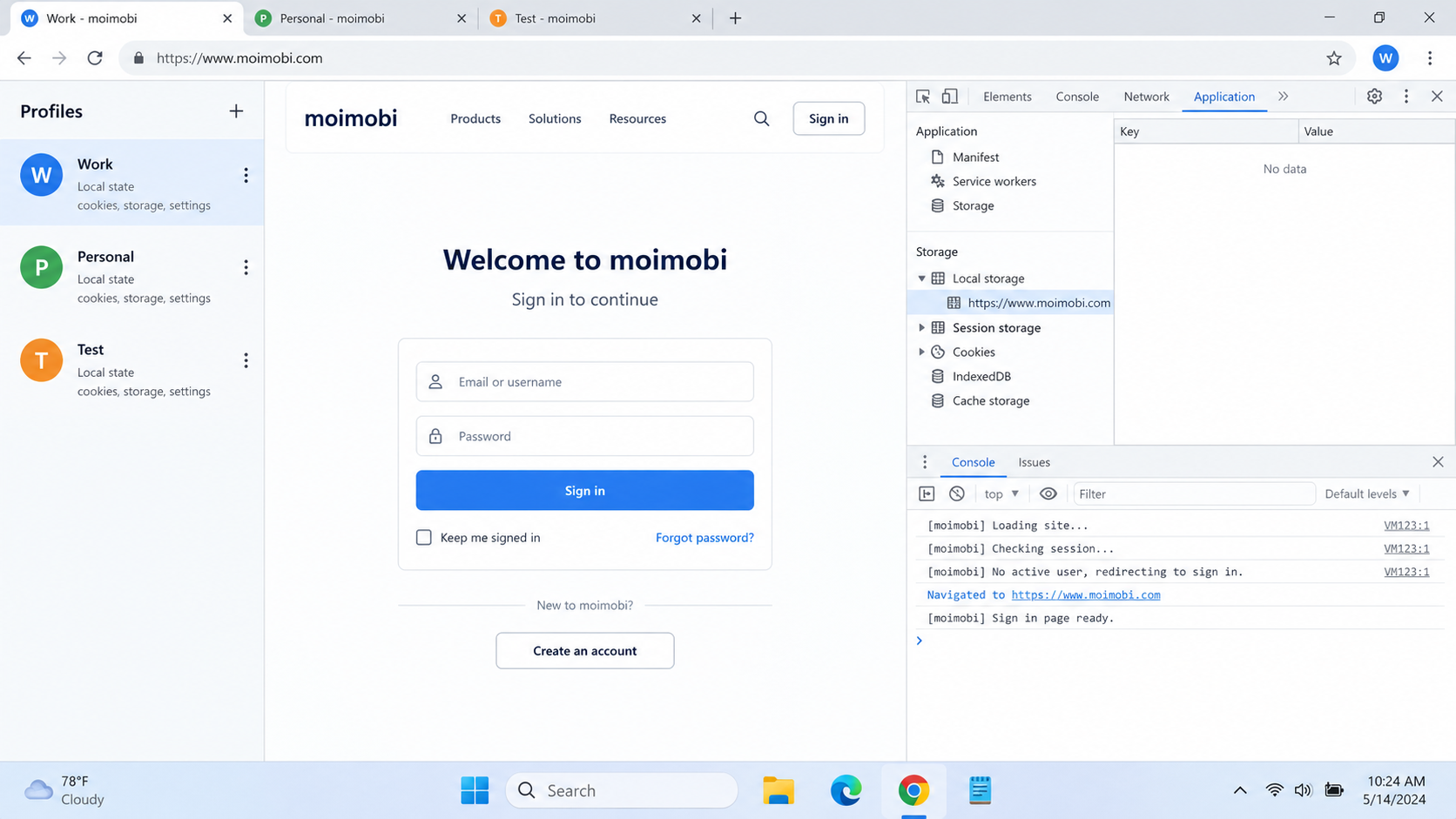
Distinguish three layers: browser state, platform identity and operator permission. A profile may hold local settings and session data. The website determines which account is signed in. Your organization determines who may use it.
Playwright's isolation documentation describes contexts with separate cookies, local storage and session storage. These are incognito-like testing contexts. They illustrate storage separation, not persistent desktop profile behavior across every browser product.
Record the actual persistence model of your chosen tool. Does closing a window retain its session? Does reopening require authentication? Can another device load the same workspace? Verify these behaviors rather than inferring them from a profile count.
Prepare multiple browser profiles around business roles
Build a register before creating production workspaces. Use account identifiers that staff can recognize without exposing passwords. Include the environment ID, purpose, owner, approved actions and recovery contact.
For example, a hypothetical store could separate customer support from catalog editing. Those roles might use different accounts or delegated permissions. They should not automatically receive the same privileges merely because both need a browser.
Keep a stable naming rule such as customer, region and role. A visible name helps navigation; a stable ID helps trace incidents after names change. Review account responsibilities across browser workspaces when deciding ownership.
Before setup, confirm access to the authorized account, its recovery method and a harmless validation page. Choose a test action that cannot publish, send messages or modify customer records.
Establish and test the account-to-profile map
- Create the workspace and record its ID. Apply only settings required for the approved task. Do not copy a production session into a test workspace by default.
- Authenticate and confirm identity. Open the account's own identity page. Compare the visible account and organization with your register before proceeding.
- Run a separation check. Use two authorized test accounts. Confirm that opening one workspace does not silently select the other's account. Document what was checked, not just “isolation passed.”
- Close and reopen. Record whether the expected identity and settings remain. Unexpected logout is a persistence issue; a different active account is a boundary failure.
- Test the next operator's access. Use the supported permission model. Have the receiving operator repeat the identity check before accepting the workspace.
Keep a small acceptance record:
| Check | Expected observation | If it differs |
|---|---|---|
| Active identity | Matches the assigned account | Stop and inspect sign-in history |
| Workspace boundary | Other account is not selected | Investigate storage or copied state |
| Reopen behavior | Matches documented persistence | Check save and session settings |
| Handoff scope | Receiver sees only authorized work | Remove access and reassess sharing |
These observations test specific behavior. They are not a security certification or a promise about platform acceptance.
Share access without confusing it with duplication
Opening a profile elsewhere can involve more than bookmarks. AdsPower's sharing documentation says shared profiles retain specified account and session data. It also describes choices about additional shared content. That is AdsPower's documented behavior, not a universal rule or a Moimobi feature claim.
Ask your provider what copying, sharing and transferring actually preserve. A copied signed-in session deserves the same access review as the original. Never label a duplicate “clean” merely because it has a new name.
For routine handoff, record the last completed task, unresolved issue and next authorized action. Avoid simultaneous edits unless the application explicitly supports that collaboration. Browser separation cannot resolve two people changing the same server-side record.
Teams evaluating browser-profile alternatives and their operating tradeoffs should compare lifecycle behavior, not only fingerprint settings. Confirm the current product version through an actual demonstration.
Understand the limits before expanding
Separate sessions do not make accounts unidentifiable. W3C's fingerprinting guidance explains that sites may still correlate traffic despite technical mitigations. A different profile, proxy or browser setting does not establish permission to operate an account.
A cloud phone addresses a different execution environment. A mobile-native task may need an Android environment rather than another desktop profile. Compare the required app, available actions and documented support before choosing either approach.
Moimobi's broader positioning connects browser and mobile execution. That positioning is not evidence that every integration or autonomous action is currently available. Confirm the exact feature, operating environment and handoff behavior you need. Do not purchase a browser workflow on the assumption that mobile automation is interchangeable.
If a workspace opens the wrong identity, pause its business tasks. Preserve the observed state and inspect the mapping before clearing or recreating anything. Deleting state may erase the evidence needed to understand the fault.
Frequently asked questions
Are profiles the same as accounts?
No. A profile is a browser workspace; an account is an identity recognized by a service.
Can I use ordinary profiles first?
Yes, if they satisfy your authorized task. Test persistence, account selection and handoff before considering specialized tools.
Does profile separation stop account bans?
No such conclusion follows. Browser state separation does not replace platform requirements or responsible account behavior.
Should each operator get a profile copy?
Not automatically. First evaluate delegated access and the implications of copying an authenticated session.
How many profiles should be open?
Determine this with your actual workload and hardware. Record responsiveness and failures; do not rely on an unexplained vendor capacity number.
What should a handoff include?
The account identity, workspace ID, owner, last completed task and next permitted action. Leave credentials out of ordinary task notes.
When is a mobile environment needed?
When the required task depends on the actual mobile app. Verify that the selected service supports that task today.
Next step
Validate two authorized workspaces before expanding. Keep the identity checks and exceptions as your acceptance record. Multiple browser profiles become useful when operators can prove which account they are using and what they may do next.
Site: moimobi
Article Profile: guide
Content Type: guide



