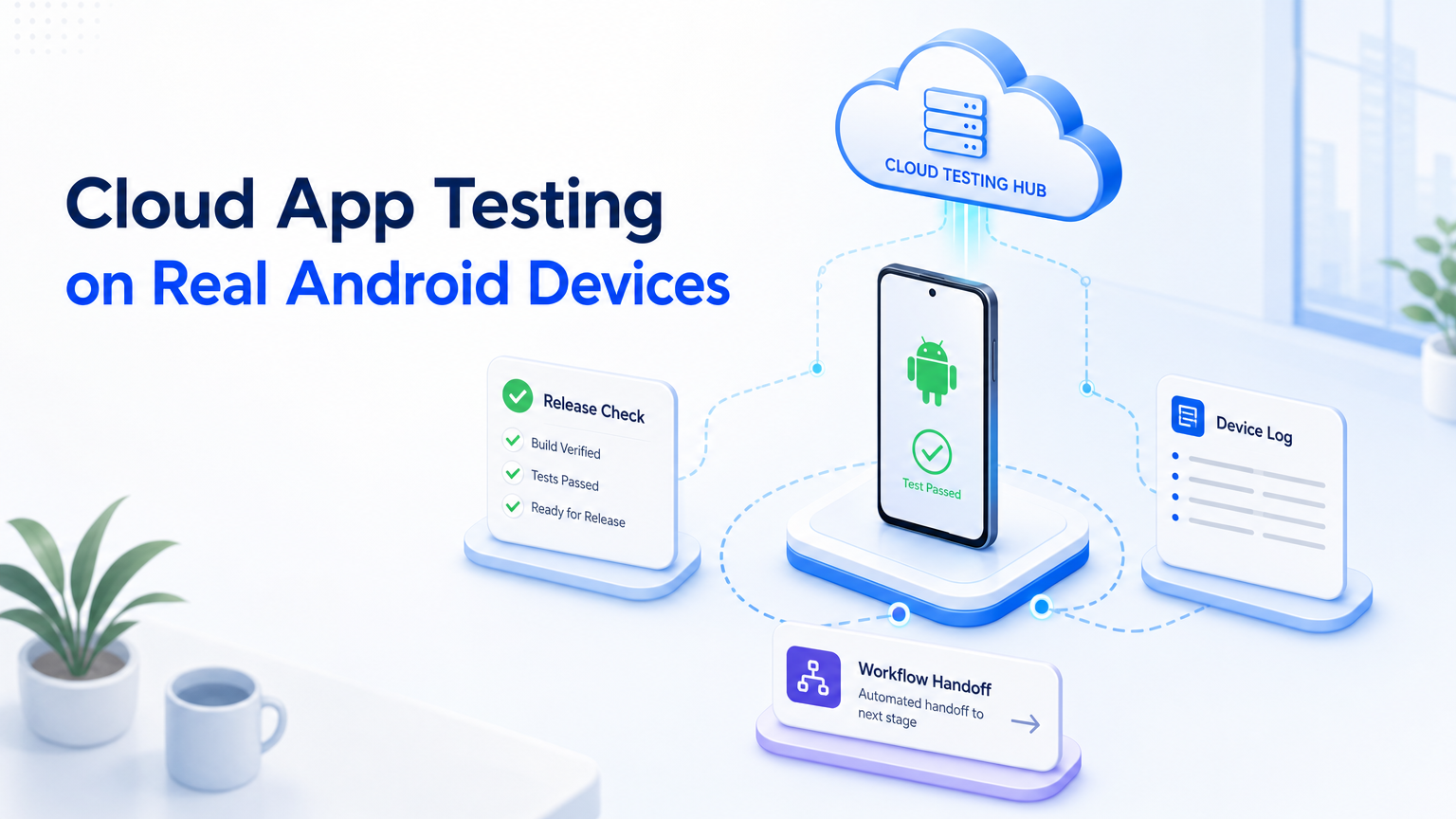
Cloud app testing means running mobile app workflows in remote Android environments before a team scales them. It tests login, permissions, publishing, replies, recovery steps, and review handoff under repeatable conditions.
For one person, a local phone may be enough. For a team, shared access and clean logs matter more. A cloud phone setup gives operators and reviewers a remote place to test app work before it becomes a larger workflow.
Key Takeaways
- Remote Android testing is useful when app state, account state, or handoff matters.
- A virtual Android device can support early QA, but team operations often need persistent device access.
- Start with one workflow, 3 to 5 devices, and a 7-day review before adding capacity.
- Measure task completion, failed steps, manual rescue, and operator notes.
The Core Idea Behind Cloud App Testing
Real Android device testing puts the app task inside a reachable mobile environment. The team can test a full sequence: install, login, permission approval, task execution, screenshot review, and handoff.
That differs from a simple lab check. A support team may need reply flows to work after a late notification arrives during a handoff shift. A social media team may need to test publishing after an app update, a draft save, and a reviewer check.
Emulators still help early QA. Google documents the Android Emulator for testing Android apps across profiles and API levels. Team operations, however, may also need session persistence, reviewer access, and device assignment. That is where MoiMobi Cloud Phone becomes more relevant.
Why Teams Search for Cloud App Testing
Teams look for remote app testing when local phones hide operational problems. One engineer can run a feature check. One operator can test a reply. Problems appear when five accounts, three reviewers, and daily app updates enter the same process.
Mobile app testing also changes when the app is part of a business workflow.
| Testing need | Local phone limit | Cloud check |
|---|---|---|
| Login workflow | Only one person sees the session | Session state and recovery path |
| Content publishing | Steps vary after app updates | Upload, draft, and final confirmation |
| Customer replies | Messages arrive across shifts | Inbox access and handoff notes |
| Release checks | Device coverage is narrow | Android version, logs, and repeatability |
This is also why mobile automation should start with testing. Automation built on an untested path only makes failure faster.
Who Benefits Most From Remote App Testing
Remote app testing fits teams that run mobile workflows for revenue, support, or growth. One monthly app check does not need a device fleet. Daily account work does.
Agencies can test account workflows before handoff. Marketplace checks stay on assigned devices. Support teams can review inbox behavior, notification timing, escalation notes, and owner changes before adding accounts to a queue.
The best fit has three traits: repeated steps, account-specific state, and a need for review. If all three are present, remote Android testing gives the team a controlled place to see what breaks.
How to Start a Mobile Testing Pilot
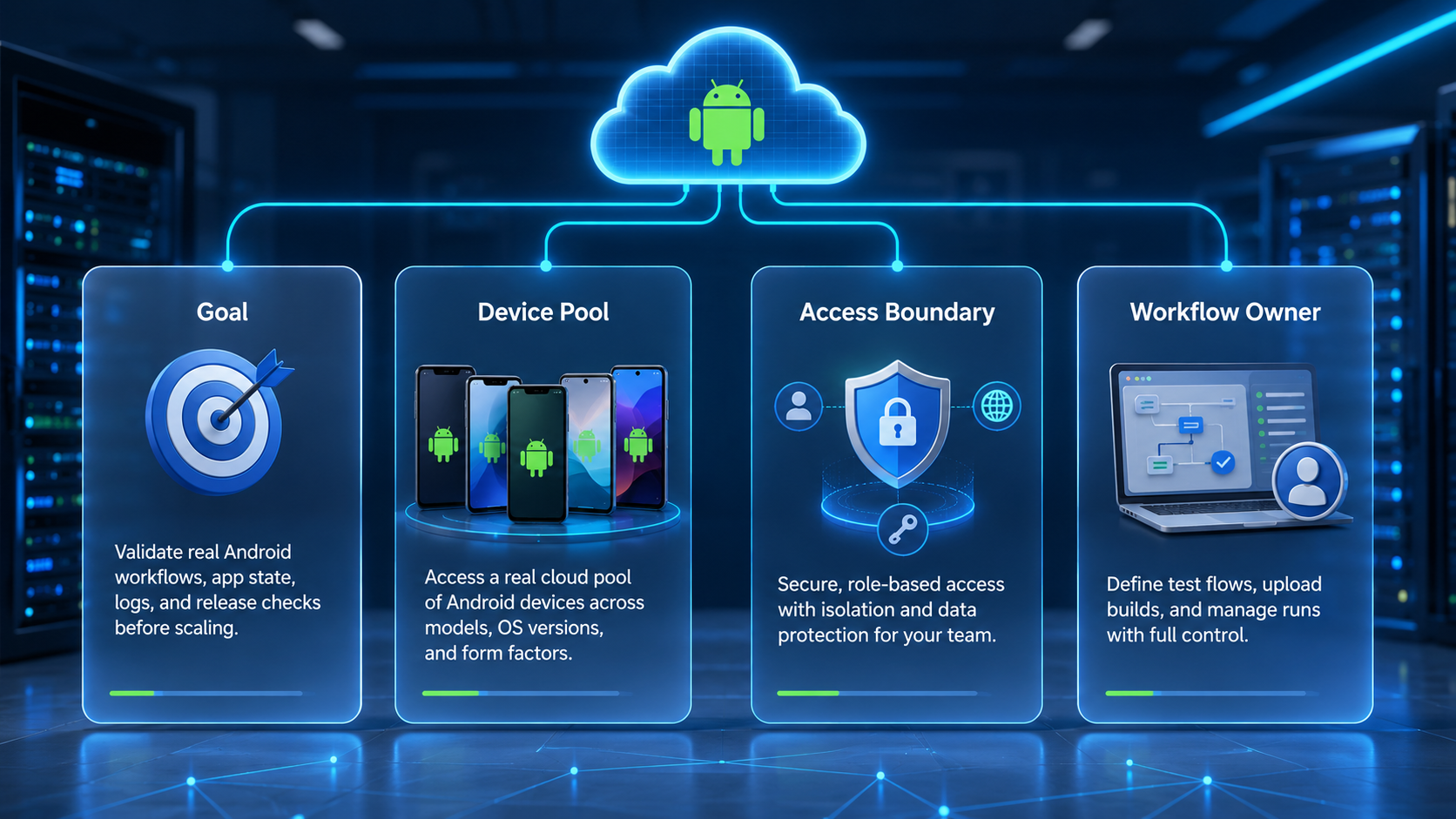
Start small. A pilot should prove that the mobile workflow works before the team buys more capacity.
- Choose one workflow. Use one task such as login recovery, content publishing, or customer reply.
- Pick 3 to 5 devices. Include the Android versions and app states your team sees most often.
- Define pass and fail. Track completion time, blocked steps, app crashes, and handoff notes.
- Record operator actions. Keep screenshots, timestamps, and account context for each run.
- Review after 7 days. Keep the workflow only if the team can repeat it without hidden manual work.
Technical teams may also use Android Debug Bridge for device control, logs, and inspection. Google maintains official ADB documentation, so teams should treat it as a controlled technical tool.
Use this quick scorecard before expanding the pilot:
| Check | Pass signal | Stop signal |
|---|---|---|
| Login | Session survives the test window | Repeated manual recovery |
| Publishing | Draft and final post are reviewed | Missing confirmation step |
| Support reply | Message path is visible to reviewer | Operator notes are unclear |
| Logs | Device and task notes match | Results cannot be audited |
Mistakes That Reduce Testing Value
The first mistake is testing the app but ignoring the workflow. The button can work. Upload may succeed, but account switching, caption review, or final approval may still require manual rescue after the operator leaves the device.
Another mistake is treating every Android environment as the same. An android virtual device is valuable for development and early QA. A team execution setup needs access control, session handling, review records, and a clear owner for each device.
The third mistake is skipping policy checks. Platforms publish rules for acceptable behavior. Google Play maintains a policy center that teams can review when app behavior, automation, or account handling touches platform rules.
Use device isolation when account state matters. Use multi-account management when the team needs ownership, scheduling, and handoff across many accounts.
Fit Boundaries for Cloud App Testing
Remote Android testing is a strong fit when the team needs repeatable mobile execution. It is not a full replacement for product QA, security review, or platform compliance review.
Use it for operational checks:
- Daily repeat?
- Can a reviewer inspect the result without holding the phone, asking for a second screenshot, or waiting for one operator?
- Failed login recovery?
- Can the workflow move from one account to many accounts with clear owners and stable notes?
Avoid scaling a workflow just because one test run passed. A better model is to test the workflow, document what happened, keep human review where needed, and pause expansion when error rates rise.
Frequently Asked Questions
What does remote mobile app testing mean for a team?
It means testing app workflows in remote Android environments before rollout, with enough notes for another operator to understand the result.
Emulator?
Usually, no. An emulator helps development and QA; remote device testing adds workflow execution, shared review, and account-state checks after a task leaves engineering.
Real devices?
Use them when app state, notifications, login sessions, or operator handoff affect the result. One failed handoff can break the task.
Can cloud phones support mobile app testing workflows across accounts?
Cloud phones can help when remote access and repeatable review matter. The real value comes from device quality, access control, logs, and workflow design.
First pilot size?
Use 3 to 5 devices for one week. That range keeps the pilot simple while still exposing account, app, and operator issues.
What should the team measure before adding more devices to the workflow?
Track completion rate, failed steps, task time, app errors, reviewer notes, and manual rescue work. Add one free-text field for surprises.
Does it replace QA?
No. It supports operational testing. Product QA, security review, and policy review still need their own owners and acceptance checks.
Conclusion
Remote Android testing works best when a mobile workflow is important enough to measure. Start small. If the task repeats cleanly after a 7-day review, add accounts and operators in stages.
MoiMobi connects cloud phones, isolation, and workflow control in one operating layer. Choose one mobile workflow first. Then test whether it can run without hidden manual cleanup.