
Key Takeaways
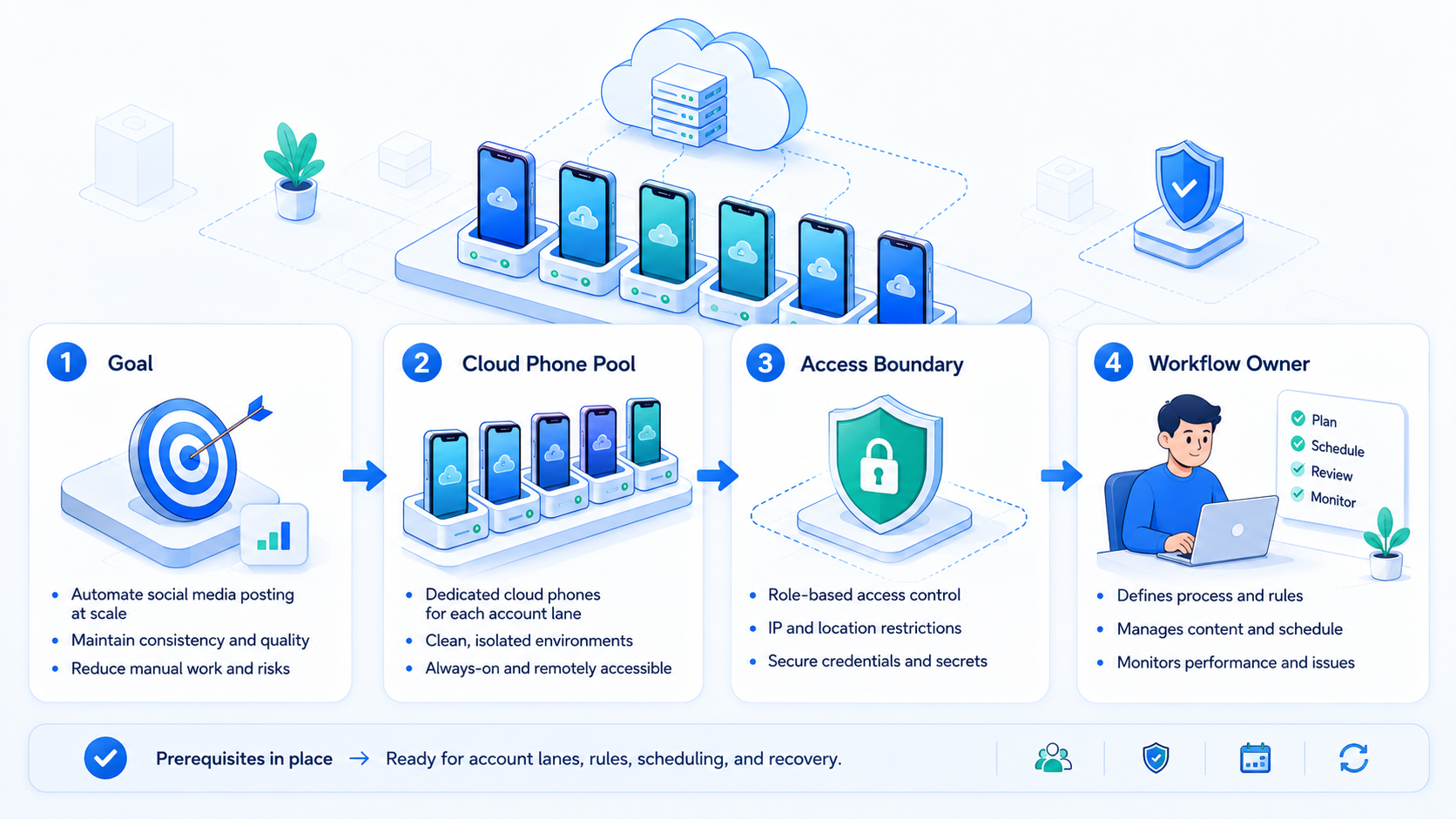
- Automated social media posting works best when each account has its own mobile environment and review rule.
- Cloud phones are useful when teams need app-based execution, not just calendar scheduling.
- A posting workflow should separate drafting, approval, publishing, and recovery.
- Teams should measure completion, errors, review time, and account-specific issues before scaling.
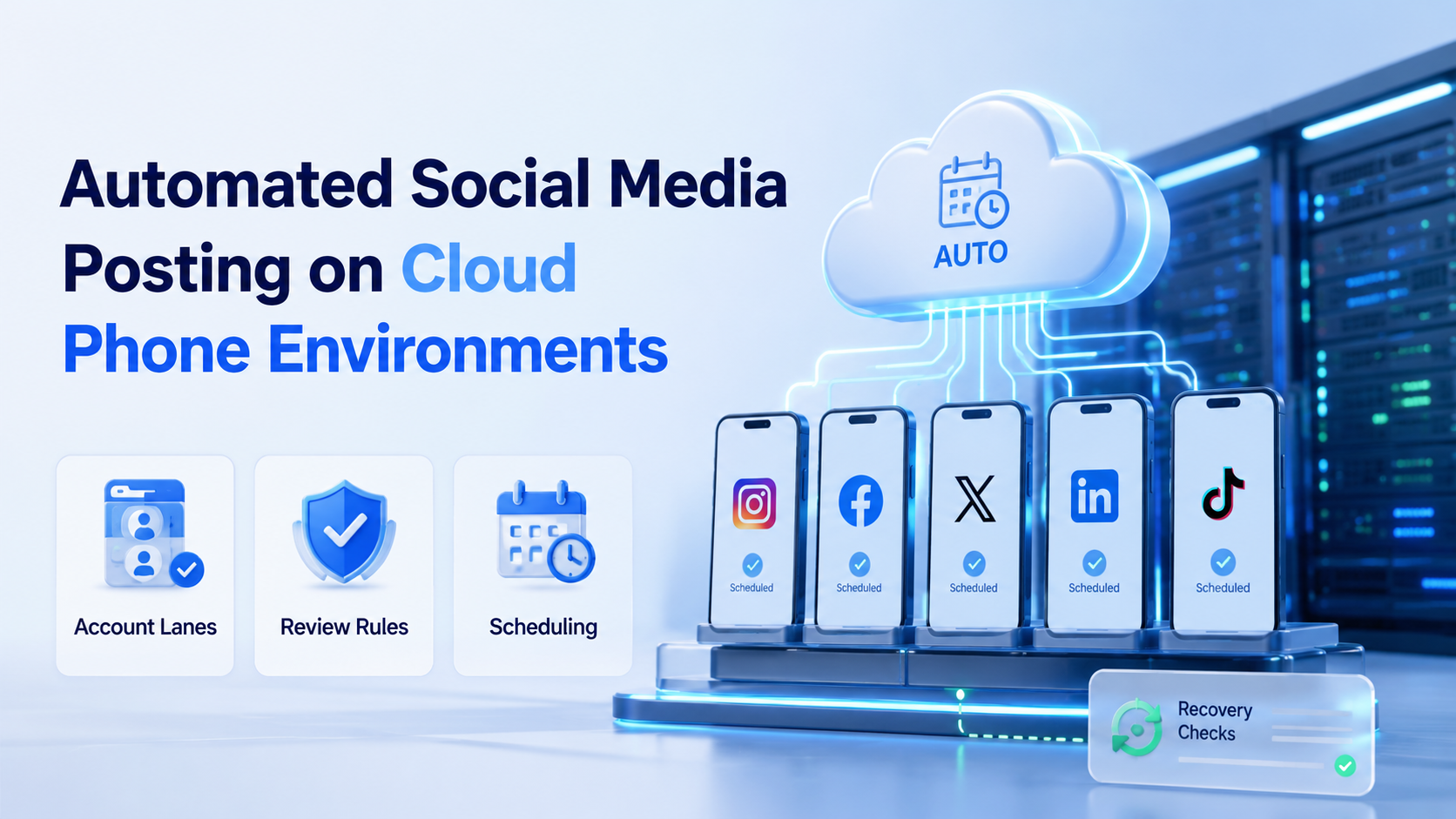
Automated social media posting is the process of preparing, scheduling, and publishing social content through a controlled workflow instead of repeating every action by hand.
On cloud phone environments, the workflow can run inside mobile app contexts. That matters when a team manages accounts that depend on Android apps, mobile inboxes, app-only controls, or separate device states.
What Automated Social Media Posting Means on Cloud Phones
Cloud phones give teams remote mobile environments for app-based work. In MoiMobi, cloud phone execution is one layer inside a broader system for account operations, mobile automation, and team workflows.
Automated posting on this layer does not mean removing all judgment. A practical setup usually separates content generation, media preparation, scheduling, publishing, and review. The system handles repeated steps, while humans keep control over strategy and sensitive decisions.
For example, a growth team may prepare approved captions in a shared queue, assign each post to an account lane, and let a worker publish from the right mobile environment. Failed posts should return a clear reason instead of disappearing.
Why Automated Social Media Posting Needs Account Lanes
The common mistake is treating posting as only a calendar problem. A calendar helps with timing, but account execution adds another layer: which account, which device state, which app session, and which reviewer owns the result.
Account lanes make this easier to manage. One lane can contain the account, mobile workspace, task queue, proxy route, publishing rule, and recovery notes. Use multi-account management for that.
Google's helpful content guidance is written for web content, but its user-first principle applies to posting workflows too. Automation should support useful output, not create volume for its own sake.
Key Benefits and Use Cases
The main benefit is a clear daily process. A team can reduce repeated manual steps while keeping review, timing, and error handling visible.
| Use Case | Workflow Example | Control Point |
|---|---|---|
| TikTok or Instagram publishing | Prepare caption, media, and posting queue | Human approves final asset |
| Customer engagement | Draft replies after new comments | Human reviews before posting |
| Cross-border campaigns | Assign posts by region or account group | Team checks timing and language |
| E-commerce content | Publish product updates from mobile apps | Operator reviews stock and claims |
Teams focused on social reach can also connect this workflow to social media marketing. The posting system should support the campaign plan, not replace it.
Daily Checklist for Automated Social Media Posting
Use a small checklist before each run. It keeps the work clear and gives the team a shared way to spot errors.
| Check | Owner | Stop Signal |
|---|---|---|
| Content is approved | Content lead | Missing media or wrong text |
| Account lane is set | Operator | Wrong account or app session |
| Post time is clear | Campaign owner | Time zone conflict |
| Result is logged | Workflow owner | No success or error note |
Keep the list short. A checklist that no one reads will not help the run.
A good run is plain: pick the post, check the account, check the app, wait for approval, log the result, and stop on a wrong screen.
How to Get Started with Automated Social Media Posting
Start with one platform and one account group. Do not launch every account at once.
- Define the content input: caption, media, hashtags, account, and schedule
- Add an approval step before public posting
- Assign each account to a separate mobile environment
- Run the first workflow manually and record the normal path
- Automate only the repeated steps that are easy to verify
- Log publish success, app errors, review status, and skipped tasks
- Expand only after the recovery process is clear
Mobile automation becomes useful when the workflow depends on real app screens, inboxes, or Android account state. Browser-only tools may be enough for web dashboards, but they do not cover every mobile-first workflow.
Common Mistakes to Avoid
Do not turn posting into a volume game. More output is not useful when the content is off-brand, duplicated, or hard to explain. Track response quality.
Avoid shared mobile workspaces for unrelated accounts. Shared state makes fixes harder when a post fails or an app session changes. Device isolation gives each account a cleaner work boundary.
Skipping recovery notes is another common problem. A failed upload, expired login, permission prompt, or app warning should create a visible stop reason. That note helps the operator decide whether to retry, revise, or pause the account lane.
Fit and Not-Fit Signals
Automated posting on cloud phones fits teams that already run repeatable social workflows. It is useful when content is approved in batches, accounts need separate mobile sessions, and operators need a dashboard view of progress.
It is weaker when the team has no content process. Automation cannot fix unclear brand rules, missing media assets, or poor campaign planning.
Strong fit
- Approved content queues exist
- Accounts need separate mobile workspaces
- Posting steps repeat every day
- Managers need publish logs and recovery notes
Weak fit
- No approval process exists
- Content changes at the last minute
- Account ownership is unclear
- The team only needs a simple calendar
Pilot Measurement and Recovery Checks
Run the first pilot with one platform, one account group, and one posting format. Track posts queued, posts published, posts skipped, human approvals, and repeated error codes.
The recovery rule should be simple. If the same account fails twice for the same reason, pause that lane and inspect the mobile environment before another run. Repeating the same failed task usually hides the real issue.
Use official platform guidance when planning public content. Meta's Business Help Center and Google's SEO Starter Guide are useful reminders that reach still depends on quality, clarity, and fit.
Frequently Asked Questions
What is automated social media posting?
It is a workflow for preparing, approving, scheduling, and publishing social posts with less repeated manual work.
Why use cloud phones for posting?
Use them when the workflow depends on mobile apps, Android account state, or separate mobile environments.
Can it replace a manager?
No. It handles repeated execution steps, while people still own content strategy, approval, and judgment.
Should every post be reviewed?
Customer-facing or brand-sensitive posts should usually pass human review before publishing.
What should a team automate first?
Start with a low-risk queue, such as approved content publishing for one platform and one account group.
How do teams avoid operational confusion?
Use account lanes, separate environments, visible logs, and clear owners for each workflow.
When is a scheduler enough?
A scheduler may be enough when all accounts connect cleanly through supported web or API workflows.
Conclusion
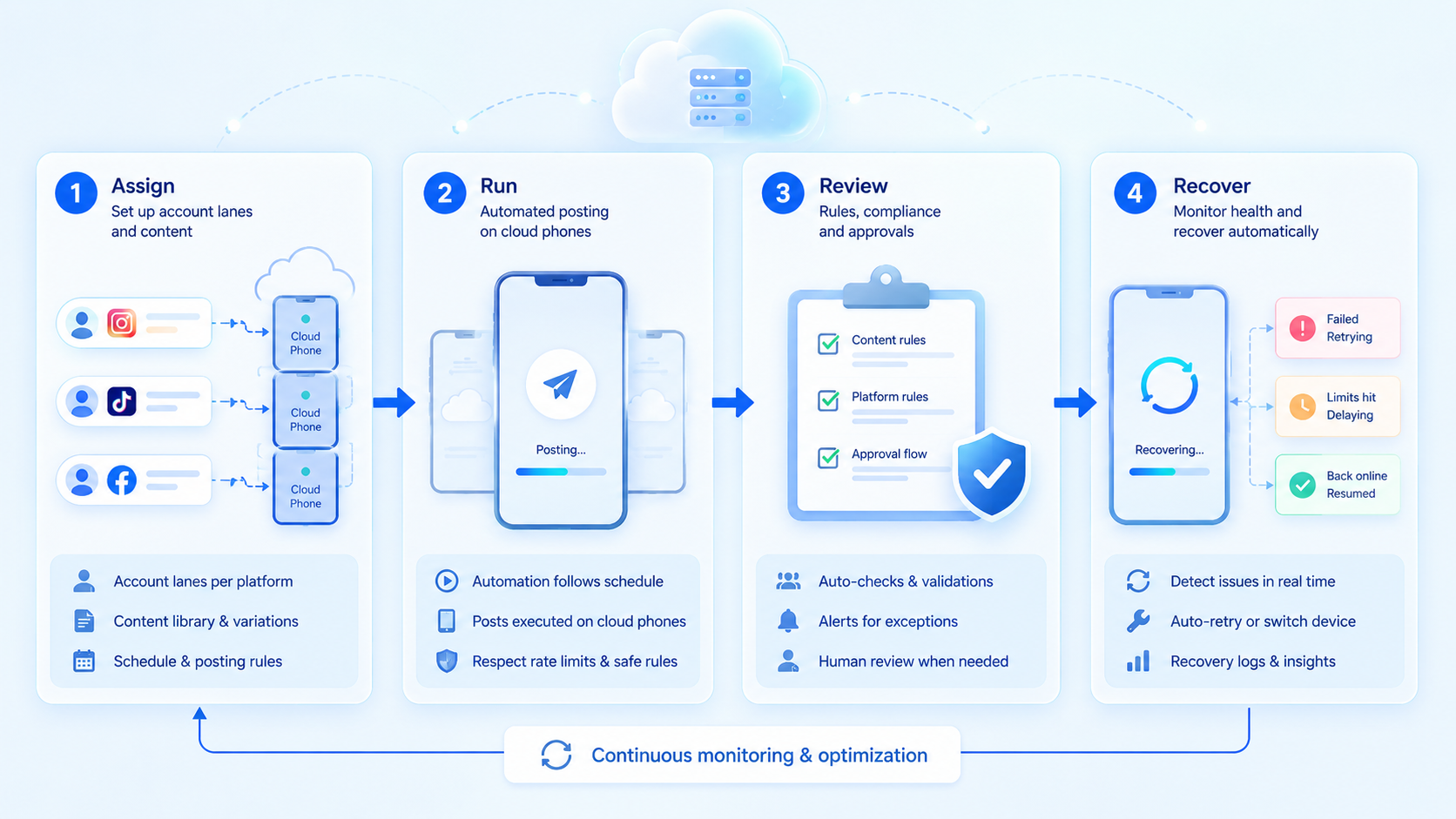
Prioritize the basics first: content approval, account lanes, mobile environment control, and recovery logs. Use these basics.
After the first pilot, review failures before adding more accounts. Scaling makes sense only when the team can explain what published, what stopped, and who owns the next action.



