
Key Takeaways
- An AI workflow automation platform is most useful when browser and mobile tasks are routed into the right runtime
- Teams need clear ownership, review gates, and recovery paths before they scale workflow volume
- Browser and mobile automation should work as one system, not as competing stacks
- The best pilot starts with one narrow workflow and a short measurement loop
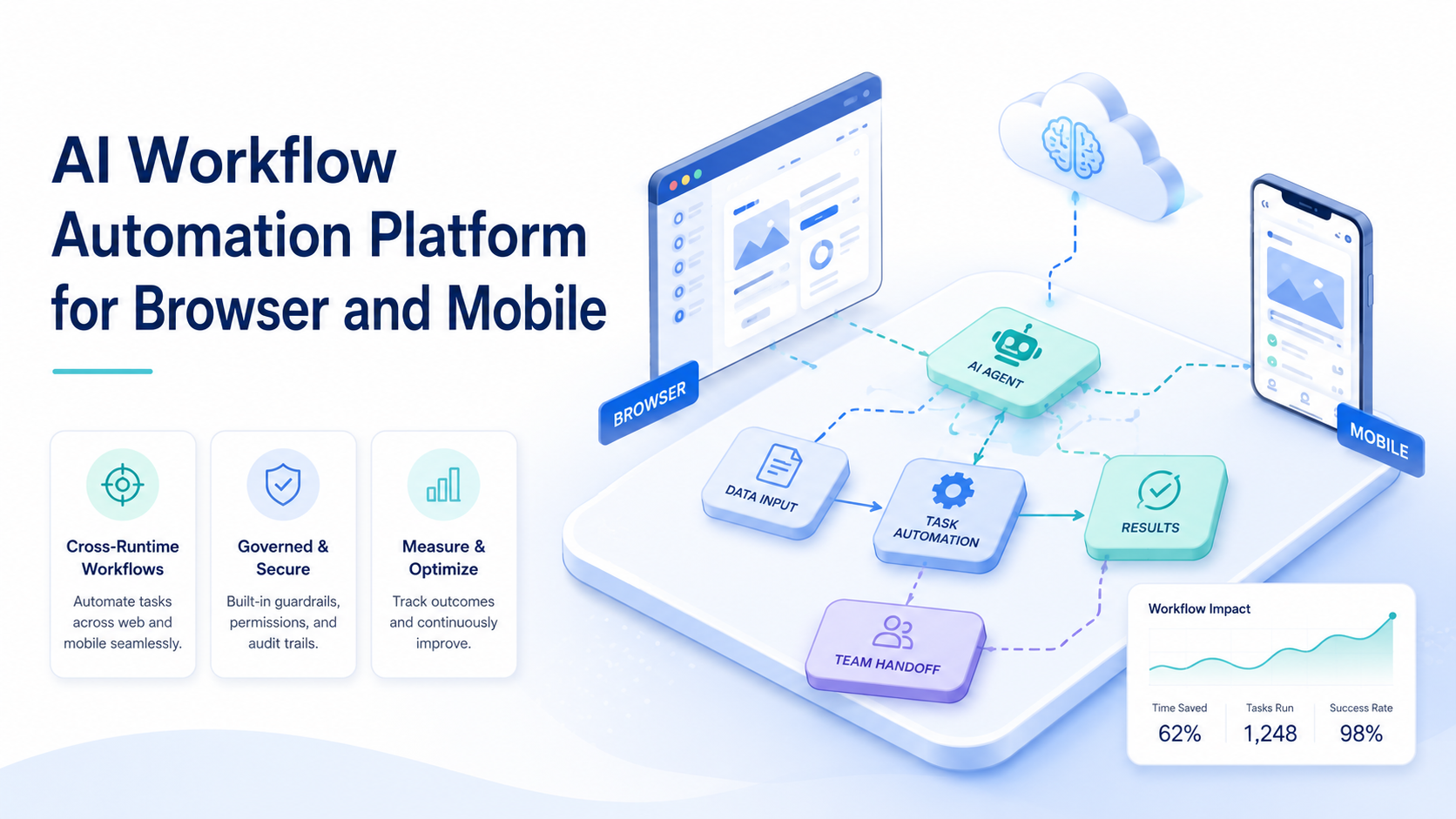
AI Workflow Automation Platform for Browser and Mobile Tasks is a system that connects AI task logic with the right execution environment for each step. The useful version does not force every task into the browser or every task into a phone. It routes work by workflow need.
That matters because many teams already operate across both surfaces. A workflow may begin in a web dashboard, continue in a mobile app, and end in a review queue or reporting layer. AI can help plan the sequence, but the platform still needs to execute it cleanly.
This is why an AI browser plus mobile execution stack should be judged as one operating model. The real value comes from routing, control, and recovery.
The Core Idea Behind AI Workflow Automation Platform for Browser and Mobile Tasks
The core idea is runtime matching. Each step should run where it naturally fits best.
Browser-native steps usually involve:
- dashboards
- forms
- web admin tools
- browser-based reporting
The W3C WebDriver standard shows that browser automation depends on explicit commands and sessions. Playwright browser contexts reinforce the same idea with separate contexts for separate logged-in states.
Mobile-native steps are different. They may depend on app state, push notifications, Android permissions, or mobile-only UI patterns. Android Enterprise treats Android devices as managed workspaces, which matches how teams should think about mobile execution in repeated workflows.
That is why mobile automation, device isolation, and browser execution belong in one workflow design conversation.
Why Teams Search for This Topic and AI Browser Workflow Design
Teams usually search this topic after they have already felt the friction of split execution. The browser part of the task may work, but the mobile step still needs manual cleanup. Or the mobile lane works, but reporting and admin steps remain stuck in browser tabs.
The common misunderstanding is that one automation stack should cover everything. In practice, the better model is cross-runtime orchestration with clear boundaries.
Typical triggers include:
- workflows that move between dashboards and apps
- teams handling many repeated steps across accounts
- manual handoff between browser and mobile operators
- weak visibility into where a run failed
That is why this topic sits close to multi-account management. Once account-sensitive work spreads across several environments, runtime design starts affecting execution quality directly.
Who Benefits Most and In What Situations
This model is a strong fit for teams that already have repeated workflows across web and mobile surfaces.
Typical strong-fit teams include:
- social media operations teams
- agencies managing cross-platform account work
- support teams switching between web tools and mobile messaging apps
- e-commerce teams moving between seller dashboards and app-based actions
It is a weaker fit for workflows that are entirely browser-native or entirely mobile-native. In those cases, a narrower execution stack may be simpler and cheaper.
Use this fit boundary:
The workflow repeats across browser and mobile surfaces and can be reviewed.
The workflow has a browser-mobile split, but ownership is still unclear.
The work stays inside one runtime and does not need cross-surface orchestration.
How to Evaluate or Start Using AI Workflow Automation Platform for Browser and Mobile Tasks
Do not start with a large cross-platform rollout. Mixed-runtime workflows fail first at boundaries.
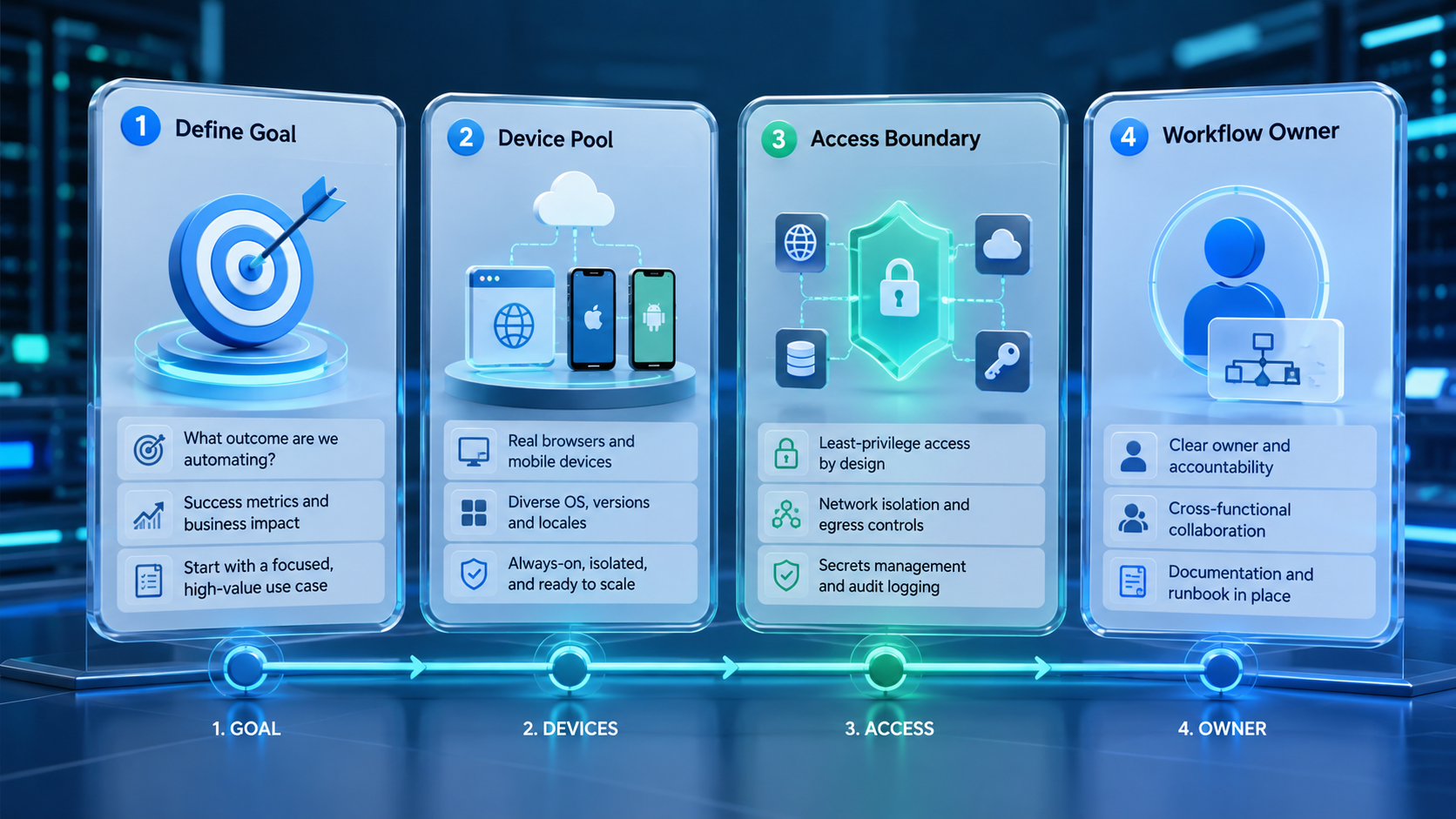
- Choose one workflow. Pick one repeated task chain with a clear browser-mobile split.
- Map step ownership. Decide who owns each handoff and review gate.
- Mark the runtime rule. Label each step as browser, mobile, or human review.
- Separate environments. Keep account-sensitive work inside isolated sessions or devices.
- Track correction cost. Count how often people repair routing or execution mistakes.
- Scale only after review is easy. If the pilot is hard to inspect, keep it narrow.
If the workflow needs Android-based execution, a cloud phone layer often becomes the cleanest way to keep app-native steps inside a stable environment.
Common Mistakes That Reduce Results
The first mistake is forcing all steps into the browser. That may look simpler at the start, but it often creates weak workarounds when the workflow depends on app-native state.
The second mistake is overusing the mobile lane for browser-native tasks. That slows review and adds needless operational friction.
The third mistake is designing one giant workflow with no clear runtime map. When the team cannot explain which steps belong in which environment, failure review becomes expensive.
Avoid these patterns:
- browser and mobile steps mixed without a runtime map
- several people touching the same account with no clear ownership
- no stop rule when one step fails
- scaling before handoff quality is stable
For teams comparing infrastructure options, the hub on cloud phone vs emulator is also useful when the mobile side of the workflow is still undecided.
Pilot Rollout, Measurement, and Recovery Review
The first pilot should focus on one cross-runtime workflow, not on overall automation volume.
Track these signals:
| Signal | What it shows |
|---|---|
| Step completion rate | Whether the workflow holds across both runtimes |
| Handoff failure count | Whether runtime transitions are weak |
| Correction rate | How much manual repair the workflow still needs |
| Escalation time | Whether recovery ownership is realistic |
AWS Device Farm and BrowserStack App Automate both treat device execution as controlled, repeatable work. That same standard is useful here. A cross-runtime workflow should be observable, resumable, and simple to inspect.
AI Workflow Automation Platform for Browser and Mobile Tasks in Daily Operations
Daily operations improve when the workflow is broken into narrow lanes instead of one broad queue.
Common examples include:
- publish in a browser, verify in an app
- collect data in a dashboard, follow up in mobile messaging
- update a web admin system, confirm the result in a mobile account view
This is also where social media marketing and MoiMobi resources fit naturally. Teams often need both execution infrastructure and clearer workflow design.
Frequently Asked Questions
What is an AI workflow automation platform in simple terms?
It is a system that routes each task step into the right runtime and keeps ownership and review clear.
Why do some workflows need both browser and mobile execution?
Because some steps happen naturally in web tools while others depend on app-native behavior or device state.
What should a first pilot automate?
Start with one repeated workflow that has a clear browser-mobile handoff and easy review.
Is this only for large teams?
No. Smaller teams often benefit quickly because manual handoffs consume a large share of their time.
When is browser-only automation enough?
It is enough when the workflow stays fully inside web tools and does not depend on mobile-only states.
What matters more than speed?
Handoff quality and correction cost usually matter more because they show whether the workflow is dependable.
How do teams know they are ready to scale?
They are usually ready when the pilot has stable completion, low repair cost, and clear runtime ownership.
Conclusion
AI Workflow Automation Platform for Browser and Mobile Tasks is best understood as a routing and execution system. The platform creates value when it matches each step to the right runtime and keeps review, isolation, and recovery under control.
The next practical step is to choose one repeated workflow, map the browser-mobile split, and inspect ten to twenty runs before adding more lanes.



