
Key Takeaways
- An AI worker platform gives each device lane a clear job, owner, and recovery rule.
- Multi-device execution works best when browser and phone states stay separated.
- Teams should scale only after they can reopen the same workflow on the same environment.
- Good pilots track correction cost and handoff speed before throughput.
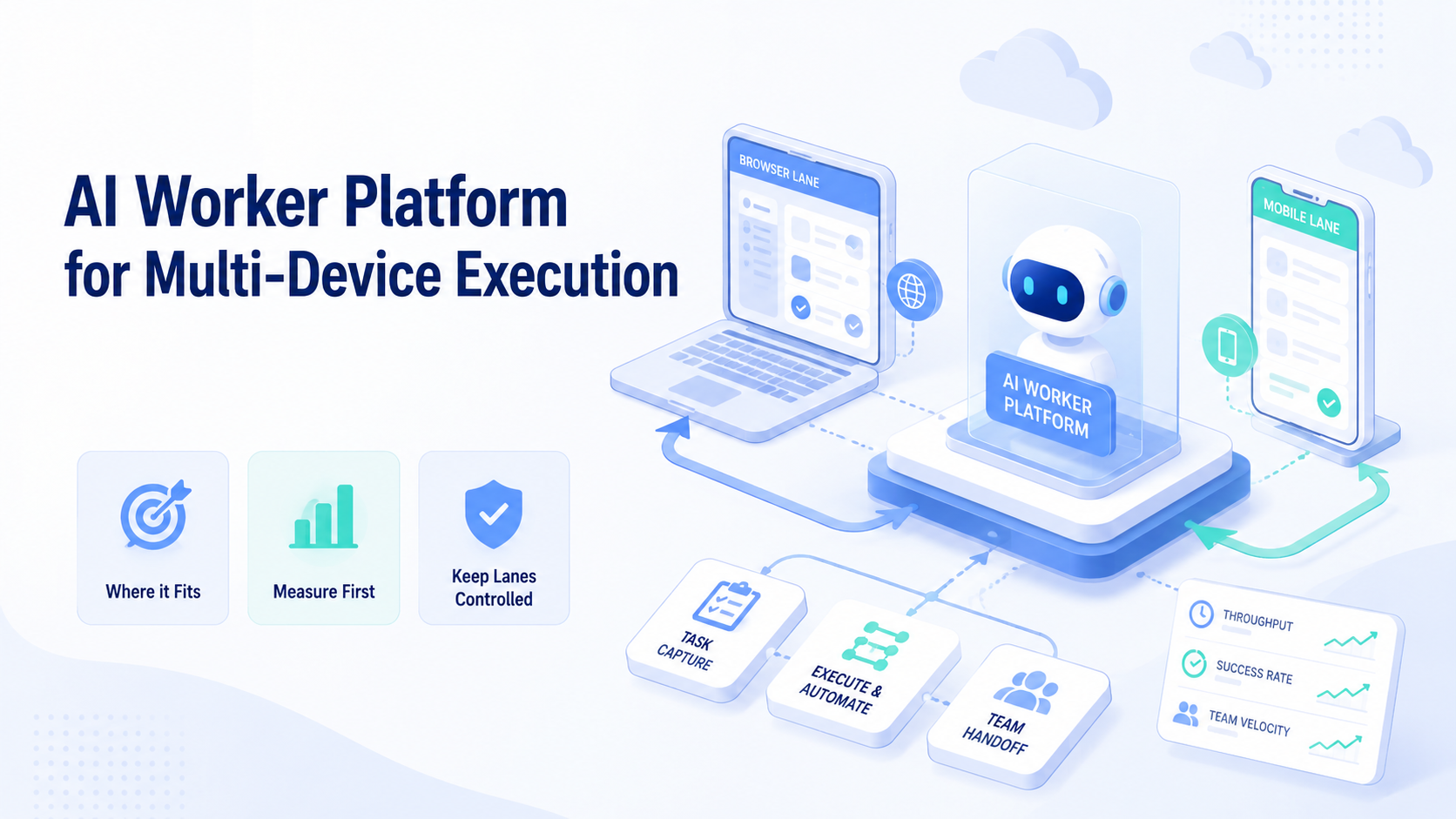
AI Worker Platform for Multi-Device Execution is an execution system that assigns repeatable work to controlled browser and mobile environments. The useful model is not one broad agent jumping across every device. It is a structured setup where each worker has a narrow role and a defined runtime.
This matters because multi-device work introduces state problems fast. One step may run in a browser, another may depend on a phone app, and a third may return to a web dashboard. Without a platform, operators become the handoff layer.
Primary automation standards show why this is an environment problem. WebDriver defines browser automation through explicit sessions and commands.1 Playwright separates browser state through isolated contexts.2 Android Enterprise treats managed Android workspaces as controlled business environments.3 Those sources support the same operational rule: stable execution depends on bounded state.
The Core Idea Behind AI Worker Platform for Multi-Device Execution
The first mistake is to think multi-device execution only means “more devices.” That is too shallow.
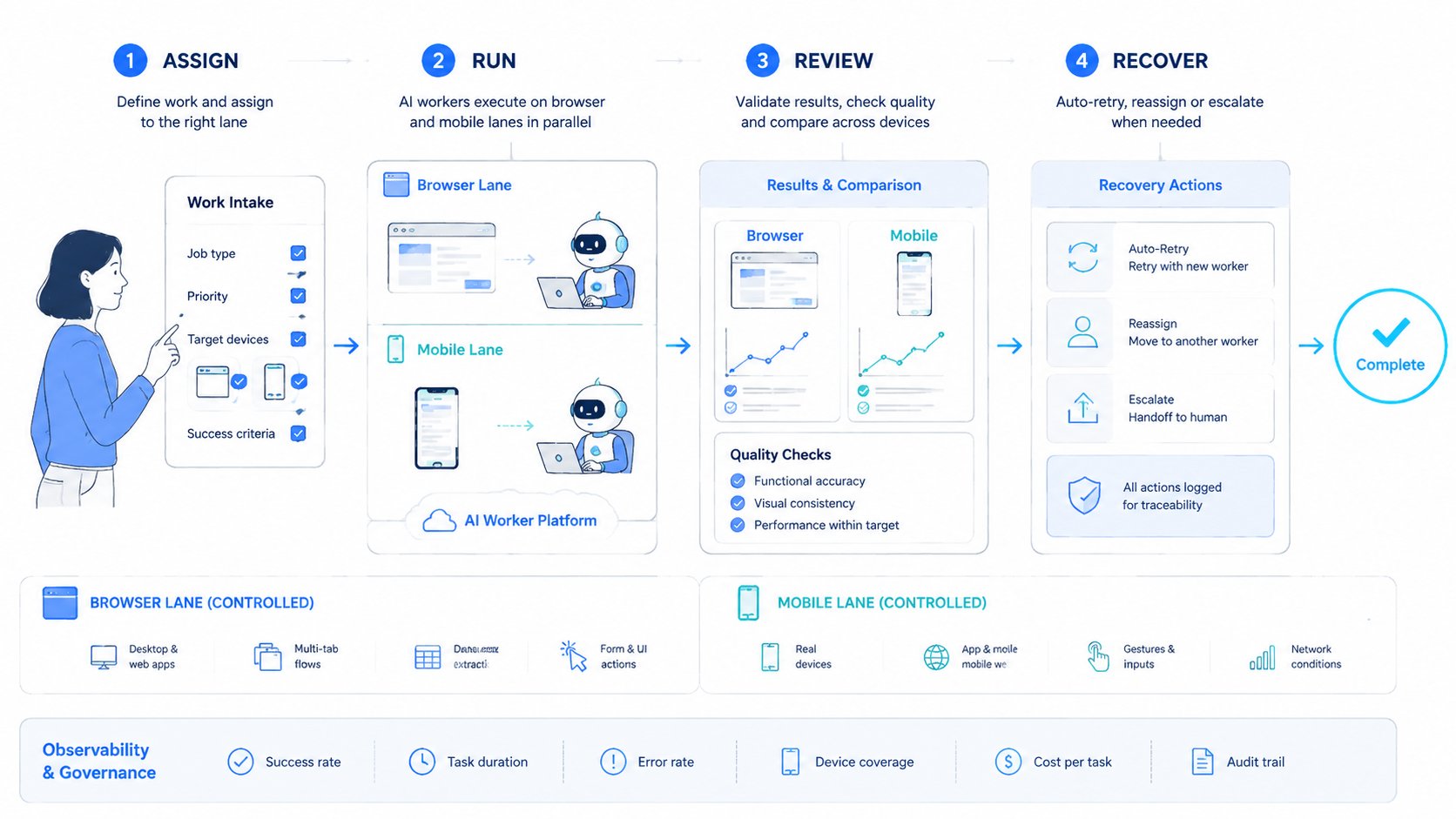
An AI worker platform becomes useful when it decides five things clearly:
- which worker owns the step
- which device or browser lane runs it
- what session or device state may persist
- when the task pauses for review
- how the run is reopened after failure
That design is what separates an execution platform from a loose pile of scripts. A worker may run a browser dashboard task first, then move into a phone-based step, then return results to the next queue. The platform has to preserve sequence and ownership across those transitions.
That is also where an AI worker platform overlaps with mobile automation and device isolation. The worker is the operating unit. The environment is what keeps the unit repeatable.
Why Teams Search for AI Worker Platform for Multi-Device Execution
Teams usually search this topic after one-device automation stops scaling cleanly.
A common pattern looks like this: browser work handles dashboards and forms, phone work handles app-native actions, and a human keeps rejoining the steps. Throughput may rise for a while, but review cost rises faster.
The real search problem is often one of control:
- too many manual handoffs
- weak ownership between browser and phone lanes
- failed retries because the right state cannot be reopened
- growing confusion over which device belongs to which workflow
In that situation, a multi-device execution platform is less about “more automation” and more about cleaner operating boundaries.
Who Benefits Most and In What Situations
This model fits repeated work that moves across browser and mobile states.
Teams run the same workflow across dashboards, phone apps, and account-based environments every day.
The workflow repeats, but the runtime split is still unclear or changes often.
The work is mostly exploratory, creative, or judgment-heavy with little repeatable structure.
Good examples include support teams switching between web and app inboxes, social media teams handling publishing plus mobile checks, and operations teams managing multi-account management flows with isolated states.
A poor fit is broad strategy work with no stable path. In that case, the platform adds setup before it adds value.
How to Evaluate or Start Using AI Worker Platform for Multi-Device Execution
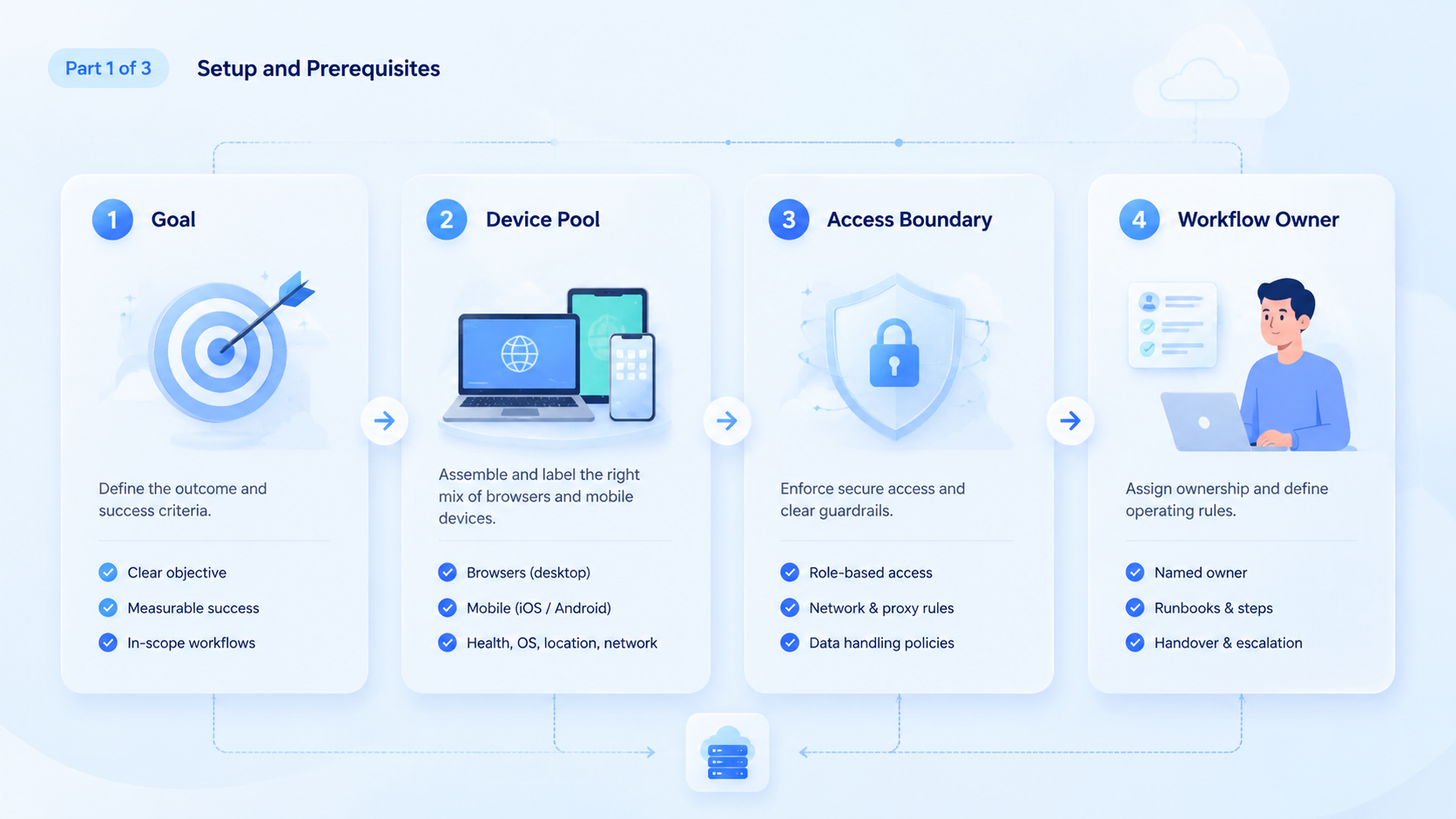
Do not start with a large fleet. Start with one narrow lane and prove recovery first.
- Choose one repeated workflow. Pick a lane with a clear pass or fail rule.
- Map the runtime split. Mark which steps belong to browser execution and which belong to phone execution.
- Assign one owner. A lane without ownership becomes a cleanup queue.
- Define a stop rule. Decide exactly when the worker pauses for human review.
- Log every test run. Record result, retry reason, and takeover reason before adding more devices.
AWS Device Farm and BrowserStack both define device automation around reproducible environments rather than unmanaged device sprawl.4 5 That is the right benchmark here. If the same step cannot reopen on the same environment, the lane is not ready to scale.
For mobile-heavy work, teams should also review whether a cloud phone or phone farm model fits the workflow better.
Mistakes That Reduce Results
The biggest mistake is measuring progress by device count alone. More devices do not fix weak ownership.
Another weak pattern is using one worker for unrelated browser and phone tasks. The worker becomes hard to verify because every run looks different. A better model is one worker, one lane, one review rule.
State reuse also gets mishandled. Playwright isolates browser contexts for a reason.2 Managed Android workspaces exist for the same reason on the mobile side.3 When teams blur those boundaries, retries become slower and cleanup becomes manual again.
Avoid these patterns:
- adding devices before defining handoff rules
- mixing unrelated tasks inside one worker
- sharing states with no naming or ownership system
- optimizing speed before correction cost
Pilot, Measurement, and Recovery Checks
The first pilot should be narrow enough to inspect run by run.
Use a simple review table:
| Check | What to inspect | Good sign |
|---|---|---|
| Runtime fit | Was each step placed in the right device lane? | Few manual reroutes |
| State recovery | Could the same run reopen on the same environment? | Short recovery time |
| Takeover rate | How often did a person need to step in? | Low rescue frequency |
| Correction cost | How much work followed a failed run? | Limited cleanup |
Recovery matters more than early throughput. A fast lane with slow recovery usually becomes an expensive lane later. Teams should therefore test one device path, one browser path, and one takeover scenario before they add more capacity.
Frequently Asked Questions
Is multi-device execution only for large teams?
No. Small teams often feel the handoff problem first because fewer people cover more steps.
Does every worker need both browser and phone access?
No. Many workers should stay narrow and use only one runtime.
What is a good first pilot?
Start with one repeated workflow that already crosses devices and has a clear success rule.
When should a team add more devices?
After state recovery, correction cost, and takeover speed are predictable.
Is a cloud phone always required?
No. The choice depends on whether the lane truly needs managed mobile execution.
What usually fails first?
Ownership and recovery rules usually fail before raw device capacity.
How should teams compare browser and phone lanes?
Compare them by task fit, state stability, and review cost, not only by speed.
Conclusion
An AI worker platform for multi-device execution becomes useful when it makes state, ownership, and recovery easier to manage. The real gain is cleaner execution, not just more active devices.
Before scaling, check three things in order: narrow lane design, recovery speed, and correction cost. If those hold up, the team has a better base for larger multi-device workflows.



