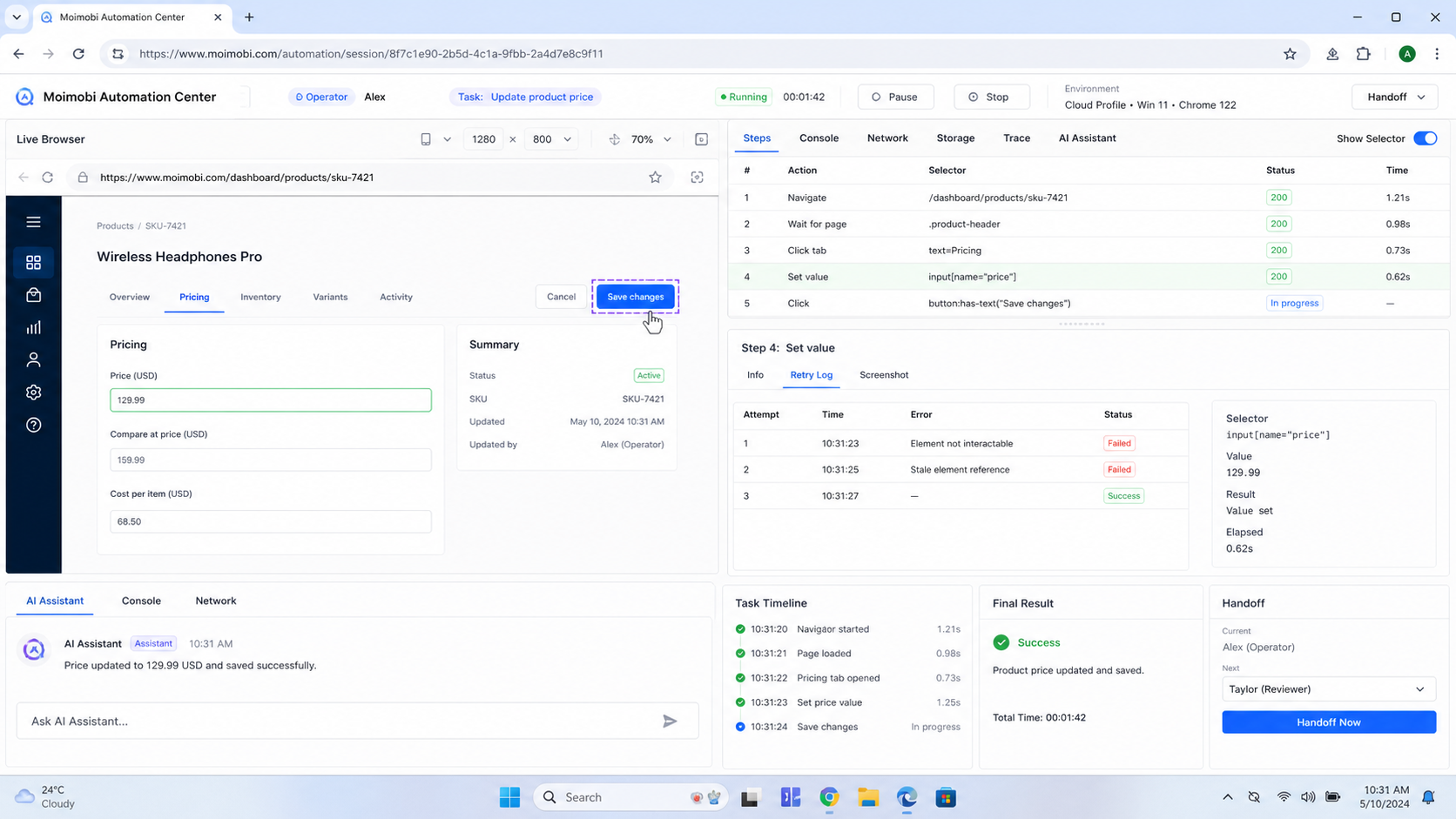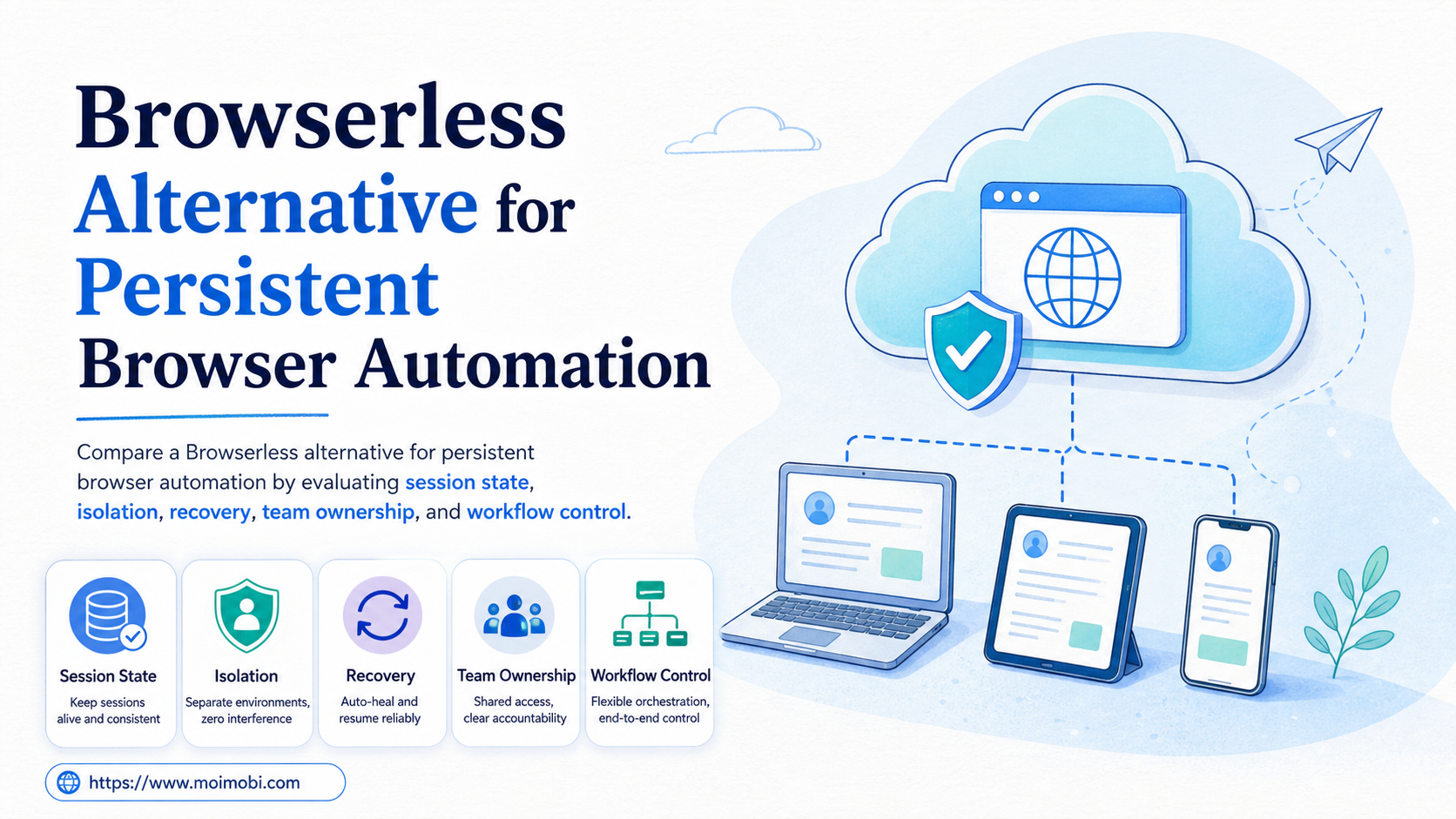
Key Takeaways
- A Browserless alternative is not automatically a replacement for a managed browser API. It can be an execution layer for teams that need owned, recoverable browser workspaces.
- Persistent automation has two different requirements: preserving the live session for a short handoff and restoring approved state across later runs.
- Choose with a small pilot that measures recovery, task ownership, session cleanup, and exception handling rather than only successful runs.
A Browserless alternative is a browser automation option that gives a team a different way to run, retain, and recover browser work. The best choice depends on whether the job is a stateless browser request, a short-lived connected session, or a recurring task tied to a named account workspace.
Browserless is designed around managed browser connections, REST endpoints, BrowserQL, and session controls. Its REST API documentation describes those endpoints as stateless, single-action requests, while its session documentation describes separate mechanisms for reconnecting and for retaining data across runs. That distinction is useful because a screenshot request and an ongoing operational workflow do not need the same infrastructure. Browserless REST API documentation and its session management overview make the boundary explicit.
For a team operating browser-based tasks, the practical comparison is not simply "hosted browser versus self-hosted browser." It is whether the system can assign the work, preserve only the state that is authorized, explain a failed run, and hand the task to the next operator without losing context. Moimobi is relevant when that work also needs an account-specific browser or mobile environment, a task queue, and an operational review path.
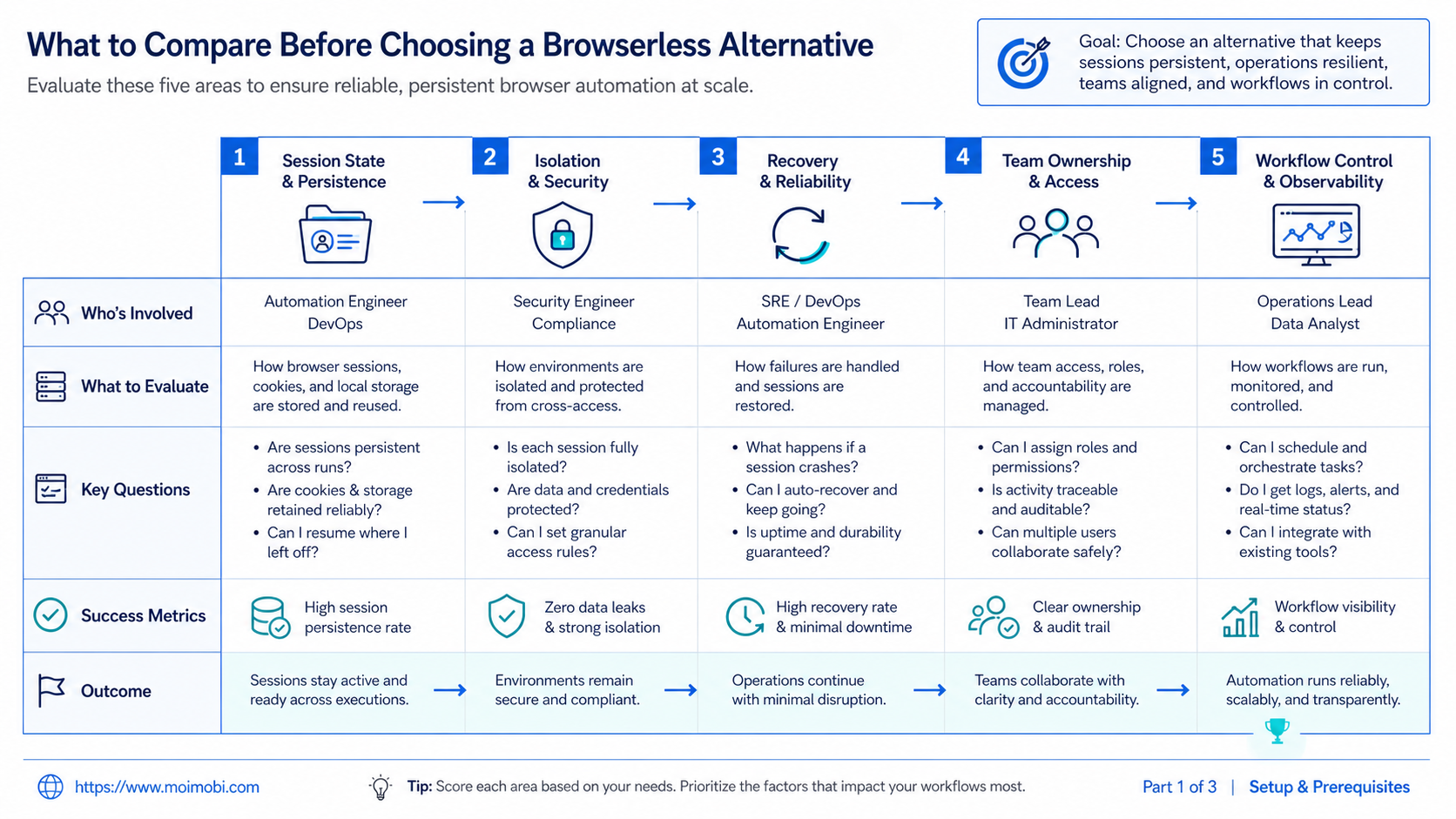
What to Compare Before Choosing a Browserless Alternative
Start by classifying the browser job. A one-off rendering or extraction request is usually a poor reason to build a larger execution layer. Browserless documents REST endpoints for discrete tasks such as rendered content, screenshots, structured extraction, PDF generation, and performance checks. Those calls launch a browser, complete one task, and close the session. Its REST API overview is clear that this model does not retain session state between requests.
Persistent work starts when the next step depends on prior authorized context. Examples include an operator resuming an approved web-dashboard task, a support team continuing a logged-in workflow, or an agent handing a draft to a reviewer in the same assigned workspace. The right design should answer what is retained, who owns the workspace, when it expires, and how an incomplete action is recovered.
Use these questions before comparing vendors or building an internal stack:
- Is the task one HTTP-style browser action, or a multi-step workflow with a handoff?
- Does the next run need live page state, or only approved cookies and local storage?
- Can one named account, role, and task record be associated with the session?
- Does the team need browser-only execution, or browser and mobile work in the same operating queue?
- What happens when a worker disconnects midway through an action?
The distinction matters because browser persistence has different levels. Browserless documents a reconnect pattern that keeps a live session for a bounded time, preserving page state such as cookies, local storage, and navigation. It separately documents persisted state for longer-lived sessions, where data can survive a browser restart but the next browser process starts without the prior live page view. Browserless reconnect guidance and its persisting-state guide provide a useful baseline for these two modes.
Browserless Alternative Comparison: Persistent State by Operating Scenario
The useful comparison is scenario-led. A team should not buy long-lived execution capacity for a request that can finish safely in seconds. It also should not treat a one-shot endpoint as a durable operating workspace when several people need to resume the task.
| Operating scenario | Primary need | Best starting model | What to verify |
|---|---|---|---|
| Rendered page, screenshot, or extraction | One completed browser action | Stateless managed browser request | Timeout, output validation, and error capture |
| Short reviewer handoff | Keep a live page available briefly | Bounded reconnectable session | Expiry, explicit close, and named task owner |
| Recurring authorized account task | Restore approved state across runs | Persistent session or assigned browser workspace | State scope, access controls, and audit trail |
| Browser plus app workflow | Coordinate web and mobile steps | Execution platform with separate environments | Account assignment, approval, and cross-device recovery |
| High-volume internal testing | Repeatable isolated test runs | Fresh browser contexts per run | Parallel capacity, test data cleanup, and traces |
Fresh-context testing is a distinct case. Playwright describes browser contexts as isolated, clean-slate environments with separate cookies, local storage, and session storage. It recommends that model for reproducibility and to prevent one test from affecting another. Playwright's isolation guide is a reminder that persistence is not always a benefit. For test work, starting clean can be the correct recovery policy.
Browser control itself is also not a product category invented by one provider. The W3C WebDriver specification defines a remote-control interface and a wire protocol for programs to instruct web browsers. That standard helps separate the automation protocol question from the operational question of session lifecycle, team permissions, and records. W3C WebDriver describes the remote-control model and its session-oriented protocol.
Key Differences Between a Browserless Alternative and a Generic Cloud Browser
The first difference is session intent. A generic cloud browser may offer a remote connection, but that does not show whether a team can retain approved state, reconnect safely, or explain why a session ended. Persistent browser automation needs explicit lifecycle rules rather than an open browser left running indefinitely.
The second difference is ownership. A browser connection is technical capacity. An operational workspace also has a task owner, account scope, approval status, and handoff rule. Without those fields, a session can be available while still being hard to use responsibly. The team may not know whether it is appropriate to resume, retry, or close it.
The third difference is recovery. Browserless notes that sessions that remain open after reconnect can continue to occupy concurrency capacity until they time out, potentially producing capacity errors in busy loops. That is not a reason to avoid persistent sessions. It is a reason to make cleanup, expiry, and error review part of the workflow. Browserless reconnect documentation explains this lifecycle concern.
- Assign the unit of work. Record the account scope, task type, owner, and expected finish state before opening a session.
- Choose a state boundary. Use a fresh context for independent checks, a bounded live session for short handoffs, or persisted state only when later runs truly need it.
- Record the recovery point. Save the last confirmed business action, not only a technical connection ID.
- Close or expire deliberately. End the session after success, handoff, or a defined timeout. Do not leave capacity allocation to chance.
- Review exceptions. A failed action should enter a queue with its owner, environment, error, and safe next action.
Avoid a common shortcut: do not use a persistent session as a substitute for a workflow record. A long-lived browser can preserve data, but it cannot tell a new operator whether an action was approved, partially completed, or already retried. Teams need both the execution state and the business state.
Features, Workflow, and Trade-Offs for Persistent Browser Automation
A managed Browserless-style service is a strong fit when engineering wants a browser endpoint, a defined API, and a clear session model. It can reduce the work of operating browser processes and gives developers several connection styles. Browserless documents REST calls, BrowserQL, and connections for Puppeteer or Playwright. That is valuable when the team owns the automation code and needs a managed runtime rather than a broader work-management layer.
An execution-environment platform fits a different workflow. It becomes relevant when the task must be assigned across account workspaces, routed to a human for approval, and reviewed after completion. In that model, automation is one part of a controlled operation. The browser session is associated with the work rather than being the whole product boundary.
For example, a content operations team may prepare an approved campaign in a planning system, open the designated web workspace for the final task, and record the result in an assigned queue. When a mobile confirmation is also required, a cloud phone can be a separate mobile workspace instead of sharing one browser session across incompatible tasks. The decision is not about forcing every job through a device. It is about keeping browser and mobile responsibilities explicit.
Moimobi supports that broader model through AI browser automation, multi-account management, and environment-oriented task execution. It should be evaluated where a team has repeatable operational work. It is not a necessary replacement for every API-driven page-rendering or test job.
The trade-off is process. Teams using account-specific workspaces need a lightweight SOP: who can start a task, which state is retained, who approves a retry, and when a session must be retired. That overhead is worthwhile only when it replaces real ambiguity, repeated handoffs, or unsafe shared access.
Browserless Alternative Pricing and Operational Considerations
Headline price is rarely enough for this decision. The operating cost includes browser concurrency, timeouts, retries, persistent storage, engineering maintenance, reviewer time, and the effort to diagnose a bad run. A lower-cost request endpoint can be efficient for independent jobs. It can become expensive when people rebuild lost context or manually investigate incomplete actions.
Calculate the comparison with four layers:
- Runtime capacity. Count concurrent browsers, expected session duration, and peak task windows.
- State retention. Decide which data is necessary for the next run and define how long it may remain available.
- Control work. Include ownership, approvals, logs, exception review, and training.
- Recovery work. Measure the time to identify the last confirmed action and resume without duplication.
Do not assume that persistent state is free or that stateless work is automatically simpler. Browserless documents plan-specific reconnect timeout boundaries and different persistence behavior. Those details can change, so validate the current product documentation and plan terms during procurement rather than copying assumptions into an internal SOP. The durable selection rule is to match retention time to the actual workflow, then make expiration and cleanup observable.
Which Option Fits Different Teams
Best fit: engineering-led browser tasks
Choose a managed browser API when the work is code-owned, short-lived, and mainly needs rendering, testing, extraction, or controlled browser connections.
Best fit: short live handoffs
Use bounded reconnectable sessions when a reviewer or worker must resume the same browser state within a defined window.
Best fit: account-based operations
Use assigned browser and mobile environments when every task needs an accountable workspace, clear permissions, a handoff record, and a recovery decision.
Not a strong fit
Do not introduce persistent account environments for simple one-shot tasks that have no authorized state, no handoff, and no repeatable operational value.
The misconception is that every browser automation program needs a persistent browser. That is rarely true. A clean context is often safer for independent tests and simple fetch-like tasks. Persistence earns its place when the retained state has a defined business purpose and a named owner.
Likewise, a team does not need to choose one model forever. A practical stack may use a managed API for stateless checks, an isolated browser environment for account work, and a separate queue for approvals. The quality test is whether people can explain the path from task start to recovery without relying on a shared chat thread.
Pilot Rollout, Measurement, and Recovery Checks
Run a narrow pilot before moving a full workflow. Pick one authorized browser task, one team role, and a limited group of workspaces. Do not start with the highest-volume process. The pilot should reveal whether the team can manage session state and task state together.
Track these measures for two weeks:
- successful task completion rate;
- median time from task assignment to confirmed outcome;
- sessions closed or expired as intended;
- recoveries completed without repeating the prior business action;
- tasks paused for human review;
- exceptions missing an owner, a workspace, or a next action.
The recovery check matters most. When a worker disconnects, the next operator should first confirm the account workspace, inspect the last recorded outcome, and decide whether to resume, retry, or stop. They should not repeat a potentially completed action simply because the browser connection was interrupted. A useful task log records the task identifier, account scope, environment, timestamp, last confirmed step, error summary, and reviewer decision.
After the pilot, compare the cost of the added control with the time it saved. Keep the model if it reduces handoff ambiguity and makes exceptions easier to resolve. Simplify it if the workflow remains a set of independent requests.
Frequently Asked Questions
What is a Browserless alternative?
A Browserless alternative is another way to run browser automation. It may be a managed browser service, a self-operated browser stack, or an execution platform with assigned browser workspaces.
Does persistent browser automation always need a live browser?
No. Some workflows only need selected state, such as approved cookies or local storage, restored during a later run. Others need a live page for a brief handoff. Treat those as different requirements.
Can Playwright isolate browser work?
Yes. Playwright browser contexts create separate cookies, local storage, and session storage. They are useful when runs should start clean and not affect one another.
When is a stateless browser request enough?
It is usually enough for an independent screenshot, rendered HTML request, audit, extraction, or test action that does not need a later handoff or retained state.
What should a team retain from a browser session?
Retain only state required for an authorized task. Pair it with a task record, a named owner, an expiry rule, and a way to revoke access when the workflow ends.
How should a team recover after a session fails?
Confirm the workspace and last completed business action first. Then choose resume, retry, or stop. Record that decision so another operator does not duplicate the action.
Is an execution platform a replacement for a managed browser API?
Not always. A managed API can be the better tool for code-led, stateless browser work. An execution platform is more relevant when work requires account ownership, approvals, browser and mobile coordination, or operational review.
What should be tested in a persistent-session pilot?
Test state expiry, reconnection, cleanup, access boundaries, task handoff, logs, and recovery. A successful navigation alone is not enough evidence that the operating model is ready.
Conclusion
The right Browserless alternative depends on the persistence problem being solved. Choose a managed browser API for independent browser requests. Choose bounded live sessions for short handoffs. Choose account-specific execution environments when browser work is part of a larger team workflow with approvals, mobile steps, and recovery requirements.
Start with one authorized workflow and write down its state boundary, owner, expiry, and recovery rule. If the team cannot explain those four items, it is too early to scale persistent browser automation.
References