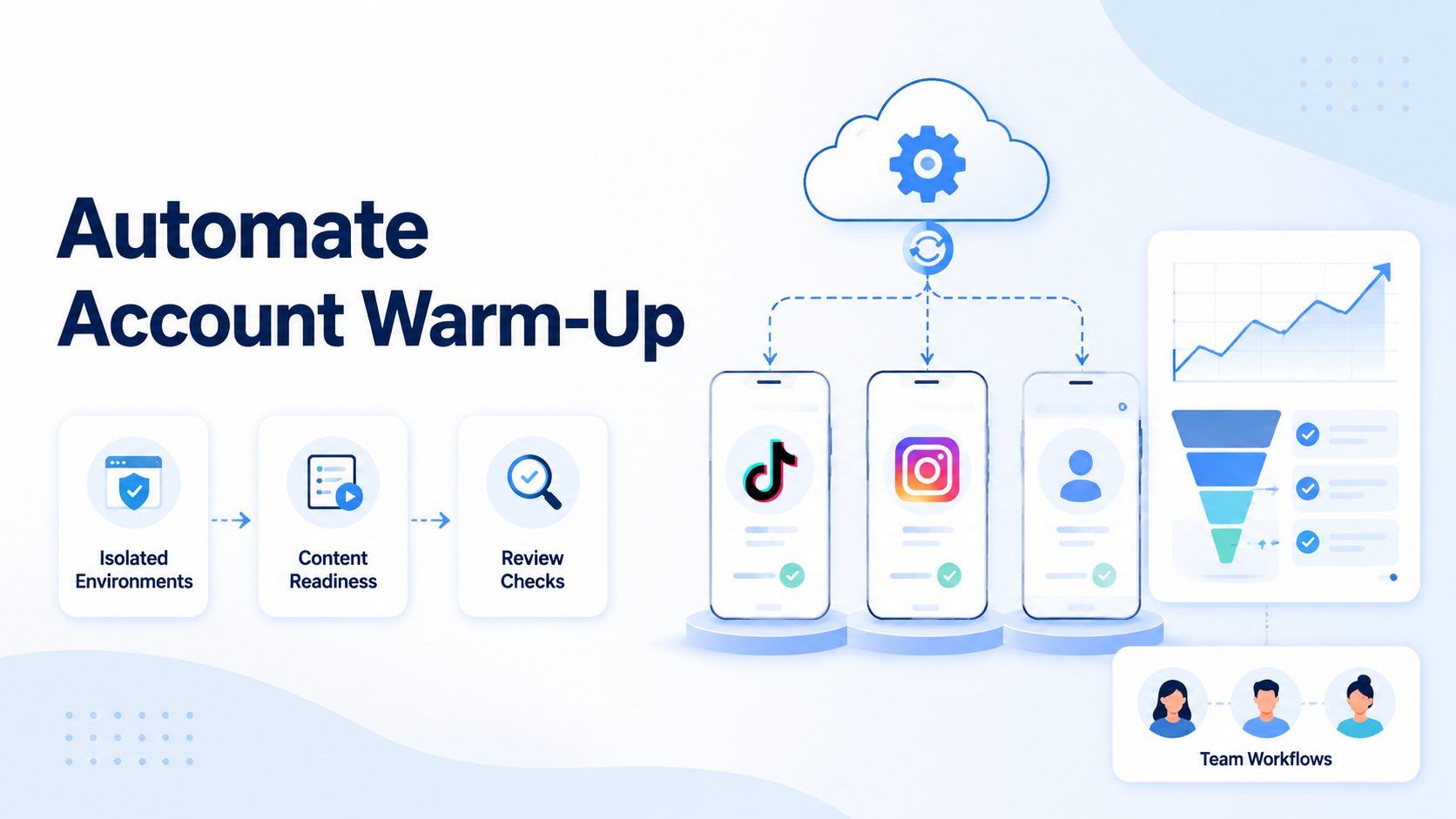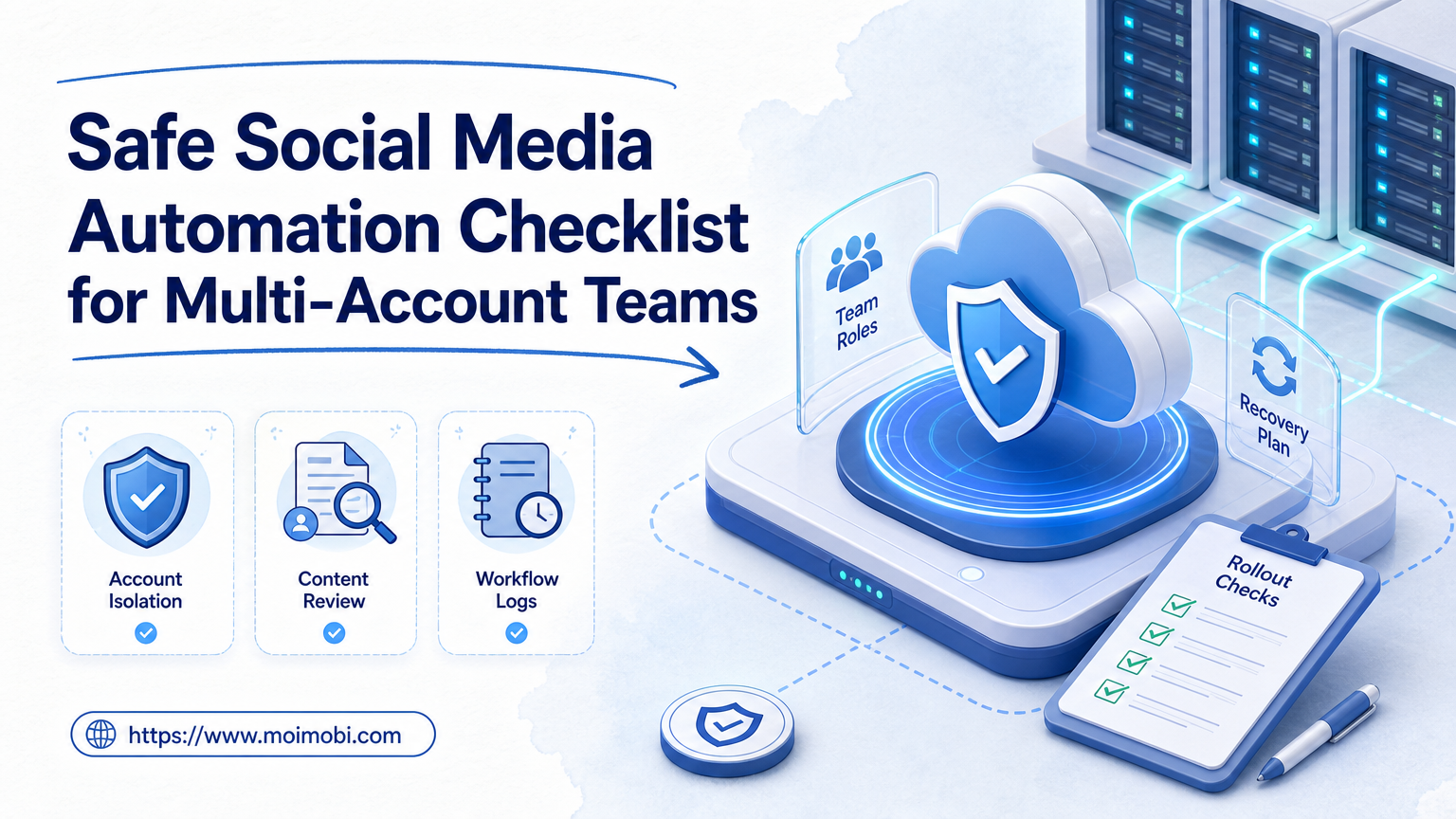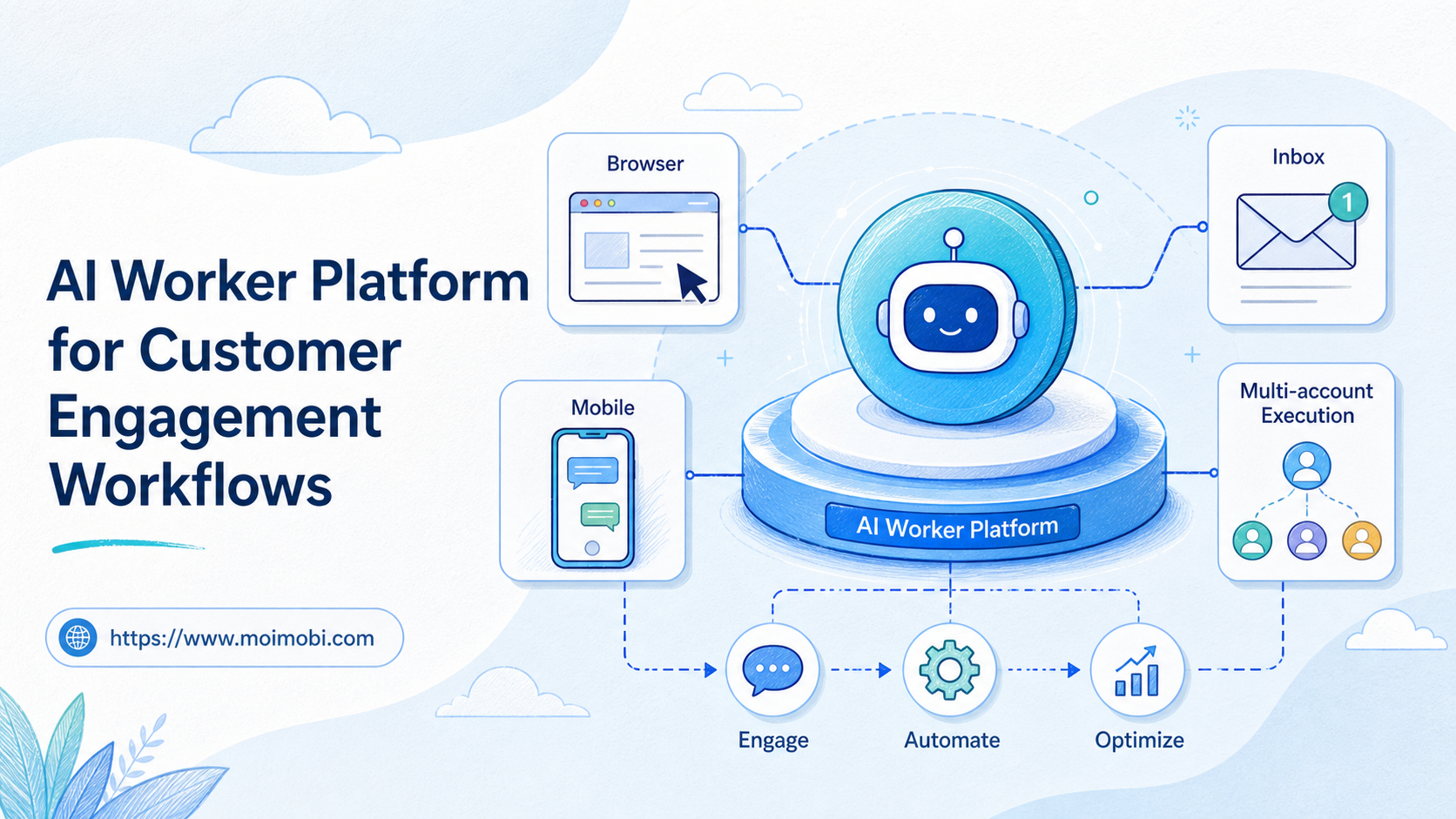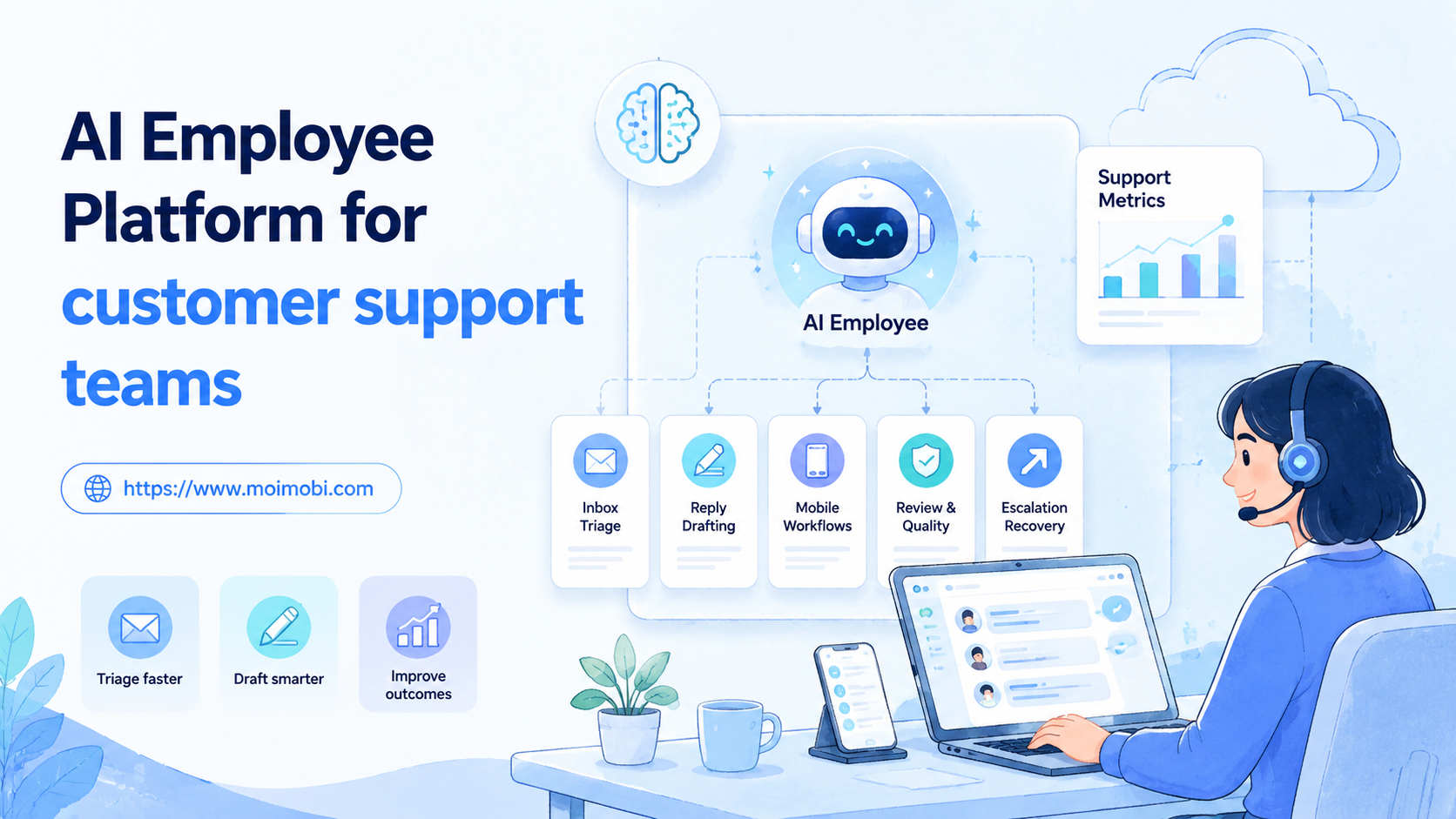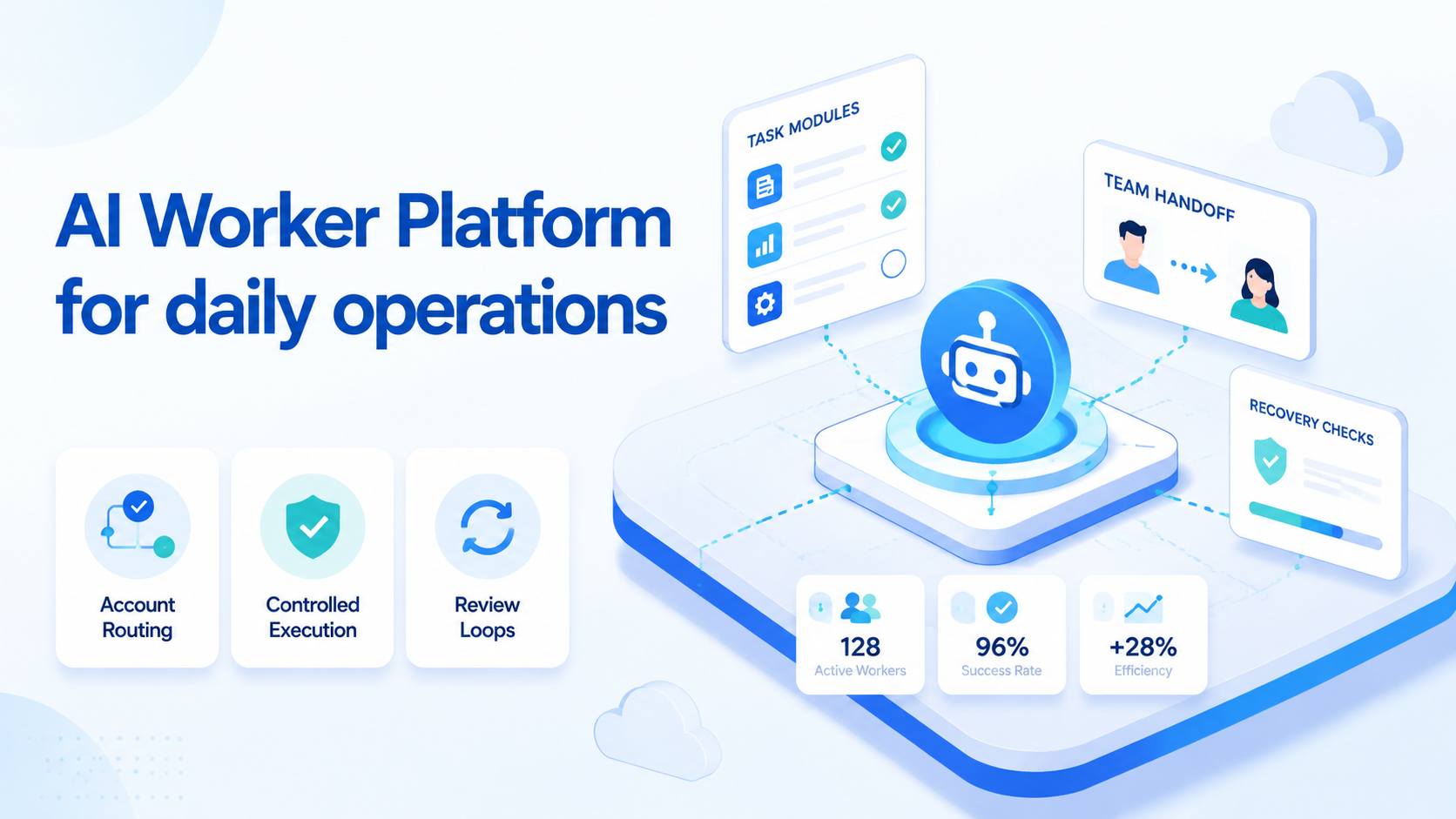
An AI worker platform is an execution system that lets teams assign repeatable digital work to AI-assisted workers, then review the output before the next action. For daily operations, the value is not only task automation. The real value is controlled handoff across accounts, devices, workflows, exceptions, and human review.
The practical question is simple. Can the team turn a repeated daily task into a queue, route it to the right environment, record what happened, and recover when the result is unclear? If the answer is yes, an AI worker platform can become part of the operating layer instead of another disconnected automation tool.
This matters most when the work touches live accounts, mobile apps, web sessions, customer replies, or routine checks. A script may finish one step. A worker platform needs to manage the full run: input, account context, device context, execution, evidence, review, and the next decision.
Key Takeaways
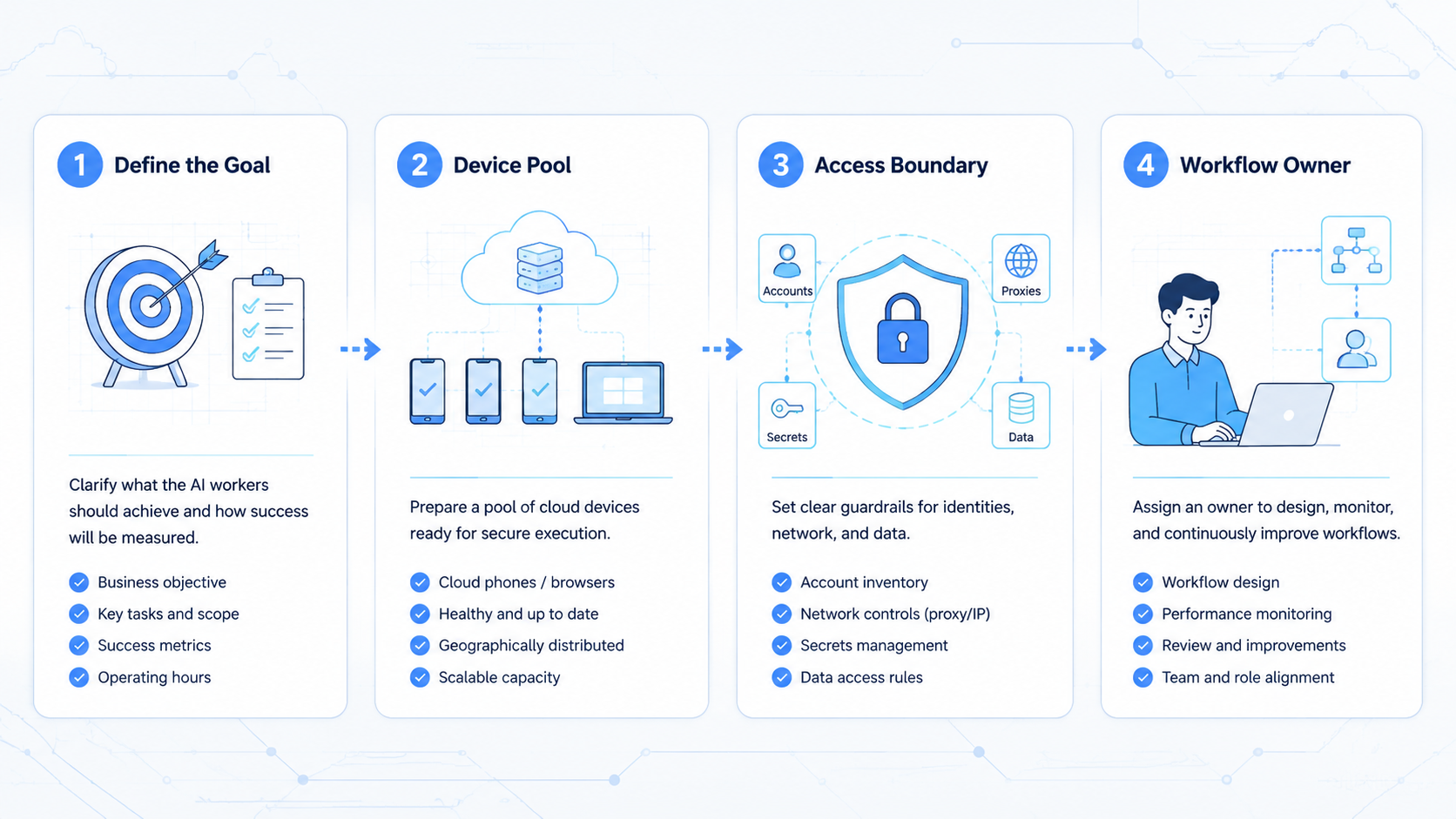
- An AI worker platform is best judged by execution control, not by chatbot output alone
- Daily operations need account routing, device context, review evidence, and recovery paths
- Teams should start with repeated tasks before assigning ambiguous work
- A pilot should measure failure clarity, reviewer confidence, and handoff quality
- The platform is a poor fit when no one owns rules, exceptions, or final approval
The Core Idea Behind an AI Worker Platform for Daily Operations
The core idea is not that AI replaces every operator. The workable model is narrower and more useful. AI workers handle repeated task paths, while humans define rules, handle exceptions, and decide when work can scale.
Daily operations usually have a clear pattern. A team checks a queue, opens the right account, reviews a status, performs a known action, records the result, and moves to the next item. The task may happen in a browser, a mobile app, or both. The hard part is keeping each run tied to the right identity, device state, and audit trail.
An AI browser layer helps when web sessions, account spaces, and task execution need to stay connected. For mobile work, a cloud phone layer can give each worker a controlled mobile environment.
The point is separation. A worker should not borrow a random profile, run a task, and leave the next operator guessing. Each run needs a known account, a known lane, and a known result.
Think of the platform as four layers:
| Layer | Daily operations role | Failure to watch |
|---|---|---|
| Task queue | Holds work in a known order | Tasks enter without owner or priority |
| Account context | Routes work to the right login or profile | Account state gets mixed across tasks |
| Execution lane | Runs browser or mobile steps | Steps run without enough evidence |
| Review loop | Confirms pass, fail, retry, or escalate | Failures disappear into vague logs |
This framework keeps expectations grounded. AI worker software does not remove process design. It makes weak process design easier to see.
Google Search Central explains that helpful content should be made for people and should show clear value to the audience. The same logic applies to operations output: a completed run should help a real person make a better decision, not only mark a task as done.
Why Teams Search for AI Worker Platform Tools
Teams usually search for this category after simple automation becomes hard to manage. One script handles a narrow task. A second script handles another. A browser extension works for one operator.
The breaking point comes later. A mobile device works for one account group, but another group needs a different state. Over time, the team loses a single view of what ran, where it ran, and what failed.
The myth is that the next tool only needs a stronger model. The daily reality is different. Operators need one surface for tasks, accounts, devices, prompts, approvals, logs, and retries.
For example, a support team may need to review incoming messages, classify intent, draft replies, and send only approved responses. A sales team may need to open profile pages, capture lead context, prepare notes, and hand uncertain cases to a human. A marketplace team may need status checks across accounts and devices. None of those jobs should run as blind, untracked automation.
The search also reflects a staffing problem. Teams want AI employees software to reduce repetitive work, but they still need boundaries.
The boundary questions are concrete: workflow ownership, account access, approval rules, changed-screen handling, and the person who decides whether a failed run becomes a retry or a stop.
Mobile-heavy teams need an extra layer. If tasks happen inside apps, they may need mobile automation, device availability, and clear reset rules.
Browser-only execution is not enough when the operation depends on app state, notifications, device identity, or mobile-only interfaces. Decide which tasks belong in browser lanes and which tasks need phone lanes before adding volume.
Who Benefits Most and In What Situations
A strong fit starts with repeatable work, shared rules, and enough volume to justify a managed queue. This operating layer fits less well when every task needs fresh judgment, personal relationships, or complex negotiation.
Operations teams benefit when daily tasks follow a known path. A worker can check status, open a record, perform a limited action, and return evidence. Humans still define the stop rules. The worker simply makes the repeated path easier to run and review.
Start there.
Growth or support teams benefit when account separation matters. Multi-account work should not depend on one shared login or one messy browser profile.
A multi-account management workflow needs account ownership, clean routing, and a way to tell which worker touched which account. Without that record, review becomes guesswork.
Mobile teams benefit when the task must run in a phone-like environment. A phone farm style setup can help when many lanes are needed.
Capacity is only one part. Reviewers need to know which lane ran the task, which account it used, and what state it left behind.
Daily work is a weak fit when no standard path exists. If every case requires a long human conversation, custom research, or a sensitive judgment call, use AI for preparation rather than execution.
Let it summarize, sort, or draft. Keep final action with a person until the rules are clear.
How to Evaluate or Start Using AI Worker Platform for Daily Operations
Start with one daily workflow, not a broad transformation plan. A good first task repeats often, has clear inputs, produces visible evidence, and has a safe stop point. Status checks, inbox triage, lead enrichment, app workflow checks, and routine QA reviews are better first pilots than complex negotiation or high-impact account actions.
Use this checkpoint sequence before giving the worker more work:
- Define the task path. Write the trigger, account group, environment, action, expected output, and stop rule.
- Assign the execution lane. Decide whether the task needs a browser profile, mobile device, app session, or hybrid path.
- Set review evidence. Require screenshots, logs, changed fields, timestamps, or a short result note.
- Add exception handling. Label unclear cases as retry, human review, or environment failure.
- Review the first runs. Do not scale until the team understands failed and partial runs.
Pass/fail checks matter more than launch speed:
- Pass: the worker can complete the same task path three times with clear evidence
- Pass: a reviewer can understand the result without rerunning the whole task
- Pass: account context stays tied to the right task and environment
- Fail: the worker continues after a changed screen without a stop rule
- Fail: logs show activity but not the decision that came from it
- Fail: several teams edit the same workflow without ownership
Policy boundaries should shape the workflow before scale begins. Google Play's Policy Center is a useful reminder that app-related work needs careful context.
Pause here.
Teams should not treat automation as a reason to ignore platform rules, account terms, or review duties. The runbook should name actions that only draft, actions that require approval, and actions that stop.
For Android quality work, Google's Android app quality guidance highlights the need to test real user journeys and app behavior. Daily AI workers should support that same discipline by keeping each run observable and repeatable.
Write the boundary down.
Mistakes That Reduce Results
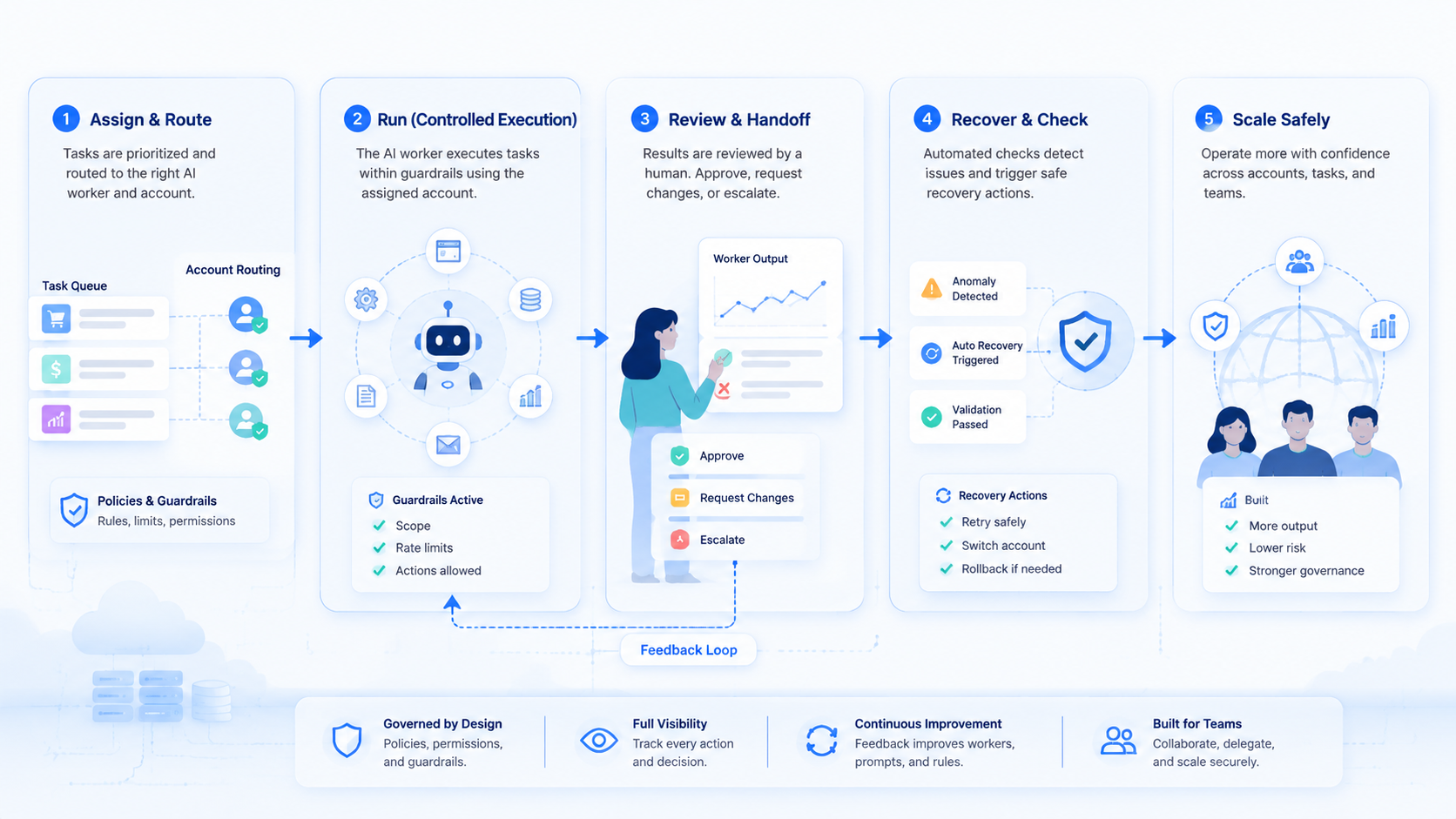
The first mistake is assigning broad goals instead of narrow workflows. "Handle operations" is not a task. "Check the daily queue, open each approved account, capture status, and escalate unclear results" is closer to a workable path.
The second mistake is hiding account context. If a worker uses the wrong account, the result may look complete while the operation becomes harder to trust. Teams need account-level routing, not only a task list.
The third mistake is treating retry as a success metric. A failed page load, changed selector, stale app session, or expired login is not just a temporary obstacle. It is evidence that the workflow needs a recovery rule.
Stop early.
The fourth mistake is skipping device isolation. When mobile or browser identity matters, shared environments create confusing evidence.
Device isolation gives teams a cleaner way to connect task state, account state, and execution history. It also makes recovery easier when a failed run must be traced.
Audit first.
Do not scale a worker because the first demo looks smooth. Scale only after failure modes are boring, visible, and easy to classify. A small pilot with clear stop rules is safer than a large queue that only produces uncertain output.
Traceability wins.
AI Worker Platform Decision Scorecard Before Scaling
Use a scorecard before adding more workers. It turns the discussion away from model excitement and toward daily control. A workflow that scores poorly should stay in review, even if the first demo looks fast.
Do not rush.
The first score is task shape. The task should have a trigger, an input, a known environment, an expected output, and a clear stop rule. Missing any one of those fields makes the worker harder to supervise.
The second score is account safety. Owners should know which account group the worker may use, which actions are allowed, and which signals require escalation. This is not about fear; it is about keeping work traceable.
Proof matters.
The third score is evidence quality. A reviewer should be able to understand the run from the record. When the record only says "completed," the team has activity but not operational proof.
The fourth score is recovery. A changed page, frozen app, expired login, or missing field should lead to a known next step. Silence is a bad recovery plan.
| Scale check | Ready signal | Hold signal |
|---|---|---|
| Task shape | Inputs and stop rules are written | The task depends on fresh judgment |
| Account route | Account group is explicit | Workers choose accounts ad hoc |
| Evidence | Reviewer can audit without rerun | Logs only show activity |
| Recovery | Failures have named owners | Errors sit in a generic queue |
| Change control | Workflow edits are approved | Several people edit live rules |
Score the workflow after real runs, not after planning. Real runs reveal stale sessions, missing fields, approval gaps, and weak evidence faster than any meeting.
Evidence, Review, and Policy Boundaries
Daily AI workers need evidence because operations rarely fail in only one way. A task may fail because the page changed, the app session expired, the account lacked access, the prompt was unclear, or the worker reached a stop rule. Those are different problems, and they should not share one vague error label.
The evidence package can stay small. Record the account group, environment, task input, run time, result state, exception reason, and reviewer decision. Add screenshots or logs when the result depends on a visual state. Keep the record short enough that a second operator can use it during the next shift.
Keep it boring.
Policy boundaries should be written into the workflow, not added after a failed run. Some actions should only draft a response. Other actions may prepare a record but wait for human approval. Sensitive actions should stop early when the worker cannot confirm context.
Review design also affects team trust. A manager should be able to ask three plain questions: what did the worker do, which account or device did it use, and why did it stop or continue? If the answer is unclear, the workflow is not ready for scale.
A managed worker layer differs from a loose collection of prompts. It should make the operating trail visible. It should also make unsafe or unclear next actions easier to stop.
Pilot Rollout, Measurement, and Recovery Checks
A pilot should answer one question: can the AI worker platform make repeated work clearer without removing human control? Speed is useful, but clarity decides whether the workflow can expand.
Choose a task that runs every day. Give it one account group, one environment type, one result format, and one owner. Run it in a small queue before allowing more accounts or more actions.
Measure these fields:
| Measurement | What to record | Why it matters |
|---|---|---|
| Setup time | Time from task creation to first clean run | Shows workflow readiness |
| Completion quality | Pass, fail, retry, or escalate | Prevents vague success labels |
| Evidence quality | Screenshot, log, note, or changed field | Helps review without rerun |
| Account accuracy | Account used and account expected | Protects routing discipline |
| Recovery speed | Time to classify a failed run | Shows whether scale is safe |
Recovery checks should be written before scaling. Login expiry, page changes, frozen app sessions, and missing account fields each need a stop rule.
The owner matters as much as the rule. A failed run should move to a named person or queue, not sit in a generic error pile.
The first month should focus on review quality. Later, teams can add more tasks, more workers, and more environments. Adding capacity before the recovery loop works usually creates more cleanup work.
Scale last.
Frequently Asked Questions
1. What is an AI worker platform?
This system assigns repeatable digital work to AI-assisted workers, then tracks execution, evidence, and review. It is broader than a chatbot because it manages task context and follow-up.
2. Is AI worker software the same as automation?
Not exactly. Automation runs steps. AI worker software should also manage task input, account context, judgment boundaries, review evidence, and exception handling.
3. What daily operations are a good first fit?
Good first fits include status checks, inbox triage, lead preparation, account review, basic QA paths, and repeated mobile app checks. Avoid high-impact actions until rules are stable.
4. Does a team still need human review?
Yes. Human review is needed for unclear cases, policy-sensitive actions, relationship-heavy decisions, and workflow changes. AI workers are stronger when review rules are explicit.
Review stays central.
5. How should teams measure a pilot?
Measure clean completion, failure clarity, evidence quality, account accuracy, and recovery speed. Do not measure only task count.
Count clarity.
6. When is the platform a poor fit?
Poor fit signals include no repeatable path, no owner, no review rules, or no safe stop point. Use AI for drafting or analysis first.
7. Why does device context matter?
Device context matters when work depends on browser state, app state, account separation, or mobile-only flows. Without it, results can be hard to trace.
8. What should the next step be?
Pick one daily task, define the account route, write stop rules, and run a small pilot. Expand only after failed runs are easy to explain.
Keep the pilot small.
Conclusion
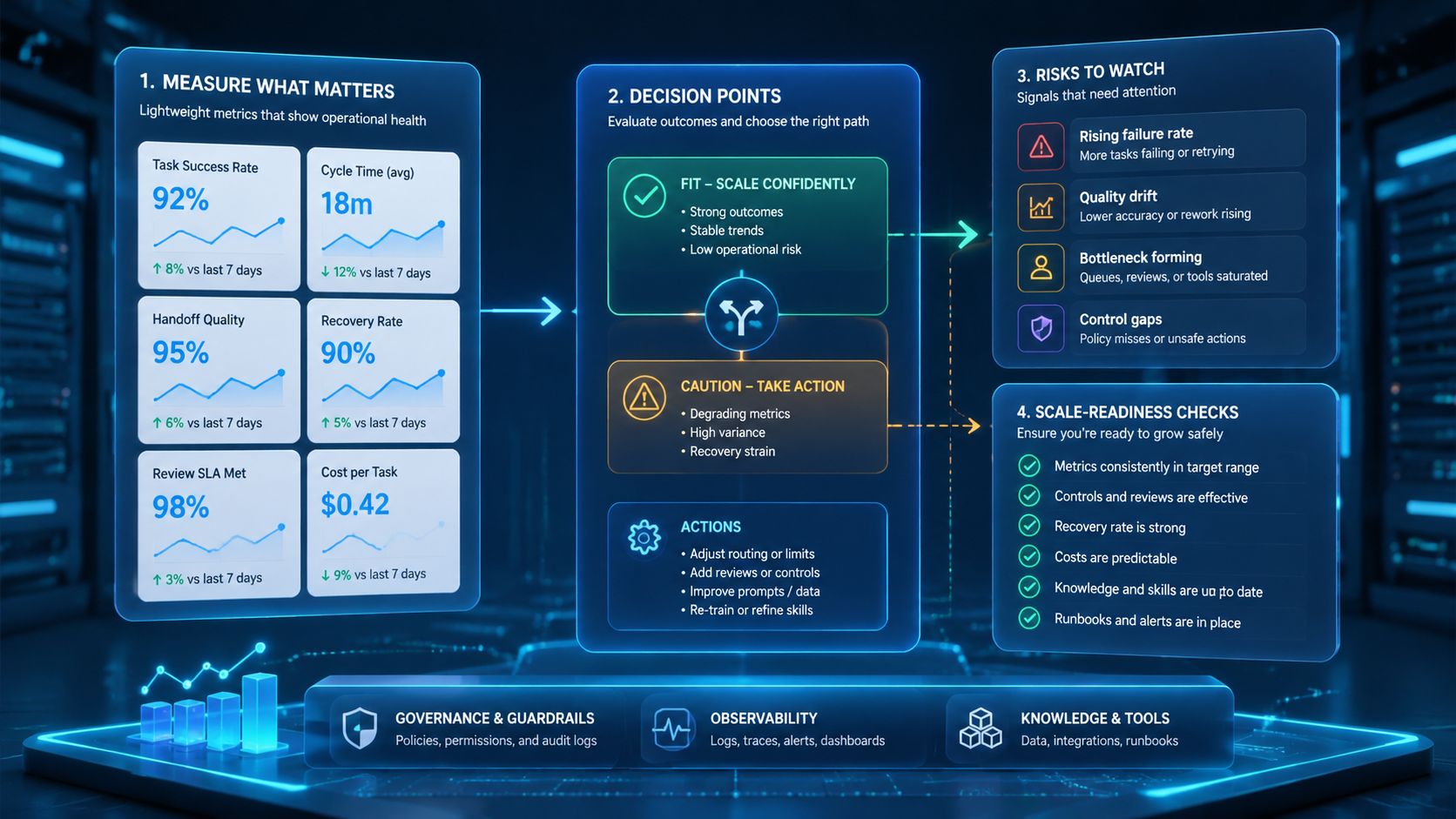
An AI worker platform for daily operations should be evaluated as execution infrastructure, not as a model demo. The priority order is task clarity first, account routing second, evidence third, and recovery checks fourth. Without those four parts, faster execution can produce more uncertainty instead of better work.
Start with one repeated task that already has a human process. Map the inputs, account context, environment, output, and stop rule. Then run a small pilot and review every result. If the team can explain both successful and failed runs, the workflow is ready for a broader queue.