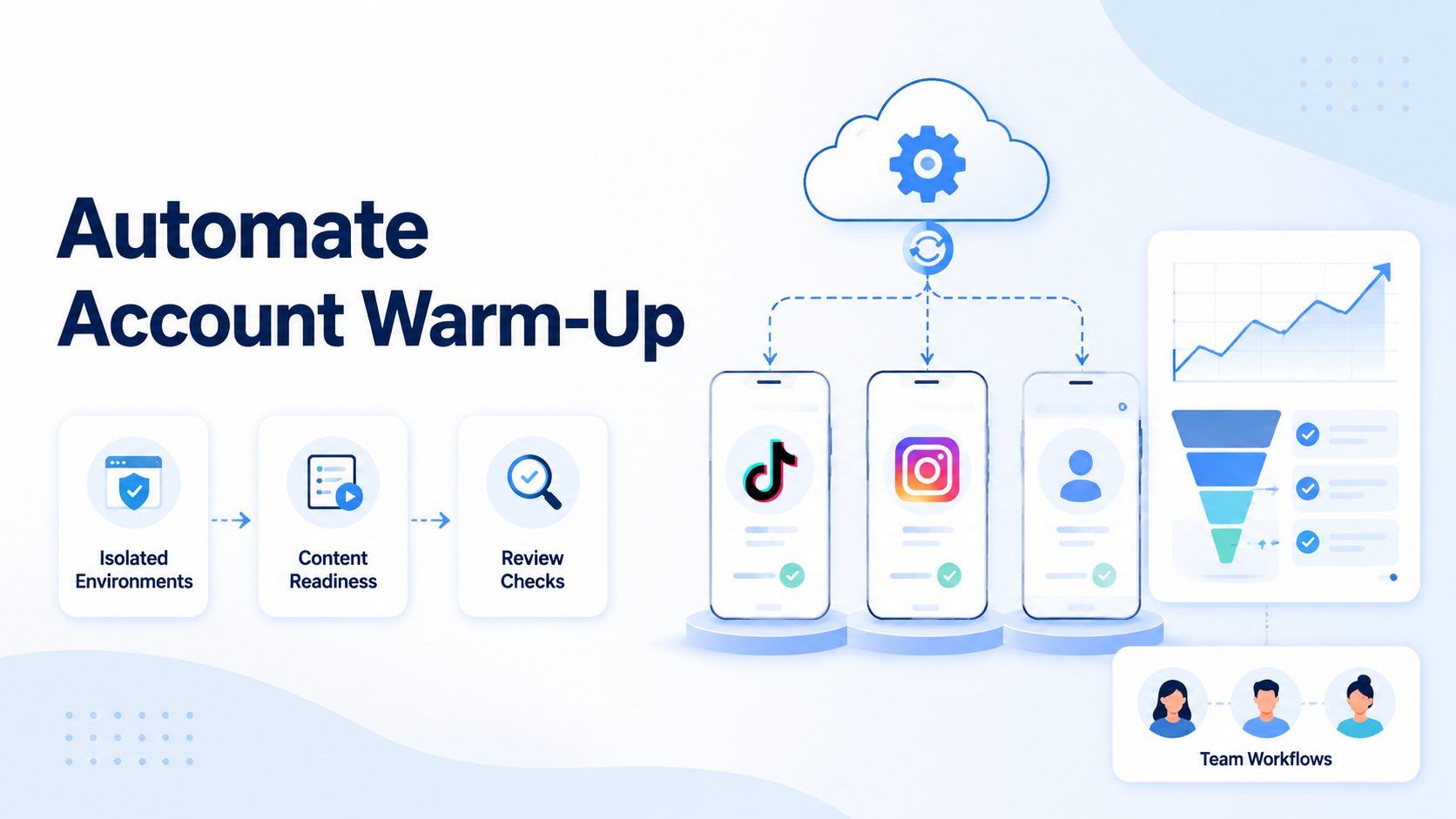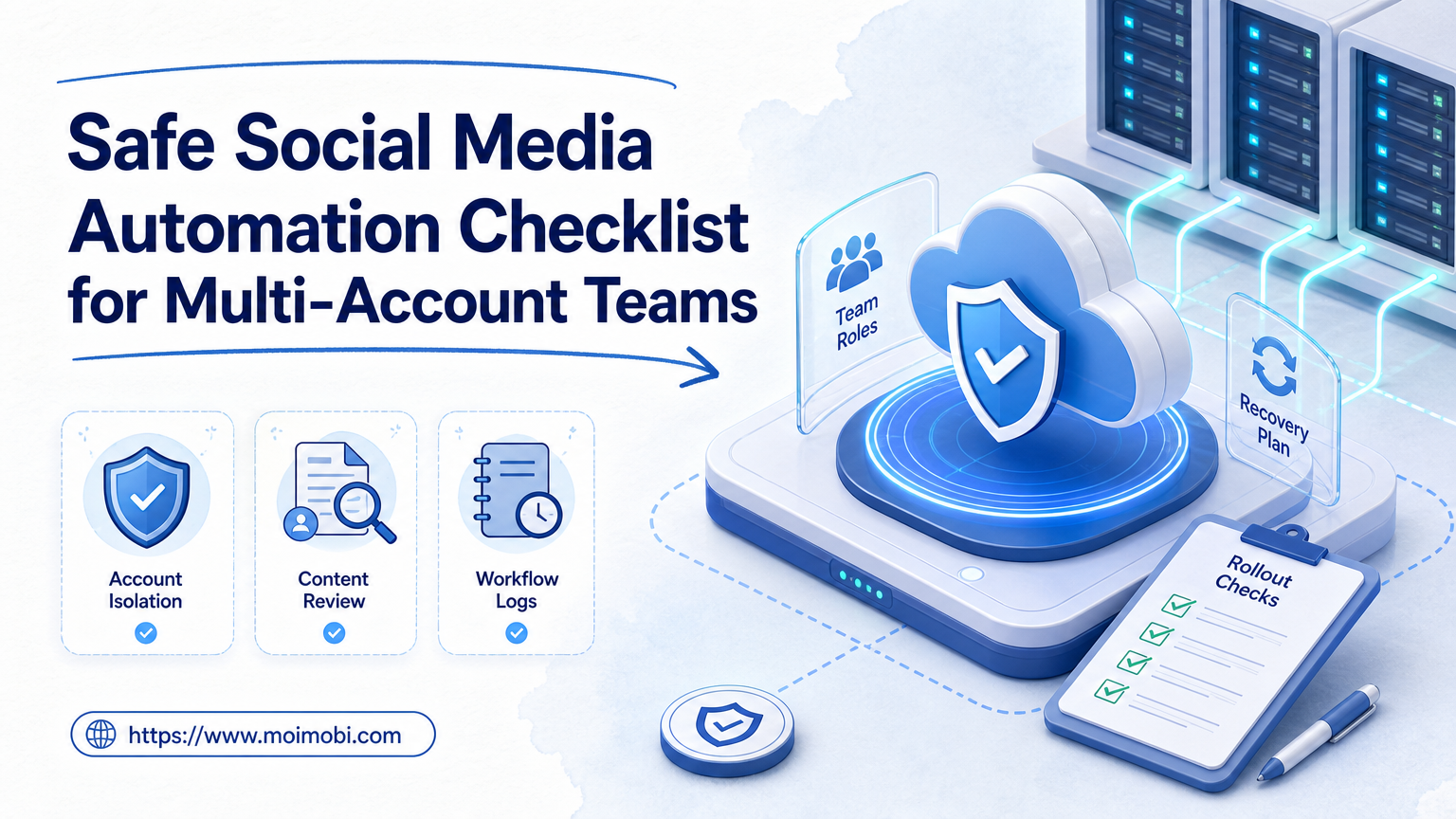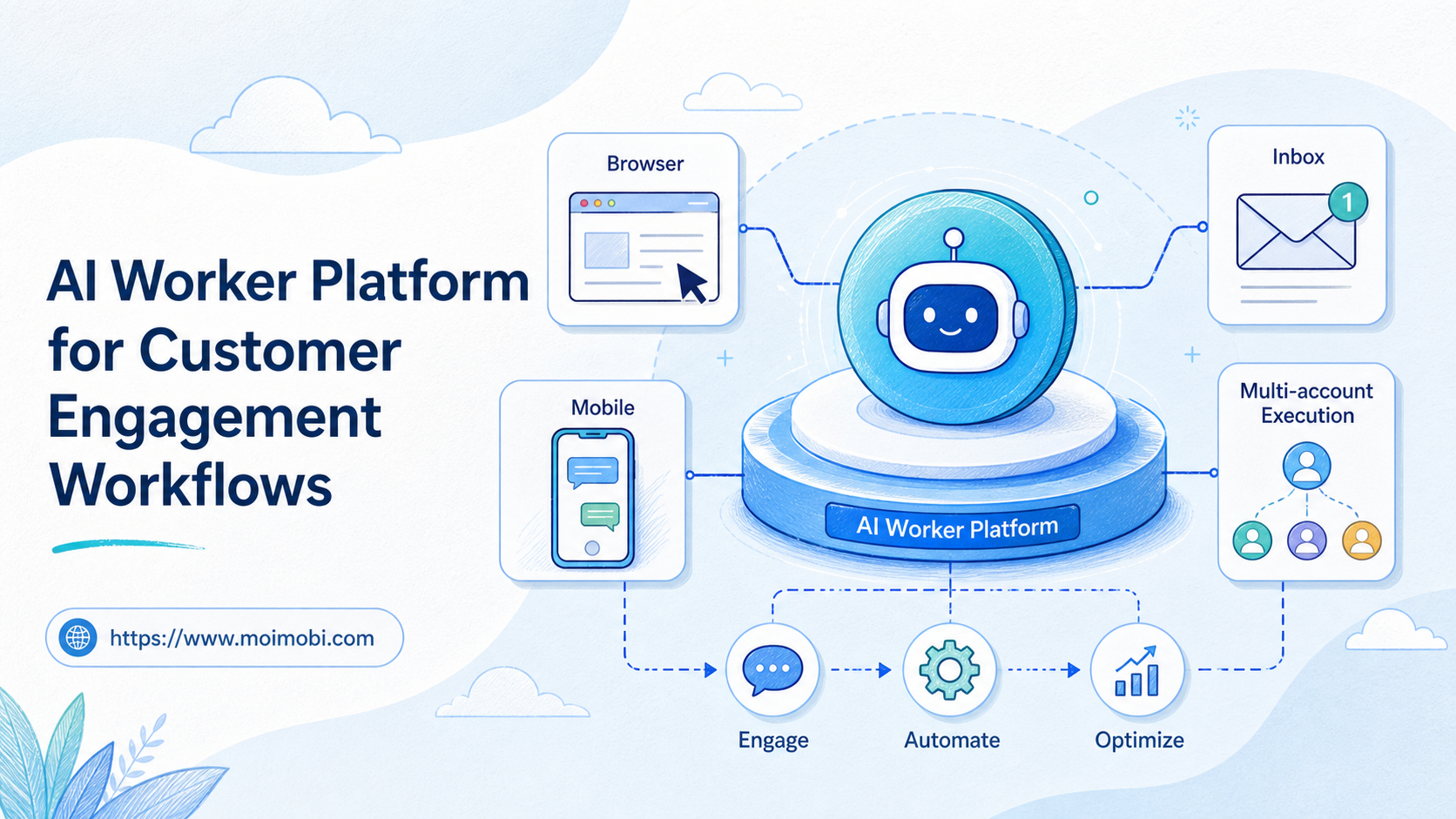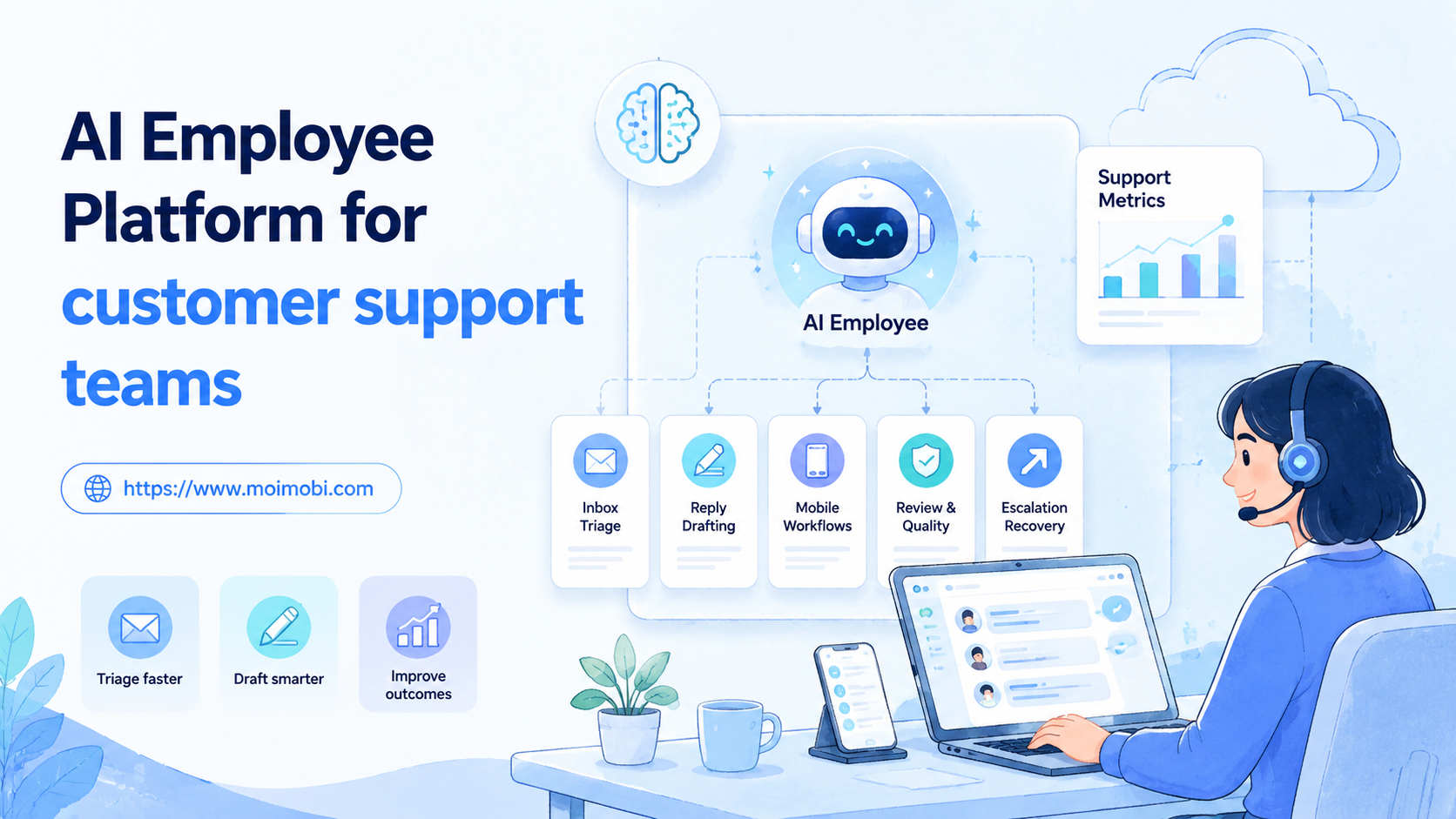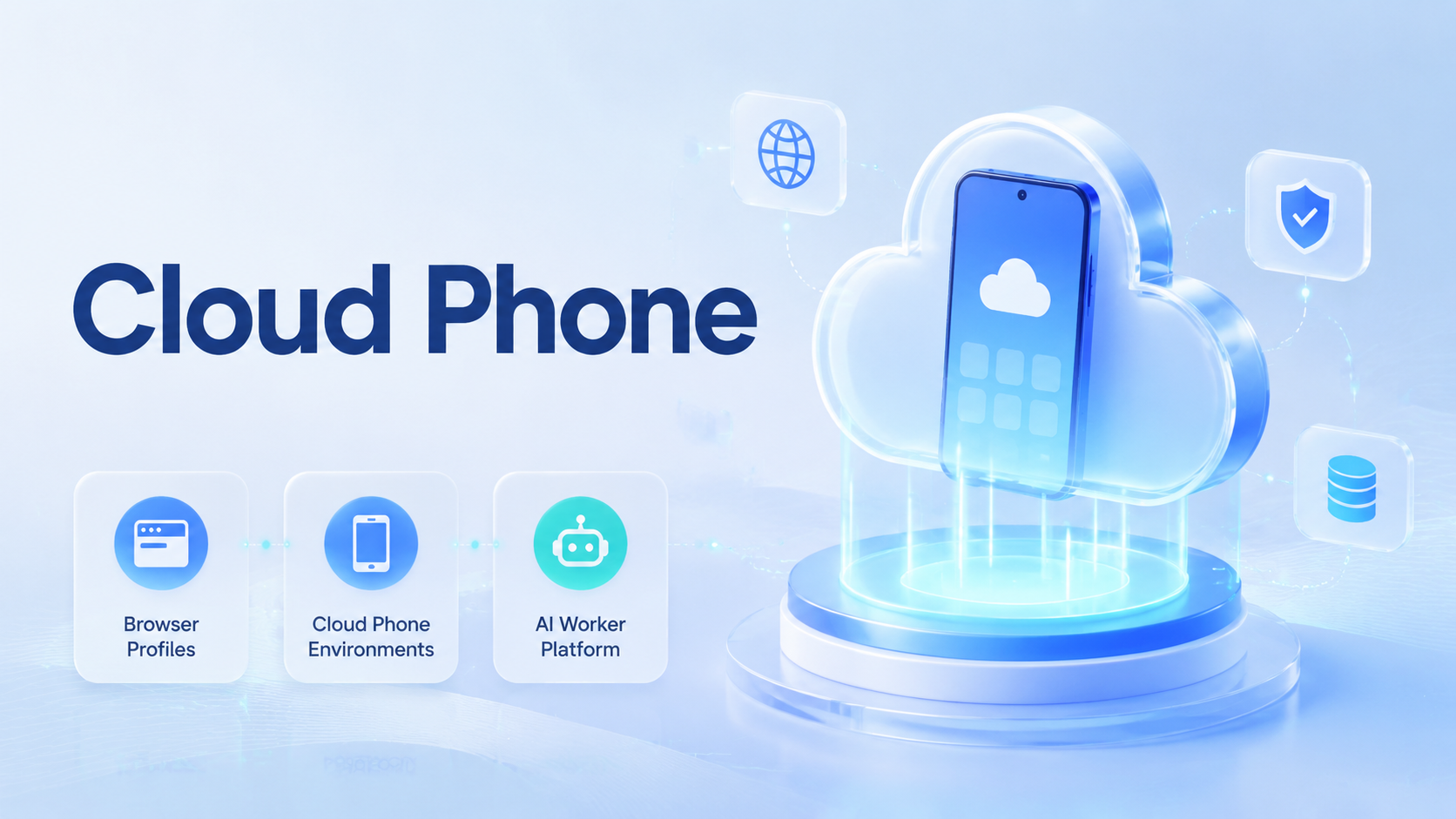
A cloud phone is a remote mobile environment that lets teams run app-based workflows without depending on a local physical device. In an AI worker platform, cloud phones sit beside browser profiles: the browser handles web dashboards and account portals, while the mobile layer handles Android apps, mobile sessions, and device-specific steps.
This split matters because AI workers need the right execution surface. A web profile is useful for forms, dashboards, CRMs, and admin panels. A cloud Android environment is useful when the workflow depends on an app, a mobile login state, or a mobile-only path. Mixing both into one vague automation layer usually creates weak audits.
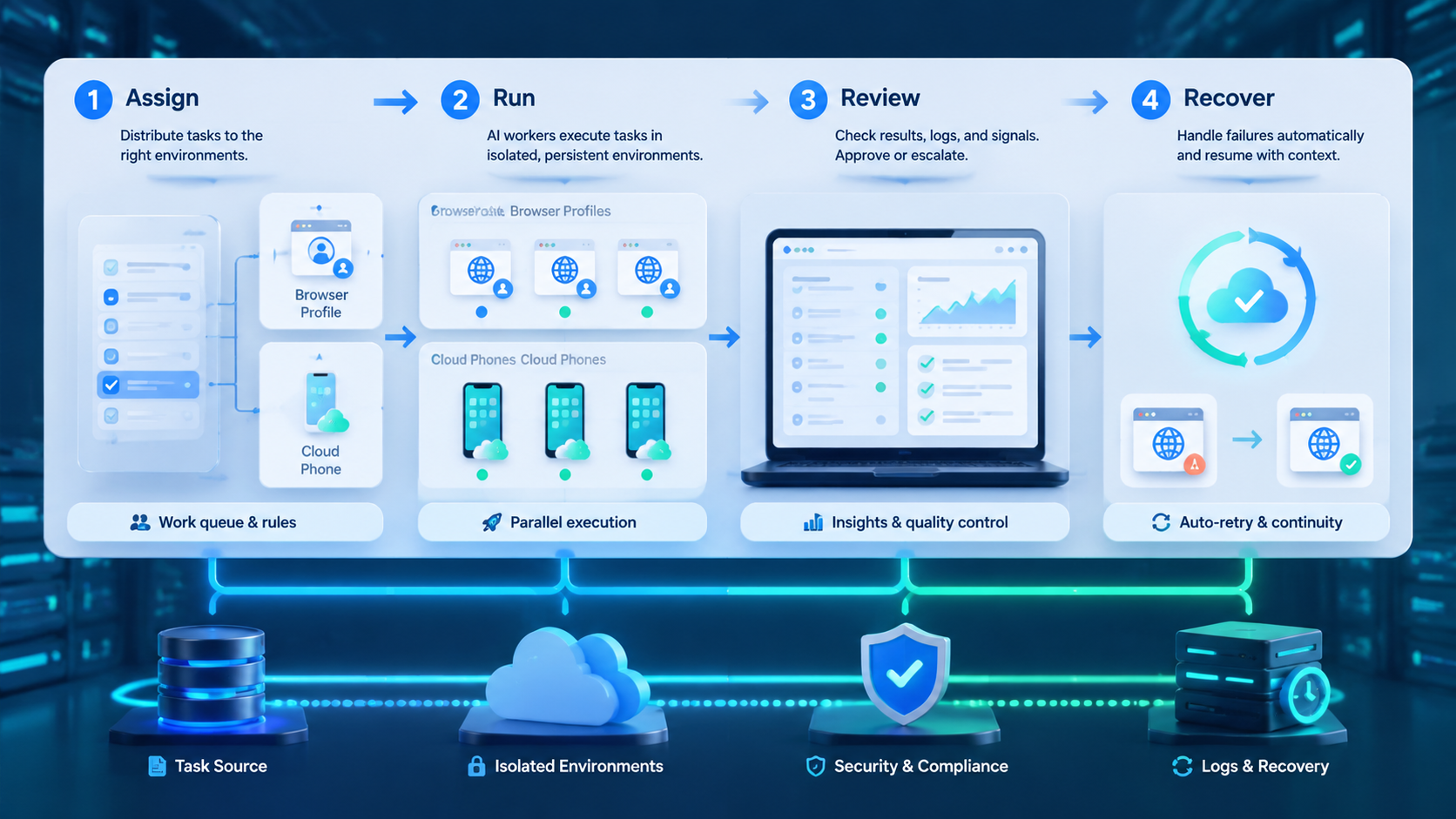
The operating goal is clear: assign the right worker to the right account, environment, and task. Browser profiles and cloud phones should not be treated as interchangeable screens. They are execution contexts, and context decides whether a workflow can be reviewed, repeated, and recovered.
Key Takeaways
- Browser profiles fit web apps, account portals, and dashboard work
- Mobile environments fit Android app workflows, mobile sessions, and device-specific steps
- AI worker platforms need routing rules before scaling tasks
- Account ownership, environment ownership, and review logs matter more than raw automation volume
- A pilot should test context accuracy, recovery behavior, and reviewer trust
What Is AI Worker Platform for Browser Profiles and Cloud Phones?
The simplest model is a routing system for AI workers. It decides whether a task should run in a browser profile, a cloud phone, or another controlled environment; the task itself may be simple, but the environment choice can change the result.
Browser profiles are useful when the workflow happens in web apps. They support login state, account-specific settings, and browser-based tools, so a profile can be assigned to a worker, an account group, or a task lane.
Remote mobile environments are useful when the workflow lives inside mobile apps. Teams may need Android app sessions, mobile UI behavior, or parallel mobile capacity. In that case, a normal browser profile may not represent the real operating surface.
The two layers should be coordinated. A worker may read a web dashboard, then open a mobile app to check the account state. Another worker may prepare data in a browser and pass it to a mobile execution queue. Those handoffs need to stay visible.
Context is the product.
Why AI Worker Platform for Browser Profiles and Cloud Phones Matters
The mistake is thinking every AI worker only needs a browser. Many online workflows still depend on mobile apps, device state, app notifications, or Android-only flows; browser automation alone may not cover those cases.
The opposite mistake is using mobile devices for every task. Web dashboards, admin tools, and reporting systems may be faster and easier to audit in browser profiles. This mobile layer is not a universal replacement for web execution.
Teams need a decision rule:
- Use browser profiles for web dashboards, account portals, forms, reports, and web-based review
- Use cloud phones for Android apps, app sessions, mobile UI paths, and app-first account work
- Use both when a workflow crosses web and mobile surfaces
- Stop the run when the worker cannot confirm the correct account or environment
This rule keeps the workflow grounded. It also makes review easier because each task has a known execution lane.
Google Search Central's SEO Starter Guide is not an automation manual, but it reinforces a useful operating idea: structure helps people and systems understand content. AI worker platforms need the same discipline. Clear structure makes execution easier to inspect.
Key Benefits and Use Cases
The strongest benefit is environment fit. A browser profile is not the same as a mobile device, and a mobile device is not the same as a web session. Task routing should map work to the environment where execution actually happens.
Common use cases include social account checks, app workflow testing, marketplace app operations, customer message triage, dashboard reporting, and cross-platform account support. Some tasks start in a web dashboard and finish in a mobile app. Others stay inside one lane.
| Workflow | Better first layer | What to track |
|---|---|---|
| Web dashboard checks | Browser profile | Account, page, fields, output |
| Android app flow testing | Cloud phone | Device, app state, step result |
| Social account maintenance | Browser or mobile | Account, action, review state |
| App-based inbox triage | Cloud phone | Message type, action, escalation |
| Reporting and data cleanup | Browser profile | Source, field update, reviewer |
For teams that need repeated Android capacity, a dedicated cloud phone product gives the mobile side a clearer operating layer. For browser-heavy workflows, mobile automation should still be evaluated with task routing, review, and exception handling in mind.
Fit beats novelty.
How to Get Started with AI Worker Platform for Browser Profiles and Cloud Phones
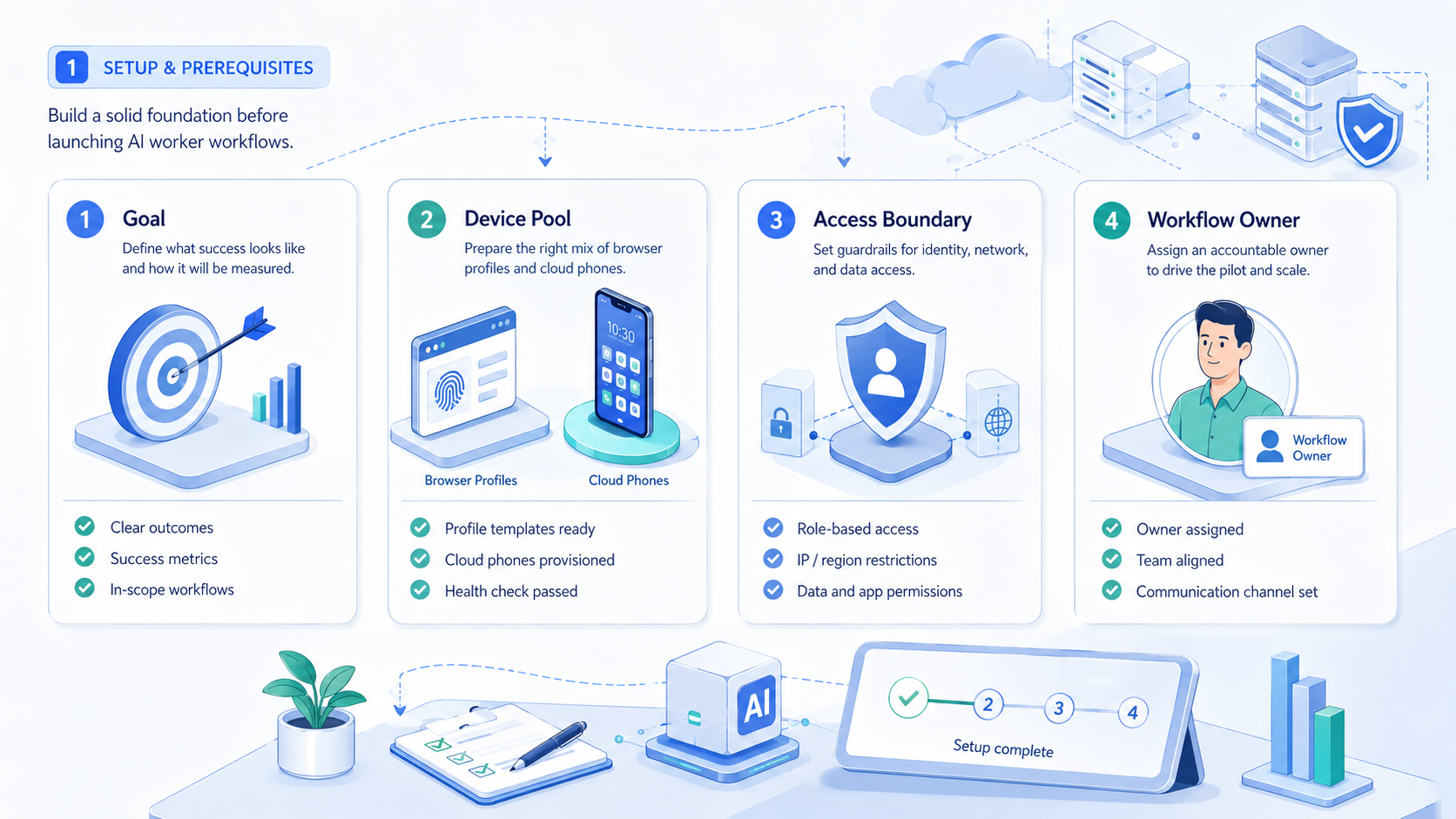
Do not start by connecting every account and every device. Start by choosing one workflow that crosses a clear execution boundary. For example, a worker checks a web dashboard, then verifies a mobile app state.
Use a pilot checklist:
- Define the task outcome
- Assign one account group
- Choose the browser profile or cloud phone lane
- Name the owner of each environment
- Set the allowed actions
- Define stop states
- Record output and exceptions
- Review every run before expansion
Each checkpoint should have a pass or fail state. “The worker opened the right account” is a pass, while “the worker probably used the right account” is not; vague confidence is a weak foundation for scale.
Teams should also test boring failures. Sessions expire, apps load slowly, buttons move, and pages change. The worker should not keep acting when account context is unclear.
Small pilots are easier to debug.
Common Mistakes to Avoid
One mistake is treating browser profiles and cloud phones as the same asset. They are both execution environments, but they solve different problems: browser profiles fit web context, while cloud phones fit app context.
Another mistake is skipping device isolation. Account-based work needs clean separation when teams manage many identities or account groups. Device isolation supports that separation by making environments easier to assign and review.
Routing is another weak point. If a worker chooses its own environment from a loose list, the audit trail becomes unreliable. Task routing should follow account, workflow, and execution type.
Avoid measuring only completed runs. Completion does not prove correctness. Better signals include correct account selection, correct environment selection, exception clarity, and reviewer confidence.
Control first. Scale later.
Team Roles for Browser and Cloud Phone Execution
Execution environments need owners. A browser profile without an owner becomes a shared shortcut. Without ownership, a cloud phone becomes another device in a long list.
A simple ownership model has three roles:
- Workflow owner: defines the task steps and expected result
- Environment owner: manages profile, phone, session, and access state
- Reviewer: checks output, exceptions, and workflow changes
Small teams can combine roles, but they should not leave the roles unnamed. When a worker fails, someone must know whether the problem came from the task, the environment, or the account context.
This matters during handoff. The next operator should see which profile or phone was used, what step failed, and what evidence was captured. Without that record, the human team has to replay the whole run.
Keep the trail visible.
How to Compare Platform Options
Comparison should start with routing. A platform that cannot route work to the correct browser profile or cloud phone is not ready for multi-environment execution. It may still be useful for simple browser tasks, but the operating boundary is narrower.
The second comparison point is evidence. A useful run log should show the account, environment, task version, output, exception, and reviewer. A thin “success” log is not enough for team operations.
The third point is recovery. Workers need different responses for slow apps, expired sessions, wrong profiles, and unclear account state.
Some states should retry. Others should stop or move to a human reviewer. That distinction should be part of platform selection.
Use this scorecard:
| Evaluation area | Strong signal | Weak signal |
|---|---|---|
| Routing | Task maps to a known profile or phone | Worker chooses loosely |
| Ownership | Each environment has a named owner | Shared access with no owner |
| Evidence | Logs include context and exception detail | Logs only show success |
| Recovery | Retry, stop, and handoff rules exist | Worker keeps acting blindly |
| Expansion | More accounts can be added gradually | Rollout needs a rebuild |
The right platform should make operations more readable. It should not hide execution inside a black box.
Evaluation should also include operating cost in time, not only subscription cost. A tool that needs constant human cleanup may be expensive even when the license looks simple. A tool that produces clear handoff notes can reduce review time and make every pilot easier to extend.
Evidence matters here. The team should ask for a sample run log, a failed-run example, and a recovery path before expanding beyond the first workflow.
Fit Boundaries for Cloud Phone and Browser Profile Workflows
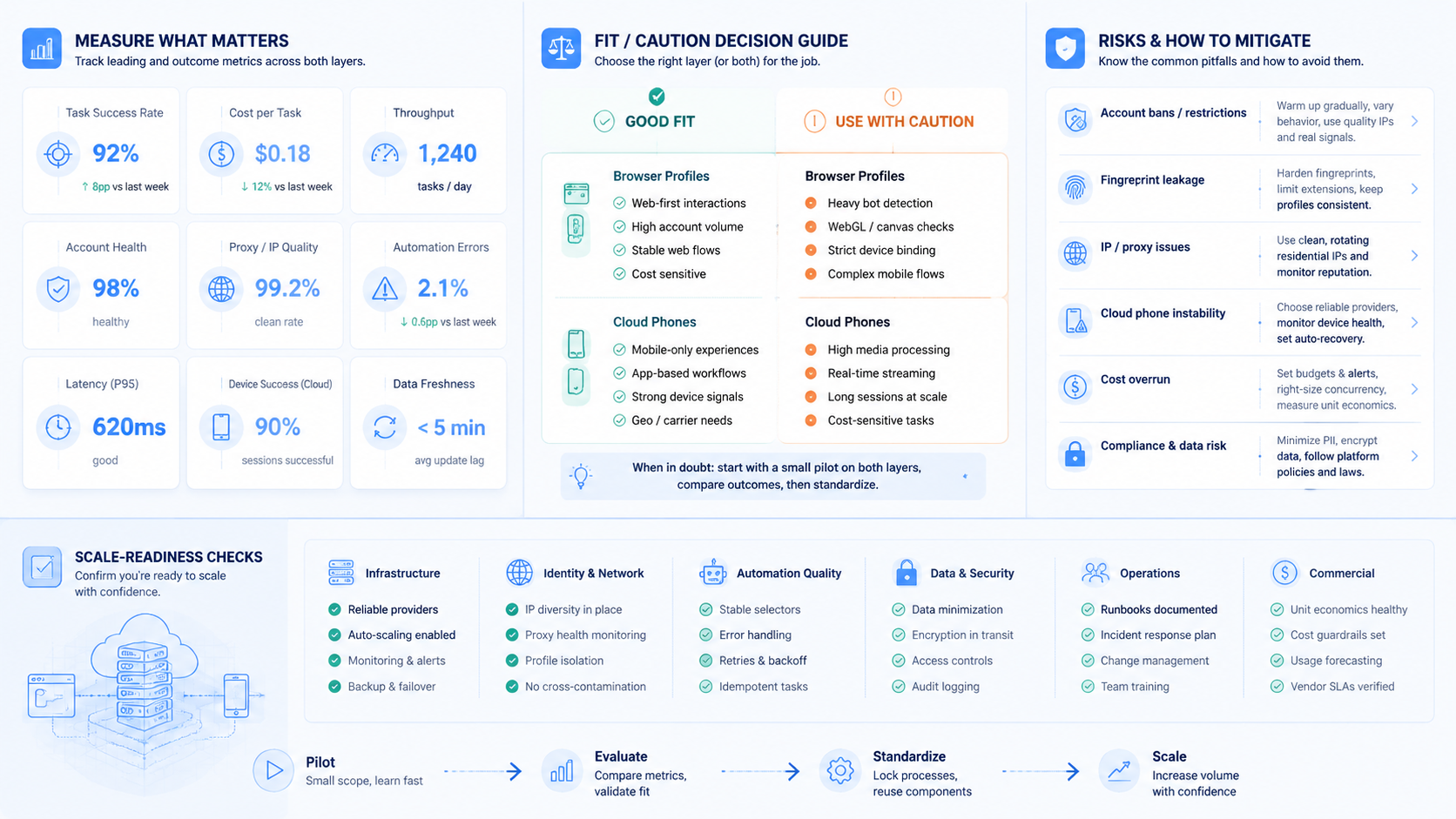
The best fit appears when task type and environment type are obvious. A task that starts with “open this dashboard” usually belongs in a browser profile, while a task that starts with “open this Android app” usually belongs in a cloud phone.
The weak fit appears when work is still undefined. A broad goal such as “manage accounts better” is not ready. The team needs a workflow, a target environment, a review step, and a stop rule.
Use this boundary list:
- Strong fit: repeated app checks with known screens
- Strong fit: browser dashboard work with defined output
- Strong fit: account-based tasks with assigned environments
- Weak fit: one-off tasks with unclear success
- Weak fit: sensitive changes without approval
- Weak fit: workflows that change every day
The boundary should be written into the pilot. This keeps the team from expanding into tasks that are not ready.
Practical teams often add a stop rule for each boundary. Stop when the wrong account appears, when the app screen does not match the expected state, or when the browser profile does not show the assigned workspace. These rules are simple, but they prevent silent drift.
Rollout Sequence for Mixed Browser and Cloud Phone Work
Rollout should move in lanes. First, prove one browser workflow. Next, prove one cloud phone workflow. Then connect the two only when handoff rules are clear.
This order keeps debugging simple. A failed browser run usually points to profile, page, account, or permission state. A failed mobile run may point to app state, device state, session expiry, or touch flow.
Mixed workflows are harder to diagnose, so they should come later.
Use a four-step expansion path:
- Browser-only pilot with one account group
- Cloud-phone-only pilot with one app workflow
- Handoff test between browser and mobile execution
- Expansion to more accounts after review quality is stable
The team should not add new account groups and new execution layers at the same time. One change per phase makes failures easier to explain. It also gives reviewers a cleaner baseline.
Slow is clean. Clean scales.
Pilot Measurement and Recovery Checks
A good pilot measures context quality. Did the worker use the right profile or phone? Did it open the right account?
Did it stop when the environment changed? These answers matter more than raw task count.
| Check | Pass signal | Stop signal |
|---|---|---|
| Environment routing | Correct browser or phone lane | Worker guesses the lane |
| Account context | Assigned account is visible | Account identity is unclear |
| Task evidence | Output can be reviewed | Result only says done |
| Exception handling | Failure names the blocked step | Failure is vague |
| Recovery behavior | Retry or handoff follows policy | Worker keeps acting blindly |
Recovery checks should include login expiry, app crash, slow network, missing page, wrong account, and duplicate records. Google Play's Policy Center is also a useful reference when app-related workflows touch Android app rules or distribution concerns.
Recovery decides reliability.
Frequently Asked Questions
1. What mobile execution layer does an AI worker platform need
It is a remote mobile environment used for app-based execution. It helps AI workers run mobile workflows that do not fit a desktop browser.
2. When should a team use browser profiles
Use browser profiles for web dashboards, forms, admin tools, reports, and account portals. They are usually easier to audit for web-first workflows.
3. When should a team use remote mobile environments
Use remote mobile environments when the workflow depends on Android apps, mobile sessions, mobile UI state, or app-first account operations.
4. Can one worker use both layers
Yes, but the handoff should be defined. A useful log should record which step used the browser, which step used the mobile environment, and what evidence connects the two.
5. Is remote mobile execution the same as a physical phone farm
Not exactly. In practice, a cloud phone provides remote mobile execution, while a phone farm usually refers to larger parallel device capacity for teams that need many mobile lanes.
6. What should teams measure first
Measure environment routing, account-context accuracy, task evidence, exception clarity, and reviewer confidence before adding more accounts.
7. What is the biggest mistake
The biggest mistake is scaling before routing rules are clear. The worker should not guess which account or environment to use, because a wrong lane can make the whole result hard to trust.
8. How does this relate to proxies
Routing may include network context. A proxy network can be part of the environment plan when account workflows need controlled routes.
Conclusion
AI worker platforms need more than prompts. They need execution layers that match real work.
Browser profiles fit web tasks. Mobile execution fits app tasks. Some workflows need both.
The next priority is simple: map one workflow to one account group, one browser or phone lane, and one review path. Test the boring failures before adding more accounts.
When the team can prove context accuracy and recovery quality, it can expand with better control. Slow expansion is not a delay; it is how teams keep browser and mobile execution understandable.
A final check is ownership. The team should know who owns the browser profile, who owns the cloud phone lane, who reviews failed runs, and who updates the workflow after repeated exceptions. When those names are clear, expansion becomes a managed process instead of a guessing exercise.
One more practical check is queue design. Browser tasks and mobile tasks should not sit in the same undifferentiated queue. Separate lanes make priority, ownership, and recovery easier to see. They also let teams add capacity where demand actually grows instead of adding devices or profiles blindly.