
Key Takeaways
- An AI worker execution platform gives growth teams controlled runtime, account, and review boundaries
- Browser and mobile tasks should be separated by workflow need, not by team habit
- Good pilots start with one narrow lane and measure correction cost before speed
- Clear ownership matters more than adding more workers too early
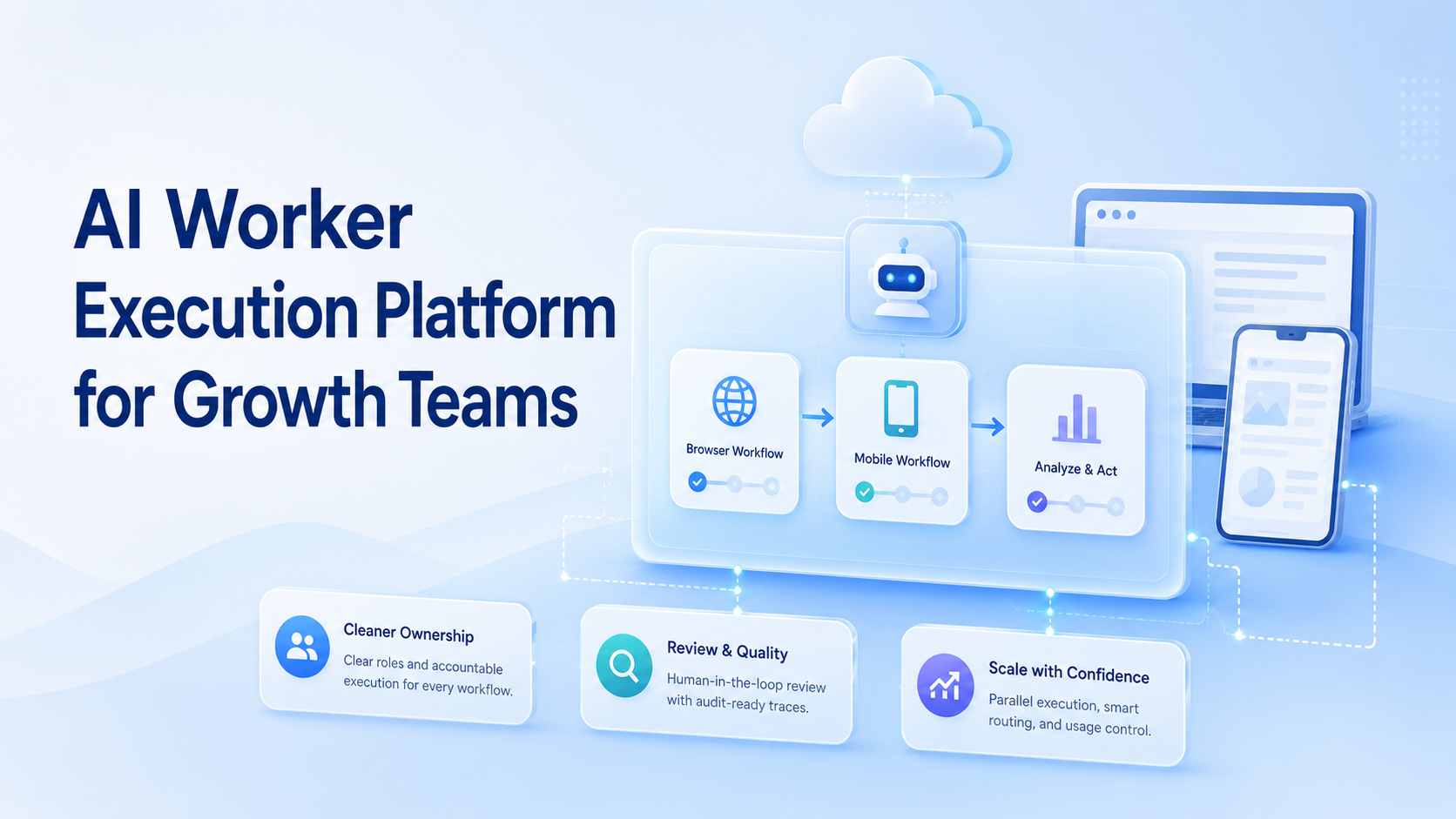
AI Worker Execution Platform for Growth Teams is an execution model that lets growth teams run repeatable tasks with clear runtime, account, and review control. The useful version is not a single broad agent. It is a structured system where each worker has a narrow job and a defined environment.
Growth teams usually feel this need when web dashboards, Android apps, and account-based workflows start overlapping. A simple script can automate one step. It does not automatically solve isolation, handoff, or recovery. Teams still need an operating model.
That is where MoiMobi fits. The platform is better judged as infrastructure for execution than as a one-feature growth tool. The real test is whether a team can run more work without making review slower.
The Core Idea Behind AI Worker Execution Platform for Growth Teams
An execution platform becomes useful when it connects three decisions:
- what the worker owns
- where the worker runs
- when a human takes over
This is why browser execution and mobile execution should not be treated as cosmetic deployment choices. WebDriver defines browser automation around explicit sessions and commands, which makes session control a core part of the workflow.1 Playwright makes the same point through isolated browser contexts for separate logged-in states.2
Mobile work introduces another boundary. Android Enterprise documents managed device environments as business workspaces with policy and role controls.3 For growth teams, that matters when a step depends on app-native state, device permissions, or mobile-only actions.
An AI browser layer, mobile automation, and a cloud phone should therefore be chosen by workflow need. The prompt layer alone is not enough.
Why Teams Search for This Topic
Growth teams usually search this topic after manual coordination begins to slow them down. One operator may publish in a browser, another may reply in an app, and a third may monitor outcomes across several accounts.
The hidden problem is not only volume. It is weak workflow structure. When one lane mixes outreach, replies, content updates, and reporting, the team loses clarity fast.
That often shows up as:
- unclear account ownership
- repeated manual fixes
- slow recovery after failed runs
- no clean line between browser and mobile work
An AI worker execution platform is helpful when the team needs a stable system for repeated growth work, not only faster individual actions.
Who Benefits Most and In What Situations
This model fits teams with repeated operational work and clear account boundaries.
Strong-fit cases include:
- growth teams running repeated publishing and reply flows
- agencies handling client account operations
- demand generation teams managing multi-step monitoring or follow-up work
It is a weaker fit for strategy-heavy work that changes every day. A worker should support those decisions, not replace them.
Use this simple fit model:
The workflow is repeated, reviewable, and tied to known accounts.
The workflow exists, but runtime choice or ownership is still unclear.
The work changes constantly and needs ongoing human judgment.
How to Evaluate or Start Using AI Worker Execution Platform for Growth Teams
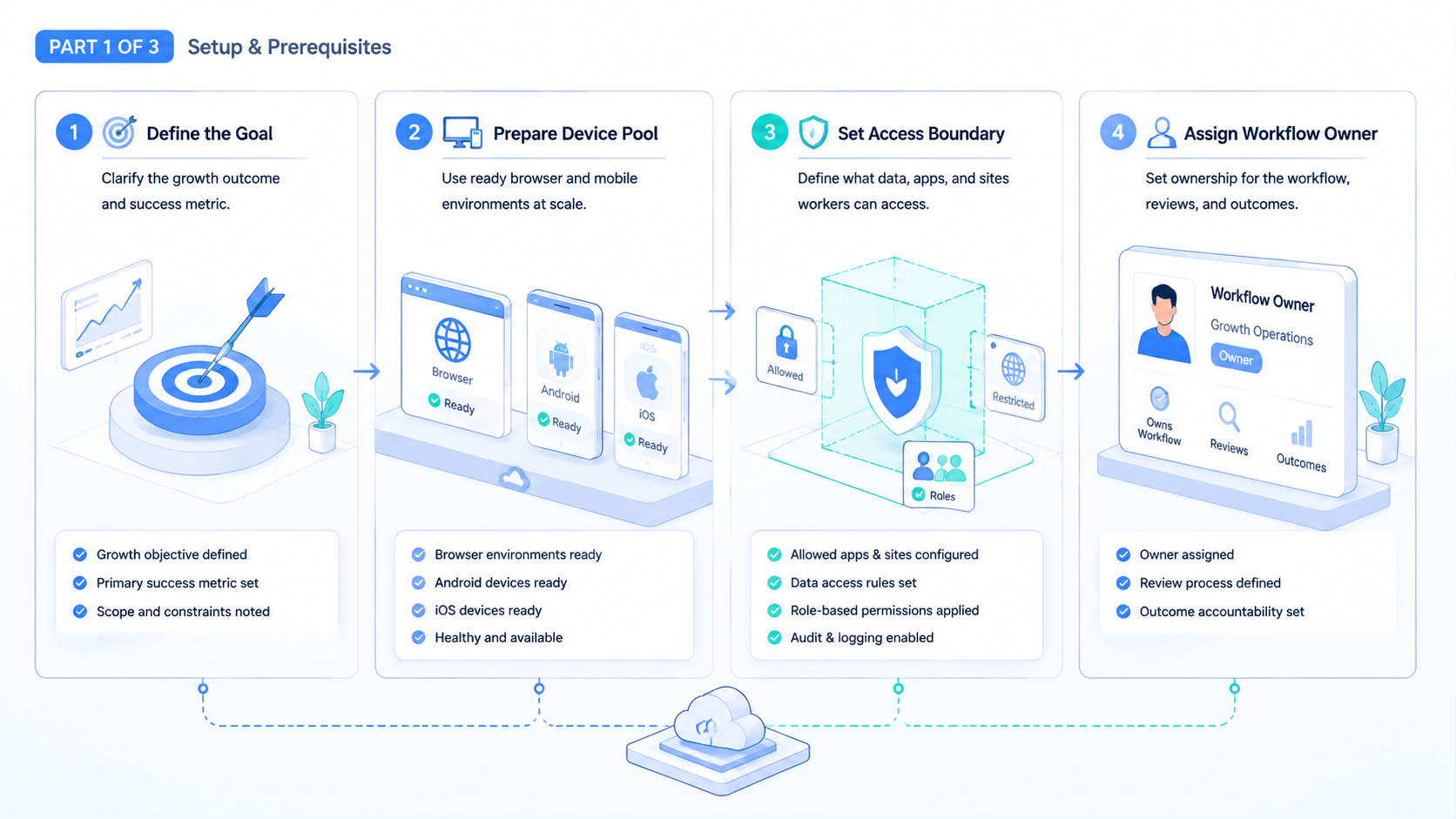
Do not start with a large worker pool. Start with guardrails.
- Pick one narrow workflow. Comment triage, publishing, or competitor checks are usually easier than mixed campaigns.
- Decide the runtime. Use browser flows for dashboards and form-heavy work. Use mobile execution for app-native steps.
- Assign one account owner. Shared informal ownership usually creates cleanup work later.
- Set the stop rule. Every worker needs a clear escalation point.
- Review a small batch. Ten to twenty runs are often enough to expose design gaps.
AWS Device Farm and BrowserStack both describe device automation around repeatable controlled execution, which is the right benchmark for a growth workflow pilot.4 5
Mistakes That Reduce Results in AI Worker Execution Platform for Growth Teams
The first mistake is overloading one worker. A worker that publishes, replies, researches, and reports across unrelated accounts becomes difficult to trust.
Another weak pattern is choosing one runtime for everything. If the task depends on app behavior, browser workarounds usually create brittle steps. If the task is web-native, forcing it onto a mobile lane adds friction for no benefit.
Role design fails in many teams because ownership remains vague. A multi-account management workflow works better when every lane has one named owner, one review path, and one environment rule.
Avoid these errors:
- one worker touching too many unrelated accounts
- no isolation rule for account sessions
- no distinction between browser and app-native tasks
- measuring speed before correction cost
Pilot Rollout for AI Worker Execution Platform for Growth Teams
The first rollout should stay small enough to inspect account by account. Pick one lane, one owner, and one runtime split. Then review every run for correction cost, escalation time, and repeated failure patterns.
A good pilot also checks handoff quality. If the same worker keeps triggering manual rescue, narrow the scope before you add more workers. Stable growth operations usually come from better lane design, not from more concurrency on day one.
It also helps to keep one short run log for each lane. Record the account, runtime, outcome, and reason for any human takeover. That small record makes weekly review faster and shows where the workflow is still too broad.
Frequently Asked Questions
Is an AI worker execution platform only for large growth teams?
No. Small teams often benefit first because role confusion costs them more.
Does every worker need a separate environment?
Not always, but separate environments help when accounts or session states must stay independent.
When should a growth team use mobile execution?
Use it when app-native flows, Android states, or mobile-only actions are part of the workflow.
Can one worker own several accounts?
Yes, but only when the accounts follow the same workflow and review standard.
What should a first pilot track?
Track completion quality, correction rate, and escalation time before adding more concurrency.
Is a cloud phone always required?
No. Some growth workflows are mostly browser-based. The runtime should follow the actual task.
What is a good first use case?
Start with a narrow, low-judgment workflow that has a clear pass or fail rule.
Conclusion
An AI worker execution platform helps growth teams when it adds control, not just activity. The right setup gives each worker a clear lane, chooses the right runtime, and makes recovery obvious when a run fails.
Before rollout, test one workflow and inspect the results closely. If ownership is clear, the runtime split is correct, and correction cost stays low, the team has a safer base for scale.



