
Key Takeaways
- An AI agent platform is useful when it connects planning to controlled browser and mobile execution.
- Web and mobile lanes should be separated by task shape, not by team habit.
- Stable operations need clear ownership, isolated state, and explicit takeover rules.
- A narrow pilot should measure recovery speed before scaling concurrency.
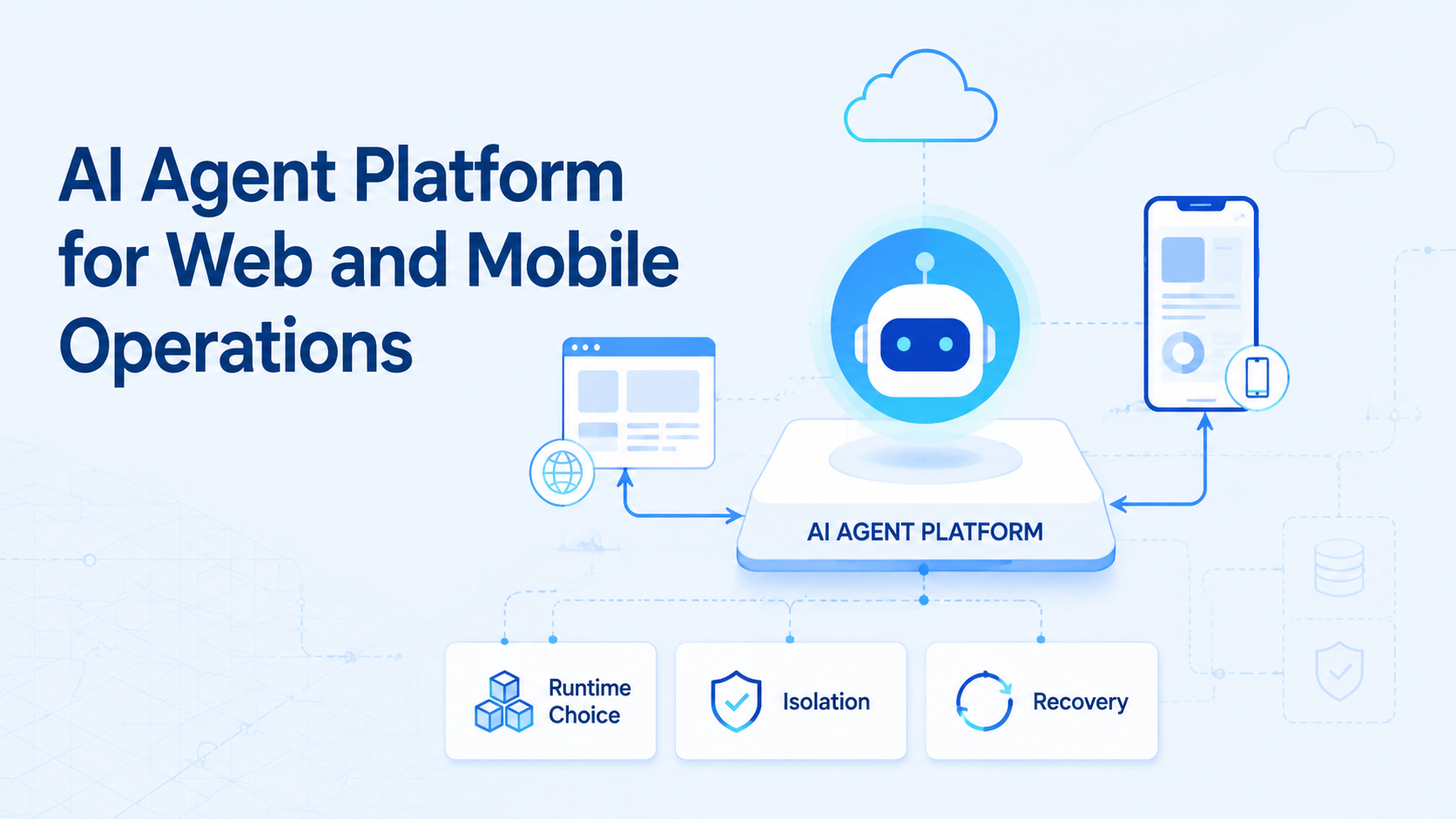
AI Agent Platform for Web and Mobile Operations is an execution model that lets teams run repeatable work across browser sessions and mobile environments with clear control over runtime, ownership, and recovery. The point is not to give one agent access to everything. The point is to turn mixed web and mobile work into reviewable operating lanes.
Teams usually start looking for this model after point tools stop fitting the workflow. A browser step may open a dashboard or form. A mobile step may depend on app-native behavior, device permissions, or phone state. The hard part is not only automation. The hard part is making the full run easy to reopen and inspect.
Official sources support that view. WebDriver defines browser automation through formal sessions and commands.1 Playwright uses isolated browser contexts to separate state.2 Android Enterprise treats managed Android environments as policy-controlled workspaces.3 Those sources all point to the same operational conclusion: automation becomes more reliable when execution boundaries are explicit.
What Is AI Agent Platform for Web and Mobile Operations?
The weak version is “an agent that can use browsers and phones.” The stronger version is “a platform that controls where each step runs.”
A useful agent platform should decide:
- which step belongs in a browser lane
- which step belongs in a mobile lane
- what state may persist across runs
- who owns the lane
- when the workflow pauses for human review
That is why an AI browser layer is only one part of the picture. Browser access may handle forms, dashboards, and logged-in web tools. A cloud phone or mobile automation layer may handle the app-native side. The platform ties those layers into one operating model.
Why AI Agent Platform for Web and Mobile Operations Matters
The common misunderstanding is that agents fail mainly because the model is weak. In operations work, the runtime is often the bigger issue.
Web and mobile tasks behave differently. Browser sessions can expire. Mobile apps can depend on device settings or app-only UI paths. A team that tries to treat both as one generic lane usually creates more manual recovery work.
An agent platform matters because it reduces three kinds of ambiguity:
- runtime ambiguity about where the task should run
- ownership ambiguity about who handles failed runs
- state ambiguity about how the correct environment is reopened
That shift is what turns an interesting demo into a usable operations system.
Key Benefits and Use Cases
The main benefit is cleaner routing across channels.
Typical use cases include:
- social media teams working across browser dashboards and phone apps
- support teams switching between web inboxes and app inboxes
- growth teams that monitor web tools but execute app-native follow-up
- multi-account management workflows with separate state requirements
Another benefit is clearer accountability. A good platform makes it obvious which lane failed, who owns recovery, and what state should reopen. That matters more than adding more execution capacity too early.
How to Get Started with AI Agent Platform for Web and Mobile Operations
Do not begin with the broadest workflow. Broad scope hides the real failure points.
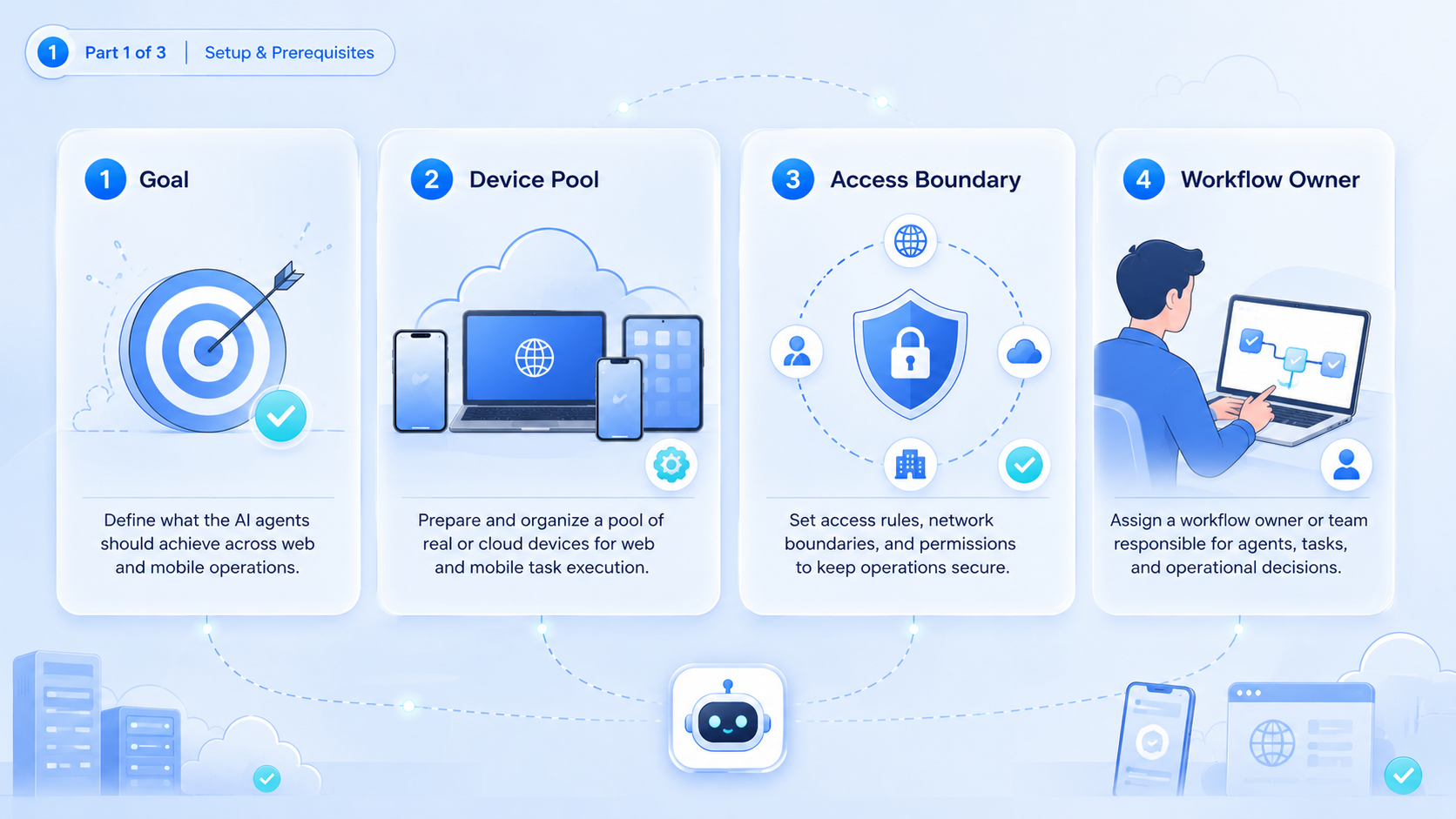
- Choose one repeated workflow. Pick a lane with a clear start, output, and stop rule.
- Map the runtime split. Decide which steps belong in browser sessions and which belong in mobile environments.
- Assign one owner. Each lane needs one owner for retries and review.
- Set one takeover rule. Define when the agent stops and a person resumes the run.
- Review one infrastructure path. Compare whether the mobile part should use phone farm capacity or a smaller controlled setup.
AWS Device Farm and BrowserStack both describe controlled device execution through reproducible environments.4 5 That is a good benchmark here. If the same lane cannot reopen on the same type of environment, the workflow is not ready to scale.
Common Mistakes to Avoid
The first mistake is forcing browser tools to stand in for every mobile step. That often makes the lane brittle and harder to debug.
The second mistake is expanding concurrency before the team knows how to recover. More active lanes only increase cleanup when ownership and takeover rules remain vague.
A third mistake is weak state separation. Playwright contexts exist to keep browser state isolated.2 Managed Android workspaces exist for the same reason on the mobile side.3 Teams that blur those boundaries usually lose time during retries.
Avoid these patterns:
- one agent covering unrelated workflows
- no clear browser versus mobile split
- no owner for failed lanes
- no rule for environment reuse
Who It Fits and When It Is a Strong Match
This model fits repeated work that already crosses browser and mobile surfaces.
The team runs repeated operations across web tools and mobile apps with clear account or queue ownership.
The workflow repeats, but the runtime split still changes often.
The work is mostly exploratory or strategic and does not follow a stable path.
A strong match often appears in support, social operations, and account-based workflows. A weak match appears when the team wants a platform to replace judgment-heavy work rather than structure repeatable execution.
Pilot Rollout, Measurement, and Recovery Checks
The first pilot should be narrow enough to inspect run by run.
Use a short review table:
| Check | What to inspect | Good sign |
|---|---|---|
| Runtime fit | Did each step stay in the right lane? | Few manual reroutes |
| Recovery speed | How fast could the lane reopen after failure? | Short recovery time |
| Takeover rate | How often did a person need to step in? | Low rescue frequency |
| Correction cost | How much cleanup followed a failed run? | Limited rework |
Recovery is the clearest early metric. A fast pilot that cannot recover cleanly will become expensive later. Teams should therefore test one browser failure case and one mobile failure case before adding more lanes.
Frequently Asked Questions
Is an AI agent platform just a browser automation tool?
No. Browser automation is one layer. The platform also handles mobile lanes, ownership, and recovery.
Does every workflow need both web and mobile execution?
No. Some workflows should stay browser-only or mobile-only.
What is a good first use case?
Start with one repeated workflow that already crosses both environments.
Why is recovery more important than early speed?
Because poor recovery turns throughput gains into manual cleanup.
Can one agent own several workflows?
It can, but only if those workflows share the same runtime and review rules.
When should a team add more mobile capacity?
After the first lane proves stable recovery and clear ownership.
What usually breaks first?
Runtime choice and handoff rules usually break before raw capacity.
Conclusion
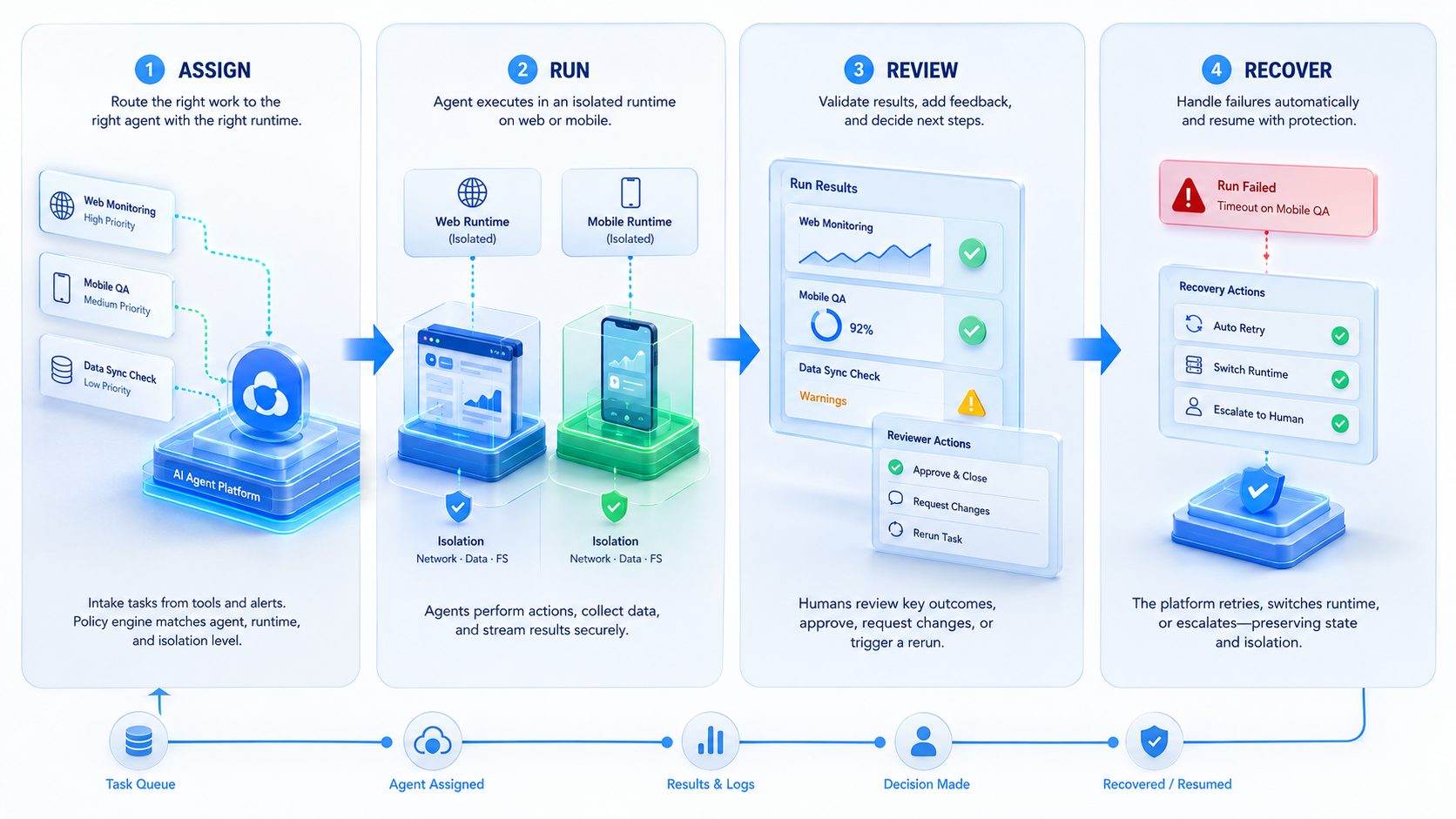
An AI agent platform for web and mobile operations becomes useful when it gives mixed-channel work a controlled runtime model. The real value is not broad access. It is cleaner routing, clearer ownership, and faster recovery.
Before scaling, test three things first: runtime fit, takeover clarity, and recovery speed. If those stay stable in a pilot, the team has a stronger base for wider rollout.



