
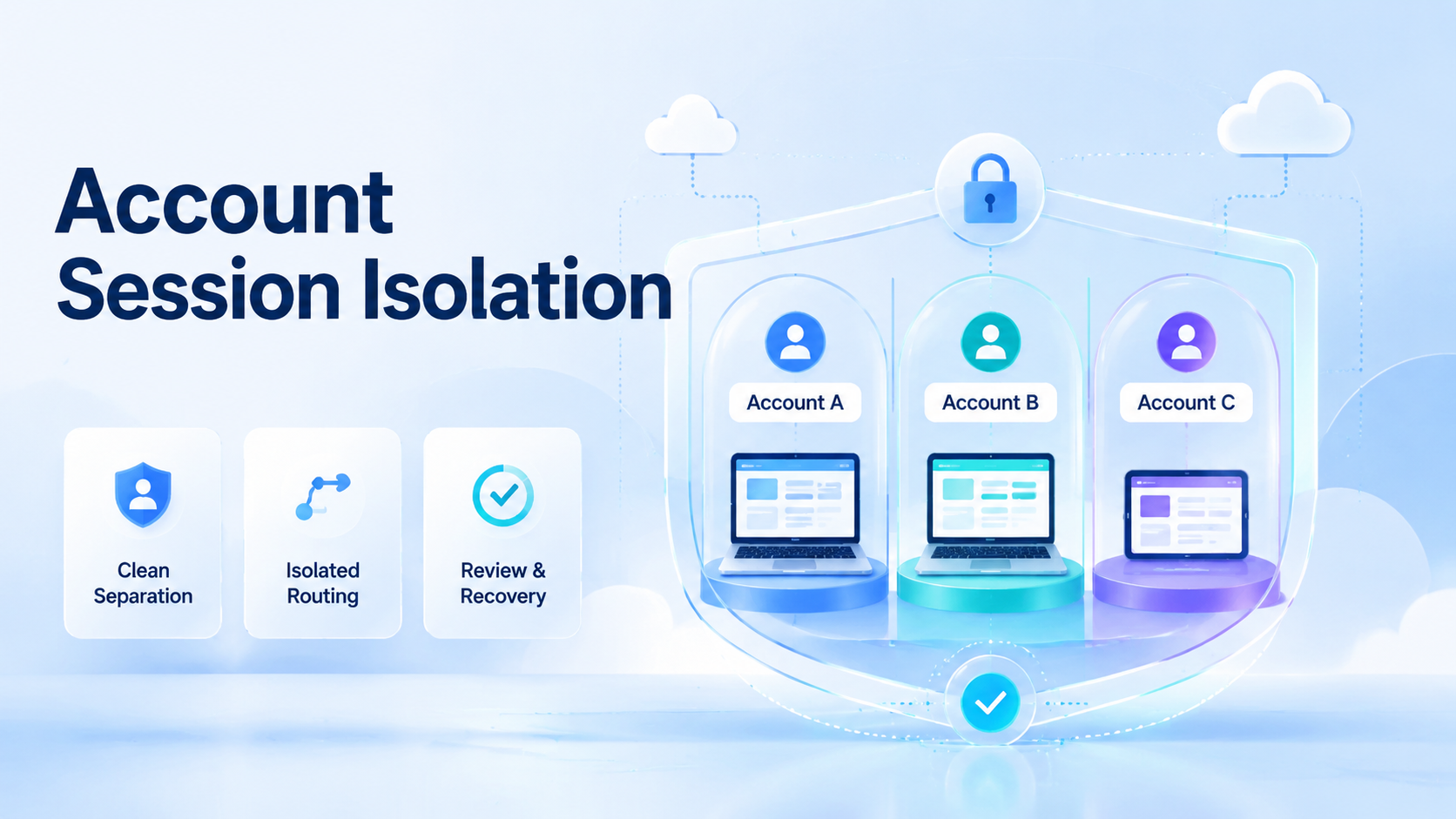
Account session isolation is the practice of keeping each account's browser state, device context, cookies, routing, and operator ownership separated from unrelated accounts. For multi-account teams, the purpose is clean execution. A team should know which account used which environment, which route, which task, and which recovery path.
Clean separation matters because account work fails in messy ways. A session may inherit the wrong cookies. A proxy route may not match the intended region.
An operator may open the wrong workspace during a handoff. Isolation gives the team a way to find the cause before the next run.
Trace first.
Bad handoffs become visible.
Key Takeaways
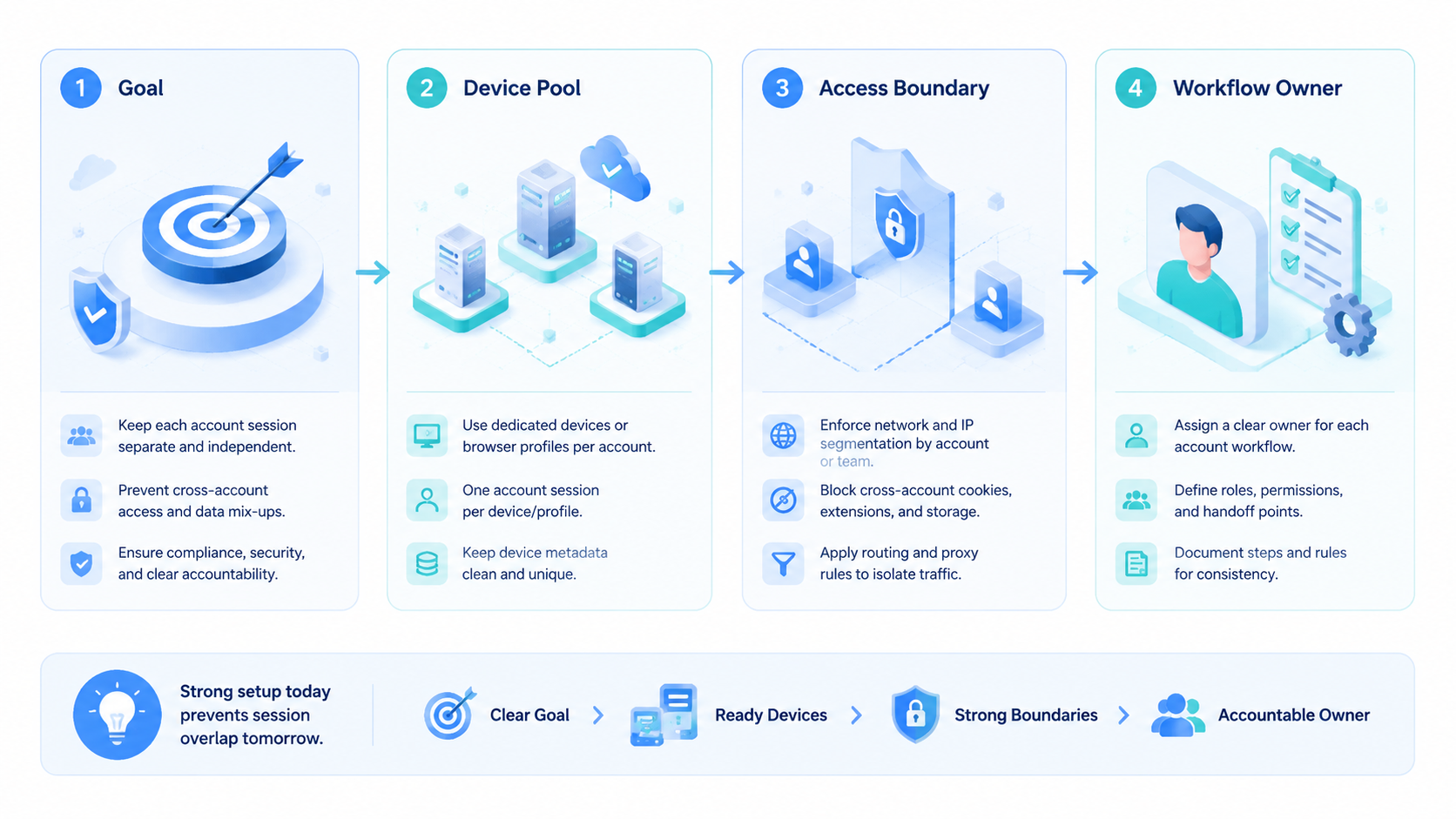
Clean session separation starts with one account, one active workspace, and one known execution context. It should not rely on memory or informal naming.
Keep the lane visible.
Device isolation, browser profile rules, proxy routing, and recovery logs should work together. Each layer answers a different question after a failure.
The best first audit is simple: pick one account and confirm where it can run, who owns it, what it can do, and how exceptions are logged.
What Is Account Session Isolation?
The method means each account has its own controlled session boundary. That boundary can include browser profile data, cookies, storage, device identity, IP route, timezone, language, and user ownership.
The concept is not only technical. It is an operations rule. If a support account, ad account, or social account moves between random environments, the team loses a reliable audit trail.
That is expensive.
Google's Search Central guidance focuses on helpful content, but its quality-first principle applies to operations too. Automation should support clear, reviewed work rather than create volume without accountability.
Why Session Separation Matters for Teams
Multi-account teams need separation because several people and tools may touch the same platform. Without a boundary, one operator's session can affect another operator's account.
Use three questions to test the setup:
- Identity: Which browser, device, and route belong to this account?
- Ownership: Which person or workflow can act on it today?
- Recovery: Who investigates if the session becomes unusual?
The answers should be visible in the team system. A hidden note in chat is not enough for repeatable work.
Notes disappear fast.
Example: audit 24 active accounts across 3 owners and 2 regions. Mark each account with current workspace, route, last task, last login result, and recovery owner. Any account without all 5 fields should stay out of the active work queue until the missing field is repaired.
Key Benefits and Use Cases
Clean separation helps teams manage outreach, customer support, marketplace operations, social media work, and dashboard reviews. The common pattern is not the platform. The common pattern is repeated work across many identities.
MoiMobi's device isolation and multi-account management context are relevant when teams need separate lanes for browser and mobile execution. A cloud phone layer can be part of the wider execution model when mobile apps are involved.
The practical benefit is faster review. When an account fails a login check or enters a recovery state, the team can inspect the assigned environment instead of guessing across many possible devices.
Guessing slows repair.
Account Session Isolation Checklist
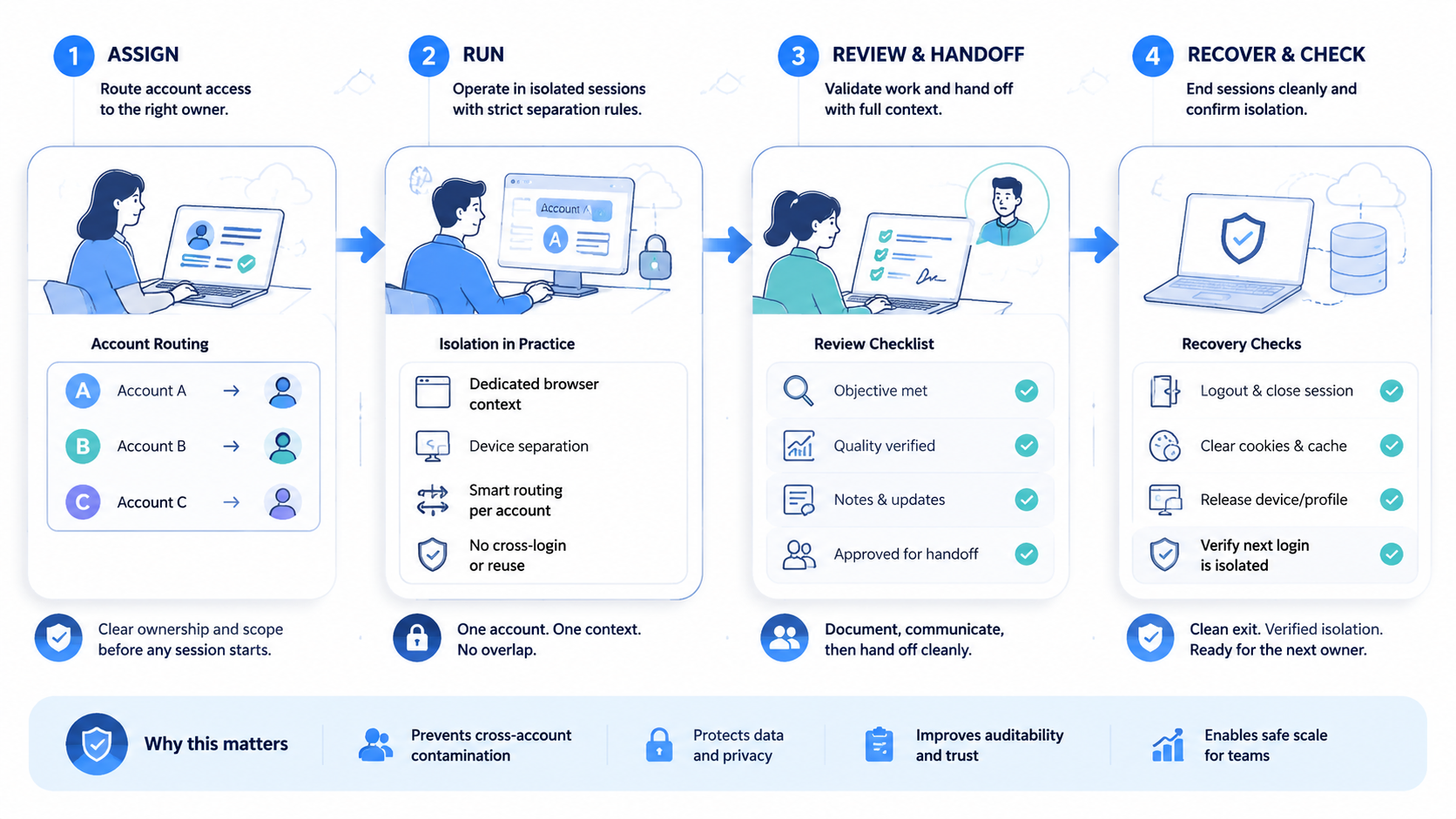
Use this checklist before a new account group enters production work.
| Check | Clean Signal | Repair Signal |
|---|---|---|
| Workspace | One current profile or device lane | Unknown recent session |
| Route | Region and proxy route are recorded | Route changed without note |
| Owner | One team owner is listed | Shared ownership is unclear |
| Workflow | Allowed task is written | Prompt or script is vague |
| Recovery | Error owner is named | Failures wait in chat |
This table is not a policy by itself. It gives the team a fast audit surface before adding more accounts.
How to Get Started with Account Session Isolation
Start with a small mapping exercise before changing tools.
| Setup Check | Clean State |
|---|---|
| Account owner | Named person or workflow |
| Workspace | One browser profile or mobile lane |
| Route | Region and login status recorded |
| Recovery | Owner and weekly review set |
Use a pass/fail rule. Pass means the account has one current workspace, one owner, and one recovery path. Fail means the team cannot explain where the session ran last.
Common Mistakes to Avoid
The common mistake is confusing separate tabs with true isolation. Tabs can share browser state. Separate workspaces, profiles, or controlled devices are easier to audit.
Avoid these patterns:
| Mistake | Better Rule |
|---|---|
| Shared profile | Separate the workspace |
| Unrecorded route change | Write the reason |
| Owner handoff without update | Change the owner field |
| Screenshot-only log | Store the session fact |
| Login mismatch | Pause the workflow |
The OWASP logging guidance explains why event records help investigation. For account teams, the same idea applies. Logs should show who acted, where the session ran, and what changed.
Logs beat memory.
Account Session Isolation Pilot Review and Recovery Checks
Run the first audit on one account group. Pick a group that is active enough to show real issues but not so sensitive that every failure creates pressure.
Measure four items: unknown sessions, failed logins, cross-owner handoffs, and recovery time. If unknown sessions stay high, the team has an ownership problem. If recovery time stays high, the logs are too weak.
Numbers point to the leak.
The NIST Cybersecurity Framework includes recovery as a core function. Account operations benefit from the same discipline. A clean system should detect the issue, assign the owner, and record the fix.
Fixes need owners.
Use plain status labels. Good labels include active, paused, recovery, retired, and unknown. The unknown label is useful because it makes messy work visible before a tool hides it.
Add one plain rule for daily work: no unknown lane should run a live task. If a lane is unclear, pause it, name the owner, update the route, and record the last clean login. This keeps review simple for a new teammate.
Frequently Asked Questions
Is this the same as device isolation?
No. Device isolation is one technical layer. Session separation also includes ownership, routing, cookies, logs, and recovery. Treat the device as one field in a wider account record.
Does every account need a separate device?
Not always. The need depends on platform rules, team workflow, and risk level. The team still needs a clear session boundary with an owner, route, and last clean login.
What should be logged?
Log account owner, environment, route, task, error state, approval, and recovery action.
Can automation run inside isolated sessions?
Yes, if the automation is assigned to the correct account context and stops at defined review points.
What is a warning sign?
A warning sign is any account whose last active environment, owner, or route cannot be explained.
How often should teams audit sessions?
Audit weekly during setup. Mature teams can adjust the cadence based on failures and account volume. A small team may keep weekly checks if accounts change hands often.
What is the first fix?
Map active accounts to owners and workspaces. Then remove shared or unknown sessions from production work.
Conclusion
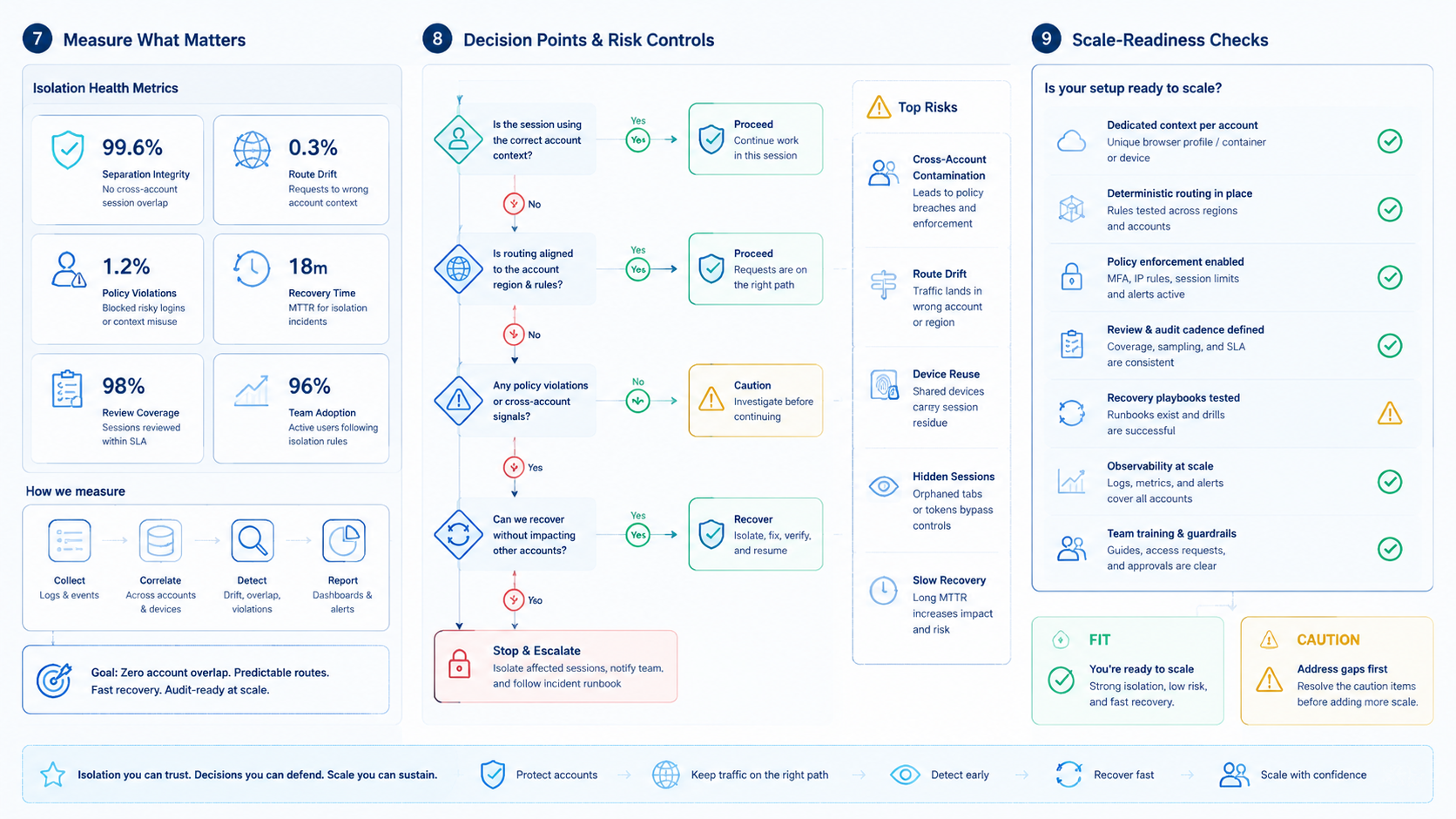
Clean session separation is a team operating rule before it is a tool choice. Start by mapping accounts, owners, workspaces, routes, and recovery owners.
Before scaling, test one account group. If the team can explain every session and recover failures quickly, the isolation model is ready for a broader rollout.



