
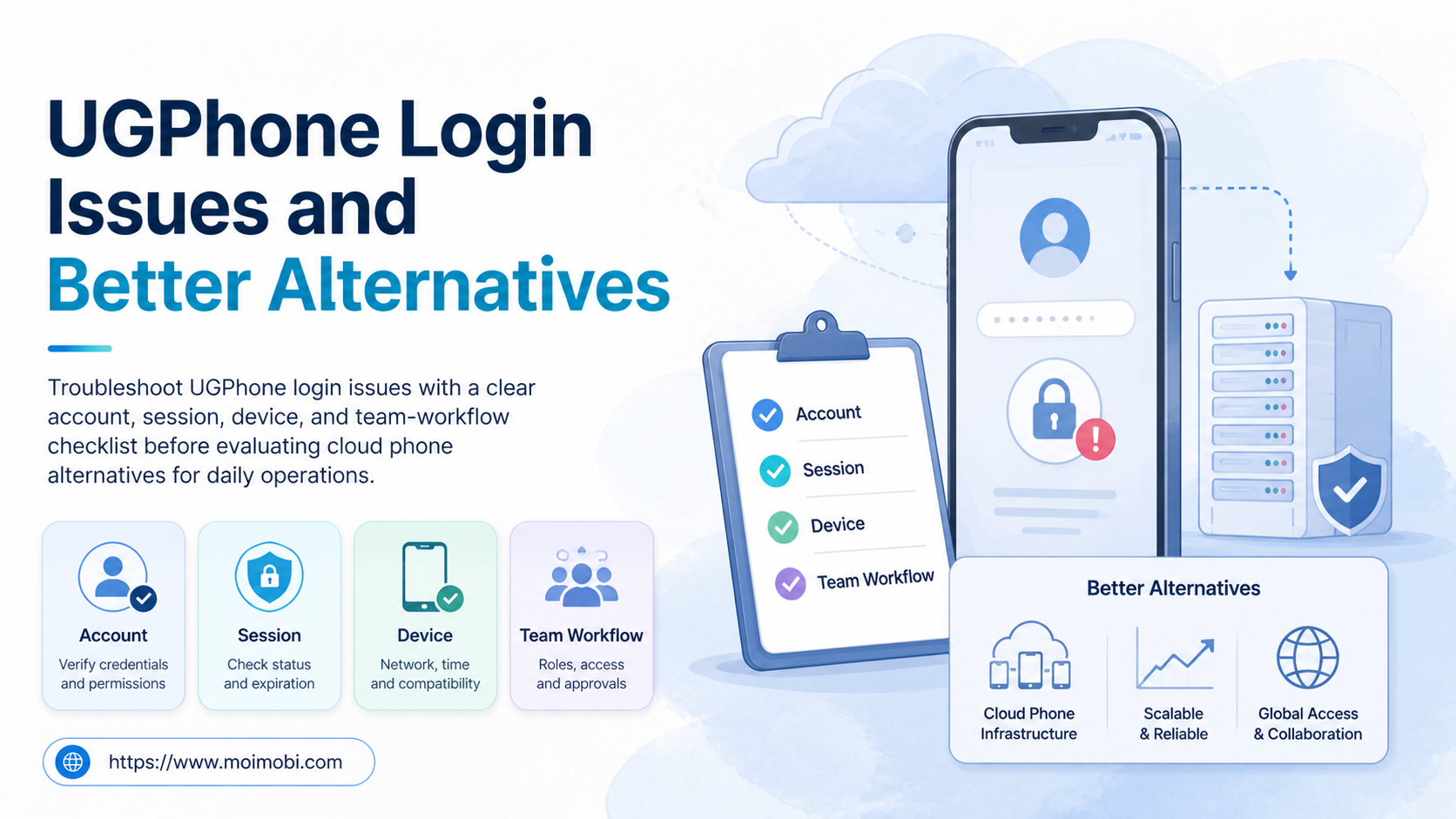
UGPhone login is the account sign-in step used to access a UGPhone cloud-device session. When that step fails, the first decision is not whether to switch providers. Confirm the account method, session state, assigned device, and team ownership first. A different cloud phone is worth evaluating only when the problem reflects an ongoing operating requirement rather than a one-time sign-in issue.
For an individual user, a login failure may be limited to one identity provider or app session. For a team, the same symptom can expose a larger gap: no clear account owner, no written recovery path, or no evidence of which device and account context were used. This guide separates troubleshooting from a buying decision, then shows how to evaluate alternatives without treating them as interchangeable.
Key takeaways
- Check identity, session, device, and ownership before changing a cloud-phone provider.
- A login problem is different from an environment-management problem.
- Compare alternatives by execution control, recovery evidence, and team handoff, not by a feature list alone.
- Run a small pilot before moving recurring account workflows to a new environment.
UGPhone Login: Start With the Account Path
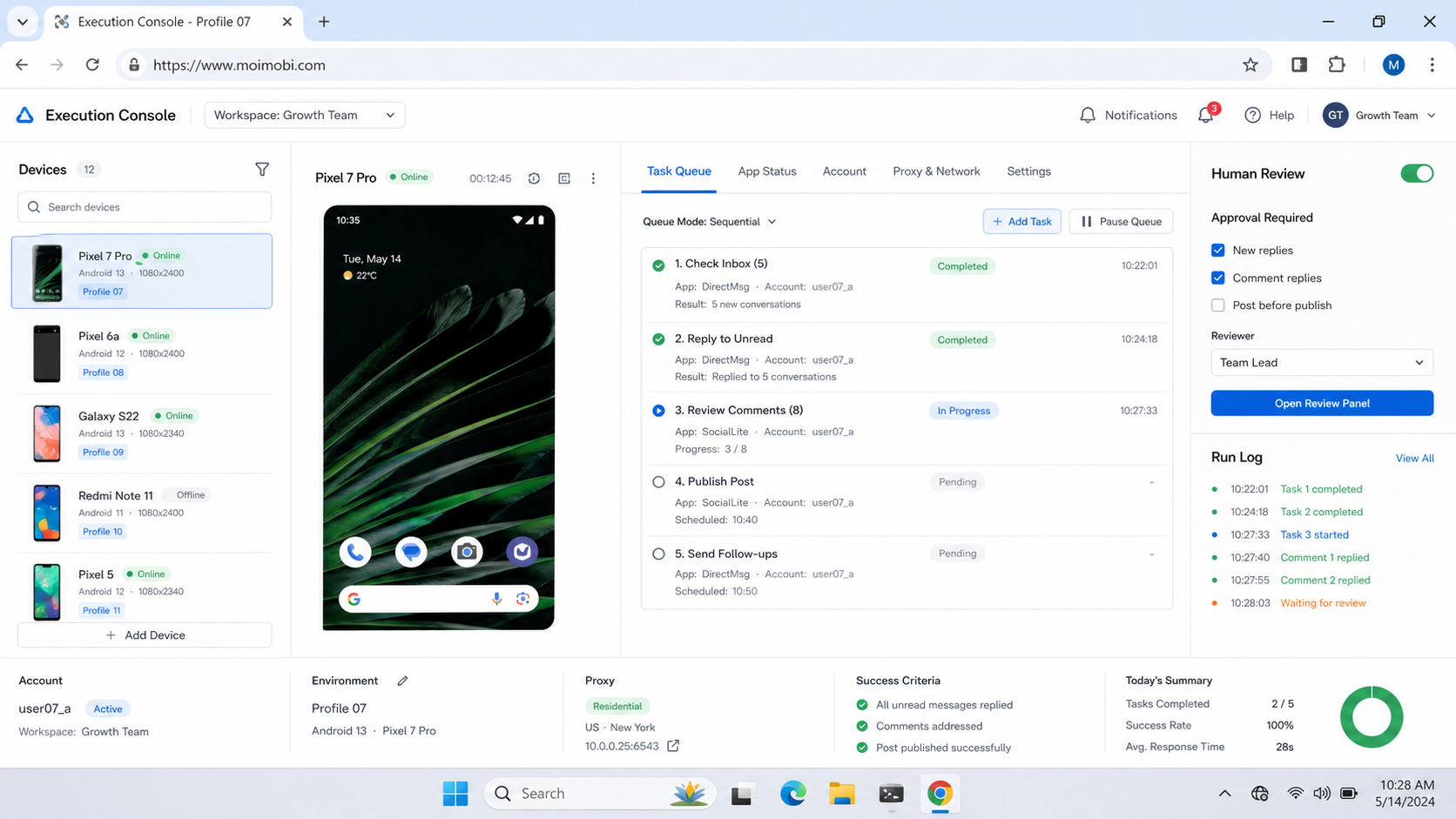
Start with the sign-in path that the account was created with. UGPhone's own login portal presents phone-number login. A support checklist should record the exact route used instead of assuming every account has the same recovery option. Verify the account's current recovery options through the official flow before making changes.
Do not share passwords or recovery codes in a task comment. Record only the account owner, the sign-in route, the time of the attempt, the assigned environment, and the visible error state. This gives the owner enough information to act without turning an operations log into a credential store.
| Check | Question to answer | Next action |
|---|---|---|
| Identity route | Was the account created with phone, email, or a connected identity provider? | Use the matching recovery route; do not create a duplicate account. |
| Session state | Did the issue begin after a device, password, or location change? | Ask the account owner to re-authenticate through the official flow. |
| Device assignment | Is the intended cloud device available and assigned to this operator? | Confirm the device record before launching a replacement session. |
| Team ownership | Who can approve recovery or a provider change? | Pause the task until the named owner responds. |
This check avoids a common mistake: treating every failed sign-in as proof that the whole environment is unsuitable. A stale session, an account recovery step, or a missing handoff record needs a different remedy from a workflow that repeatedly lacks device control or audit history.
What to Compare Before Choosing a UGPhone Login Alternative
An alternative is not automatically better because it opens a virtual Android device. The practical comparison begins with the job the team needs to complete. A content operator who uses one mobile app has different needs from an agency that assigns recurring client work across multiple environments.
First compare account recovery ownership. The team should know who owns the service account, who can authorize a sign-in recovery, and where the result is recorded. OWASP's authentication guidance recommends re-authentication after risk events and logging authentication activity. In operations terms, that supports a clear handoff rule: do not let a backup operator improvise a recovery action without the account owner's approval.
Next compare environment control. Ask whether the team can identify the device or browser context used for a task, assign it to one client workflow, and review what happened when a task pauses. A broad execution system may combine a cloud phone for mobile work with separate browser or account contexts for web tasks. The correct choice depends on the work, not on a generic claim that one environment replaces every other type.
Finally compare operational evidence. A provider evaluation should show whether the team can record a task outcome, an exception reason, and the next owner. When those basics are missing, changing platforms may only move the same untracked work into a new interface.
UGPhone Login Issues: A Practical Diagnostic Sequence
Use this sequence before evaluating a UGPhone alternative. It keeps account recovery separate from platform selection.
- Capture the exact symptom. Note whether the failure happens before authentication, after authentication, when opening a device, or inside a target app.
- Confirm the account owner. The owner should verify the intended sign-in route and approve any recovery step.
- Check the assigned environment. Confirm the device name, operator, and task before creating another session.
- Pause duplicate attempts. Do not have several teammates repeat the same recovery action without a record.
- Classify the issue. Label it identity, session, device availability, target-app, or workflow ownership.
- Decide the next action. Resume through the official recovery path, reassign the task, or open a small alternative-platform evaluation.
Android's Credential Manager troubleshooting guide illustrates a general principle: sign-in behavior can be affected by the client, account state, and the way a credential flow is presented. That does not diagnose a particular UGPhone issue. It does show why a team should preserve the actual error and context instead of collapsing every problem into a single label.
Avoid these shortcuts: opening several accounts to test the same error, moving a client workflow before documenting what failed, or asking an operator to use someone else's identity. Those actions make later recovery harder and can create conflicting records.
Key Differences Between a Cloud Phone and an Alternative Evaluation
The useful distinction is between a device service and an execution model. A device service answers, “Can this task run on a remote Android environment?” An execution model also answers, “Which client owns this environment, which operator can act, what approvals apply, and how is the result recovered?”
| Decision axis | Basic device question | Team evaluation question |
|---|---|---|
| Access | Can the operator sign in? | Is account recovery owned and documented? |
| Assignment | Can a device be opened? | Is the device bound to the right client and workflow? |
| Execution | Can the target app be used? | Are approvals and stop conditions clear? |
| Evidence | Did the session start? | Can a backup reconstruct the task outcome? |
| Scale | Can another device be added? | Can new lanes be added without mixing client context? |
For a team that only needs occasional mobile access, the basic device question may be sufficient. For an agency or operations group, the team evaluation questions usually determine whether a move reduces future incidents. That is where a UGPhone replacement decision guide becomes useful: it should be read as a selection checklist, not as a promise that every workflow needs a migration.
Features, Workflow, and Trade-Offs
The common misconception is that more automation removes the need for operating rules. In practice, more parallel work makes ownership and exception handling more important. A remote Android environment can make mobile execution available to a distributed team, but it does not decide who may change an account, approve an external message, or recover a failed task.
Create a small workflow record for every recurring lane. Include the client or business owner, account scope, environment identifier, operator, task type, required approval, and outcome. An account-isolated device environment is relevant when the work needs a clear boundary between account contexts. It is not a substitute for a written approval rule.
There are trade-offs. Tighter approval rules may add waiting time. Shared access may seem faster in the moment but creates ambiguity during recovery. A team should decide which actions need review, which tasks can proceed from approved inputs, and which conditions force an immediate pause. Those choices are more durable than a vendor checklist because they apply after the next device, client, or operator changes.
Pricing and Operational Considerations
Do not make a provider decision from a headline price alone. Cloud-device pricing, capacity, device characteristics, access methods, and service terms can change. Verify current details directly with each vendor before purchase, and compare the cost of the operating work around the device as well.
The hidden operating cost often appears in handoffs. If one person alone understands how to recover access, find the correct environment, or verify a completed task, the team has a single point of failure. A more structured setup can require upfront documentation, but it makes a pause or staff change easier to manage.
Use a short preflight checklist before committing:
- Name the account owner and recovery approver.
- Define the recurring workflow and its stop conditions.
- Confirm how an operator identifies the assigned device.
- Decide where task results and exceptions are recorded.
- Test one handoff between two people before scaling.
Which Option Fits Different Teams
Solo or occasional mobile user. Start with the official recovery process and the smallest environment that supports the task. A provider change is usually premature until the exact login issue is understood.
Small operating team. Favor an option that supports named ownership, predictable device assignment, and a shared result record. The goal is not maximum parallelism. The goal is to let a backup continue the work without private chat history.
Agency or multi-client team. Evaluate environment isolation, client-specific lanes, approvals, and exception evidence together. Run a pilot with one client and one recurring task. Measure whether the team can complete, pause, and hand off work without mixing account contexts.
Not a strong fit for migration. Keep the current setup when the only issue is a recoverable one-time sign-in problem and the wider workflow already has clear ownership and reliable handoff. Fix the incident, document the recovery, and reassess only if the same operational gap returns.
Pilot, Measurement, and Recovery Checks
Run a one-week pilot before moving a recurring workflow. Choose one account group, one task type, one named owner, and one backup. Do not test by sending more actions than the team can review. Test whether the workflow remains understandable when the primary operator is unavailable.
Track four measures: ready-to-complete rate, time to approval, number of paused tasks by reason, and successful backup handoffs. A useful result is not “no errors.” It is evidence that the team can identify the issue, stop duplicate work, recover through the right owner, and preserve the outcome record.
At the end of the pilot, keep the current environment, adjust the workflow, or evaluate an alternative based on the observed constraint. That makes the decision reversible and prevents an urgent login incident from turning into an unplanned migration.
Frequently Asked Questions
What does a UGPhone login issue usually mean?
It can involve the account route, current session, assigned device, target app, or an unclear team handoff. Capture the exact stage before troubleshooting.
Should a team change providers after one login failure?
Usually, no. Confirm the official recovery route and document the incident first. Repeated workflow limitations are a stronger reason to evaluate alternatives.
Can a cloud phone replace every browser workflow?
No. Mobile app tasks and browser tasks have different execution needs. Choose the environment that matches the actual task.
What should be recorded during sign-in recovery?
Record the owner, sign-in route, device context, time, visible error, approved action, and result. Do not store passwords or recovery codes in task notes.
How many people should access one account?
Keep access scoped to the people who need it. Name a primary owner and a backup, then document the approval path for recovery.
How can an agency test an alternative safely?
Use one client, one task, and one week. Check handoff, pauses, evidence, and recovery before moving more work.
Is a UGPhone alternative always a cloud phone?
Not necessarily. The right alternative may involve a different mobile environment, a browser-based workflow, or a combination of both, depending on the task.
Conclusion
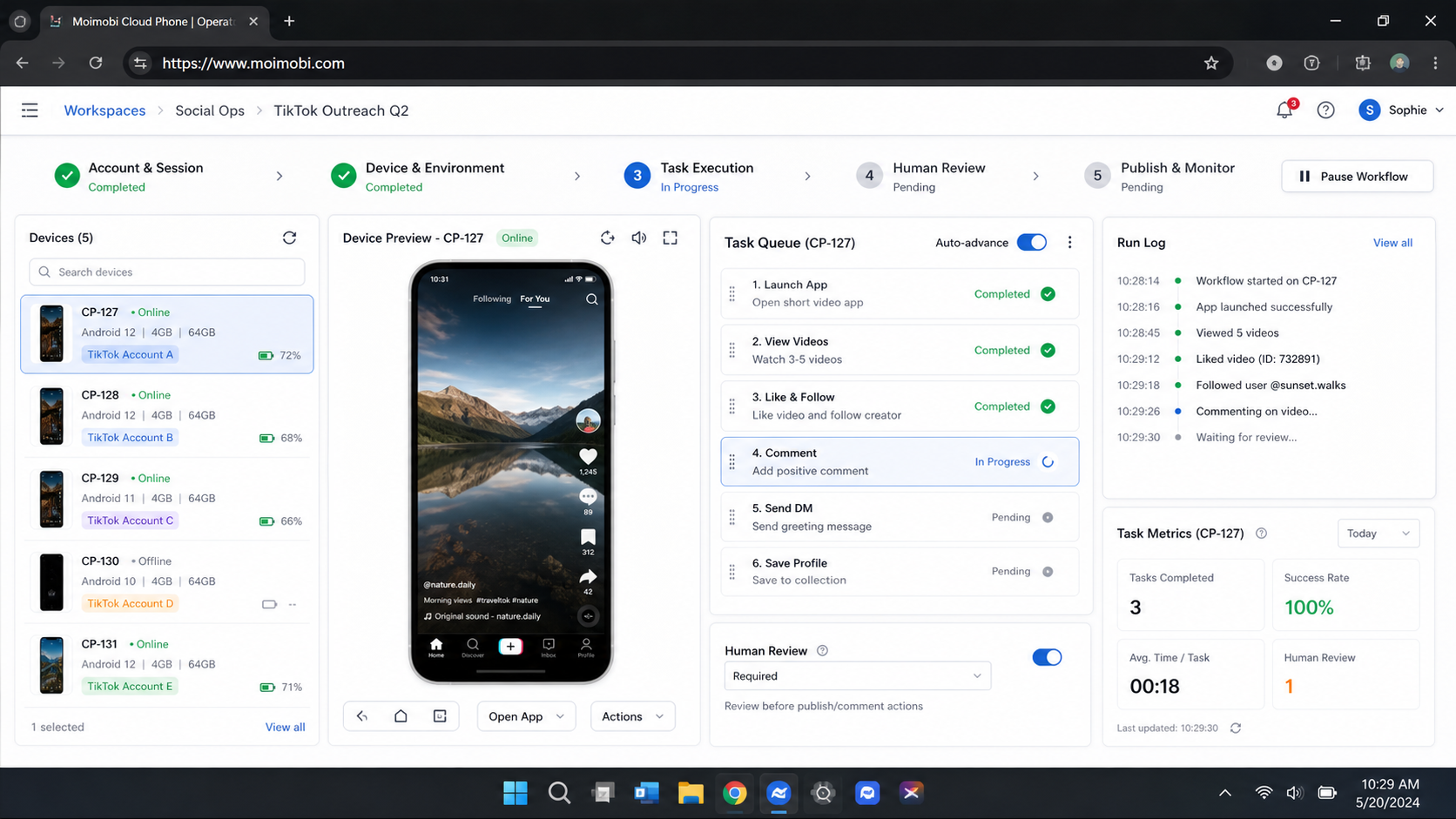
UGPhone login issues should be handled as a diagnostic problem before they become a buying decision. Verify the account route, session context, device assignment, and owner. Then assess whether the recurring workflow needs stronger environment control, clearer recovery, or a better handoff model.
When an alternative is necessary, test it through one contained workflow. The best outcome is a documented operating path that lets the team recover from an exception without guessing, duplicating work, or mixing account contexts.


