
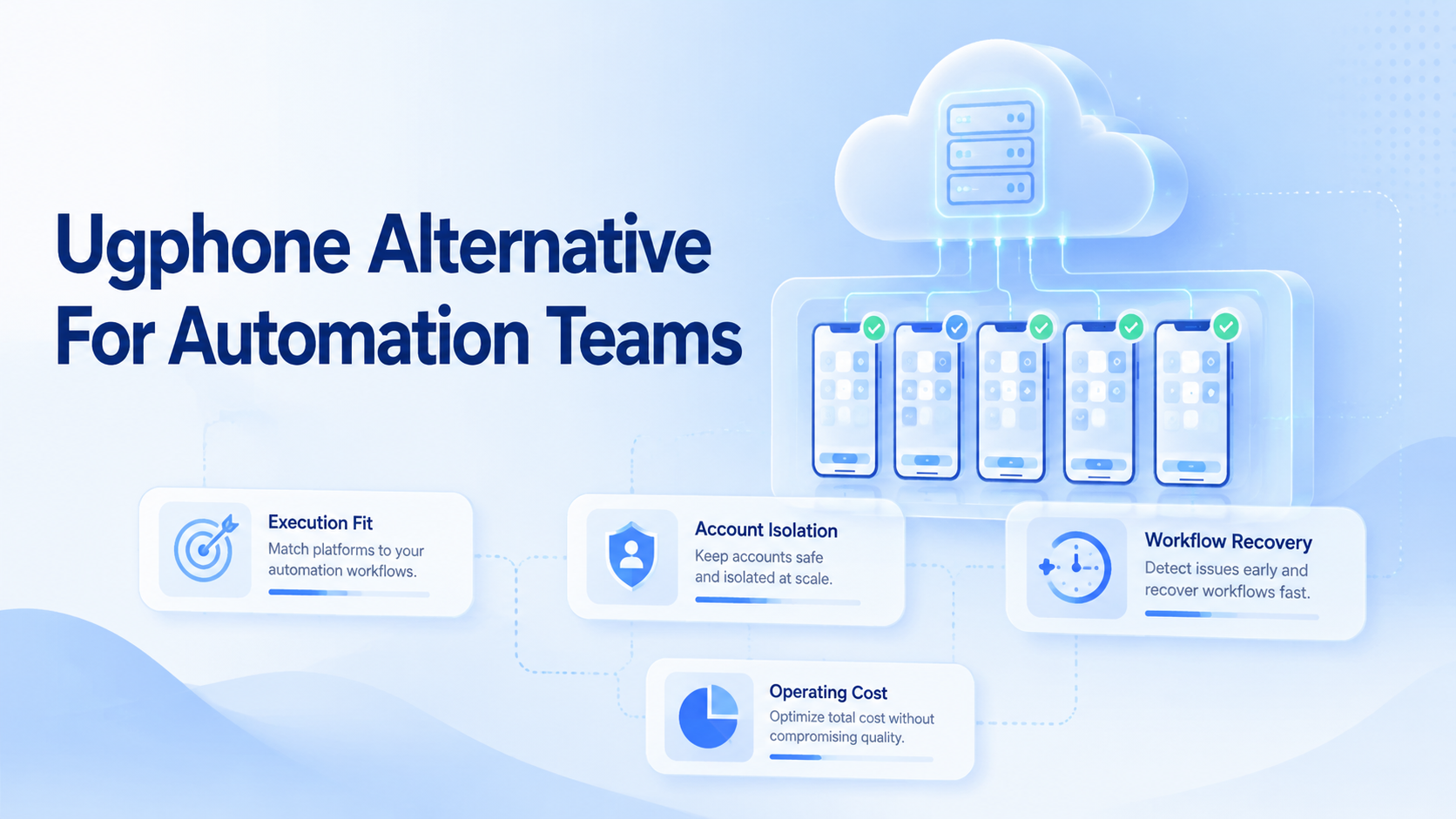
An UGPhone alternative for automation teams is a cloud mobile execution option that should be judged by workflow control, account separation, device availability, routing, and recovery operations. The best choice is not the provider with the longest feature list. It is the option that lets your team run repeatable mobile work without turning every failure into manual cleanup.
Use a simple selection rule. If your team mainly needs 24/7 app access for light usage, a gaming-oriented cloud phone may be enough. If your team runs social media, customer reply, e-commerce, or mobile workflow operations across many accounts, compare the execution system behind the phone.
UGPhone's own site positions its service around cloud online use, multi-instance gaming, global nodes, and plan tiers with Android versions and resource sizes. That matters because the first decision is category fit, not brand preference. Automation teams need to ask whether the platform is built for operational control, shared workflows, and account environments.
Key Takeaways
- Compare an UGPhone alternative by workflow fit, not only by device plan.
- Automation teams need account workspaces, routing control, logs, and recovery checks.
- A small pilot should measure task completion and manual repair effort before migration.
- Device access is useful, but team execution control decides long-term fit.
A Practical Comparison Framework for UGPhone Alternative for Automation Teams
Start with the job your team needs the environment to do. A cloud phone used for game AFK sessions is different from a mobile workspace used by operators, AI workers, and workflow tools.
The comparison should cover five areas:
| Decision area | What to verify | Why it matters |
|---|---|---|
| Environment model | Is each account mapped to a dedicated mobile or browser workspace? | Reduces confusion during handoffs and repeated tasks. |
| Execution control | Can tasks be started, paused, audited, and recovered? | Automation breaks without recovery and logs. |
| Routing | Can proxy and region settings stay consistent per account? | Mixed routing creates operational noise. |
| Team operation | Can roles, permissions, and account ownership be managed? | Shared teams need more than device access. |
| Workflow fit | Does it support publishing, replying, monitoring, and follow-up flows? | The device is only useful if work can be repeated. |
UGPhone lists Android cloud phone plans, global server locations, and 24/7 online positioning. That information helps buyers compare raw device access. It does not by itself answer whether the tool fits multi-account automation operations.
For teams comparing broader infrastructure, AWS Device Farm is a useful reference point. AWS describes managed access to real mobile devices, parallel execution, logs, videos, and remote access. Its developer guide also separates remote access from managed automated test execution. It is a testing service, not a social operations tool, but it shows what serious device operations usually need: fleet access, observability, and repeatable execution.
Use Case Fit Before Feature Fit for UGPhone Alternative for Automation Teams
Feature lists can distract teams from the real question. The question is whether the provider supports your operating model.
A creator team may need cloud phones for Instagram, TikTok, WhatsApp, or Telegram workflows. A customer team may need persistent logins, reply review, media upload, and account-specific history. An agency may need client separation, operator handoff, and clear task logs.
That is where a cloud phone platform needs to be evaluated as an execution layer, not just a remote Android screen. Device uptime matters, but it is not enough. A team also needs separate environments, routing control, task scheduling, and content workflow support.
Use this quick fit check:
- Choose a simple cloud phone if one person runs a few persistent mobile apps.
- Choose a multi-account execution system if many operators manage many accounts.
- Choose a device testing platform if the goal is QA coverage, not account work.
- Avoid switching providers until you can map every current task to the new environment.
Add one more boundary before buying: decide which work belongs in a mobile app and which belongs in a browser. Some teams publish from mobile apps but review analytics, messages, and campaign notes in web dashboards. Those teams need a workflow that connects browser profiles and cloud phones instead of treating them as unrelated tools.
This is also why an UGPhone alternative should be judged against actual operating workflows. A low monthly device cost can become expensive if operators must manually repair sessions every day.
Operational Trade-Offs and Team Workflow
The common mistake is comparing only device specs. CPU, RAM, storage, and Android version matter, but automation teams usually fail at the workflow layer first.
AWS Device Farm's documentation says remote access can be used interactively through a browser or with Appium from a local client. It also supports managed automated test execution. That split is important. Manual remote access and automated execution are different modes, and teams should not assume one automatically solves the other.
Browser automation has similar lessons. The W3C WebDriver specification defines WebDriver as a remote control interface for browser user agents. Playwright bundles isolation, parallelization, browser control, and reporting for web app testing. These references are browser-focused, but they reinforce the same architecture point: automation needs sessions, state, actions, and recovery.
For mobile operations, Moimobi's mobile automation model should be reviewed around task execution. The useful questions are concrete:
- Can the team assign one account to one environment?
- Can operators see which tasks ran and which failed?
- Can a workflow restart without changing account context?
- Can routing and device state stay consistent for the account?
- Can browser and mobile tasks be coordinated when the same account uses both?
These checks matter more than a marketing claim about being "better" than a competitor.
Do not ignore operator training. A new cloud phone provider changes launch steps, file transfer habits, recovery screens, and support paths. A good pilot records those changes in a short SOP so the team can repeat the workflow without asking one senior operator every time.
Setup Cost, Ongoing Cost, and Management Overhead
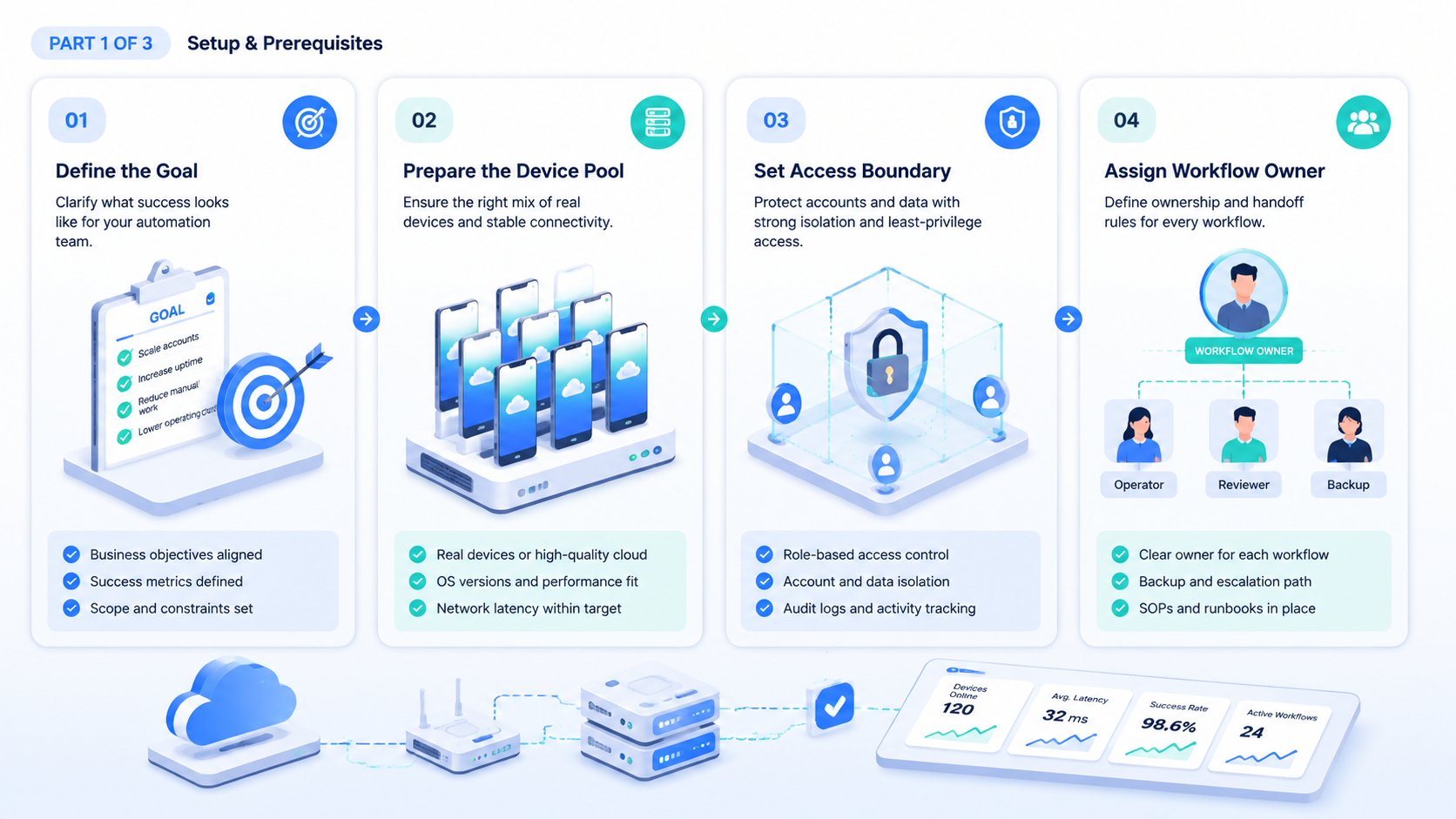
Price is only one part of the cost. The hidden cost is management overhead.
A provider may look cheaper if it rents devices at a low monthly rate. That advantage disappears when operators spend time moving files, checking logins, rotating workspaces, or rebuilding failed workflows. Automation teams should calculate cost per completed workflow, not just cost per cloud phone.
Use three numbers during evaluation:
- Environment cost: device, browser profile, proxy, storage, and traffic.
- Operator cost: time spent starting, checking, repairing, and reporting tasks.
- Failure cost: lost output when a task breaks or an account workspace is mixed.
The multi-account management layer becomes important here. When each account has a clear workspace, teams can hand off work with less confusion. When the workspace is shared or undocumented, every operator must ask what happened before they can continue.
For teams considering a physical phone farm, the comparison is also practical. Physical devices provide direct hardware control, but they create procurement, charging, network, cabling, and remote access overhead. Cloud phones reduce hardware handling, while a managed execution platform reduces coordination overhead.
Which Option Fits Different Teams Best
Different teams should choose different tools. A good comparison does not force one answer.
UGPhone may fit
- Solo users who need persistent Android access.
- Game-focused workflows where 24/7 online access is the main value.
- Small setups with limited team handoff.
Moimobi may fit
- Teams running multiple social, messaging, or e-commerce accounts.
- Operations that need isolated browser and mobile environments.
- Workflows that include publishing, replying, monitoring, and reporting.
A testing cloud may fit
- QA teams testing apps on many real devices.
- Engineering teams that need logs, videos, and automated test execution.
- Teams using Appium, WebDriver, or CI pipelines.
A social media team should also review social media marketing workflows. The environment should support the daily work pattern, not only device launch.
For TikTok-specific operations, compare against a dedicated cloud phone for TikTok page. TikTok workflows often involve content upload, app activity, comment review, and account-specific task scheduling.
Pilot Rollout, Measurement, and Recovery Checks
Do not switch all accounts at once. Run a pilot with a small group of accounts and measure what actually improves.
The pilot should include at least three workflows:
- A publishing workflow with media preparation and account-specific execution.
- A reply or inbox workflow with operator review.
- A monitoring workflow that checks output and task status.
Track four metrics during the pilot:
- Time from task assignment to completed output.
- Number of manual repairs per account per week.
- Number of environment mix-ups or unclear handoffs.
- Number of failed tasks with clear logs and recovery steps.
Set a stop rule before the pilot begins. If the new provider cannot preserve account context, task history, and recovery visibility, the switch may add operating complexity. If the pilot reduces manual handling and improves traceability, expand in batches.
This is where a device isolation layer matters. It gives the team a cleaner way to separate accounts, environments, and task history.
Keep the first pilot deliberately small. Two or three accounts are enough to expose login persistence, routing mismatch, upload friction, and handoff gaps. A larger pilot can hide problems because operators start solving them manually without writing down the fix.
At the end of the pilot, compare evidence instead of opinions. Review screenshots, logs, task notes, failed runs, and support tickets. The provider that makes failures visible is usually easier to scale than the provider that only looks smooth during simple sessions.
Frequently Asked Questions
What is the main difference between UGPhone and an automation-focused alternative?
UGPhone is positioned around cloud phone access and 24/7 online use. An automation-focused alternative should also support account workspaces, workflow execution, team handoff, and task recovery.
Is an UGPhone alternative for automation teams the same as a phone farm?
No. A phone farm is usually a fleet model. An automation platform should add workflow control, logs, permissions, and isolated account environments.
Should teams compare cloud phone vs physical phone farm?
Yes. Physical phones offer direct hardware ownership. Cloud phones reduce hardware management. The better choice depends on scale, control needs, and operator workflow.
Does device isolation remove all account risk?
No. It reduces environment overlap and operational confusion. It does not replace platform policy compliance, content quality, or careful account management.
What should a team test before switching?
Test login persistence, content upload, task assignment, proxy routing, operator handoff, recovery logs, and failed-task handling.
When should a team avoid switching?
Avoid switching when the current workflow is undocumented. Map tasks, accounts, content sources, and recovery steps first.
How should agencies compare providers?
Agencies should compare client separation, role permissions, account workspace design, reporting, and operational recovery before comparing device price.
Conclusion
The best UGPhone alternative for automation teams is the platform that fits your operating model. Do not evaluate only Android version, server location, or monthly cost. Compare account isolation, task execution, routing control, handoff, and recovery.
Before switching, run a small pilot. Pick a few accounts, assign real workflows, and measure completion time, repair effort, and task visibility. If the new environment makes work easier to repeat and easier to audit, it is a stronger candidate than a basic cloud phone rental tool.



