
Key Takeaways
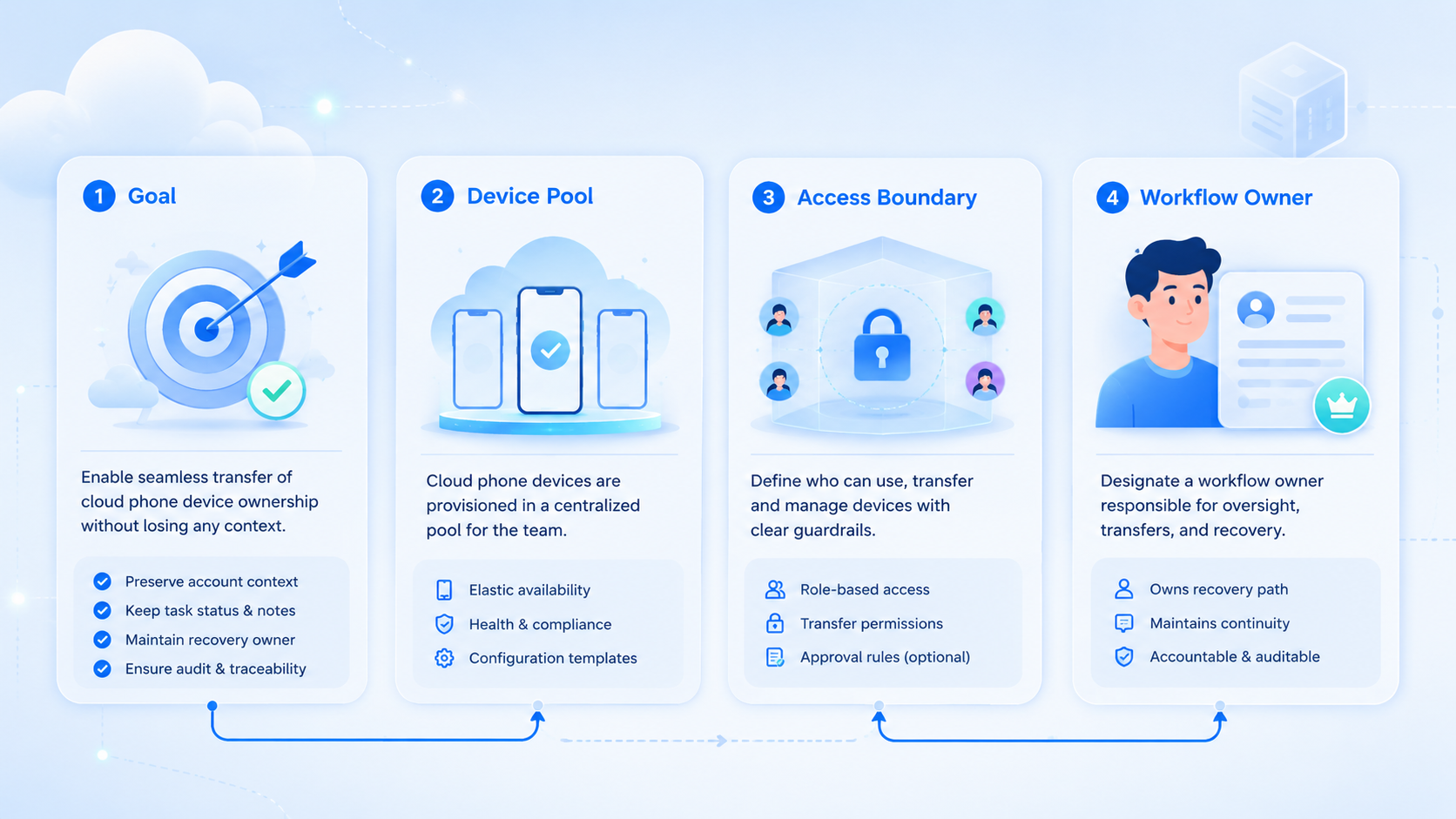
- A cloud phone transfer should move account context, not just device access
- Teams need owner, task, app state, review, and recovery fields before handoff
- Access should follow role rules and be removed when ownership changes
- Start with one workflow and measure failed handoffs before scaling device pools
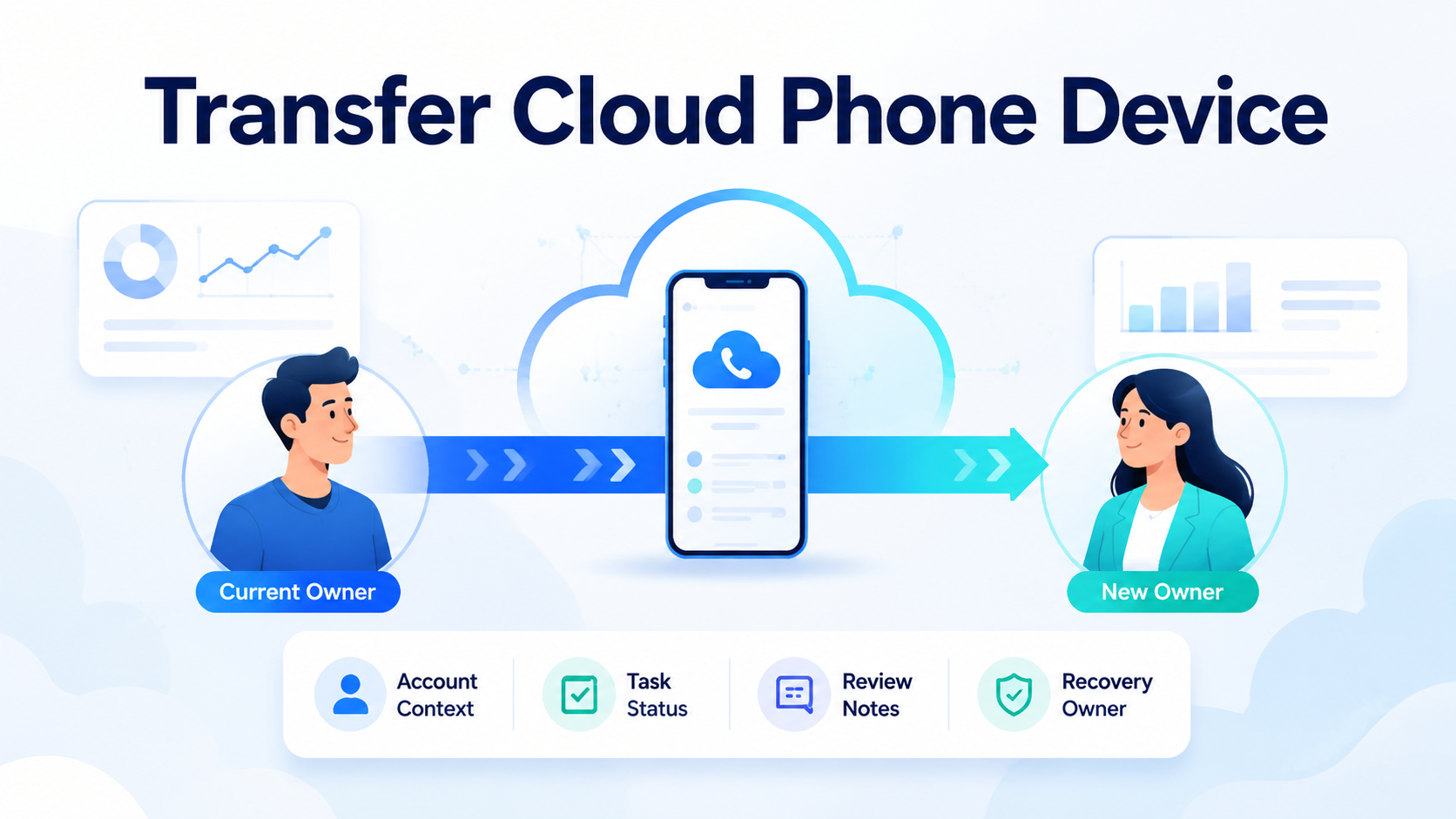
To transfer cloud phone device ownership without losing context, treat the phone as an account workspace. Move the owner, task status, app notes, review path, and recovery owner together.
The goal is not simply to give another person remote access. A clean transfer lets the next operator understand what account is active, what task was last completed, what is pending, and when to stop for review.
The Core Idea Behind Transfer Cloud Phone Device Workflows
A cloud phone is a remote mobile workspace for app-based work. AWS Device Farm explains remote access as interactive access to hosted devices through a browser session (AWS Device Farm). That is a testing service, but the operating idea is useful: a remote device can still support hands-on work.
For Moimobi, cloud phone workflows should connect the device to an account, a user, a task, and a result. The handoff fails when only the login is transferred.
Use this rule: transfer the workspace record before the operator changes.
What Context Must Move When You Transfer Cloud Phone Device Ownership
Context is the difference between a smooth handoff and a messy restart. The next teammate should not need to search chat history to know what happened.
Minimum handoff fields:
| Field | Why it matters |
|---|---|
| Account owner | Shows who is responsible now |
| Device ID | Prevents confusion across similar phones |
| App state | Records logged-in app, prompt, or pending screen |
| Last action | Shows what was completed |
| Next action | Gives the next operator a clear start point |
| Review status | Marks sensitive steps that need approval |
| Recovery owner | Names who handles failed tasks |
Microsoft Entra documentation describes groups as a way to manage access for multiple users at scale (Microsoft Learn). The same operating pattern applies here. Access should follow the role, not informal chat approval.
Fit Boundaries for Team Transfers
This workflow fits teams that share mobile app work across shifts, regions, or client accounts. It is especially useful for support teams, social media operators, e-commerce teams, and agencies that manage account workspaces.
It is weaker for solo operators. If one person owns one account and one phone, a full transfer process may be unnecessary.
Strong fit:
- Shift-based customer replies
- App-side content publishing checks
- Mobile account prompts
- Client account handoff between operators
- Recovery after a failed mobile step
Weak fit:
- Personal test devices
- One-off app checks
- Tasks that live fully in web dashboards
- Workflows with no shared accountability
When the same team also handles web dashboards, connect device transfers to multi-account management instead of treating each phone as a separate rental.
How to Transfer Cloud Phone Device Ownership
Start with a simple checklist. It should be short enough for operators to follow during a busy day.
| Step | Check |
|---|---|
| 1 | Pause new actions on the device |
| 2 | Record the account, app, and screen state |
| 3 | Mark the last completed task |
| 4 | Add a next action or stop reason |
| 5 | Assign the new operator |
| 6 | Remove access that is no longer needed |
| 7 | Confirm the new operator can open the workspace |
NIST SP 800-53 includes controls for access control and audit events in organizational systems (NIST). A marketing team does not need to copy a security framework word for word, but the principle is relevant: access and activity should be traceable.
Moimobi's device isolation layer helps because each mobile workspace can remain tied to a specific account context.
Mistakes That Break Handoffs
The first mistake is transferring access without transferring task state. The new operator can open the device, but the next action is still unclear.
Access drift is the second problem. Leaving the old operator with unnecessary access creates confusion when two people can act on the same account.
Workflow mixing is another source of errors. If publishing, replies, and recovery tasks share one workspace, the next action must be explicit.
Do not automate a broken handoff. Mobile automation should follow a proven manual transfer path, not cover up unclear ownership.
Pilot Measurement
Run a 7-day pilot with one team, one account group, and a few devices. Do not start with the full device pool.
Track:
- Failed handoffs
- Missing next actions
- Devices with unclear owners
- Tasks reopened because context was missing
- Recovery cases without a named owner
Pass condition: the next operator can continue work without asking in chat. Fail condition: device access moves, but the work still depends on private memory.
Frequently Asked Questions
What does it mean to transfer a cloud phone device?
It means moving device access and account context to another operator.
Should the old owner keep access?
Only when the role still requires it. Otherwise, remove access after confirmation.
What should be recorded first?
Record account owner, device ID, app state, last action, next action, and recovery owner.
Does this replace team chat?
No. It reduces dependence on chat by keeping key status inside the workflow.
Can AI help with handoff notes?
Yes, if the task fields are structured and reviewed before action.
When should a transfer pause?
Pause when the device shows an account prompt, sensitive reply, payment screen, or unclear recovery step.
How many devices should a pilot include?
Start with a small group. A few devices are enough to test the handoff model.
Conclusion
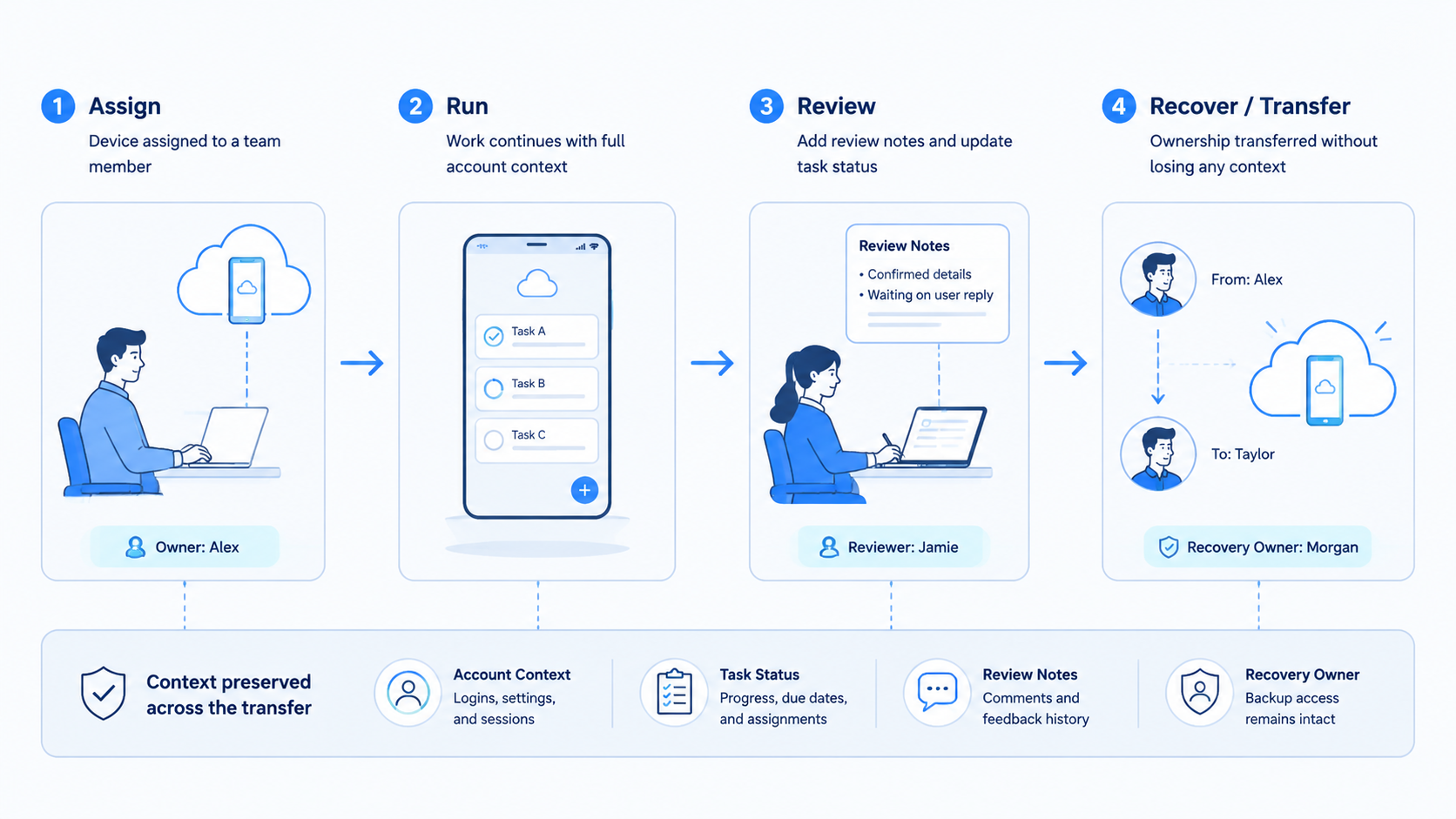
Transfer cloud phone device ownership only after the account workspace is ready. Access, task state, review notes, and recovery ownership should move together.
Before scaling, check one thing: can a new operator open the device and continue the task without asking what happened? If not, fix the transfer record before adding more phones.



