
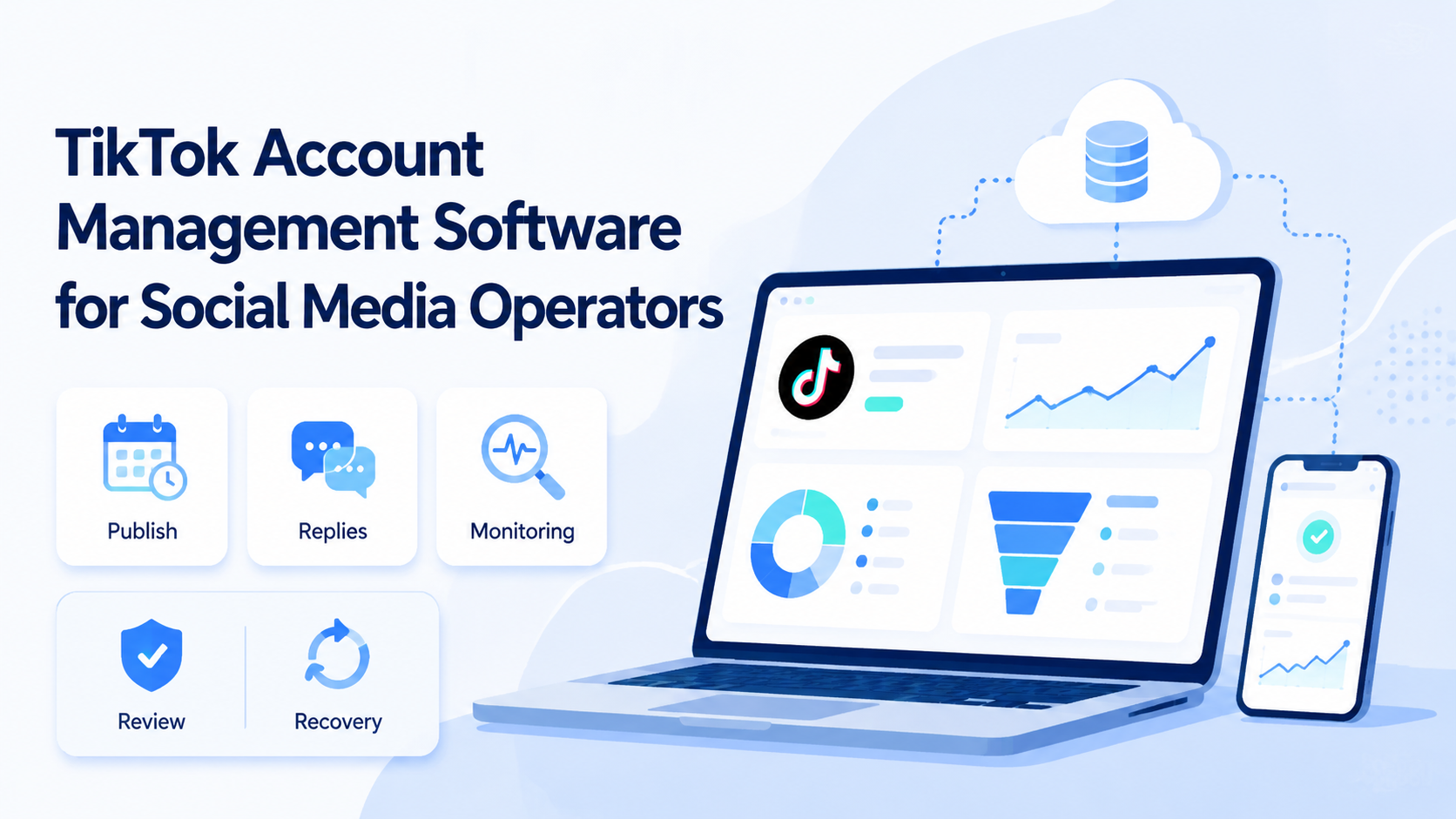
TikTok account management software is a system for organizing account work, operators, devices, publishing tasks, replies, monitoring, and recovery steps. For social media operators, the useful version is not just a scheduler. It is an operating layer that keeps TikTok work clear after more accounts and more people enter the workflow.
The decision is practical. If one person manages one account, a simple content calendar may be enough. If a team manages many accounts, it needs ownership, mobile workspaces, review gates, and task logs. Moimobi supports that model through cloud phone, mobile automation, and multi-account management.
Key Takeaways
- A TikTok operations system should organize work, not only schedule posts.
- Teams need account ownership, device assignment, review rules, and task history.
- Cloud phones help when TikTok workflows need mobile app execution.
- Human review matters for sensitive comments, messages, and branded content.
- A pilot should measure errors, failed tasks, and recovery time before scaling.
The Core Idea Behind a TikTok Operations System
The core idea is controlled execution. Operators need to know which account they are working on, which environment is assigned to it, and which actions are allowed.
That matters because TikTok work often includes several task types. A team may publish short videos, check comments, answer DMs, review competitor content, collect ideas, and report results. When those tasks spread across accounts, the system must show ownership.
Moimobi fits the mobile side of this work. Teams can place TikTok workflows inside assigned mobile environments instead of passing physical phones around. For platform-specific planning, the TikTok operations page is the closest internal hub.
Why Teams Search for This Topic
Teams usually search for this topic after simple tools stop being enough. A scheduler can plan content, but it may not show who handled a comment, which device was used, or why a task failed.
The second reason is account separation. Operators may handle brand accounts, regional accounts, creator accounts, or client accounts. Without a clear workspace model, daily work becomes hard to audit.
The third reason is review. TikTok's Community Guidelines are a useful reference for content and engagement boundaries. Teams should also check TikTok's Business Help Center when workflows involve ads, business accounts, or campaign operations.
Who Benefits Most and In What Situations
Social media operators benefit when they manage repeated workflows across several accounts. A creator team may need daily publishing and comment checks. An agency may need client account separation. A support team may need review rules for customer messages.
The best fit is a team with repeated account work. The weakest fit is a single-user setup with one account and no handoff. In that case, a lighter calendar or manual checklist may be enough.
- multi-account TikTok teams
- agencies managing client profiles
- cross-border sellers using TikTok content workflows
- teams that need mobile app execution and review logs
- one account with no team handoff
- pure desktop content planning
- workflows with no review or reporting need
- teams expecting automation to replace platform judgment
How to Evaluate TikTok Account Management Software
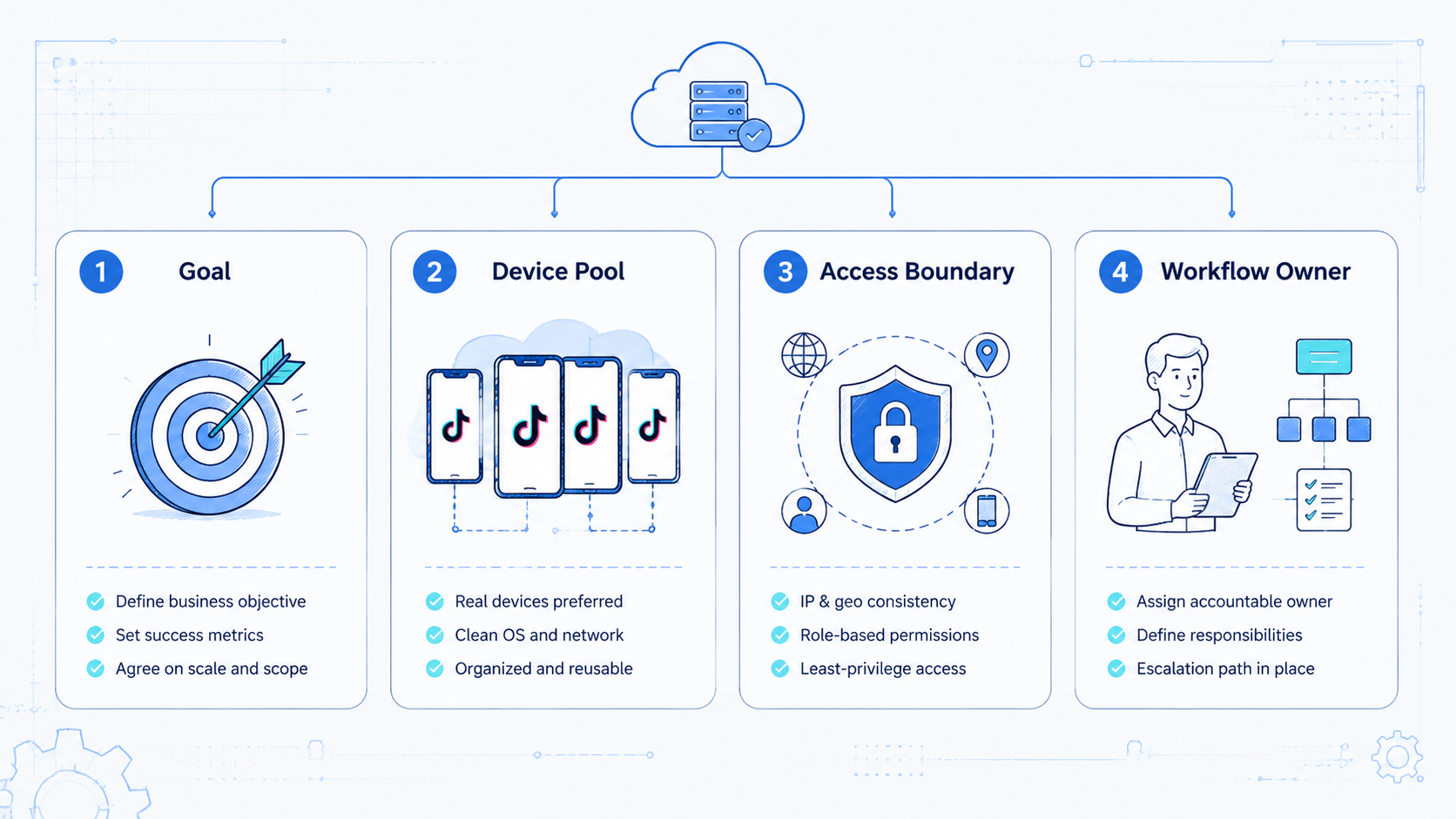
Use a setup checklist before selecting software.
- Map accounts. List every TikTok account, owner, role, and status.
- Assign environments. Connect each account to one primary mobile workspace.
- Define workflows. Separate publishing, comment review, DM handling, monitoring, and reporting.
- Add review rules. Pause sensitive replies, branded claims, complaints, and unusual account states.
- Track outcomes. Record success, failure, manual takeover, and next action.
- Review weekly. Remove unused accounts, fix owner drift, and update failed workflows.
If the workflow includes paid endorsements or creator campaigns, the FTC's Endorsement Guides are relevant. Disclosure review should be part of the operating process.
Use a scorecard before adopting a new tool. It keeps the conversation focused on work quality instead of feature volume.
| Evaluation area | Pass signal | Review signal |
|---|---|---|
| Account ownership | Every account has an owner | Several people share unclear responsibility |
| Mobile workspace | Each account has an assigned environment | Operators choose any available device |
| Publishing flow | Draft, approval, upload, and result are tracked | Posting happens without a review trail |
| Reply flow | Sensitive replies pause for review | Operators answer from memory |
| Monitoring | Checks have schedule and outcome notes | Monitoring depends on whoever is online |
| Recovery | Failed tasks have owner and next step | Failures are retried without notes |
This table also separates Moimobi's role from a basic content calendar. A calendar helps plan what to post. A mobile execution layer helps the team control where account work happens and how results are reviewed.
Mistakes That Reduce Results
The first mistake is treating the software as only a posting tool. Posting is one task. Operators also need comment workflows, inbox workflows, account status checks, and reporting.
The second mistake is sharing unclear device environments. A shared pool may look efficient, but it becomes hard to explain which account ran where. Device isolation helps teams keep account workspaces separate.
The third mistake is skipping recovery notes. A failed upload, login issue, or review pause should create a record. Without that record, the team repeats the same failure.
Pilot Rollout, Measurement, and Recovery Checks
A pilot should start with one account group and one repeated TikTok workflow. Good starter workflows include daily publishing review, comment monitoring, or weekly competitor checks.
Track these measures:
| Measure | What it shows |
|---|---|
| task completion | whether the workflow can run repeatedly |
| wrong-account actions | whether workspaces and owners are clear |
| review volume | whether sensitive actions are routed correctly |
| failed task count | where the process breaks |
| recovery time | how quickly operators understand and fix failures |
Do not scale only because output increases. Scale when the team can explain every task result and recover failures without confusion.
Review the pilot with both operators and managers. Operators can explain where handoff broke. Managers can decide whether the failure is a training issue, a workflow issue, or an environment issue.
Keep the first rollout narrow. One team, one platform, and one account group is enough. After that, add more accounts only when the existing group has clean ownership and useful logs.
Frequently Asked Questions
What is TikTok account management software?
It is software that helps teams organize TikTok accounts, operators, tasks, review rules, and reporting.
Is it the same as a social media scheduler?
No. A scheduler handles timing. Account management also covers ownership, environments, replies, monitoring, and recovery.
Why use cloud phones for TikTok operations?
Cloud phones help when work needs mobile app context, separated account workspaces, and remote team access.
Can this remove account risk?
No. It can reduce internal confusion, but teams still need platform-aware workflows and human review.
What should agencies track?
Agencies should track client ownership, assigned workspaces, publishing tasks, reply approvals, and failed actions.
Where should automation start?
Start with low-sensitivity workflows such as monitoring, reporting, or draft preparation before automating higher-impact actions.
Where does Moimobi fit?
Moimobi fits teams that need cloud phones, device isolation, mobile automation, and repeatable TikTok account workflows.
Conclusion
TikTok account management software should help operators keep work controlled as account count grows. The priority order is account mapping, mobile workspace assignment, workflow rules, review gates, and task logs.
Before scaling, run a small pilot. Choose one account group, one workflow, and one review window. Expand only when the team can explain task results, failures, and recovery steps clearly.



