
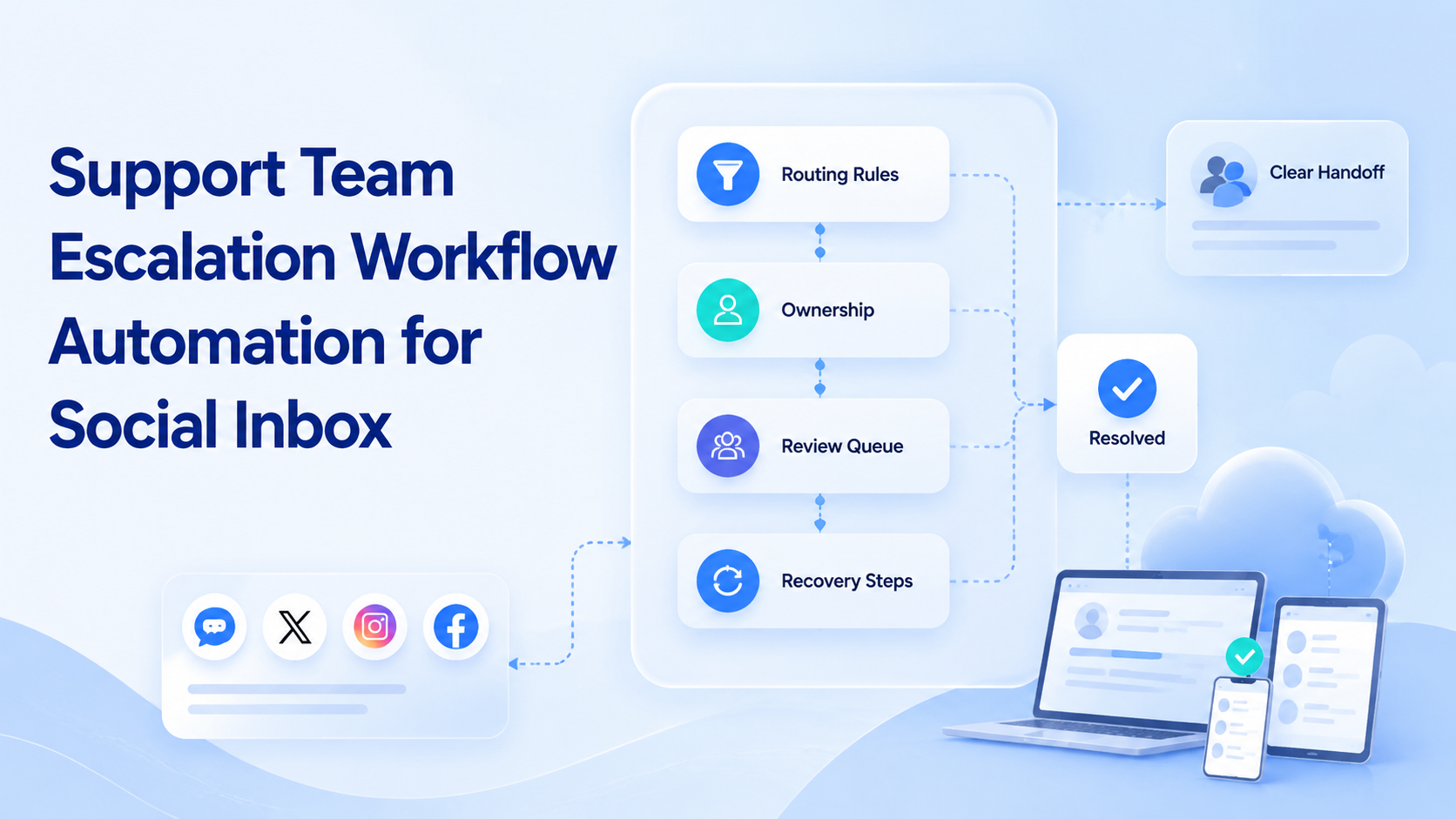
Support team escalation workflow automation is the process of routing social inbox items to the right person, queue, or response path with clear rules. It helps teams handle comments, DMs, product questions, complaints, and unclear messages without losing ownership.
Social inbox work mixes marketing, support, sales, and brand operations. A simple comment may need a saved reply. A product complaint may need order context. A creator message may need a partnership owner.
Moimobi helps by giving teams execution environments for account-based social work. The workflow can connect inbox checks, reply drafting, human review, and task logs across browser and mobile workspaces.
Key Takeaways
- Escalation automation should route social messages by intent, urgency, account, and owner.
- The workflow needs clear stop rules before any reply is sent.
- Multi-account teams need account workspaces and activity logs.
- A pilot should measure resolution time, takeover rate, missed cases, and reviewer edits.
Why Support Team Escalation Workflow Automation Matters
Social inboxes are not just support channels. They are public brand surfaces, sales entry points, complaint channels, and product feedback loops. One team may need to handle comments on a TikTok post, questions in Instagram DMs, and follow-up messages on Facebook.
Official platform resources show how social business tools are designed around account and message workflows. Instagram for Business explains professional account and messaging surfaces for brands. TikTok for Business covers business account, creative, and campaign workflows. Facebook business help documents business page and messaging support tools.
These tools give teams places to communicate. They do not decide your escalation model. The practical goal is simple: every message should have a next step.
The Core Escalation Model
Strong support team escalation workflow automation starts with a routing model. The model should be simple enough for operators to remember and specific enough for automation to apply.
| Message Type | Default Route | Stop Rule |
|---|---|---|
| Simple product question | Saved reply or AI draft | Stop if product details are missing |
| Order or account issue | Support queue | Stop if private data is needed |
| Complaint | Senior support review | Stop if tone or facts are unclear |
| Sales inquiry | Sales or growth owner | Stop if the lead source is unclear |
| Spam or duplicate | No reply or low-priority queue | Stop if unsure whether it is a real customer |
Moimobi’s social media marketing use case is relevant here because the workflow often spans publishing, engagement, and customer response. A support queue should not be isolated from campaign operations.
What to Automate First
Start with classification before replies. Classification is easier to review and less sensitive than sending messages. It also gives the team useful data about what kinds of messages arrive.
The first automation workflow can be:
- Open the assigned social inbox.
- Collect new comments or messages.
- Classify each item by intent.
- Draft a response only for approved categories.
- Send uncertain cases to a review queue.
- Log the result and next owner.
This structure keeps the workflow narrow. Reviewers inspect only cases that automation could not handle with confidence.
Teams running multiple accounts should connect this workflow to multi-account management. The message, account, environment, and reviewer should stay linked. Otherwise, it becomes difficult to know where a reply came from.
Account and Environment Ownership
Escalation workflows fail when account ownership is unclear. A social inbox is tied to an account, and the account is tied to a session. If three people touch the same inbox without a log, no one can explain what changed.
Use one record for each escalation item:
- Source platform.
- Account or page name.
- Message type.
- Customer or commenter handle.
- Assigned owner.
- Draft status.
- Review status.
- Final action.
- Follow-up date.
- Recovery note if the workflow stopped.
For mobile-first inboxes, execution may need an app environment rather than a web tab. Moimobi’s mobile automation layer helps teams plan app-based tasks, review, and handoff.
The environment should follow the account. That means the reviewer can inspect the right session and understand the previous task state.
AI Drafting Rules for Social Inbox Replies
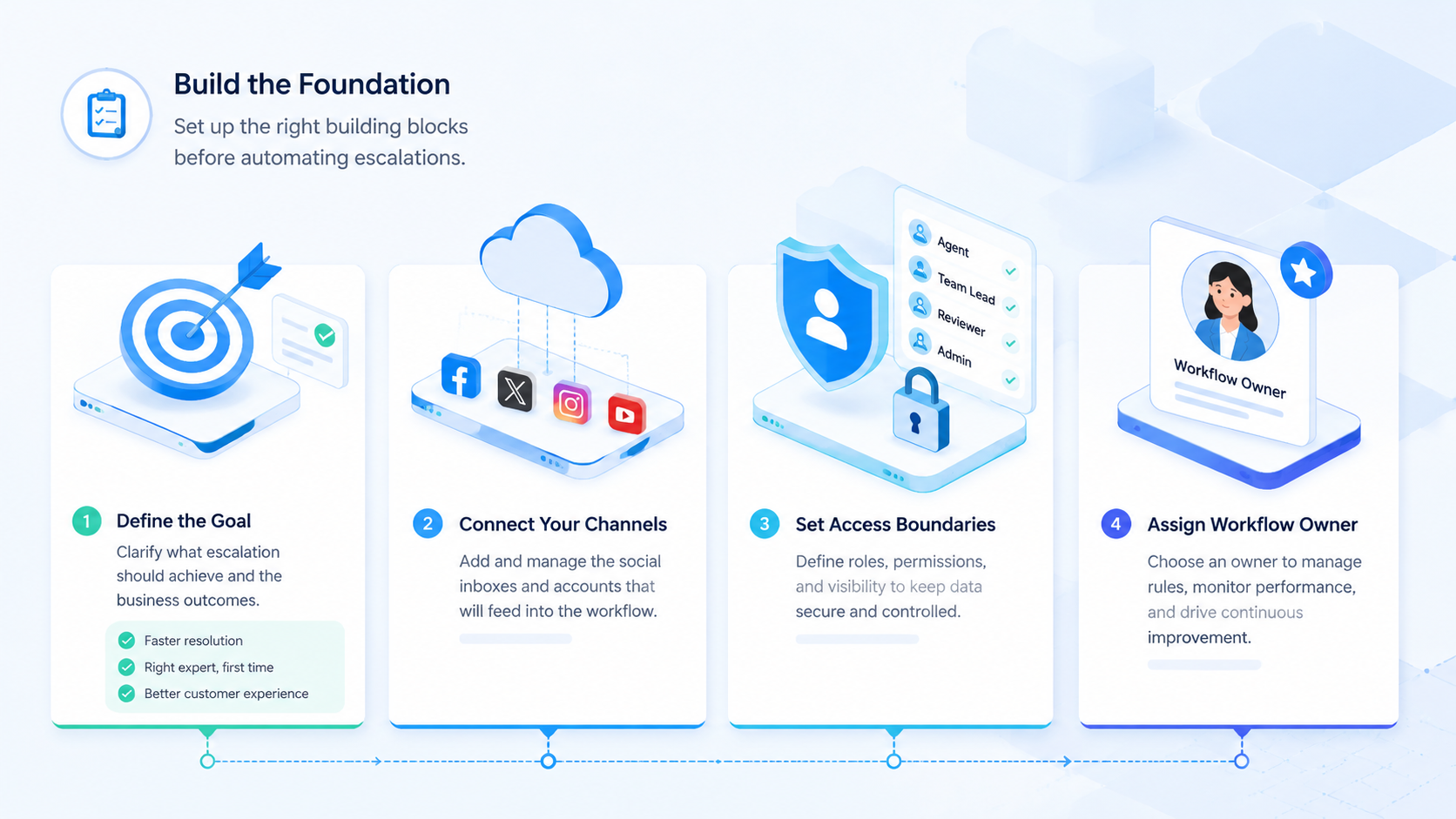
AI can speed up drafting, but the team still needs reply rules. The rules should say what AI may draft, what it may not draft, and when a human must approve.
Good first categories for AI drafts include store hours, product availability, campaign questions, public FAQ answers, and simple next-step instructions. Weak categories include refunds, complaints, private data, and high-value sales negotiations.
Use this drafting policy inside the workflow:
- Draft only from approved knowledge sources.
- Keep replies short and specific.
- Ask for review when facts are missing.
- Avoid sending private data in public comments.
- Log edited replies so future prompts improve.
This is where AI customer reply automation should be treated as a review workflow, not a free-form chatbot.
Fit and Not-Fit Guidance
Support escalation automation is a strong fit when the team receives repeated question types and already knows how to answer them. It is also a good fit when several people share the same inbox and need cleaner ownership.
It is a weak fit when the team has no support rules, no product knowledge base, or no reviewer. Automation cannot invent support judgment. It can only apply rules that the team has defined.
Pause the workflow in these situations:
- A message asks for private customer data.
- The reply could affect a refund, cancellation, or dispute.
- The message mentions legal, medical, financial, or safety-sensitive details.
- The account state is unexpected.
- The correct owner is unknown.
Pilot Metrics for the First Month
Measure the pilot before expanding it. The first goal is to learn which messages can be handled consistently.
Track these numbers weekly:
- New inbox items collected.
- Items classified automatically.
- Drafts sent to review.
- Drafts approved without edits.
- Drafts edited by reviewers.
- Items escalated to support, sales, or campaign owners.
- Items paused because context was missing.
- Average time from arrival to next action.
Ask reviewers which category created the most rework. Then improve only that category for the next week.
Moimobi’s device isolation model is useful when support work spans several account environments. It lets teams separate sessions and reduce confusion during review.
Frequently Asked Questions
What is support team escalation workflow automation?
It is a workflow that classifies social inbox items and routes them to the right reply path, queue, or human owner.
Should AI send replies automatically?
Start with drafting and classification. Send only approved categories after review quality is tested.
Which messages should always be escalated?
Escalate private account issues, complaints, refunds, high-value leads, and unclear product questions.
How does this help multi-account teams?
It keeps each message tied to the right account, owner, environment, and record.
What should a pilot measure?
Measure classification quality, edits, escalations, missed messages, and time to next action.
Does this require mobile execution?
It matters when the inbox or reply workflow depends on mobile app state.
Can the same workflow support sales and support?
Yes, if routing rules separate support cases, sales leads, campaign replies, and unclear messages.
What is the biggest setup mistake?
The biggest mistake is automating replies before defining categories and stop rules.
Conclusion
Support team escalation workflow automation works when the team treats social inboxes as operational queues. Each message needs a category, owner, environment, review rule, and next action.
Start with classification, not full reply automation. Build one review queue and improve the categories that create the most edits. After routing works, expand to more accounts and reply types.



