
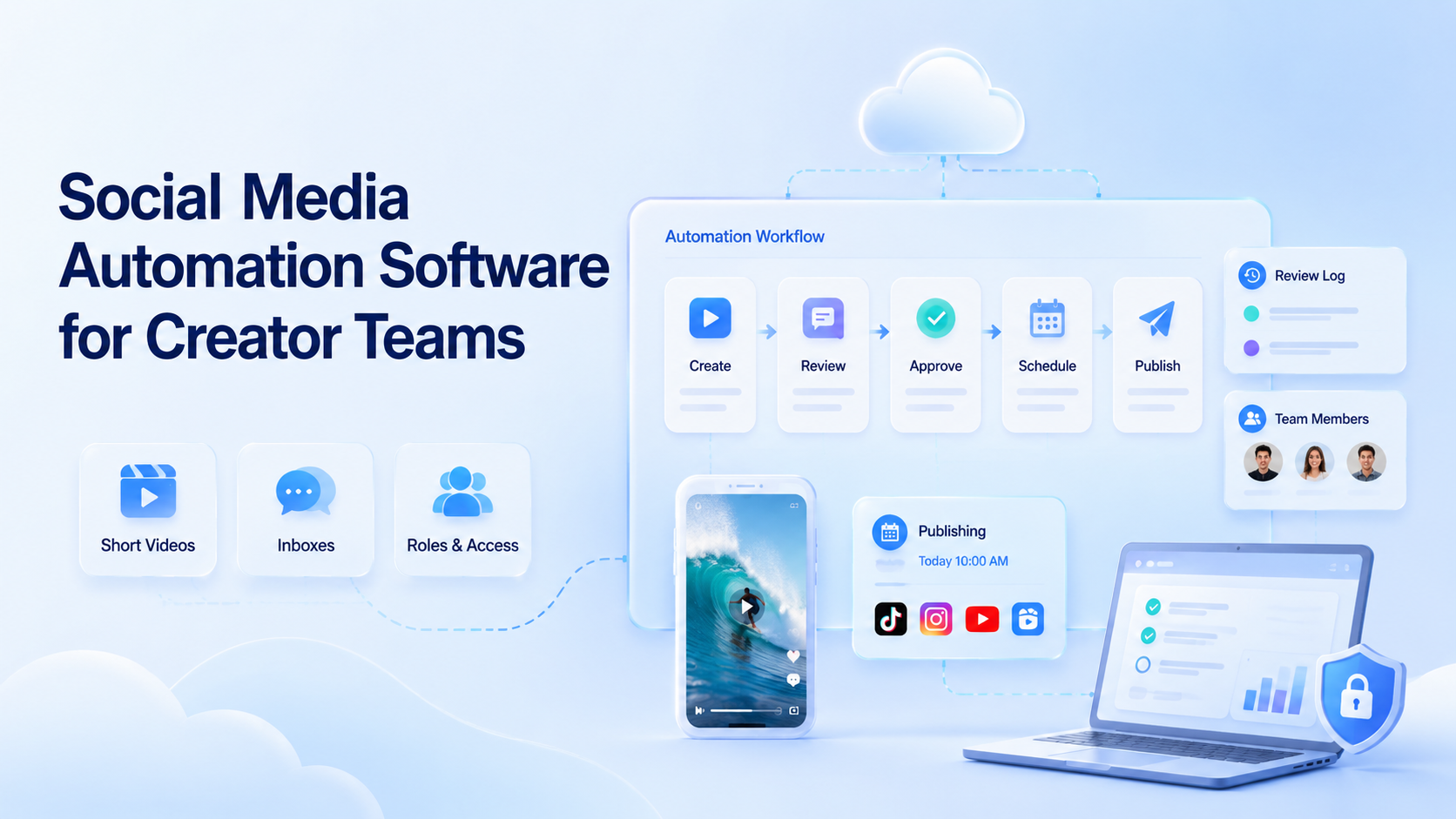
Social media automation software for creator teams should do more than schedule posts. A creator team needs content queues, approval rules, account workspaces, mobile execution, inbox review, and logs that show what happened after each task.
For a single creator, a calendar may be enough. For a 2026 creator team managing 5, 20, or 50 accounts, the harder problem is control. Who approved the caption? Which account published the post? Which comment needs review? Which workflow failed yesterday?
Moimobi approaches this as an execution platform. It connects AI-assisted planning with cloud phones, browser workspaces, account isolation, and multi-account workflows.
Key Takeaways
- Creator teams need workflow control, not only post scheduling.
- Each account should have an owner, environment, content queue, and review rule.
- AI can draft captions and replies, but public content should keep approval steps.
- Track failed tasks, late approvals, and account-level activity every 24 hours.
What Creator Teams Actually Need
Creator operations combine short video planning, caption drafts, comment review, inbox triage, sponsor approvals, and platform-specific publishing. That mix is why generic scheduling tools can feel too narrow.
A good system should support 4 basic roles: creator, editor, reviewer, and operator. The creator supplies voice and direction. The editor prepares assets. The reviewer approves sensitive posts. The operator executes publishing and reply tasks inside the assigned environment.
Moimobi's social media marketing use case fits teams that need to run account workflows across mobile apps and web tools instead of only planning content in a calendar.
The 6-Field Workflow Model
Use a fixed task record for every post or reply.
| Field | Example |
|---|---|
| Account | creator-us-03 |
| Content item | Reel draft, caption, thumbnail |
| Owner | editor, reviewer, operator |
| Environment | browser profile or cloud phone |
| Status | draft, approved, published, blocked |
| Evidence | screenshot, URL, note, timestamp |
This structure creates a repeatable workflow. If a post fails, the team can tell whether the problem came from content, approval, account access, or execution.
Where AI Fits in Creator Workflows
AI can help with repetitive preparation. It can draft captions, summarize comment themes, prepare reply options, turn a sponsor brief into a checklist, or group inbox messages by intent.
Keep review rules for public and sensitive actions. The FTC guidance on AI claims warns companies not to overstate AI capabilities. For creator teams, that means AI should support drafts and summaries, while humans review brand claims, sponsor mentions, and sensitive replies.
Why Execution Environments Matter
Many creator workflows touch mobile-first apps. A post may be planned on desktop but checked or published on mobile. A support reply may start in a browser dashboard and finish inside a mobile inbox.
That is why cloud phone environments matter. They give teams a controlled mobile workspace for account tasks. For repeated work, device isolation helps keep account sessions and task history separate.
Platform rules still matter. Teams should review first-party policies such as TikTok's Community Guidelines and Meta's Platform Terms when designing automation.
Buying Criteria for Creator Teams
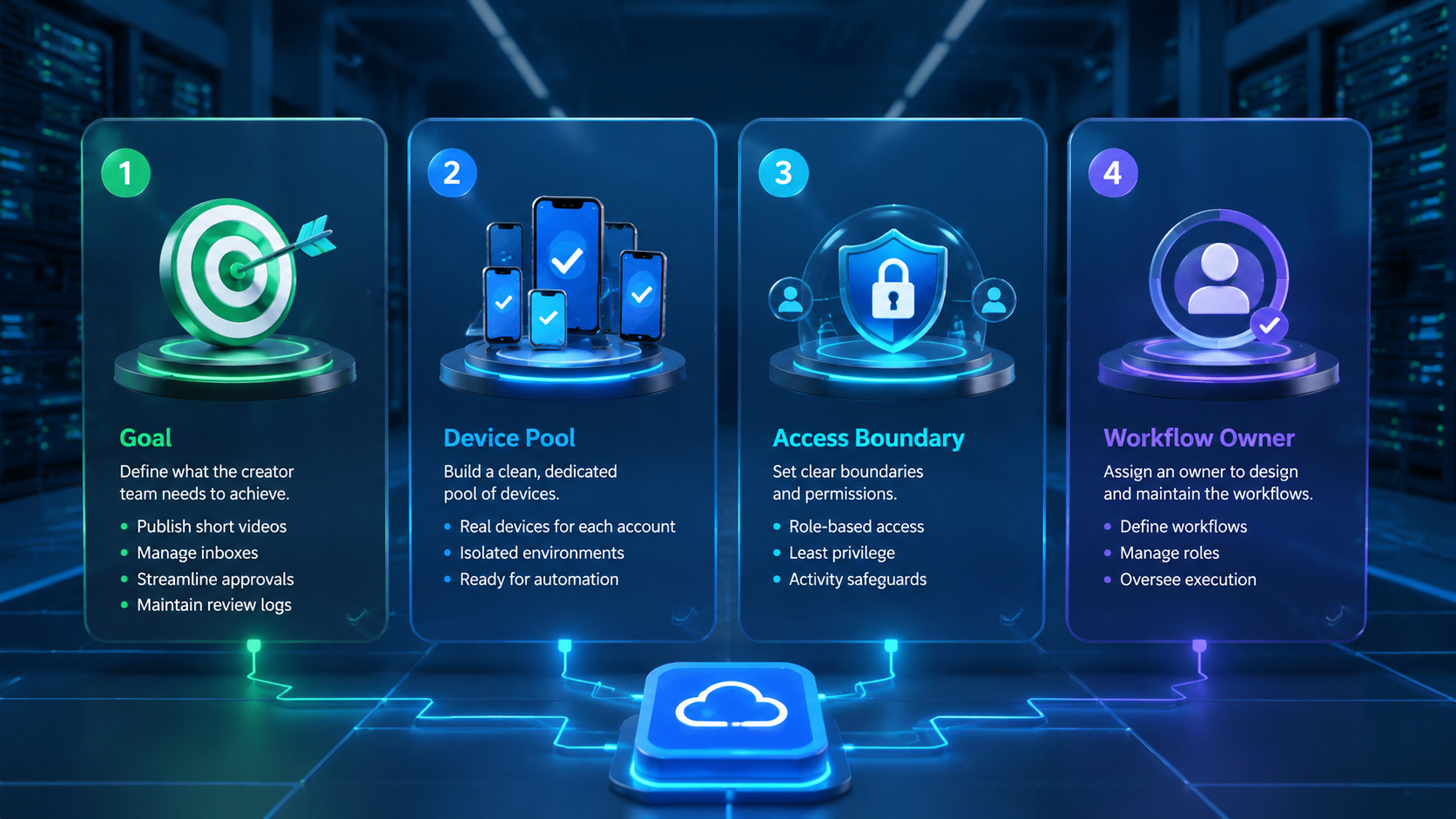
When evaluating software, score each option from 1 to 5 on these criteria:
| Criterion | What to check |
|---|---|
| Account mapping | Can each account map to an owner and environment? |
| Approval flow | Can posts and replies stop for review? |
| Mobile execution | Can mobile-first workflows run in cloud phones? |
| Evidence | Are screenshots, URLs, and notes recorded? |
| Multi-account scale | Can the team manage many profiles without shared chaos? |
Moimobi's multi-account management layer is useful when a creator team needs account-level ownership and review across several platforms.
A 14-Day Rollout Plan
Do not start with every creator account at once. Start with a 14-day rollout and a small account group.
For days 1 to 3, map accounts, owners, platforms, and current posting tasks. Each account should have one primary owner and one backup reviewer. From days 4 to 7, move approved content into a shared queue and test the review path with 5 to 10 posts. The team should record whether each item was approved, edited, delayed, or blocked.
During days 8 to 10, connect mobile execution for accounts that need app-based posting or inbox checks. Use cloud phones only where the mobile environment is part of the real workflow. During days 11 to 14, review the first metrics: approval time, failed tasks, missed posts, correction rate, and operator notes.
This rollout gives the team enough evidence to decide whether the automation setup is ready for more accounts.
Operating Metrics for Creator Leads
Creator leads should review a compact scorecard every week. Track 8 fields: posts approved, posts published, replies reviewed, late approvals, failed mobile tasks, edits per caption, accounts with missing logs, and tasks reopened after review.
If late approvals grow for 2 weeks, narrow the review queue. If caption edits stay high, update the creator voice guide. If failed mobile tasks repeat on the same account, check the assigned environment before adding more automation.
Add one owner note to every reopened task. The note should explain what changed, who approved the fix, and whether the same issue appeared on another account.
Keep notes short.
Common Mistakes to Avoid
The first mistake is buying a scheduler when the team needs an execution workflow. A calendar helps with timing, but it does not solve account ownership or mobile task review.
The second mistake is sending AI drafts straight to public channels. Creator teams should keep review rules for sponsor posts, customer complaints, pricing claims, and brand-sensitive comments.
The third mistake is ignoring failed tasks. A failed post or reply should have a reason code such as missing_asset, needs_review, login_check, or platform_error. Those codes help managers improve the next workflow.
Frequently Asked Questions
What is social media automation software for creator teams?
It is software that helps creator teams plan, approve, execute, and review social media tasks across multiple accounts.
How is this different from a scheduler?
A scheduler mainly handles timing. Creator teams also need account workspaces, mobile execution, approval rules, and task logs.
Should AI publish creator content automatically?
Not by default. AI can prepare drafts, but sponsor content, sensitive comments, and brand claims should be reviewed.
What should every task log include?
Use account, content item, owner, environment, status, screenshot or URL, and timestamp.
Do creator teams need cloud phones?
They help when workflows depend on mobile apps, mobile inboxes, or account-specific mobile environments.
What is the first workflow to automate?
Start with approved content publishing or comment triage. Both are frequent and easy to review.
How often should managers review results?
Review failed tasks and late approvals every 24 hours during the first rollout.
Conclusion
Creator teams need automation that respects content quality, account ownership, and mobile execution. The right system should connect AI preparation with account workspaces, approval rules, and logs.
That turns social media automation from a posting shortcut into a controlled operating system for creator work.



