
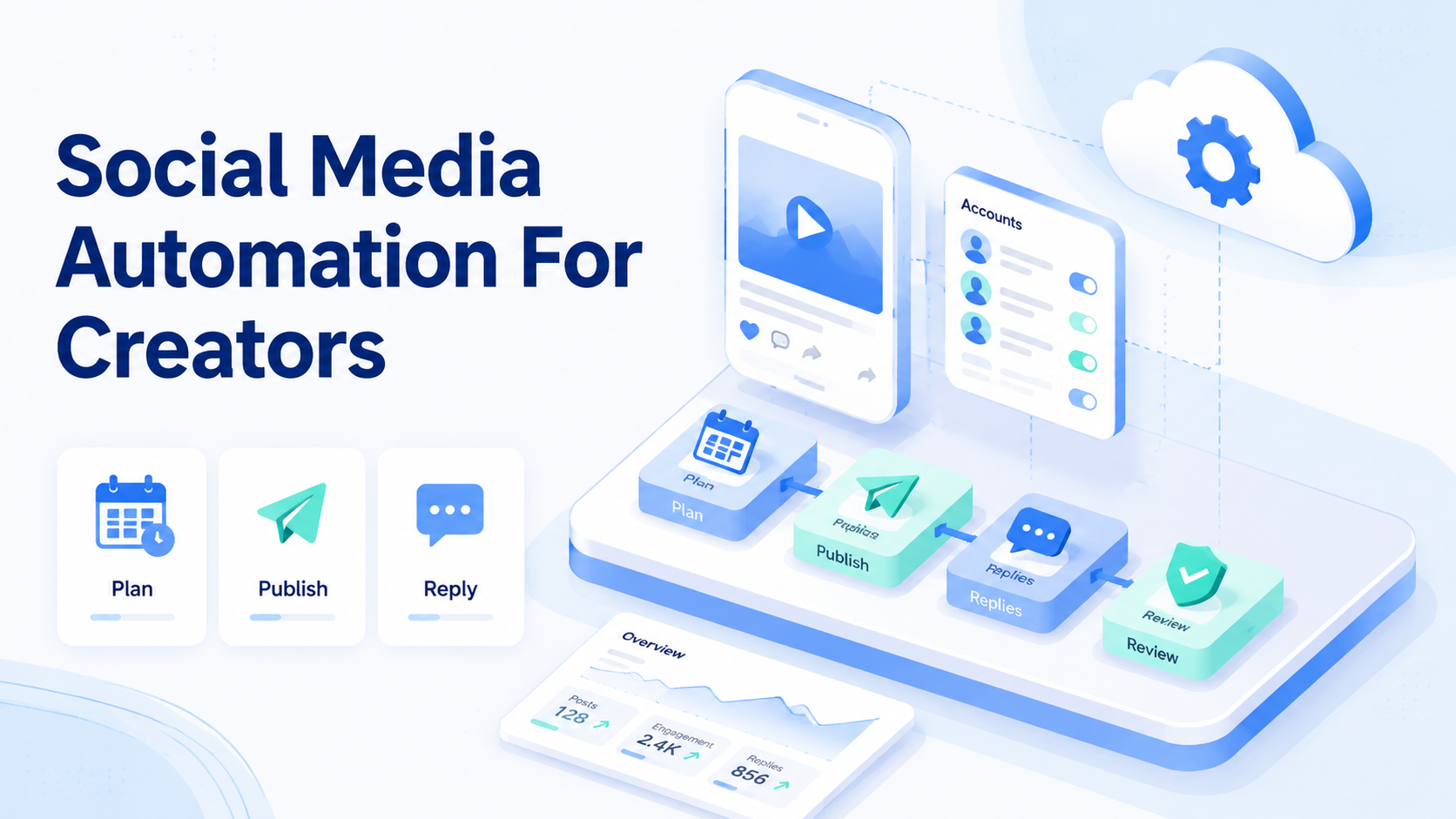
Social media automation for creators is a workflow system that helps plan, publish, reply, monitor, and review content tasks across social accounts. For short video teams, it is less about replacing creative judgment and more about removing repeated operational work.
The pressure appears when one creator becomes a small media operation. Ideas, scripts, captions, posting windows, comments, DMs, reposts, and performance notes all compete for attention. A simple calendar can help for a while. After more platforms and more accounts enter the workflow, teams need execution structure.
Moimobi supports social media marketing operations across browser and mobile environments. That matters when creators need more than a content planner. They need workspaces, task handoff, mobile execution, and account-level control.
Key Takeaways
- Social media automation for creators should protect creative judgment while reducing repeated operations.
- Short video workflows need planning, asset readiness, posting, reply review, and performance notes.
- TikTok and Instagram work often needs mobile context, not only a desktop scheduler.
- Multi-account creator teams need clear workspace ownership.
- Platform and disclosure rules still apply to automated workflows.
- Start with a small pilot before automating every account or channel.
The Core Idea Behind Social Media Automation for Creators
Short video scale breaks when the team treats every task as a one-off action. A single video may need a hook, caption, cover note, upload checklist, comment plan, follow-up queue, and review entry. Multiply that by platforms and accounts, and manual coordination becomes fragile.
The workable model is a repeatable operating loop:
- Plan the content angle.
- Prepare the asset and caption.
- Assign the account and workspace.
- Publish or queue the post.
- Monitor comments and replies.
- Record what happened.
- Reuse the learning in the next batch.
This loop is different from bulk posting. Bulk posting only moves content out. A real creator workflow also brings feedback back into the system. The team needs to know which video formats created support questions, which accounts need review, and which replies should be reused.
For TikTok-heavy operations, Moimobi's TikTok account workflows page is the closer next step. It covers the kind of account and execution setup teams evaluate when short video publishing becomes operational work.
Why Teams Search for This Topic
The common misunderstanding is that creators search for automation because they want everything to run unattended. Serious creator teams usually want a different outcome. They want repeatable execution without losing voice, context, or review.
A short video team may still rely on humans for ideas and judgment. Automation handles the repeated pieces: task routing, account selection, upload preparation, comment triage, reminder loops, and result logging.
Platform rules also shape the workflow. TikTok's Community Guidelines and Instagram's Community Guidelines show why teams should avoid spam, deceptive behavior, and abusive engagement patterns. Automation should make the process cleaner, not more careless.
Teams search for this topic when the manual process starts showing symptoms:
- videos are ready but not published on time
- comments stay unanswered for too long
- operators confuse account context
- captions are copied into the wrong profile
- performance notes never reach the next planning cycle
- managers cannot see which tasks failed
These are operating failures. A better workflow should reduce them before the team adds more accounts.
Who Benefits Most and In What Situations
Solo creators benefit when automation handles admin work. A creator can keep the creative process personal while using a system for reminders, caption drafts, posting checks, and comment queues.
Creator teams benefit when two or more people share the same content pipeline. One person may prepare clips. Another may publish. A third may review replies. Without shared task state, the team relies on chat messages and memory.
Agencies benefit when each creator or client needs a separate workspace. Client-specific tone, content rules, escalation paths, and approvals should not mix. This is where multi-account management becomes more relevant than a simple scheduler.
Cross-border sellers benefit when short video content connects to customer questions. A product video may trigger comments about shipping, sizing, pricing, and availability. Those comments need structured reply handling, not only engagement tracking.
Good fit
- Daily short video publishing
- Multiple creator or brand accounts
- Team-based posting and replies
- Mobile app execution needs
- Performance notes that feed planning
Poor fit
- One casual profile
- No repeatable posting rhythm
- No need for comments or DMs
- No handoff between operators
- Expectation of fully automatic growth
How to Evaluate or Start Using Social Media Automation for Creators
Start with the workflow, not the tool list. A creator team should map the repeated steps before choosing software.
- Map one week of content work. List every step from idea to post-review. Include asset handoff, caption drafts, upload checks, comments, and reporting.
- Separate creative work from operations. Keep concept, story, and final judgment human-led. Move repetitive routing and tracking into the system.
- Assign account workspaces. Each profile should have an owner, platform, posting notes, and review path.
- Choose the execution surface. Use a browser workflow for dashboards. Use [mobile automation](https://www.moimobi.com/en/products/mobile-automation) when app context matters.
- Define sensitive reply rules. Complaints, sponsorship questions, medical claims, refunds, or legal topics should enter review.
- Measure the pilot. Track posting completion, missed replies, duplicate work, manual corrections, and failed tasks.
FTC guidance matters when creator content includes endorsements or sponsored references. The FTC's Endorsement Guides explain disclosure expectations. Creator teams should route disclosure-sensitive captions and replies through review.
Account Workspace Fields for Short Video Teams
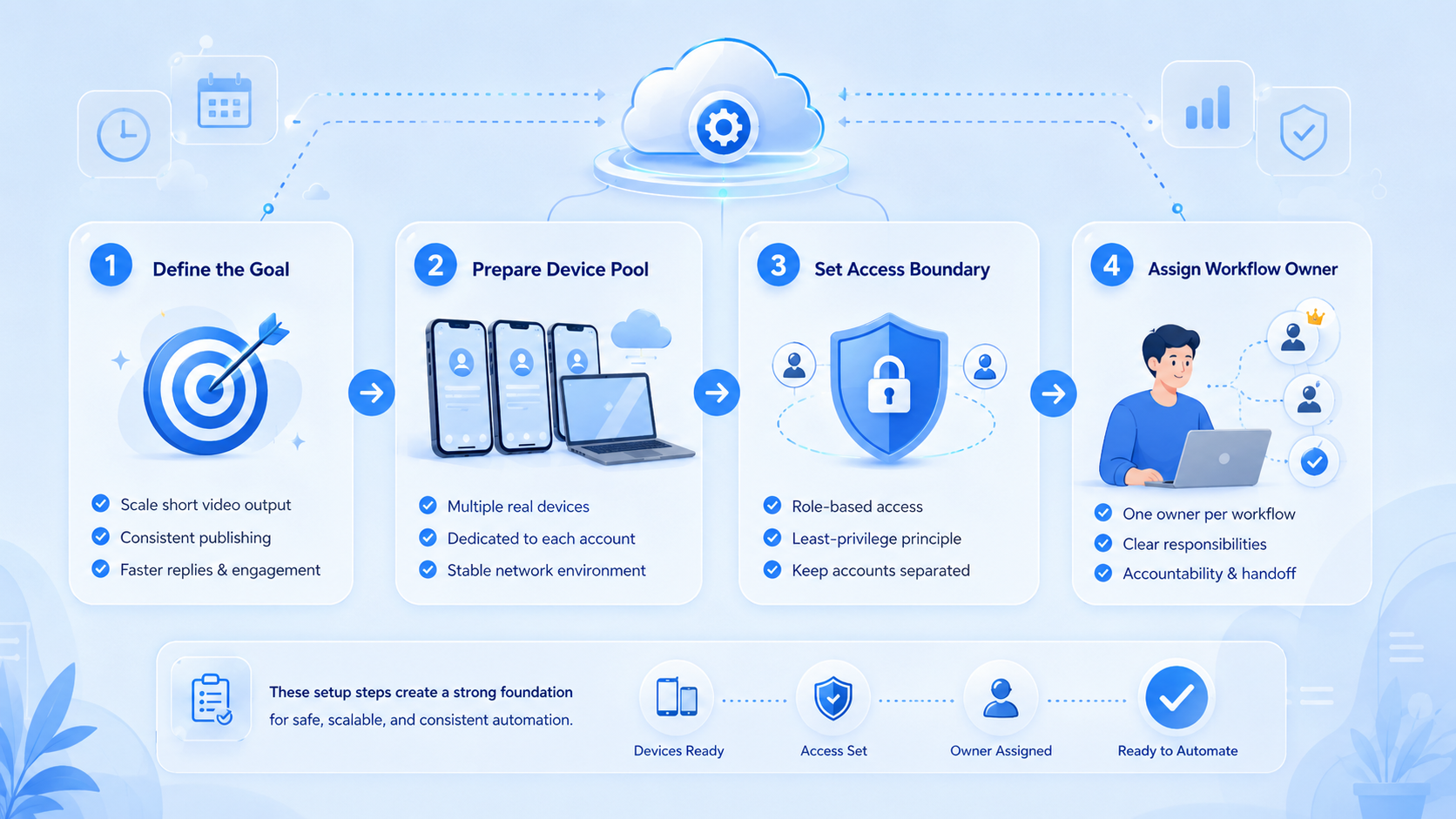
A creator workflow becomes easier to scale when each account has a small operating record. The record does not need to be complex. It only needs to tell the next operator what account they are using, what content is ready, and what rules apply.
Use a workspace record for every active profile:
| Field | What it controls |
|---|---|
| Account owner | Who approves changes and reviews sensitive replies |
| Platform | TikTok, Instagram, YouTube Shorts, or another channel |
| Content queue | Which videos are ready, blocked, or waiting for captions |
| Publishing window | When the team expects the post to go live |
| Reply rule | Which comments can be answered and which need review |
| Mobile workspace | Which browser or Android environment is assigned |
| Recovery note | What to do if upload, login, or reply execution fails |
This record helps when one operator prepares assets and another handles publishing. The second person should not need to read a long chat history to understand the task.
For creator agencies, the workspace also protects client context. A fashion creator, a fitness brand, and a product seller may all need different tone, offer rules, and escalation paths. Keeping those rules tied to the account prevents the team from treating every profile the same.
The same model works for TikTok posting automation and Instagram publishing. The tool may change by platform, but the operating fields remain similar: owner, asset, workspace, review rule, and result.
Mistakes That Reduce Results
The first mistake is automating the wrong step. If the creative brief is weak, faster publishing only spreads weak content faster. Automation should support the pipeline after the content direction is clear.
The second mistake is using one shared login context for too many accounts. Operators lose track of which profile is active. A reply intended for one audience may appear under another account. Moimobi's device isolation helps teams build cleaner browser and mobile workspaces.
The third mistake is skipping review logs. A team may publish and reply quickly, but later nobody knows who made a change. Review logs matter when a brand partner, client, or support manager asks what happened.
Another mistake is treating TikTok posting automation as the whole workflow. Uploading is only one step. A serious TikTok video publishing automation setup also covers account readiness, caption checks, comment review, performance notes, and recovery after failed tasks.
Do not use automation to create low-quality interaction. Platform rules and audience trust still matter. Automation should make content operations more consistent, not more aggressive.
Pilot Rollout, Measurement, and Recovery Checks
A strong pilot starts small. Use 2 to 4 accounts, one platform focus, and one repeatable content format. For example, test 20 short videos over 14 days with a fixed publish checklist and comment review queue.
The goal is not to prove that everything can be automated. The goal is to find which work should be automated, which work needs review, and which tasks still require direct creator judgment.
Measure operational signals:
| Signal | Why it matters |
|---|---|
| Posts completed on schedule | Shows whether the workflow reduces missed publishing |
| Comments waiting for review | Shows reply backlog pressure |
| Manual corrections | Shows where automation lacks context |
| Failed task reasons | Shows where recovery rules are needed |
| Content notes reused | Shows whether feedback reaches planning |
Recovery checks should be explicit. If upload fails, who retries? If a comment is sensitive, who reviews? If the wrong account is selected, how is the task paused? These questions are better answered before scaling.
Moimobi can support mobile-heavy creator teams with a cloud phone environment when short video work depends on Android app execution. The point is controlled execution, not a promise that every platform action should be automated.
Frequently Asked Questions
What is social media automation for creators?
It is a workflow system for repeated creator operations, including planning, publishing, reply review, monitoring, and reporting.
Is automation useful for short video creators?
Yes, when the creator has repeated publishing, comments, account handoff, or platform-specific tasks. It is less useful for occasional posting.
Can automation replace creative work?
No. It can support asset preparation, captions, reminders, and replies, but the creative direction still needs human judgment.
How should teams start?
Map one week of work, choose 2 to 4 accounts, define review rules, and measure the pilot before expanding.
Is TikTok automation different from Instagram automation?
The operating model is similar, but app flows, account context, and platform rules differ. Treat each platform as its own workflow.
Do creators need cloud phones?
Creators need cloud phones when mobile app execution, persistent Android sessions, or account-specific mobile workspaces matter.
What should agencies track?
Agencies should track owner, account workspace, posting status, review status, missed replies, and failed task reasons.
Conclusion
Social media automation for creators works best when it is treated as an operating system for repeated work. It should support planning, publishing, replies, monitoring, and review without removing creative judgment.
Before rolling out a large setup, test one short video workflow with a small account group. Check whether the system improves schedule control, reply handling, account separation, and recovery. If those basics are stable, the team can add more accounts with less guesswork.



