
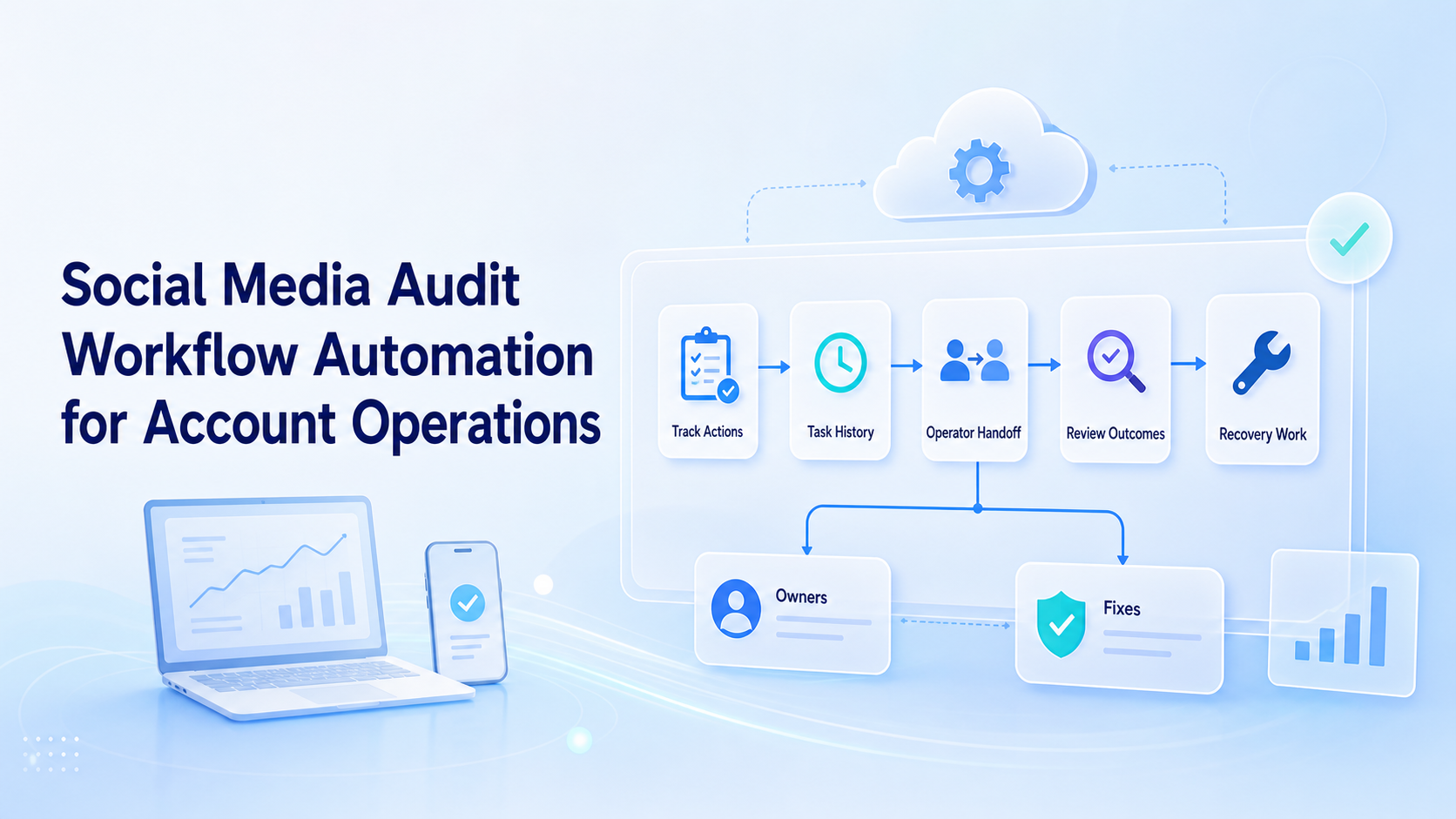
Social media audit workflow automation is a system for recording account actions, review outcomes, handoffs, and recovery notes across social operations. It helps teams understand what happened on each account and what should happen next.
The audit workflow is not only for compliance teams. Social media operators need it when several people publish, reply, monitor, and fix account issues across platforms.
Moimobi supports this operating model through controlled browser and mobile environments. Teams can connect multi-account management with task records instead of relying on memory.
Key Takeaways
- Audit automation should capture account, operator, task, result, and next action.
- The workflow is most useful for shared teams and multi-account operations.
- A good audit record is short enough for operators to maintain.
- Browser and mobile workspaces should both feed the same review model.
- The first pilot should measure missing notes, failed handoffs, and recovery time.
Why Social Media Audit Workflow Automation Matters
Social accounts create many small actions. Someone publishes a post, edits a caption, replies to a comment, checks a notification, pauses a task, or routes a message to support. Without an audit workflow, those actions disappear into chat messages and browser history.
Official business tools show why platform-specific operations matter. Instagram for Business covers professional account workflows. TikTok for Business explains business campaign operations. Facebook business help documents page and messaging management.
Those tools provide surfaces for work. The audit workflow records what the team did on those surfaces.
What the Audit Record Should Capture
Keep the record practical. Operators will not maintain a bloated form during daily work.
| Field | Purpose | Example |
|---|---|---|
| Account | Shows where work happened | Brand TikTok US |
| Environment | Links work to a session | [Cloud phone](https://www.moimobi.com/) or browser profile |
| Task | Names the action | Reply review |
| Operator | Shows ownership | Shift owner |
| Result | Shows outcome | Approved, failed, escalated |
| Next action | Prevents dead ends | Support follow-up |
These fields are enough for most pilots. Add more only when the team knows why the field is needed.
Where Automation Fits
Automation should reduce missing records, not create busywork. It can prefill account, platform, environment, time, task type, and operator. Humans can then confirm the result or add a short note.
For browser-based tasks, account profiles can log which workspace was used. For app-based tasks, mobile automation can keep mobile work tied to the same review model.
The audit workflow should also flag missing endings. A task that starts but never receives a result should appear in a review queue.
Handoff Rules for Account Operations
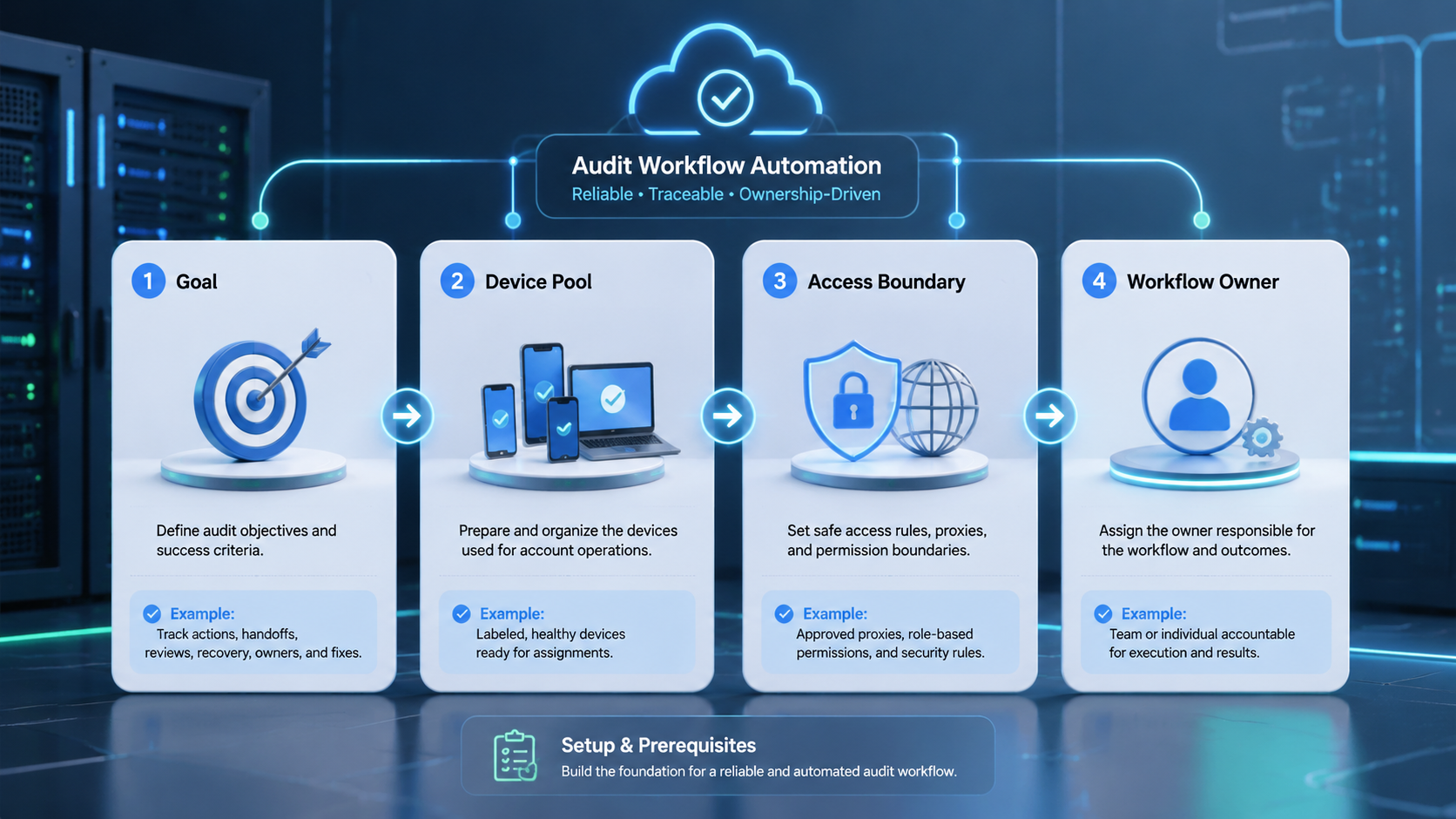
Handoffs are where many social workflows fail. The next operator needs to know the last action, current account state, and expected next step.
Use three handoff statuses:
- Ready: The next operator can continue.
- Blocked: A login, asset, or approval is missing.
- Review: A human decision is needed.
This simple model helps managers see whether the team has an execution problem or an approval problem.
Moimobi’s device isolation layer supports this because shared teams should not mix account sessions casually. A clean environment makes the audit record easier to trust.
Pilot Metrics
Run the first audit pilot on one account group. Do not add every team and every account at once.
Track missing task records, missing owners, blocked tasks, review tasks, repeated failure categories, and average recovery time. These numbers show whether the audit workflow is making operations clearer.
If the team finds too many blank notes, simplify the form. If there are many blocked tasks, improve the upstream handoff. If recovery time is high, add clearer stop rules.
Common Mistakes
The first mistake is building a long form that operators ignore. Start with six fields and add slowly.
The second mistake is auditing only published posts. Replies, edits, pauses, failed uploads, and escalations also matter.
The third mistake is separating web and mobile records. Account operations often move between browser dashboards and mobile apps. One audit model should cover both.
The fourth mistake is using audit data only after something goes wrong. Review it weekly so small failures become visible earlier.
Frequently Asked Questions
What is social media audit workflow automation?
It is the automated or semi-automated process of recording account actions, owners, results, and next steps.
Who needs it?
Teams managing multiple social accounts, shifts, campaigns, or client work benefit most.
What should the first audit form include?
Start with account, environment, task, owner, result, and next action.
Can audit workflow automation work with AI?
Yes. AI can classify task outcomes or summarize notes, but humans should confirm important actions.
Does every account need the same audit workflow?
No. High-value accounts may need more review fields than low-volume accounts.
What is the main benefit?
The main benefit is clearer ownership and faster recovery when a task fails or pauses.
How often should teams review audit records?
Review them weekly during the pilot, then adjust based on failure volume.
What should not be automated?
Do not automate final decisions for unclear complaints, private customer issues, or sensitive account changes.
Conclusion
Social media audit workflow automation gives account operations a memory. It records who acted, where the work happened, what changed, and what should happen next.
Start small. Use one account group, six fields, and one weekly review. Once the record is useful, connect it to more account workflows.



