
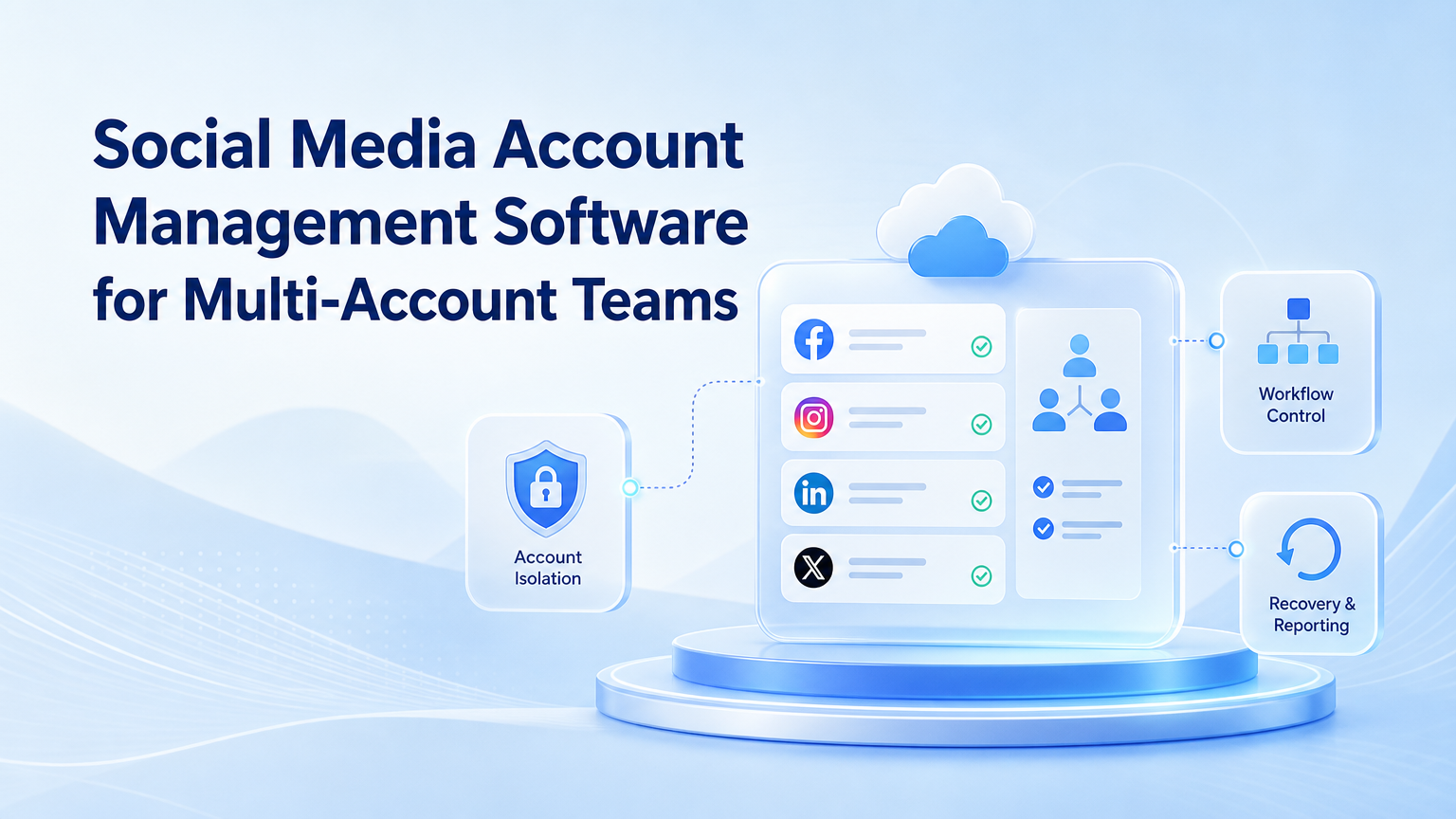
Social media account management software is a system for organizing accounts, operators, workflows, access, content, replies, and reporting across multiple social platforms. For multi-account teams, it must do more than schedule posts.
The buying decision should start with control. A team needs to know which account is assigned to which workspace, who can act, what workflow is allowed, and how exceptions are recovered.
For mobile-heavy channels like TikTok, Instagram, WhatsApp, and Telegram, MoiMobi adds execution environments to the account management layer. That includes cloud phones, mobile automation, and account isolation.
Key Takeaways
- Social media account management software should manage accounts, access, workflows, and recovery.
- Multi-account teams need isolation and ownership, not only content calendars.
- Mobile-first platforms may require Android execution environments.
- The best pilot measures account control and operator effort.
- Pricing should be judged by managed workflow output, not seat count alone.
What Is Social Media Account Management Software?
Social media account management software helps teams operate many accounts from a controlled system. It may include account lists, publishing calendars, inbox workflows, permissions, reporting, and task assignments.
The common misunderstanding is that all tools solve the same job. A scheduler solves timing. An inbox tool solves response queues. A multi-account execution platform solves account environment, handoff, and workflow control.
Meta provides official Instagram Platform documentation for professional account access patterns. TikTok provides a Content Posting API for supported posting workflows. These official docs are useful boundaries when a team compares API-based work with mobile execution.
For teams that operate many profiles, multi-account management should be part of the core requirements.
Why It Matters for Multi-Account Teams
Multi-account teams face more than content volume. They face account confusion.
Problems often appear in small ways:
- A reply is sent from the wrong account.
- A client account uses the wrong tone.
- A campaign account misses a daily check.
- A message is seen but not assigned.
- A workflow fails and nobody owns recovery.
These issues are operations problems. They do not disappear when a team adds another calendar tool. The software must connect account ownership, workflow status, and execution environment.
For social media campaigns, social media marketing workflows should include publishing, engagement review, inbox routing, and reporting.
Key Benefits and Use Cases
The strongest benefits appear when software reduces coordination work. The team should spend less time asking who owns an account and more time improving campaigns.
Core use cases include:
- Account inventory and ownership mapping.
- Publishing review across channels.
- Comment and inbox triage.
- Mobile app checks for TikTok and Instagram.
- Customer response routing.
- Campaign reporting.
- Account recovery notes.
- Operator shift handoff.
| Use Case | Needed Control | Risk Without It |
|---|---|---|
| Publishing | Approval and account selection | Wrong content or wrong profile |
| Replies | Routing and escalation | Unreviewed public response |
| Mobile checks | Persistent environment | Session confusion |
| Reporting | Task and outcome logs | No view of what ran |
How to Get Started
Start with account inventory. List every account, platform, owner, workspace, login method, and workflow type.
Then build a control map:
- Account owner: who is responsible for the profile.
- Operator: who performs daily work.
- Workspace: browser profile, cloud phone, or mobile device.
- Allowed actions: what can run without review.
- Restricted actions: what needs approval.
- Stop rule: when work must pause.
- Recovery owner: who fixes access or workflow issues.
Use this map before buying. A vendor demo is clearer when the team knows the operating model.
For mobile-heavy accounts, cloud phone environments can provide persistent Android workspaces. Device isolation helps when accounts belong to different clients or regions.
Common Mistakes to Avoid
The biggest mistake is choosing software by feature list only. A long list of integrations does not prove account control.
Avoid these mistakes:
- Buying a scheduler when the real problem is account ownership.
- Sharing one device or session across many client accounts.
- Letting public replies skip review.
- Failing to track manual recovery.
- Using one template across every brand.
- Ignoring mobile app workflows.
- Expanding before roles and stop rules are clear.
Another mistake is separating planning from execution. A calendar may show what should happen, but the team also needs to know where the work happened and who completed it.
Concrete Team Scenarios to Evaluate
A tool becomes easier to judge when the team tests real scenarios. Use cases should be concrete enough that an operator can run them during a pilot.
Agency client handoff. One client has five Instagram accounts and three TikTok accounts. The agency needs client-specific approval rules, separated workspaces, and a report showing completed tasks.
E-commerce launch week. A store launches a product and needs comment checks, inbox routing, and campaign post review. The tool must show who owns each message and which comments need escalation.
Creator network operations. A team manages several creator profiles. It needs content queue checks, reply routing, and campaign notes without mixing account identity.
Regional account pool. A cross-border team operates accounts by region. The software must map account, language, operator, workspace, and routing plan.
These scenarios raise the specificity of the buying process. Instead of asking whether the software has automation, ask whether it can complete each scenario without losing account control.
Selection Scorecard for Social Media Account Management Software

| Requirement | Pass Signal | Fail Signal |
|---|---|---|
| Account inventory | Every account has owner, platform, and workspace | Accounts live only in a spreadsheet |
| Permissions | Roles control who can publish, reply, or approve | Everyone shares the same access |
| Mobile execution | Mobile app work has a cloud phone or device map | Operators switch accounts manually |
| Workflow logs | Tasks show status, owner, result, and exception | Managers cannot see what ran |
| Recovery | Failed sessions have an owner and next action | Issues disappear into chat |
Score each requirement from 1 to 5 during the pilot. Do not let a strong content calendar hide weak account control. For multi-account teams, workflow evidence matters more than a polished dashboard.
API Tools vs Execution Environments
Some social software works through official APIs. Other workflows happen inside real browser or mobile environments. Teams often need both.
API-based tools can be efficient when a platform supports the exact action. Official API documentation, such as Meta's Instagram Platform docs and TikTok's Content Posting API, should guide that part of the workflow.
Execution environments are different. They help when operators need to open apps, review account state, handle inboxes, or complete tasks that do not fit a simple API call.
The practical rule is simple:
- Use API workflows when the platform supports the action cleanly.
- Use browser or mobile execution for account-specific review and app-side work.
- Use human approval when a public action affects brand tone or customer trust.
This is why cloud phone and mobile automation belong in the evaluation for mobile-heavy teams.
Who It Fits and When It Is a Strong Match
Social media account management software is a strong fit when a team runs many accounts with repeatable work. It is especially useful when different roles touch the same accounts.
It fits:
- Agencies with client accounts.
- E-commerce teams with TikTok and Instagram profiles.
- Creator teams with multiple channels.
- Support teams handling social inboxes.
- Cross-border teams working across regions.
- Marketing teams running campaign account pools.
It is a weaker fit for a solo creator with one or two accounts. A simple scheduler may be enough. The need grows when account count, platform count, or operator count increases.
For Android app execution, review mobile automation as part of the evaluation.
Pilot Rollout, Measurement, and Recovery Checks
A pilot should test the team system, not only the software interface. Pick one account group and one workflow.
Measure these areas:
- Account assignment accuracy.
- Time to complete daily checks.
- Number of wrong-account incidents.
- Number of unassigned comments or messages.
- Manual recovery time.
- Approval turnaround.
- Reporting completeness.
- Operator handoff quality.
Use a pass/fail rule. The pilot passes when managers can see account status, operators know what to do, and recovery is traceable. It fails when activity increases but ownership becomes unclear.
Recovery is part of account management. Sessions expire, operators change, comments escalate, and campaigns shift. The software should make those changes visible.
Pricing and Packaging Questions
Pricing should match the work model. A seat-based tool may be enough for planning. A workflow execution system may need account, device, concurrency, and support capacity.
Ask vendors how pricing changes when:
- More accounts are added.
- More operators need access.
- More mobile workspaces run at the same time.
- More media assets are stored or transferred.
- More workflows need scheduling.
- More recovery support is required.
The right metric is not always cost per user. For multi-account teams, cost per managed account, cost per completed workflow, and recovery time may be more useful.
Also ask what happens during a busy campaign week. A plan that works for normal posting may fail when inboxes, comments, approvals, and mobile checks all peak at once.
That stress test shows whether the system manages real operations or only organizes planned content.
It also exposes training and support gaps before the team adds more accounts.
Frequently Asked Questions
What is social media account management software?
It is software for managing accounts, users, workflows, access, publishing, replies, and reporting across social platforms.
How is it different from a scheduler?
A scheduler focuses on posting time. Account management covers ownership, access, workflow control, and recovery.
Do multi-account teams need cloud phones?
They may need cloud phones when account work must happen inside mobile apps.
What should agencies prioritize?
Agencies should prioritize client separation, approval rules, logs, and reporting.
How many internal links or workflows should a pilot include?
Use one account group and one workflow first. Add more only after ownership is clear.
What is the biggest risk?
The biggest risk is losing account control through shared sessions and unclear ownership.
Should AI be included?
AI can draft content and replies, but workflow control and review rules still matter.
What should pricing be based on?
Judge pricing by managed accounts, workflows completed, operator time saved, and recovery effort.
Conclusion
Social media account management software should make multi-account work easier to control. The first priority is account ownership. The second is workflow visibility. The third is reliable execution.
Before scaling, test one account group. If the team can assign work, execute from the right environment, and recover issues cleanly, the system is ready to expand.



