
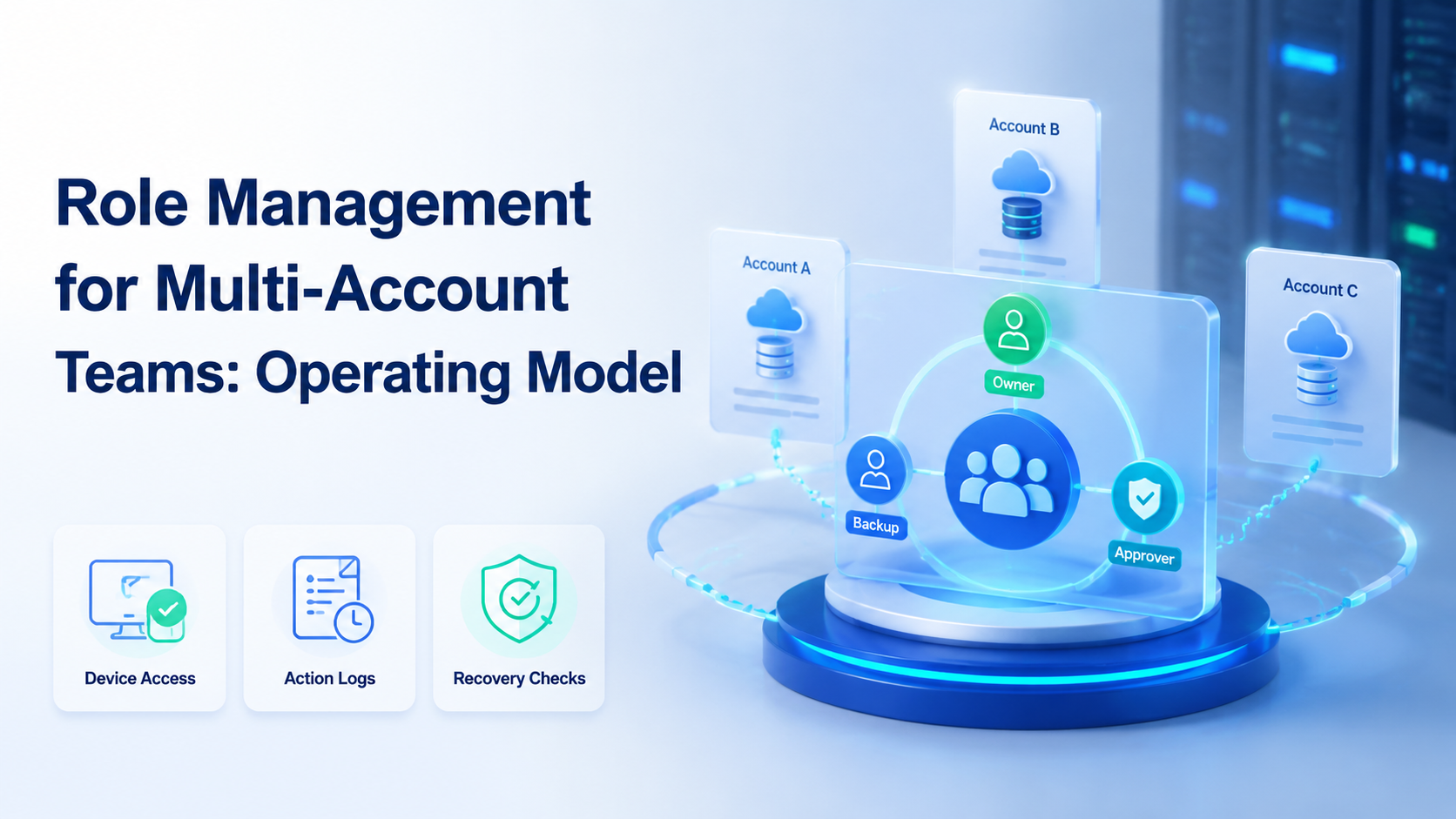
Key Takeaways
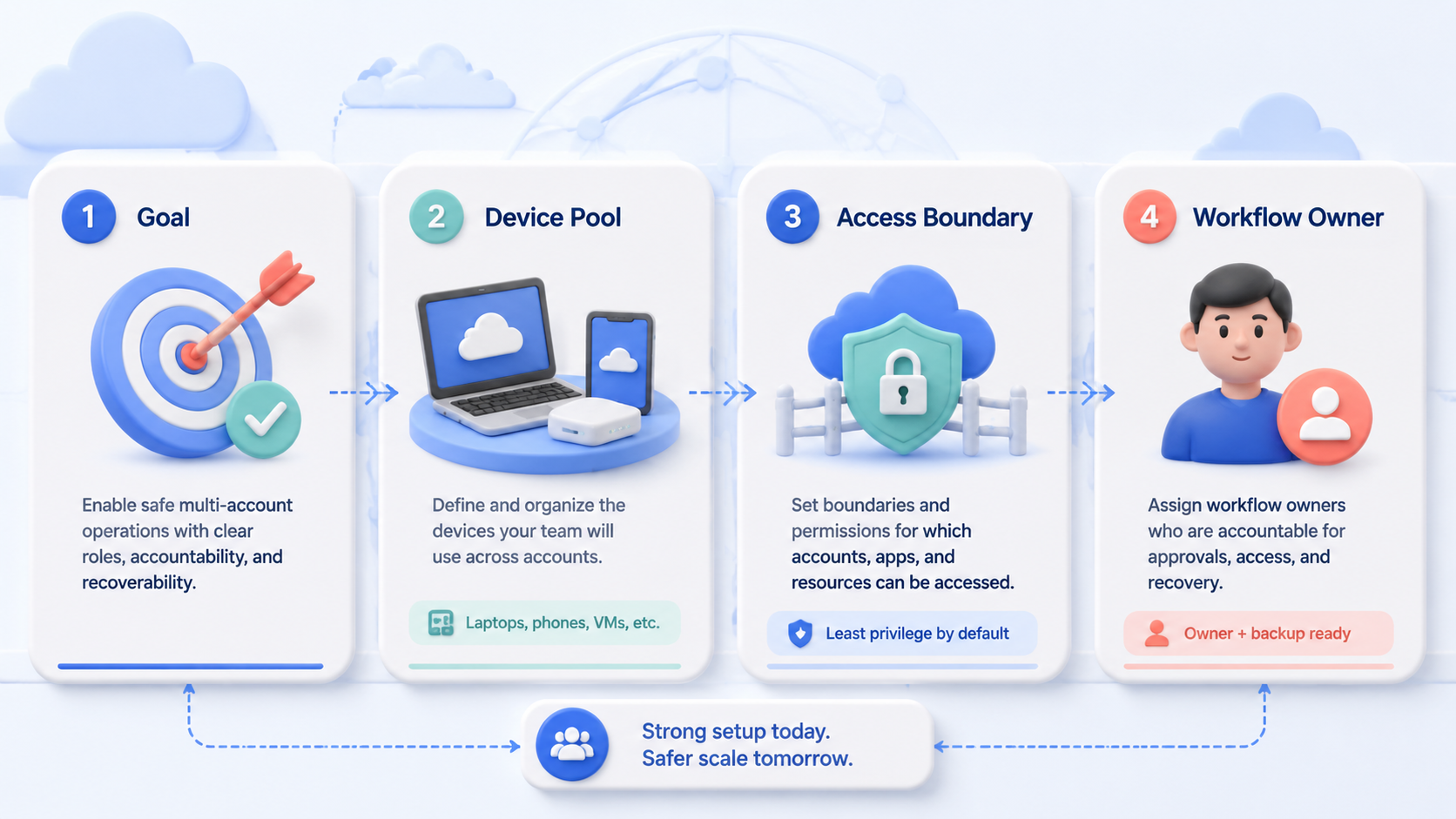
- Role management for multi-account teams means assigning who can operate, review, pause, and recover each account workspace
- Device access is only one part of the model; owners and audit notes matter just as much
- The first pilot should use 3-5 accounts, named roles, and one daily review loop
- Multi-account teams should separate operators, reviewers, and recovery owners before scaling workflows
Role management for multi-account teams is a practical access and ownership model for teams that operate many accounts across browsers, cloud phones, and mobile apps. It defines who owns each account, who can act, who reviews work, and who handles recovery.
For Moimobi teams, role design should connect accounts to browser profiles, cloud phone workspaces, and review rules. The goal is not more permissions. It is cleaner daily execution with fewer unclear handoffs and fewer hidden changes. Ship one rule first.
What Is Role Management for Multi-Account Teams?
This model turns account work into named ownership. Each account should have a workspace, an owner, a backup, and a reviewer.
The idea is familiar in mature software systems. Shopify’s staff permissions model separates what staff can access and what they can change (Shopify Help Center). Microsoft Entra also frames role-based access control around assigning permissions to users, groups, or service principals (Microsoft Learn).
The same logic applies to social, commerce, and messaging operations. If one person publishes, another replies, and a third reviews activity, each role needs a clear boundary.
Why Role Management for Multi-Account Teams Matters
Multi-account work creates a handoff problem before it creates a device problem. Picture 20 accounts, 5 operators, and 2 managers. Without role rules, everyone can touch everything and no one owns the result.
Use this split:
| Role | Main job | What they should not own alone |
|---|---|---|
| Account owner | Keeps the account workspace healthy | Final review of their own sensitive work |
| Operator | Publishes, replies, monitors, or collects data | Permission changes and recovery decisions |
| Reviewer | Checks sensitive actions and output quality | Daily execution load |
| Recovery owner | Handles prompts, failed tasks, and escalation | Routine posting volume |
This model also makes multi-account management easier to scale across browser and mobile spaces.
Key Benefits and Use Cases
Role rules reduce handoff confusion. A new operator should know which account to open, which device workspace to use, and when to stop.
Common use cases include:
- Social media teams assigning publishing and reply roles
- Agencies separating client account owners from operators
- E-commerce teams splitting product updates and customer replies
- Support teams separating inbox triage from escalation
- Growth teams assigning review before high-impact actions
AWS IAM best practices recommend least-privilege access, meaning users should receive only the permissions required for their tasks (AWS IAM). The same rule works here. Multi-account operators need enough access to work, but not enough to change every account rule.
How to Get Started with Role Management for Multi-Account Teams
Begin with the workflow that already causes the most confusion. Do not redesign every account at once.
- Choose 3-5 accounts for the first pilot
- Assign one account owner and one backup per account
- Define what operators can do without approval
- Define what must move to reviewer approval
- Log failed tasks, account prompts, and manual recovery steps
- Review the model after 7 days
For Moimobi, connect each account to a separated browser or mobile workspace through device isolation. This keeps role ownership tied to a concrete work space. Name it.
Common Mistakes to Avoid
The first mistake is giving every teammate the same access. It feels fast at setup time. Later, it makes errors hard to trace across accounts, devices, and shifts.
The second mistake is mixing owner and reviewer roles for sensitive work. A person can operate an account. Review should come from someone with distance from the action.
Atlassian’s audit log documentation shows how teams use activity records to inspect admin events and security changes (Atlassian Support). Multi-account teams need the same habit: record who acted, what changed, and what happened next.
Stop when ownership is unclear. A paused task is easier to recover than an undocumented account change.
Who It Fits and When It Is a Strong Match
This operating model fits teams where more than one person works across more than one account. Agencies, cross-border sellers, social media teams, and support groups hit this point early.
Strong fit:
- Multiple accounts need separate owners
- Operators work across shifts or regions
- Cloud phones and browser profiles are used as workspaces
- Sensitive replies or publishing actions need review
- Failed tasks need a visible recovery owner
Weak fit:
- One person manages one account
- No repeated workflow exists yet
- The team has no written SOP
- Everyone still works from personal devices
When account work includes mobile-first apps, combine role rules with mobile automation only after the manual SOP is clear.
Pilot Rollout, Measurement, and Recovery Checks
The pilot should measure whether the role model reduced confusion. Do not judge it only by output volume.
Track these fields during the first week:
| Field | Why it matters |
|---|---|
| Account owner | Shows who owns the account state |
| Operator | Shows who performed the task |
| Reviewer | Shows who approved sensitive actions |
| Failed step | Shows where the workflow broke |
| Recovery owner | Shows who must resolve the issue |
The review meeting can be short. Ask what failed, which role was unclear, and which rule should change before more accounts are added.
A good rule is easy to say out loud.
- Who owns it?
- Who can act?
- Who must check it?
- Who fixes it if it breaks?
If the team cannot answer those four questions, the pilot is not ready to grow.
Frequently Asked Questions
Is role management only about permissions?
No. It also covers owners, reviewers, stop rules, handoff notes, and recovery paths after failed work.
Minimum roles?
Use 3 roles first. Assign an account owner, an operator, and a reviewer. Add a backup only when the account must keep moving across shifts.
Does every account need a backup?
Yes, if the account supports daily work or customer activity. The backup prevents one absent person from blocking the workflow, especially when customer replies or publishing checks happen every day.
Can one person hold two roles?
Yes, during a pilot. Keep sensitive approvals separate.
Required log fields?
Log account, operator, action, result, failed step, reviewer, and recovery owner. Keep the fields plain, because a manager should understand the record without asking the operator for context.
When should work pause?
Pause when ownership, approval, or recovery ownership is unclear. A paused task is easier to repair than an undocumented change.
Where does Moimobi fit in the workflow?
Moimobi provides browser and mobile workspaces that role rules can attach to during daily account work. That connection keeps the rule visible at execution time.
Conclusion
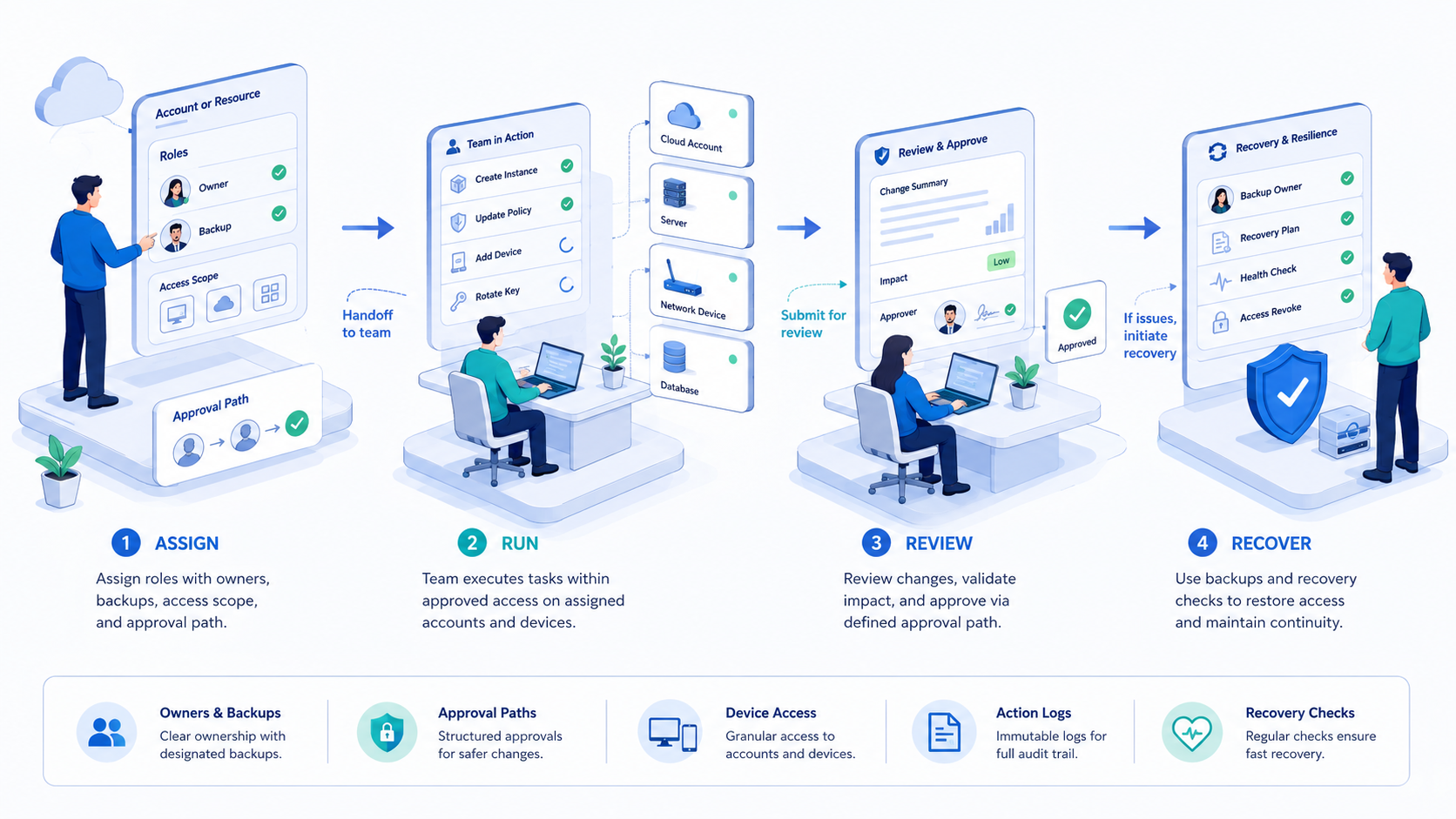
This operating model is a control system for daily work. It connects people, accounts, devices, review paths, and recovery notes.
Begin with 3-5 accounts, name the owner and backup, define approval rules, and review failures after 7 days. Then scale. The team should be able to explain who acted, who reviewed, and who owns recovery.



