
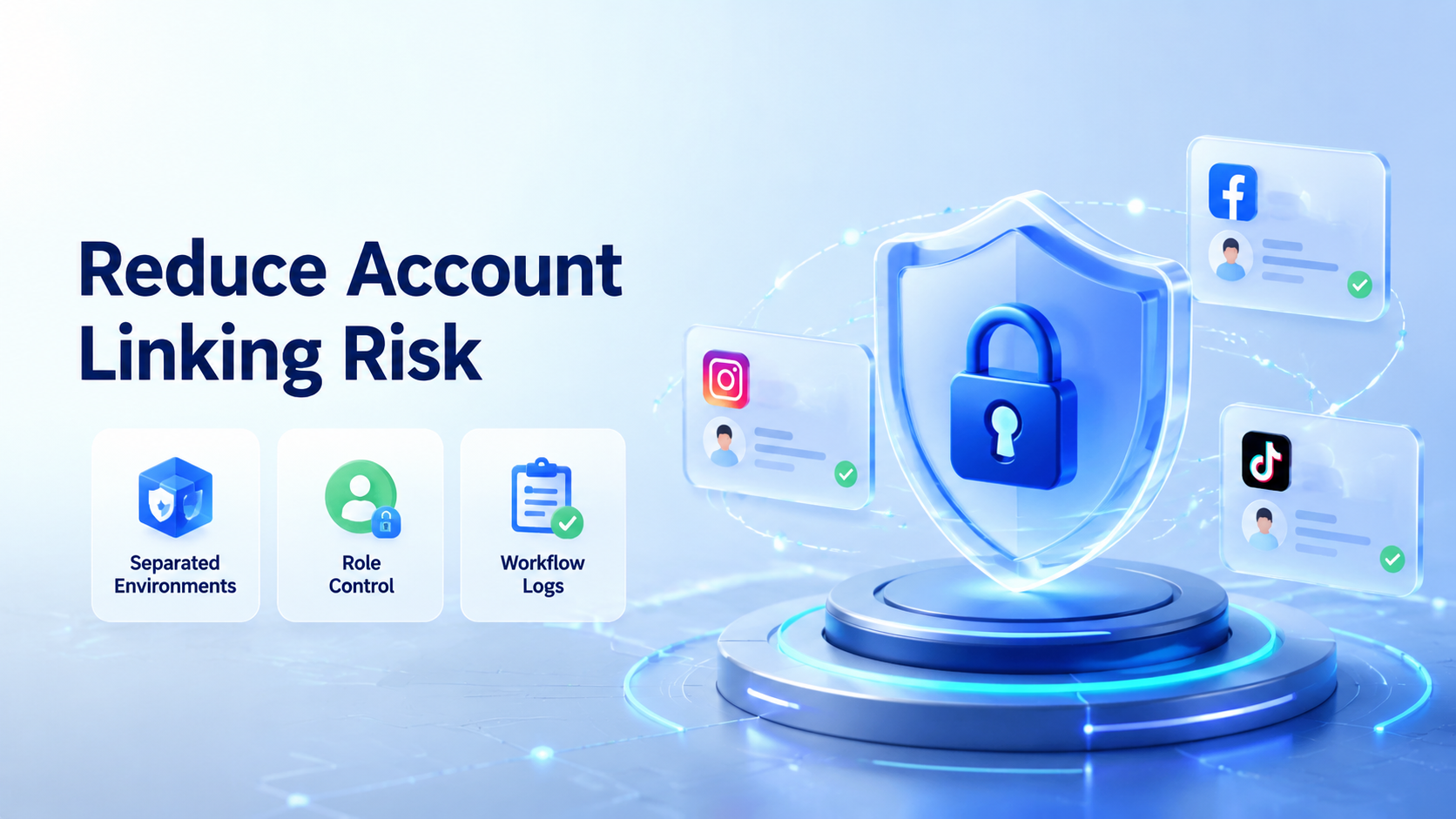
To reduce account linking risk, teams need separated account environments, consistent operating rules, and a review process that catches mixed sessions before they become operational problems. The goal is not to hide bad behavior. The goal is to avoid preventable account confusion when multiple people, devices, profiles, and workflows touch the same operation.
Social platforms care about authenticity, platform integrity, and user trust. TikTok's official integrity guidance says deceptive account behavior, fake engagement, spam, and attempts to avoid restrictions can lead to enforcement actions. That makes clean operations more important than aggressive automation.
For teams managing many profiles, account linking risk usually comes from ordinary mistakes: shared devices, shared sessions, reused browser profiles, unclear handoffs, and inconsistent routing. A good system reduces these mistakes with account isolation, role control, and clear logs.
Key Takeaways
- Separate every important profile into its own browser or mobile workspace.
- Use workflow logs to review actions, not guesses.
- Avoid tactics that imply fake engagement or platform manipulation.
- Pilot the process with a small account group before scaling.
What You Need Before You Start to Reduce Account Linking Risk
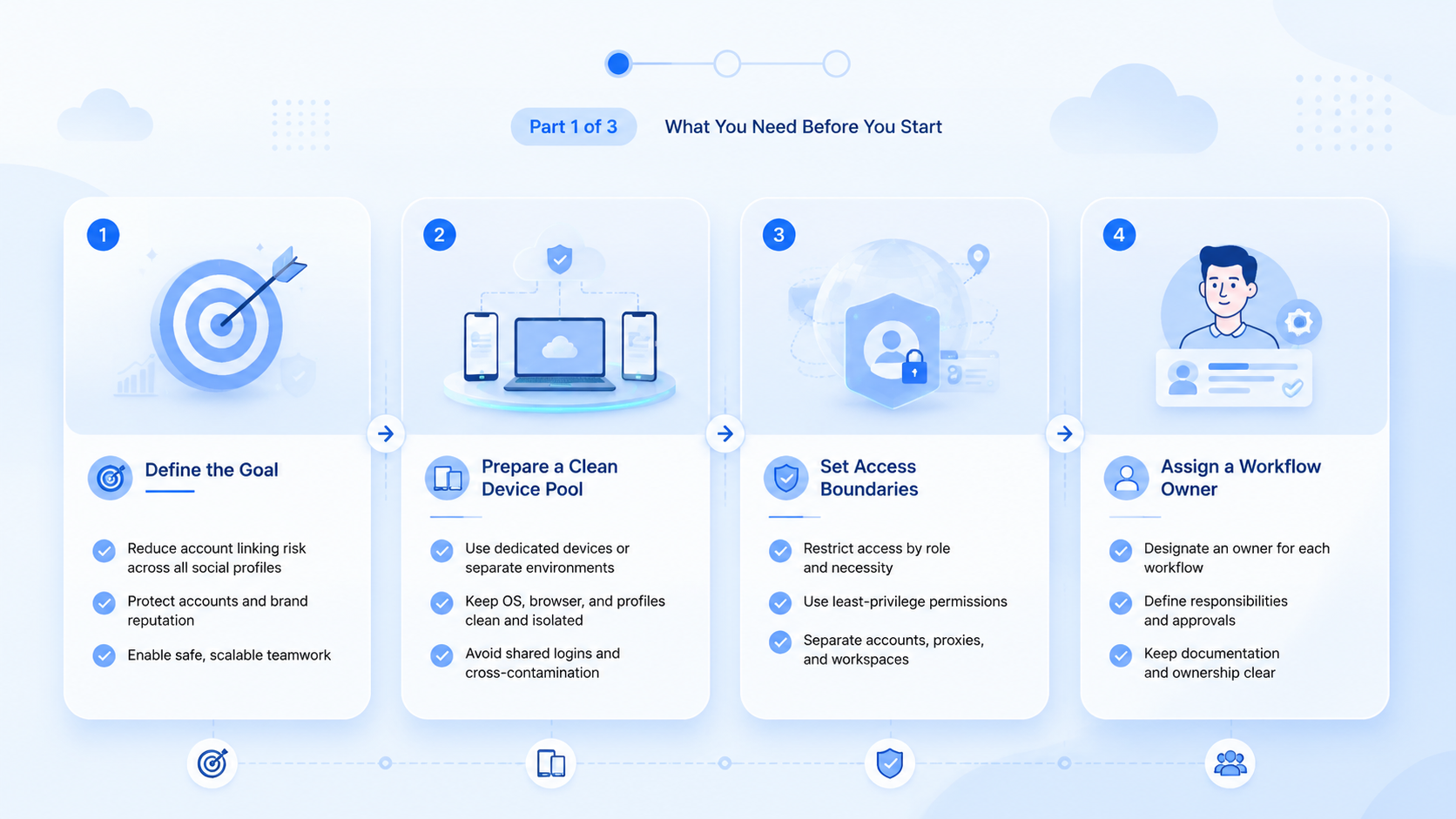
Reducing account linking risk starts with prerequisites, not tools. A tool cannot fix unclear ownership or inconsistent team habits.
Prepare four inputs before changing your workflow:
- A list of accounts and owners.
- A map of which accounts need browser access, mobile app access, or both.
- A rule for which operator can act on each account.
- A review log for publishing, replies, edits, and recovery events.
Browser fingerprinting is a real technical concept. MDN explains fingerprinting as identifying a browser or device through observable settings and signals. The W3C fingerprinting guidance also explains why web specifications consider identifiable browser signals carefully. These references do not mean every signal is dangerous. They do mean teams should avoid sloppy cross-account reuse.
Moimobi frames this work as device isolation and separated account workspaces. Each profile should have a clear environment, owner, routing policy, and task history.
How to Get Started with Separated Account Environments
Start with a small account set. Pick five to ten profiles that represent your real workflow, such as publishing, inbox review, comment reply, or customer follow-up.
Use this checkpoint sequence:
- Assign one workspace per account. Pass if each account has a named browser profile, cloud phone, or mobile environment.
- Remove shared sessions. Pass if operators no longer log into unrelated accounts from the same generic workspace.
- Define operator roles. Pass if each person knows whether they can publish, reply, review, or only observe.
- Track every workflow run. Pass if the team can see what ran, when it ran, and who reviewed it.
- Set a recovery rule. Pass if failed tasks go to a clear human owner instead of being retried blindly.
A multi-account management setup should make these checkpoints visible. If the workflow still depends on private notes and memory, the risk is operational, not just technical.
Best Practices During Setup
The cleanest setup is usually boring. It has fewer shared credentials, fewer mystery devices, and fewer untracked actions.
Use these practices during setup:
- Separate browser and mobile needs. A web dashboard workflow may need a fingerprint browser. A mobile app workflow may need a cloud phone.
- Keep routing consistent. Do not move accounts across random devices or networks without a reason and a note.
- Limit permissions. Operators should only access the profiles they actually manage.
- Review actions before scaling. A small pilot should show whether the workflow is clean enough for more accounts.
- Keep content quality human-reviewed. Automation should not publish repetitive or misleading engagement patterns.
An account isolation browser can help when the main work happens on web apps. An Android antidetect or mobile workspace can help when the work depends on app-based execution. The practical choice depends on where the account work actually happens.
Common Mistakes to Avoid
The first mistake is treating "anti-detect browser" as a shortcut. That phrase appears in search demand, but the safer operational goal is account separation. Teams should write procedures around ownership, review, and platform rules instead of chasing vague stealth claims.
The second mistake is mixing unrelated accounts inside one workspace. A support account, creator account, and marketplace account may have different operators, apps, and daily tasks. Running them from one shared environment creates confusion even before platform policy becomes a concern.
The third mistake is automating repeated actions without review. TikTok's integrity rules explicitly discuss spam, fake engagement, and automation used to run many accounts or send repetitive content. Keep workflows focused on legitimate operations such as publishing approved content, handling customer messages, and reviewing account activity.
Use a simple stop rule:
- Stop if two accounts share the same unclear environment.
- Stop if no one owns the failed task.
- Stop if an action is repeated without a business reason.
- Stop if the team cannot explain what changed after a warning or login challenge.
Verification Checks Before You Scale
A team is ready to scale only when the pilot creates evidence. You should be able to inspect the workflow without interviewing every operator.
Use this pass/fail review:
| Check | Pass Signal | Fail Signal |
|---|---|---|
| Account ownership | Every profile has one responsible owner | Ownership is shared or unclear |
| Workspace mapping | Each account has a named environment | Accounts move between generic devices |
| Action history | Task logs show publish, reply, and review events | Work happens outside the system |
| Recovery | Failed actions have a next owner | Operators retry without context |
| Policy fit | Workflows avoid fake engagement patterns | The process pushes volume over quality |
For teams that operate across web and app surfaces, mobile automation should connect with browser profile control. Otherwise, a clean browser setup may still break when work shifts to mobile apps.
What to Do Next
Build a small operating manual before adding more accounts. Include workspace naming, routing rules, operator permissions, task types, and escalation steps.
Then test one repeatable workflow. A good first pilot is simple: publish approved content, check comments, assign replies, and log the result. This tests environment separation and team handoff without turning the process into uncontrolled volume.
If social media is the main use case, connect the workflow to a broader social media marketing system. The best result is not more actions per hour. It is a cleaner operating loop that the team can monitor, review, and improve.
Frequently Asked Questions
What does account linking risk mean?
It means different accounts may appear operationally connected through shared sessions, environments, behavior, or team mistakes.
Can a fingerprint browser remove all account risk?
No. It can support separation, but platform rules, content quality, operator behavior, and workflow review still matter.
Is an anti-detect browser the same as an account isolation browser?
Searchers often use both terms. For team operations, "account isolation browser" is the clearer and safer concept.
Do cloud phones help reduce account linking risk?
They can help when the workflow requires mobile apps. Each account still needs a consistent environment and review process.
Should every account have a separate workspace?
For important business profiles, yes. Shared generic workspaces create avoidable confusion and weak audit trails.
What should be logged?
Log account owner, workspace, task type, timestamp, outcome, manual takeover, and recovery notes.
How do we know the process is ready to scale?
Scale only after a pilot shows clean ownership, consistent environments, recoverable failures, and no unexplained account mixing.
What should teams avoid?
Avoid fake engagement, repetitive spam patterns, hidden ownership, and actions that conflict with platform rules.
Conclusion
The practical way to reduce account linking risk is to run each profile through a clear account workspace. The team needs separated environments, assigned owners, consistent routing, controlled permissions, and logs that make review possible.
Start with a small pilot. Map each account to one environment, run one repeatable workflow, and review every mismatch. If the team can explain every action and recovery step, the process is ready for careful expansion.



