
Key Takeaways

- Use emulators for repeatable app testing and controlled development checks.
- Use real devices or cloud phones when the workflow depends on mobile app state and operational handoff.
- Compare task output, review time, recovery work, and ownership before comparing device counts.
A cloud phone can give a social media team a remote mobile execution environment, while an emulator models Android behavior in software. The right choice depends on the task, not on the device label alone.
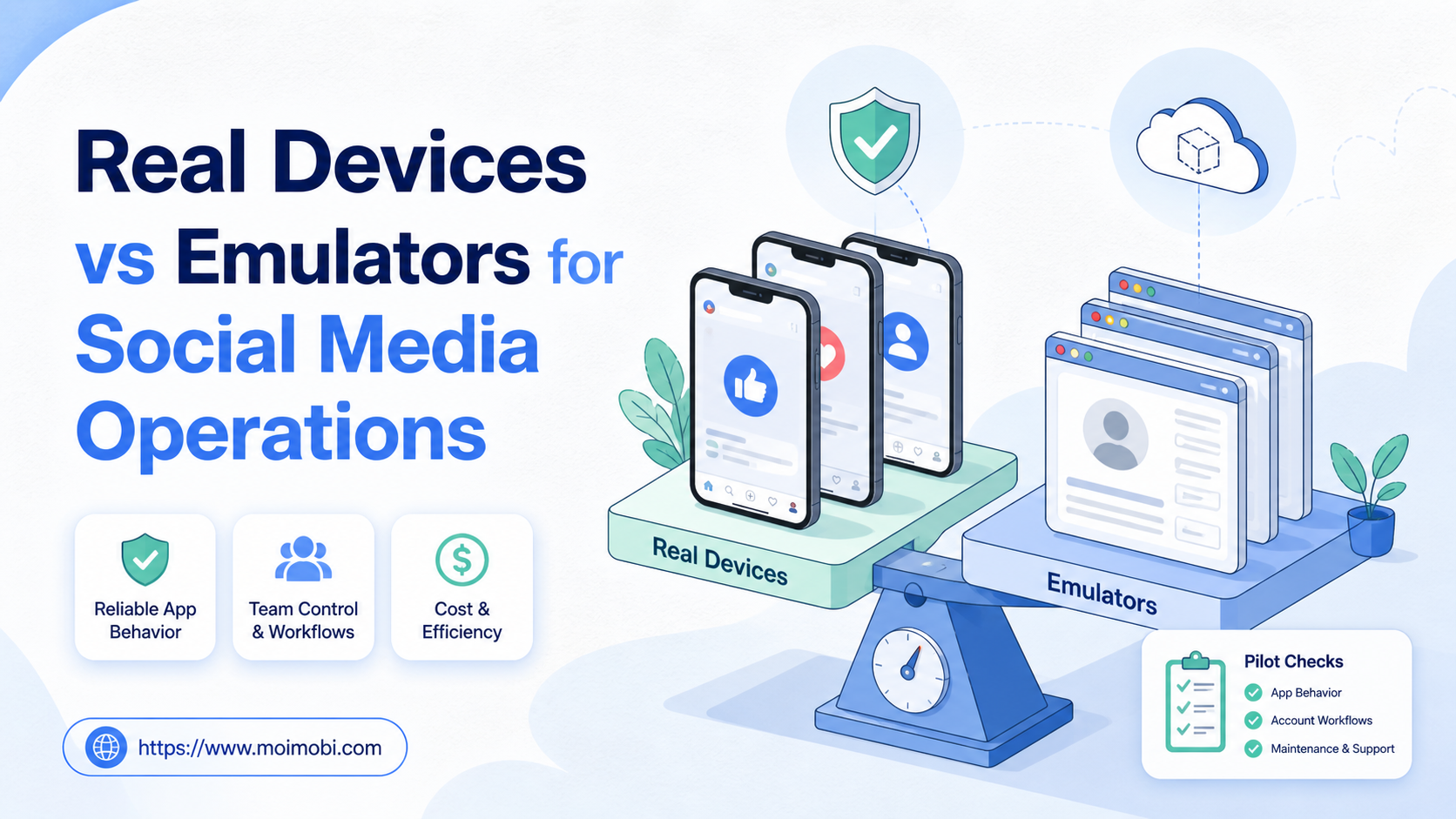
The real devices vs emulators for social media decision usually follows a practical rule. Choose an emulator when the team needs repeatable application tests or development checks. Choose a real device or cloud phone when the team needs app-based publishing, inbox work, notifications, or a mobile workflow that another operator must continue.
Neither option is a universal replacement for the other. A mature workflow may use emulators for validation and real devices for approved operations. The important boundary is to keep testing evidence separate from customer-facing or account-facing execution records.
How to Compare Real Devices vs Emulators for Social Media Operations
Start by writing down the action. “Manage social media” is too broad for a device decision. “Upload an approved video through the Android app, confirm the final caption, and record the published result” is specific enough to evaluate.
Use five questions before choosing an environment:
- Where does the action happen? Is the required control in an Android app, a browser, or both?
- What state matters? Does the task depend on app permissions, notifications, media access, device settings, or a saved session?
- Who owns the action? Can the team name the account operator and the reviewer?
- What proves success? Is the result a published item, a resolved message, a captured report, or a test result?
- What happens after failure? Can the team identify the last known state and recover without repeating the action blindly?
This framework prevents a common procurement error. A team may buy more environments when the real problem is an unclear approval step or a missing task record. Device capacity only helps after the workflow is understood.
| Requirement | Real device or cloud phone | Android emulator |
|---|---|---|
| App workflow validation | Useful for checking the operational path | Useful for repeatable development and test cases |
| Mobile-only controls | A closer fit when the app depends on device state | Must be verified against the app and test goal |
| Social publishing | Can support an approved mobile execution step | Better treated as a validation environment unless the workflow is proven |
| Notification-dependent task | Requires notification access and an escalation path | Requires explicit testing of notification behavior |
| Team handoff | Needs account, environment, and task ownership | Needs test case, build, and result ownership |
| Recovery | Restore app state and inspect the last action | Recreate or reset the test state deliberately |
Use-Case Fit in Real Devices vs Emulators for Social Media
The strongest emulator use case is controlled validation. A developer or QA operator can test an app build, a media upload path, or a permission prompt against a known configuration. Android’s Emulator documentation provides the baseline for understanding virtual device configurations and repeatable Android testing.
For broader device coverage, Firebase Test Lab Android virtual devices document repeatable virtual-device configurations for app testing. AWS Device Farm documents testing with a hosted device service, including real-device testing options. These sources support the testing distinction; they do not decide whether a production social workflow belongs on a real device, cloud phone, or emulator.
The strongest real-device use case is an operational task that must behave like a mobile workflow. A social media operator may need to check the actual app sequence, review a draft, handle a mobile inbox, or confirm a result that is tied to a specific account environment. A cloud phone can make that environment remotely accessible, but the team still needs account ownership and review rules.
Testing and operations can share a product category without sharing a data model. A test run records the app version, test case, device configuration, and expected result. An operational run records the account, task owner, approved input, final output, and next action. Mixing those records makes it hard to know whether a failure came from the app, the content, or the workflow.
For a team building a structured social campaign operations framework, the environment decision should follow the task map. Research, content preparation, and reporting may use browser tools. Mobile publishing or inbox actions may require a different execution layer.
Operational Trade-Offs and Team Workflow
Real devices expose the team to real app state. That can make a workflow more representative, but it also creates more state to manage. The operator may encounter a permission dialog, an outdated app, a signed-out account, an interrupted upload, or a notification that requires review.
Emulators provide a more controlled reset point. That helps when the team needs to rerun the same test case after changing an app build or input. The controlled state is useful for validation, but it does not prove that every production operation will have the same conditions.
The team workflow should reflect this difference. Use a preparation role for assets and instructions, an execution role for the approved mobile action, and a reviewer for consequential output. If one person holds all three roles, record that explicitly so the team knows where the approval boundary sits.
Role and evidence map
| Role | Main responsibility | Evidence after the run |
|---|---|---|
| Content owner | Approves asset, caption, and destination | Versioned input and approval note |
| Mobile operator | Runs the app task in the assigned environment | Start state, action, and output |
| Reviewer | Confirms the result and handles exceptions | Approval, rejection, or escalation reason |
| Operations lead | Reviews capacity and repeated failures | Recovery action and SOP update |
Do not use a device list as a substitute for a task system. The list tells the team what exists. The task record tells the team what is happening, who owns it, and whether the result is usable.
Setup Cost in Real Devices vs Emulators for Social Media
The purchase price is only one part of the decision. Real devices may require physical procurement, charging, replacement, local access, and a process for assigning devices to accounts or tasks. Cloud phones can centralize access, but they still require environment naming, app setup, permissions, and support procedures.
Emulators may reduce the effort required to create repeatable test states. They can still require configuration work, app compatibility checks, version management, and test maintenance. The lower setup effort for one test does not automatically mean lower operational cost for a whole team.
Use this worksheet when comparing options:
| Cost category | What to measure for real devices or cloud phones | What to measure for emulators |
|---|---|---|
| Initial setup | Device or environment provisioning and app login | Image, SDK, app build, and test setup |
| Daily operations | Account assignment, media, permissions, and review | Test execution, reset, and result capture |
| Maintenance | App updates, environment health, and replacement | Version compatibility and test-case maintenance |
| Support | Time to restore a failed mobile state | Time to reproduce a failed test state |
| Handoff | Operator, reviewer, and account ownership | Developer, QA owner, and build ownership |
Measure labor as well as infrastructure. A solution that appears inexpensive may become costly if every failed task requires manual investigation or if the same content is submitted twice after an unclear retry.
Which Option Fits Different Teams Best?
A real device or cloud phone is a better starting point when
- The task exists only in an Android app.
- The workflow uses mobile notifications, media, permissions, or app state.
- A remote operator must execute and hand off the task.
- The team needs a mobile inbox or app-native review step.
- The result must be verified in the same mobile workflow used by the operator.
An emulator is a better starting point when
- The team is validating an app build or repeatable test case.
- The workflow needs predictable resets and known device configurations.
- The goal is to find UI, permission, or compatibility failures.
- The result is a test report rather than a customer-facing account action.
- The team can keep test data separate from production account data.
A combined model fits when
- Emulators validate releases before real-device operations begin.
- The team tests content rendering before approved mobile publication.
- QA owns the test evidence and operations owns the execution evidence.
- A shared task ID connects the test result, approval, mobile run, and final output.
The combined model needs a clear handoff. A failed emulator test should not be silently treated as a failed production task. A successful test should not be treated as proof that an operational run has no further checks.
Fit and Not-Fit Boundaries
Real devices are not automatically the right choice for every social workflow. They can add state and support work that a browser or emulator would avoid. Emulators are not automatically the wrong choice for every operational question. They can be useful for validating whether an app build handles an input before the team uses a real account.
| Situation | Recommended direction | Boundary to verify |
|---|---|---|
| App UI and permission regression test | Emulator | Test configuration and expected result |
| Approved mobile publishing task | Real device or cloud phone | Account owner, review, and final evidence |
| Media upload compatibility check | Emulator first, then mobile pilot | File size, app state, and output verification |
| Mobile inbox handoff | Real device or cloud phone | Notification, access, and escalation rules |
| Unclear workflow with no owner | Pause both options | Define task, approval, and recovery path |
| Repeated unexplained duplicate actions | Stop and investigate | Inspect retry logic and last known state |
If the team cannot describe the expected output, it is too early to scale either environment. A new device does not repair a missing process definition.
Pilot Rollout, Measurement, and Recovery Checks
Run a small pilot with one task, one account group, one operator, and one reviewer. Use an emulator to validate the repeatable app path where appropriate. Then use a real device or cloud phone for the operational case that needs mobile state.
Follow this sequence:
- Record the app, account, input, expected output, and environment type.
- Run the normal case with approved content or test data.
- Capture the result and the evidence required by the workflow owner.
- Test one controlled exception, such as a missing permission or expired session.
- Record the stop point, retry decision, and recovery owner.
- Ask another operator to continue from the written record.
- Decide whether to continue, adjust, or stop the pilot.
Track useful outcomes, not only actions. Record completed tasks, review rate, duplicate actions, recovery time, unresolved exceptions, and test failures by category. A good pilot shows where the environment fits and where the runbook needs work.
The mobile automation layer can be evaluated after the task itself is clear. For account-based operations, also review device isolation controls as part of the ownership and recovery design. These links are next-step resources, not evidence that an environment removes the need for review.
Frequently Asked Questions
What is the main difference between a real device and an emulator?
A real device executes with mobile hardware and app state. An emulator models an Android device in software. The useful difference depends on the task being tested or executed.
Which is better for social media operations?
Use a real device or cloud phone for app-native operations that depend on mobile state. Use an emulator for repeatable validation and development checks. A pilot is needed when the boundary is unclear.
Can an emulator publish social media content?
It may be technically possible in some workflows, but technical possibility is not the same as operational fit. Test the app, account, review, and recovery requirements before relying on it.
Are cloud phones real devices or emulators?
The implementation varies. A provider may expose virtual Android environments, real devices, or a mixture. Ask which environment supports the exact app and workflow you need.
Does a real device remove account or workflow risk?
No. A real device does not replace account ownership, content approval, task records, or recovery controls. It only changes the execution environment.
How should a team compare cost?
Include setup, maintenance, support, review time, failure recovery, and replacement or migration work. A monthly device fee is only one line in the worksheet.
Should QA and operations share the same environment?
They can share a product platform, but their records and ownership should remain distinct. Test evidence and production execution evidence answer different questions.
What should a pilot prove?
It should prove that the team can execute the task, verify the output, explain a failure, and hand the work to another operator. It need not prove that every future task will be unattended.
When should a team stop the rollout?
Stop when account ownership is unclear, the same failure repeats without a fix, or the team cannot verify the final result. Resolve the workflow boundary before adding capacity.
Conclusion

The real devices vs emulators for social media decision should follow the task. Use emulators for controlled validation. Use real devices or cloud phones for approved mobile execution that depends on app state. Use both when the team can separate test evidence from operational evidence.
Before committing to scale, run one normal case and one controlled exception. Record the account, environment, owner, reviewer, output, and recovery action. That evidence will show whether the team needs more devices, better test coverage, or a clearer workflow.


